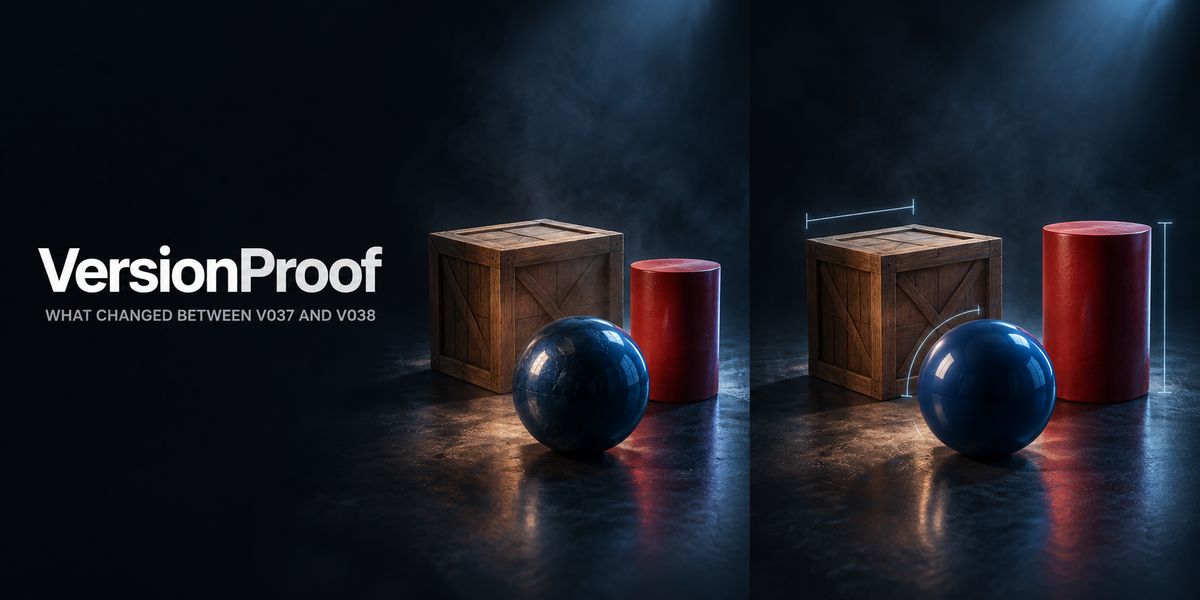
VersionProof — What Changed Between These Two Versions
 Skava
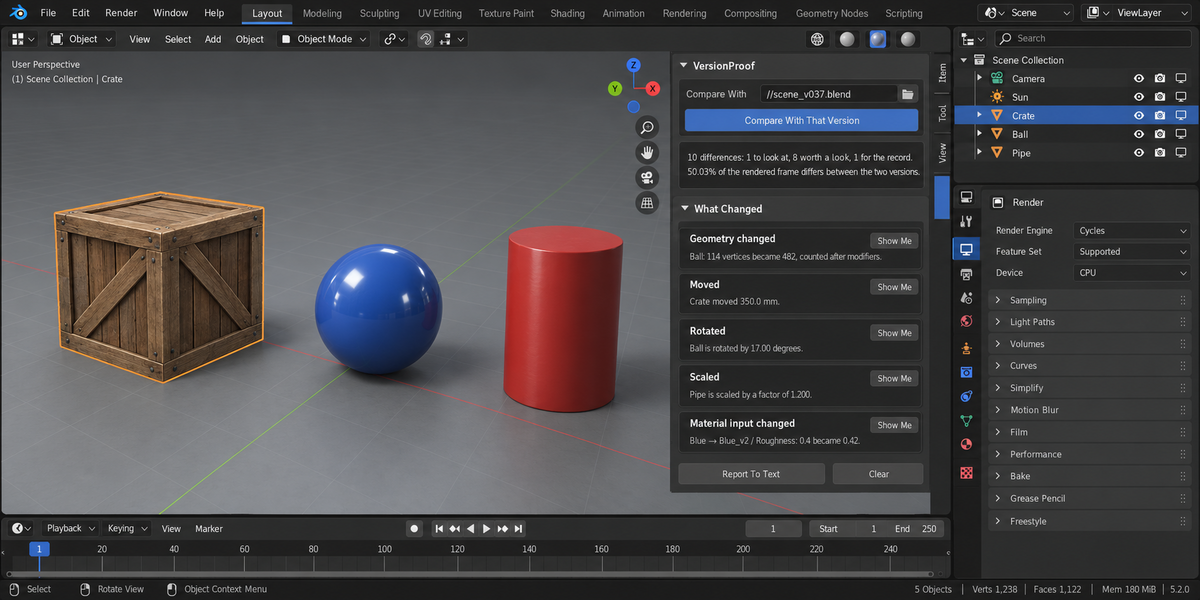
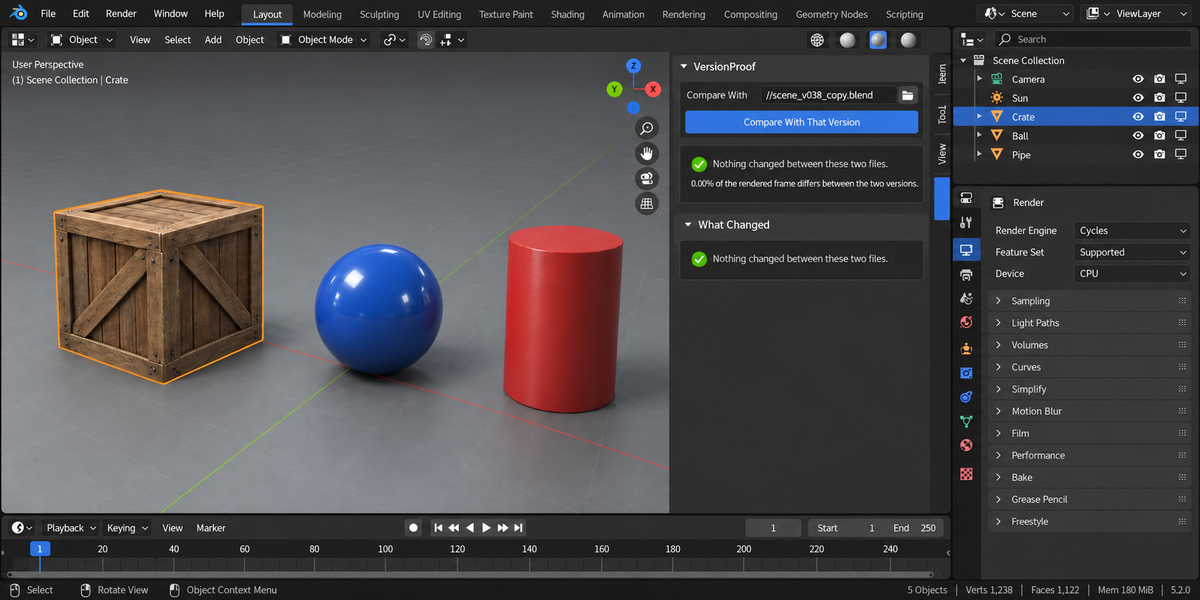
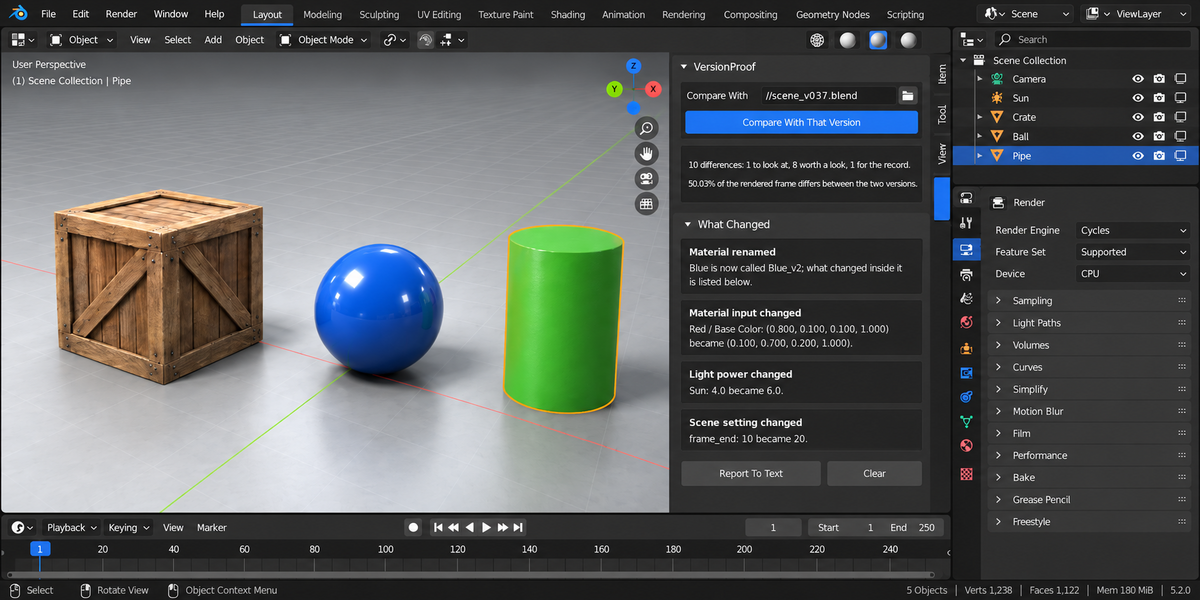
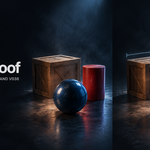
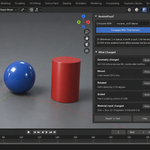
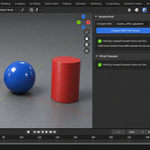
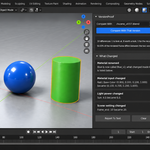
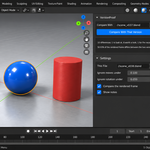
Download the zip and do not unpack it. In Blender open Edit > Preferences > Add-ons, click the drop-down arrow in the top-right corner and choose Install from Disk, then pick the zip. Tick the checkbox next to VersionProof — What Changed Between Two Versions. Press N in the 3D Viewport and open the Versions tab in the sidebar.
The same steps are in README.txt inside the zip; the full documentation is on the Documentation & FAQ tab of this page.
Blender 4.2 and newer. Tested live on 4.2.9, 5.1.0 and 5.2.0.
Two saved .blend files: objects (added, removed, renamed, moved in millimetres, rotated in degrees, scaled, parent, render visibility, modifier stack, material slots), vertex counts after modifiers, the unlinked inputs of the Principled surface, lights, scene settings (render engine, frame range, resolution, camera, view transform), keyframe counts per action, texture paths, and the share of pixels that differ in a rendered camera frame.
No. Both files are opened in their own background Blender (the same Blender you are running, started with factory settings) and described by the same code. Nothing is written into either file. Report To Text writes the comparison into a text block in the open file only when you press it.
Yes. Identity is worked out from what refers to what (the same object in the same slot means the same material) and objects are matched by their contents, so a rename is reported as a rename and the changes inside it are reported separately.
Yes. From the command line: blender --background --factory-startup --python-expr "import version_proof; version_proof.proofkit_cli()" -- --folder /shots --report version_proof.html. Return codes: 0 nothing blocking, 1 at least one blocking finding, 2 at least one file could not be checked (never counted as a pass), 3 the command was called wrongly.
No. The add-on contains no network code. It starts a second copy of your own Blender in the background to open the files, and works only with files on your machine. Pure Python, no compiled binaries.
Yes. The add-on is licensed under GPL-3.0; the full licence text ships inside the zip. The licence covers the add-on code; what you create with it is yours.
Have questions about this product?
Login to message
| Published | about 2 months ago |
| Blender Version | 4.2 - 5.2 |
| Extension Type | N/A |
| Render Engine Used | Cycles, Eevee |
| License | GPL |
Discover more products like this
handoff diff backup Production Iteration Versioning Scene compare validation review pipeline proof