Versionproof — What Changed Between These Two Versions
 Skava
Skava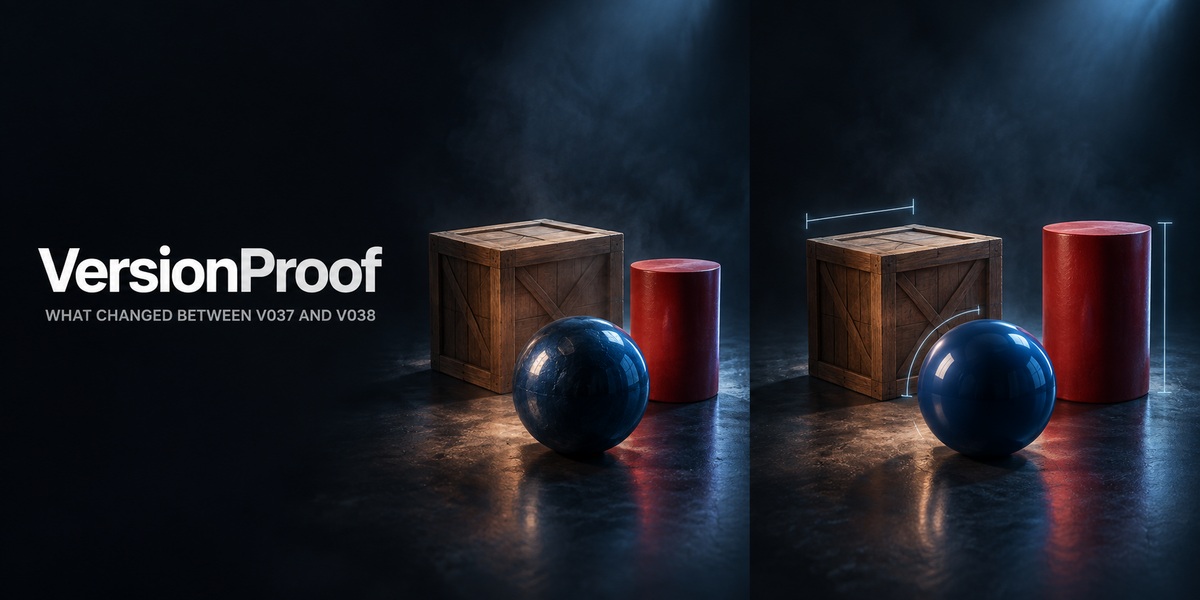
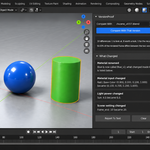
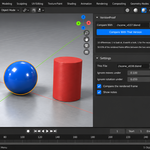
VersionProof — documentation
Version 1.0.1. Blender 4.2 and newer, tested live on 4.2.9, 5.1.0 and 5.2.0. The add-on lives in the 3D viewport sidebar under the tab Versions.
Installation
Nothing is downloaded and no external Python packages are installed: everything the add-on needs ships inside the archive.
- Keep the downloaded archive zipped. Do not unpack it.
- In Blender open Edit, then Preferences, then Add-ons.
- Press the arrow button in the top right corner of that window and choose Install from Disk. On Blender 4.0 and 4.1 the same button is called Install.
- Pick the archive from your purchase page.
- Tick the checkbox next to the add-on name.
Press N in the 3D Viewport to open the sidebar; a tab named Versions appears down its right edge. The same instructions ship inside the archive as README.txt, and the full GPL-3.0 licence text as LICENSE.txt.
The order of work
- Save the file you are working on. What is compared is what is on disk.
- Compare With — point it at the other version, usually the previous one.
- Compare With That Version. Both files are opened in their own background Blender and described by the same code. Your open scene is not touched.
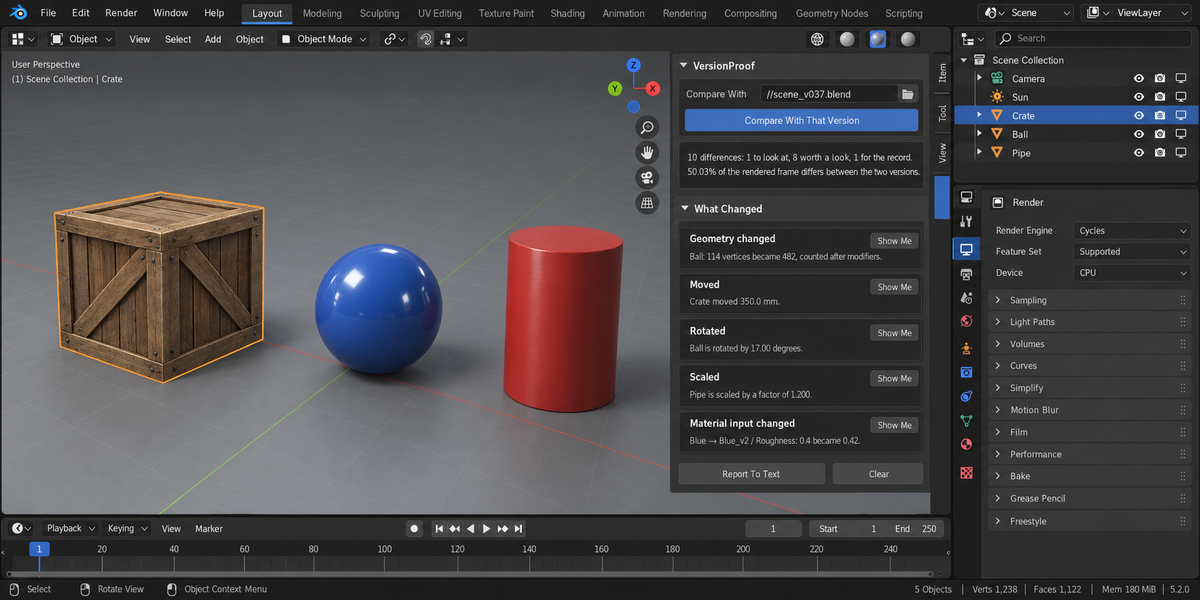
Each finding with an address has a Show Me button that selects the object it is about. Report To Text writes the whole comparison into a text block you can read and send on.
What is compared
Objects. Added, gone, renamed; moved in millimetres; rotated in degrees; scaled as a factor; parent changed; render visibility changed; modifier stack changed; material slots changed.
Geometry. The vertex count is taken after modifiers, because that is what your renderer and your engine receive. A subdivision added between versions shows up as 114 vertices becoming 482, and separately as a modifier added.
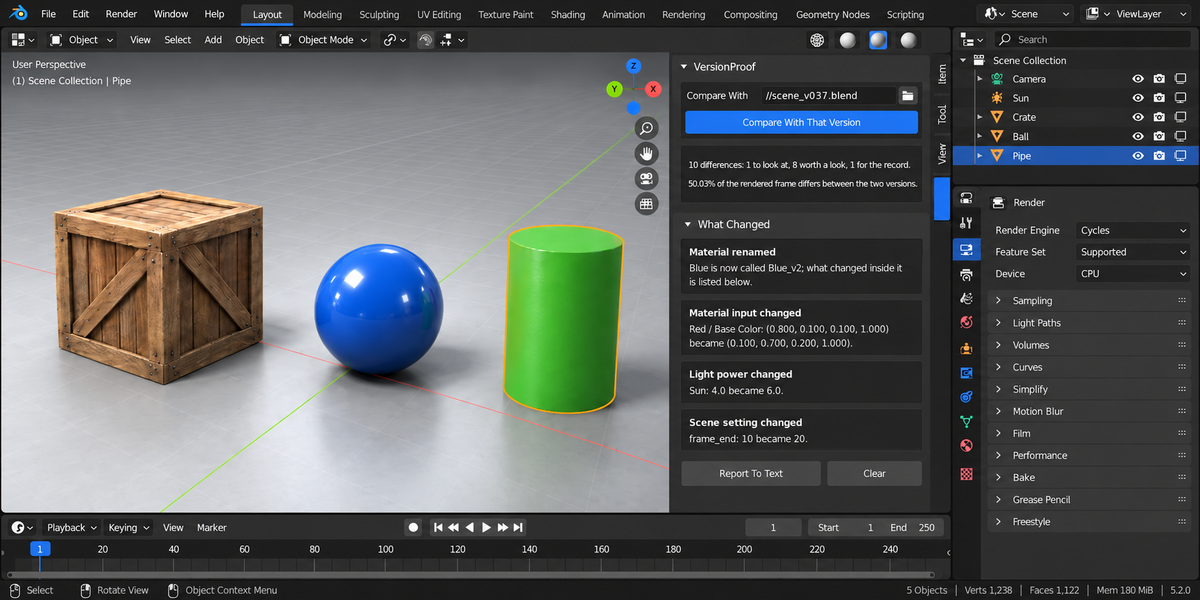
Materials. Every input of the Principled surface that is not driven by a link, compared value by value. An input that is driven by a node tree is reported as linked rather than guessed at.
Lights — power, type and colour. Scene — render engine, frame range, resolution, camera, view transform. Animation — the keyframe count of each action. Textures — paths that changed and images that stopped resolving.
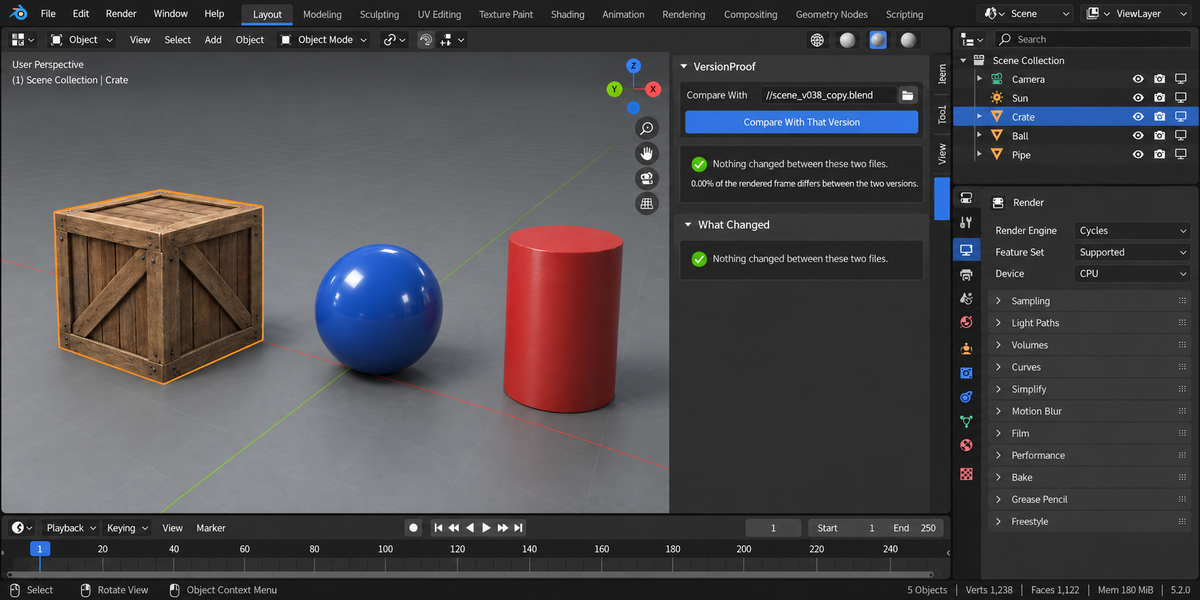
The rendered frame. Both files render the same camera frame and the share of differing pixels is reported. Measured: a change to the frame range moves 0.0000% of the frame, a change to a material colour moves 31.93%.
Renames
Comparing by name breaks in the case that matters most — something renamed and edited at the same time. Identity is worked out from who refers to what: the same object in the same slot means the same material. Objects are matched by their contents. Either way a rename is reported as a rename, and what changed inside is reported separately.
When it refuses, and why that is not a pass
- This file has never been saved. Refused, with that wording.
- The same file on both sides. Refused.
- The other file does not exist or will not open. Named, with what the background Blender said.
- The two files render at different resolutions. The frames are not compared and the reason is printed. "0% difference" is never used to mean "could not compare".
- Different Blender versions. Noted, because some differences may come from the version rather than from your work.
Settings
This File — leave it empty to use the file that is open. Fill it in to compare two files that are both on disk, without opening either.
Ignore moves under (millimetres) and Ignore rotation under (degrees) — your thresholds, not ours. A comparison that reports a 0.0001 mm move on every object is noise, and the number at which noise becomes news is yours to pick.
Compare the rendered frame — turn it off to get the list without rendering, which is faster on heavy scenes.
From a pipeline
blender --background --factory-startup --python-expr "import version_proof; version_proof.proofkit_cli()" -- --folder /shots --report version_proof.html
Each file in the folder is compared with the version its own Compare With points at, as saved in that file. A file with no other version set is listed as not checked, never as a pass.
Return codes: 0 — nothing blocking (warnings alone do not fail a build unless you add --warn-is-error); 1 — at least one blocking finding; 2 — at least one file could not be checked, which is never counted as a pass; 3 — the command itself was called wrongly.
What it does not do
It does not merge two versions and does not undo anything: it reads both files and writes nothing into either. It does not compare node trees wire by wire — a dedicated node differ does that better. It does not track history for you; it answers one question about two files you already have.
Changelog
v1.0.1 — maintenance release. The package ships the full licence text and an updated README (install, first run, uninstall). No changes to the tools.
1.0.1 — long lines in the panel now wrap to the real width of the sidebar on high-density (Retina) displays instead of being cut off in the middle; before, the wrap ignored the display scale and allowed twice as many characters as fit. The comparison itself is unchanged. The package ships an updated README.
1.0.0 — first release. Objects, geometry after modifiers, materials, lights, scene, animation and textures compared between two .blend files, with renames told apart from losses, and the share of the rendered frame that differs.
Have questions about this product?
Login to message
| Published | 1 day ago |
| Blender Version | 4.2 - 5.2 |
| Extension Type | N/A |
| Render Engine Used | Cycles, Eevee |
| License | GPL |
Discover more products like this
validation review Iteration proof handoff compare Scene Versioning Production backup diff pipeline