 PhantomWorks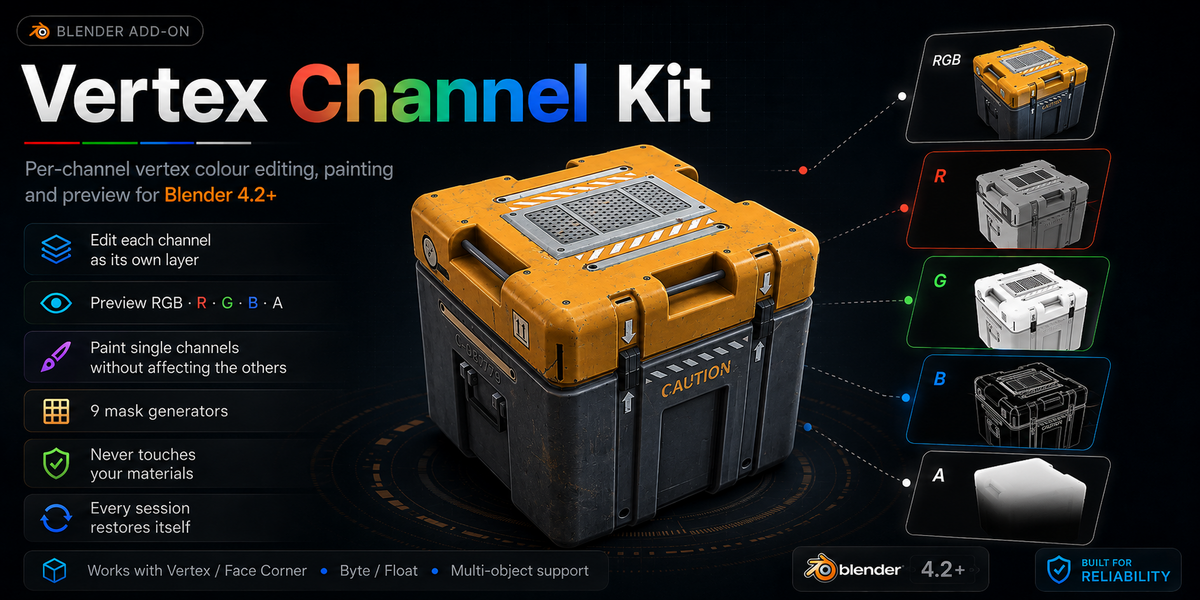

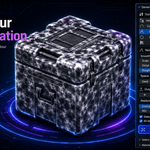
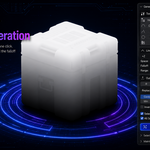
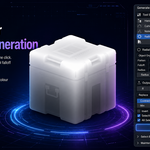
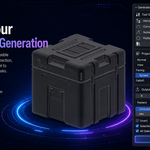
Vertex Channel Kit
Per-channel vertex color editing, painting and preview for Blender 4.2+
In a game dev, the shader the Red channel is a wind mask, Green is a strand gradient, Blue is occlusion and Alpha is a blend factor.
Four independent grayscale masks that happen to share one attribute.
Blender lets you store that, but not really work on it: you can't see one channel on its own, you can't brush one channel without dragging the other three along, and you can't generate a mask without leaving for another app.
Vertex Channel Kit treats each channel as its own editable layer.
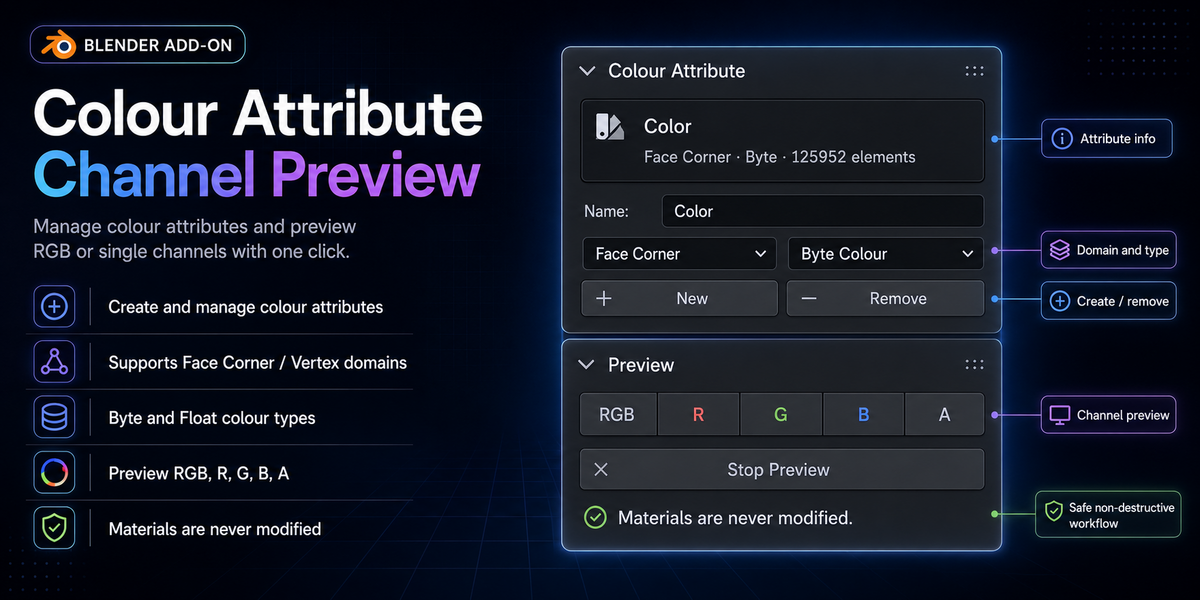
Color Attribute
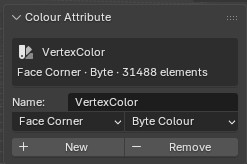
Create, remove and switch color attributes, with the domain, type and element count shown so you always know what you are editing. All four layouts are first-class — Vertex and Face Corner domains, Byte and Float color — not just the one combination Blender happens to create by default.
Preview
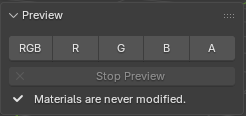
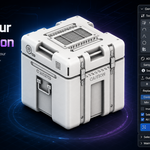
RGB · R · G · B · A. Click a channel to see it as greyscale, click the lit one again to turn it off. Works on any object regardless of its materials, and puts your viewport shading back when you stop.
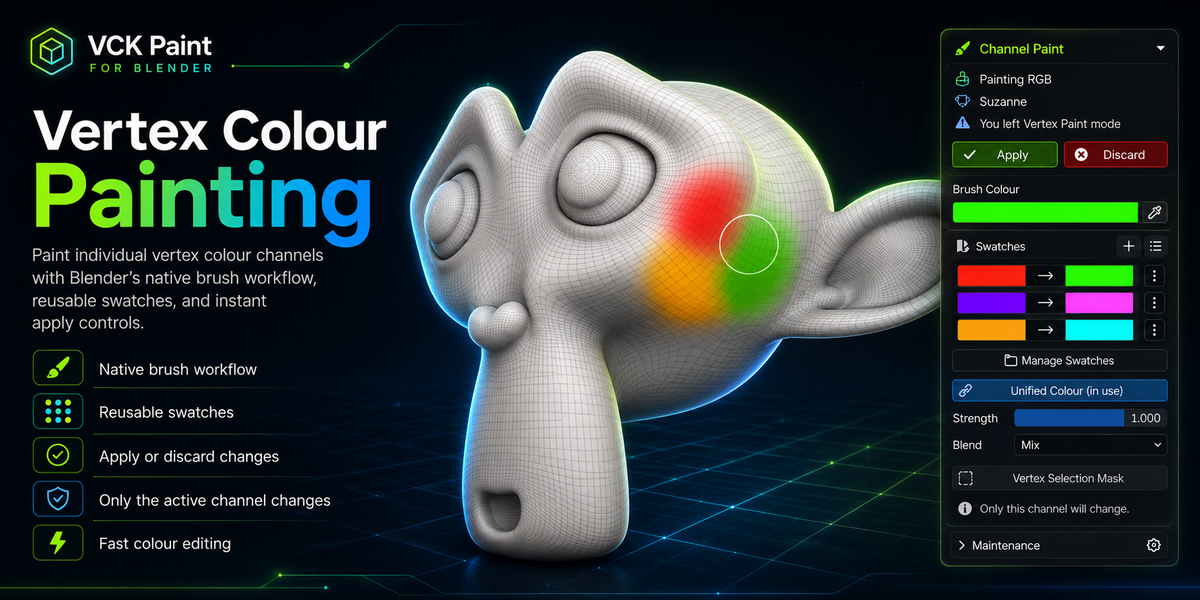
Paint
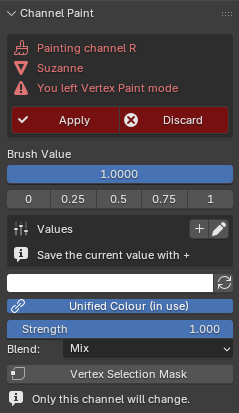
R · G · B · A · RGB . Picking a channel drops you into Blender's own Vertex Paint on a greyscale proxy of that channel — so you keep pressure sensitivity, falloff, symmetry, blur, and every brush asset you already own, and you are looking at exactly the channel you are editing. Apply merges the result back into that channel alone; the other three are never read or written.
RGB paints in full color and writes red, green and blue together — alpha is left untouched, so a mask packed into A survives a color repaint.
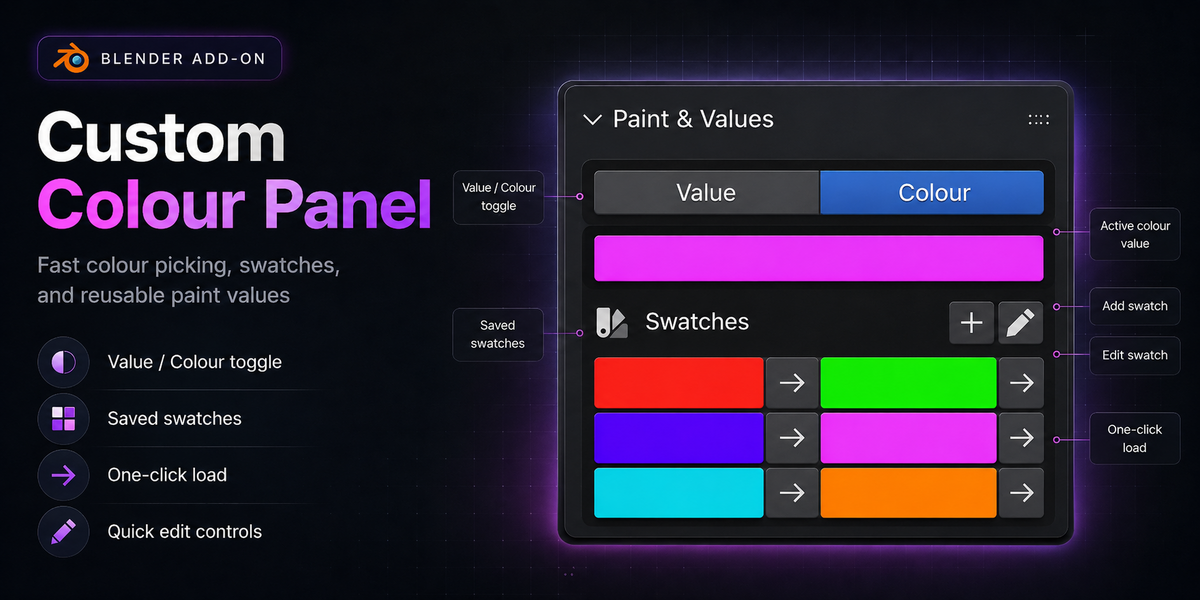
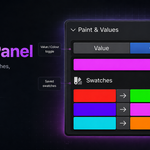
One shared value or color drives both the brush and Fill, so you set it once. Swatches store RGBA and Values store raw channel levels; the list follows whichever input you are using. Load one with a single click — it goes into the input field and the live brush, so you can change color mid-stroke without leaving paint mode. Both lists save with the .blend, and there is a shared palette file for carrying them between projects.
Fill writes to any combination of channels with seven blend modes — Replace, Mix, Add, Subtract, Multiply, Lighten, Darken. Sample reads the selection's average back into the input.
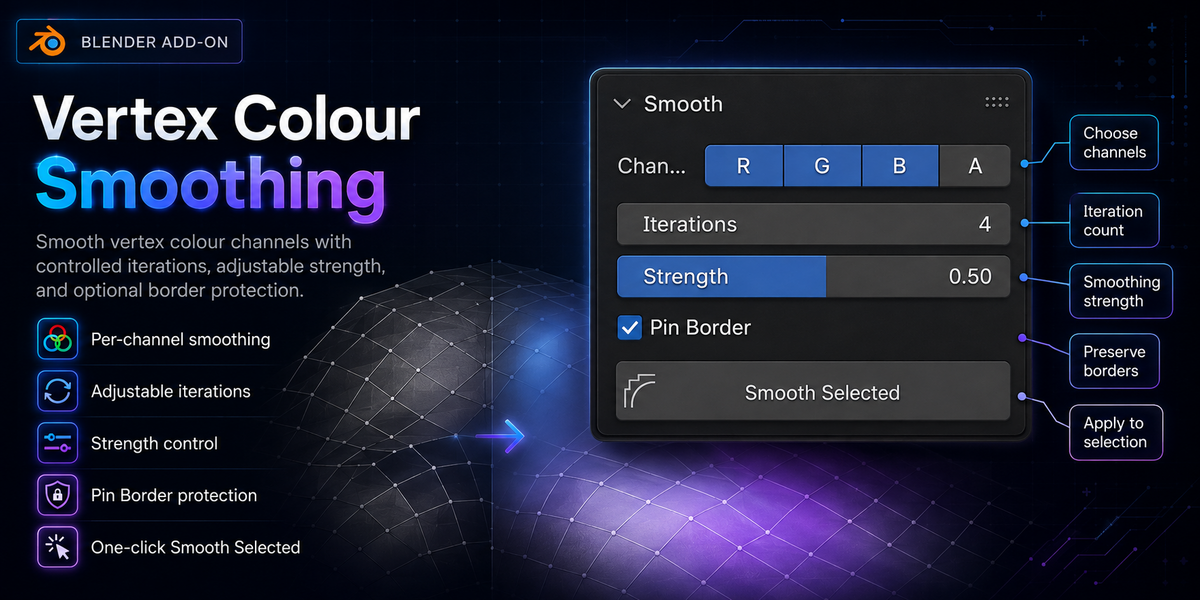
Smooth
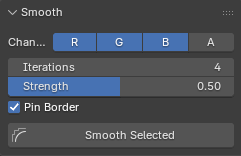
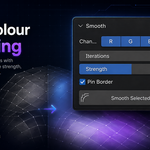
Iterative smoothing across the selection, per channel. Corner splits survive: values are averaged down to vertices, smoothed there, and the difference is written back to each corner — so hard color borders between faces stay hard instead of dissolving. Pin Border holds the outer ring of the selection so color cannot bleed past what you selected.
Swatches
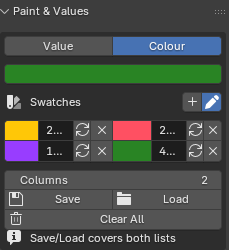
Allows users to store and retain custom vertex colors, which can be saved and loaded
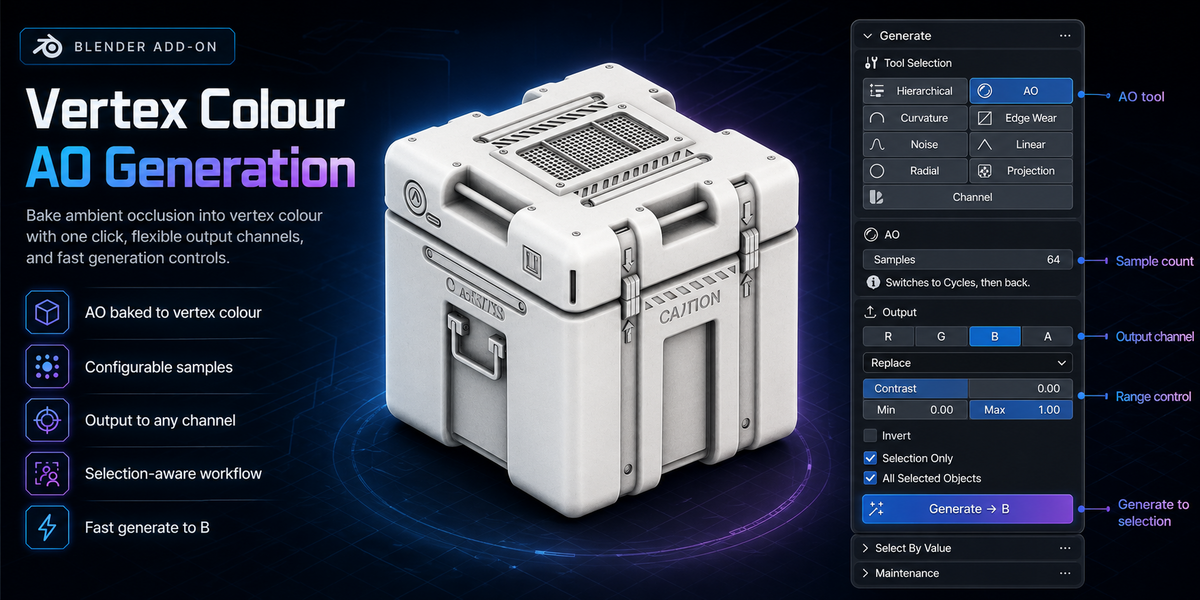
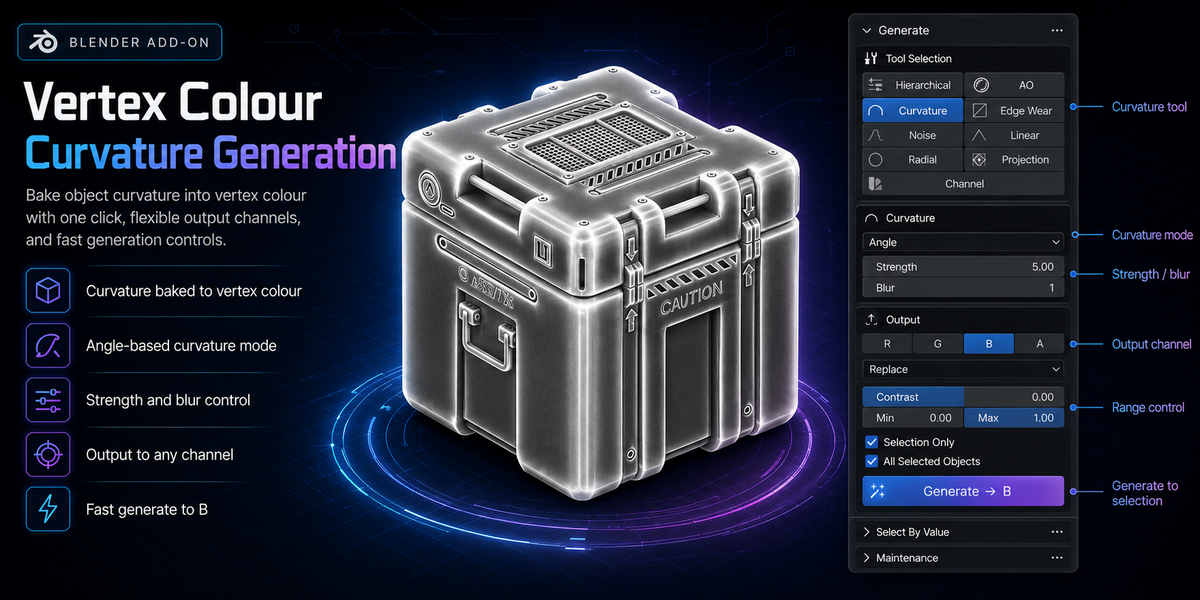
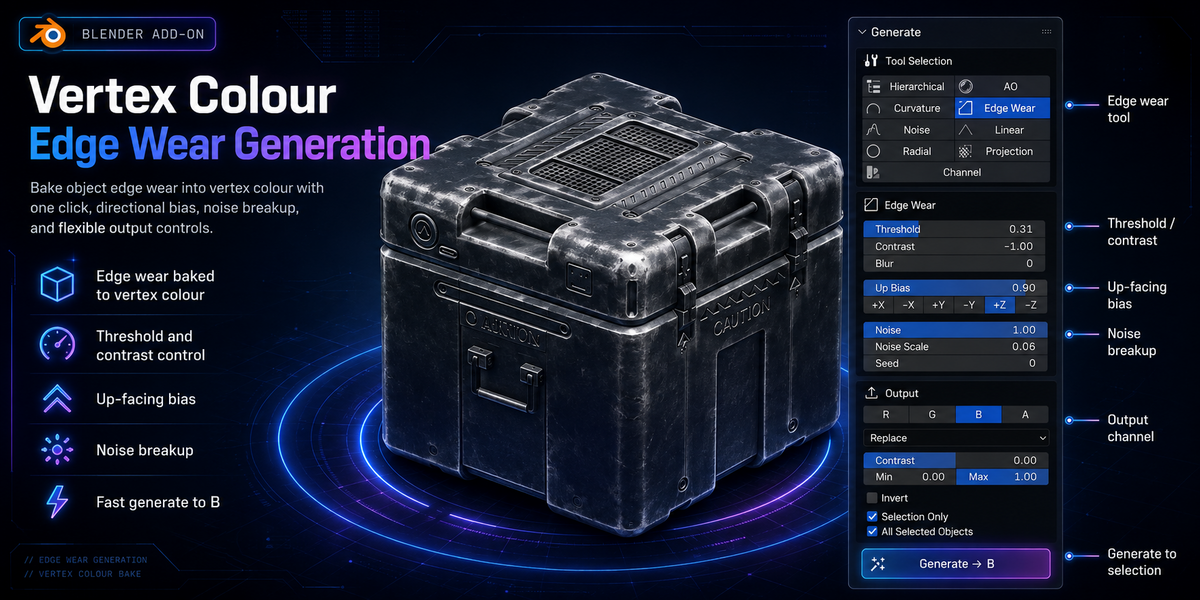
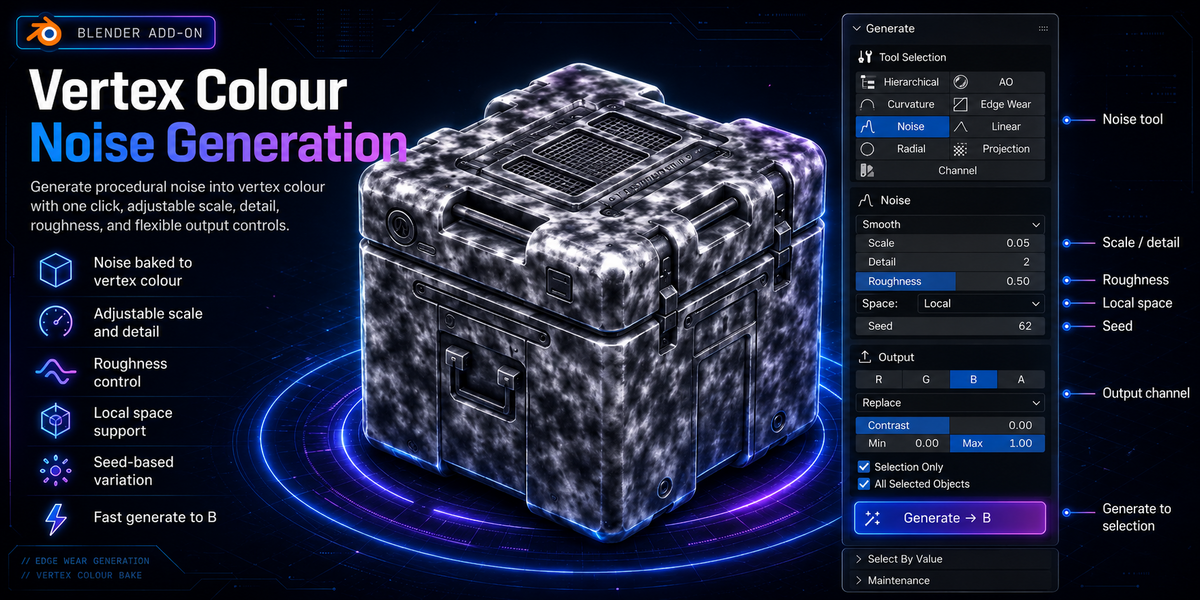
Generate
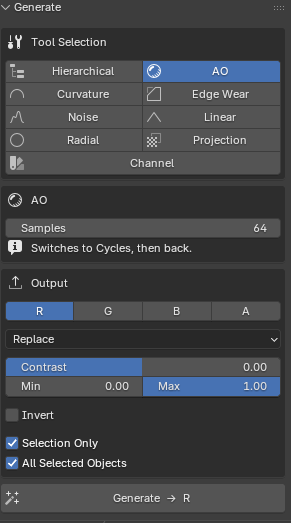
Hierarchical: Gradients that follow mesh topology — root to tip along the surface, normalised per island. Built for strands: hair, foliage, cloth trim. Root each island by axis, by object origin, by proximity to another object's surface / origin / bone, or by hand-selecting it. Also does per-island random values for per-instance variation.
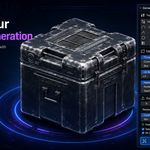
AO: Cycles ambient occlusion, with the render engine and bake settings restored afterwards.
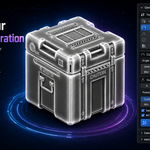
Curvature: Convex and concave detail from vertex normals — fast and independent of object scale. Blender's Dirty Vertex Colors is available as an alternative method.
Edge Wear: Convex edges only, with threshold, contrast, blur, an up-facing bias and noise breakup — scuffed corners and worn highlights.
Noise: Smooth 3D value noise with octaves and roughness, white per-vertex noise, or one random value per island. Local or world space.
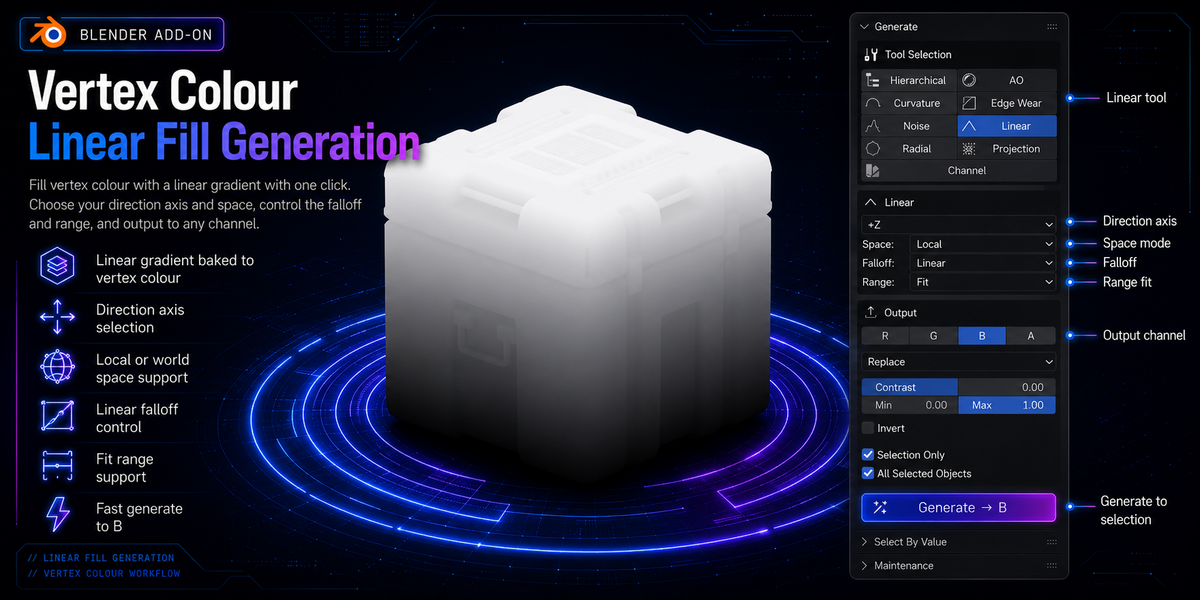
Linear: A gradient along an axis, the current view, the camera, or a custom vector, with six falloff curves.
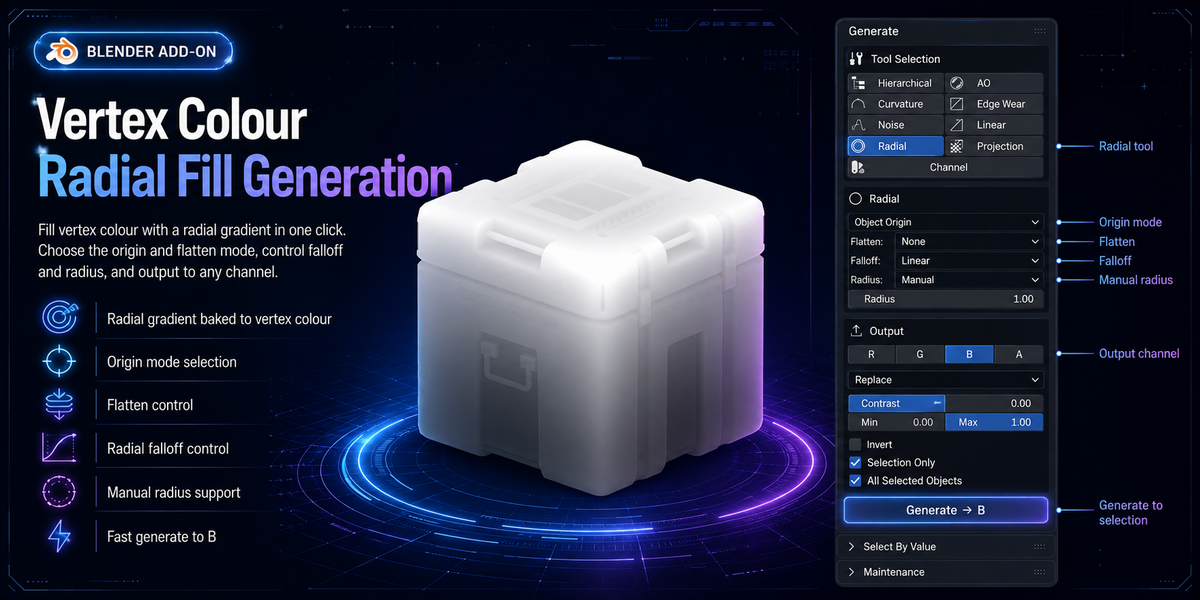
Radial: A gradient outwards from the object origin, bounds centre, 3D cursor or selection. Flatten an axis for a cylindrical falloff.
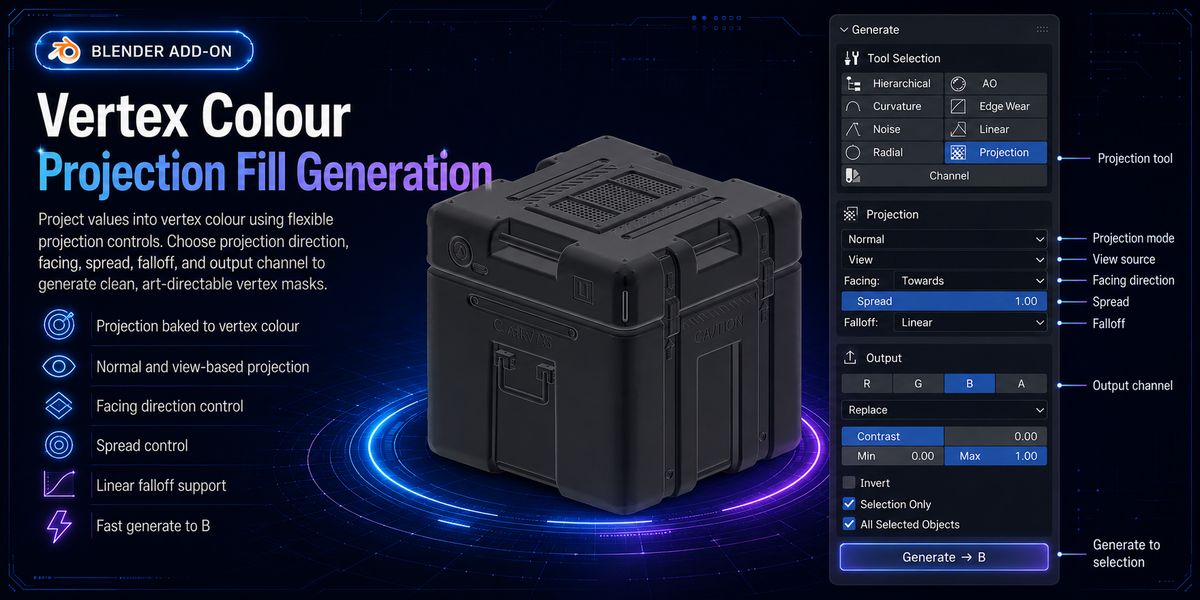
Projection: Masks from direction — how much each surface faces it (the snow and moss mask, with an adjustable cone), or how far along it each vertex sits.
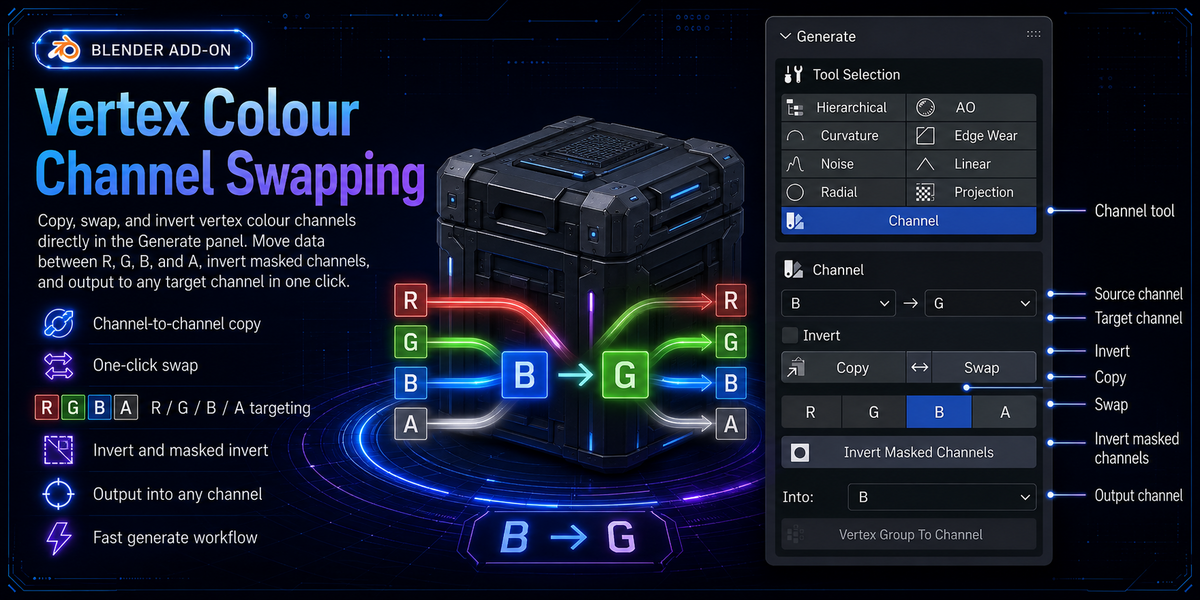
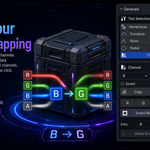
Channel: Copy, swap and invert between channels, and write a vertex group's weights into one.
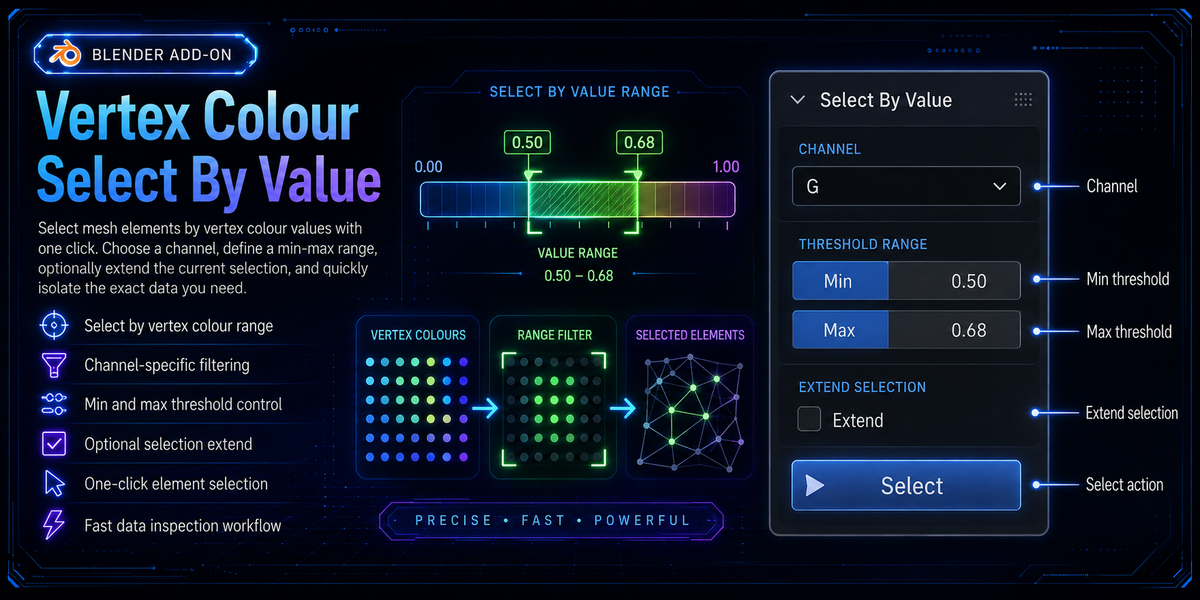
Select By Value
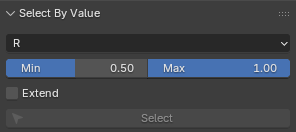
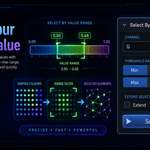
Select vertices whose channel falls inside a range, so you can isolate what a
mask actually covers and keep editing from there.
----------------------------------------- Requirements -----------------------------------------
Blender 4.2 or newer, including 5.x. Packaged as an extension.
No external dependencies. Nothing to install beyond the add-on itself.
----------------------------------------- Installation -----------------------------------------
Preferences → Add-ons → **Install from Disk** → select the downloaded `.zip`.
The panel appears in the 3D Viewport sidebar (`N`) under the VCK tab.
