 Orbbit Tools



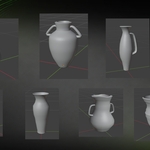
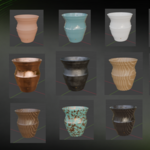
Vessel turns a handful of sliders into vases that look thrown, raised, turned or carved.
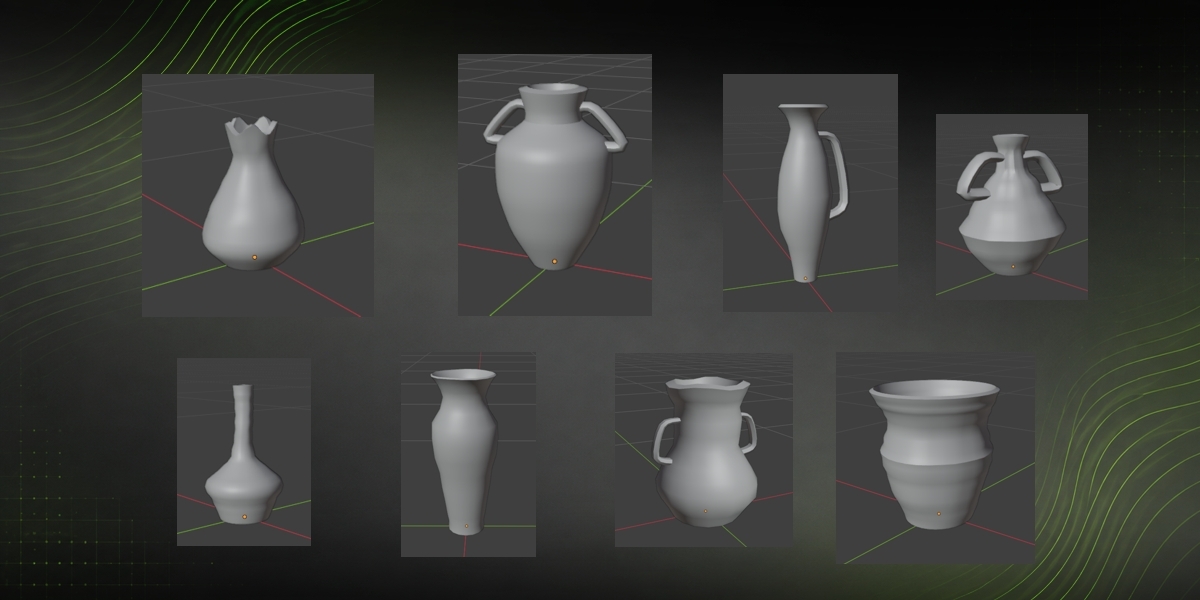
Most vase generators hand you one shape language and a pile of shaders. Vessel gives you four crafts, and the craft changes the geometry: a metal vase is slender, tucked at the foot and thin walled under the hammer; a stone one is squat, wide based and faceted by the chisel. Press another style and the same seed gives you a different vase.
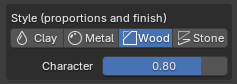
Four crafts, not four materials
Clay, Metal, Wood and Stone each carry their own proportions, their own pool of silhouettes and their own surface language — potter rings, hammer dents, lathe bands and grain, chisel facets. One Character slider dials how much the craft rules, from "only my sliders" to full blooded. Materials are picked separately, so you can put marble on a clay shape if that is what the shot needs.
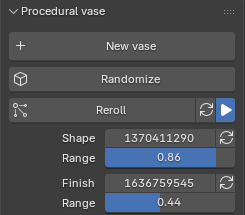
Two seeds, so variation never costs you the design
Shape and finish roll independently, each with its own range. Pin the shape range at zero and the silhouette is exactly what your sliders say, no matter how many times you roll the finish.
Behind the shape seed sit ten silhouette archetypes — bulbous, slender, conical, bottle, bowl, hourglass, cylinder, amphora, squat, urn. The seed blends two of them onto your proportions, so a new seed changes the character of the piece instead of just jittering it.
Control, when you want it
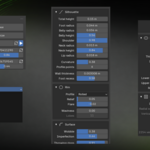
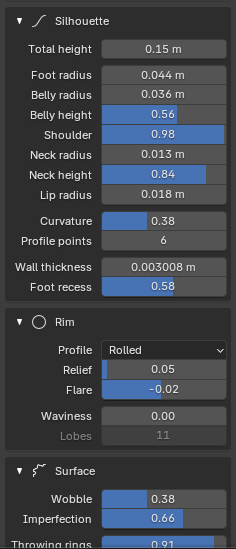
- Silhouette by zones — foot, belly, shoulder, neck and lip, each with its radius and height, plus curvature, profile point count, wall thickness and a recessed foot.
- Rim — six profiles (straight, flared, rolled, bevelled, collar, stepped) with relief and flare, plus a waviness control that ripples the lip into lobes.
- Surface — wobble, fine imperfection, throwing rings with frequency, and vertical flutes with depth and twist.
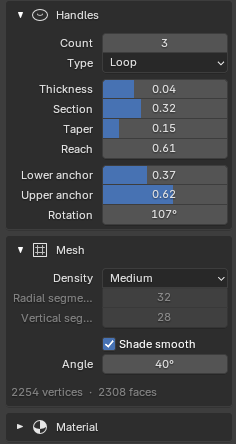
- Handles — 0 to 6 around the vase in four types (loop, strap, scroll, lug), with section, taper, reach, anchor heights and rotation.
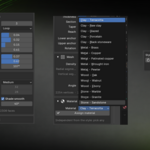
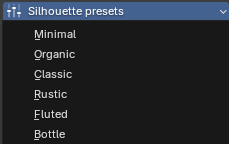
- Presets — six silhouettes to start from, and a Randomize button that rolls a whole vase from scratch.
Geometry you can actually use
- Real wall thickness, built as geometry — not a Solidify modifier you have to remember to apply.
- No combination of sliders can punch through the wall. Surface relief is computed in proportion to the thickness and the inner wall follows it, so the vase always stays closed.
- Watertight, quad-dominant topology. No leftover modifiers, no n-gon soup.
- Density in one click: Low to block the shape, Medium to work, High for a clean mid-poly of about 7,300 verts that is ready to render — never an unusable high-poly.
- Smooth shading with a hard-edge angle, solved with sharp edges instead of a modifier.
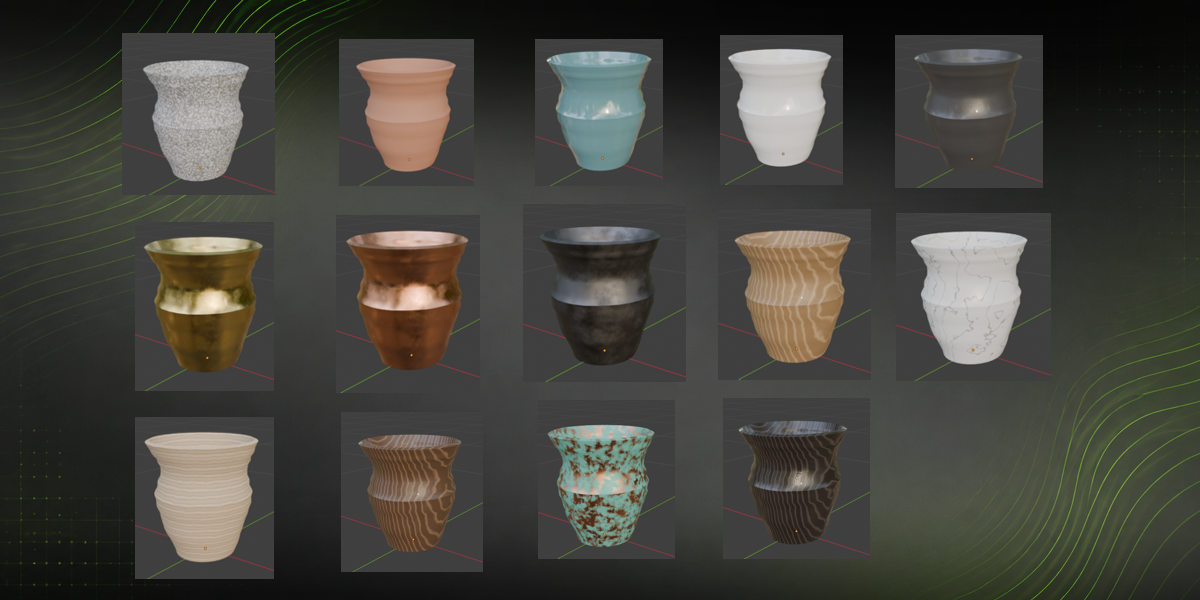
16 procedural materials
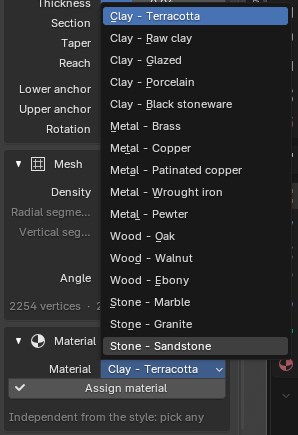
Terracotta, raw clay, glazed, porcelain and black stoneware. Brass, copper, patinated copper, wrought iron and pewter. Oak, walnut and ebony. Marble, granite and sandstone. All procedural — no external texture files, nothing to lose when the .blend moves machine.
Built to stay out of the way
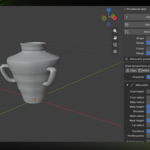
The live preview updates as you drag and is debounced, so a long slider drag costs one rebuild rather than fifty. Every vase is its own object holding its own settings, so you can fill a shelf and come back to editing any of them just by selecting it. The interface follows Blender's own language, in English and Spanish.
Requirements: Blender 4.2 or newer.