Vfx Export Studio — Real-Time Vfx Textures From Blender (Unity & Unreal)
 Skava
Skava

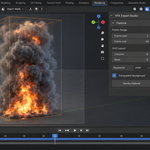
VFX Export Studio — Documentation
v1.2.2 · Blender 4.2 LTS and later (tested on 4.2, 5.1 and 5.2) · Unity VFX Graph & Shader Graph · Unreal Niagara · Windows / macOS / Linux
1. Install
- Download the zip and leave it zipped — install it through Add-ons preferences.
- Press N in the 3D Viewport → VFX Export tab.
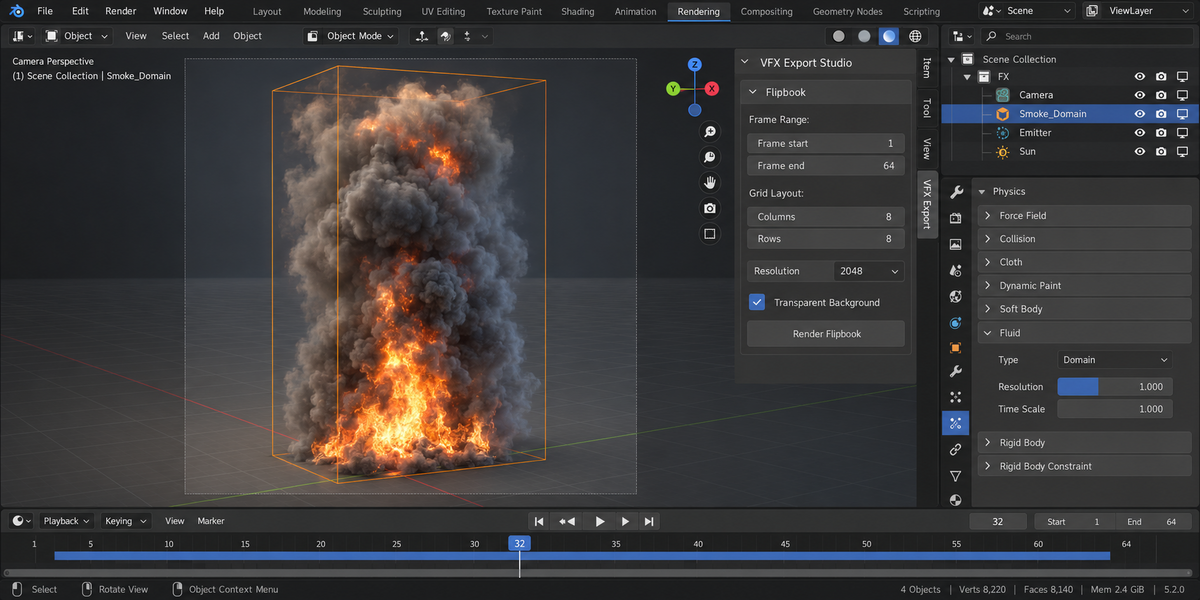
2. Flipbook sprite sheets
Bakes a frame range of your scene into an N×M atlas image.
- Pick the camera, frame range, and grid size (e.g. 8×8 for 64 frames).
- Pick output resolution per frame.
- Click Render Flipbook.
Temporary per-frame PNGs are written to a temp directory and cleaned up after the atlas is composed.
3. Vertex Animation Textures (VAT)
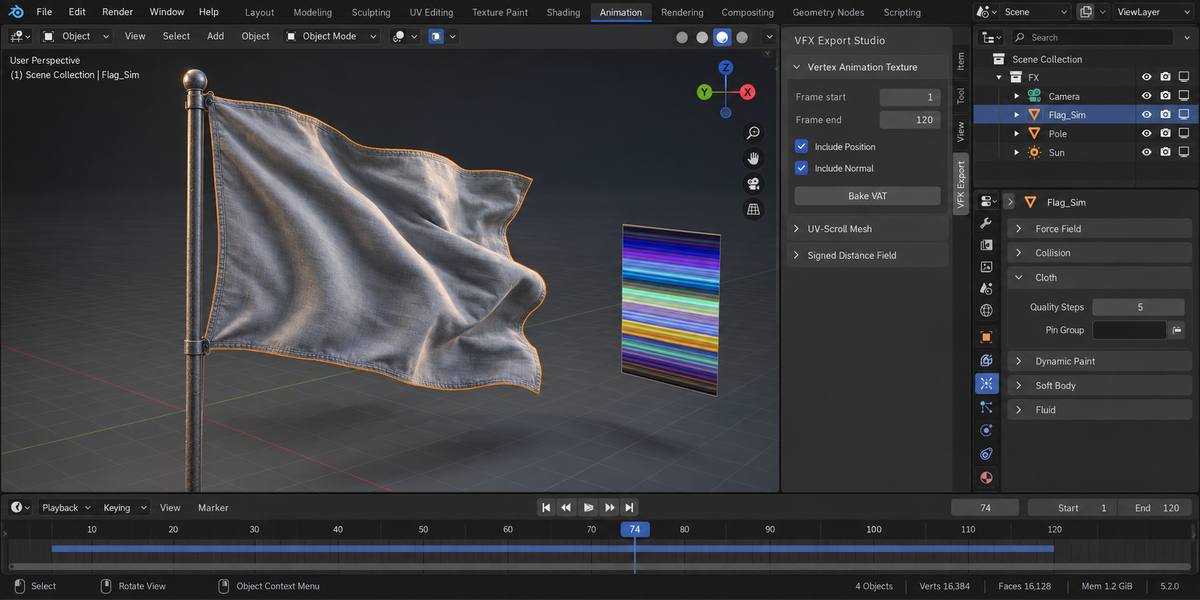
Encodes mesh animation into a 2D texture: one column per vertex (Blender vertex order), one row per frame, with the first frame in the bottom row of the image. The Position pass writes XYZ as RGB, normalised to the box over all frames; the optional Normal pass writes world-space normals remapped to 0–1.
A VAT needs the same vertex count on every frame. Before anything is written, every frame of the range is evaluated and counted. If a modifier changes the count — Remesh, Geometry Nodes, Decimate, adaptive subdivision — the bake stops with a message such as "Topology changes during the frame range: 'Blob' has 128 vertices on frame 1 but 224 on frame 3 … Nothing was written." No texture, JSON or image is created.
What the Engine Target setting changes
Nothing in the textures. Unity, Unreal and Custom produce bit-identical position and normal textures; the choice is written into the metadata JSON as engine_target, a label for your importer, next to "engine_target_changes_data": false. The data is always:
- Space: Blender world space — right-handed, Z up, scene units (metres at the default unit scale). No axis swap, handedness flip or unit conversion is applied. Do in the shader the same conversion your mesh importer does (Z up → Y up for Unity, metres → centimetres for Unreal).
-
Position:
world = bounds_min + texel.rgb × (bounds_max − bounds_min), bounds from the JSON. -
Normal:
normal = texel.rgb × 2 − 1. -
Texel centre:
u = (vertex + 0.5) / width,v = (frame − frame_start + 0.5) / heightfrom the bottom, as Unity UVs run; Unreal UVs run from the top, so use1 − v. - Format: EXR is 32-bit float; PNG is 8-bit (1/255 of the bounding box per step).
Checked live in Unity 6000.4 with the import settings below: an 8-frame, 482-vertex EXR read back at 0.95 mm from Blender's positions on a 2 m motion, first frame in the bottom row as documented; the 8-bit PNG at 7.6 mm, within half of its 15.3 mm step.
The column is the Blender vertex index. The mesh your shader runs on must keep Blender's vertex order and count; exporters that split vertices at UV seams or hard edges change both.
4. Flowmaps
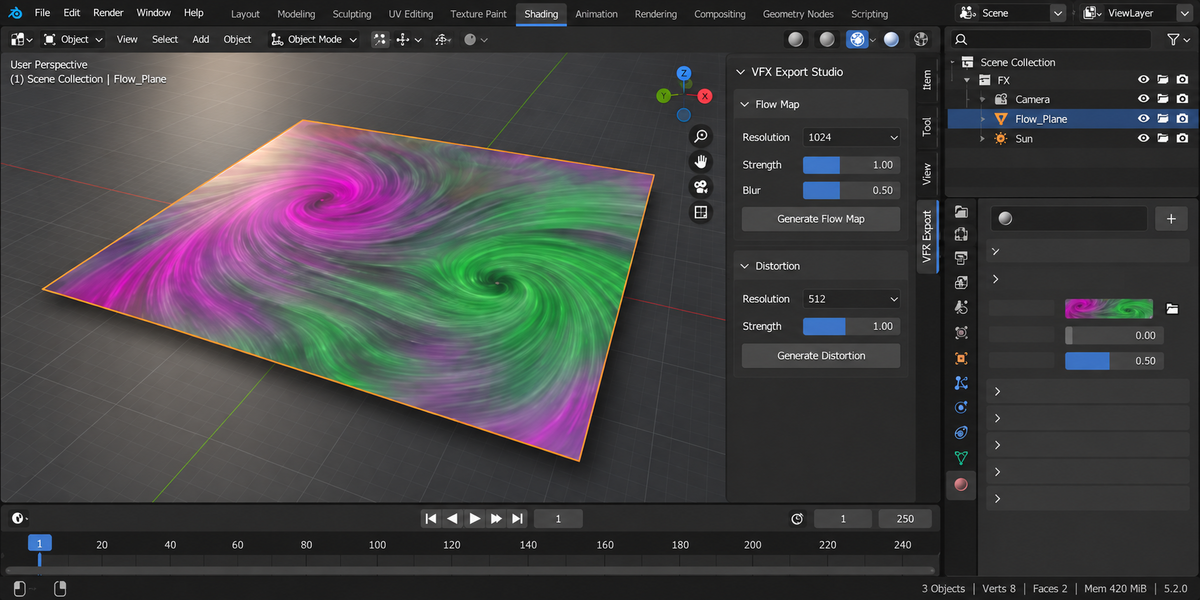
Builds a 2D flow vector image by sampling face normals projected onto the surface tangent. Use in water / lava / sand shaders for directional movement.
5. Signed Distance Fields (SDF)
Voxelises the selected mesh into a 3D distance field and packs it into a 2D atlas: Z slices laid out left to right, bottom to top, in a ⌈√N⌉ × ⌈√N⌉ grid. Value = 0.5 + 0.5 × distance / max_distance: below 0.5 is inside, above is outside; max_distance and the padded world box are in the JSON.
Inside or outside is decided by a winding count: along each grid line through a voxel, every surface the line leaves counts +1 and every surface it enters −1. Three lines (X, Y, Z) per voxel, majority wins. This is correct on rotated, mirrored (negative scale) and inverted-normal meshes and on parts that sit inside other parts. Checked on a cube, rotated cube, sphere, torus (the hole reads as outside), concave U-prism, mirrored, rotated-and-mirrored and inverted cubes, two overlapping cubes and a cube with a ring inside, at 32³ and 64³: 0 wrong signs away from the surface, and 0 wrong within 0.00001 of a cube's face, edge and corner. Read back live in Unity 6000.4 from a rotated cube: 0 wrong signs in the EXR (32,746 voxels) and in the 8-bit PNG.
The sign is only defined for a closed mesh whose normals agree. The export counts open edges and edges between faces with opposite normals, writes them to the JSON under sign, and warns when either is not zero.
Cost grows about 8× per doubling of resolution. Measured on a 7,900-face mesh (Apple M4, Blender 5.2): 32³ 0.4 s, 64³ 2 s, 128³ 15 s.
6. Distortion maps
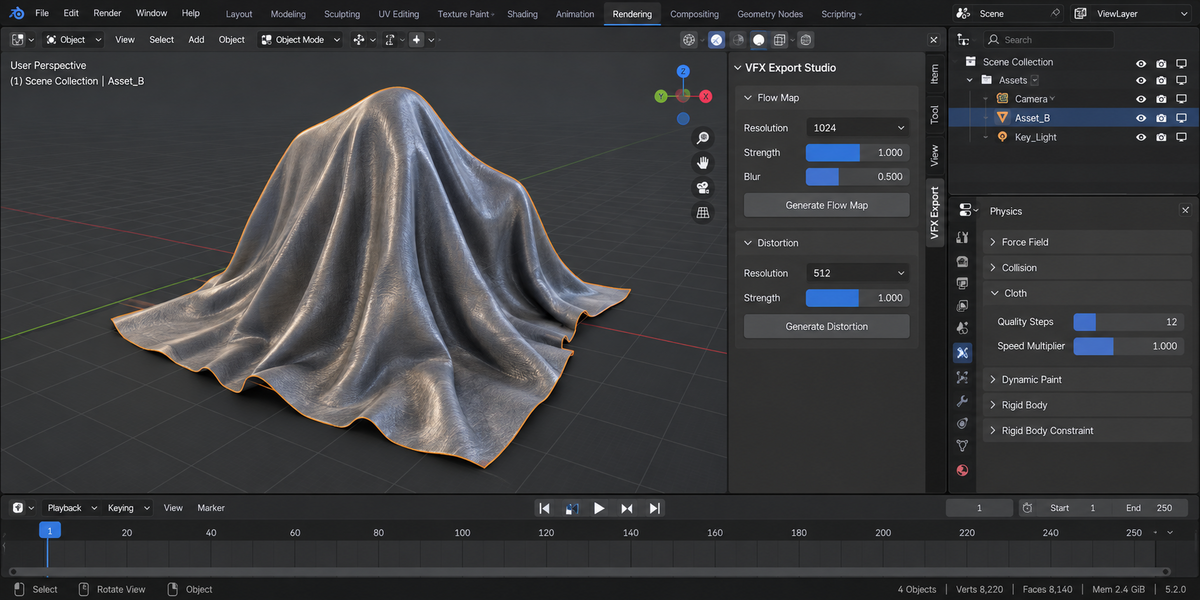
Normal-based 2D distortion vectors. Plug into a UV-offset shader for heat-haze, refraction, soap-bubble effects.
7. UV Scroll Mesh generator
Procedural ribbon meshes with auto-generated UVs along the long axis. Use for moving energy beams, magic ribbons, projectile trails.
8. Engine-correct output
- PNG — 8-bit / channel, used for flipbooks and flow maps
- EXR — 32-bit float, used for VAT (precision matters) and SDF atlases
Files are written exactly as computed. Since 1.2.2 PNG output no longer passes through the scene's view transform; before, with Blender's default AgX view, PNG values were off by up to 57 of 255 levels. EXR was never affected.
Every export also writes a small JSON file next to the texture describing what was baked: flipbook grid and frame range, flow-map strength and encoding, SDF voxel count and the padded world box the field actually covers, distortion settings, plus the object's own bounds under their own name, and the import settings each engine needs. VAT shipped with one from the start; now nothing on the engine side has to guess a frame count or a bounding box from a filename. Delete it if your pipeline doesn't want it — the texture stands on its own.
9. Import settings — read this before you blame the bake
These textures are data, not pictures, and both engines import pictures by default. Every number below was measured on Unity 6000.4 and Unreal 5.8 by importing the exported file and reading it back.
Unity, default settings, a VAT: a 114×8 EXR arrives as 128×8, BC6H, 8 mip levels. Unity rescales non-power-of-two textures, and a vertex texture stretched sideways no longer addresses vertices at all — every vertex reads a neighbour's position. This is not a precision loss, it is the wrong data. The 192×192 SDF atlas becomes 256×256 the same way, which shears its slice grid.
Unity, Non-Power of 2 set to None but compression left on: the 114-wide texture cannot use a block format, so Unity falls back to RGB24 — eight bits per channel. On a 3.6 m bounding box that is 7.1 mm of error per vertex. The SDF, being a multiple of four, does get BC6H, at 0.0083 of the normalised range.
Unity, set correctly (Non-Power of 2: None, Compression: None, sRGB off, Mip Maps off, Filter Point): the data survives at 0.00024 — the quantisation of the half-float format Unity stores it in, about 0.86 mm on the same box.
Unreal 5.8, default settings: the size survives — 114×8 stays 114×8, sRGB is already off for EXR and mips are already disabled. But the compression arrives as HDR Compressed (BC6H), so set Compression Settings to HDR instead. A PNG flow map arrives with sRGB ON, and that is the one that bites: the neutral value 0.502 reaches the shader as 0.216, so a map that means "no motion" tells the shader to flow hard in one direction.
PNG flow maps, Unity default (DXT1): up to 6 levels out of 255 of error on a real flow map (measured on a sphere; on a flat surface the map is constant and compression costs nothing, which is exactly why a flat test proves nothing).
Since 1.2.1 the JSON beside every texture carries these settings under import_settings, per engine, with the reason — so nobody has to remember them.
10. Troubleshooting
"Temp PNGs are filling my disk" — fixed; shutil.rmtree(ignore_errors=True) now cleans the temp dir even when frames are present.
"VAT plays back wrong in Niagara" — verify the mesh has stable vertex count across the frame range (no GeoNodes adding / removing geometry per frame). Niagara also expects EXR float texture sampler; ensure the import settings preserve float.
"SDF takes forever" — drop the voxel resolution. 64³ is usually enough for soft particles; 128³ for hero effects only. Dense foliage costs more: a 2.2-million-face tree took 68 s at 32³, because every grid line crosses thousands of leaves.
"The SDF export warned about open edges" — inside and outside only exist for a closed surface. Close the holes (or add a cap) and recalculate normals (Shift+N) for a clean sign.
"VAT bake stopped: Topology changes during the frame range" — a modifier rebuilds the mesh per frame. Apply it at a fixed setting, or bake a fixed-topology version (e.g. a shape-key or Mesh Cache version) first.
"Distortion only flows in one direction" — the source mesh's normals are flat in tangent-space. Add geometric detail or use Vector Math nodes to construct directional flow manually.
11. Limitations
- VAT requires the same vertex count on every frame; the bake refuses otherwise.
- VAT supports at most 16,384 vertices per object (one column per vertex; Unity and Unreal accept textures up to 16,384 wide) — the bake refuses larger objects and nothing is written; decimate or split them.
- SDF runs on the CPU; 256³ is slow on dense meshes.
- The VAT Engine Target setting is a label in the JSON; it does not convert axes or units.
12. Support & License
Through marketplace messaging. GPL-3.0. Textures you export are yours to ship in any commercial project.
Have questions about this product?
Login to message
| Published | about 19 hours ago |
| Blender Version | 4.2 - 5.2 |
| Extension Type | N/A |
| Render Engine Used | Cycles, Eevee |
| License | GPL |
Discover more products like this
texture-baking vertex animation texture game vfx mobile vfx Particle Effects distortion map VFX flipbook sprite sheet Signed Distance Field uv scroll flowmap