Vfx Export Studio — Real-Time Vfx Textures From Blender (Unity & Unreal)
 Skava
Skava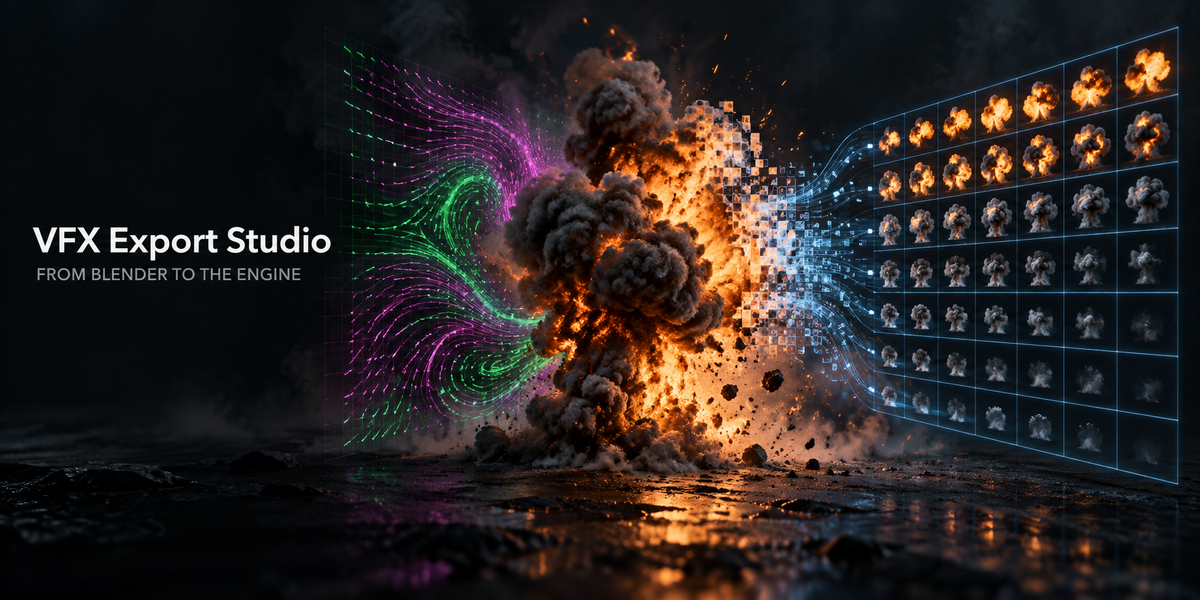
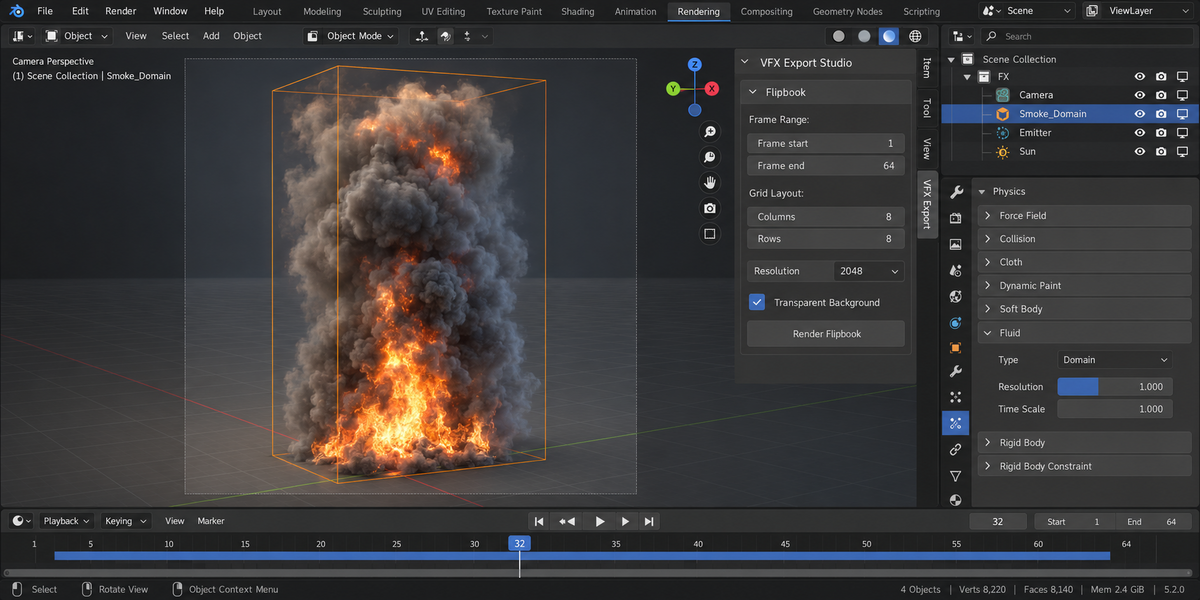
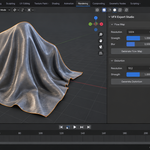
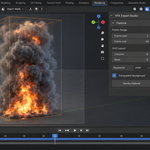
Download the zip and do not unpack it. In Blender open Edit > Preferences > Add-ons, click the drop-down arrow in the top-right corner and choose Install from Disk, then pick the zip. Tick the checkbox next to VFX Export Studio. Press N in the 3D Viewport and open the VFX Export tab in the sidebar.
The same steps are in README.md inside the zip; the full documentation is on the Documentation & FAQ tab of this page.
Blender 4.2 LTS and newer. Tested on 4.2, 5.1 and 5.2.
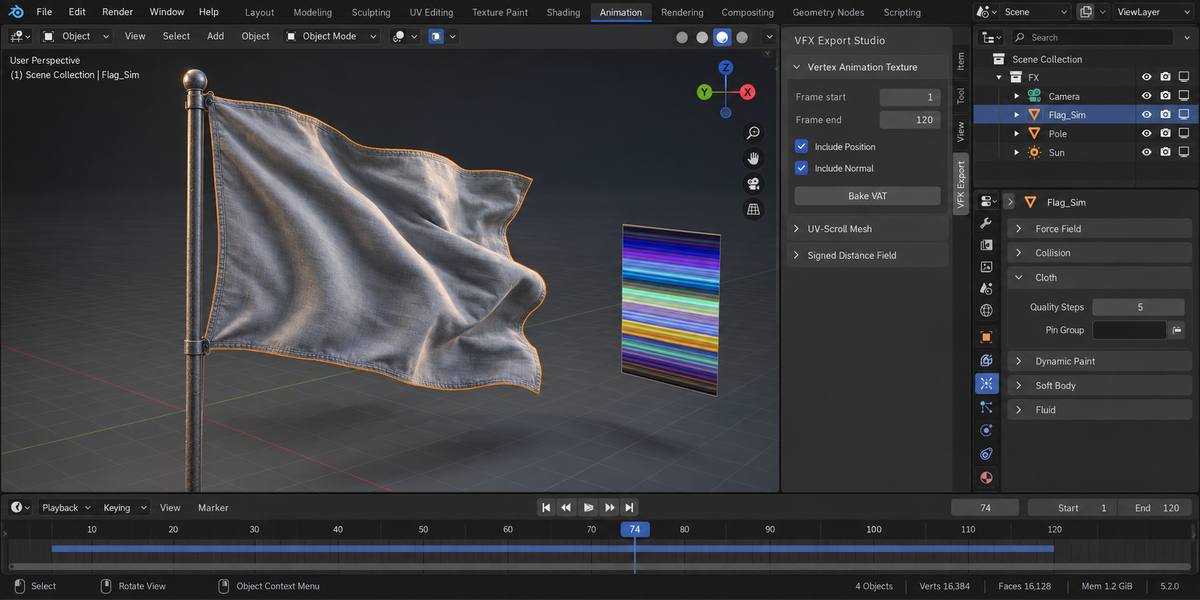
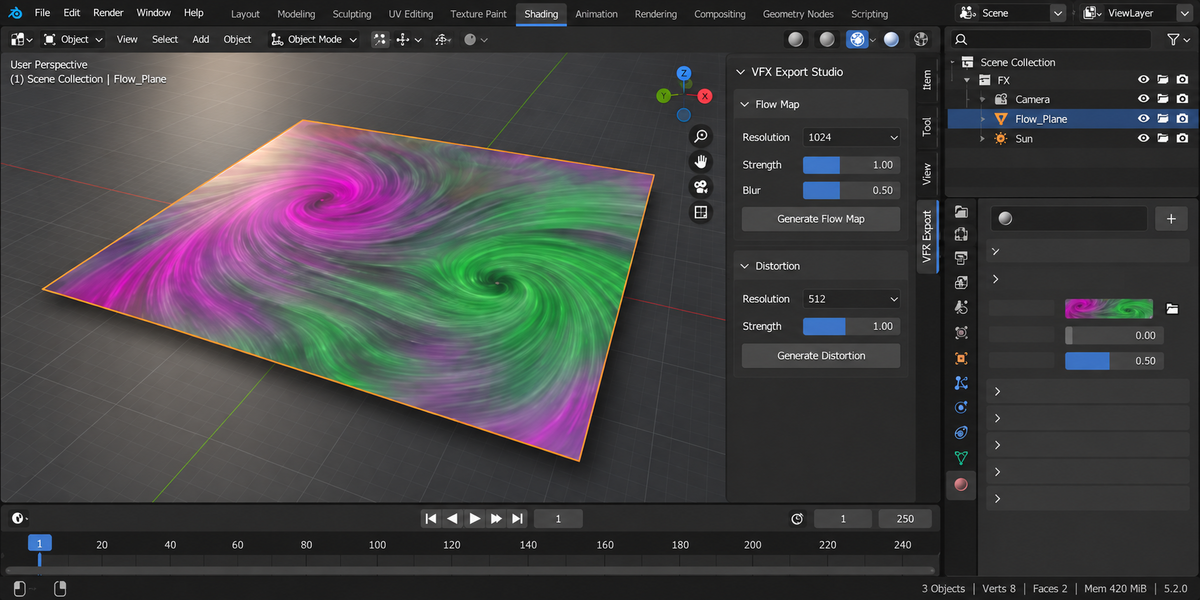
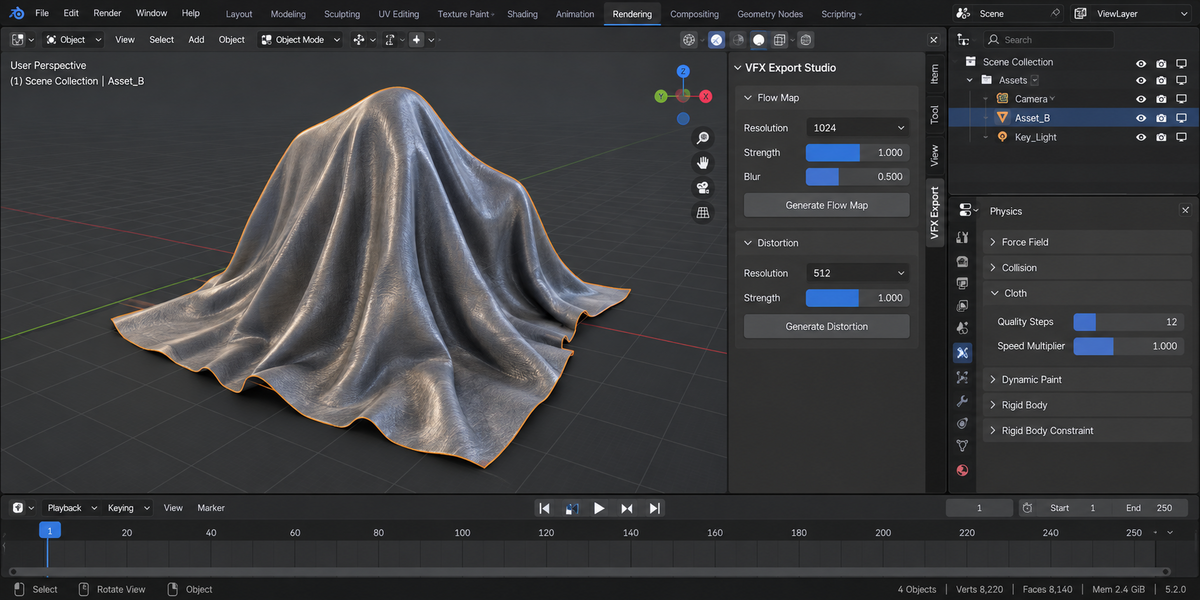
Six panels in the VFX Export tab: Flipbook (a frame range rendered into an N x M sprite sheet), Vertex Animation Texture (vertex positions and optional normals per frame), Flow Map, Signed Distance Field, Distortion, and UV-Scroll Mesh (ribbon meshes with UVs along the long axis for beams and trails). Each export also writes a small JSON file next to the texture describing what was baked and the import settings each engine needs.
Flipbooks, flow maps and distortion maps are 8-bit PNG. VAT and SDF can be written as 32-bit float EXR or as 8-bit PNG. Files are written exactly as computed: PNG output does not pass through the scene's view transform.
A VAT needs the same vertex count on every frame. Before anything is written, every frame of the range is evaluated and counted; if a modifier (Remesh, Geometry Nodes, Decimate, adaptive subdivision) changes the count, the bake stops, names the object, both counts and the frames, and writes nothing.
Yes, with the right import settings. Both engines treat imported images as pictures by default (Unity rescales non-power-of-two textures, Unreal imports PNG as sRGB), which damages data textures. The JSON written next to every texture lists the settings to use in each engine, and the documentation explains them. Checked live in Unity 6000.4: VAT positions within 0.95 mm, SDF signs 0 wrong.
No. The add-on contains no network code: nothing is downloaded, uploaded or sent anywhere, and no external Python packages are installed. It is pure Python with no compiled binaries.
Yes. The add-on is licensed under GPL-3.0; the full licence text ships inside the zip. The licence covers the add-on code; what you create with it is yours.
Have questions about this product?
Login to message
| Published | 6 days ago |
| Blender Version | 4.2 - 5.2 |
| Extension Type | N/A |
| Render Engine Used | Cycles, Eevee |
| License | GPL |
Discover more products like this
sprite sheet texture-baking vertex animation texture flipbook uv scroll VFX Signed Distance Field game vfx distortion map Particle Effects mobile vfx flowmap