 auron3d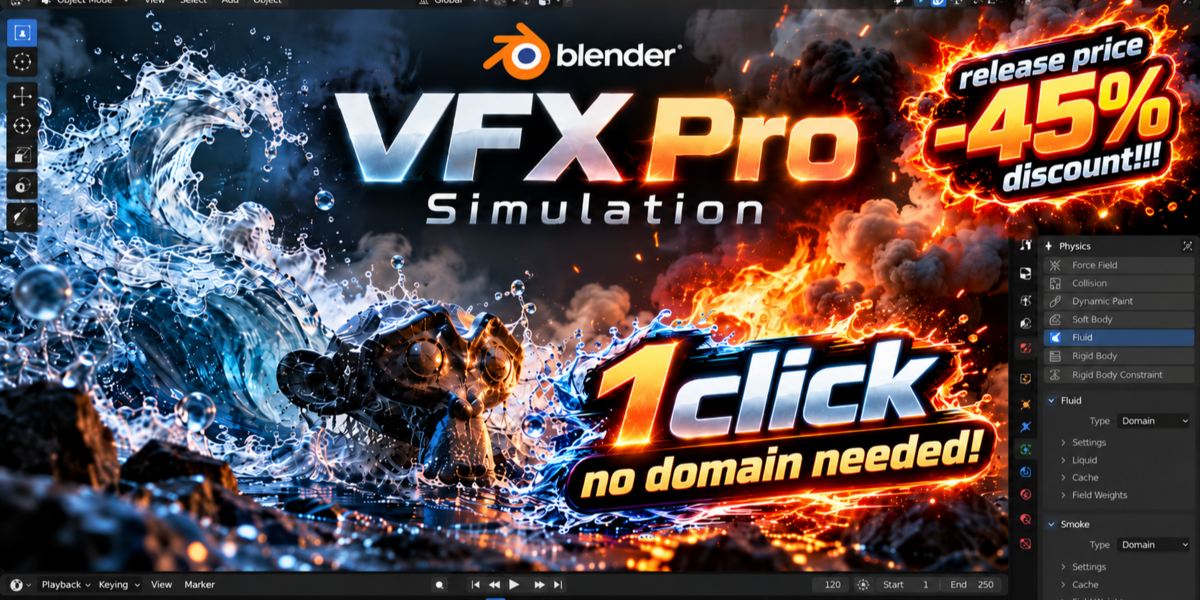
VFX Pro Simulations
Smoke, fire, liquid and particles: GPU-accelerated, live in your viewport
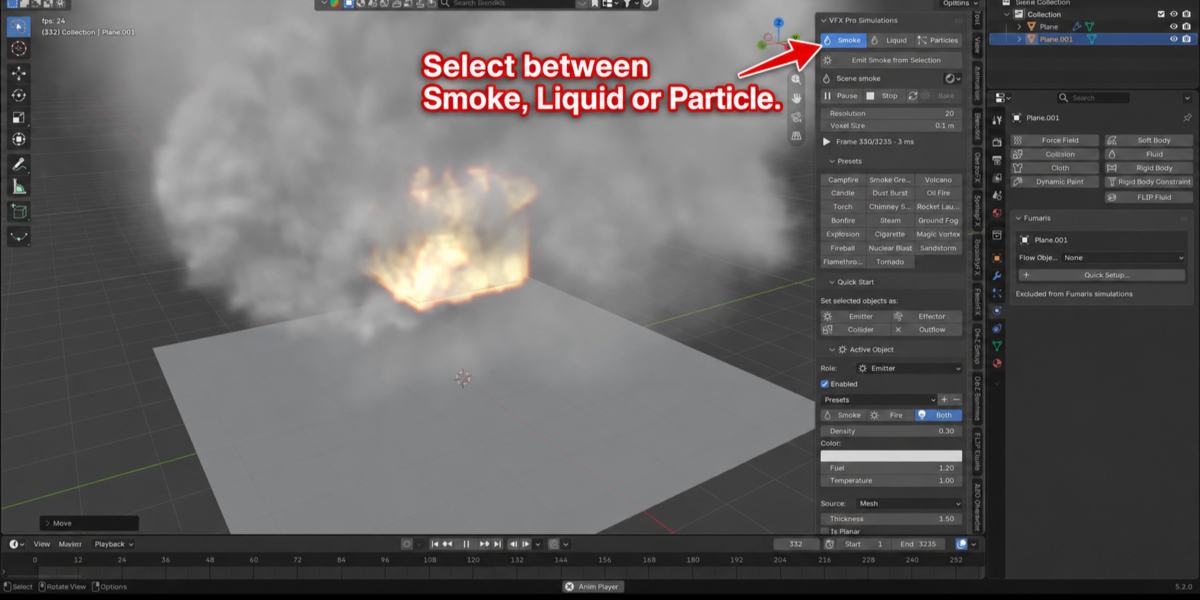
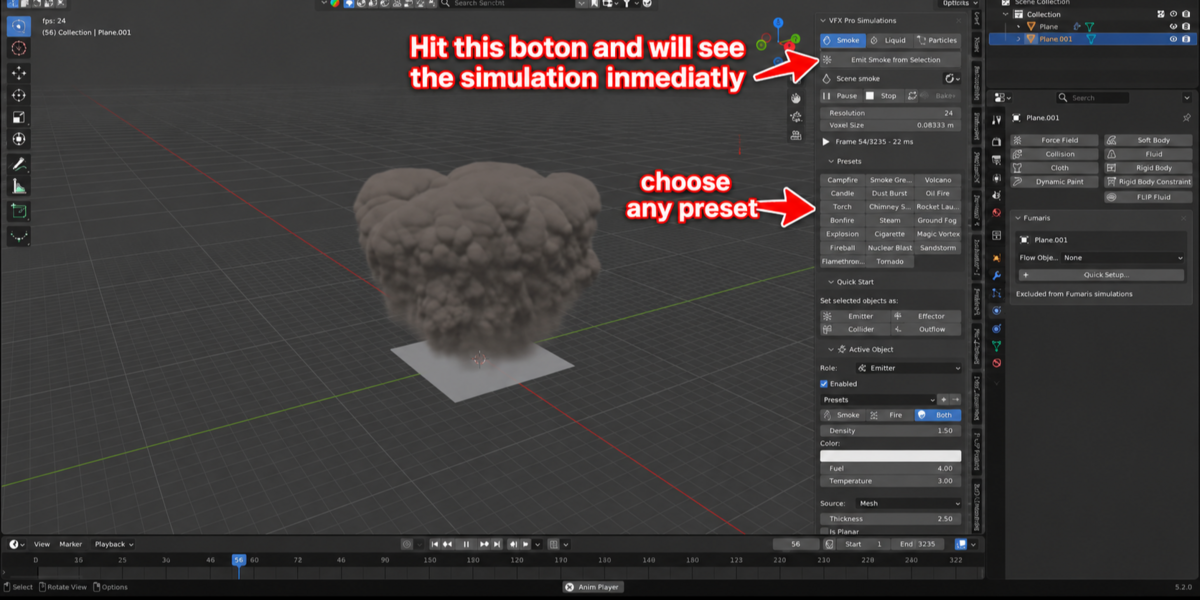
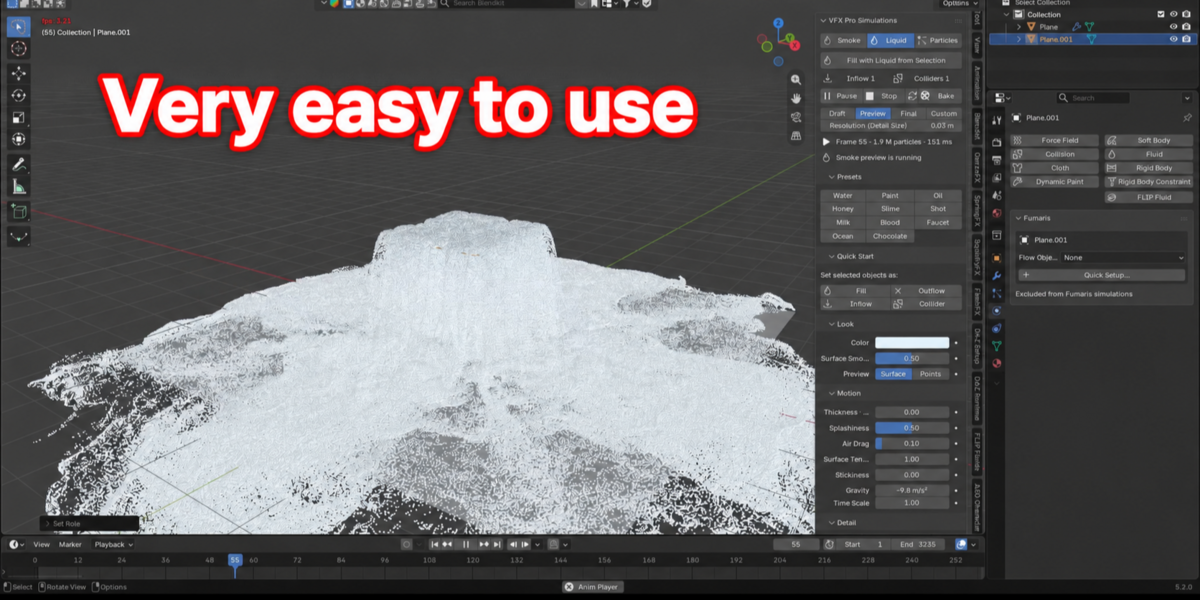
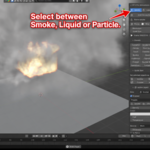
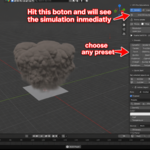
Stop buying three separate simulation addons. VFX Pro Simulations puts a GPU smoke and fire solver, a FLIP-style liquid solver and a GPU particle system in one Blender addon, with the same workflow for all three: select an object, press one button, and it is already simulating. Live, in the viewport, with no domain box and no setup ritual.
Every animation on this page was captured straight from the Blender viewport (Solid shading, nothing rendered), at the same full resolution from the first frame to the last, with the emitters hidden so you see only the simulation: exactly what you see while you work.
Live in the viewport
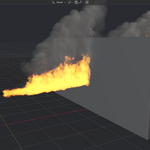
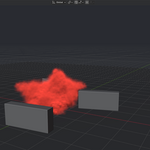

01 Flamethrower
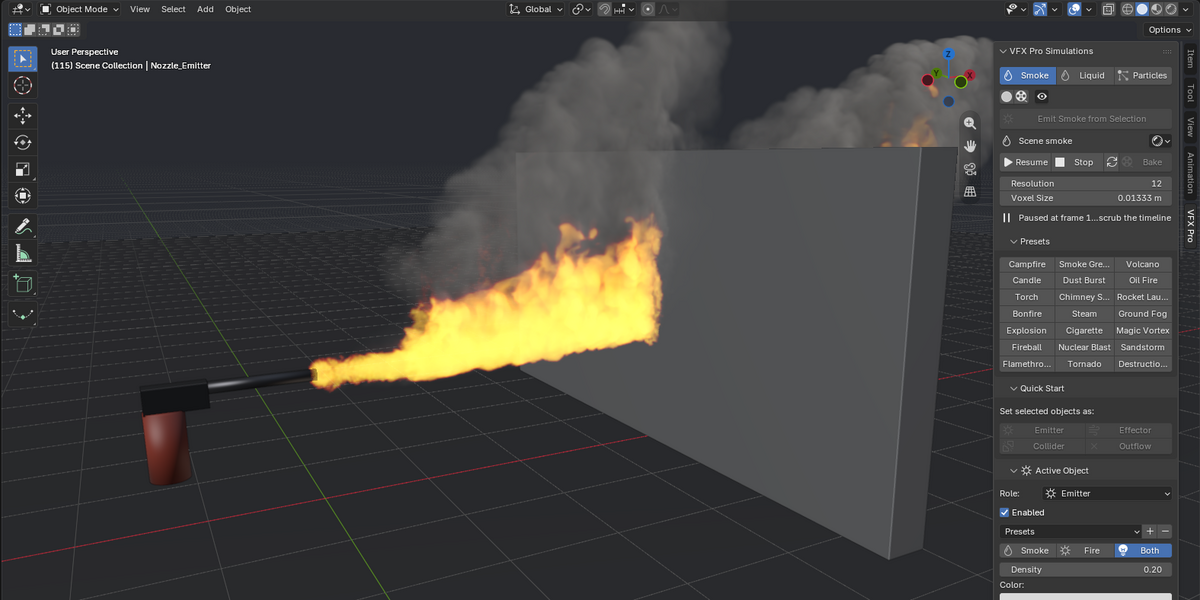
A jet of burning fuel aimed along the emitter's axis. It hits a collider wall, spreads across it and rolls up into dark smoke. Rotate the emitter to aim it.
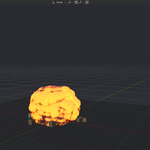
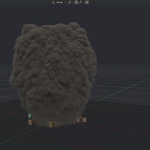

02 Explosion
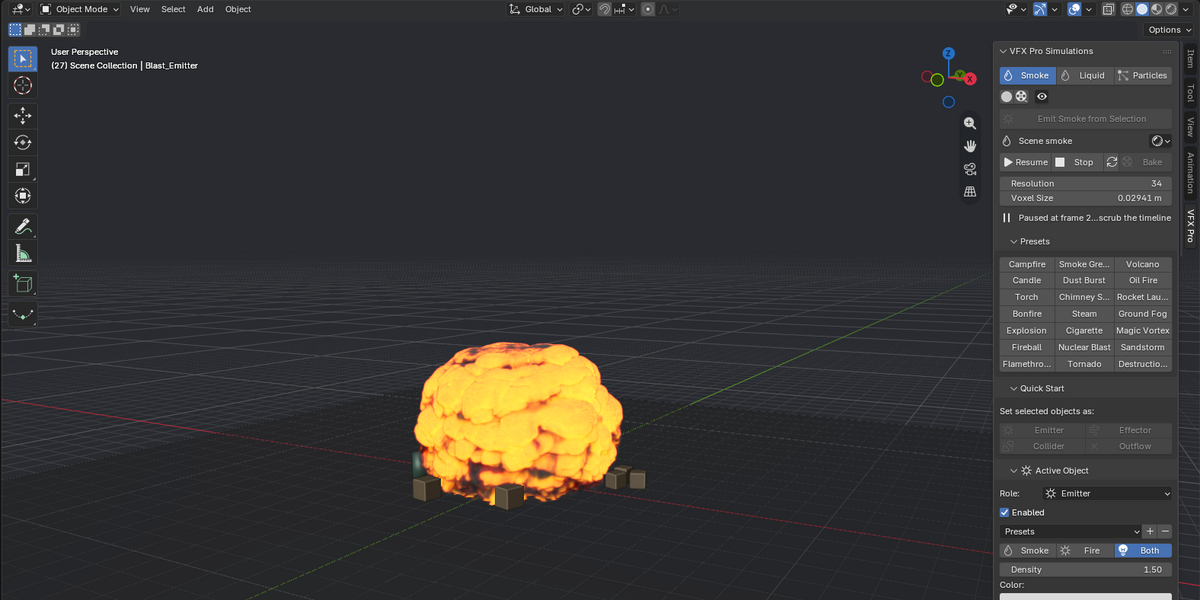
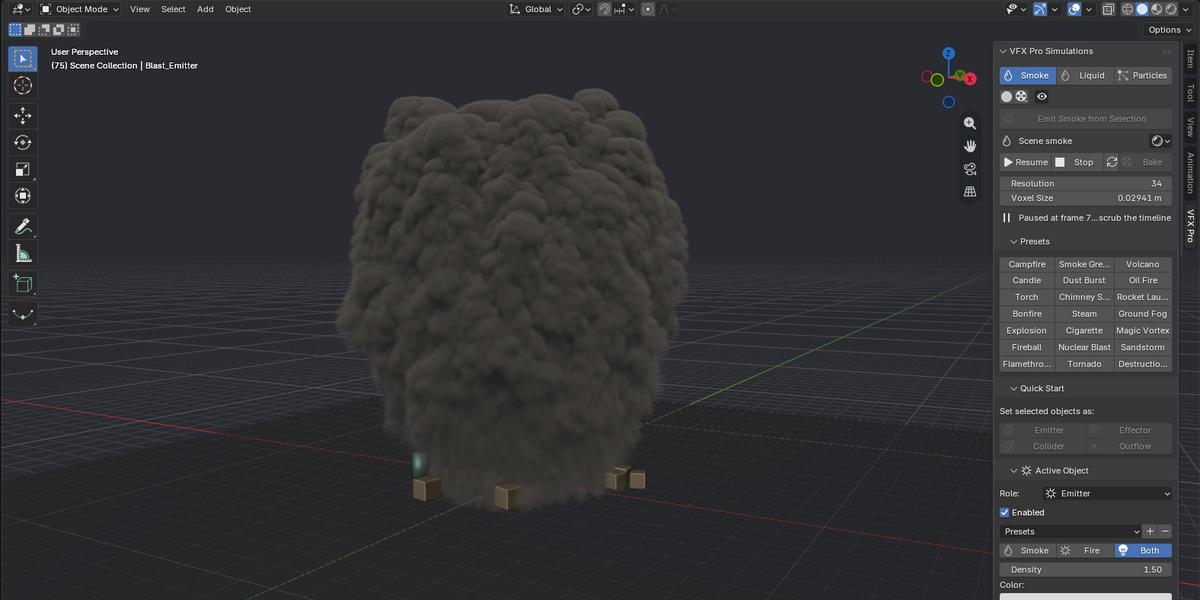
The blast expands, burns out from the inside and leaves a dark, billowing column. The new Cinematic look keeps the fire glowing through the soot as it cools.
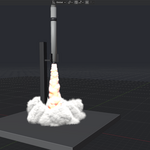
03 Rocket Launch
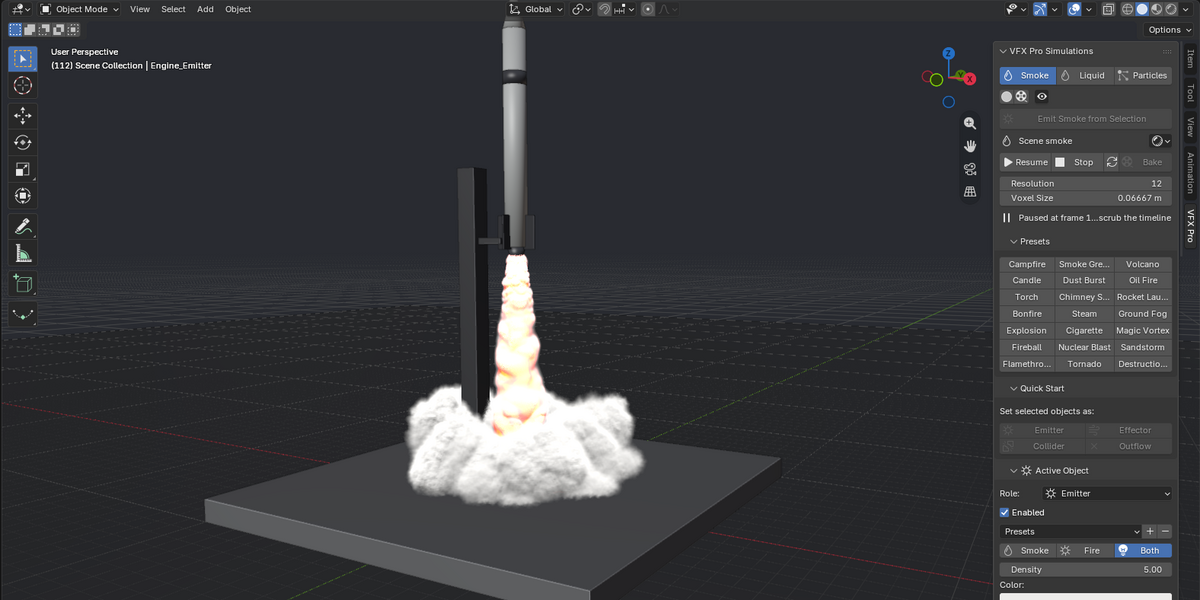

A downward jet that piles white clouds over the launch pad, then follows the rocket as it lifts off. The emitter is animated; the solver follows it with no domain to resize.
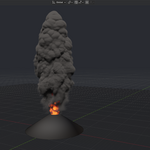

04 Volcano
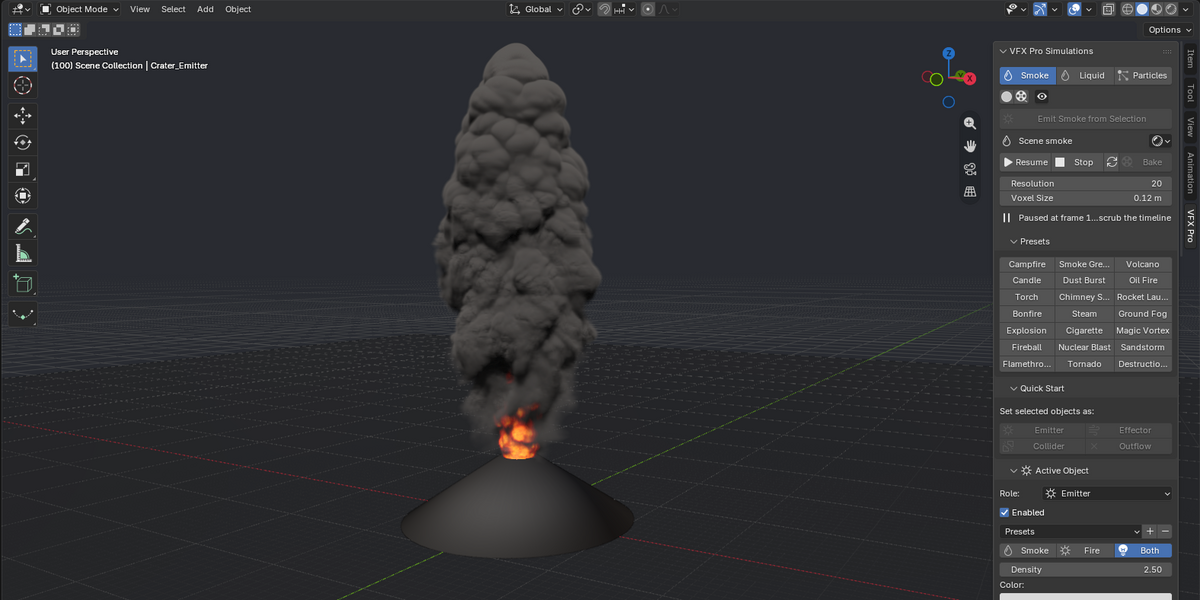
A roaring column of ash with fire in the crater, turbulent all the way up. One preset, one emitter.

05 Smoke Grenade
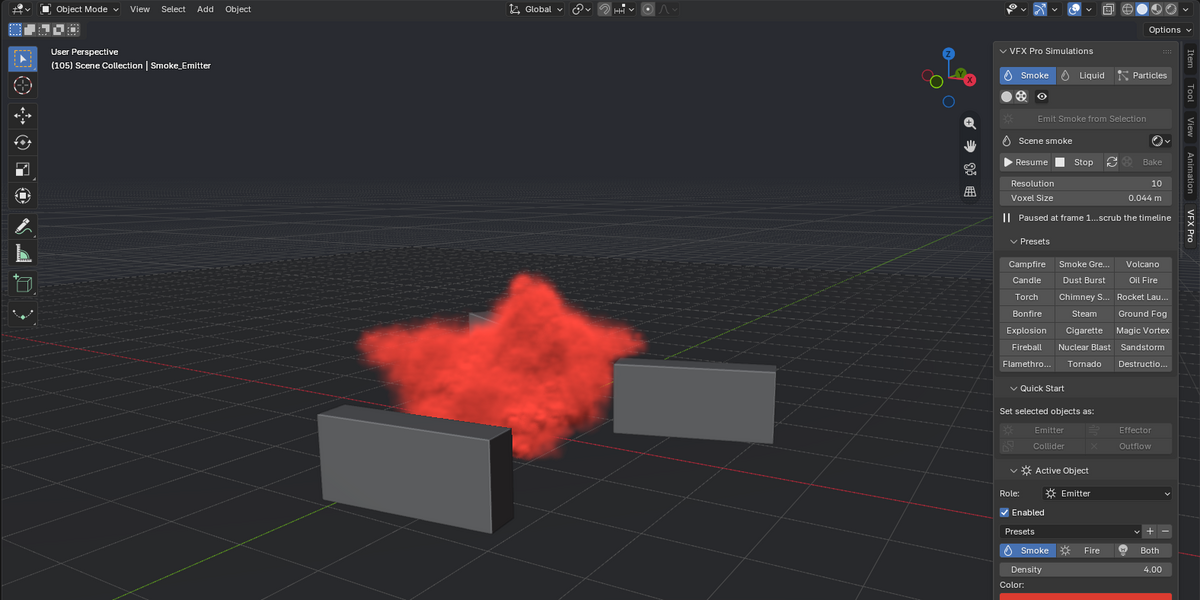
Thick coloured smoke pours out and spills over the barriers around it. Any colour you like, with colliders shaping the flow.
New in 0.32
- Cinematic viewport look (on by default): long self-shadows through whole billows, darker smoke under thick plumes, fire light scattered into the smoke around it, and hot cores that roll off from red to orange to yellow instead of clipping to white. Fast keeps the lighter look for slower GPUs.
- Cleaner fireballs: no more contour lines on dense fire and smoke.
- Full resolution for the whole shot: the live preview draws straight from the simulation bricks, so a plume that spreads keeps the same detail at the end as at the start.
- Emitters hidden after the bake: once a smoke, liquid or particle bake finishes, its emitters are hidden from the render and the viewport, so the final render shows only the effect. They come back by themselves for the next preview or bake.
- OpenGL fix: the live preview now runs on Blender's default OpenGL backend as well as on Vulkan and Metal.
What's inside
Smoke & Fire
- No simulation domain object: a GPU compute-shader solver that follows the smoke itself, wherever your emitter goes.
- Small emitters (a cigarette, a candle) automatically get the fine detail they need without slowing down the rest of the scene.
- 20 built-in presets, from everyday fire (Campfire, Candle, Torch, Flamethrower) to showcase effects: Nuclear Blast, Tornado, Volcano, Rocket Launch, Sandstorm and more.
- Bakes straight to OpenVDB with an automatic volume material for Cycles and EEVEE.
Liquid
- FLIP-style GPU fluid solver with adjustable splashiness, viscosity, surface tension and stickiness: from thin water to honey, chocolate, blood or paint.
- Fully aimable jets and inflows: direction, spread, timing and repeating pulses. Two ready-made presets (Shot and Faucet) show how much control you get.
- Whitewater (spray, foam, bubbles), continuous collision for fast jets, and colliders that stay watertight at any resolution.
Particles
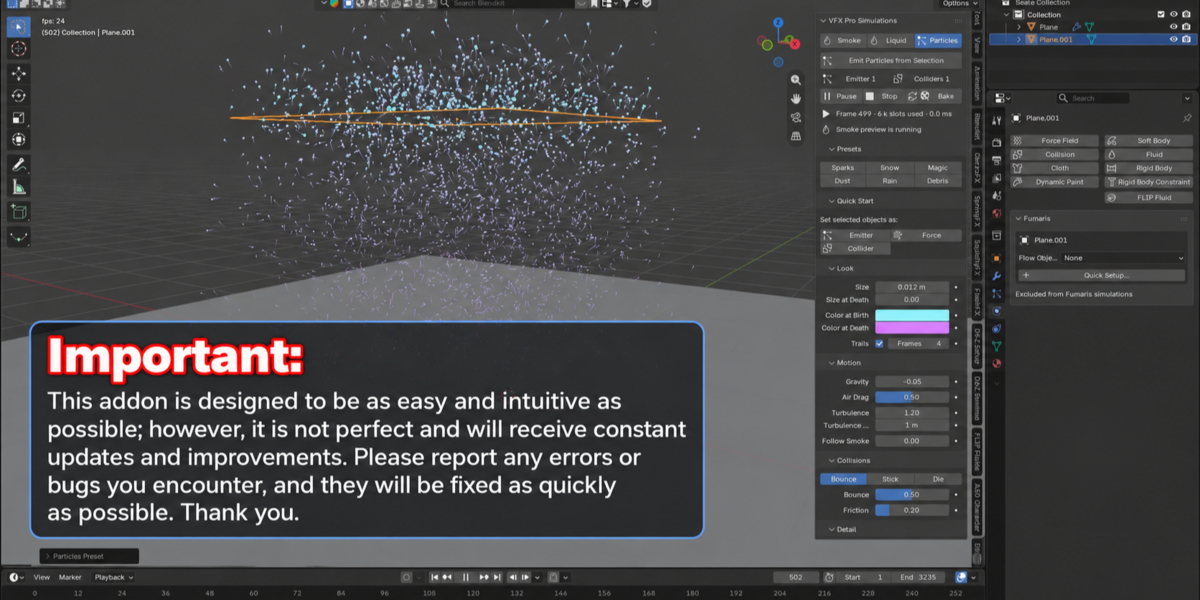
- GPU particle system with surface, volume, vertex or fire-driven emission.
- Particles can ride the smoke's own velocity field for embers, sparks and debris.
- Shares colliders and force fields with the other two systems: set them up once.
One shared toolkit
Force fields (Wind, Force, Vortex, Turbulence, and a "Layer" field that caps rising smoke like an inversion layer) and colliders work across Smoke, Liquid and Particles from the same objects.
Why one addon instead of three
- One learning curve, not three.
- One set of force fields and colliders shared by every system.
- One price for everything smoke, fire, liquid and particles can do, instead of paying for and juggling three tools with three workflows.
Built for production speed
Everything runs on compute shaders inside Blender: a live preview while you scrub the timeline, fast bakes to OpenVDB or cache, and presets that get you to a good-looking result in seconds.
New addon, built fast, improving faster
VFX Pro Simulations is new and is being improved constantly. As with any ambitious new software you may run into a bug, an edge case or a setting that needs more polish. When you do, report it: every report gets looked at, and updates ship regularly.
The goal is to make VFX Pro Simulations the best all-in-one simulation suite on the market, at the best price, through fast, continuous updates. Buying now means getting in early, at an early-adopter price, on an addon that only gets more complete from here.
Requirements
- Blender 4.2 LTS or newer (4.2, 4.5, 5.x).
- A GPU with compute shader support (OpenGL, Vulkan or Metal). No external dependencies.
Support
Questions, bug reports and feature requests are welcome and directly shape the next update. Thank you for supporting independent Blender addon development, and for getting in early.