 RFKits
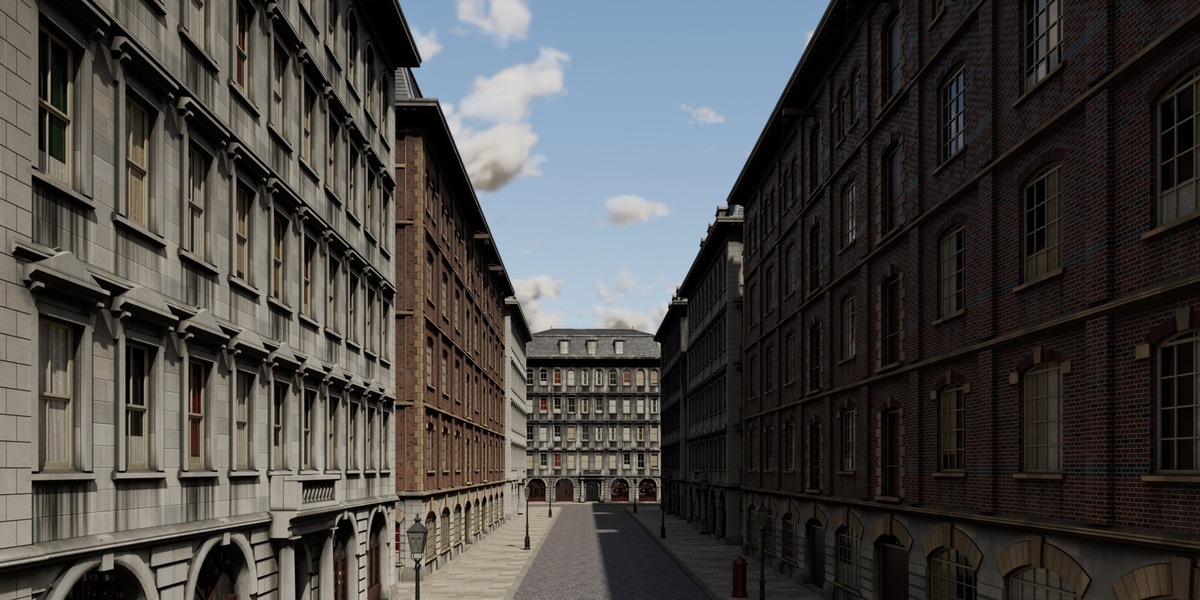
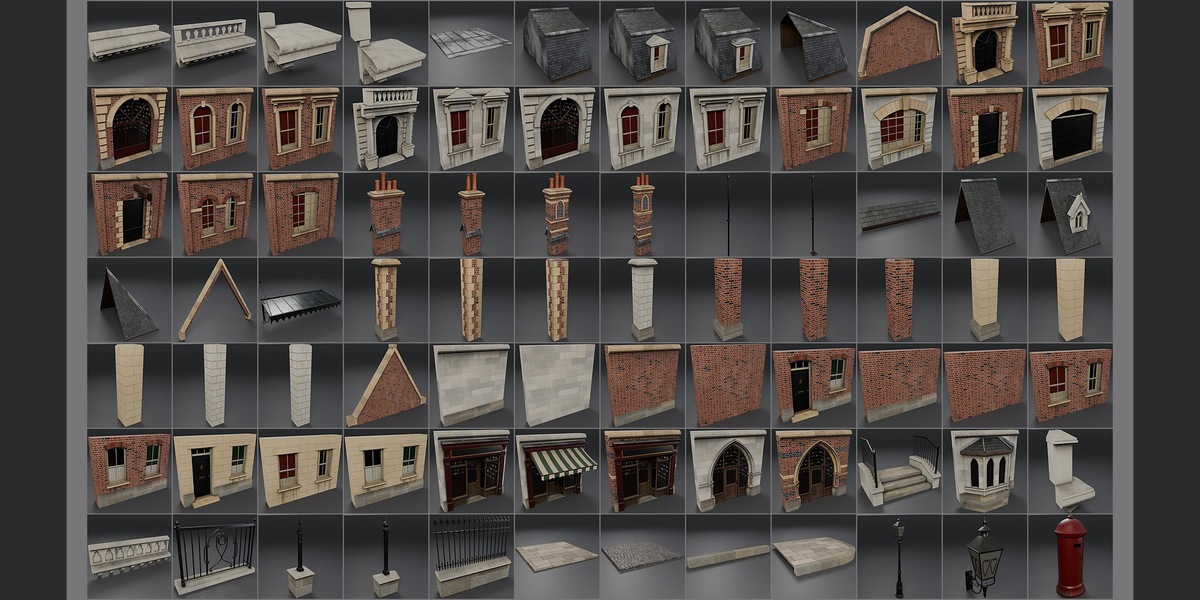
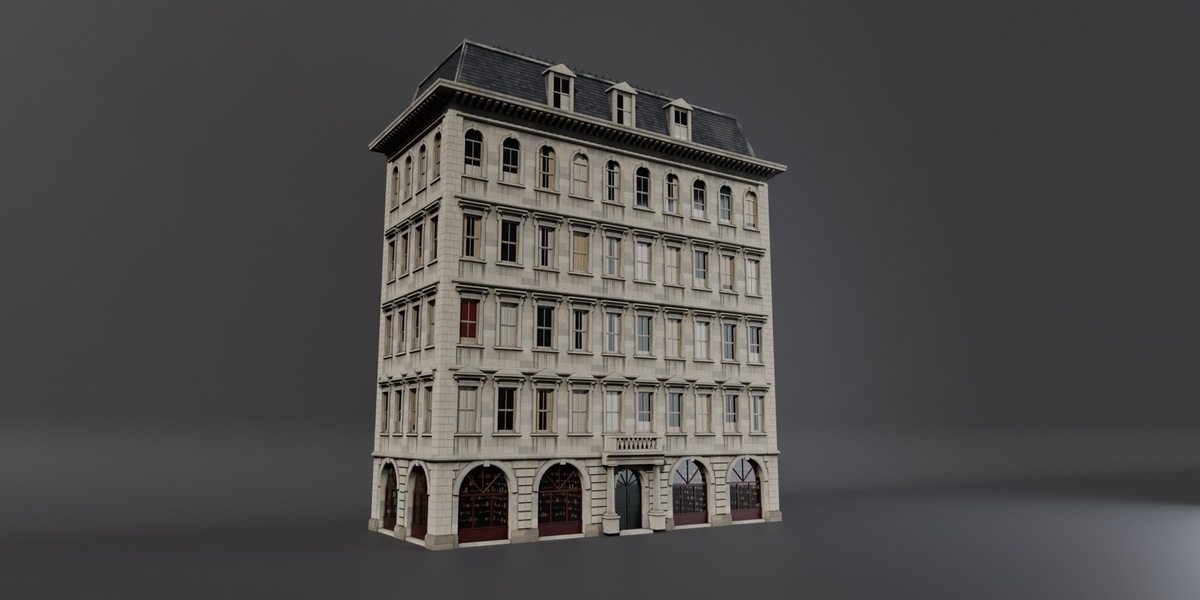
What is in the download
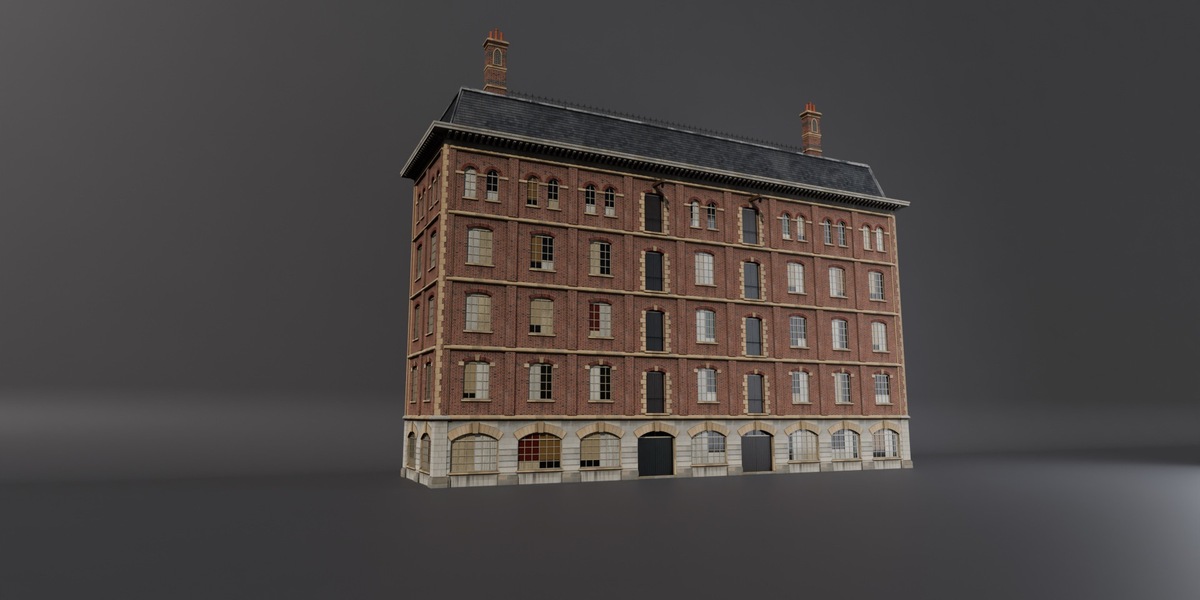
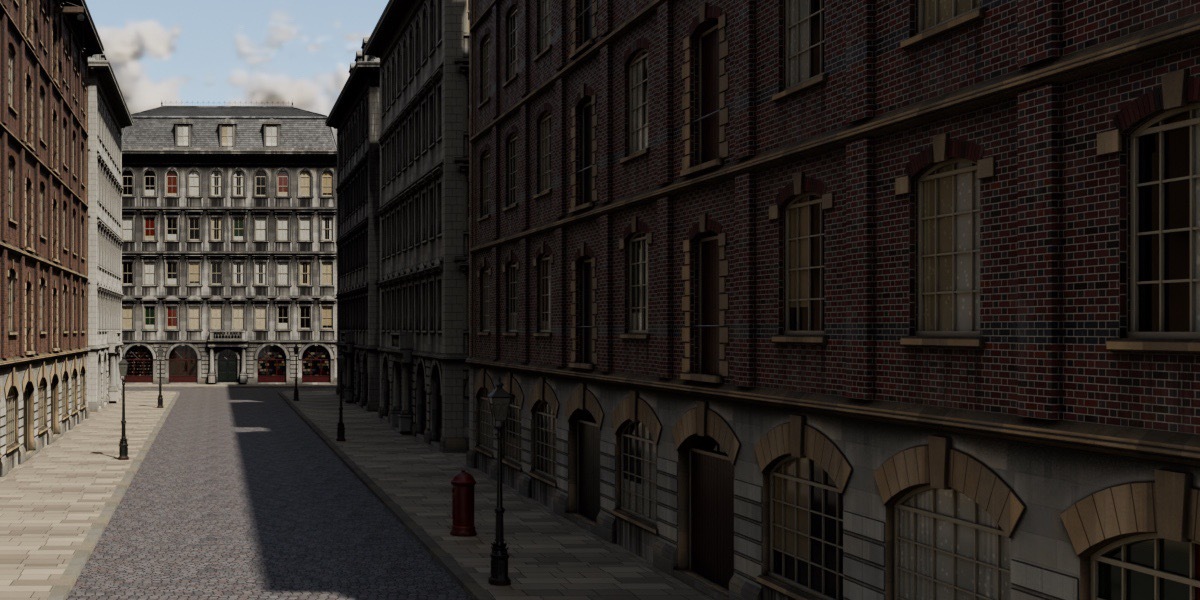
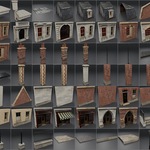
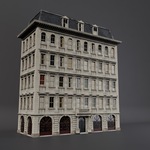
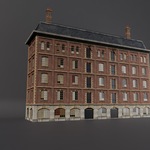
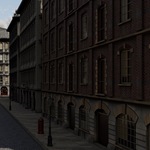
- blend/: the Asset Browser library for Blender 5.2 or later, with the procedural materials: the 84 pieces and the 2 assembled buildings (City_Block and City_Warehouse), filed in catalogs.
- blend_lts/: the same library saved by Blender 4.5 LTS, in its own folder with its own catalog (some procedural patterns differ slightly).
- index.html and previews/: a visual index of every piece; open index.html in a browser.
Using it in Blender
- Unzip the download.
- In Edit > Preferences > File Paths > Asset Libraries, add the blend folder (or blend_lts in Blender 4.5).
- Open the Asset Browser, choose the library and drag pieces or buildings into your scene.
With the full kit
These pieces are the same models, with the same names and materials, as in Victorian Gothic Revival, so files from both sit side by side. When appending from both libraries into one Blender file, use Append (Reuse Data) to keep one copy of each material.
Specs
- 1 unit = 1 m, Z up, real-world scale; transforms applied; one object per piece.
- Snap grid 0.5 m; wall bays 4.0 m wide by a 4.0 m storey (3.0 m for houses).
- Pivots on the level a piece is placed at: free-standing pieces (chimneys, lamps, the pillar box, paving and setts) at the centre of their footprint; wall pieces centred along the wall on its centreline, and pieces that sit on a wall top (cornices, parapets, gables, roofs) centred along it; corner piers and corners where the two wall centrelines meet.
- Object names VGR_; materials VGR_.
- 84 pieces in 7 categories: Walls, Railings, Roofs, Street, City, Domestic, Parapets.
- Materials are procedural, with shape-aware weathering (UV-driven, world-metre UVs, bakeable).
Support: message me here on Superhive or email [email protected].
 Included
Includes 12 months of
- Support from RFKits
- Product updates
Extend this product’s Support Period +12 months: 50% of product price
Have questions before purchasing?
Login to message
| Published | 7 days ago |
| Blender Version | 4.5 - 5.2 |
| Render Engine Used | Cycles |
| Misc Data | Uvs-Unwrapped |
| License | Royalty Free |
Discover more products like this
procedural materials street victorian architecture terrace facade modular-kit city asset library warehouse buildings kitbash