 KacaDev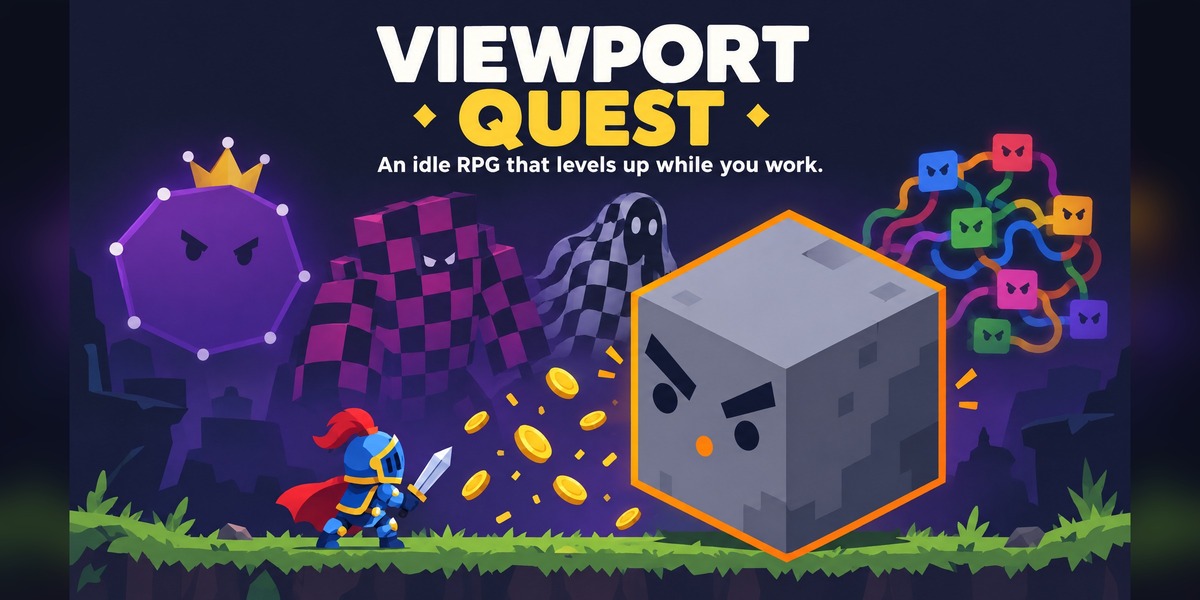
Requirements
Blender 4.2 or newer (tested on 5.1 and 5.2 LTS). Works on Windows, macOS and Linux.
Installation
- Download
viewport_quest-x.y.z.zip. Do not unzip it. - In Blender, open Edit > Preferences > Get Extensions, click the drop-down arrow at the top right and choose Install from Disk…. You can also drag the zip straight into the Blender window.
- Select the zip. Viewport Quest is enabled automatically.
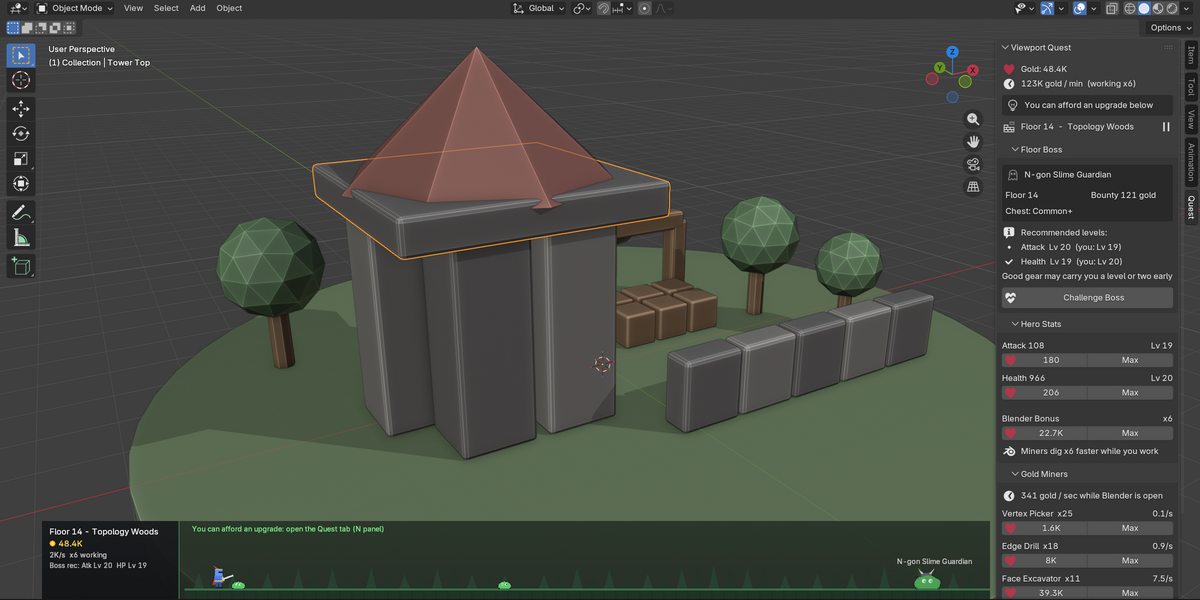
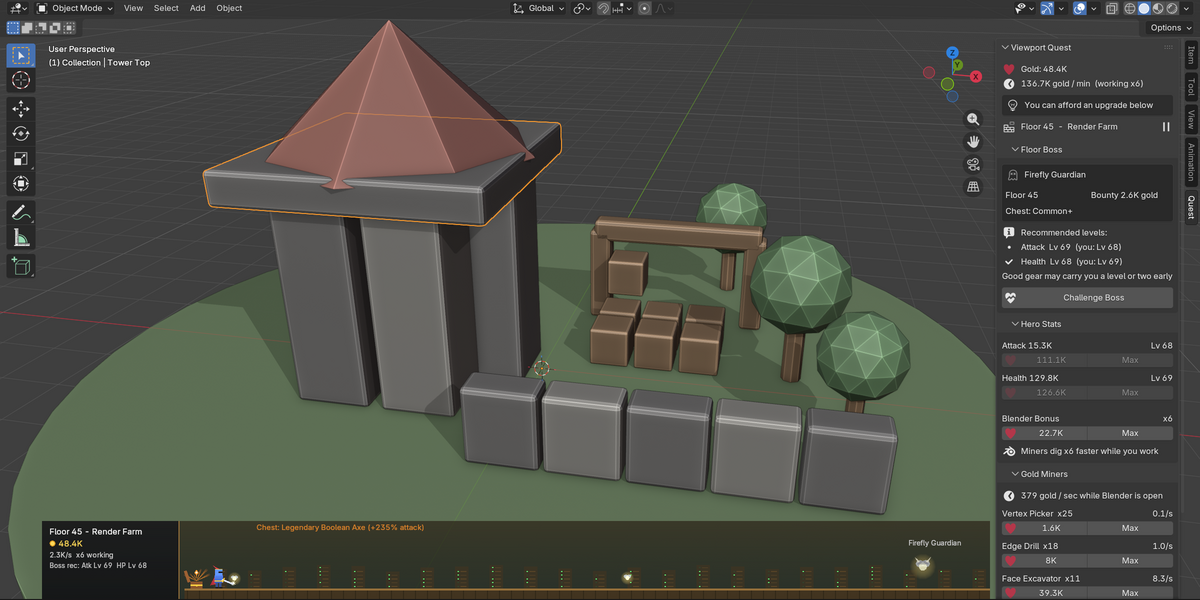
- In any 3D viewport, press N and open the Quest tab. The quest strip appears along the bottom of your largest 3D viewport.
Getting started
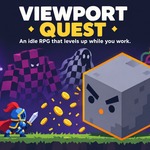
- Just work. Model, sculpt, paint or animate as usual. The knight fights monsters on the strip, and your gold rises each time one falls.
- Buy your first upgrades. In the Quest tab, open Hero Stats and buy one level of Attack and one of Health (15 gold each). A hint line in the panel suggests your next step.
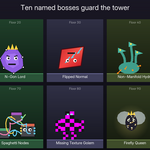
- Challenge the boss. When your levels match the Recommended levels in the Floor Boss section, press Challenge Boss. The fight plays out on the strip. Good gear can let you win a level or two early.
- Hire miners. Open Gold Miners and buy a Vertex Picker. Miners earn gold every second the app is open, and three times faster while you work.
What counts as work
Any operator that changes your file counts: built-in tools, add-on tools, selecting, switching modes, renders and saves. Navigating the view, opening menus and undo don't count. You count as working for 20 seconds after your last action. Nothing is earned while the app is closed.
The Quest tab (N-panel)
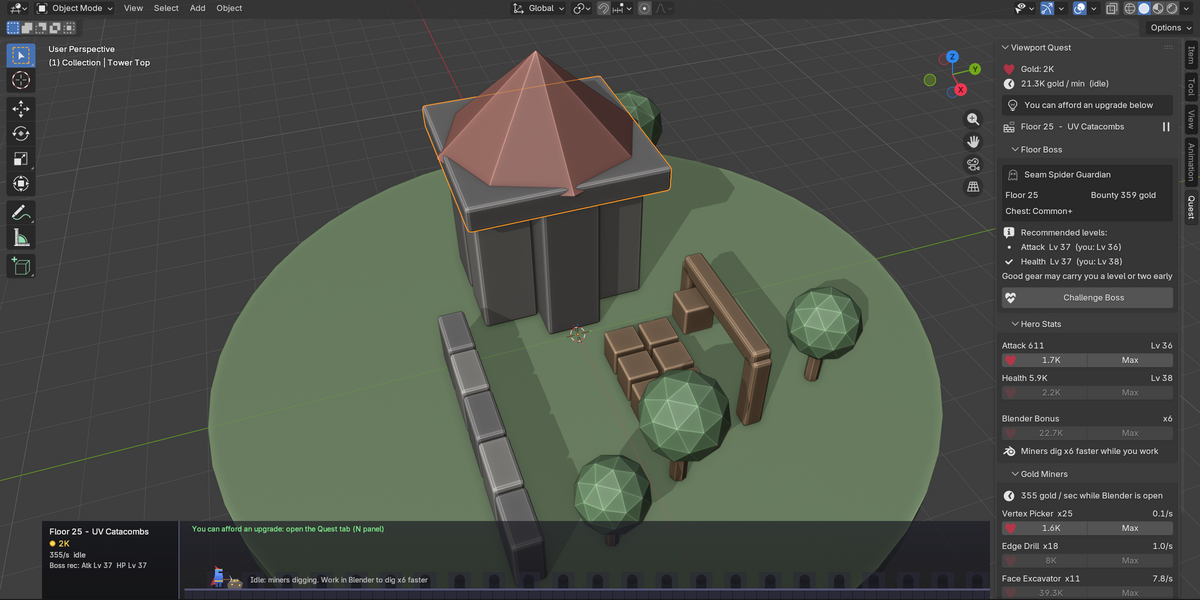
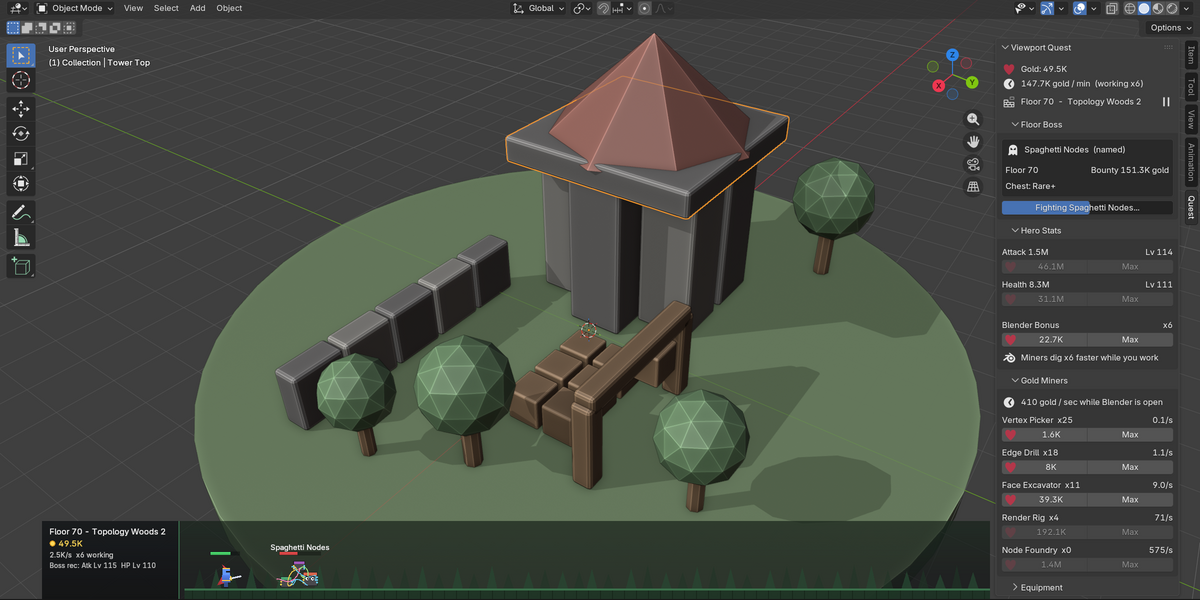
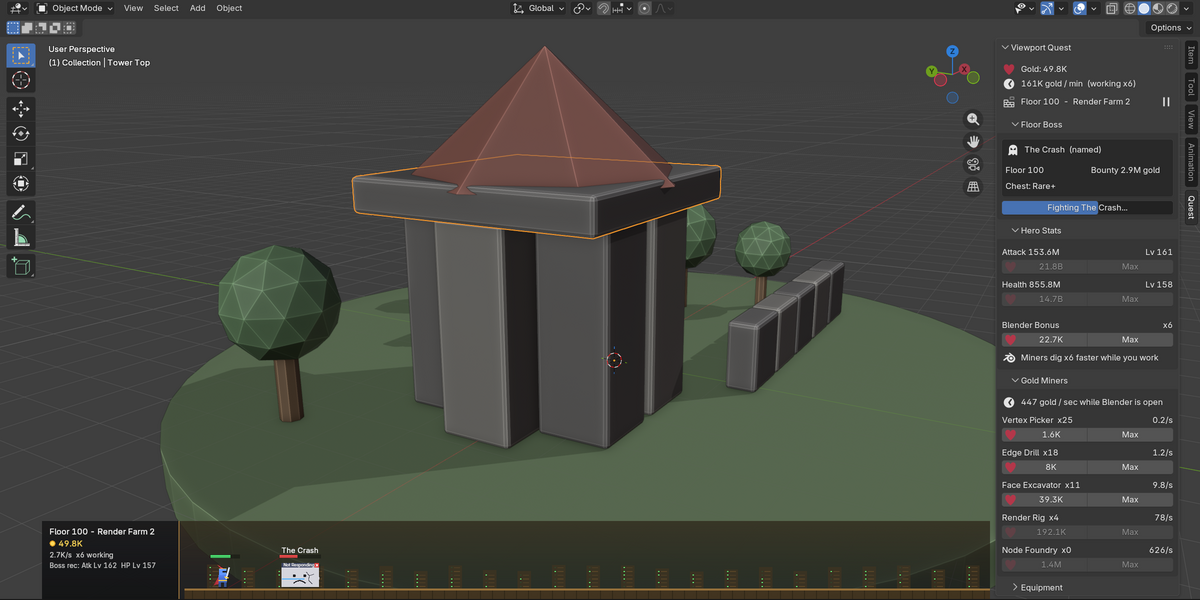
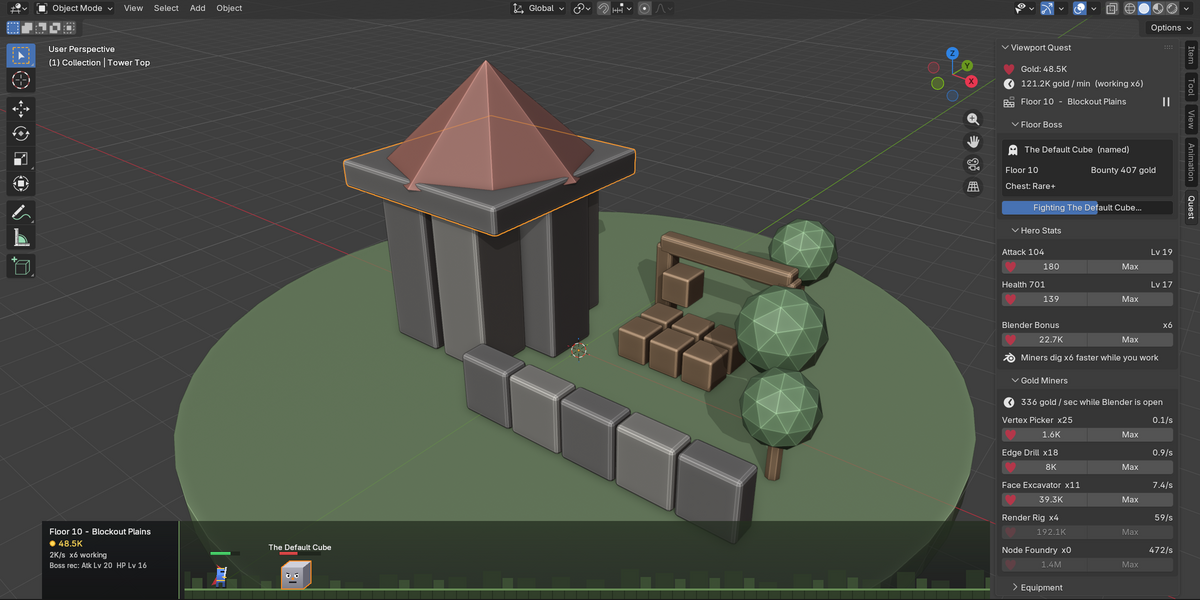
- Viewport Quest: your gold, gold per minute, current floor, a pause button and a hint for the next step.
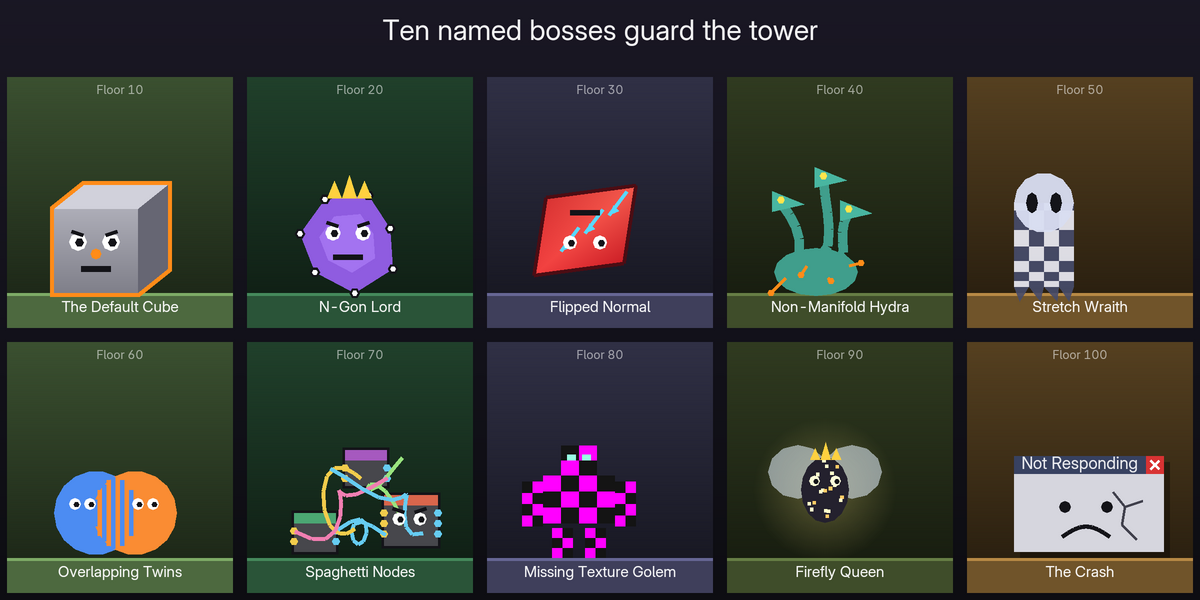
- Floor Boss: the next boss, its bounty and chest quality, recommended levels, and the Challenge Boss button. Losing costs a one-minute rest.
- Hero Stats: buy Attack, Health and the Blender Bonus (miners dig even faster while you work). Max buys as many levels as you can afford.
- Gold Miners: your miners and the next tier to unlock.
- Equipment: your weapon, helm, armor and charm, plus lifetime stats and Reset Progress.
Preferences
Open Edit > Preferences > Add-ons > Viewport Quest:
- Show Quest Strip: toggle the strip. The eye icon in the panel header does the same.
- Strip Height / Strip Opacity: size and fade the strip.
- Hide in Camera View: keeps your camera framing clean. On by default.
- Animate the Strip: redraws the strip ten times a second, or twenty while you work so damage numbers float smoothly. Turn it off in very heavy scenes; fights and chests still animate.
- Damage Numbers: show the floating numbers when the hero hits monsters and bosses.
- Strip Refresh (s): how often a still strip refreshes when animation is off.
- Show Locked Miners: lists every miner tier.
Saving
Progress saves automatically every minute and when you quit Blender. It's stored in the extension's user folder, which is shown at the bottom of the add-on preferences. Nothing is written to your .blend files.
Have questions about this product?
Login to message
| Blender Extension Compatible | Yes |
| Published | 5 days ago |
| Blender Version | 4.2 - 5.2 |
| Extension Type | Add-on |
| Render Engine Used | Cycles |
| License | GPL |
Discover more products like this
productivity rpg Workflow focus viewport fun overlay motivation Game gamification n-panel idle game