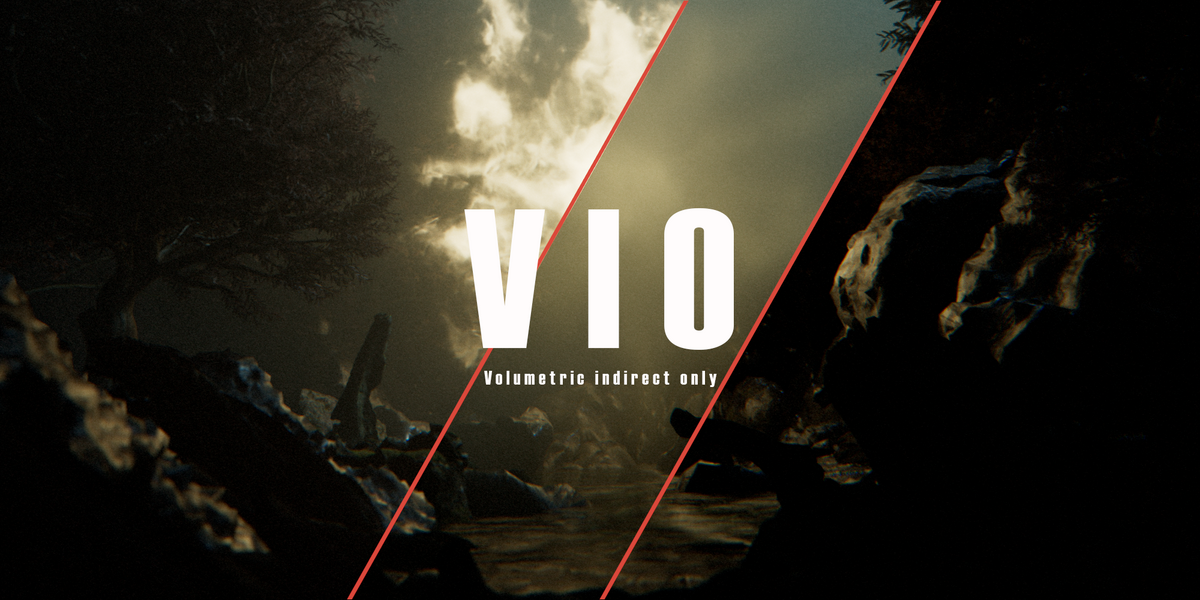
Vio Volumetric Indirect Only
 Extra Sprinkles
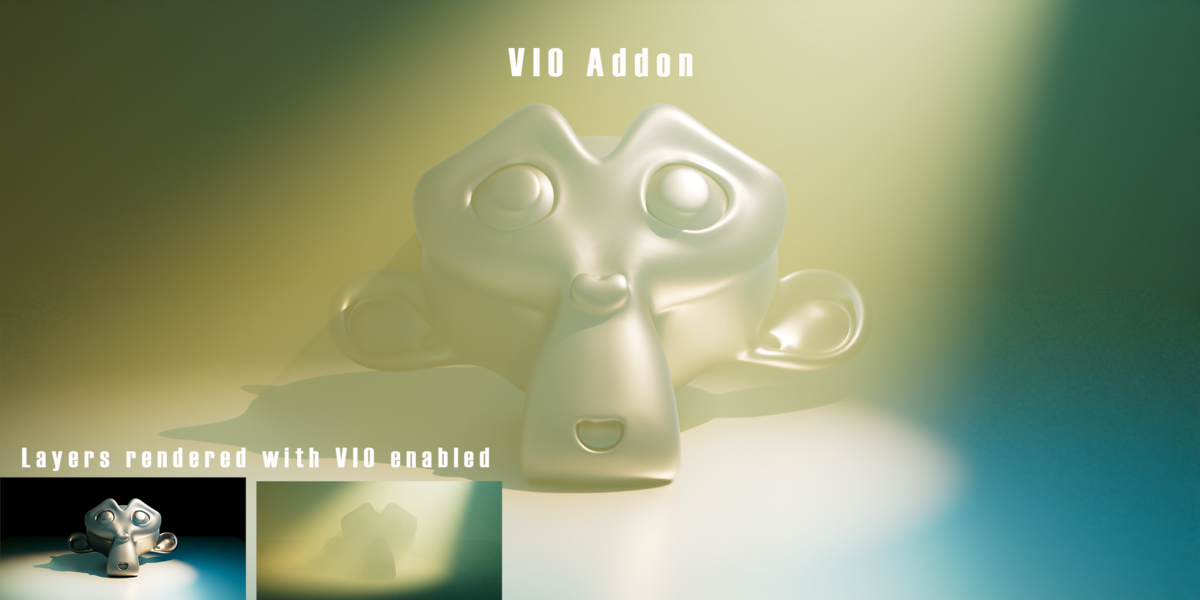
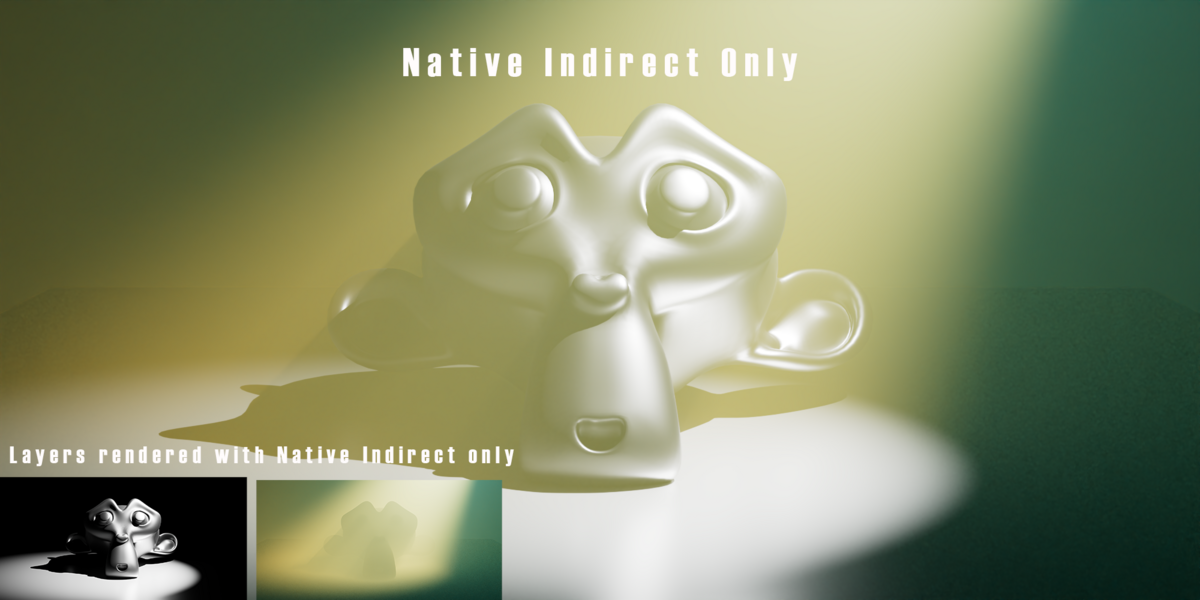
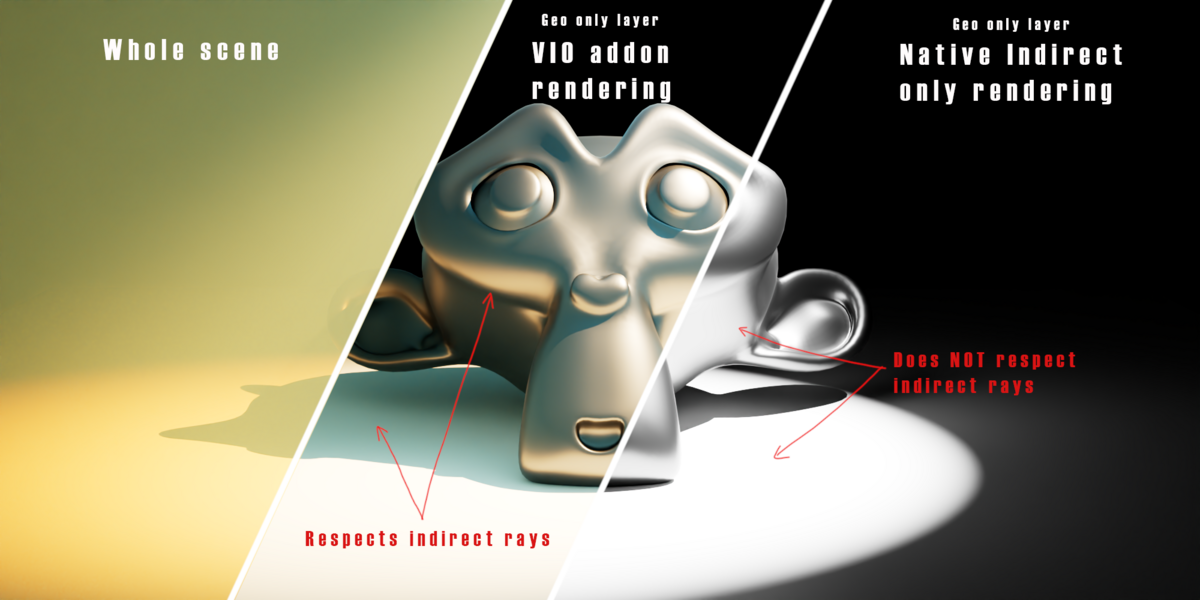
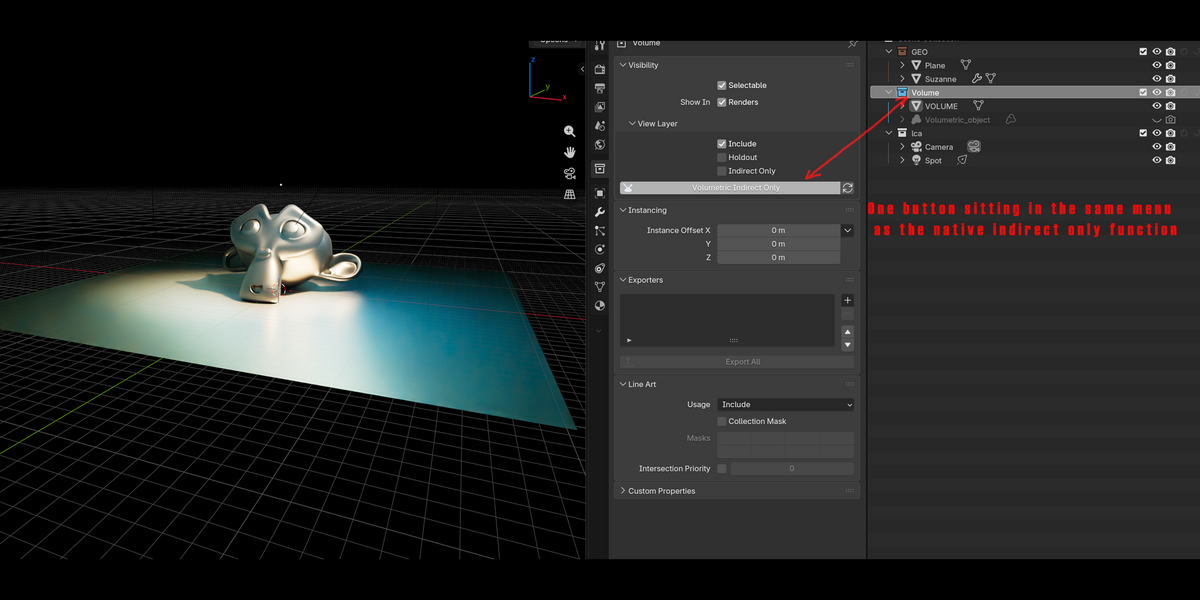
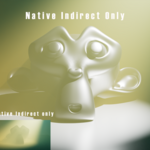
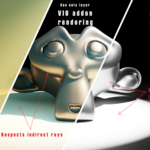
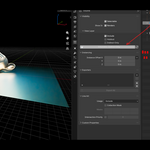
How to use it:
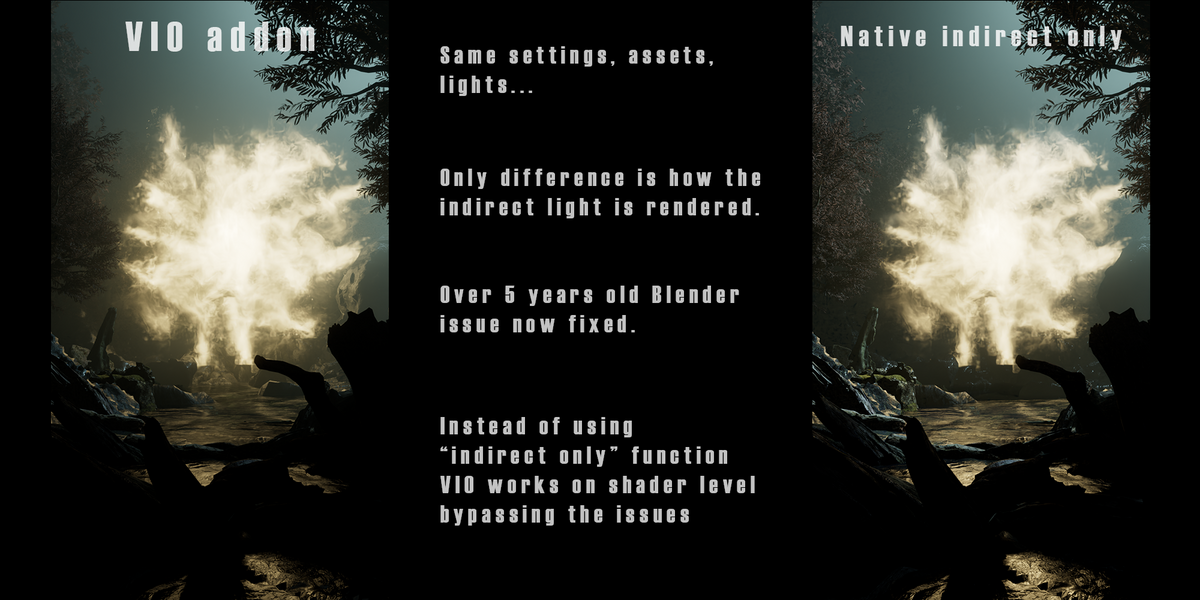
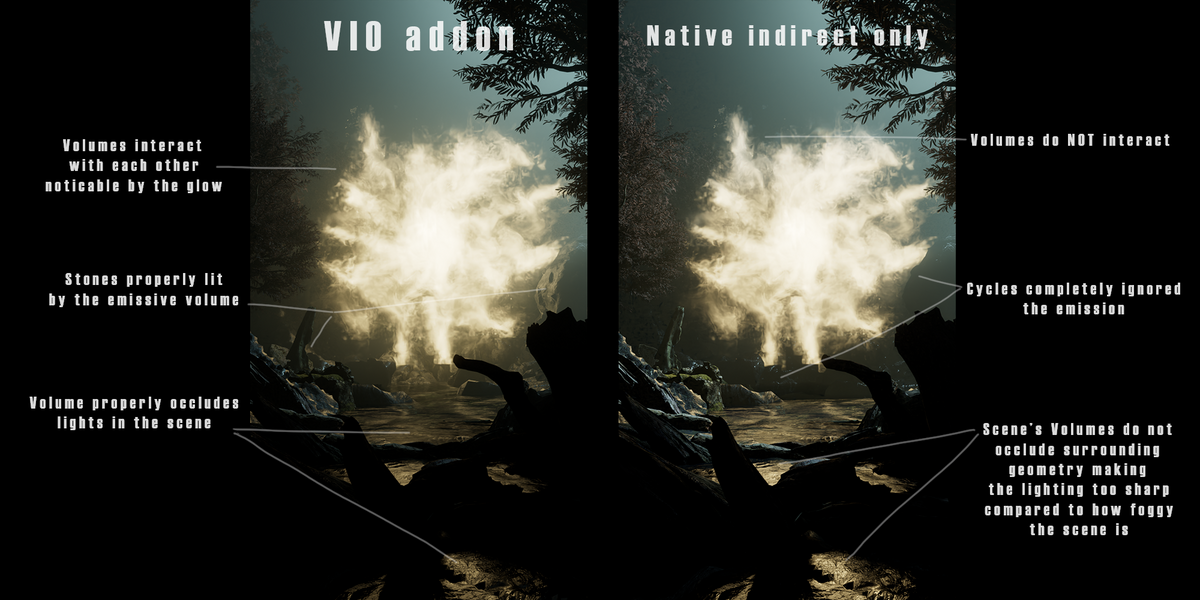
The most important button called "Volumetric Indirect Only" is located in Collection properties right beneath the native "indirect only" button. Then just treat is as the native "indirect only" button but for Volumetric objects.
Right next to this button is a refresh button. The addon refreshes on it's own, however If it for some reason fails to refresh the "refresh" button forces it to.
Linked libraries
The addon will ask you If you want to "make local" any object that is in any collection marked with "Volumetric indirect only".
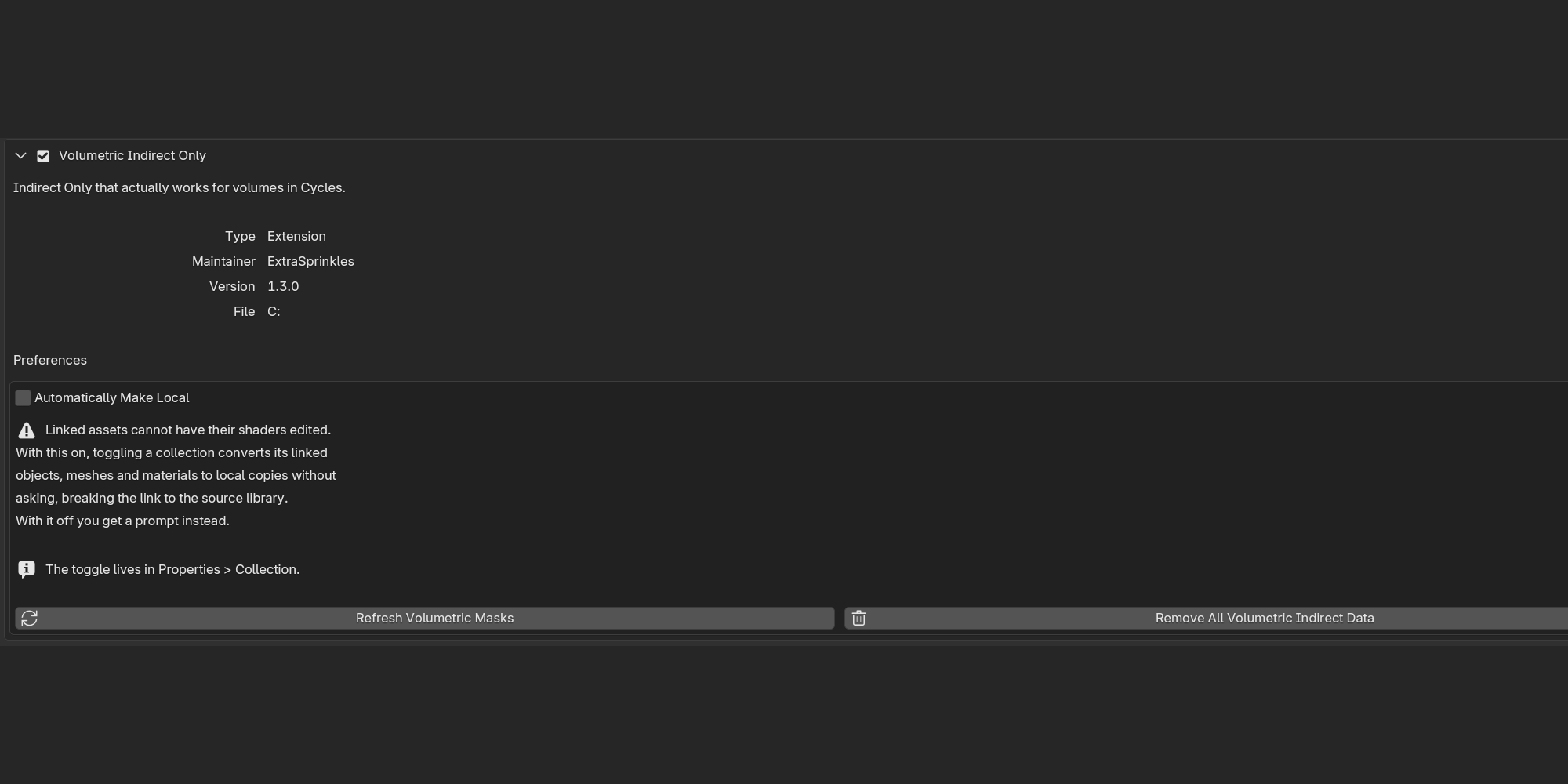
Unfortunately the addon cannot work with linked assets. It needs to add a mask to the objects shader node tree as this is the only way to render indirect volume rays correctly without rebuilding cycles it self.
Revert everything
If you would like to remove any changes done to the blend file by this addon. Go to Preferences -> addons -> volumetric indirect only -> Remove all Volumetric Indirect Data. This removes all the masks done by this addon just like it was never used in the current project.
Uninstall
When uninstalling please follow these instructions: Go to Preferences -> addons -> volumetric indirect only -> Remove all Volumetric Indirect Data and only then hit the uninstall button. 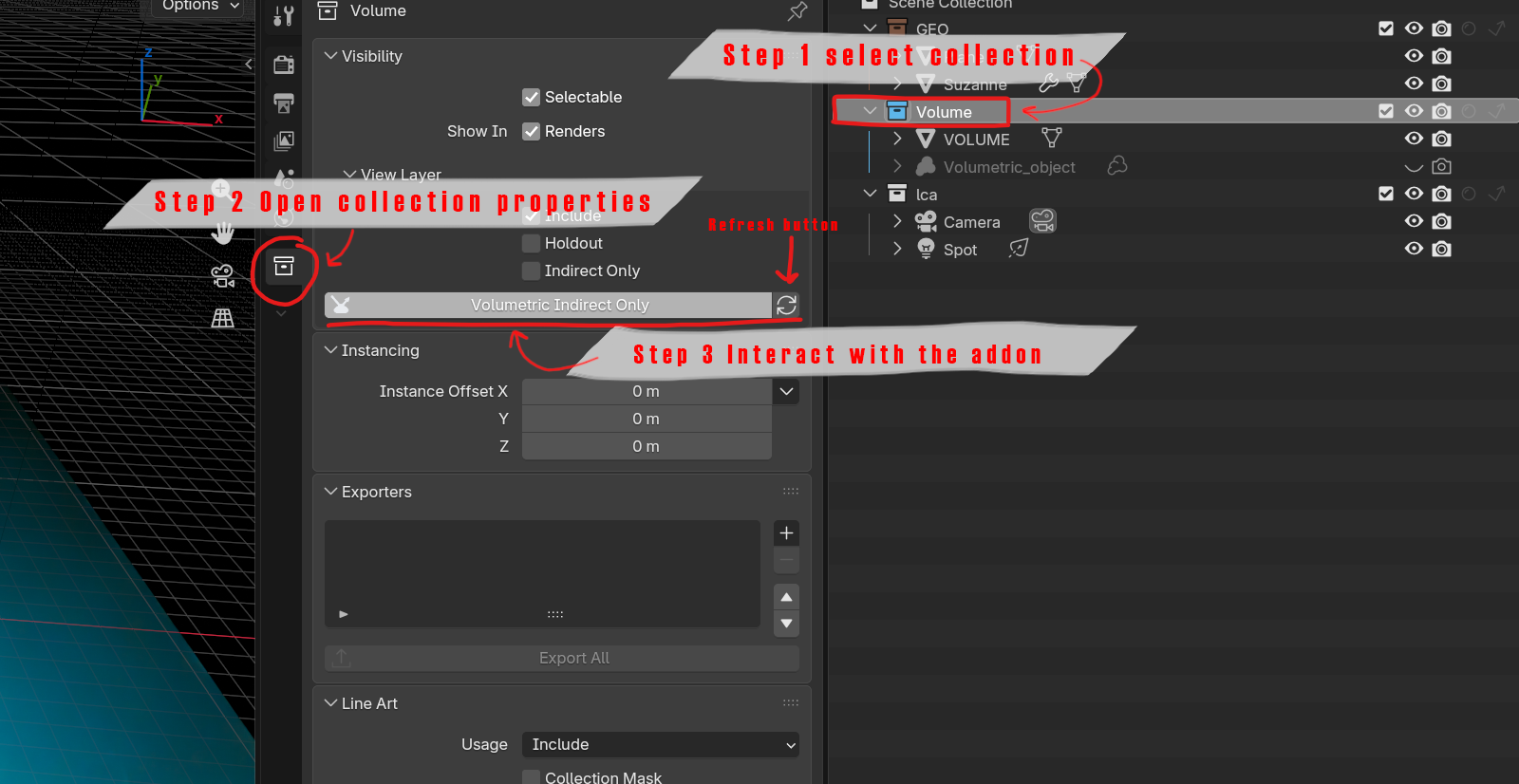
 Included
Includes 12 months of
- Support from Extra Sprinkles
- Product updates
Extend this product’s Support Period +12 months: 25% of product price
Have questions before purchasing?
Login to message
| Blender Extension Compatible | Yes |
| Published | 2 days ago |
| Blender Version | 4.5 - 5.2 |
| Extension Type | Add-on |
| Render Engine Used | Cycles |
| License | GPL |