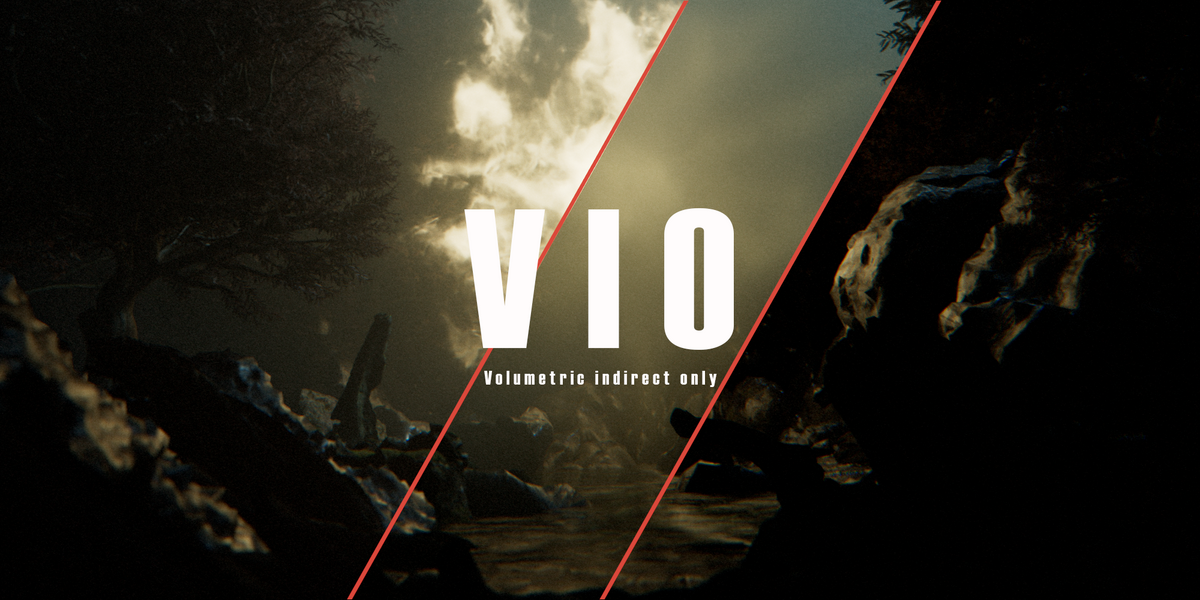
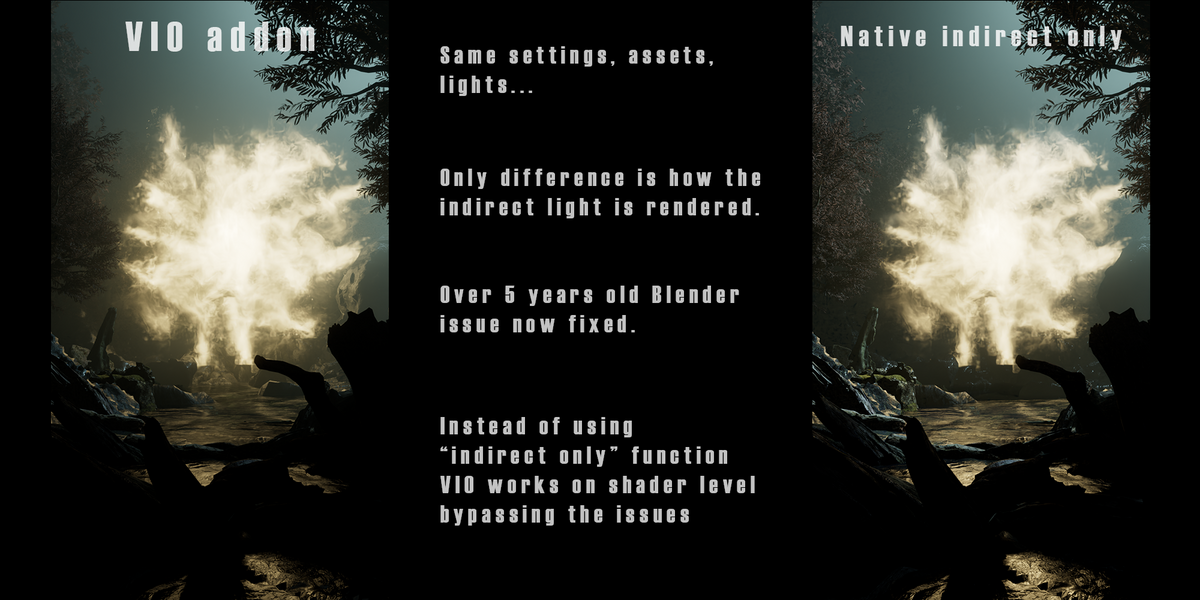
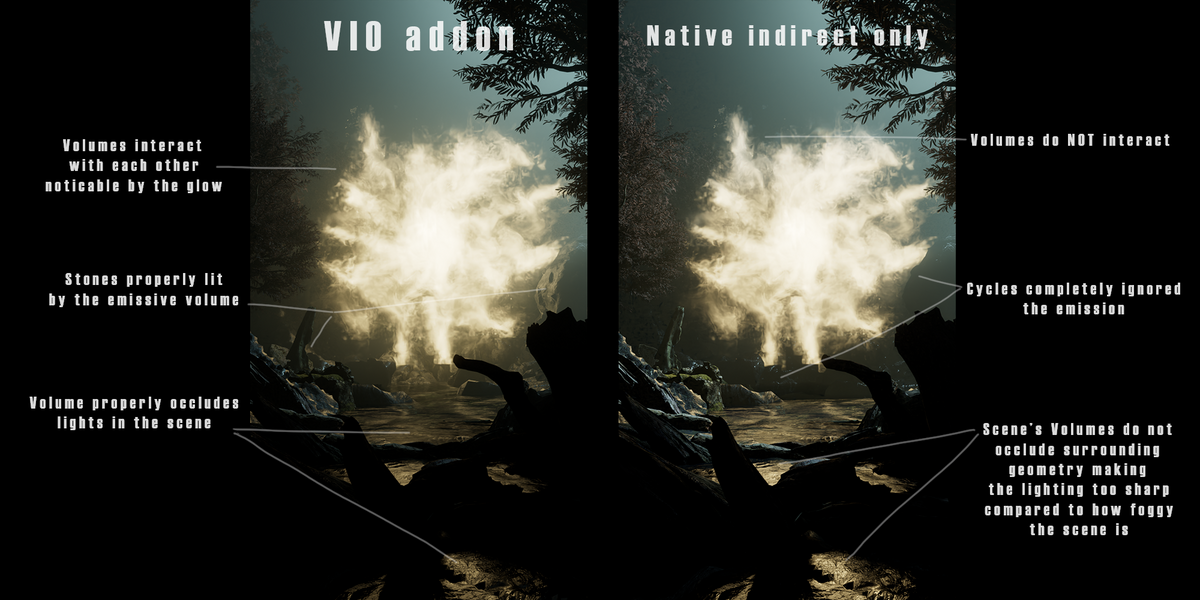
Vio Volumetric Indirect Only
 Extra Sprinkles
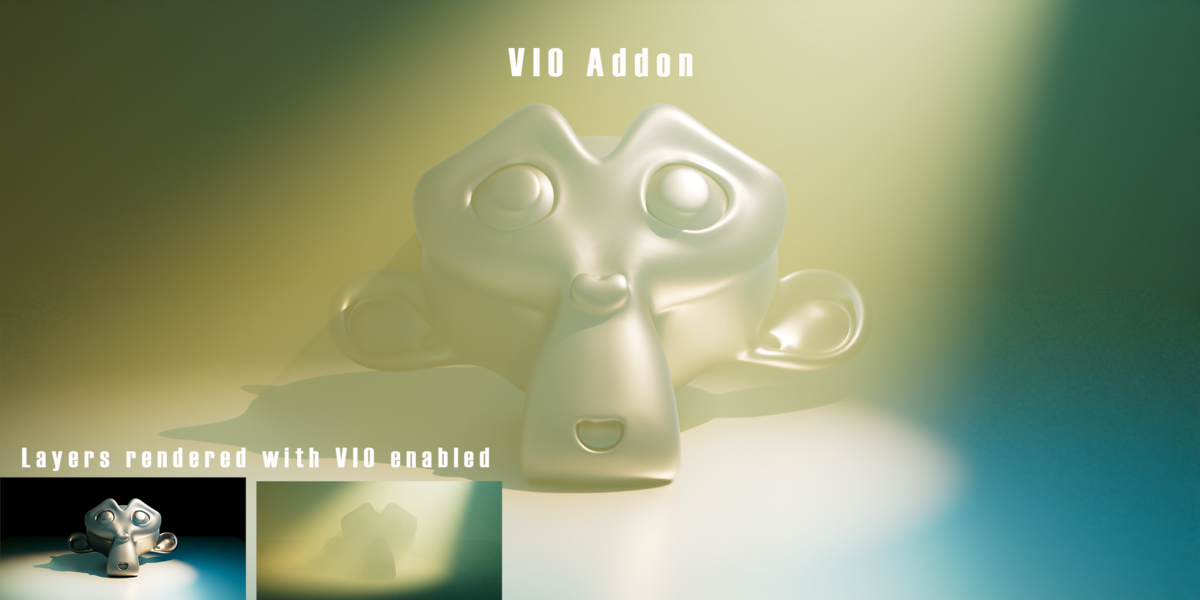
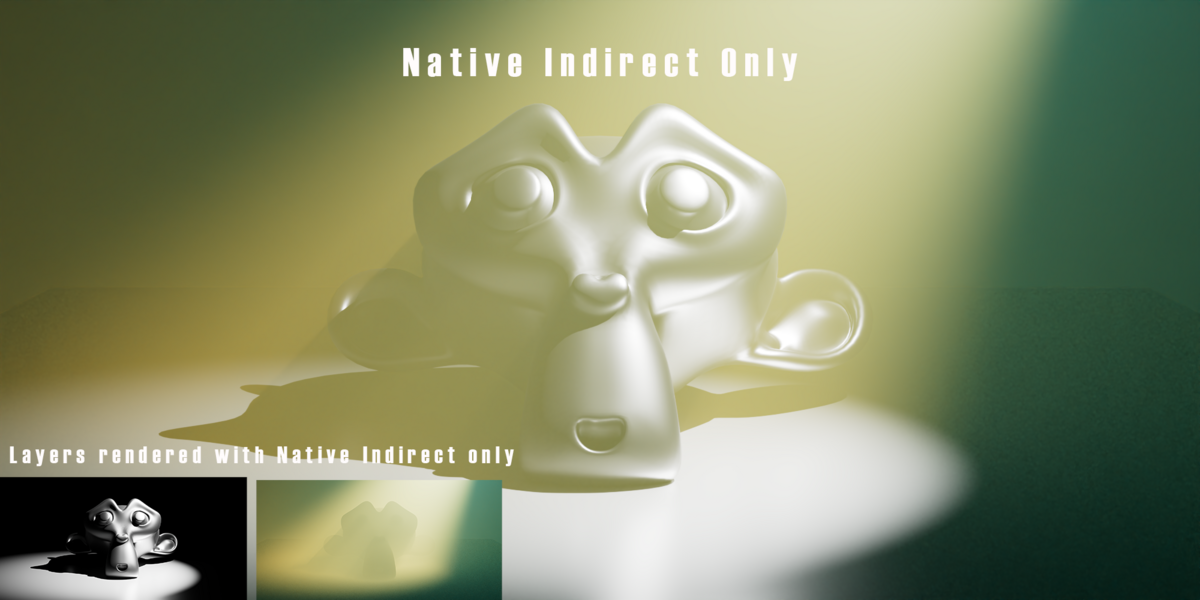
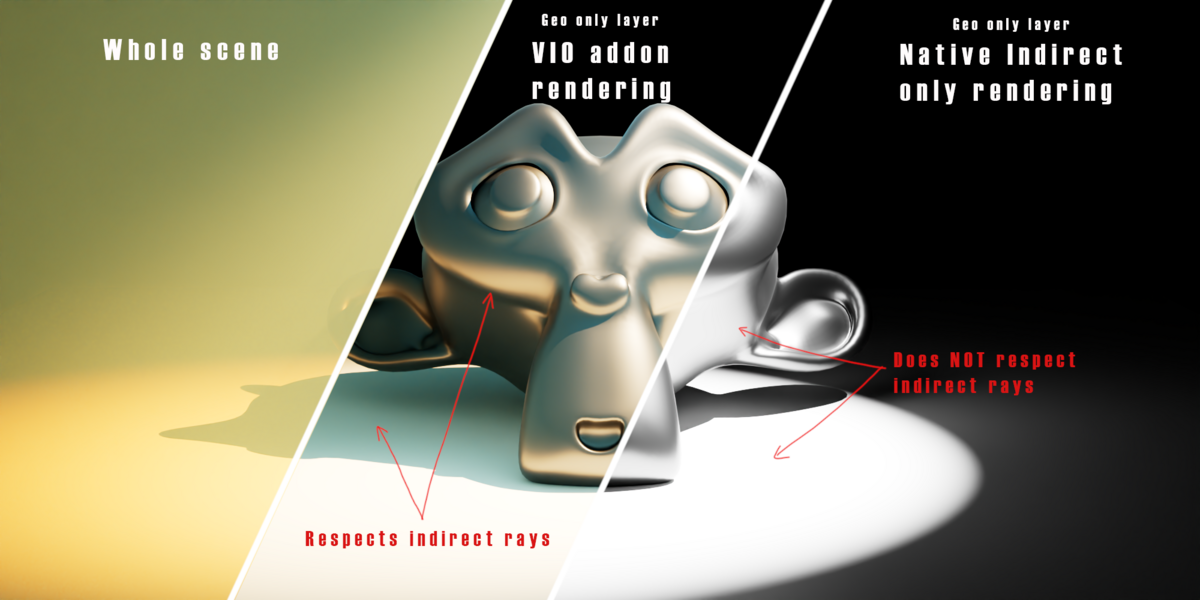
How do i uninstall the addon
Go to preferences -> addons -> volumetric indirect only -> in there click "Remove all volumetric indirect data" -> uninstall.
How do I install the addon.
As any other addon. By either drag and dropping the .zip into blender. Or by going into Preferences -> Addons -> install from disk -> selecting the.zip file.
What if my collection contains both volume and surface geometry.
The addon is able to mask anything that has a material on it. Including objects that utilize both surface and volumetric shading (for example water shaders).
How do I troubleshoot?
The best way to trouble shoot is to first try the "refresh button" located next to the "Volumetric Indirect Only" button. Or in Preferences -> addons -> volumetric indirect only -> Refresh volumetric masks.
If your error is not resolved or you would like to remove any changes made by the addon follow the same path and click "Remove all Volumetric Indirect Data": Preferences -> addons -> volumetric indirect only -> Remove all Volumetric Indirect Data. (This button should be always used before uninstalling the addon.)
How does the addon work
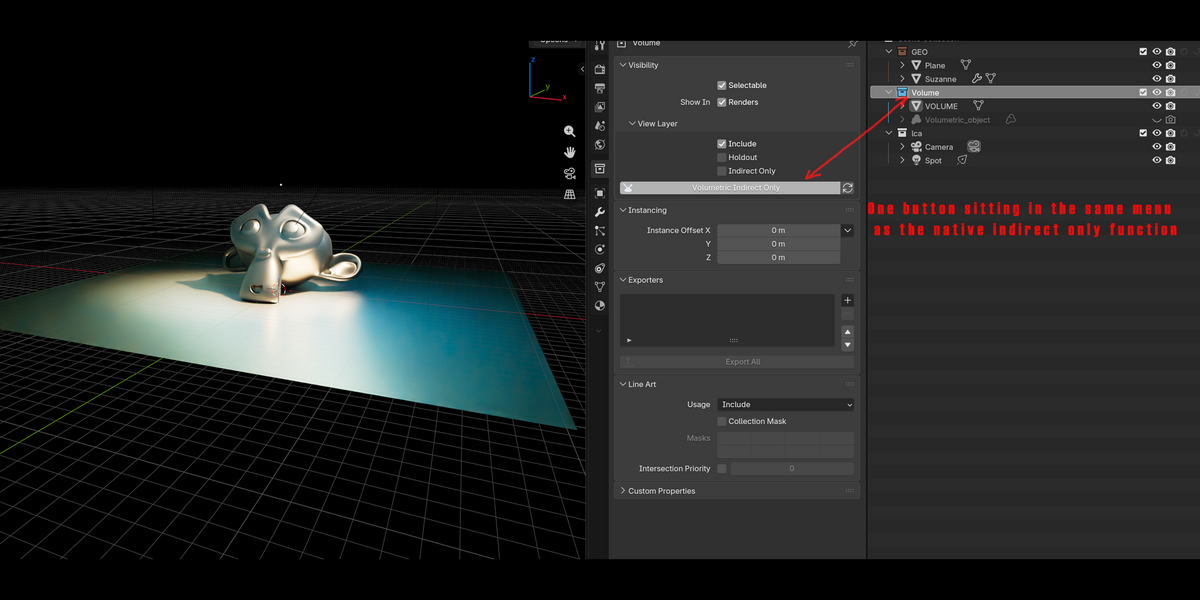
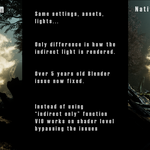
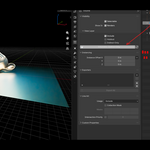
The main button is located in Collection properties and is right beneath the native indirect only button and is called "Volumetric Indirect Only". (make sure you have selected the collection that you would like to set to "volumetric indirect only". 
 Included
Includes 12 months of
- Support from Extra Sprinkles
- Product updates
Extend this product’s Support Period +12 months: 25% of product price
Have questions before purchasing?
Login to message
| Blender Extension Compatible | Yes |
| Published | 2 days ago |
| Blender Version | 4.5 - 5.2 |
| Extension Type | Add-on |
| Render Engine Used | Cycles |
| License | GPL |