 3DVision
GEOMETRY NODES ASSET FOR BLENDER
Virtual Render
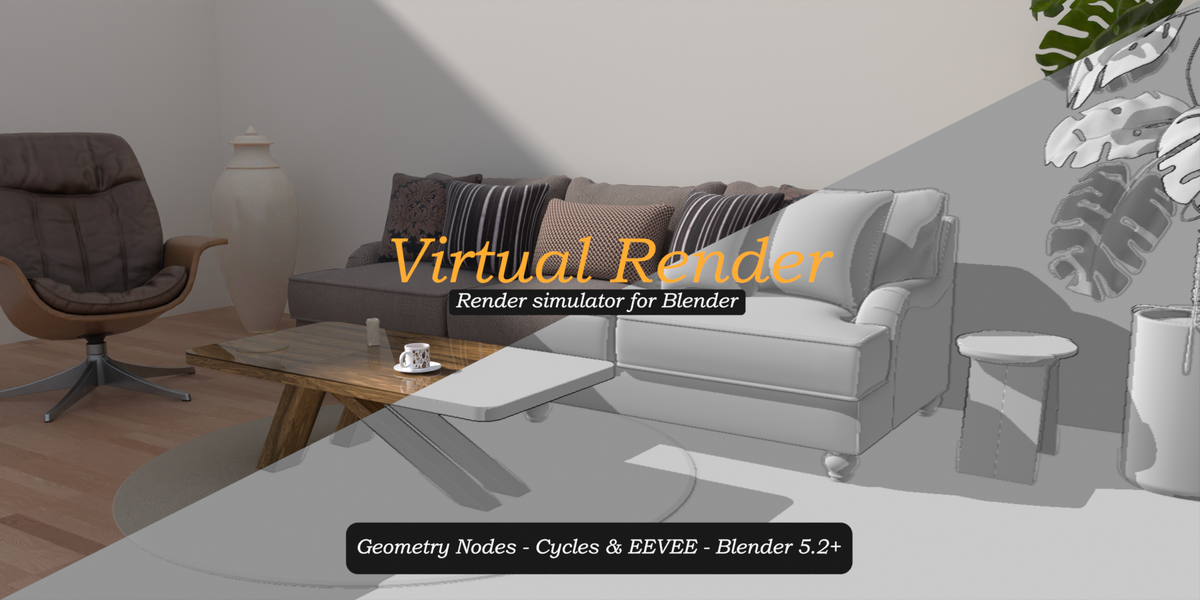
Simulate a render in progress, live in your scene. A complete render simulation, fully animatable and art-directable.
Built for content creators
Tiles progressively reveal your real render on top of a viewport-style preview, exactly like the Blender render window, but directly in your camera view.
Ideal for YouTube intros, tutorials, making-of videos, portfolio breakdowns, product presentations and social media content. One modifier, one value to animate, and your render comes to life.
Key features
Two simulation modes Render simulates a tile-by-tile render with title, progress bar and percentage. Versus displays a render vs viewport split screen with adjustable angle, soft edge and labels that follow the split line. |
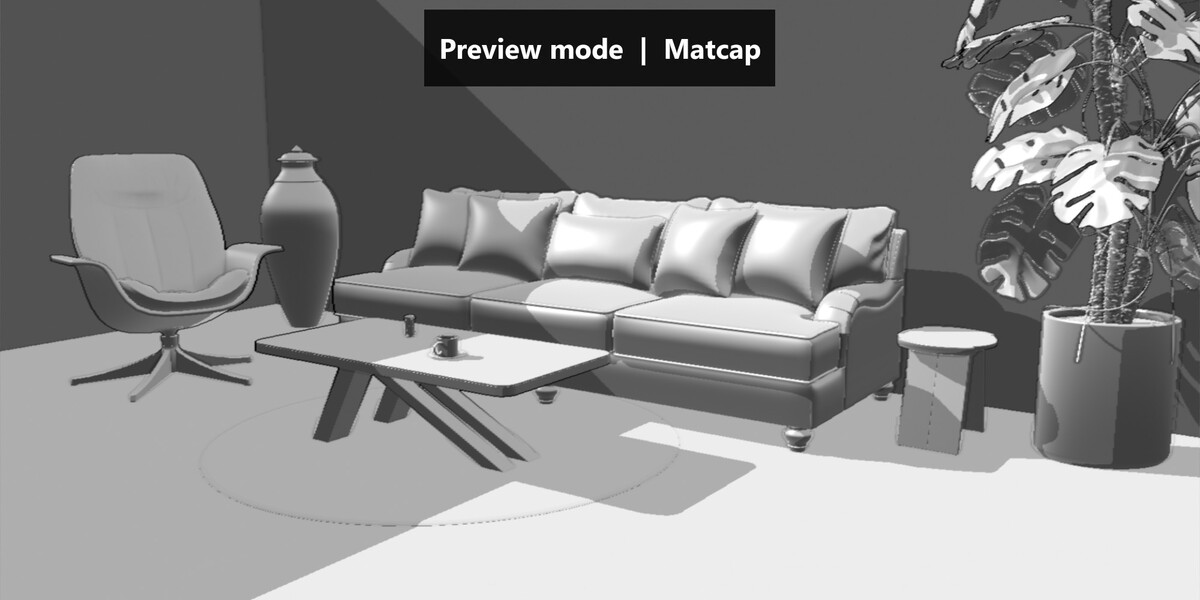
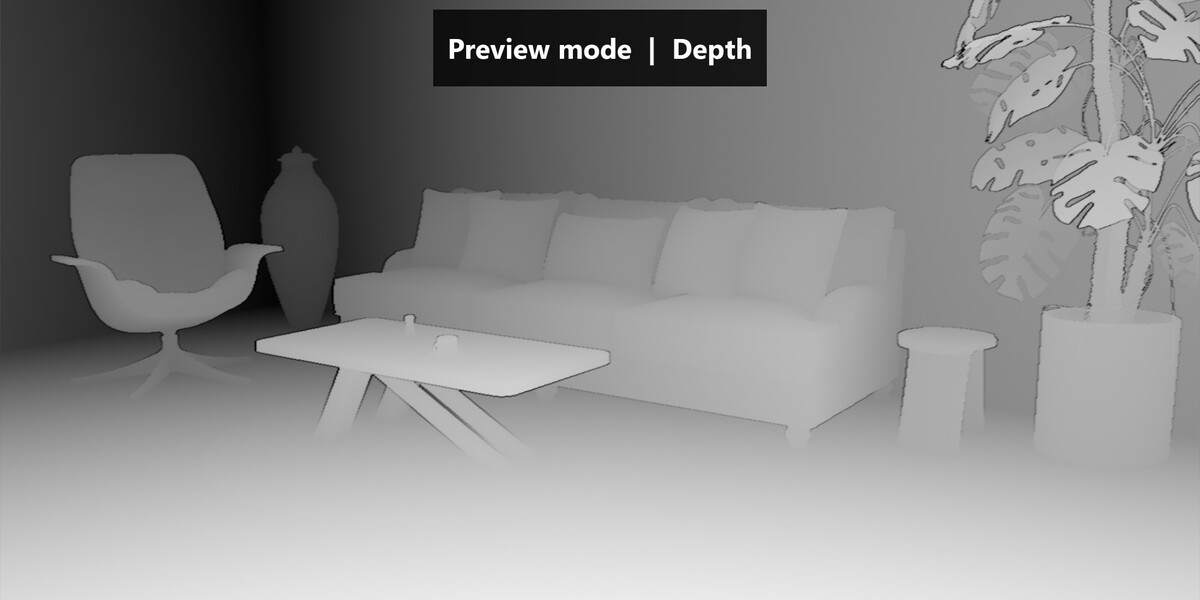
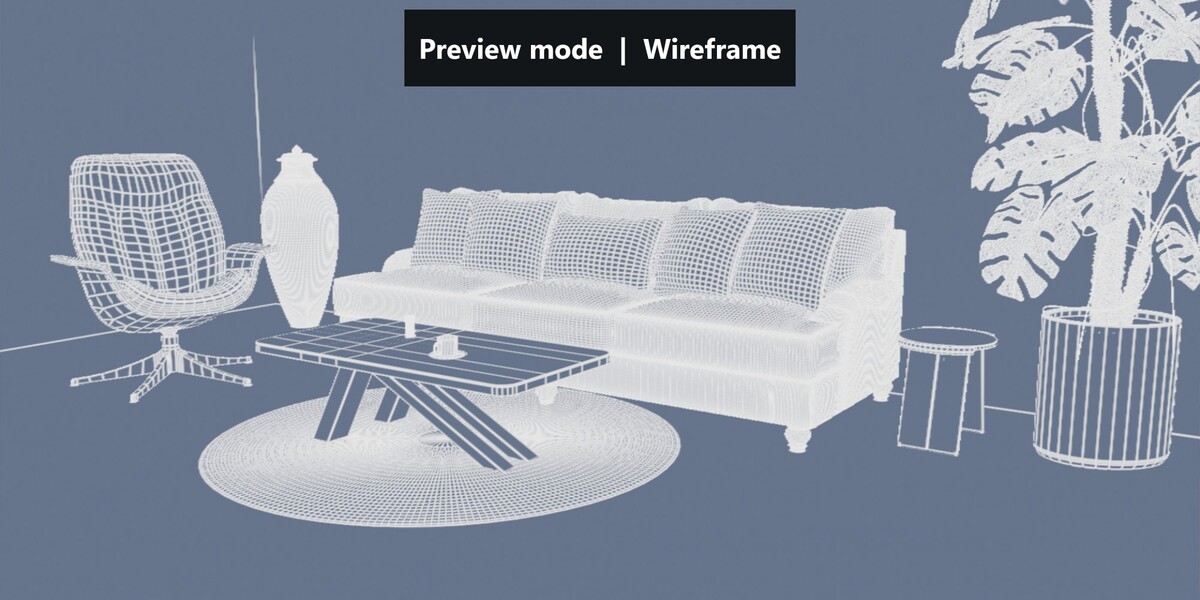
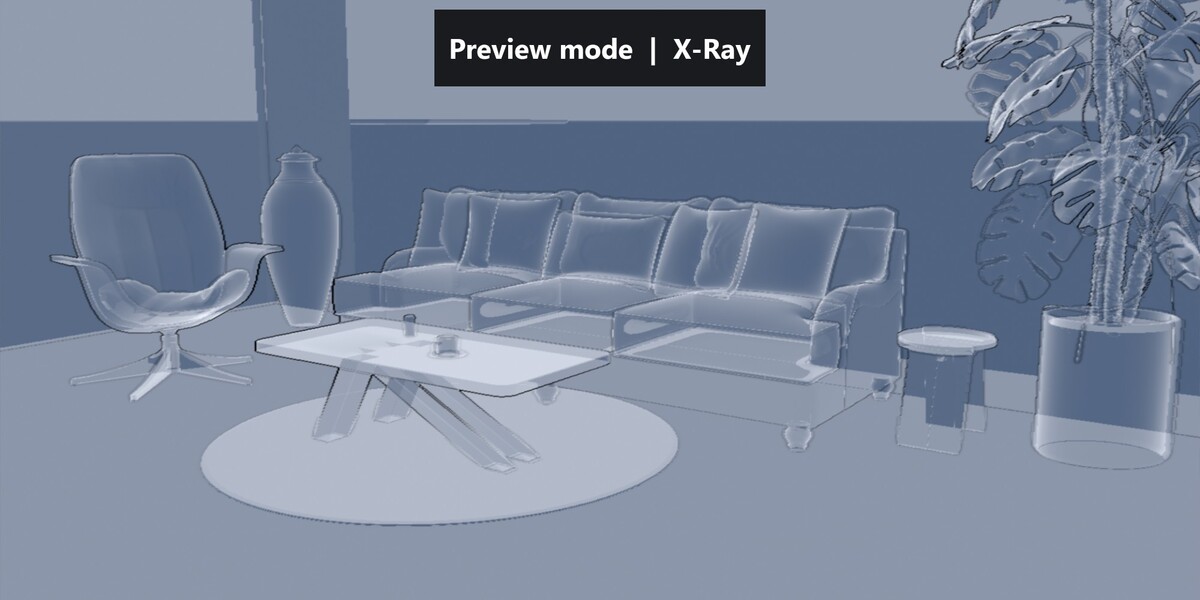
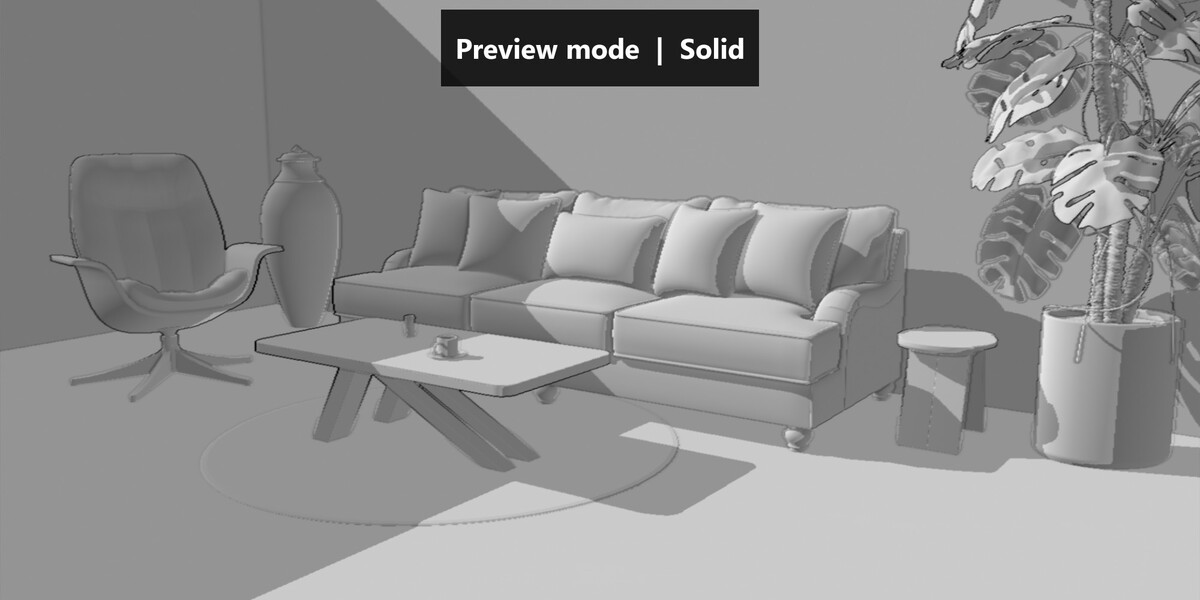
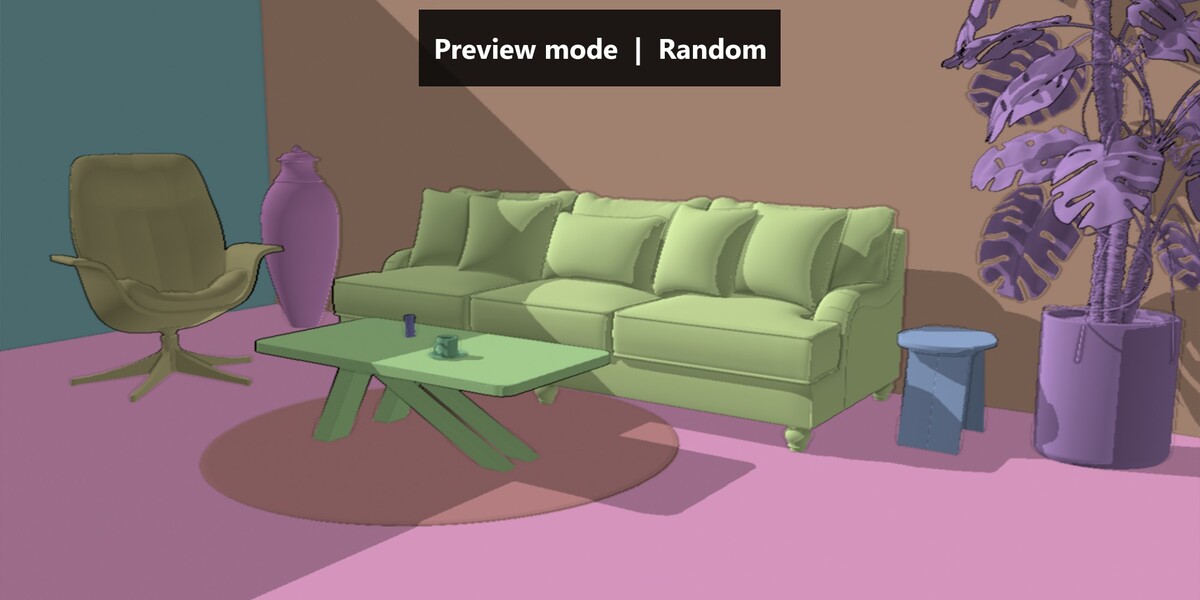
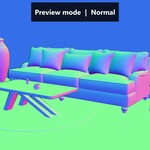
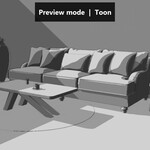
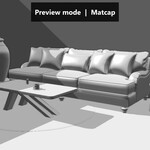
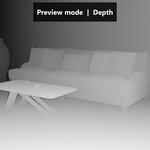
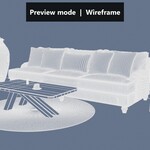
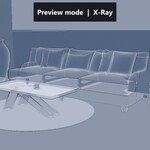
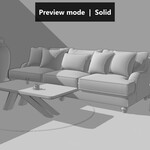
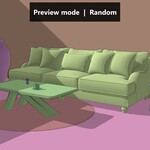
Eight preview modes Solid, Random, Wireframe, X-Ray, Normal, Depth, Toon and Matcap. Shading follows your scene light, with cast shadows, ambient occlusion and outlines. |
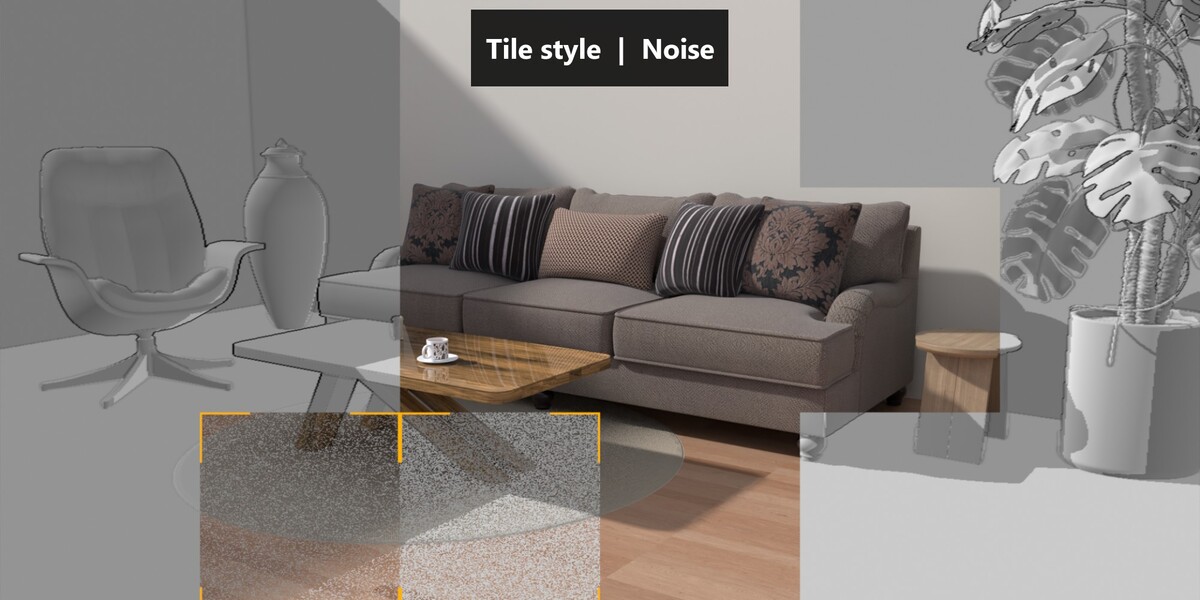
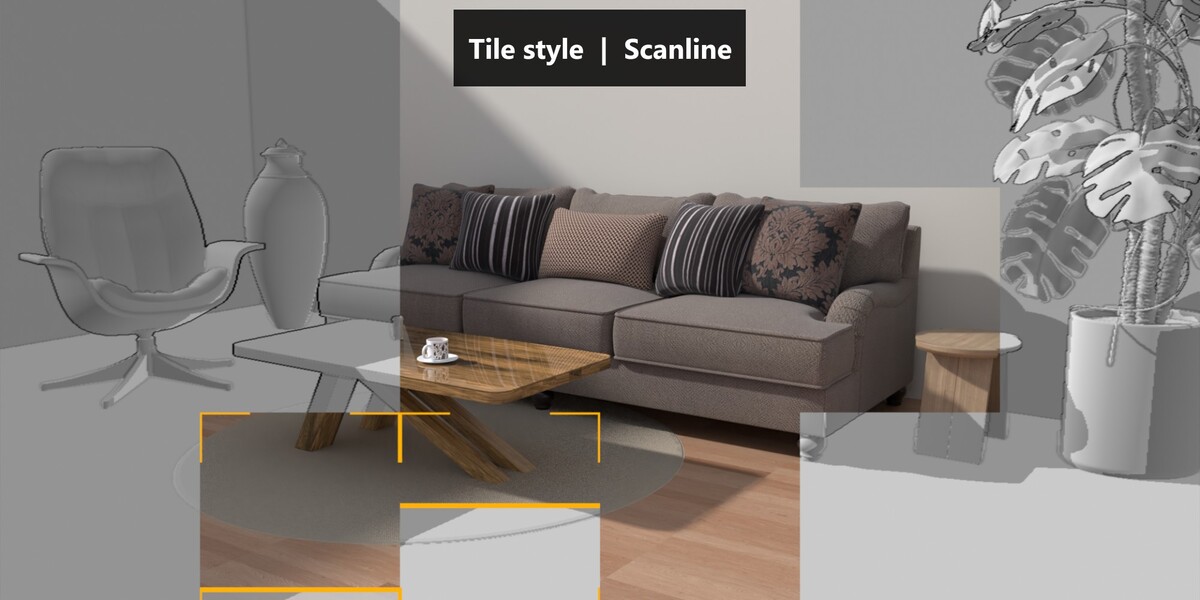
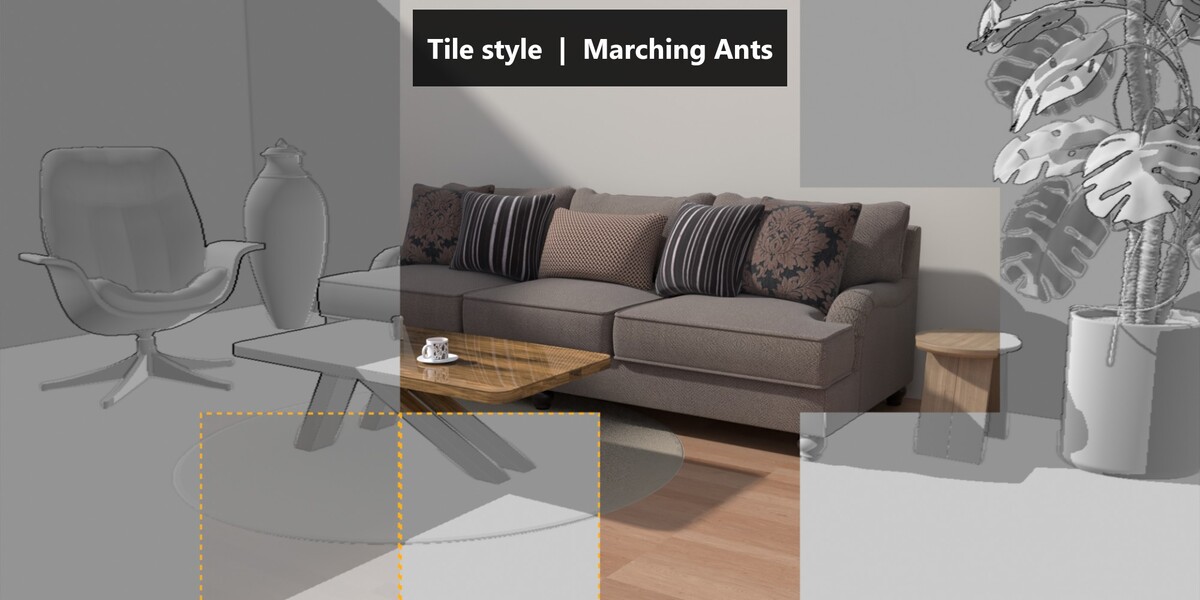
Advanced tile system Free grid size, center spiral, rows or random order, multi-thread simulation with per-tile time variation, fade-in and flash on finished tiles. |
Production friendly Separate level of detail for the viewport and the final render, automatic camera alignment, perspective and orthographic support, and computations limited to the active mode. |
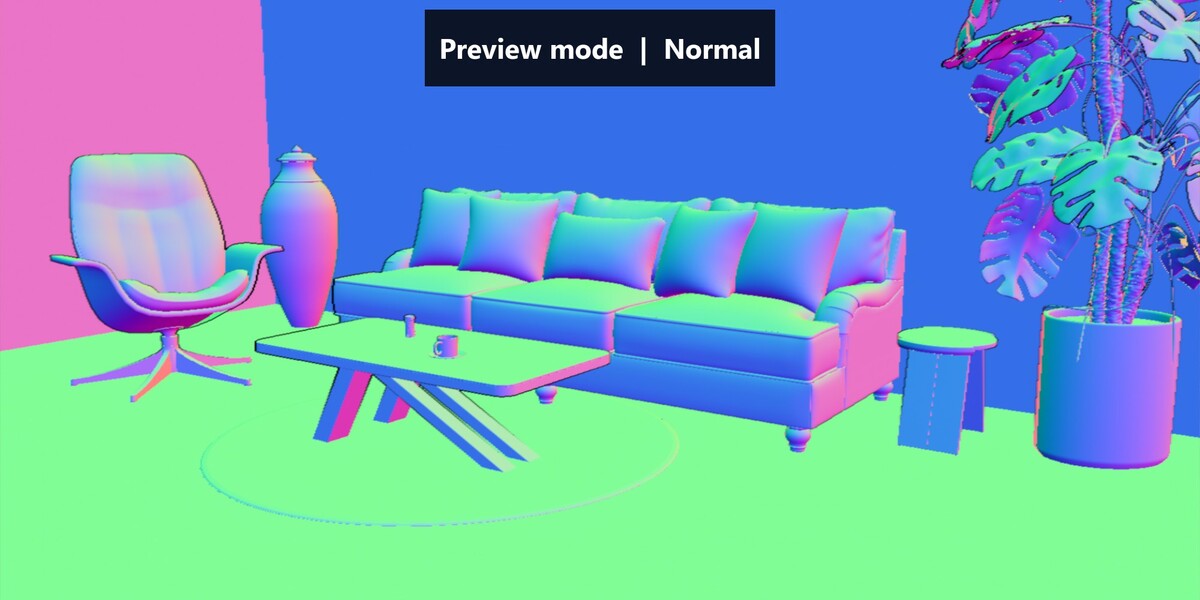
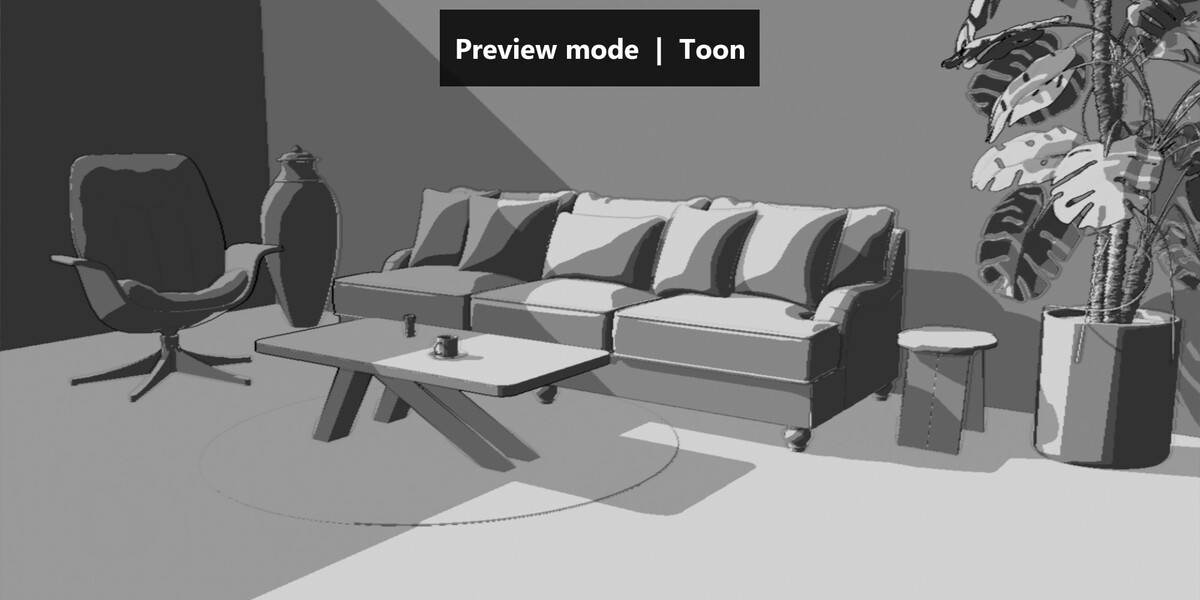
Eight preview modes
Choose how unrendered areas are displayed.
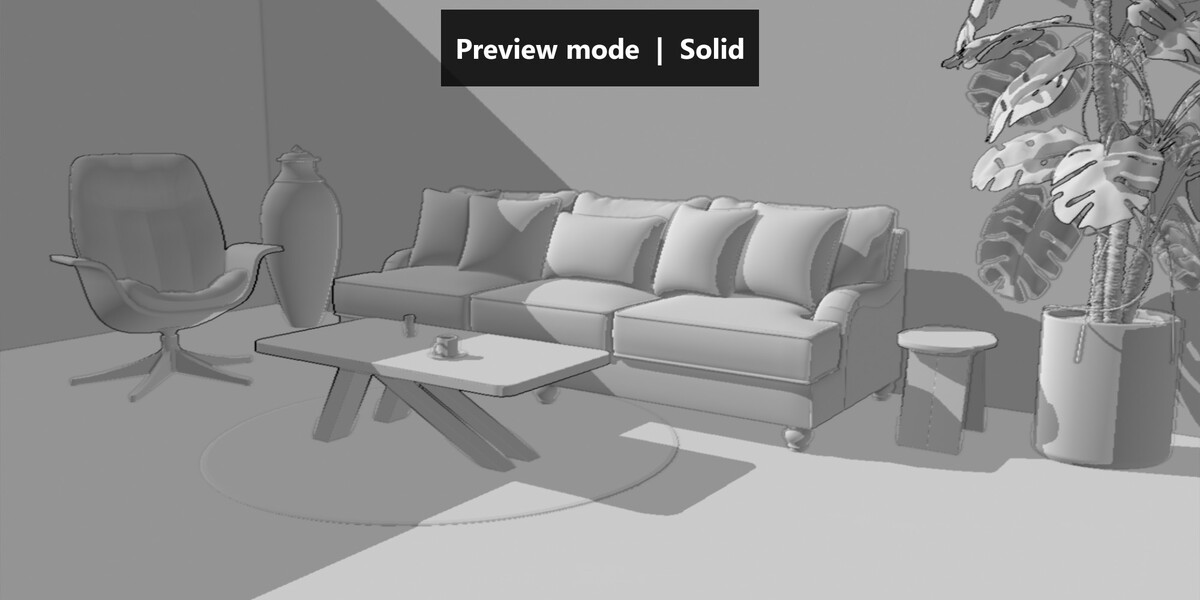 Solid |
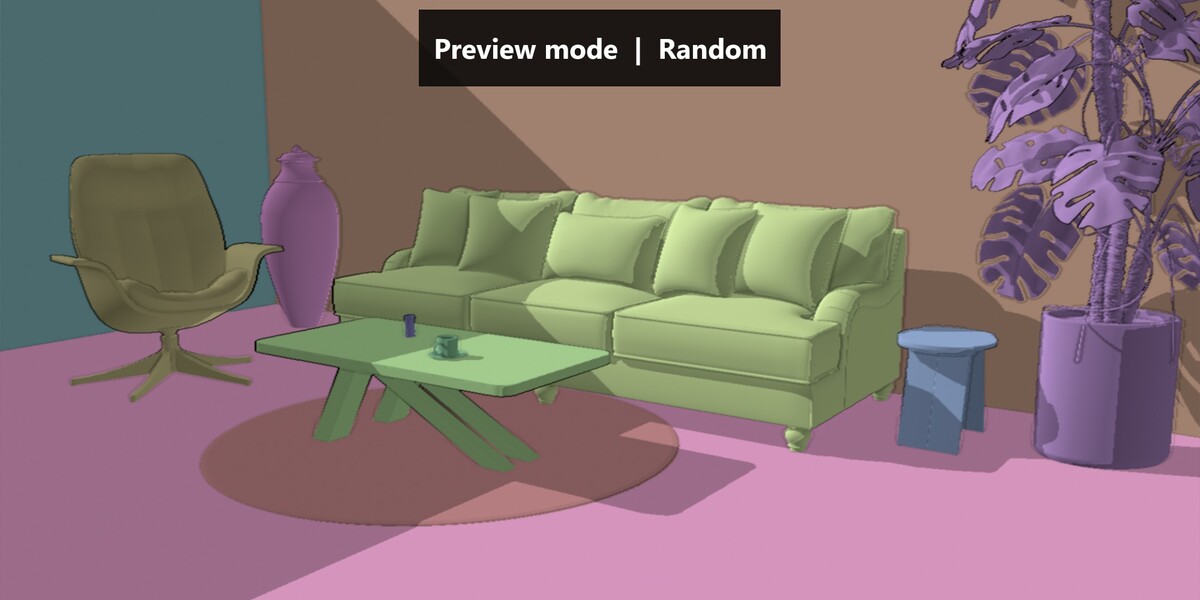 Random |
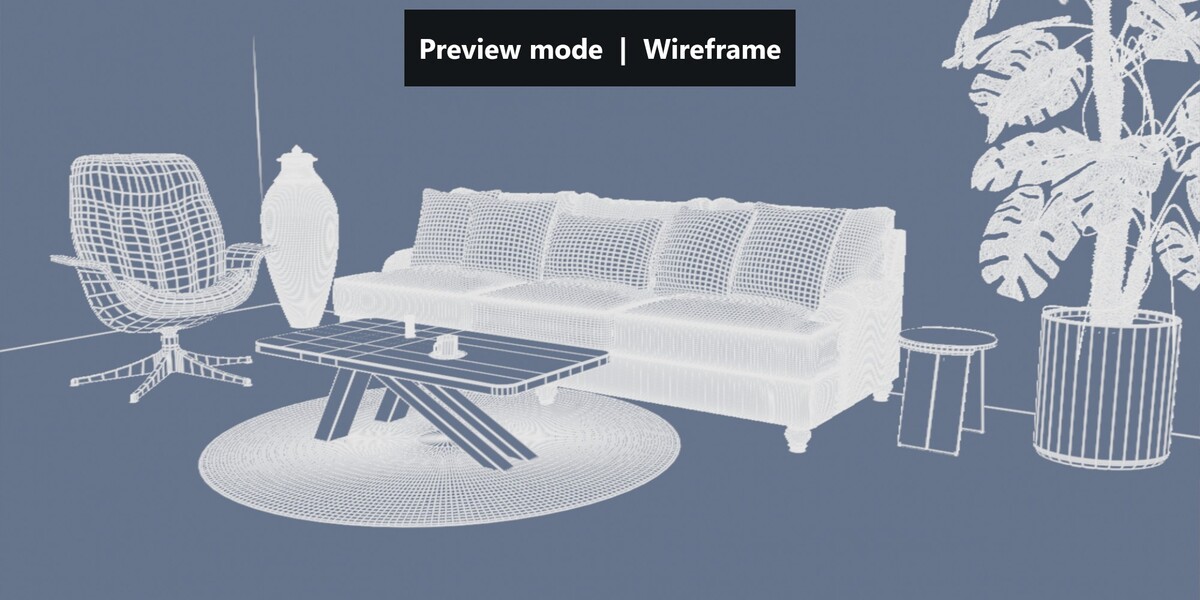 Wireframe |
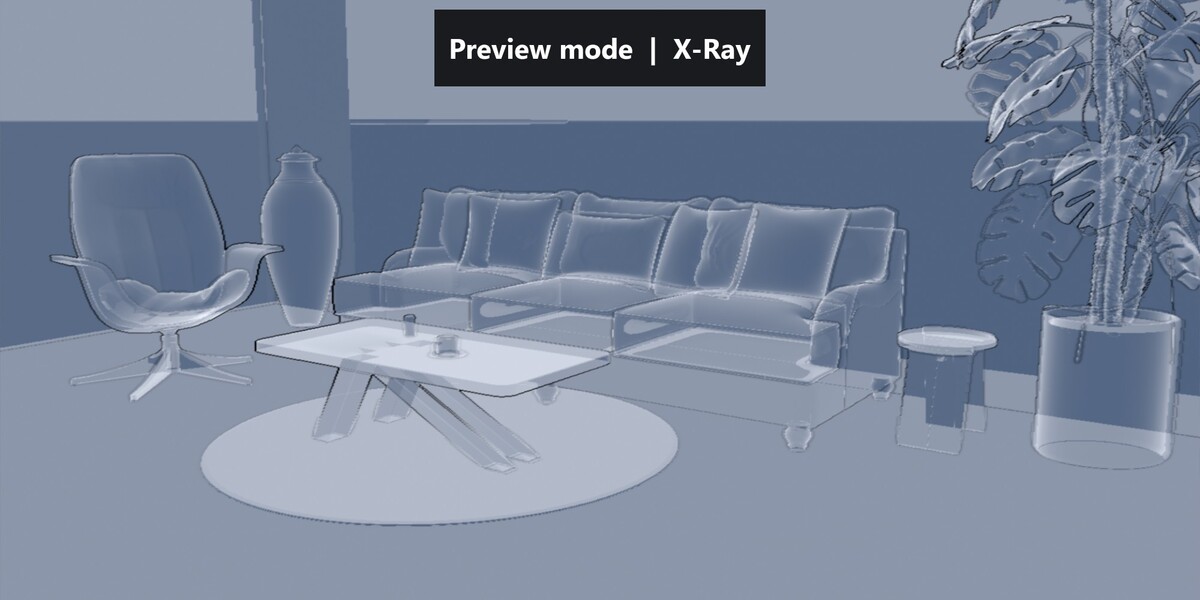 X-Ray |
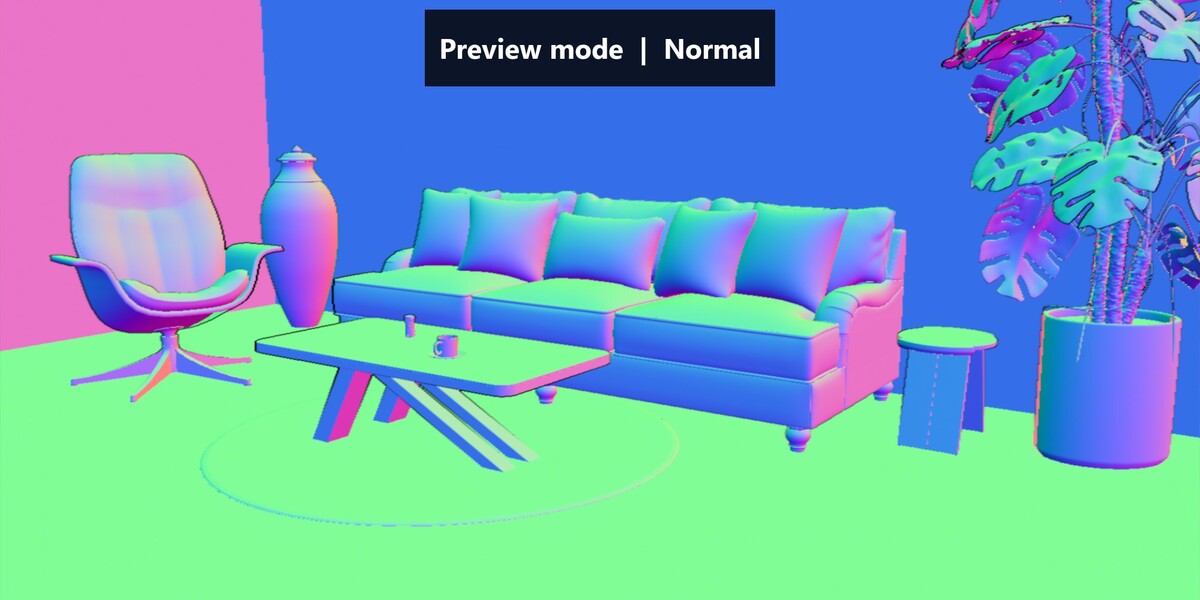 Normal |
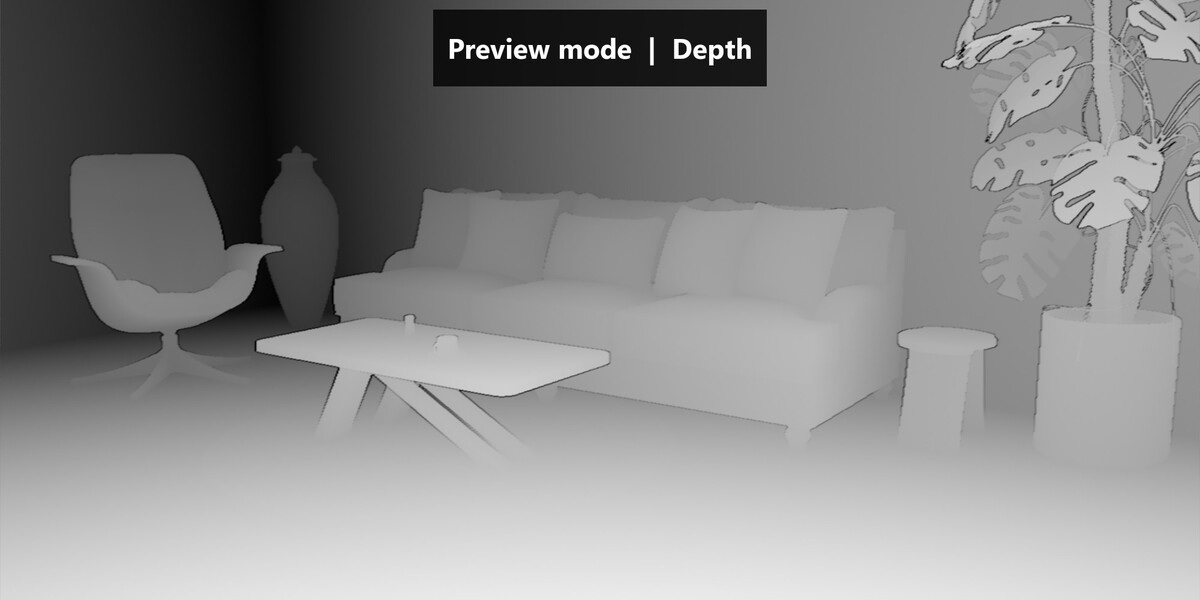 Depth |
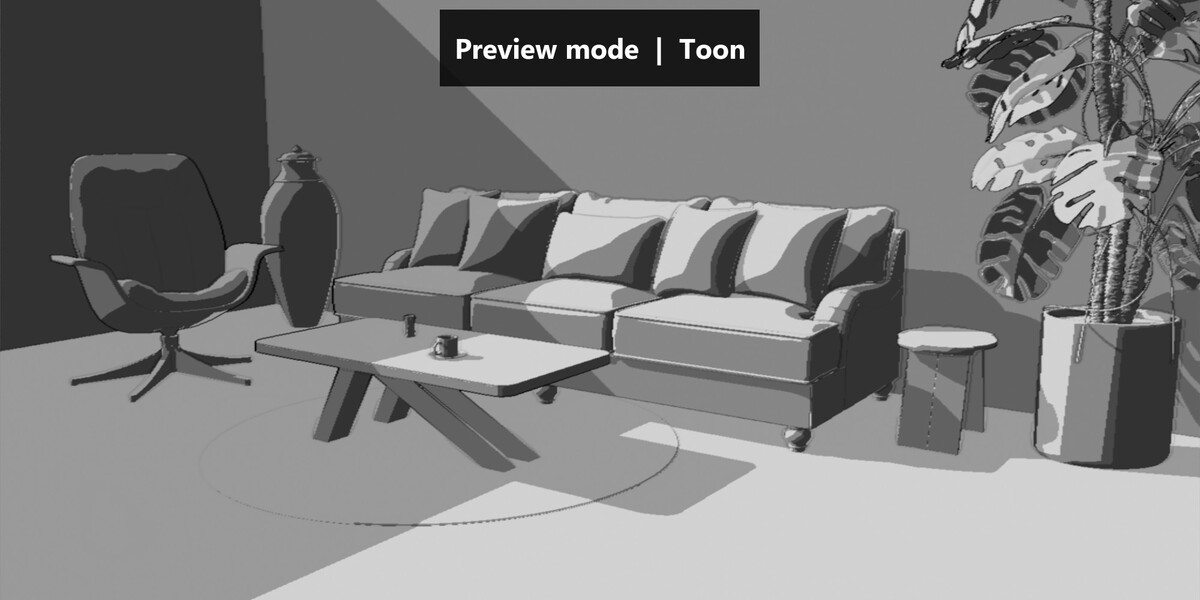 Toon |
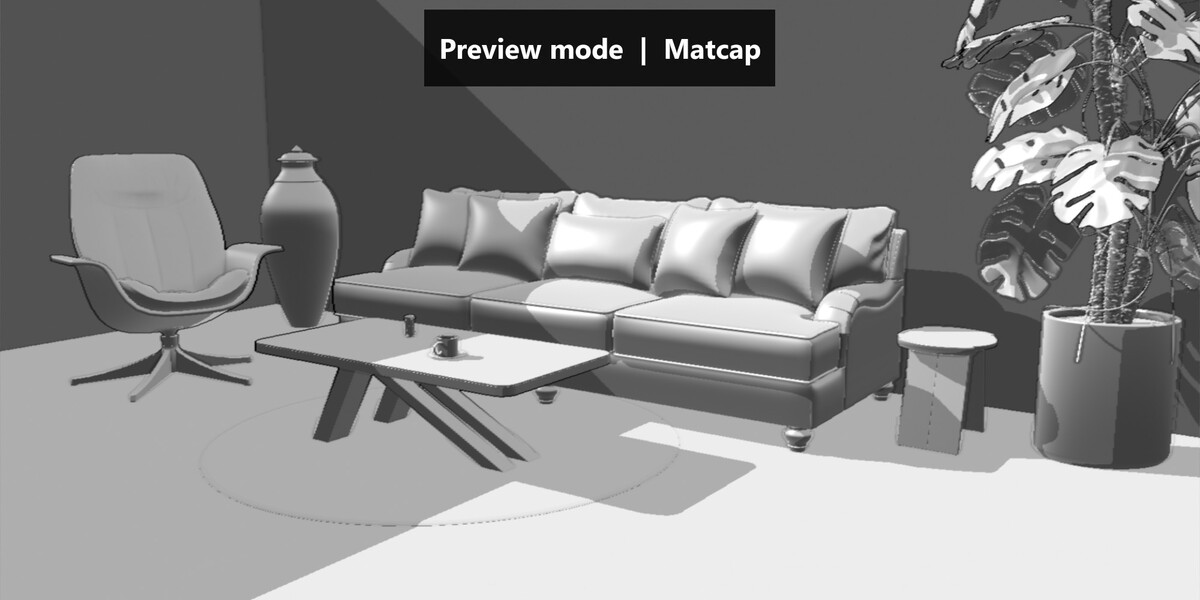 Matcap |
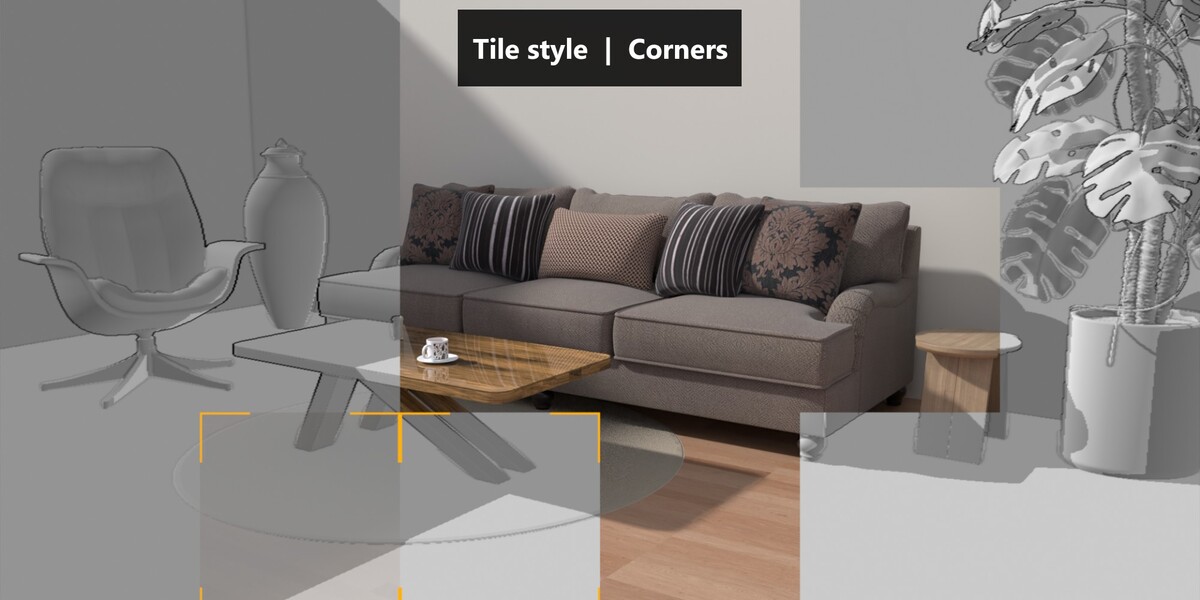
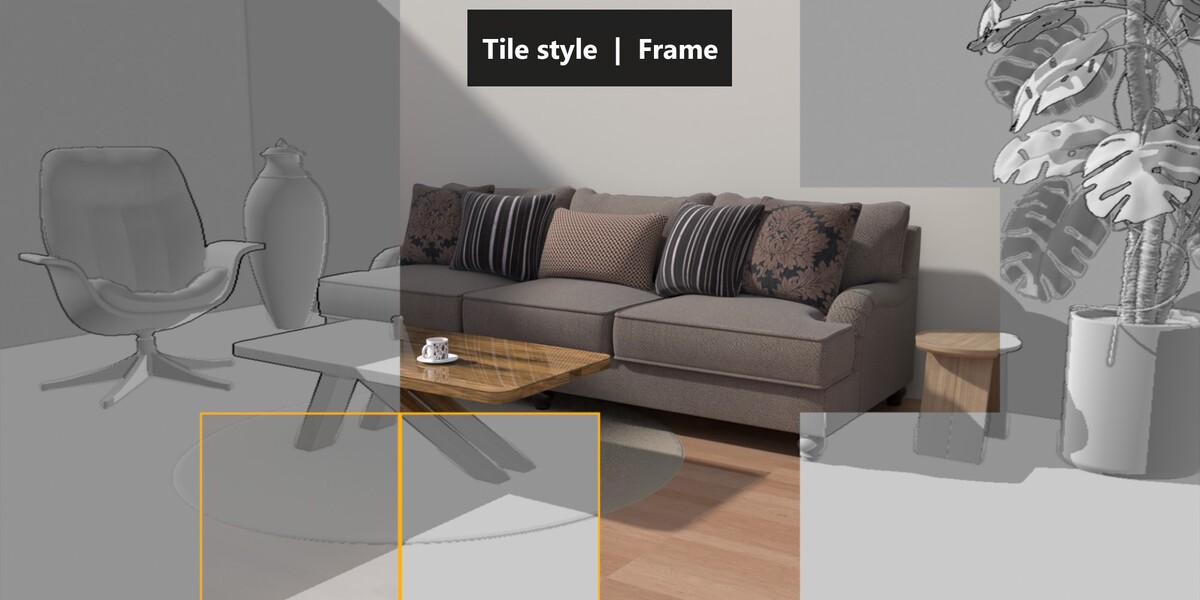
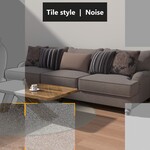
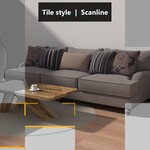
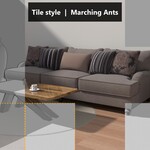
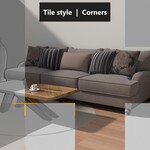
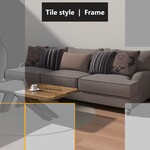
Five tile styles
Customize how the active tiles look while rendering.
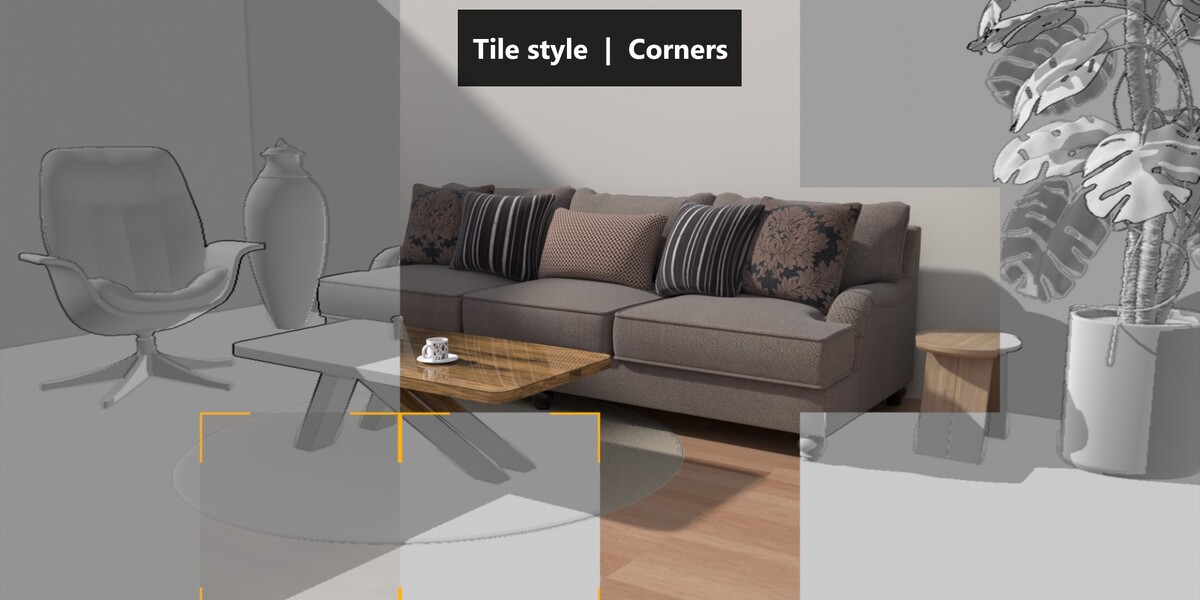 Corners |
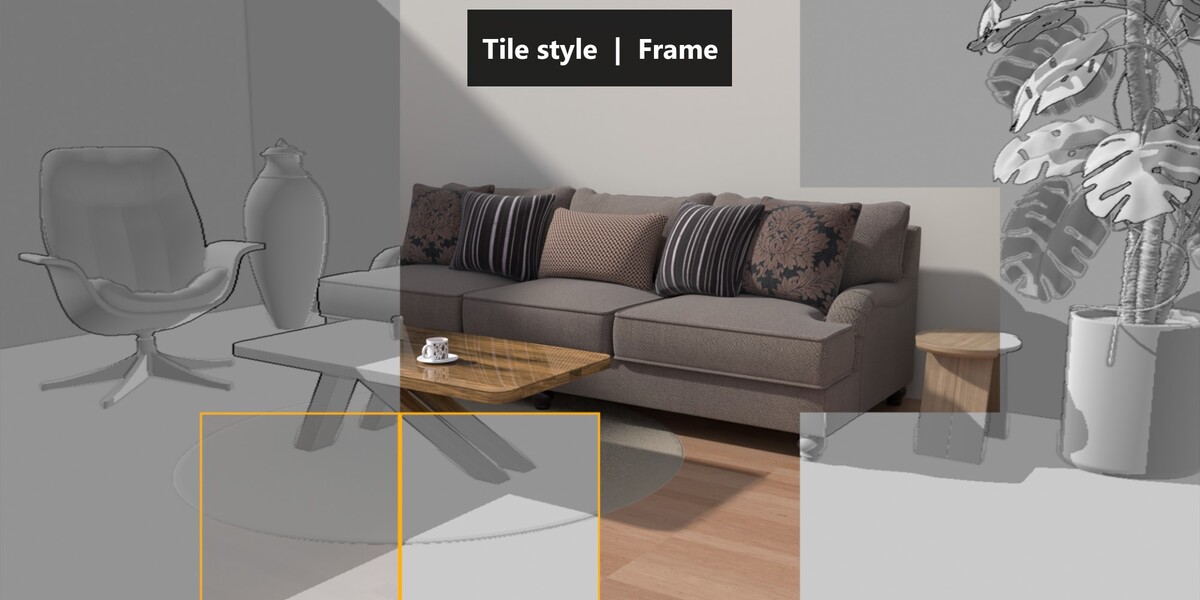 Frame |
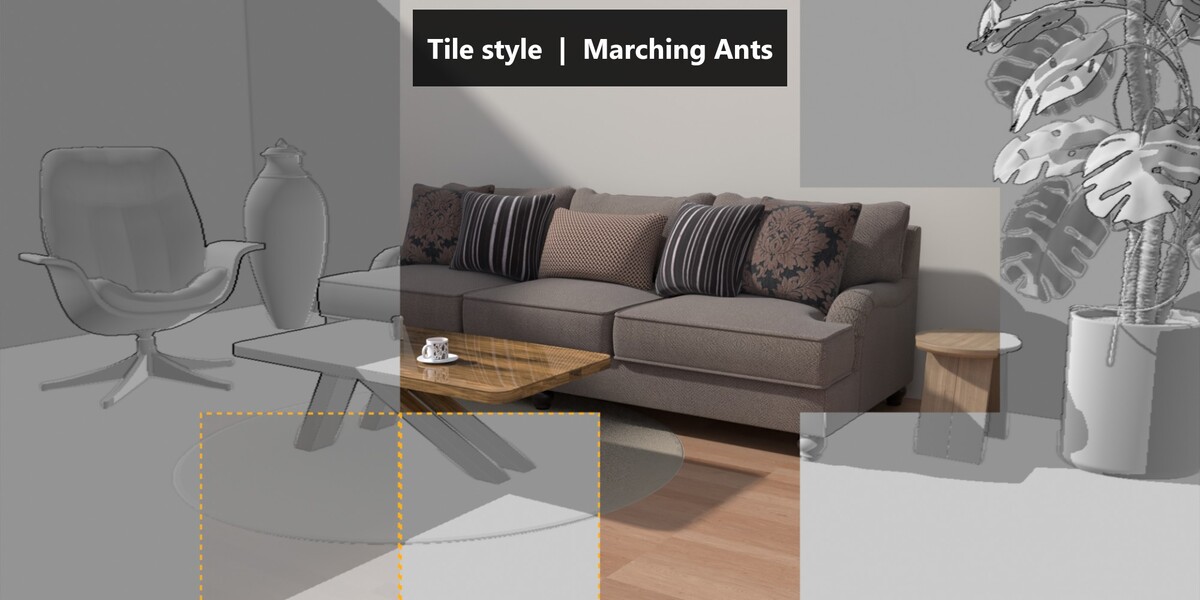 Marching Ants |
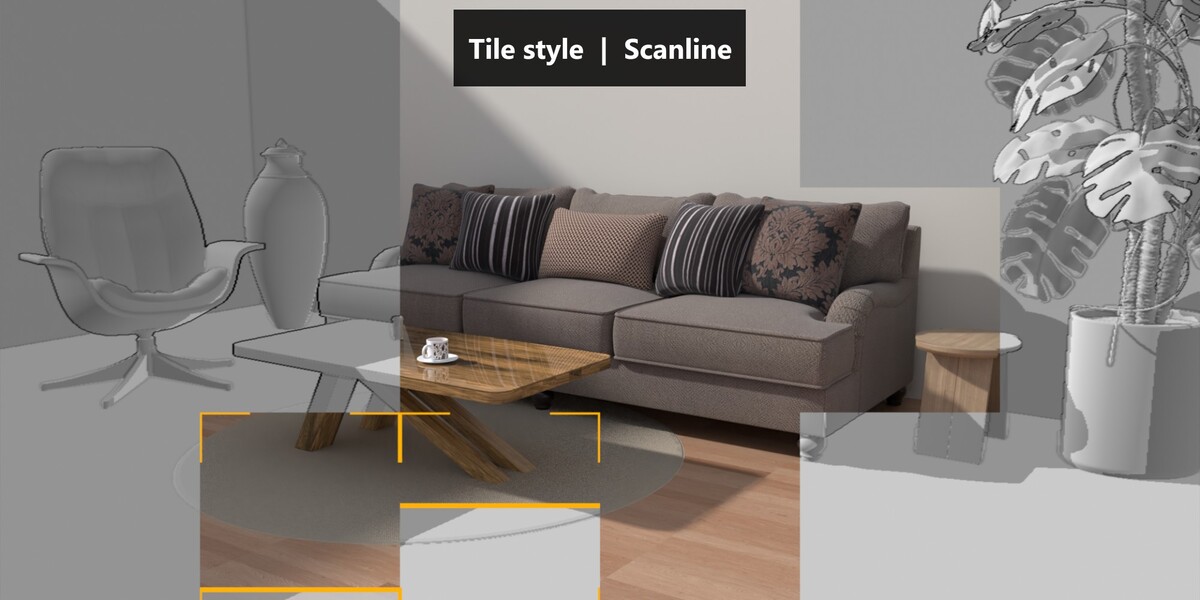 Scanline |
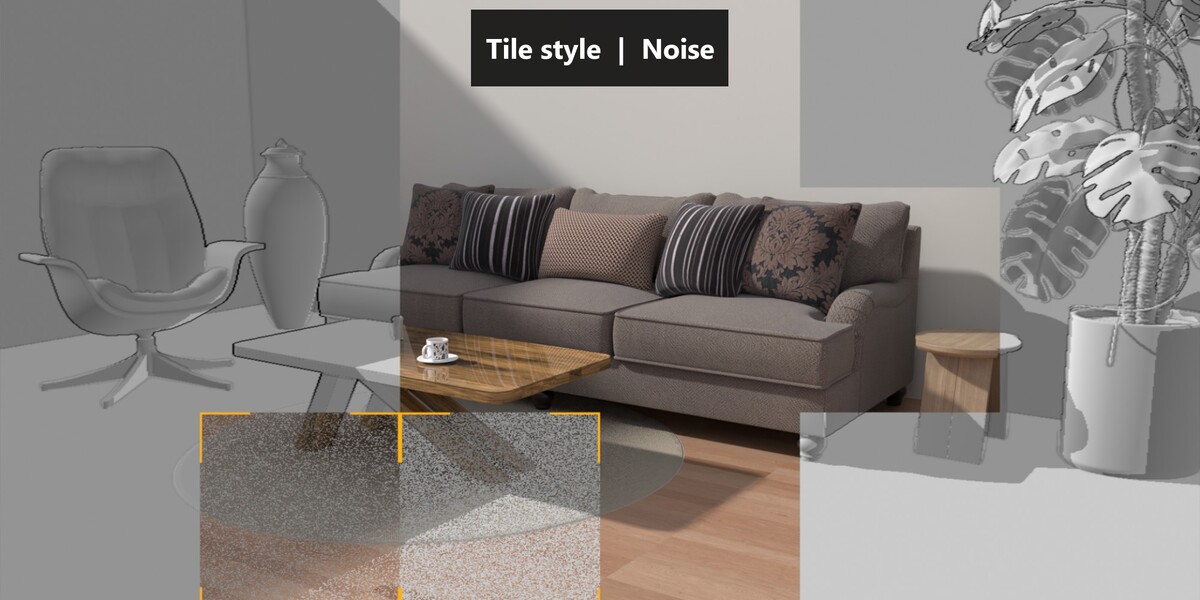 Noise | |
Everything you can control
Information overlay Title, progress bar, percentage, units and decimals. Custom font, colors, rounding, size, angle and position. |
Lighting and shadows Any scene light in Direction or Position mode, shadow strength and color, ambient occlusion, outline strength and color. |
Preview look Base color, background color with optional gradient, brightness and a pixel-style look controlled by the level of detail. |
Clean interface Every option is organized in collapsible panels with tooltips. No node editing is required. |
Get started in four steps
1 |
Add V-Render from the Asset Browser Add the Virtual Render file to an asset library, then drag V-Render from the Asset Browser into your scene. |
2 |
Assign your scene In the Preview panel, select the collection containing your objects. |
3 |
Animate Progress Keyframe Progress from 0 to 1 over the duration of your shot. |
4 |
Render Preview it live in the camera view, then render your animation with Cycles or EEVEE. |
Specifications
| Blender version | 5.2 or newer |
| Render engines | Cycles, EEVEE |
| Technology | Geometry Nodes, no add-on installation required |
| Delivery | Asset Browser ready .blend file |
| Cameras | Perspective and orthographic, shift and clip start supported |
Good to know
The preview is computed from geometry: it shows object shapes and per-object colors, not material textures. Camera Depth of Field is not supported, disable it while using Virtual Render. Shadows are cast by a single selected light.
Questions or suggestions? Use the Questions tab, every message is read and answered.