Virtual Render - Render Simulator
 3DVision
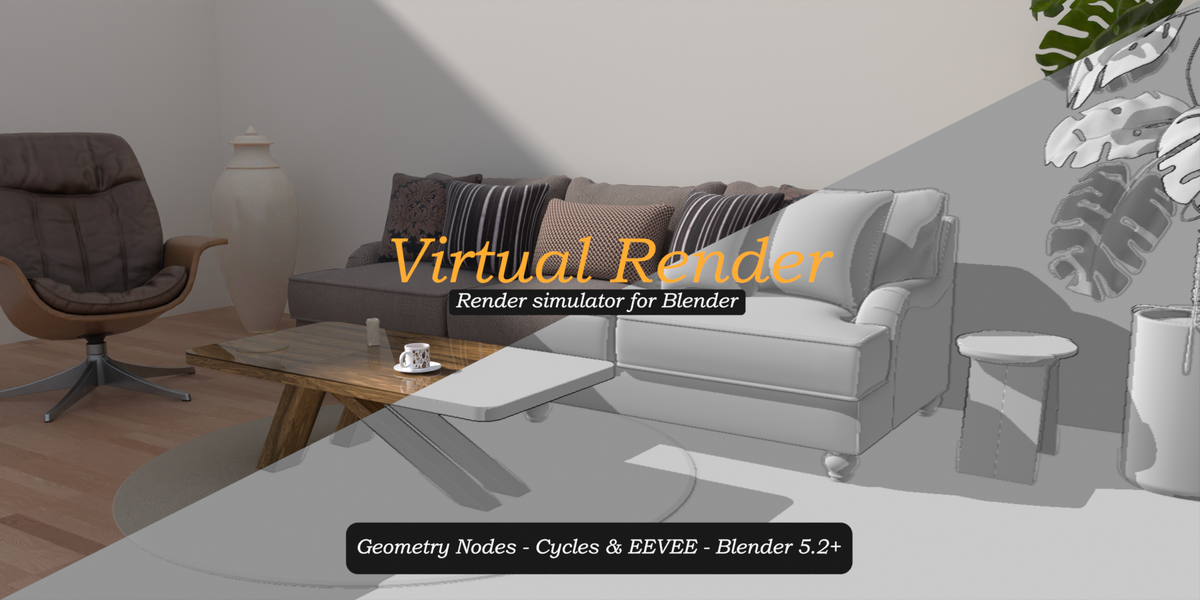
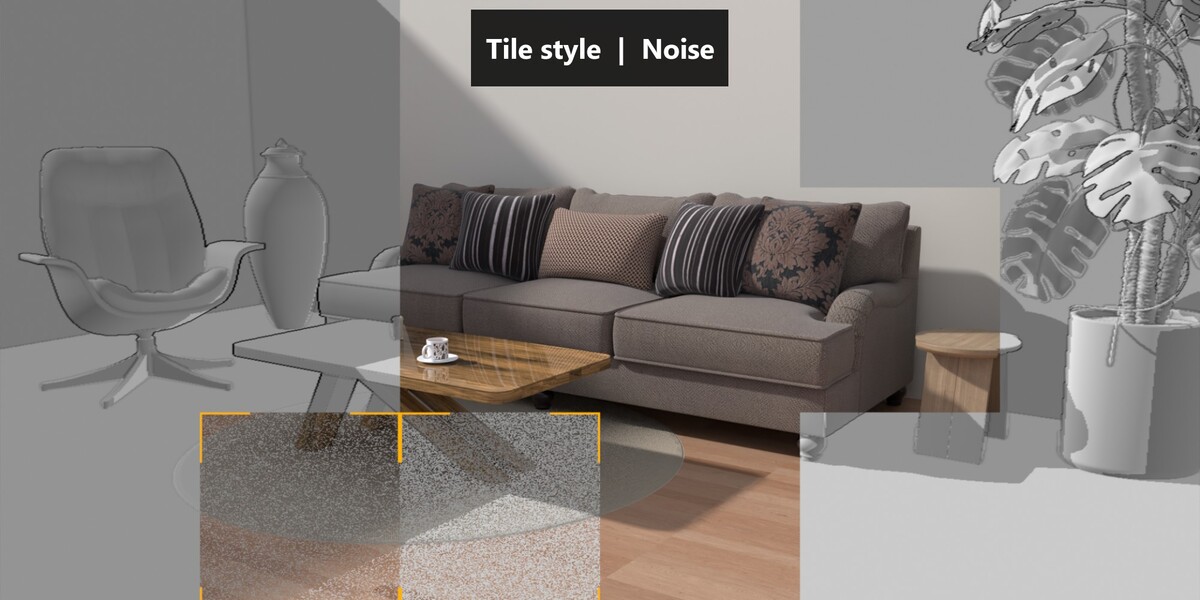
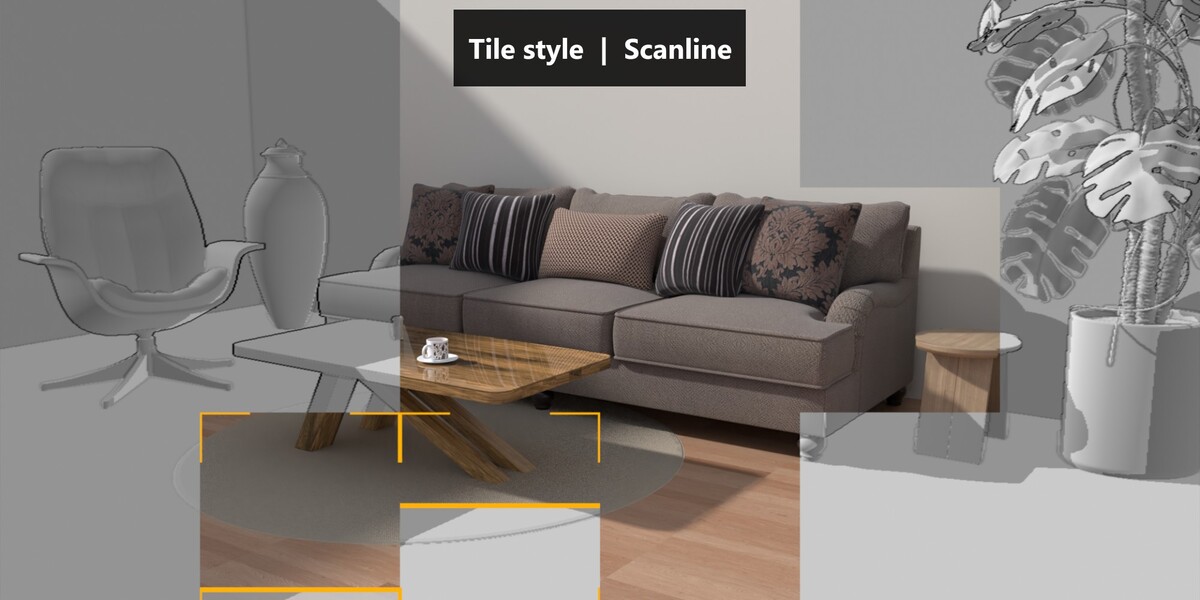
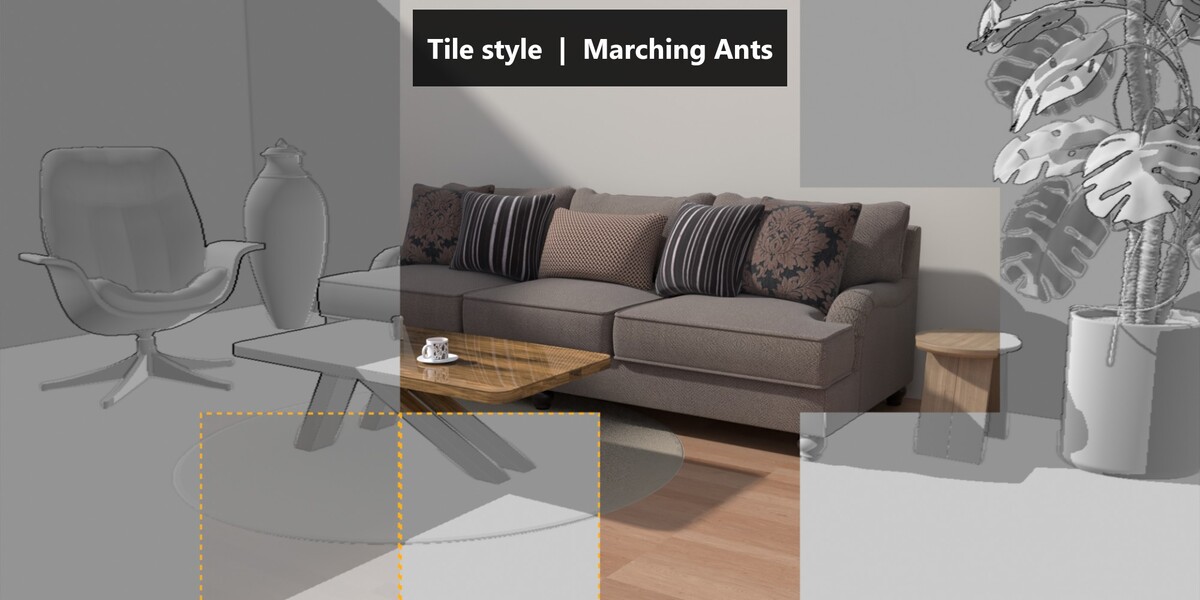
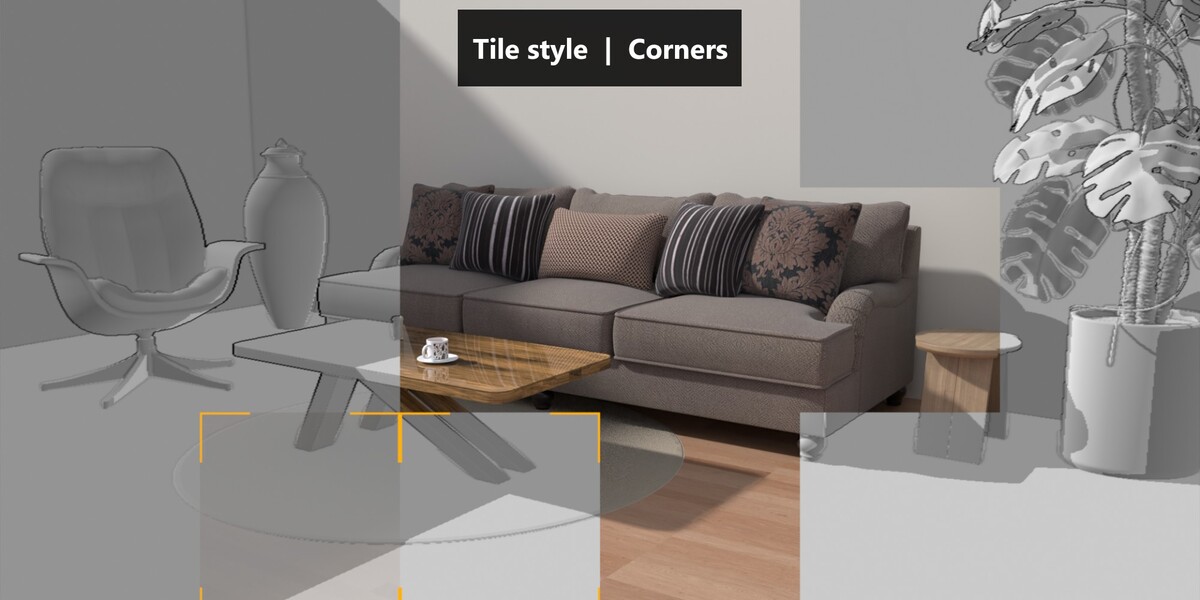
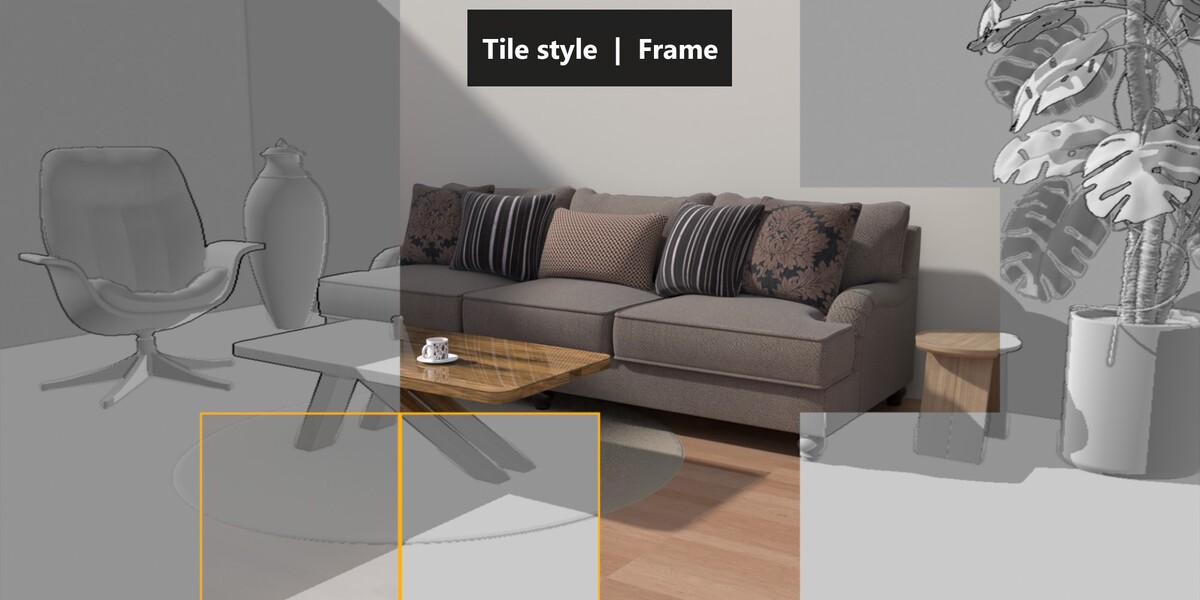
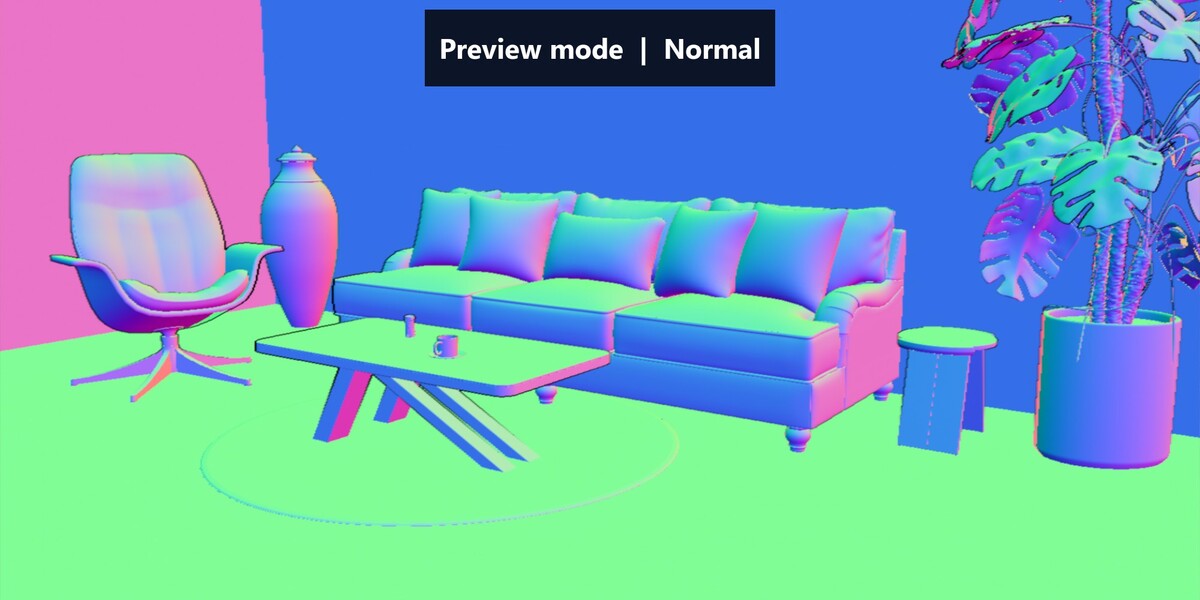
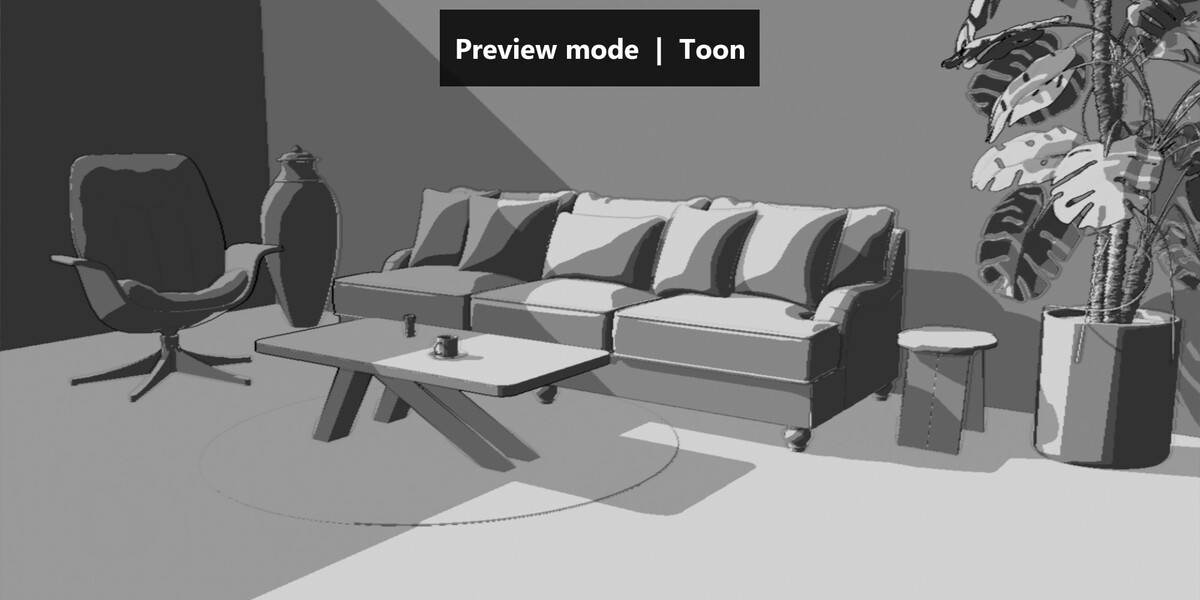
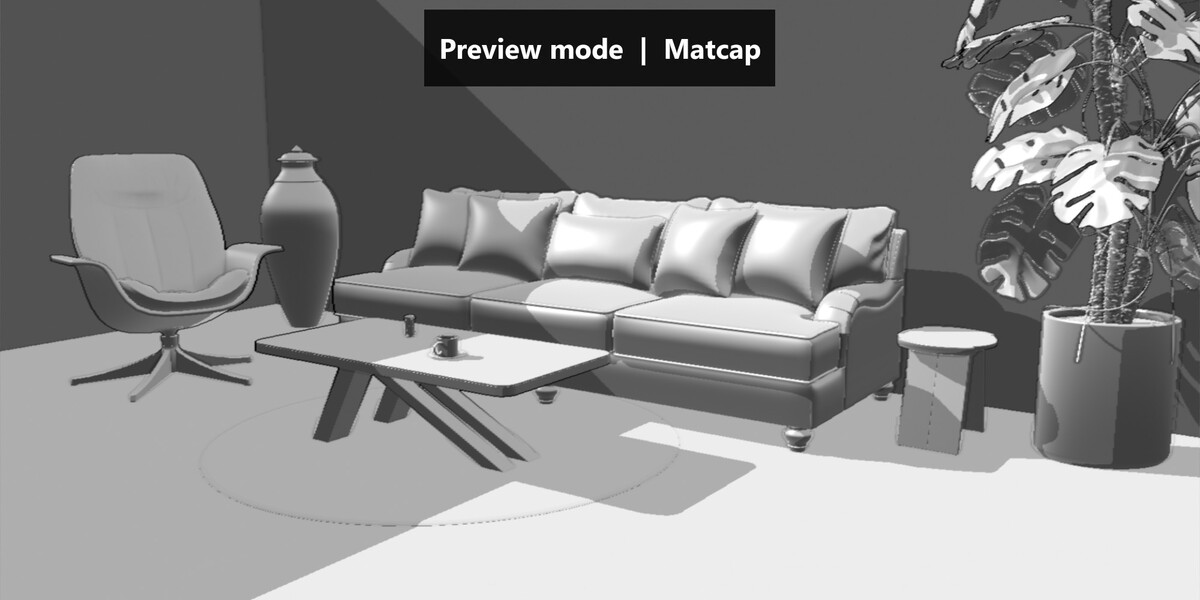
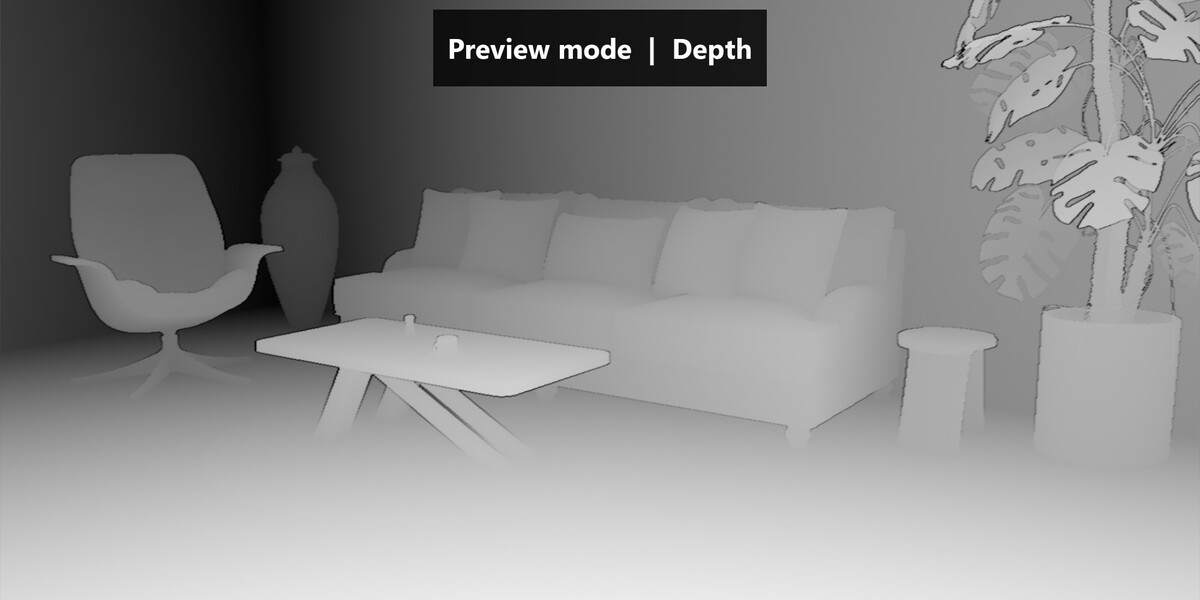
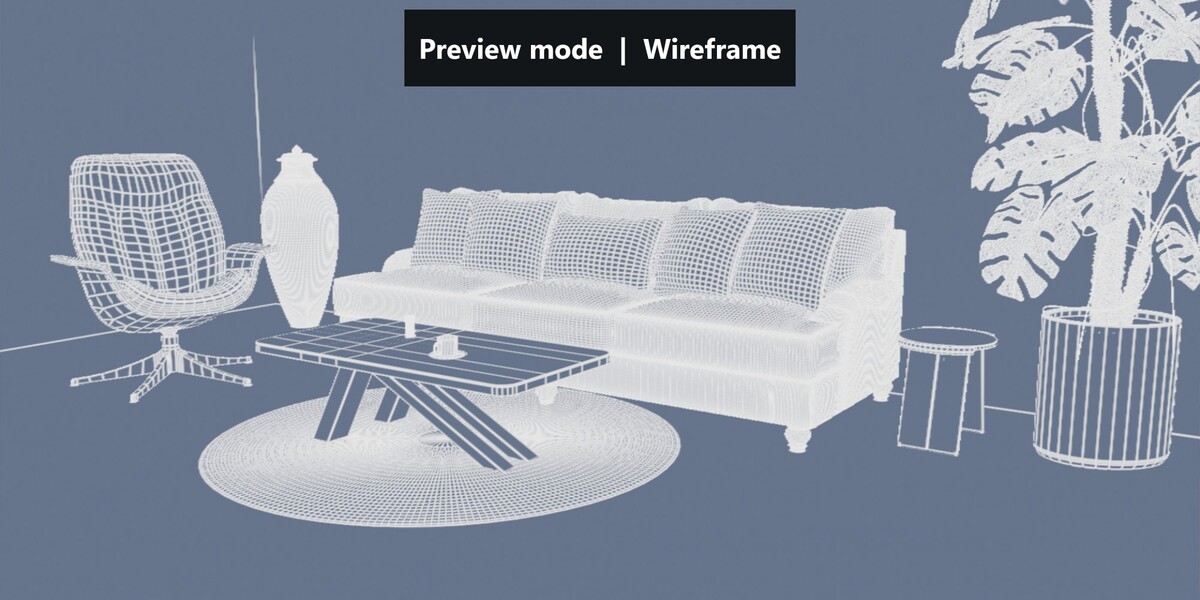
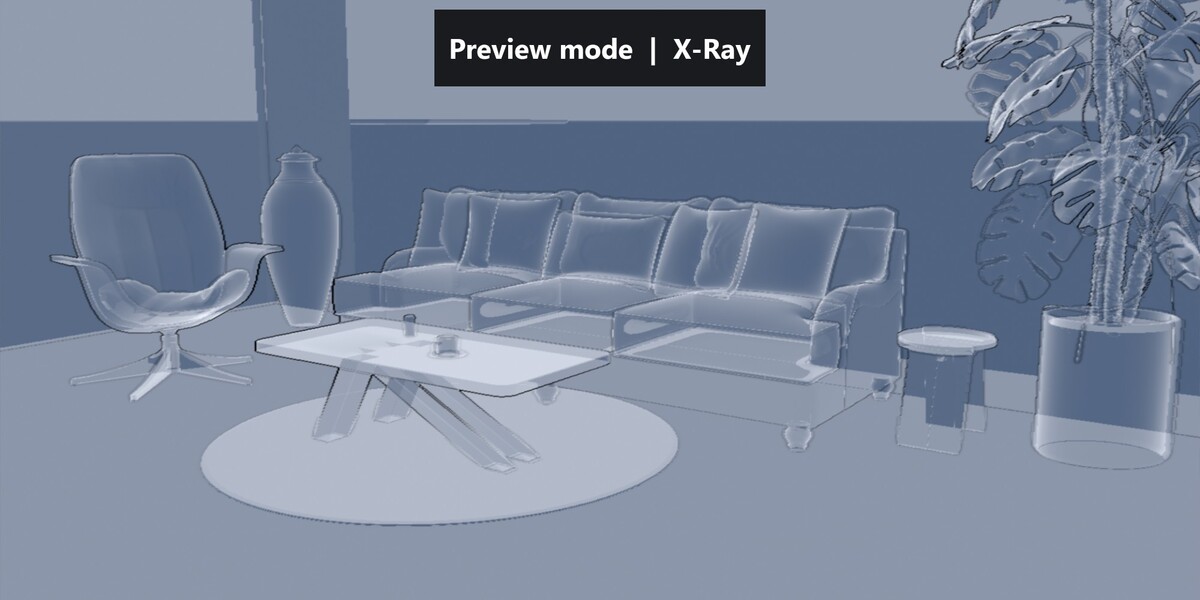
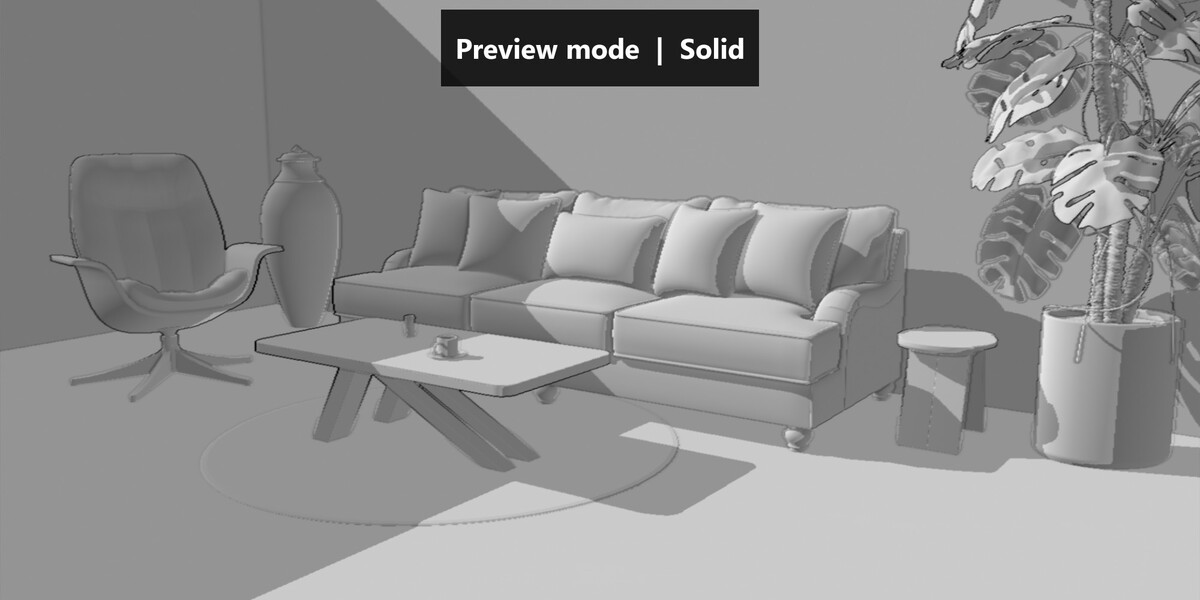
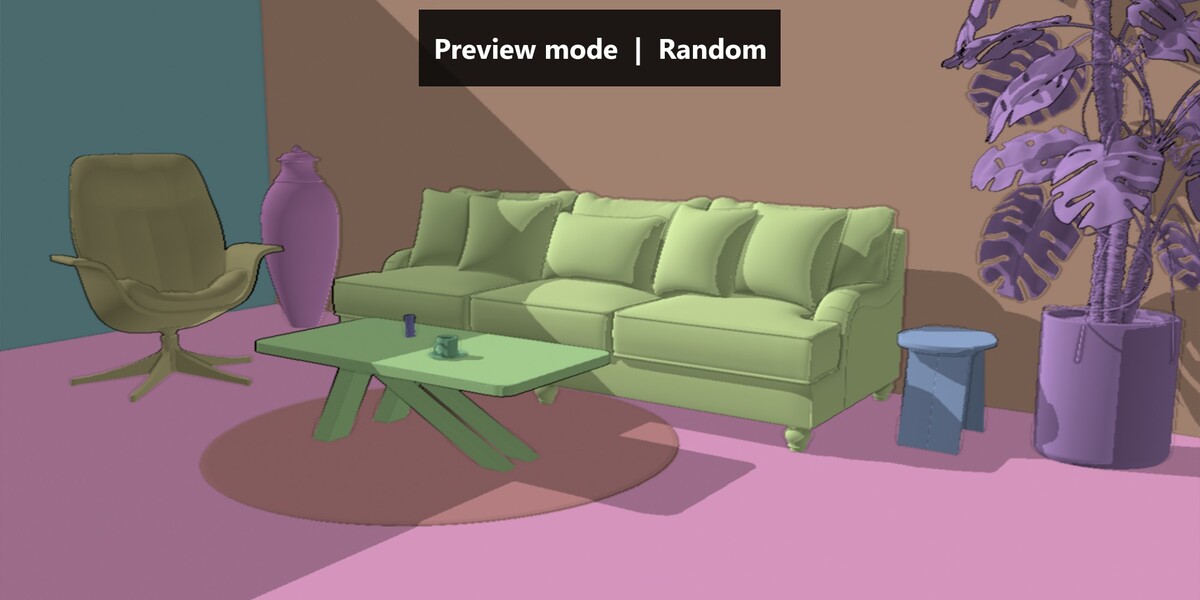
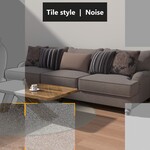
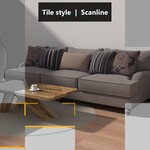
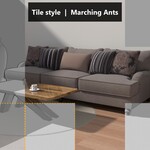
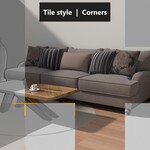
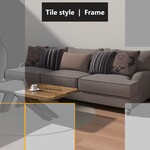
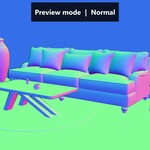
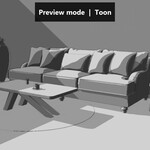
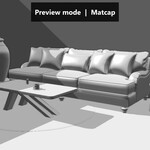
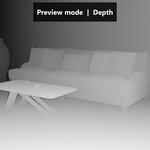
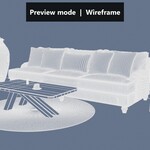
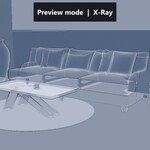
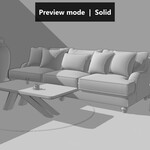
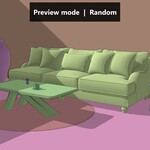
The rendered side shows your real Cycles or EEVEE render. Unrendered areas display a lightweight Geometry Nodes preview, so the effect adds very little render time.
Yes. Everything updates live in the camera view when the viewport is set to Rendered mode.
Yes. Perspective and orthographic cameras are supported, with any focal length, camera shift and clip start value.
Yes. The titles for Render and Versus modes, units, decimals, font, colors, size and position are all available in the modifier.
No scene collection is assigned, or the selected collection is empty. Open the Preview panel and select the collection that contains your objects.
Camera Depth of Field is not supported. Disable Depth of Field on the camera while using Virtual Render.
Have questions about this product?
Login to message
| Published | about 4 hours ago |
| Blender Version | 5.2 |
| Render Engine Used | Cycles, Eevee |
| License | Royalty Free |
Discover more products like this
Cycles viewport render vs viewport render simulator tile render render progress preview youtube intro motion graphics geometry nodes eevee camera