 VisibleIO Limited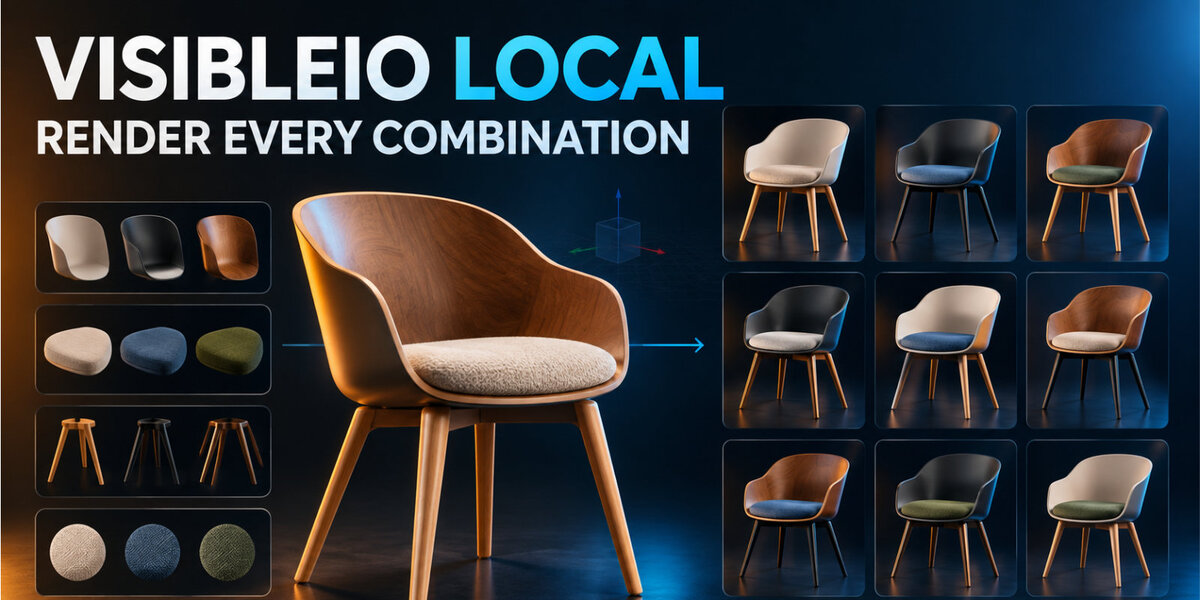





What it does
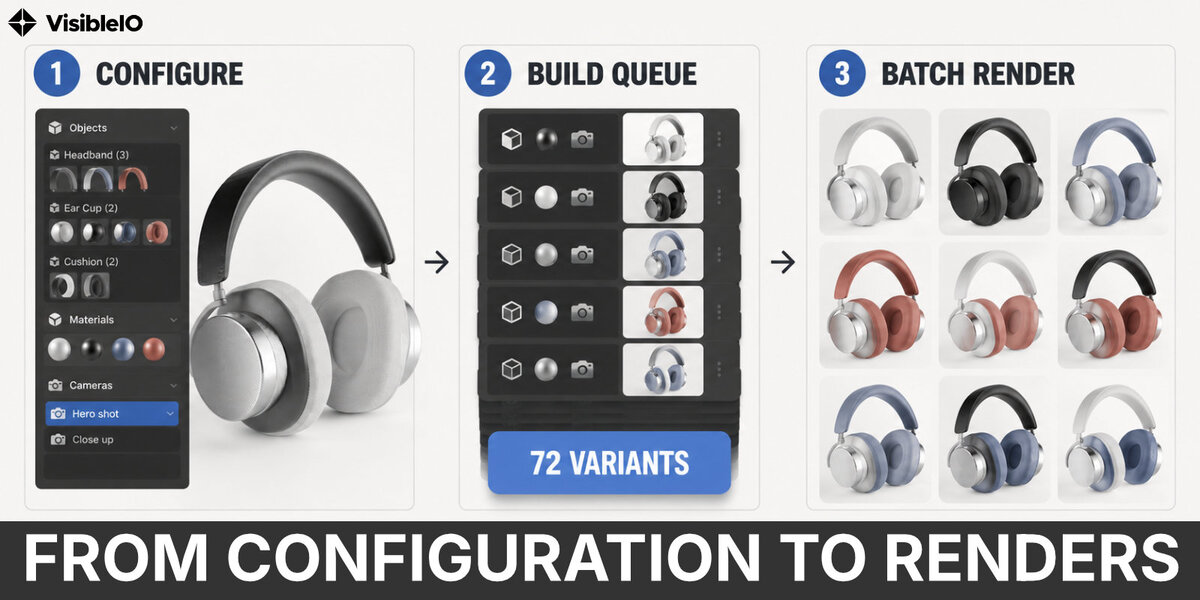
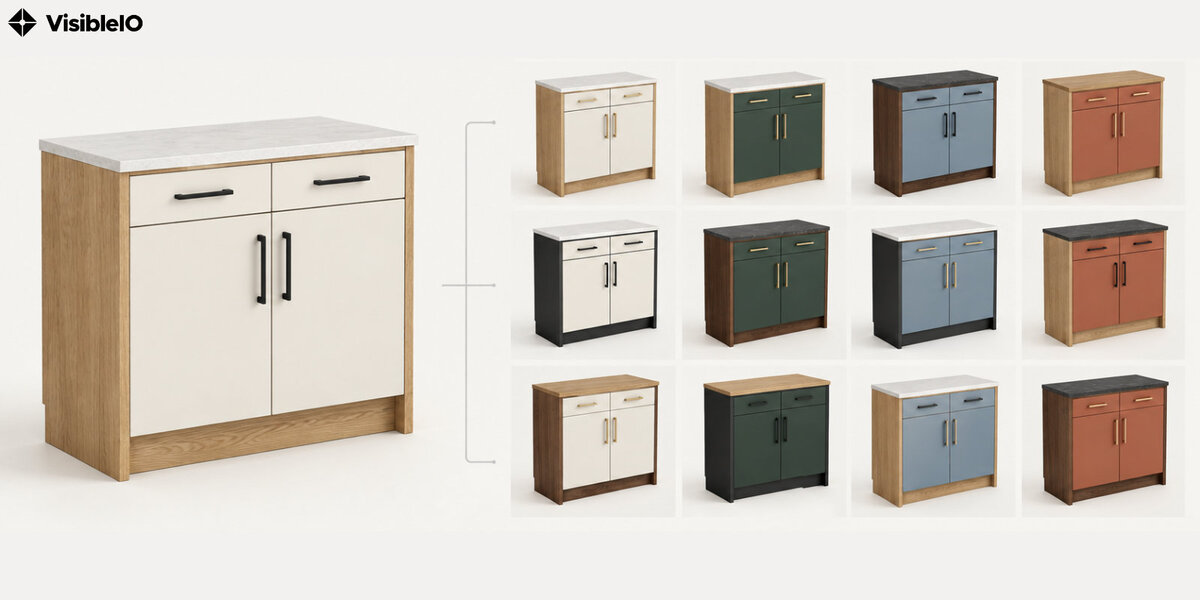
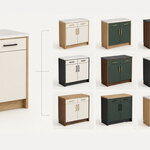
VisibleIO Local is an offline Blender extension for generating local PNG stills from material combinations. Choose materials for selected objects, compile combinations, and save the results on your computer. It does not connect to the internet, require a login, or upload files.
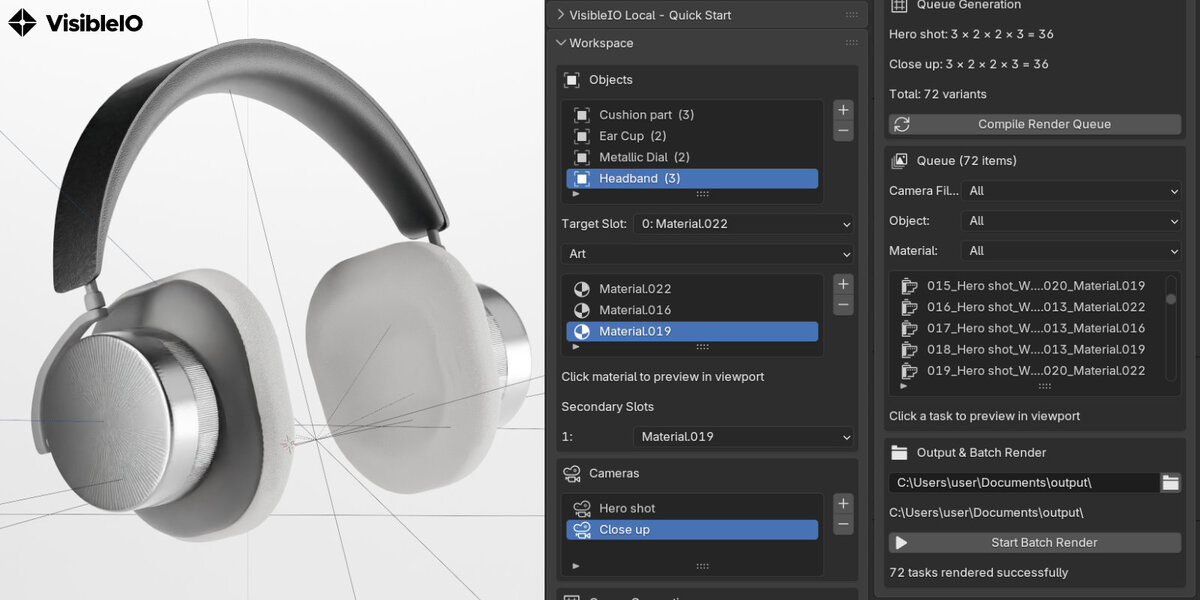
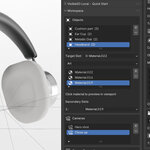
- Select objects with material slots and choose the target slot.
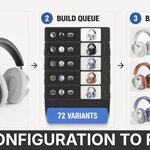
- Add cameras and compile a render queue of material combinations.
- Preview and filter tasks by camera, object, or material before batch rendering.
Install
- Download
visibleio_local-1.0.0.zip. - In Blender, open Edit → Preferences → Extensions → Install from Disk and choose the zip.
- Enable VisibleIO Local, then press
Nin the 3D Viewport and open the VisibleIO tab.
How to use
- Select objects, add materials, and add one or more cameras.
- Compile the render queue, then start the batch render.
- Save PNGs to a chosen folder, or beside the saved
.blendin avisibleio_localfolder.
Save the .blend before rendering when the output folder is empty; recompile after camera, object, or material changes.
Requirements and release
- Blender: 4.2 or newer
- Version: 1.0.0
- Permissions: files only; no network permission
-
Package:
visibleio_local-1.0.0.zip
License
GPL-3.0-or-later. Website: https://visibleio.com · Demo: https://youtu.be/jISYPx0d__Y