VisibleIO Local — Offline Blender Material Configurator
 VisibleIO Limited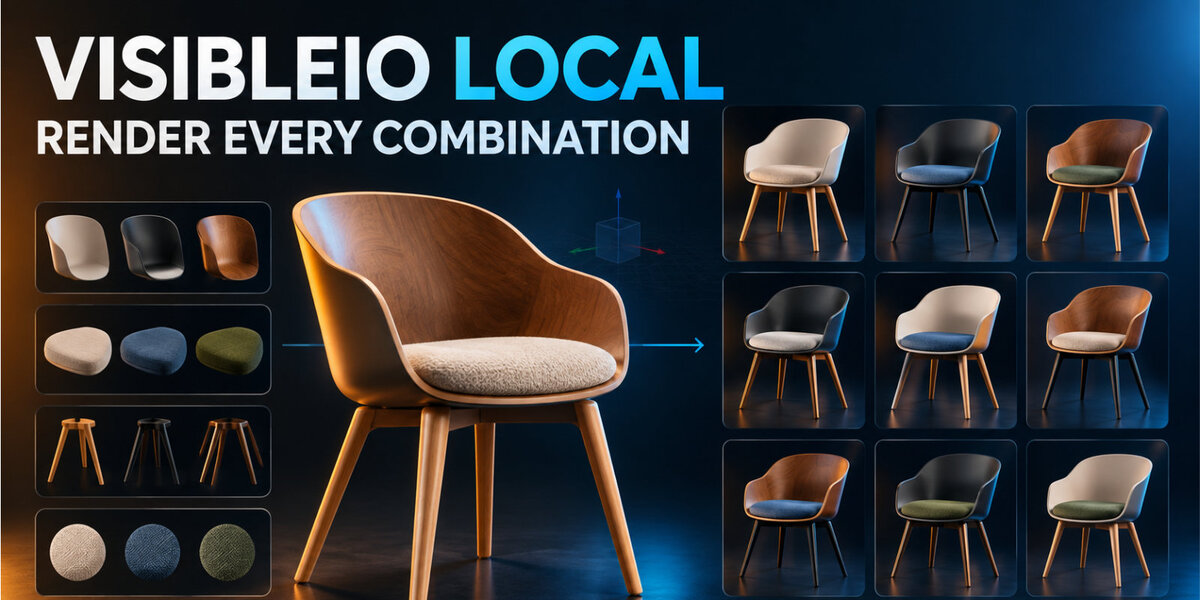




Install
Requires Blender 4.2+.
- Download
visibleio_local-1.0.0.zip. - In Blender: Edit → Preferences → Extensions → Install from Disk.
- Enable VisibleIO Local; press
Nand open the VisibleIO tab.
It requests files permission for PNG output and no network permission.
What it does
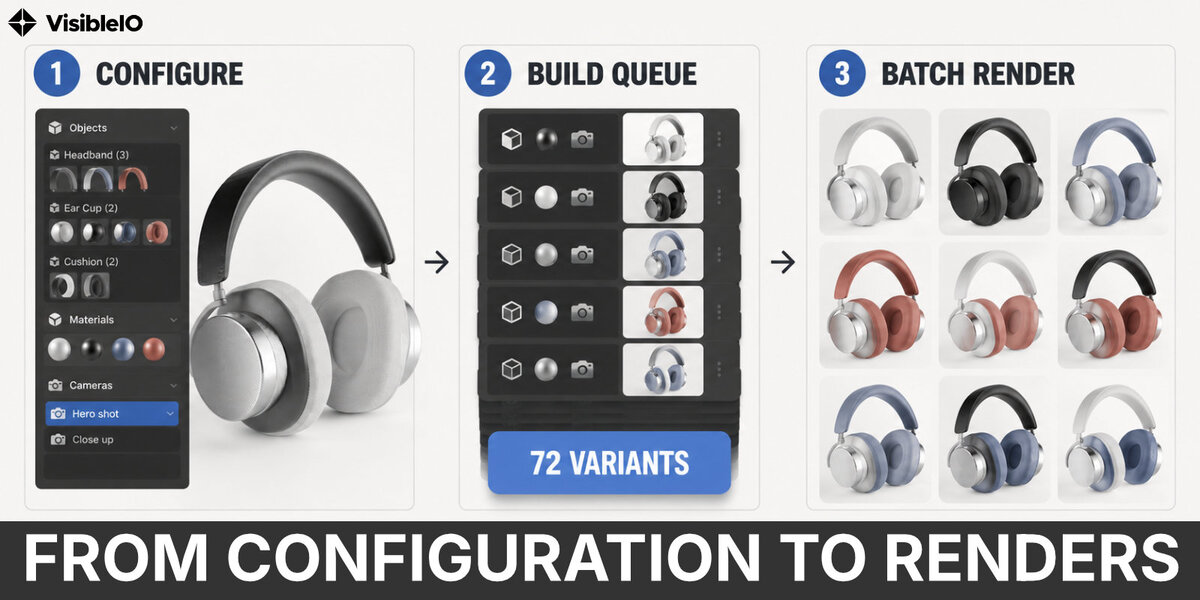
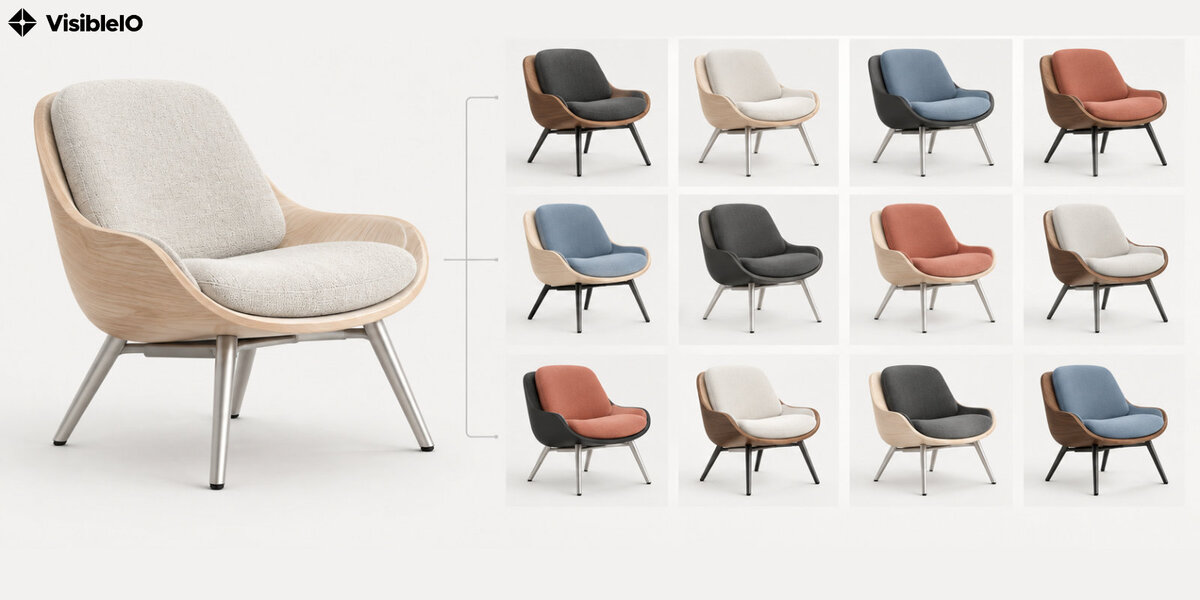
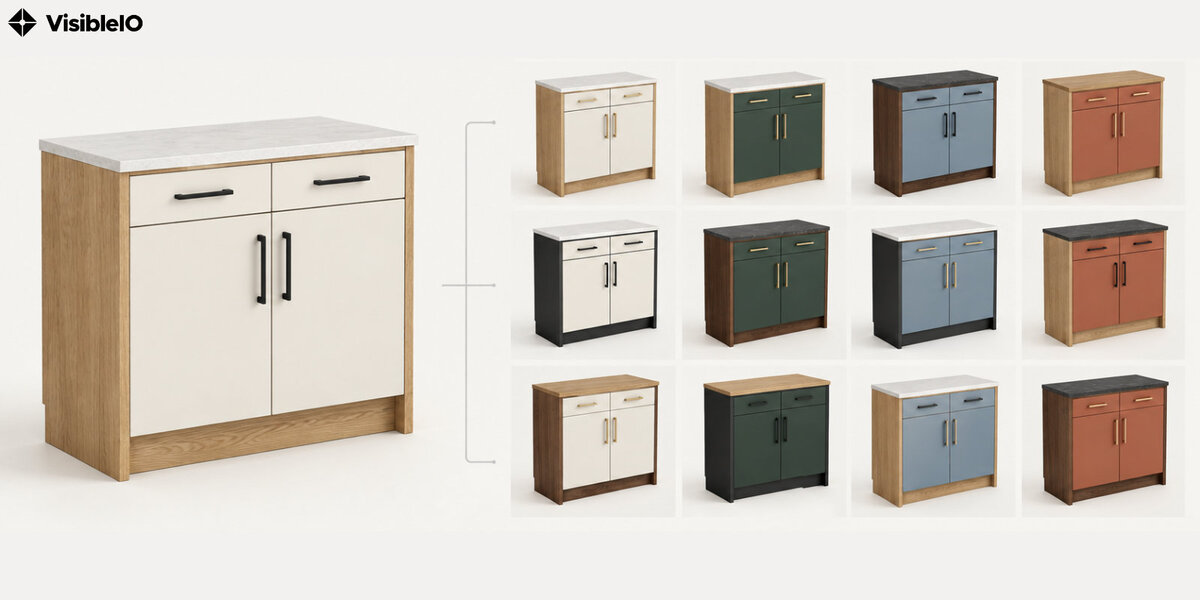
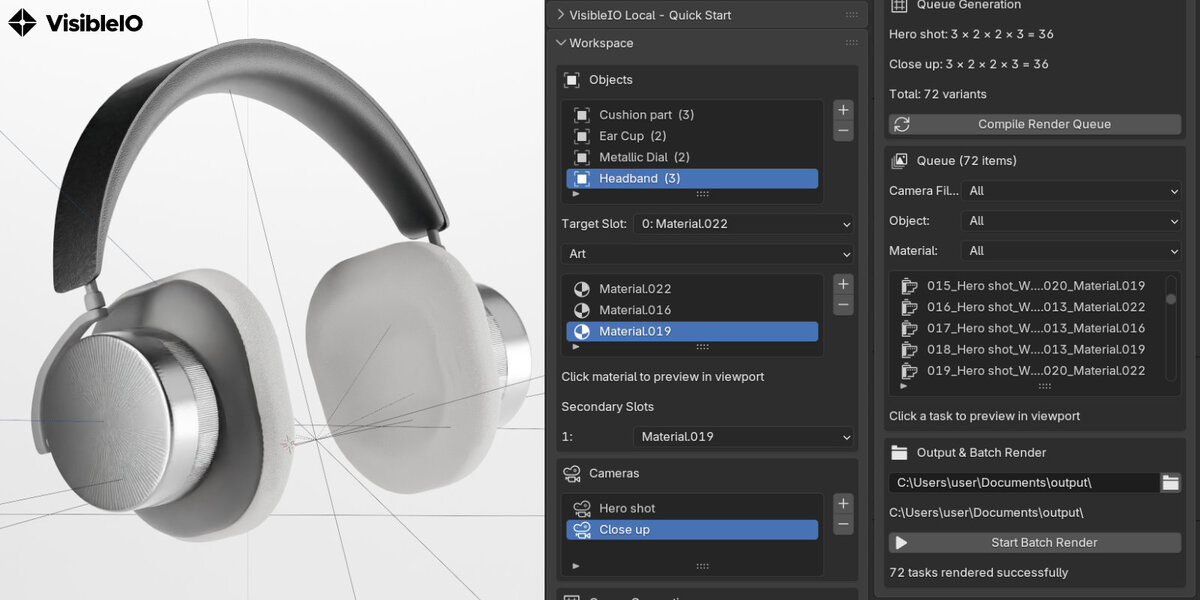
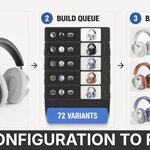
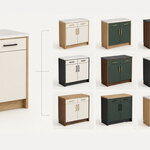
Offline Blender Material Configurator: choose objects, a target slot, materials, and cameras; compile combinations and write local PNGs. Secondary slots do not multiply variants.
How to use it
- Select objects with material slots and click +.
- Choose Target Slot, add materials, and set Secondary Slots.
- Add cameras and click Compile Render Queue.
- Choose an output folder, or leave it empty for PNGs beside the saved
.blend. - Click Start Batch Render; filters do not limit rendering. Press
Escto cancel.
Save the .blend first when output is empty. Recompile after changes.
Limits
- Up to 10,000 variants.
- Missing material stops that render and writes no PNG.
- Shared mesh data can share preview materials.
FAQ
Account or upload?
No. It runs in Blender, does not sign in, and writes PNGs only locally.
Which file and Blender version?
Install visibleio_local-1.0.0.zip, not GitHub Code → Download ZIP. Blender 4.2+; id visibleio_local, version 1.0.0.
License
Python code: GPL-3.0-or-later; full text in LICENSE. Website: https://visibleio.com · Demo: https://youtu.be/jISYPx0d__Y
$1
Have questions about this product?
Login to message
| Blender Extension Compatible | Yes |
| Published | 2 days ago |
| Blender Version | 4.2 - 5.2 |
| Extension Type | Add-on |
| License | GPL |