VisibleIO Local — Offline Blender Material Configurator
 VisibleIO Limited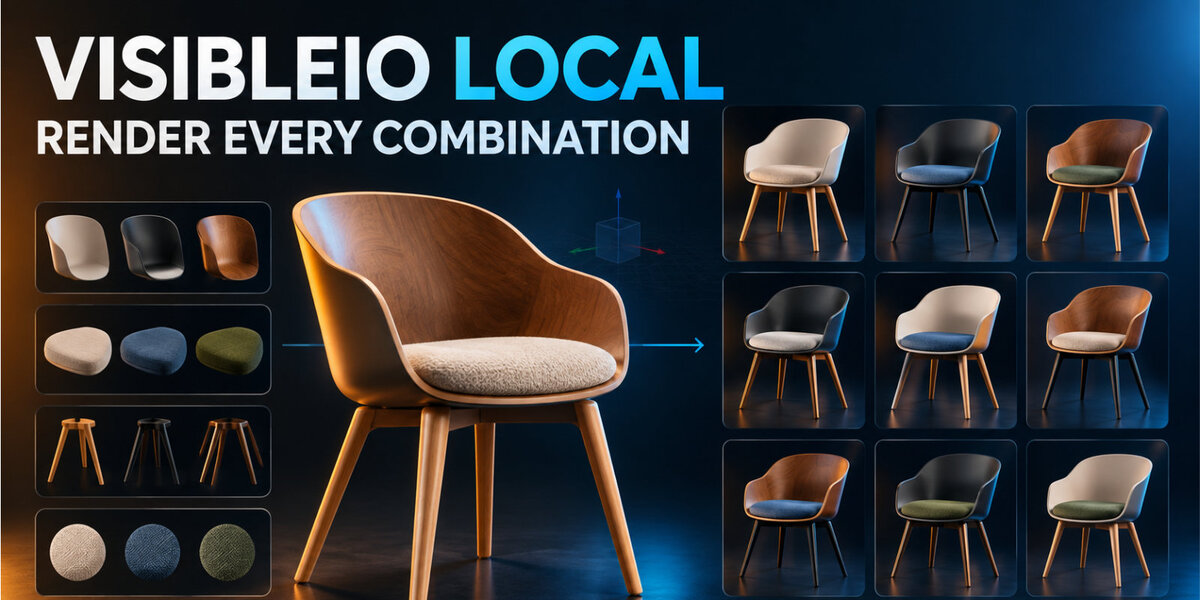




What license is the add-on?
The Python code is GPL-3.0-or-later. Source files carry an SPDX header and the full license text is in LICENSE. The extension icon, icon.png, is CC0-1.0.
Does the queue filter change what Start Batch Render renders?
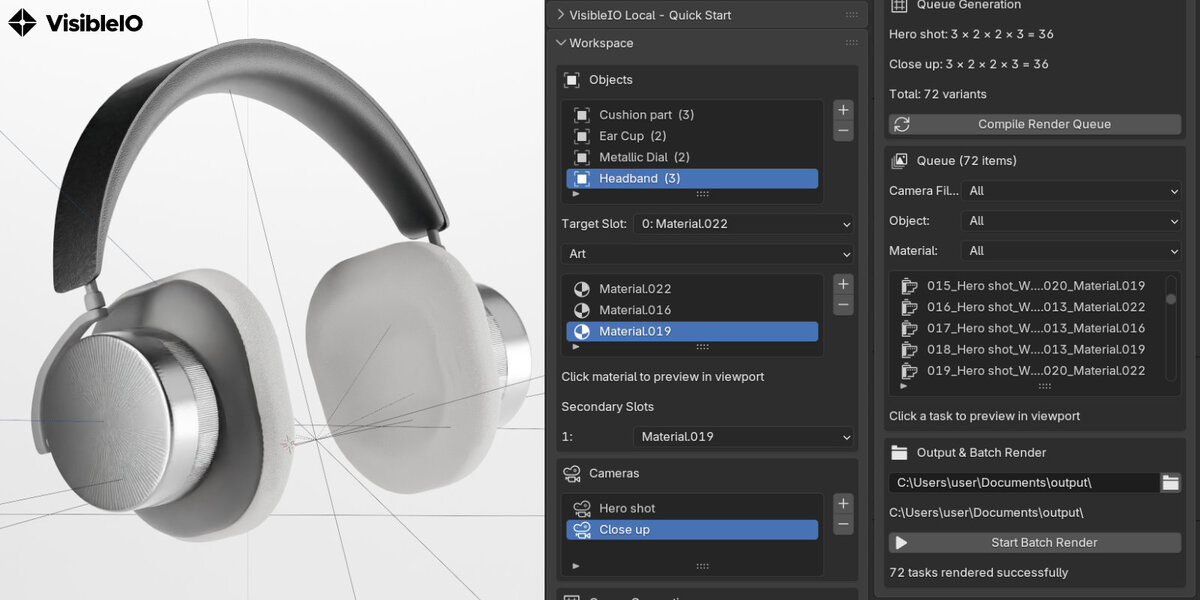
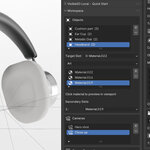
No. The camera, object, and material filters only change which tasks are shown. Start Batch Render renders every compiled variant, including tasks hidden by the filter.
Where are the PNG files saved?
In the output folder. If that folder is empty and the .blend file is saved, the files go in a visibleio_local folder next to the .blend file. Each file is named from the task and the camera.
Why is an object missing from a camera?
The object is outside that camera’s view. Only objects you added are tested. An object is included when any corner of its bounding box is inside the camera view.
How are combinations counted?
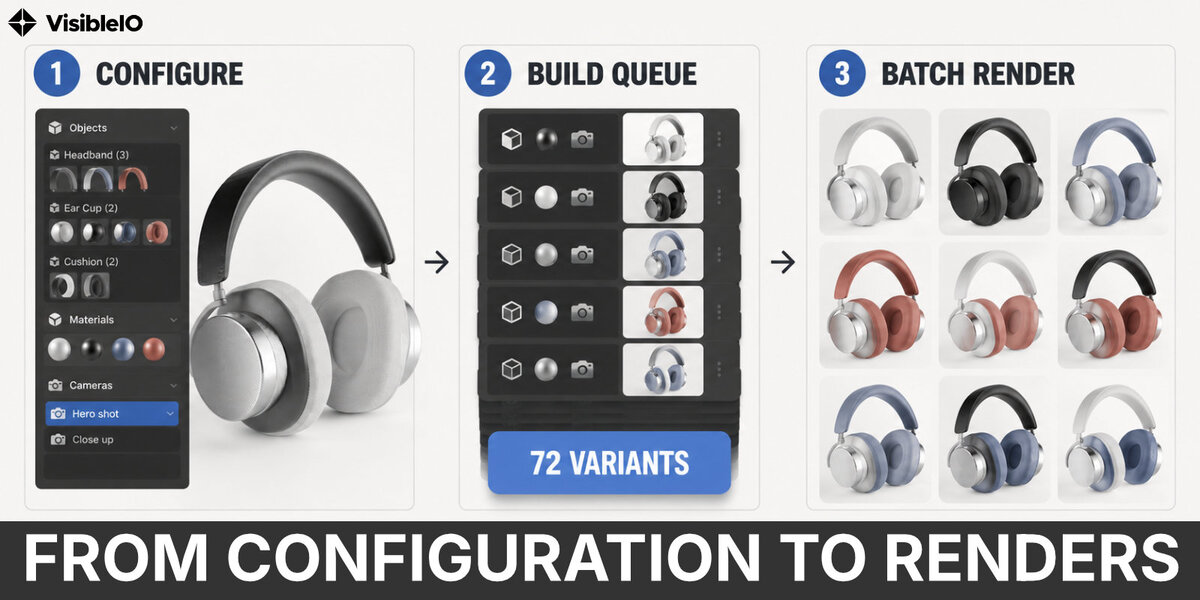
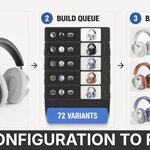
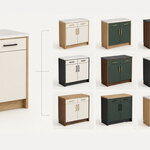
Each camera is counted on its own. For one camera, the count is the product of the materials on the target slot of each object inside that camera’s view. Secondary slots follow the chosen material and are not extra combinations. The total is the sum for every camera.
Which Blender versions work?
Blender 4.2 and newer. The package is a Blender extension with id visibleio_local, version 1.0.0, and a blender_manifest.toml.
Which file do I install?
Install the visibleio_local-1.0.0.zip delivered with your Superhive purchase, using Blender Edit → Preferences → Extensions → Install from Disk. Do not install the archive from GitHub’s Code → Download ZIP; that is the source folder, not the extension package.
Does it upload renders?
No. PNG files are written only to the output folder you choose, or to a visibleio_local folder next to the saved .blend file. It does not upload renders or connect to the internet.
What is VisibleIO Local?
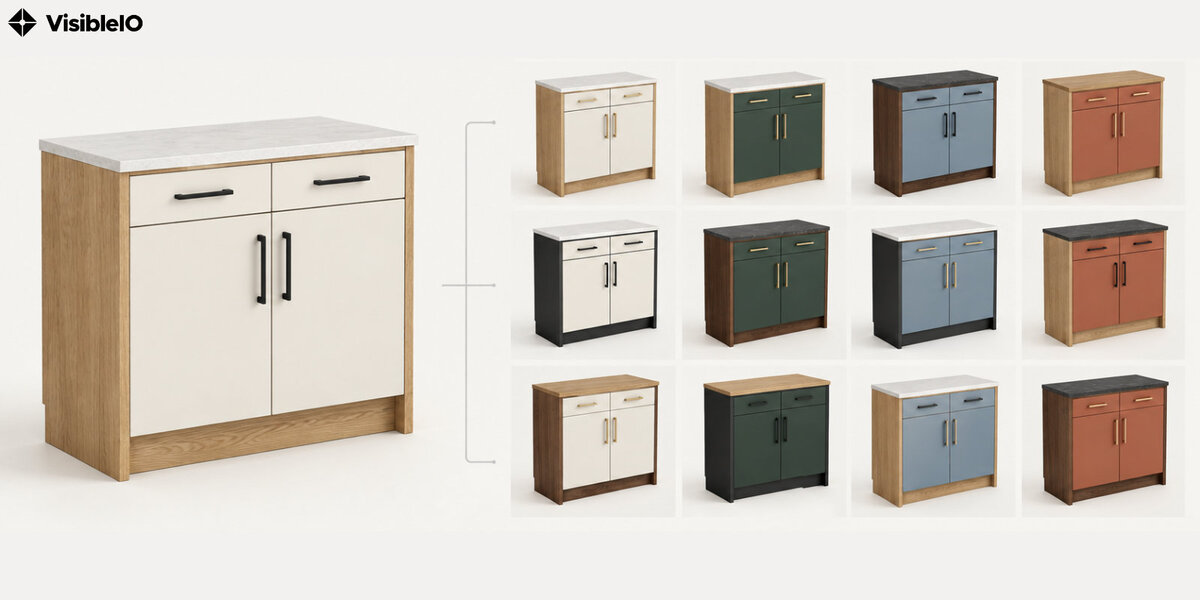
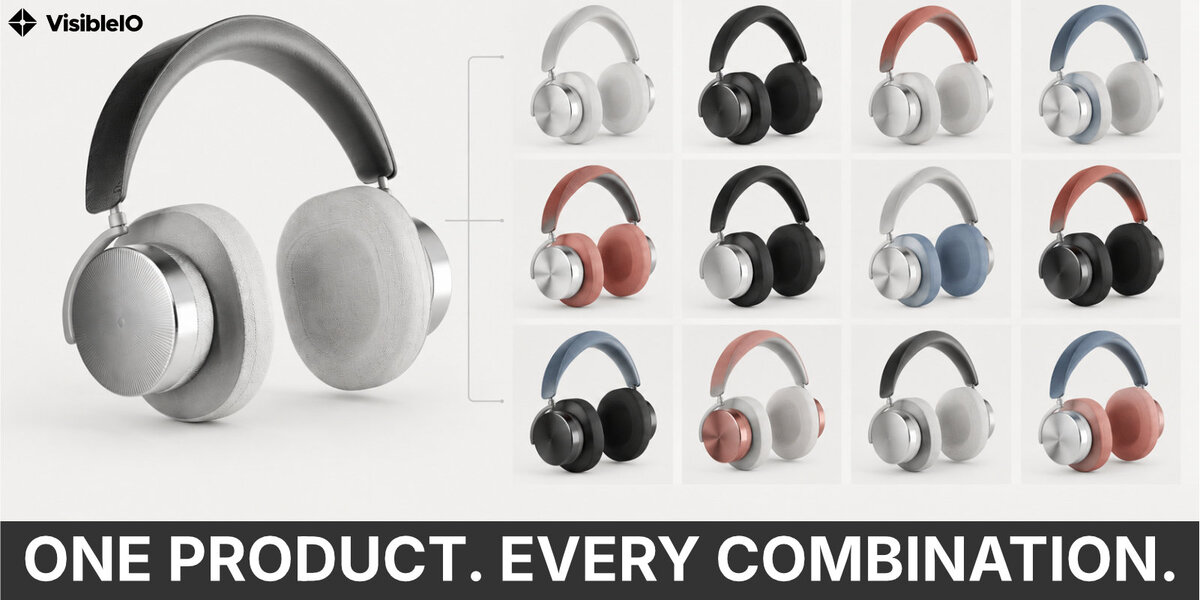
VisibleIO Local is the offline Blender Material Configurator. It applies material combinations to the objects you choose and renders each combination to a PNG on your computer. It does not connect to the internet, ask you to sign in, or upload files.
Does VisibleIO Local need an account?
No. It runs inside Blender without signing in or connecting to the internet. It does not upload files or renders; PNGs stay on your computer in the chosen output folder.
$1
Have questions about this product?
Login to message
| Blender Extension Compatible | Yes |
| Published | 3 days ago |
| Blender Version | 4.2 - 5.2 |
| Extension Type | Add-on |
| License | GPL |