 Pixel Vampire



Build Faster With Your Visual Library
Importing references and assets shouldn't slow you down.
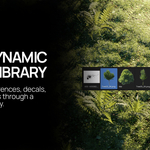
VisionFlow Pro lets you select a folder of images and instantly creates a visual library inside Blender. Browse your collection with large thumbnails in the dynamic browser, find the right asset quickly, and move straight from inspiration to creation.
From Folder To Scene In Seconds
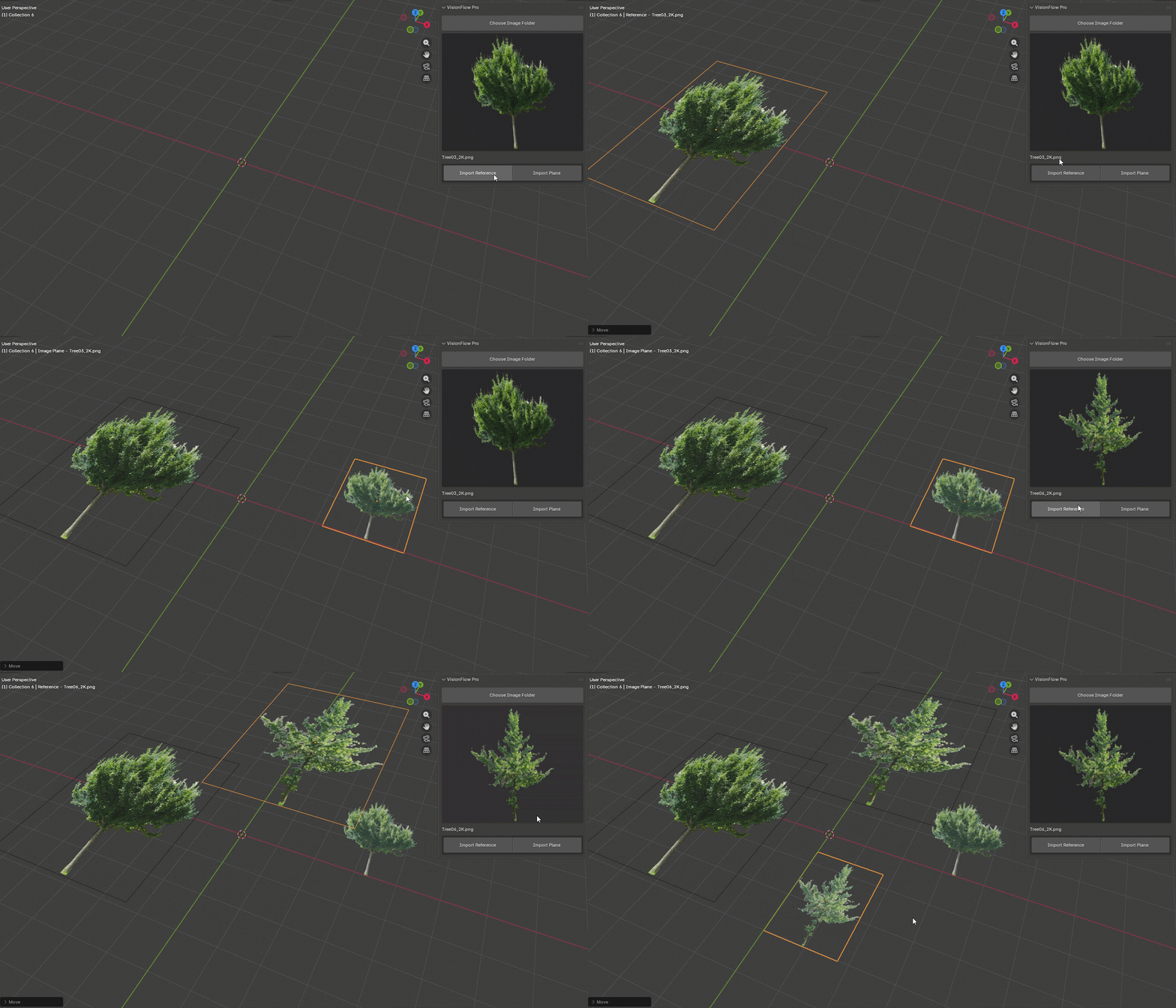
Bring your visual assets into Blender, without the hassle of the file manager.
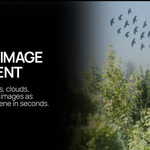
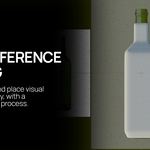
Import images as Blender references for modelling, composition, and scene planning, or convert them into image planes ready for use in your scenes.
Whether you're working with:
Environment references
Decals
Cutout assets
Vegetation cards
Clouds and atmosphere elements
-
Concept artwork
--------------------------------------------
Go With The Flow
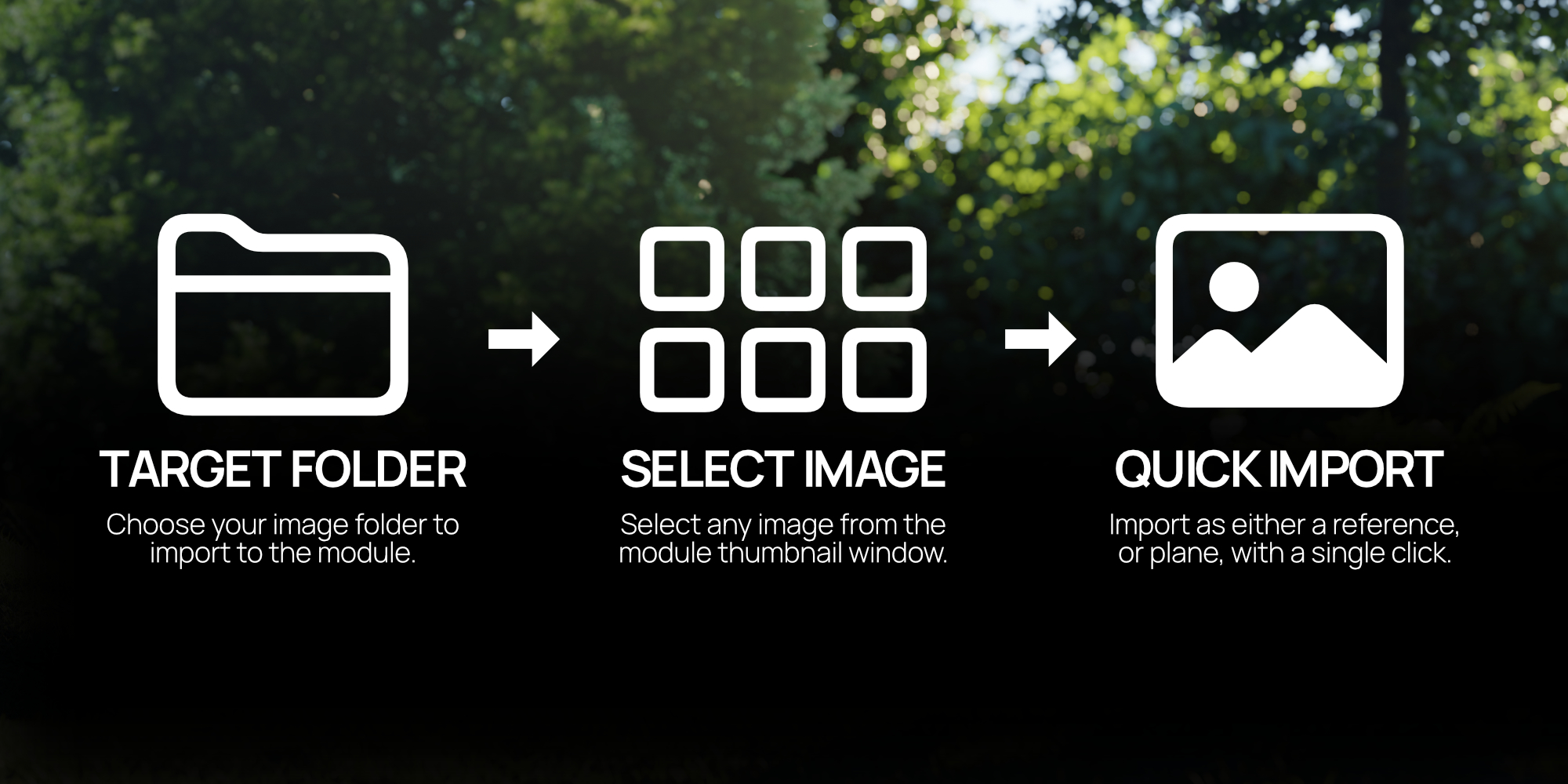
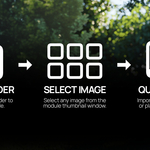
+ Choose Your Folder
Select the folder containing your visual assets, references, decals, or image collections.
VisionFlow Pro automatically scans the folder and creates a dedicated thumbnail library inside Blender, ready for browsing.
+ Select Your Image
Browse your assets using the visual thumbnail browser and quickly find the image you need.
No more searching through external folders or leaving Blender to locate references.
VisionFlow Pro support the following formats:
- png
- jpg
- jpeg
- tiff
- webp
- tga
- bmp
+ Import Instantly
Bring your chosen image directly into your scene.
Import it as a Blender reference for modelling and planning, or create an image plane ready for use as a visual asset.
Your asset goes from folder → Blender in just a few clicks.
--------------------------------------------
Grab Yourself The Bundle
Pair VisionFlow Pro with CheckMate Pro with the 2-in-1 bundle and create a more organised, efficient workflow inside Blender.
VisionFlow Pro helps you find, manage, and bring visual assets into your scenes.
CheckMate Pro helps you stay organised, track tasks, and keep your projects moving forward.
Together, they create a complete workflow toolkit.
For more info on CheckMate Pro, click here