 Depth Optica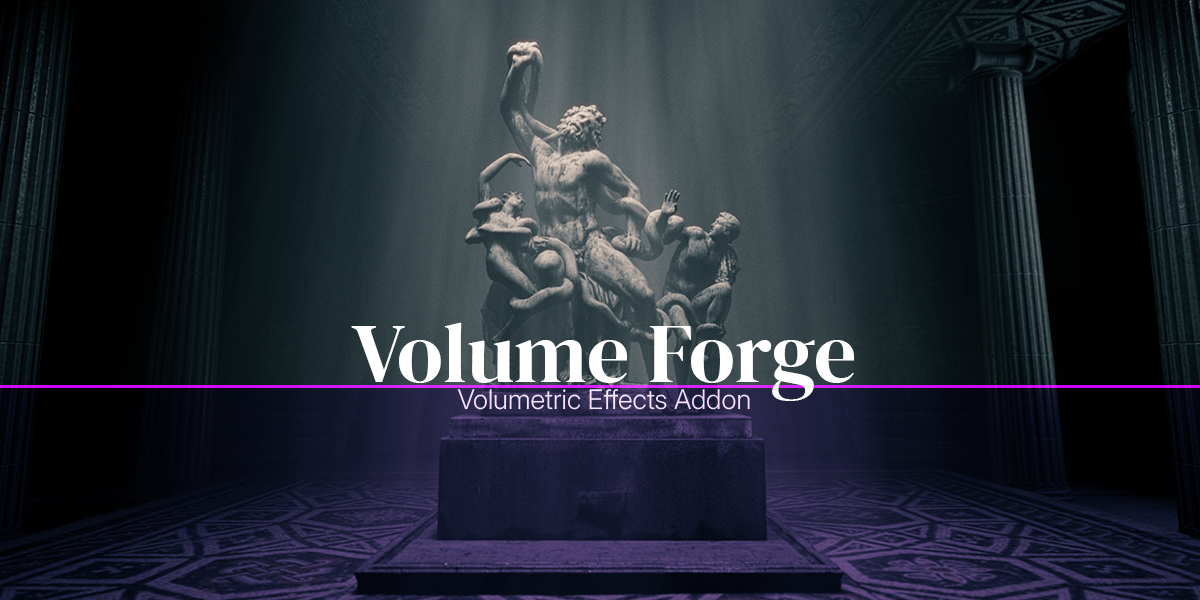



CREATE LOCALIZED VOLUMETRIC LIGHT AND FOG IN BLENDER, WITHOUT TURNING YOUR WHOLE SCENE INTO A FOG SETUP.
If the atmosphere only really shows up where the light hits, why fill the whole scene with fog?
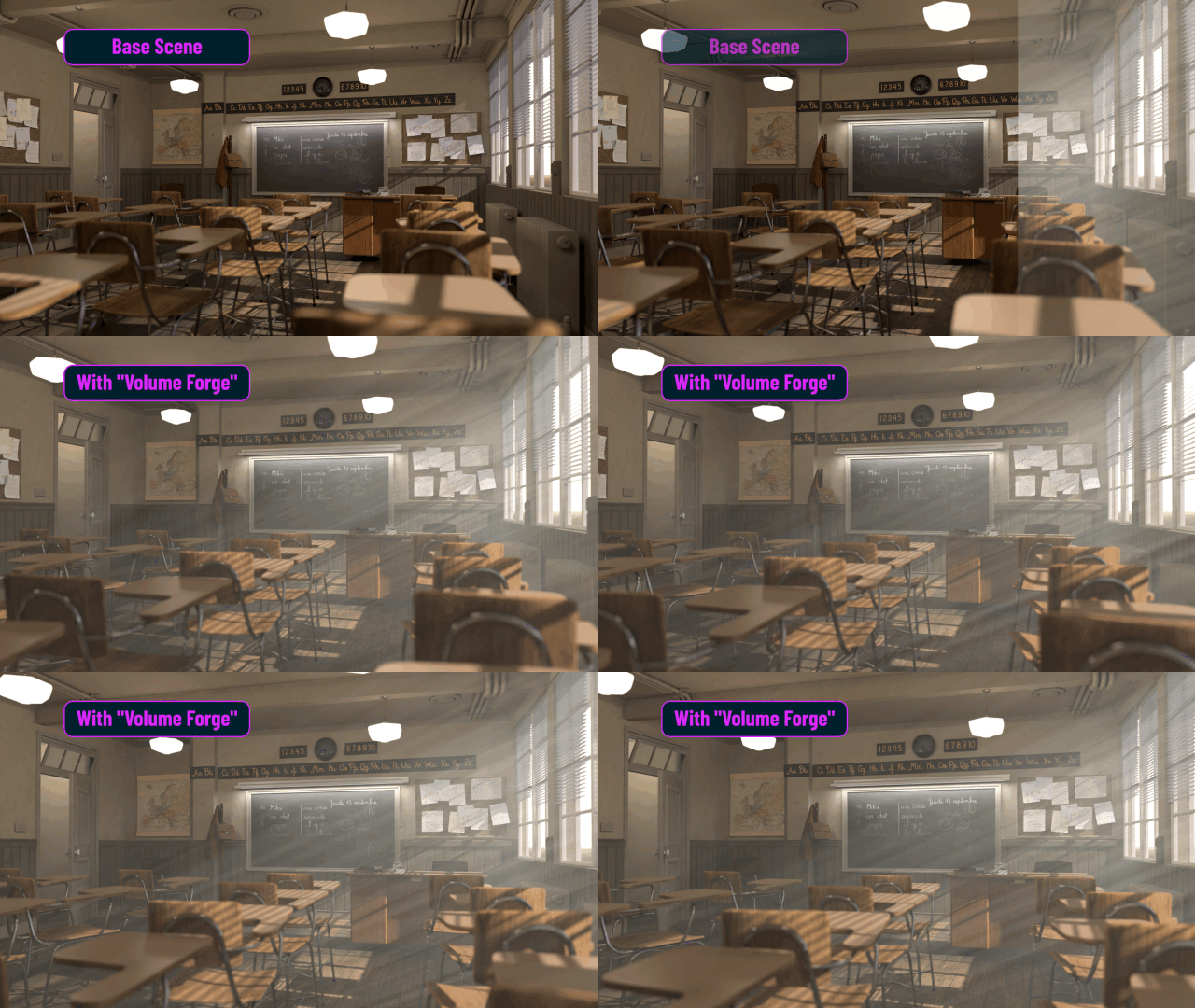
Volume Forge is a Blender add-on built to help you place atmosphere exactly where you need it in the frame. Whether you want a sharp light beam, a pocket of fog, a bit of haze, or a more stylized volumetric accent, the goal is simple: help you create atmosphere faster, control it more easily, and often render it much faster than scene-wide physical fog.
Instead of filling the entire scene with volume and fighting your way back to the look you want, Volume Forge lets you build focused atmospheric effects that serve the shot. It also includes practical workflow tools to save reusable looks, duplicate volumes cleanly, and move setups between projects more comfortably.
IN SHORT
If you are looking for a faster and more practical way to create interesting volumetrics in Blender, Volume Forge is built for you.
It helps you create atmosphere more easily, with results that stay focused and useful for the shot, while often rendering much faster than physical fog across the whole scene. It also gives you more practical workflow control with User Presets, clean independent duplication, and safer project transfer through Blender’s Append workflow.
BUILT FOR CONTROL
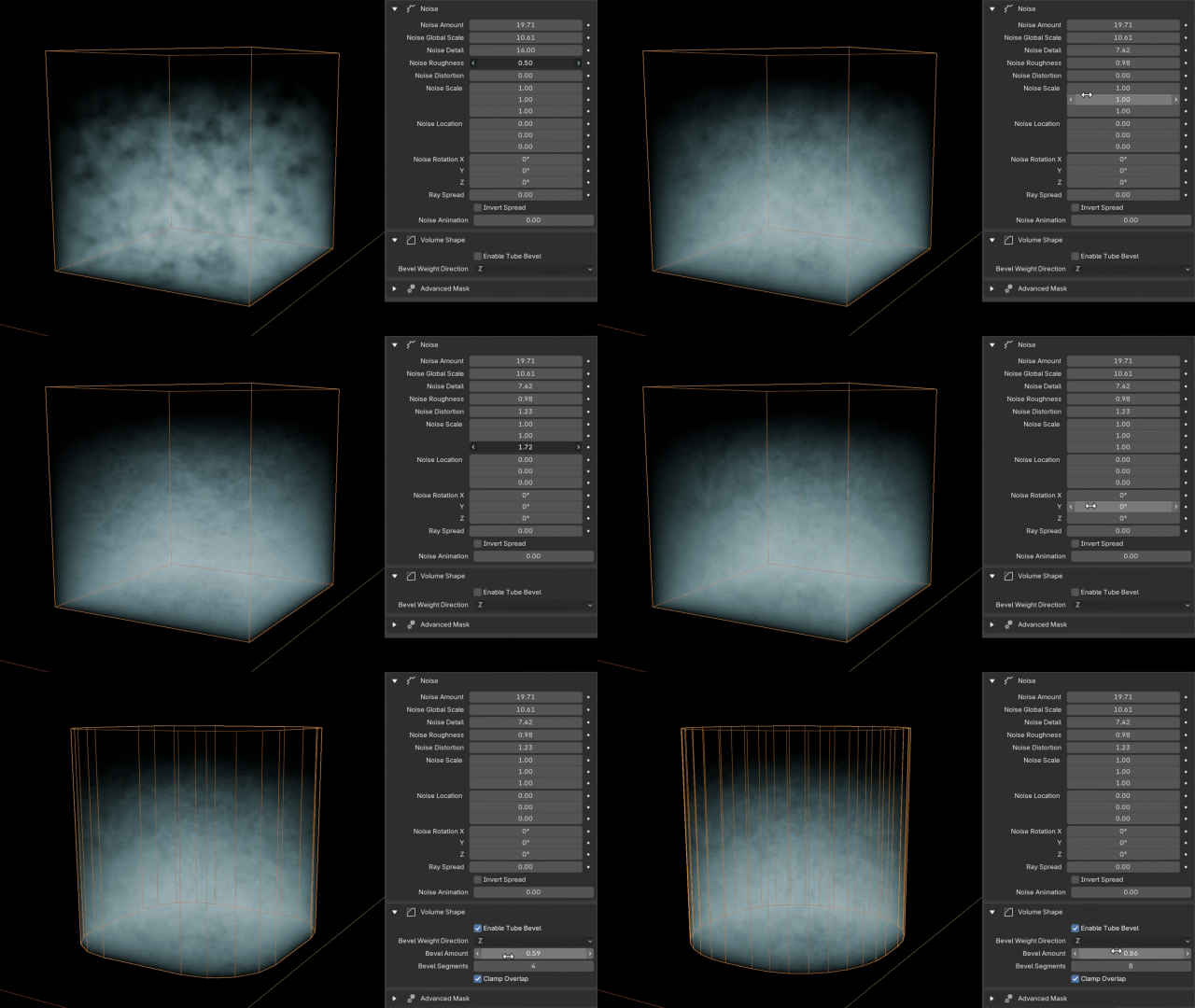
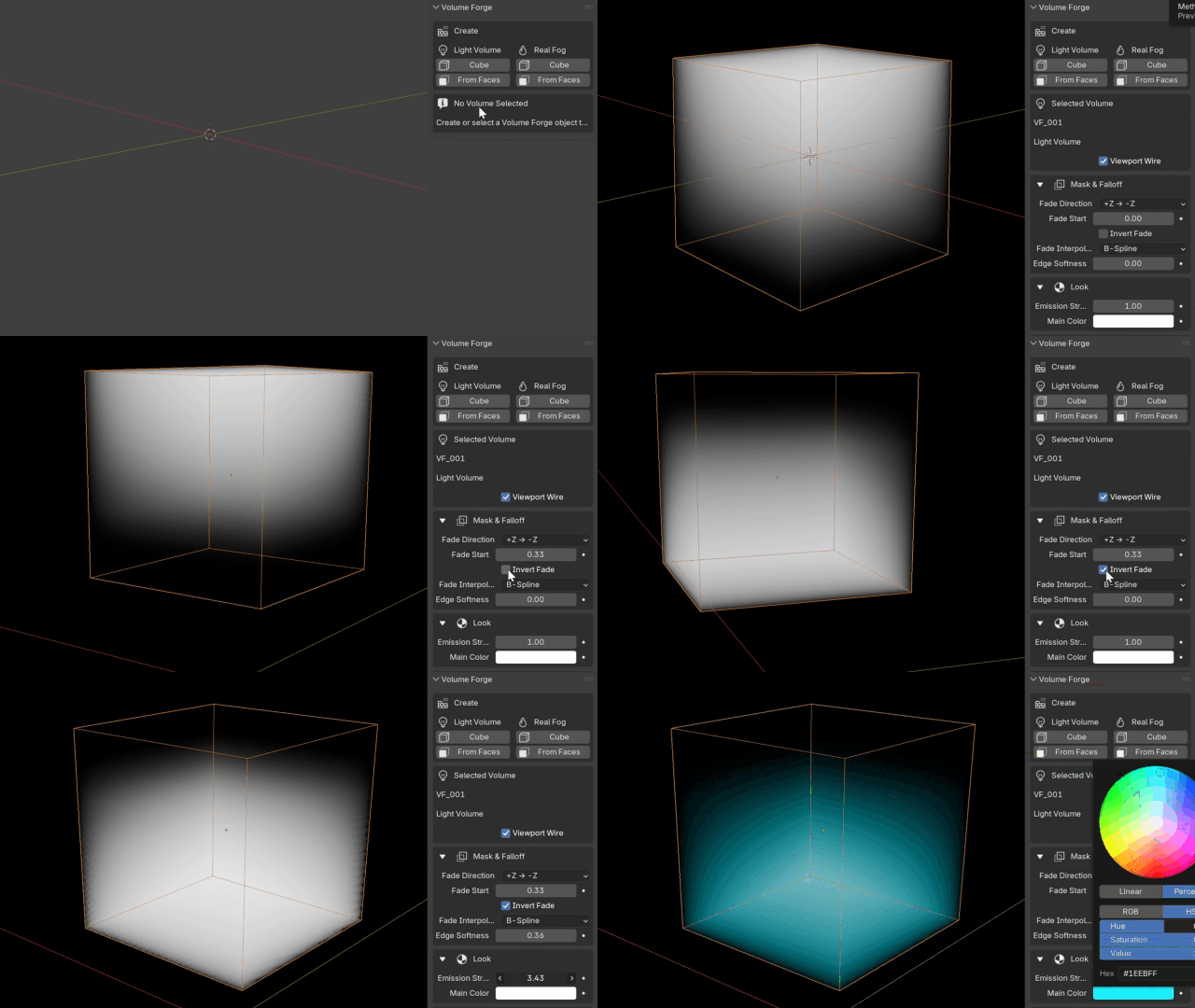
Volume Forge gives you the controls you need to shape the result without having to rebuild this kind of fog setup manually for every new project. You can adjust fade, breakup, color, masking, shadow response, and overall volume shape to move from a clean beam to something softer, dirtier, or more atmospheric.
The goal is not only to create a volume, but to keep it directable and reusable: adjust the look, stretch the noise, soften the edges, animate useful parameters, save a preset, duplicate a setup, and keep control over each copy when the shot needs it.
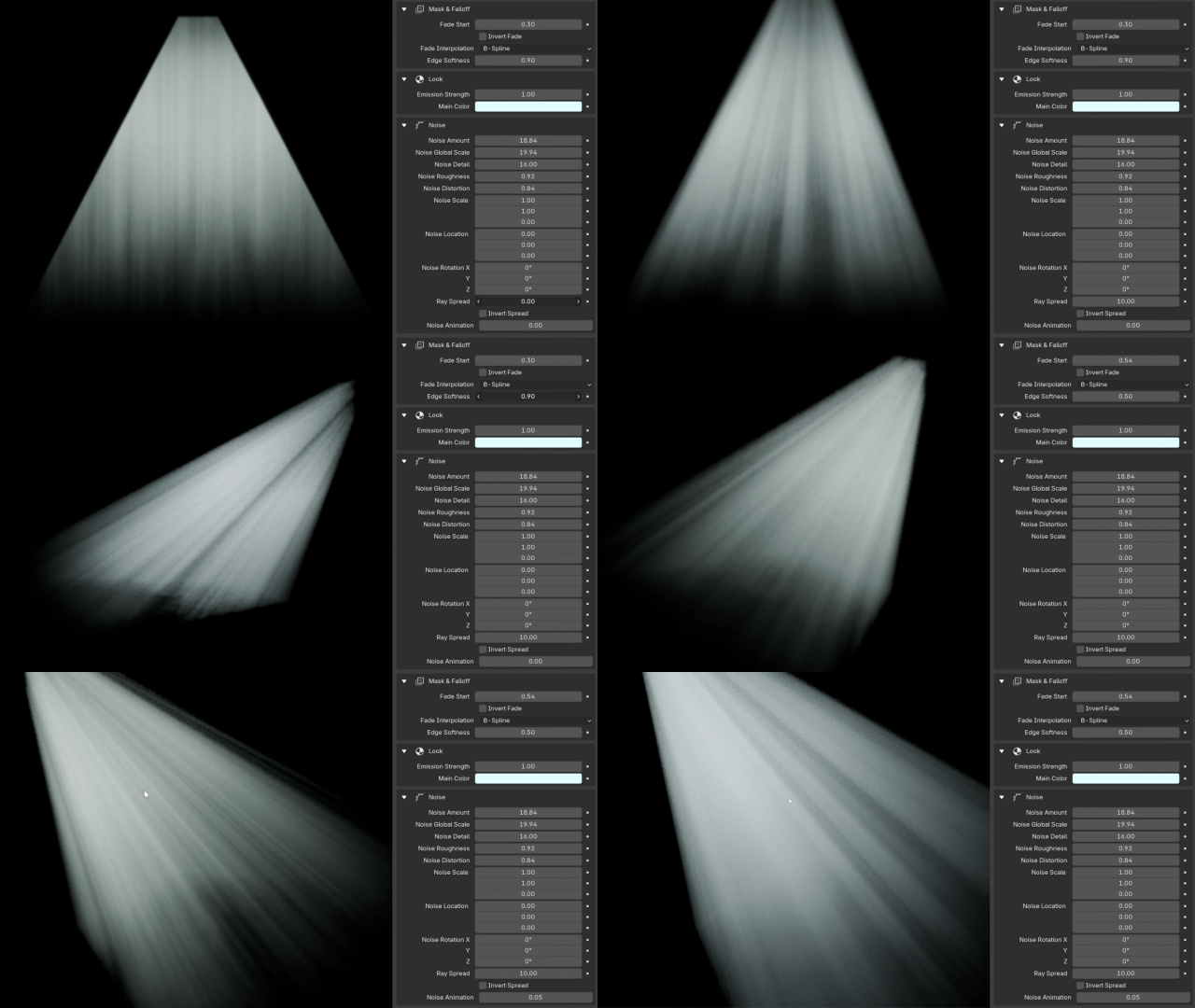
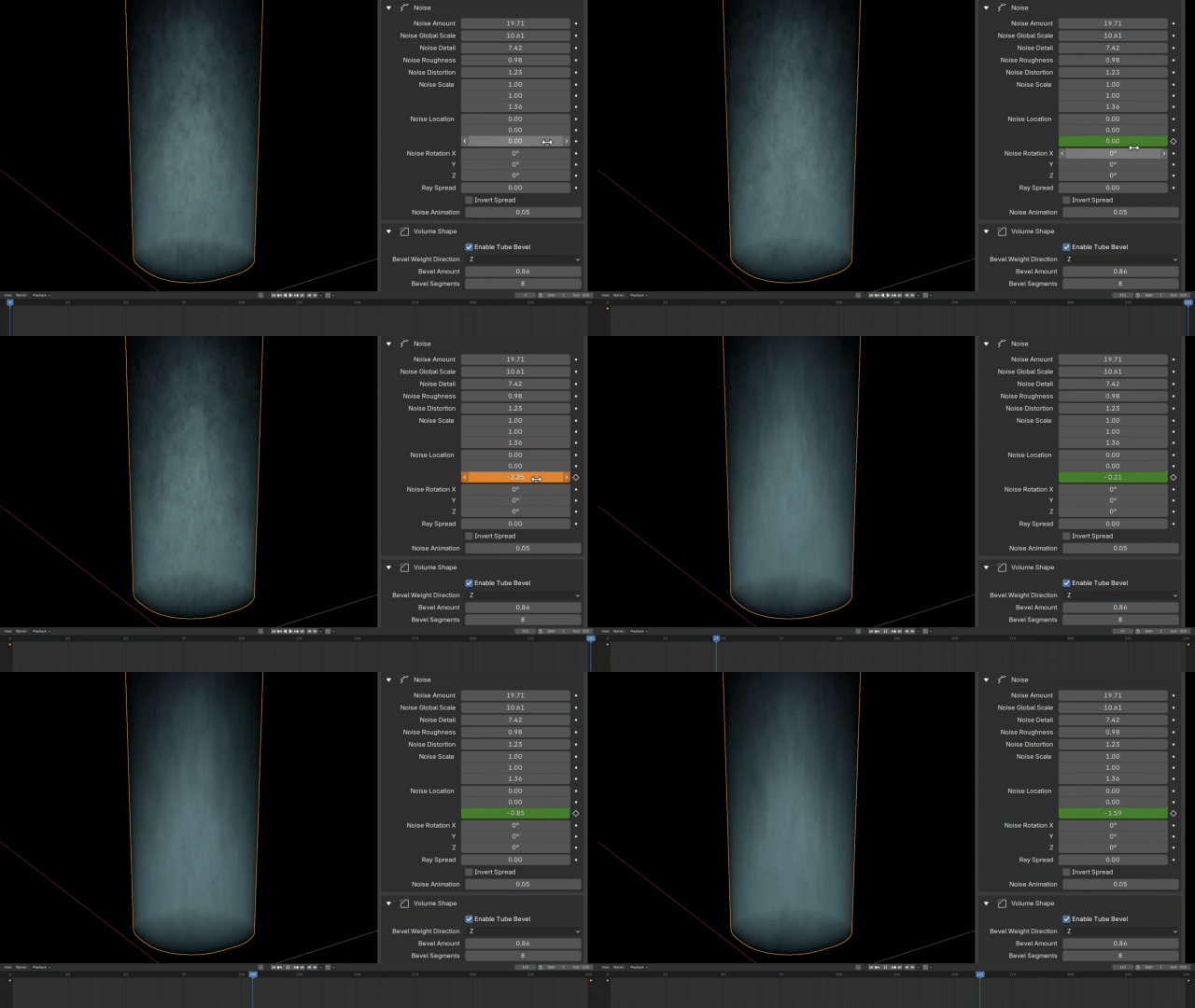
USER PRESETS FOR FASTER LOOK REUSE
Volume Forge now includes a User Presets system, so you can save a useful setup and apply it again to another Volume Forge object. This is made for practical shot work: keep a consistent atmosphere across several volumes, reuse a good beam setup, or quickly rebuild a look in another scene.
- save reusable Volume Forge settings;
- apply a saved look to another selected volume;
- preserve the color values used by the volume;
- open the presets folder directly;
- use a custom preset folder when your workflow needs it.
Presets save Volume Forge parameter values. They are not full Blender objects or materials, which keeps them focused on reusing looks quickly and cleanly.
WHAT YOU CAN CREATE
Volume Forge is not limited to classic god rays. It can also be used for:
- localized fog
- soft haze
- smoky or dusty light volumes
- vapor-like effects
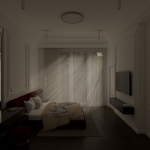
- moody interiors
- stylized sci-fi beams
- subtle atmospheric depth
The idea is not just to make volumetrics possible, but to make them easier to place, refine, and use in real scenes.
WHERE VOLUME FORGE COMES FROM
Volume Forge started from a simple idea: make it easier to create localized volumetric atmosphere in Blender using the now widely used trick of plugging an Emission shader into the Volume output.
This approach makes it possible to create fog-like volumetric effects that are often significantly faster to render than full physical fog, while still giving a convincing atmospheric result in many shots.
The original goal of the addon was to simplify that process, make it faster to set up, and give artists enough control to push the result closer to the feel of real fog when needed.
Once that core system was in place, it also made sense to include a separate true volumetric fog creation mode for shots that called for a more physical result.

TWO MODES, TWO APPROACHES
Volume Forge gives you two different ways to build atmospheric volume in Blender.
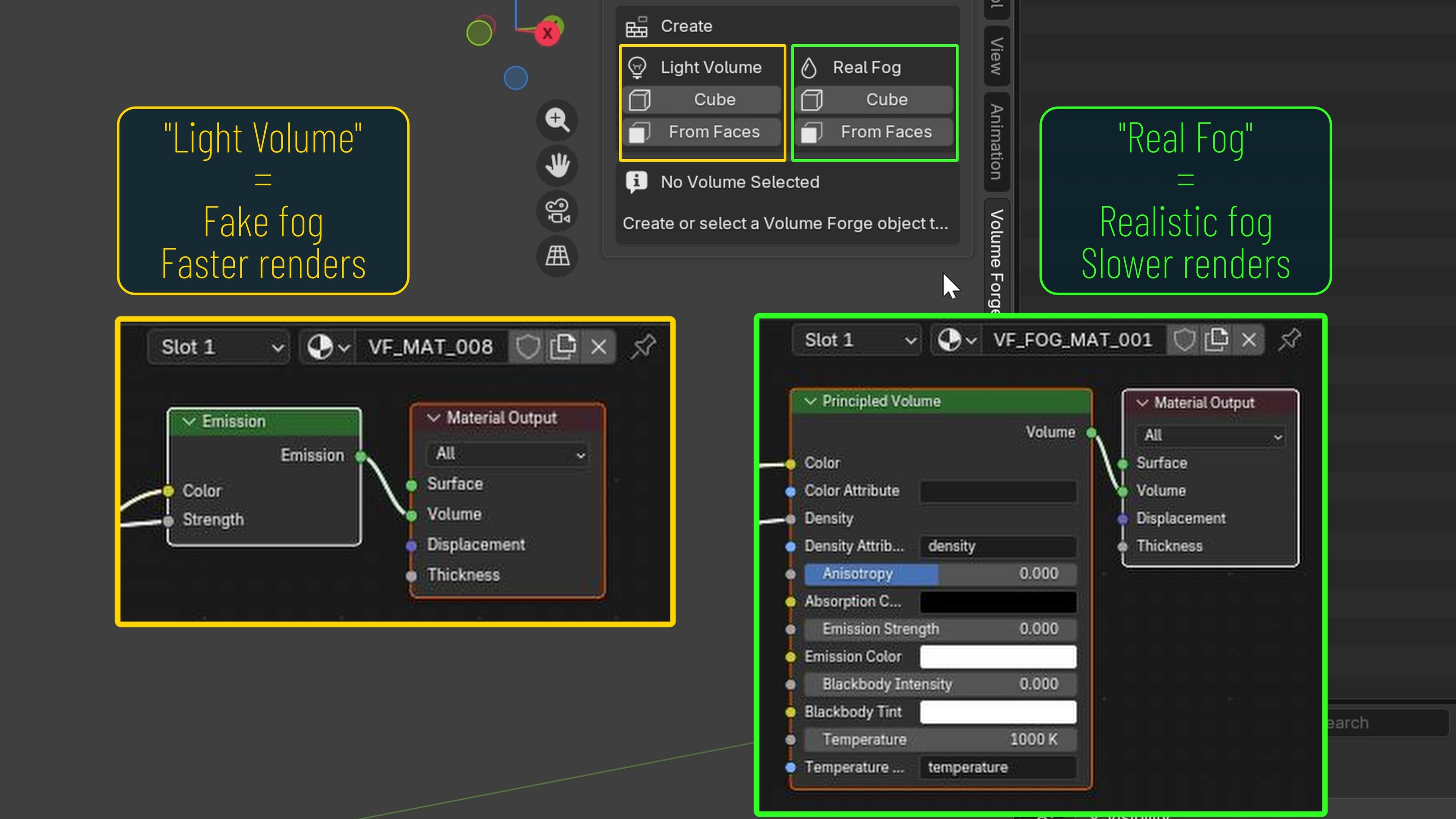
1) LIGHT VOLUME
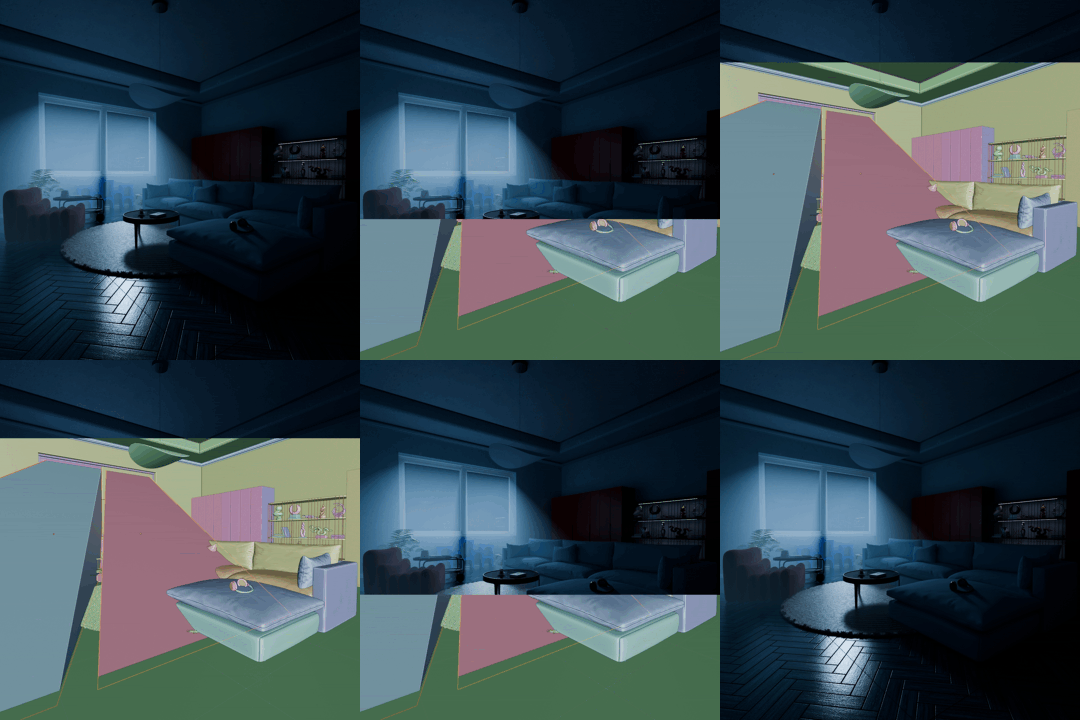
Light Volume is based on an emissive “fake fog” approach. It was the original foundation of the addon: a lighter and often much faster-to-render way to create volumetric-looking atmosphere, while still offering enough control to shape the effect for the shot.
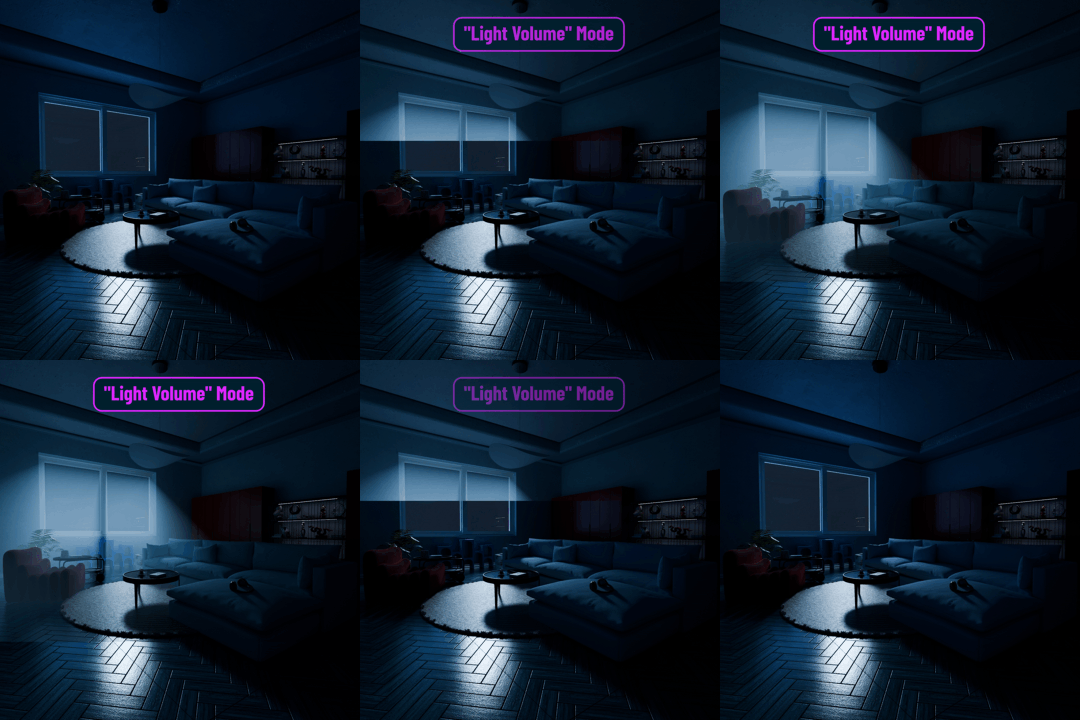
2) REAL FOG
Real Fog uses a true volumetric fog setup. It is useful when you want the volume to react more naturally to the lighting in the scene, especially when visible shadowing inside the fog matters to the shot.

So the difference is not just about style — it is about choosing the right approach for the shot: a faster-rendering fake fog, or a true fog volume with more natural light interaction.
TWO WAYS TO CREATE THE EFFECT
1) CUBE
Cube is the fast and simple method: drop a volume into the scene and shape it freely.
2) FROM FACES
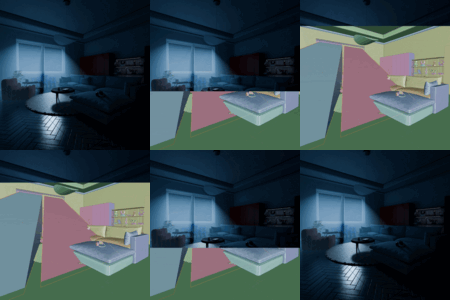
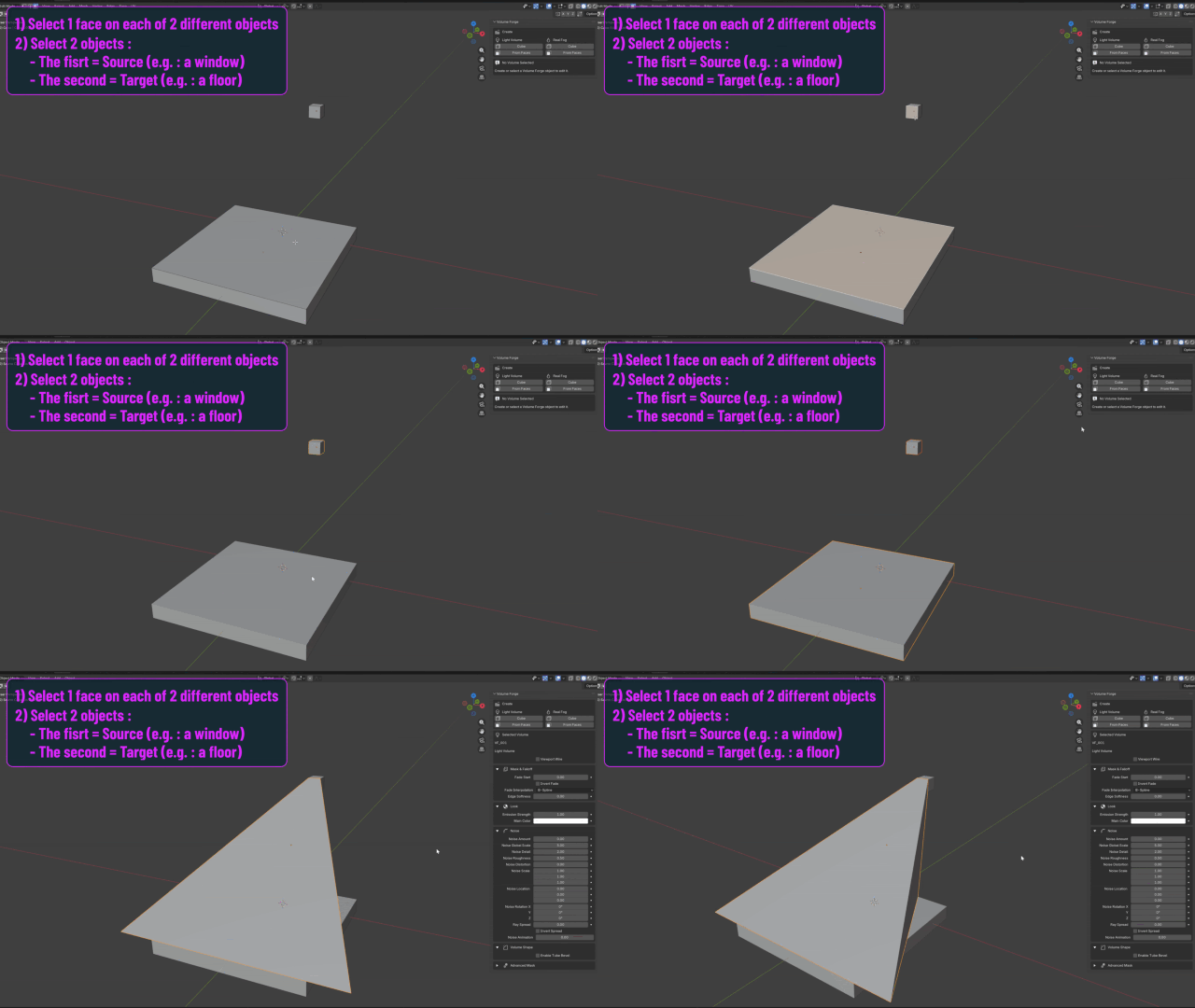
From Faces is designed for more precise setups. It lets you define a source and a destination, which is especially useful for effects such as light traveling from a window to the floor, or any directed volumetric path.
Once a volume is created, you can choose the duplication workflow that fits the shot: use Duplicate Volume Forge for a clean independent copy with its own material setup, or use Blender’s normal duplicate behavior, such as Ctrl+D, when you intentionally want linked/shared material behavior.
WORKS IN EEVEE AND CYCLES
Volume Forge is designed to be useful in both Eevee and Cycles. And with how much Eevee has evolved lately, it felt important for the addon to work well in both workflows.
VIDEO TUTORIAL
UPDATED WORKFLOW TOOLS (v.2.0.5)
The latest Volume Forge update focuses on making the addon easier to reuse in real production situations, without changing the core idea of fast localized volumetric light and fog.
- User Presets help you save and reuse looks across several Volume Forge objects.
- Duplicate Volume Forge creates independent copies when each volume needs its own material and controls. Blender’s normal Ctrl+D duplicate remains useful when you intentionally want linked/shared material behavior.
- File → Append is the recommended clean workflow for bringing Volume Forge objects from another .blend project. Copy/paste between open scenes can still work, but Append is the safer documented method.
- Validate / Repair Selected Volume helps check or repair a selected volume after an update, append/import, or if something seems incomplete.
These additions are workflow improvements, not a change in the main creative promise: place the atmosphere where the shot needs it, keep it controllable, and avoid building a scene-wide fog setup when a localized effect is enough.
FREE UPDATES AHEAD
More improvements are already planned for future updates, and they will remain free for everyone who has purchased the addon.