 QLeris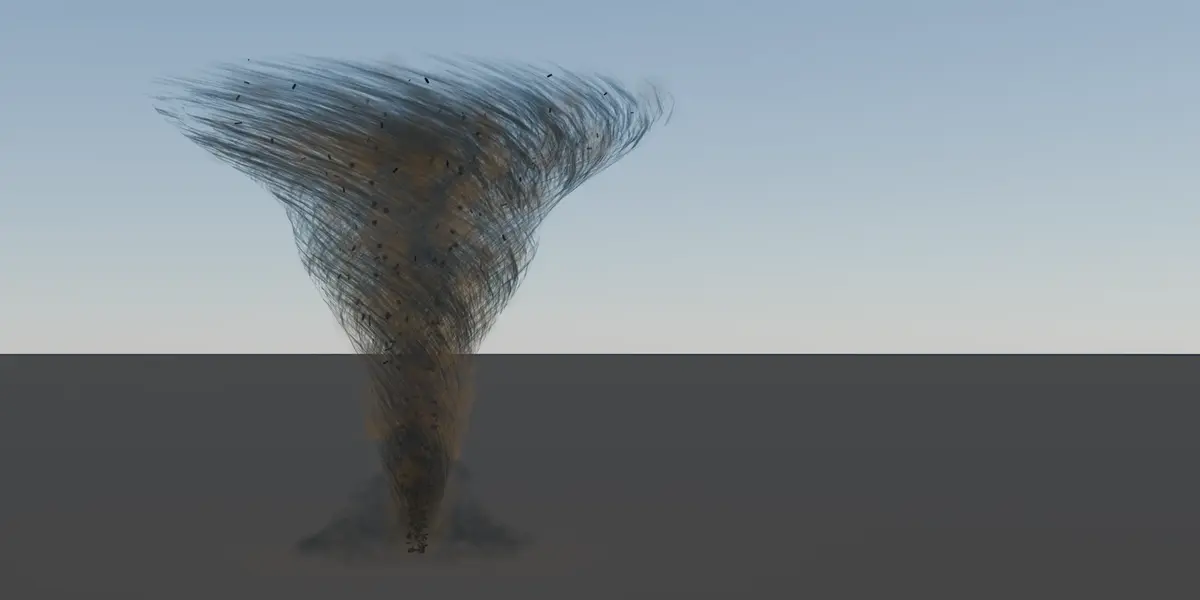
Real-time, because nothing is simulated
Volute builds volumetric effects out of curves and Geometry Nodes. There is no fluid solver, no bake step and no cache on disk. Every layer is evaluated by Blender itself, which means two things you feel straight away: the viewport stays interactive while you work, and a render cannot stall waiting on a simulation.
Between two frames of an animation render, Volute runs no Python at all.
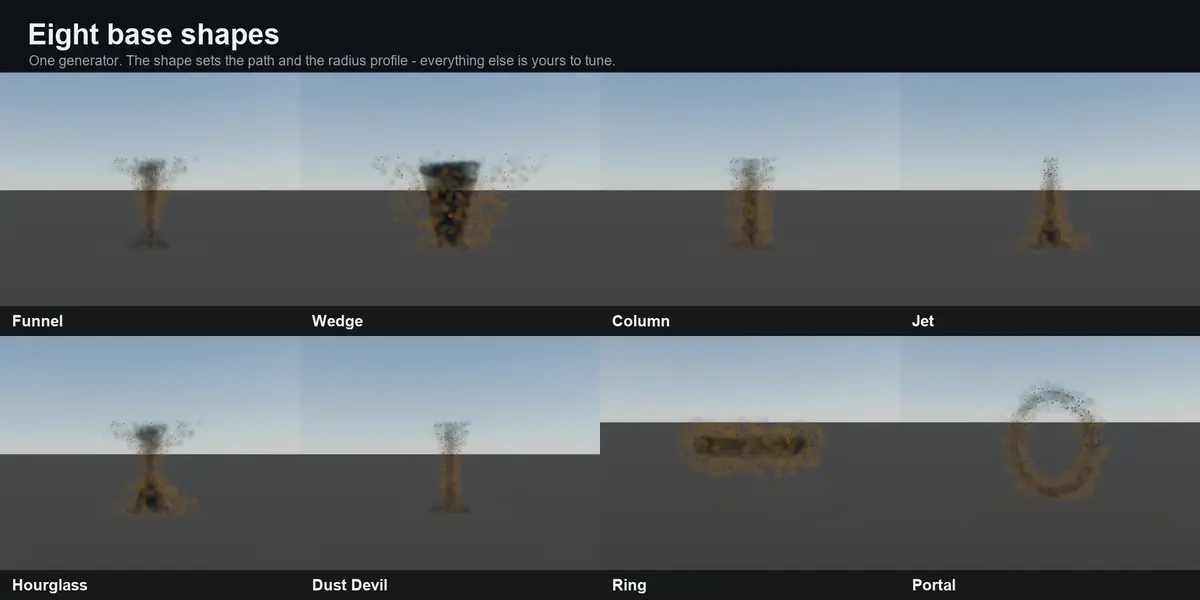
Eight base shapes, one generator
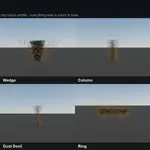
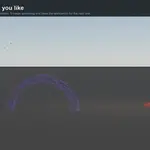
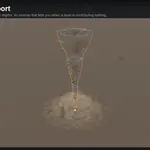
Funnel, Wedge, Column, Jet, Hourglass, Dust Devil, Ring and Portal. The shape sets the path and the radius profile; everything past that is yours to tune.
Eight layers you can switch off
- Main volume – the body itself, with its own core, dust and outer wisps
- Dust grains – fine specks caught in the flow
- Strands – thin drawn-out threads spiralling up the body
- Cloudlets – rounded puffs of smoke
- Debris – tumbling shards, replaceable with your own objects from a collection
- Ground dust – the dome kicked up where the effect touches down
- Spiral sheets – wide twisting veils wrapped around the body
- Glow – an emissive band, optionally with a real light that travels with it
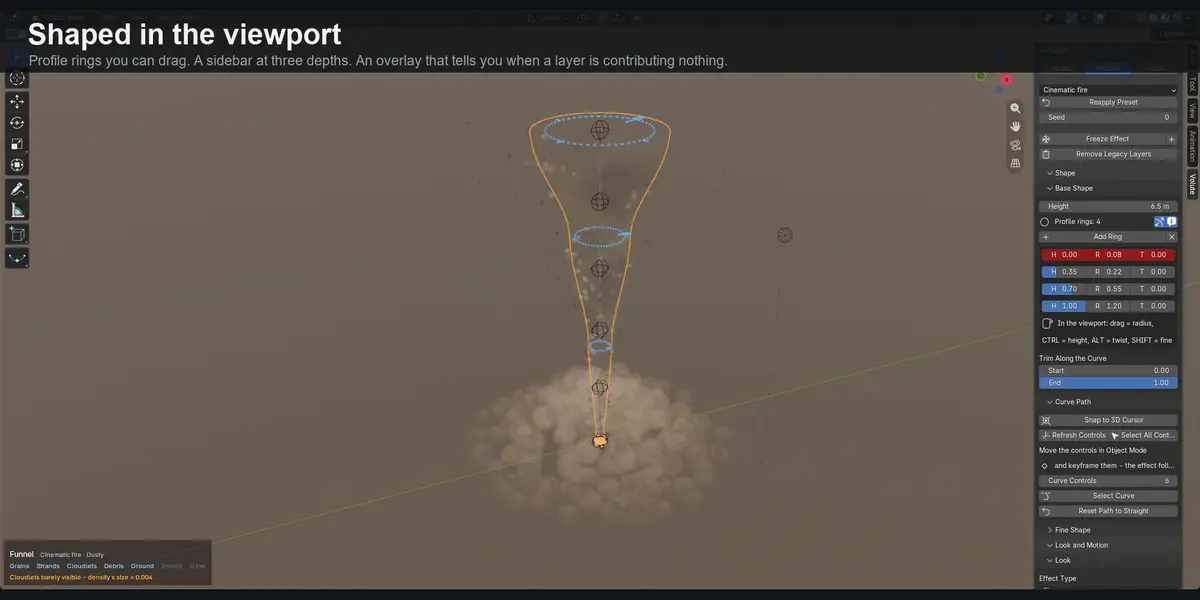
Shaped in the viewport
An effect is described by profile rings along its height. Drag a ring to change the radius, Ctrl to move it along the path, Alt for twist, Shift for fine adjustment. Add rings where you want the silhouette to change.
Colour kept separate from everything else
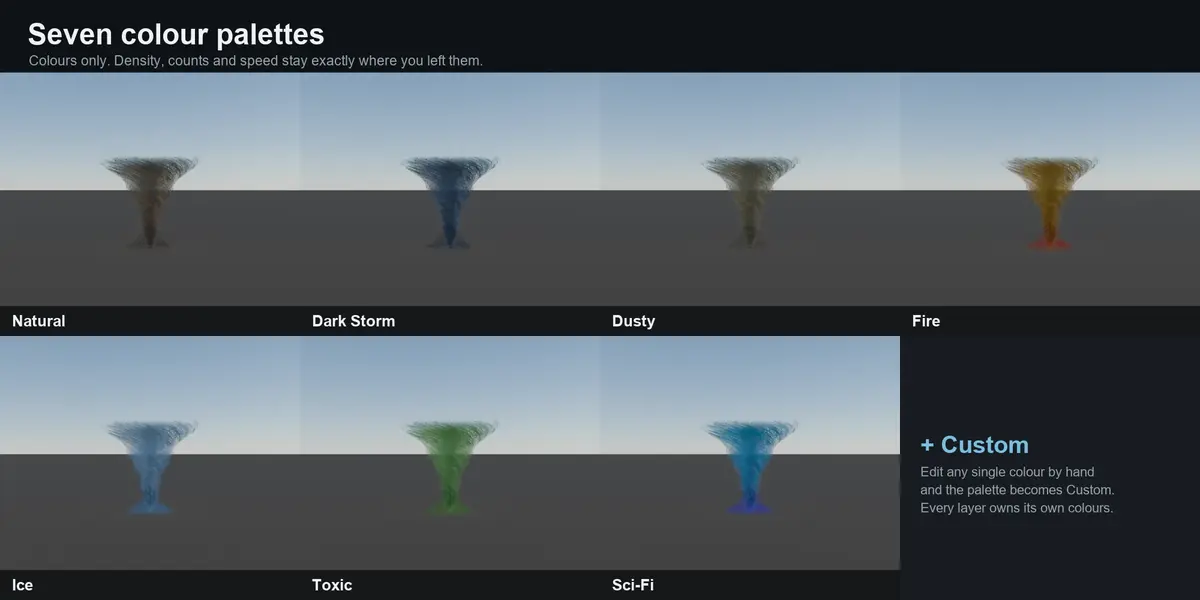
Effect Type decides what the layers are – smoke absorbs, fire and plasma emit. Colour Palette changes colours and nothing else, so you can try Fire on a look you tuned for smoke without disturbing a single density. Presets are complete looks. All three are separate, and every layer owns its own colours.
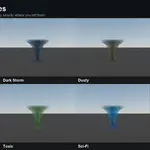
Seven palettes ship: Natural, Dark Storm, Dusty, Fire, Ice, Toxic and Sci-Fi. Save your own presets and they follow you into every project.
Keyframe it and it travels
The path carries controllers. Move them in Object Mode and the effect follows; keyframe them and it travels. The deformation is a Hook modifier that Blender evaluates itself, so nothing fights your keyframes.
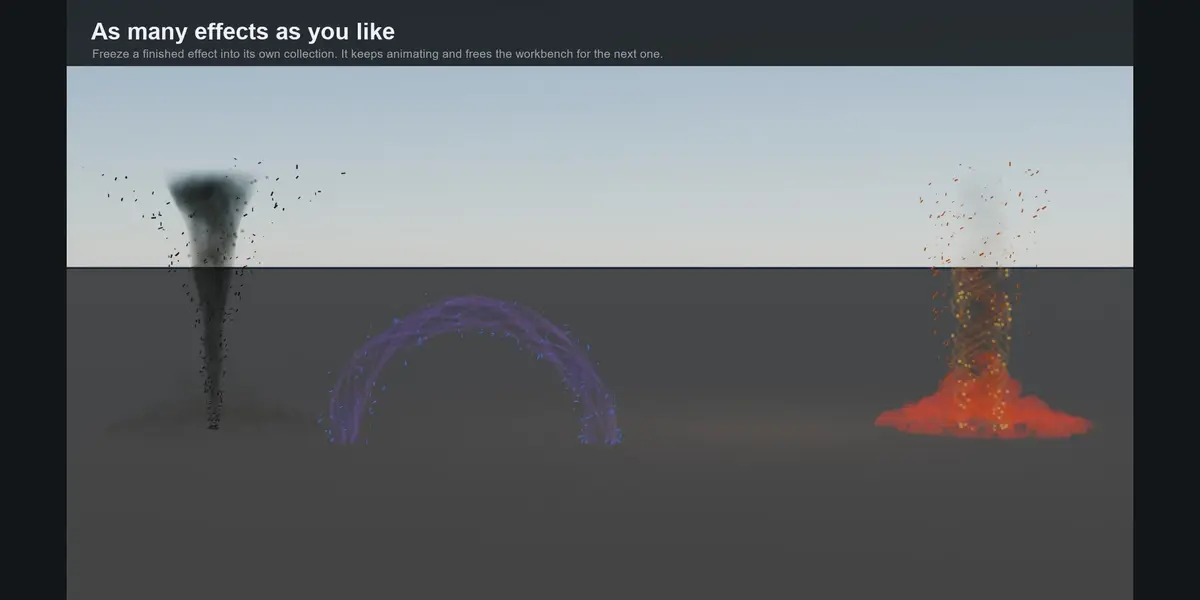
As many effects in a scene as you like
Volute edits one effect at a time. Freeze a finished one and it moves into a collection of its own – its own node graph, its own materials, its own path. It keeps animating and stops responding to the sliders, and the workbench is free for the next one. A frozen effect runs no Python, so the limit is your hardware.
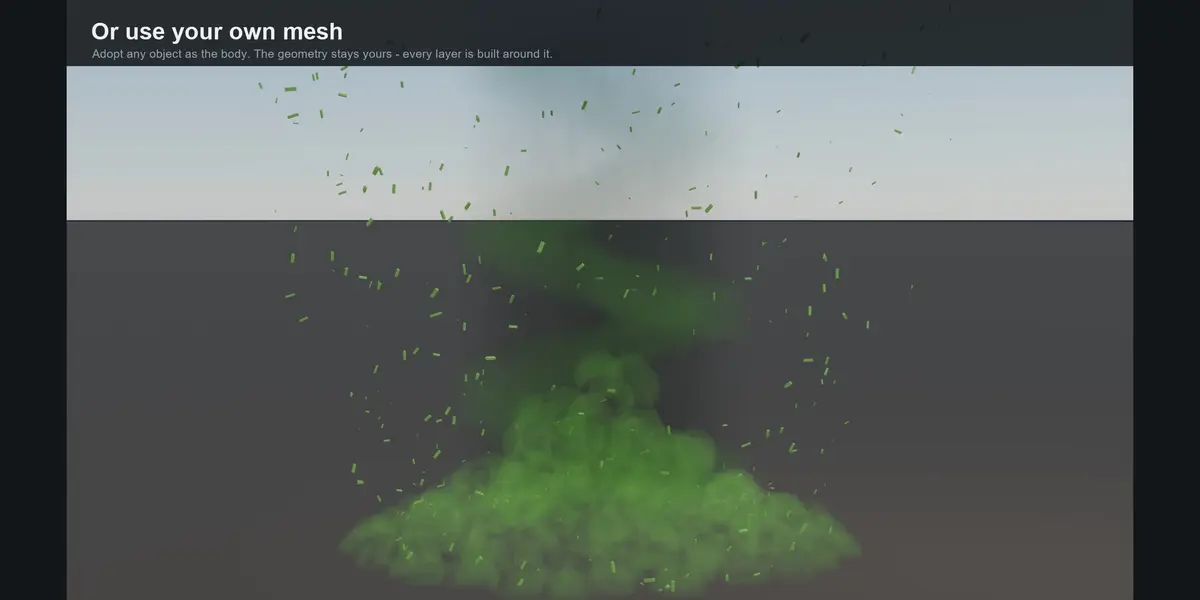
Or use your own mesh
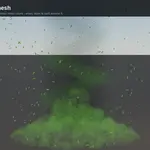
Adopt any mesh as the body of an effect. The geometry stays yours: it gets the volume material and every layer is built around it at its own size and position. Height and Width scale the object rather than editing the mesh.
It drives physics
Volute places Blender's own force fields along the path, so cloth, hair, particle systems and rigid bodies in your scene react to the effect.
A sidebar that is not 150 sliders on day one
Simple, Normal and Expert. Simple is enough to turn a preset into your own effect; nothing is hidden permanently, the switch only changes how much you have to look past.
A viewport overlay stays visible during playback, when Blender stops drawing gizmos. It names the shape, the look and the palette, and it warns you when a layer is switched on but too thin to see – with the number.
Worth knowing before you buy
- Physics is a simulation. The effect itself is always real-time. Anything the force fields drive – cloth, hair, particles, rigid bodies – has to be simulated or baked before it renders correctly. That is Blender, not Volute.
- Adopted meshes follow size and position, not silhouette. The volume material has its own internal structure. Large simple forms read best; a highly detailed model comes out as a soft mass roughly its size.
- Volumes need Material Preview. Blender's Solid shading draws no volumes at all, so a correctly built effect is invisible until you press Z. The overlay tells you so, but it catches everyone once.
Requirements
- Blender 5.2 LTS or newer
- Works in EEVEE and Cycles
- No external dependencies, no account, no internet connection required
- Licensed GPL-3.0-or-later
What you get
- The add-on as a single .zip – install from disk and enable
- Four ready-made looks and seven colour palettes
- A full written manual covering every panel, with troubleshooting: qleris.com/handbook.html
Made by Qleris — qleris.com
