 QLeris
A layer is switched on but I still cannot see it. What is wrong?
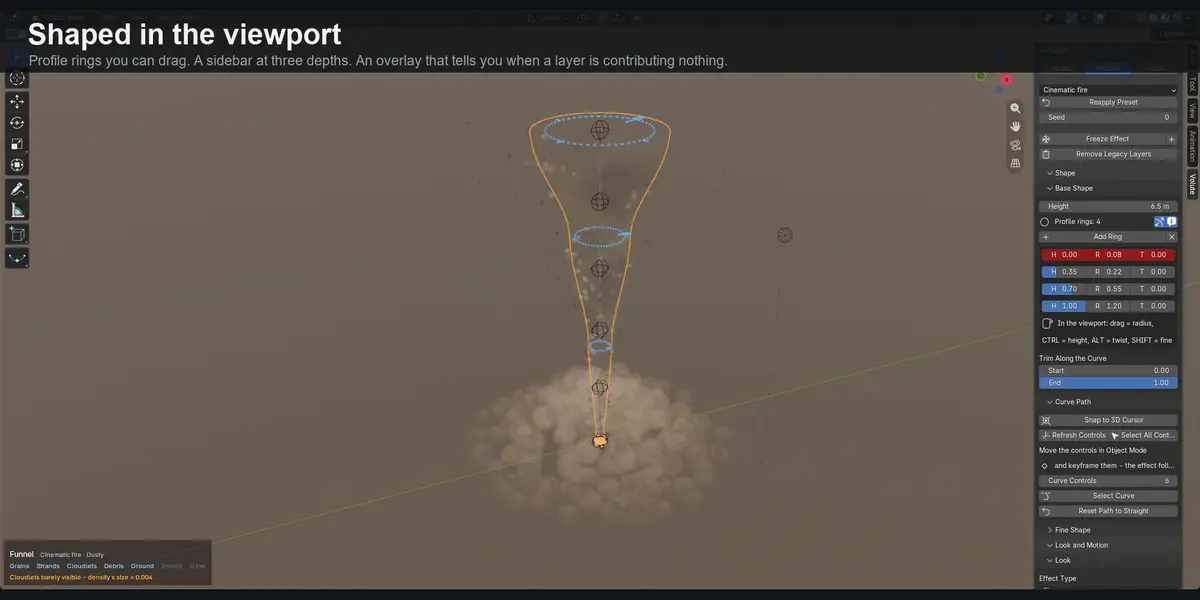
Nothing is broken. A thin volume is only as visible as its density multiplied by its thickness, and it is easy to leave a layer at values far below anything the eye can pick up.
The viewport overlay warns you when this happens and gives you the number, so you know which slider to raise.
Can I use my own objects instead of the built-in debris?
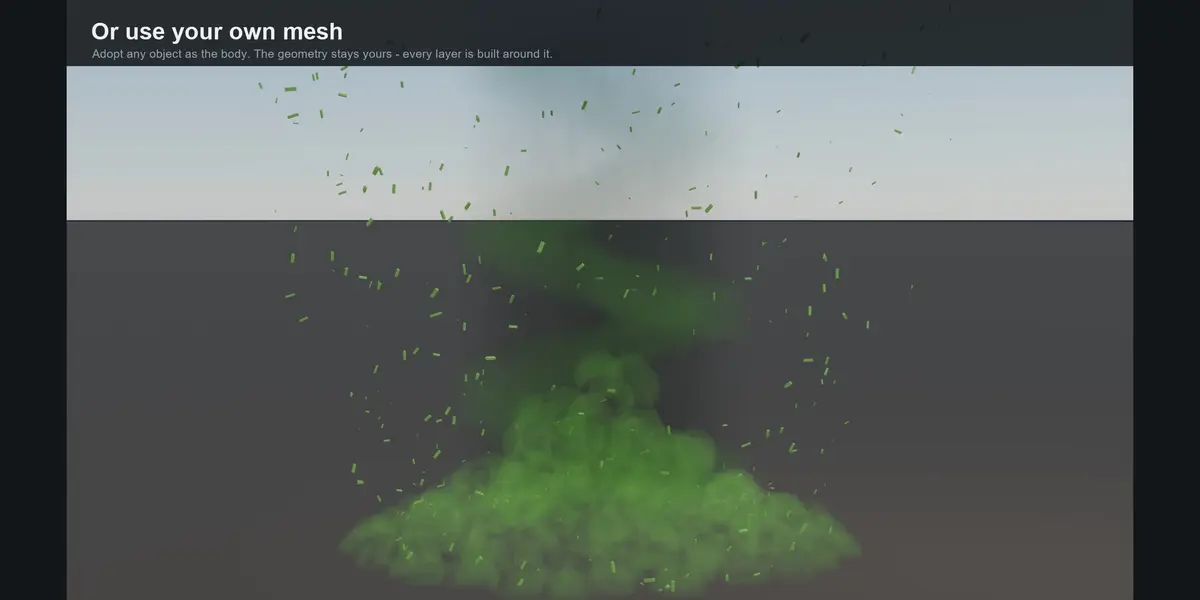
Yes. Point the Debris layer at a collection of your own objects and they are scattered instead of the built-in shards.
You can also adopt any mesh as the body of an effect. The geometry stays yours - it receives the volume material, and the path, dust and every other layer are built around it at its own size and position.
Can I have more than one effect in a scene?
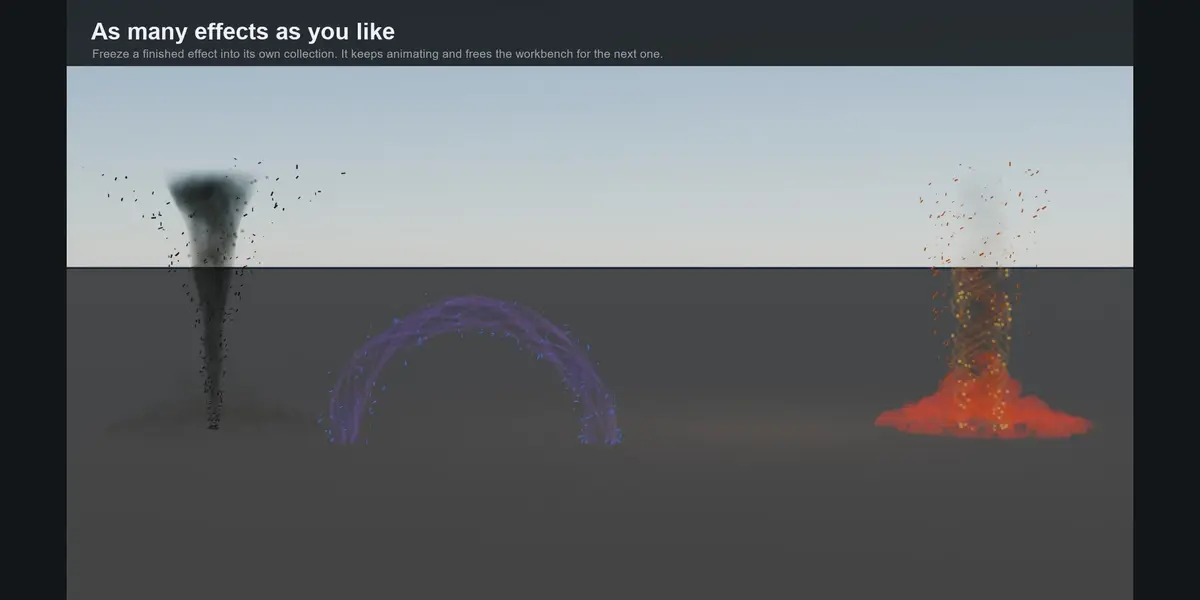
Yes. Volute edits one effect at a time. When one is finished you press Freeze Effect and it moves into a collection of its own, with its own node graph, materials and path.
It keeps animating, stops responding to the sliders, and frees the workbench for the next one. A frozen effect runs no Python at all, so the practical limit is what your hardware will render.
Does it need a simulation or a bake?
No. Volute builds its effects from curves and Geometry Nodes, so there is no fluid solver, no bake step and no cache on disk. The viewport stays interactive while you work, and a render cannot stall waiting on a simulation.
There is one exception, and it is worth knowing before you buy: if you use the force fields to drive cloth, hair, particles or rigid bodies, those are Blender simulations and have to be simulated or baked as usual. The effect itself is always real-time.
Which Blender versions does it support?
Blender 5.2 LTS and newer. It works in both EEVEE and Cycles.
There are no external dependencies, no account and no internet connection required.
I installed Volute but I cannot see anything in the viewport
Every layer in Volute is a volume, and Blender's Solid shading draws no volumes at all. Switch the viewport to Material Preview or Rendered - press Z and pick one.
The on-screen overlay tells you this when it happens. It catches almost everyone once.
$9.99
Have questions about this product?
Login to message
| Blender Extension Compatible | Yes |
| Published | 27 days ago |
| Blender Version | 5.2 |
| Extension Type | Add-on |
| Render Engine Used | Eevee |
| License | GPL |

Discover more products like this
volumetric procedural fire tornado geometry nodes VFX portal eevee effects real-time smoke dust