 Digital DiLeo
Your whole Blender scene, in VR
VR Studio puts you inside your Blender scene with a VR headset and motion controllers, and lets you work there: grab and animate objects, block out a scene, edit meshes, sculpt, rig, paint textures, cut between cameras and pull in assets from your libraries, all from a floating panel you point at, without taking the headset off.
Everything you do is ordinary Blender data: keyframes, meshes, bones, constraints, timeline markers. Take the headset off and keep working on the desktop exactly where you left off.
Animate by performing
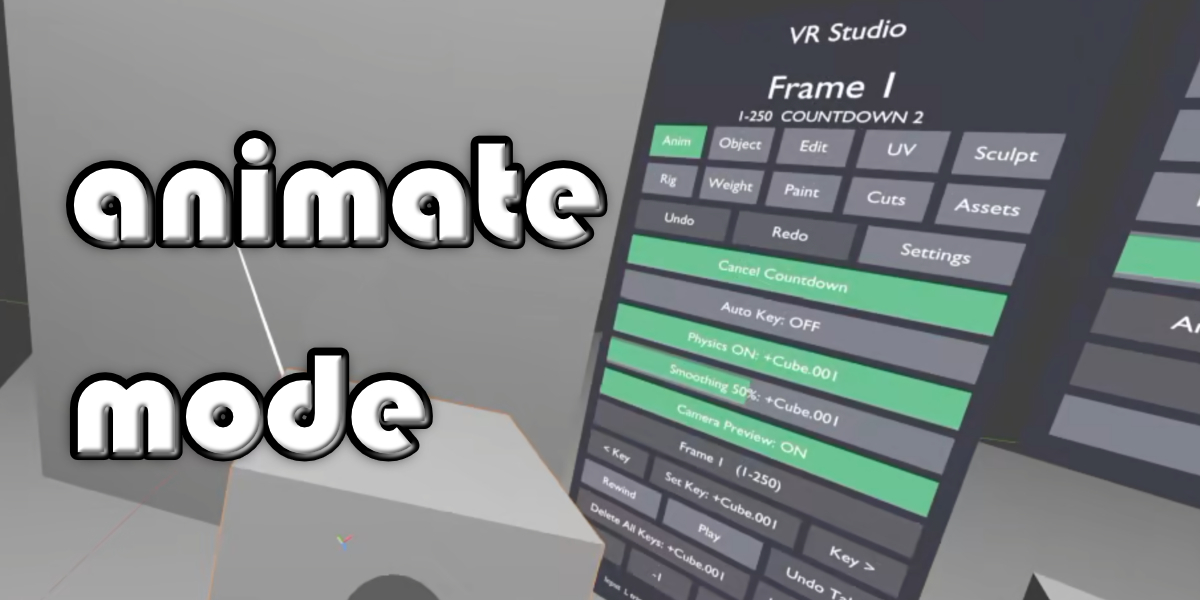
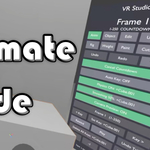
- Grab objects, cameras and pose bones (IK targets and the like) and record takes as editable keyframes, with a visible 3–2–1 countdown.
- Play, rewind, scrub the timeline, step frames, jump between keys, Set Key and Auto Key, with key ticks on the timeline.
- Undo Take and Delete Keys with Undo; adjustable motion smoothing.
- Optional physics: let go of an object and it falls or flies with the speed and spin of your hand, baked into keys.
- Hold a camera to see a live camera preview screen; the triggers zoom the lens.
- Sound strips play along with the timeline.
Ten work modes
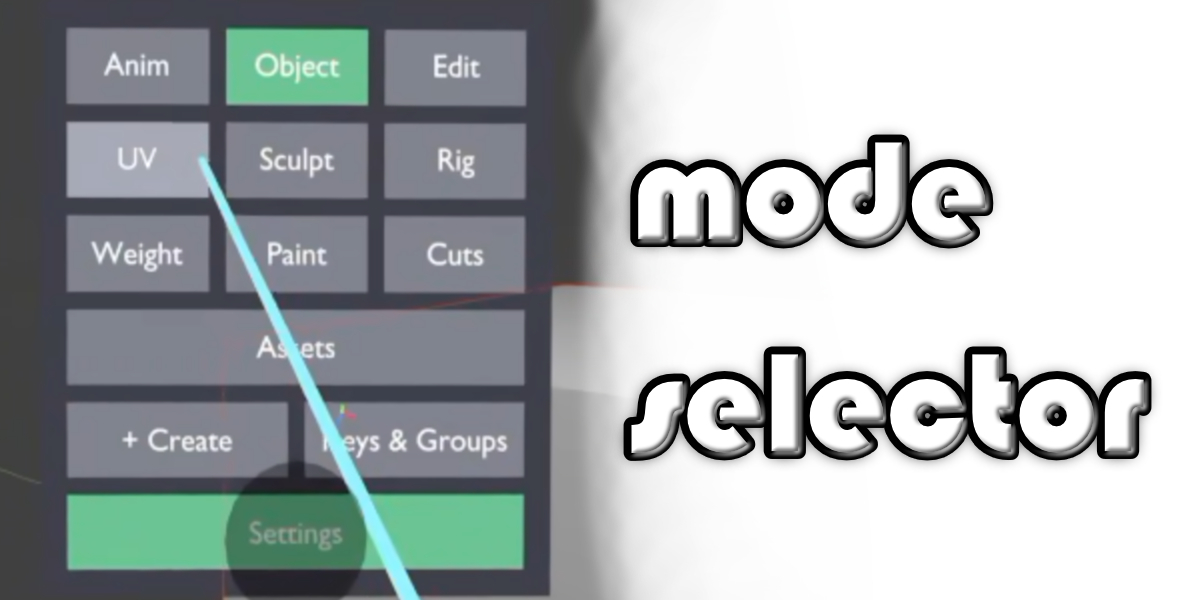
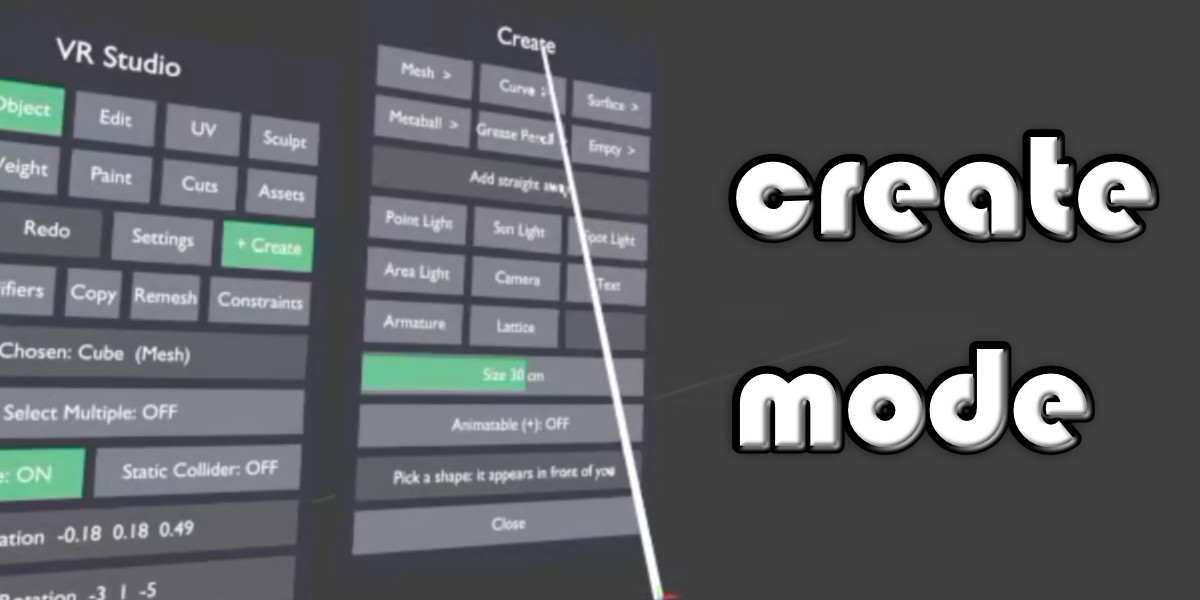
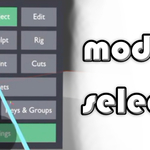
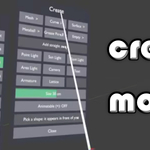
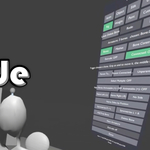
- Object: pick up any object, two-handed scaling, select multiple and Join, parent and unparent, duplicate, delete, Convert to Mesh, a Create menu (meshes, lights, cameras, armatures and more), a modifier stack editor, copy modifiers, materials and transforms between objects, Voxel and Quad (QuadriFlow) Remesh, static colliders, and a full Constraints page (Transform, Tracking and Relationship categories plus a manager for targets, influence, order and deleting).
- Edit: vertex, edge and face selection with the laser, Paint Select, move, rotate and scale with the grip, soft selection, Extrude (region or individual, with "grip extrudes" and along-normal), and editing curves and grease pencil points.
- UV: mark seams and unwrap.
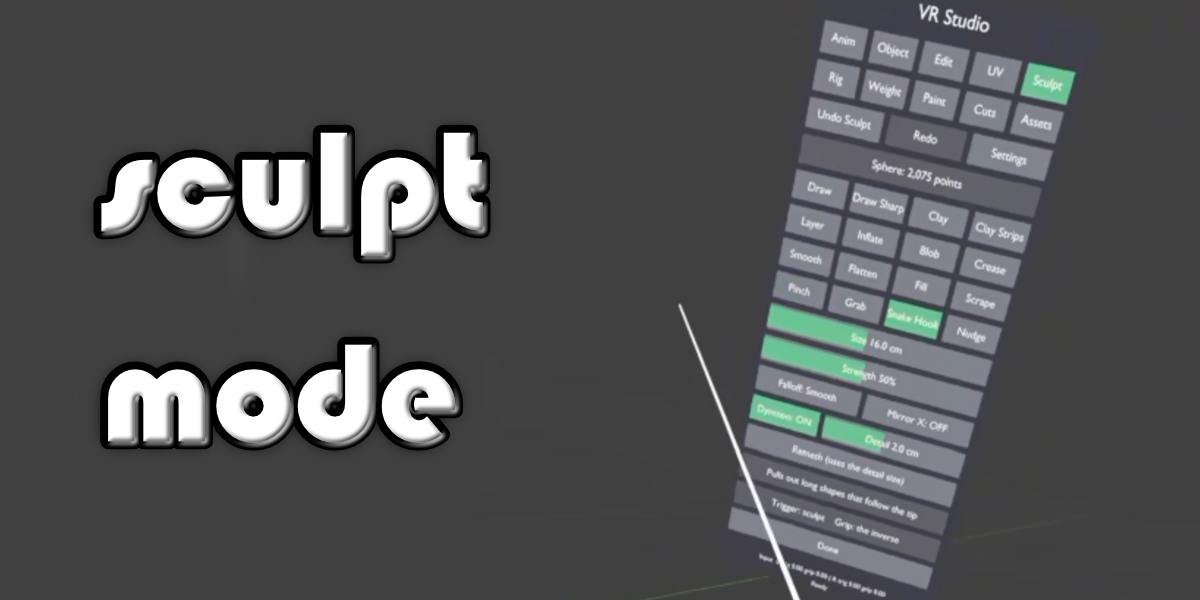
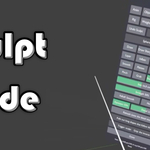
- Sculpt: draw, clay, smooth, flatten, fill, scrape, layer, grab, snake hook and more, with mirror, Dyntopo detail and remesh.
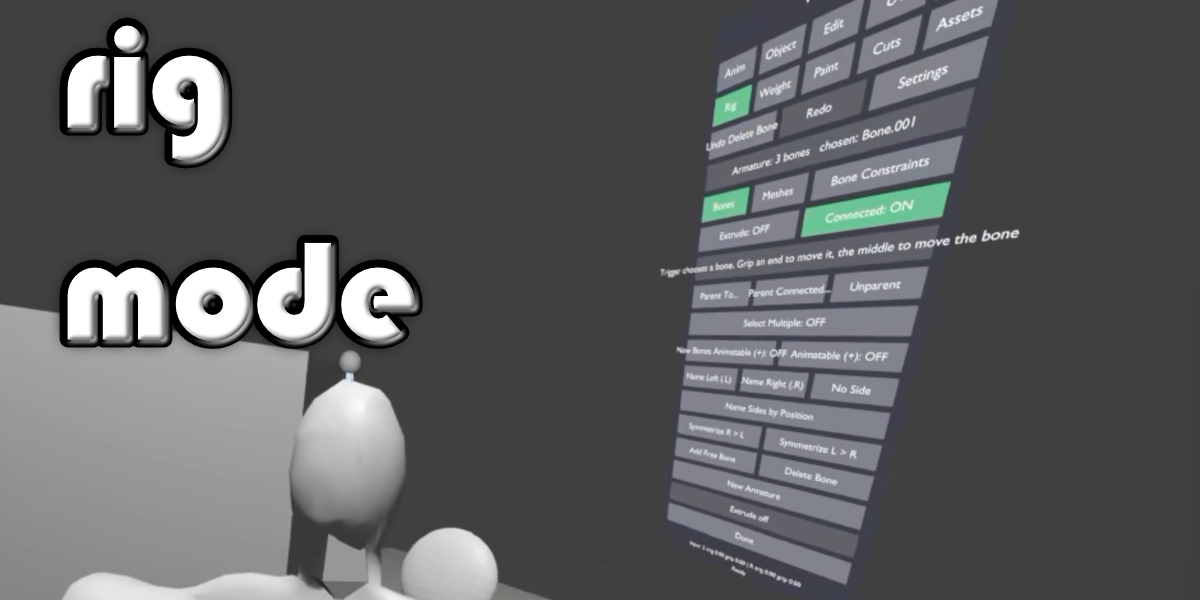
- Rig: make an armature and extrude bone chains by pointing, move bone heads, tails or whole bones with your hands (or from a distance with the laser), Parent To / Unparent, delete bones, name bones left/right and Symmetrize (across X or Y, for rigs built facing any way, with their constraints mirrored too), mark bones animatable, parent meshes with automatic weights, a Bone Constraints page and one-click Quick IK: the IK target is made at the end of the limb, then you place the pole where the knee or elbow should point.
- Weight: paint vertex weights for a rig.
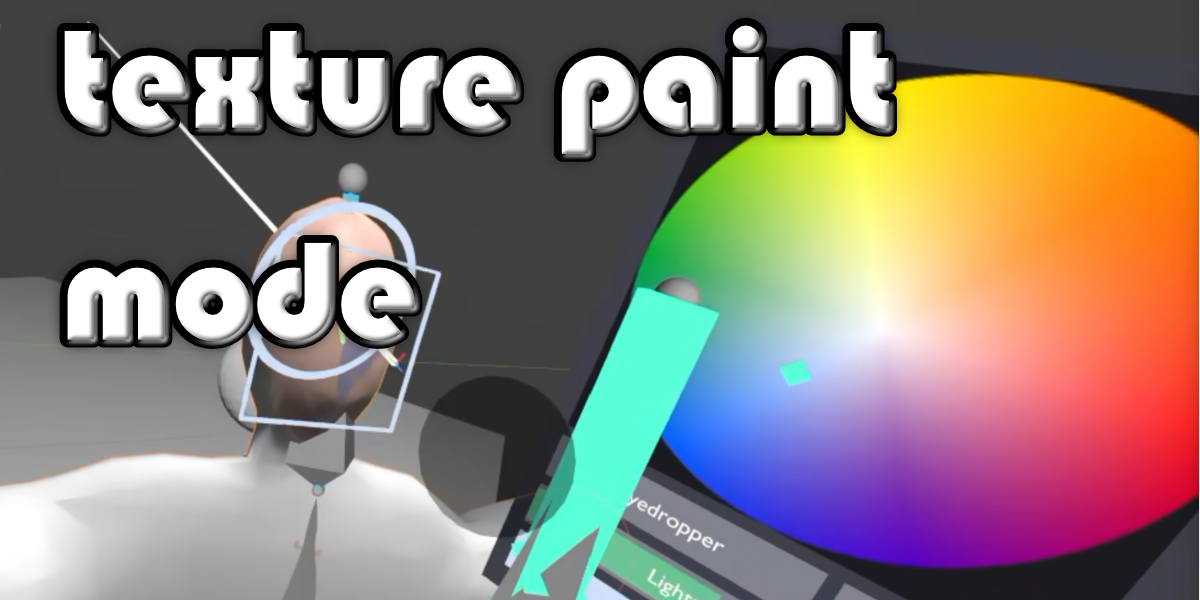
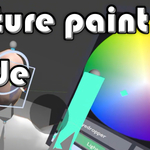
- Paint: texture painting with oil-style brushes, an airbrush that builds up as you hold it, a Softness for every brush (smooth, anti-aliased edges), a colour picker on the left grip, clone and smudge, and adjustable painting distance.
- Camera Cuts: sit in a black cinema with the active camera on a giant screen (Material Preview or Solid), press camera tiles to cut between cameras, key camera changes, step between them, nudge them by 1 or 10 frames, and scrub the timeline with ticks at every cut. The cuts are Blender's own camera markers, so they work in renders.
- Asset Browser: browse your asset libraries (or this file) by folder or catalog and add objects, collections (as instances), materials, worlds and Geometry Nodes groups (as modifiers) in front of you, using each library's import method (Append, Append Reuse, Link, Pack).
- Animate: the performance workflow above.
Made for working in a headset
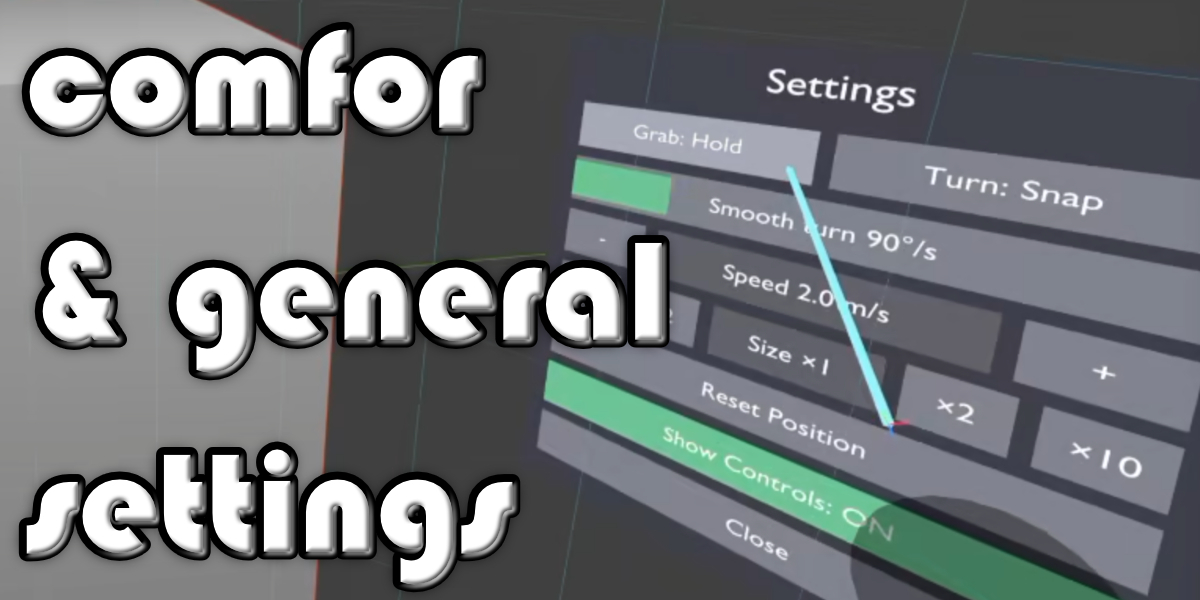
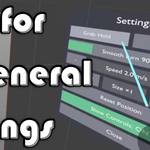
- A floating panel you point at and click, a mode ring on the left hand, and separate windows for Settings, Create, Keys & Groups and the camera board, each of which you can carry wherever you like.
- Walk, fly, snap or smooth turn, and change your size (from tiny to 100 times bigger) for scenes built at any scale; Reset Position.
- Undo and Redo in every mode, on the panel, in the Settings window and on the left face buttons, and Save from the Settings window without taking the headset off.
- A reach highlight shows what each hand would grab; Show Controls marks grabbable bones near your hands.
- Its helper objects never render, and it never touches your own data by name.
Requirements
- Blender 5.0 or newer (developed and tested on Blender 5.2 LTS, Windows).
- A PC VR headset with motion controllers and an OpenXR runtime (SteamVR, Meta/Oculus Link, Windows Mixed Reality and others). Uses Blender's bundled VR Scene Inspection add-on, which VR Studio enables for you.
- Set Blender's graphics backend to OpenGL (Preferences > System); Blender's Vulkan backend can crash when a VR session starts.
- Controller bindings cover Oculus/Meta Touch and Valve Index profiles, with a generic fallback; hardware testing has been done with PlayStation VR2 Sense controllers through SteamVR.
