VR Studio
 Digital DiLeo
How do I set up IK for a leg or an arm?
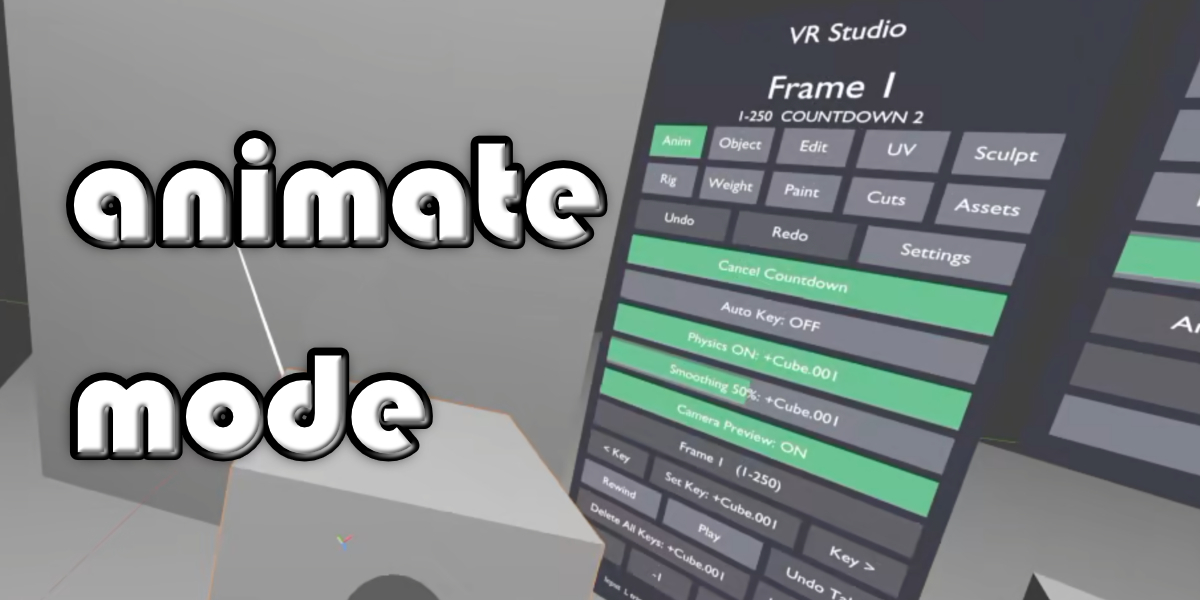
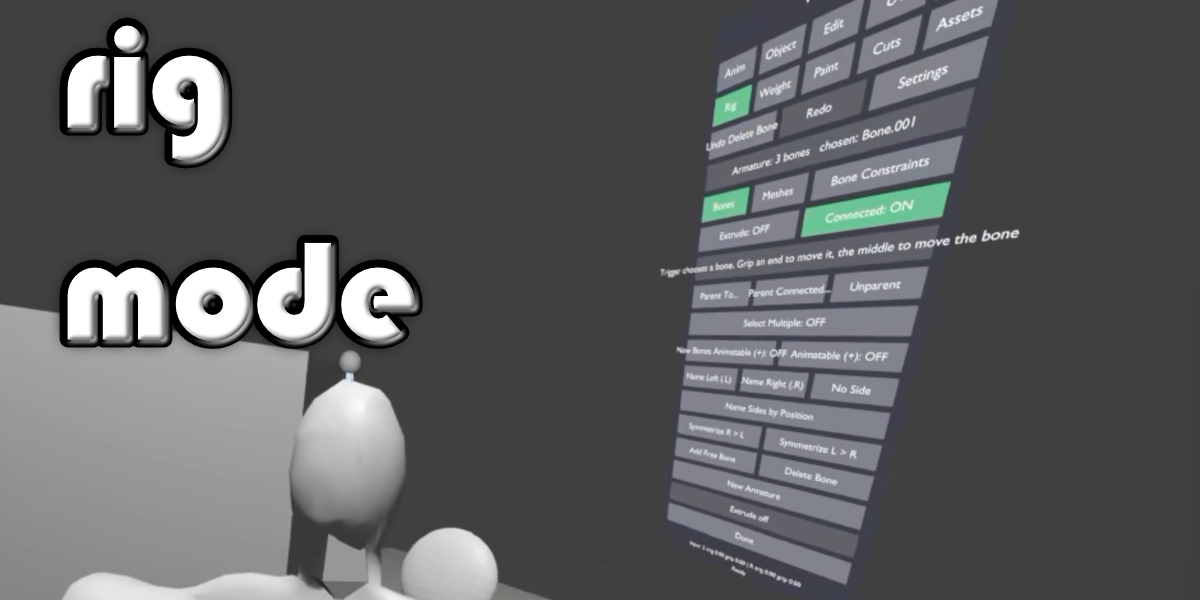
In Rig mode, name the limb's bones as one side (Name Left .L or Name Right .R), choose the last bone of the limb (the shin or the forearm), open Bone Constraints and press Quick IK. An IK target bone appears at the end of the bone, pointing up, and the bone gets an IK constraint with a chain of two. Then let go of the trigger and pull it where the knee or elbow should point to place the pole (the grip skips the pole). Press Symmetrize .L / .R to give the other limb its own IK and pole. Both bones start with + so Animate mode can grab and record them.
Which headsets work?
Any PC VR headset with motion controllers that runs through an OpenXR runtime (SteamVR, Meta/Oculus Link, Windows Mixed Reality and others). Controller bindings cover Oculus/Meta Touch and Valve Index profiles with a generic fallback; hardware testing has been done with PlayStation VR2 Sense controllers through SteamVR.
Does it work on a standalone Quest?
Only as a PC VR headset, connected to a Windows PC running Blender (for example with Link or Air Link). VR Studio runs inside Blender on the PC; it is not a standalone headset app.
Which Blender versions are supported?
Blender 5.0 and newer. It is developed and tested on Blender 5.2 LTS.
Blender crashes or freezes when I start VR. What can I do?
Set Edit > Preferences > System > Viewport > Graphics Backend to OpenGL and restart Blender. Blender's Vulkan backend can crash when a VR session starts.
I click Start VR and nothing shows in the headset.
Make sure your headset's OpenXR runtime (for example SteamVR or the Meta app) is running and set as the active OpenXR runtime, and that Blender's VR Scene Inspection add-on is enabled (VR Studio enables it for you when it is installed).
Why can't I grab an object in Animate mode?
In Animate mode only objects (and pose bones) whose name starts with
+ can be grabbed, so you don't knock the set around by accident. Select them and click Toggle Grabbable in the VR Studio sidebar. In Object mode every object can be grabbed.Is what I record ordinary animation?
Yes. Takes become regular keyframes, cuts become Blender's camera markers, and edits, sculpts, bones, constraints and paint are ordinary Blender data you can keep working on without the headset.
Will it change my renders or leave things in my file?
The panel, laser and other helpers are created only while VR runs, live in a collection excluded from renders, and are removed when the session ends. VR Studio only ever removes what it made itself, never anything by name.
Does it work on macOS or Linux?
It is developed and tested on Windows. Blender's VR support also exists on Linux (not tested with VR Studio); Blender has no VR support on macOS.
Can I use my own asset libraries?
Yes. The Asset Browser mode lists the libraries in Edit > Preferences > File Paths > Asset Libraries plus the current file, and you can browse each one by folder or by catalog.
I had VR Scene Mover or VR Control installed. Do I need to remove it?
Yes, disable or remove the older version before enabling VR Studio, so only one copy is active. Your scenes and recordings carry over.
Have questions about this product?
Login to message
| Blender Extension Compatible | Yes |
| Published | about 22 hours ago |
| Blender Version | 5.0 - 5.2 |
| Extension Type | Add-on |
| License | GPL |

Discover more products like this
Texture Painting sculpting openxr modeling vr camera cuts motion controllers animation rigging camera asset-browser virtual reality