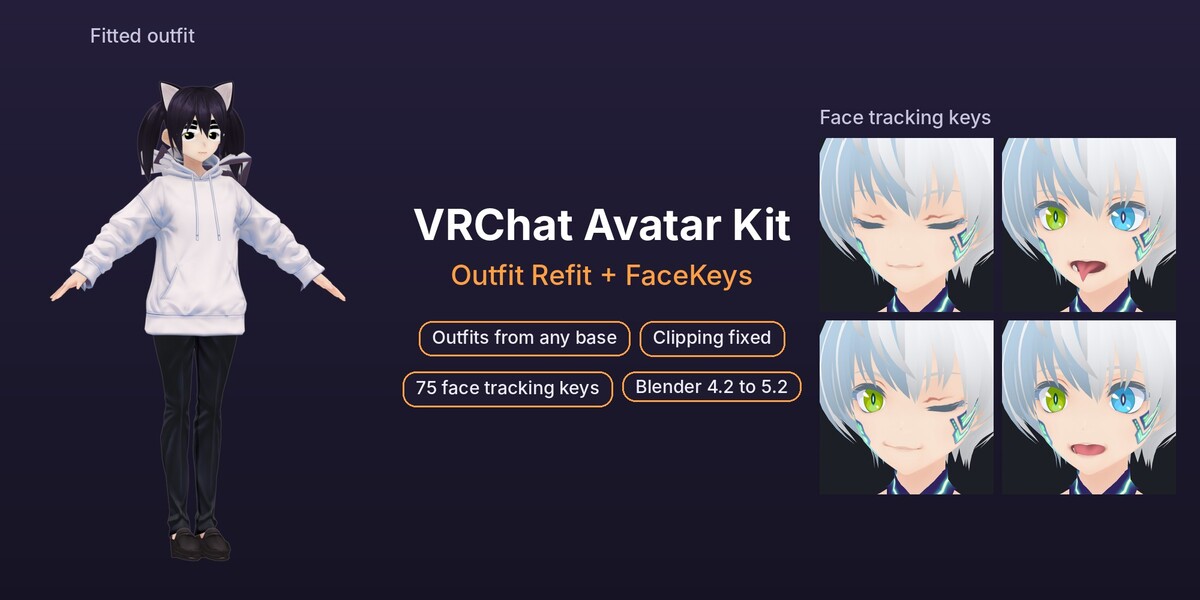
VRChat Avatar Kit: Outfit Refit + FaceKeys
 Meshwright
VRChat Avatar Kit: documentation
Install
- Edit > Preferences > Get Extensions.
- Open the menu at the top right and choose Install from Disk.
- Pick
outfit_refit-2.0.1-standard.zip. Repeat forfacekeys-2.1.1-full.zip.
Each add-on adds its own tab to the 3D Viewport sidebar (N key). They install side by side and work together in one file.
Which one when
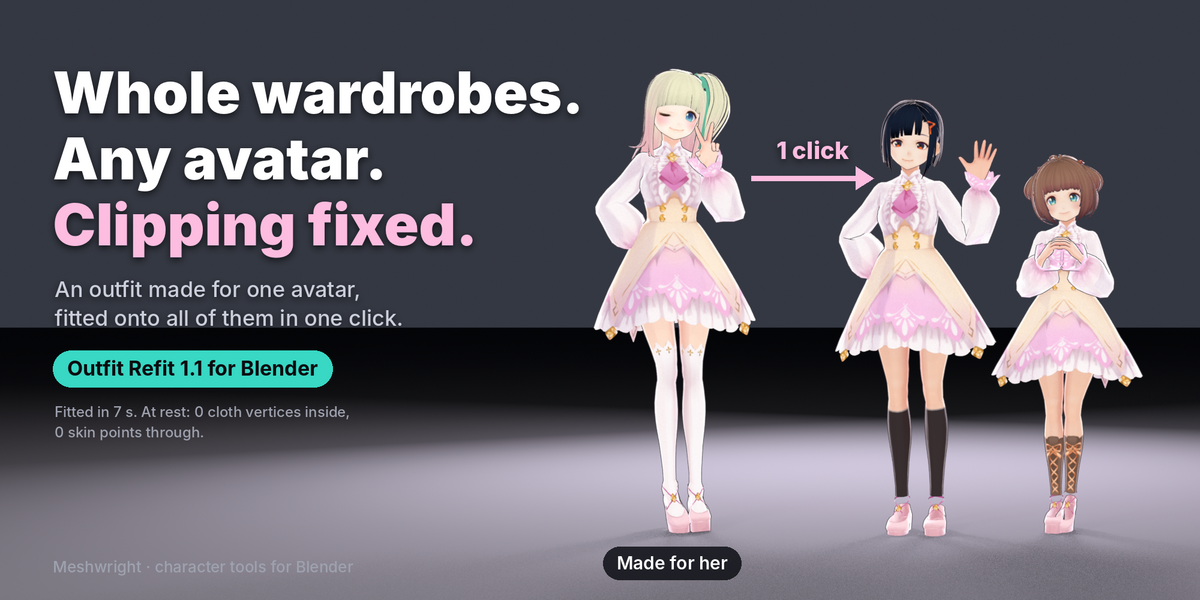
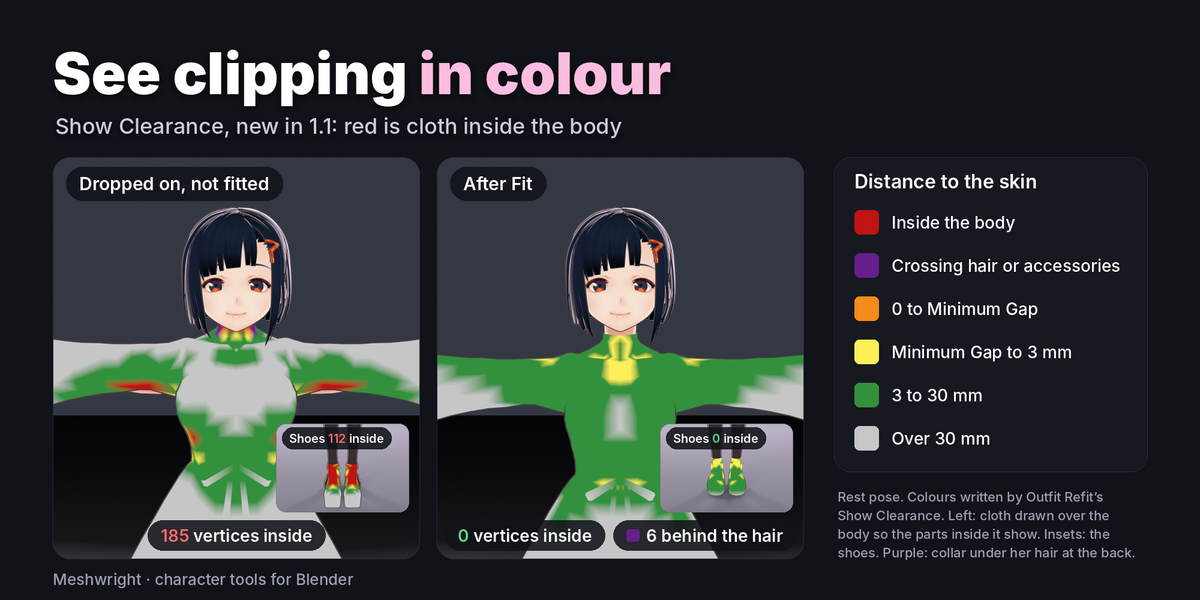
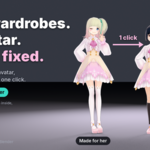
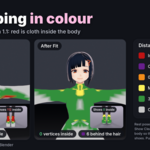
- The outfit was made for another base: use Outfit Refit. It moves the outfit onto your avatar, gives it weights from your avatar and makes it follow the body shape keys.
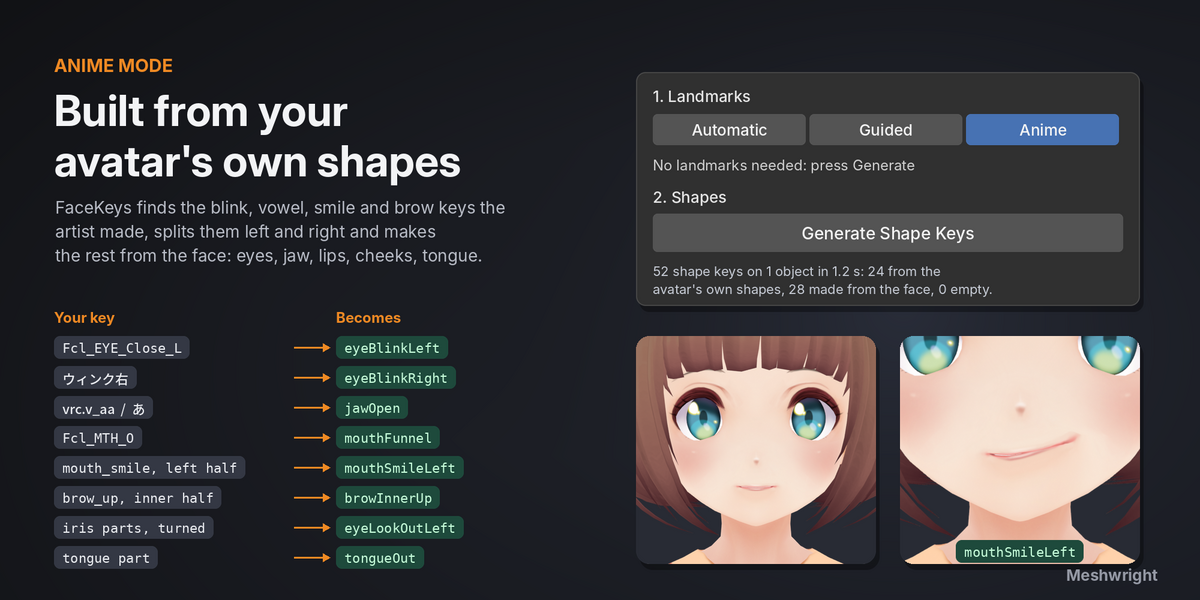
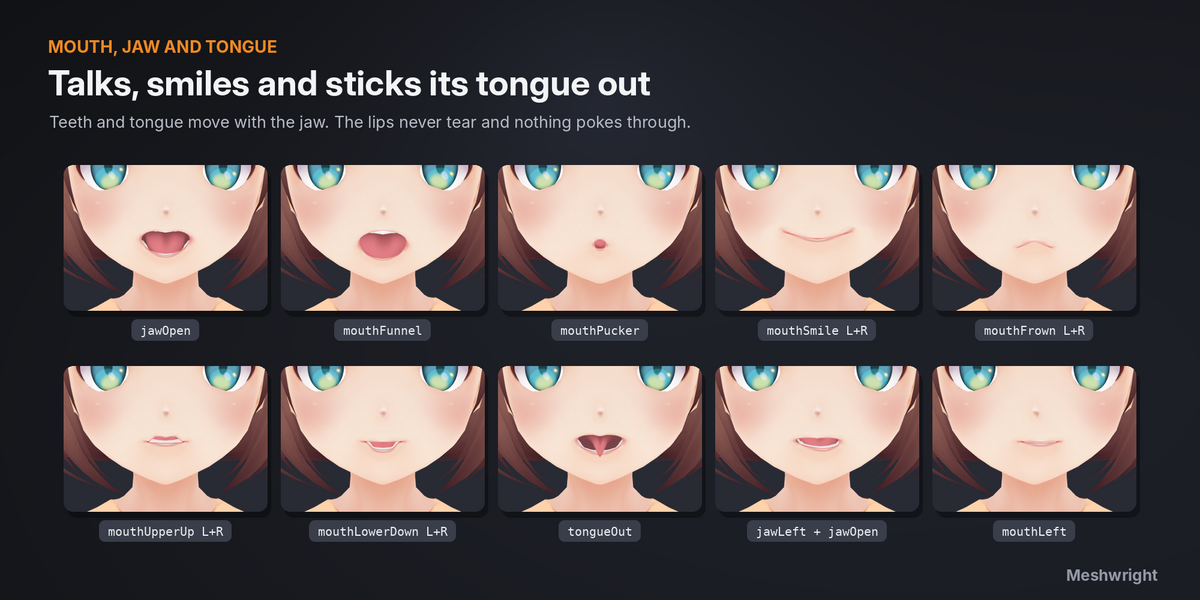
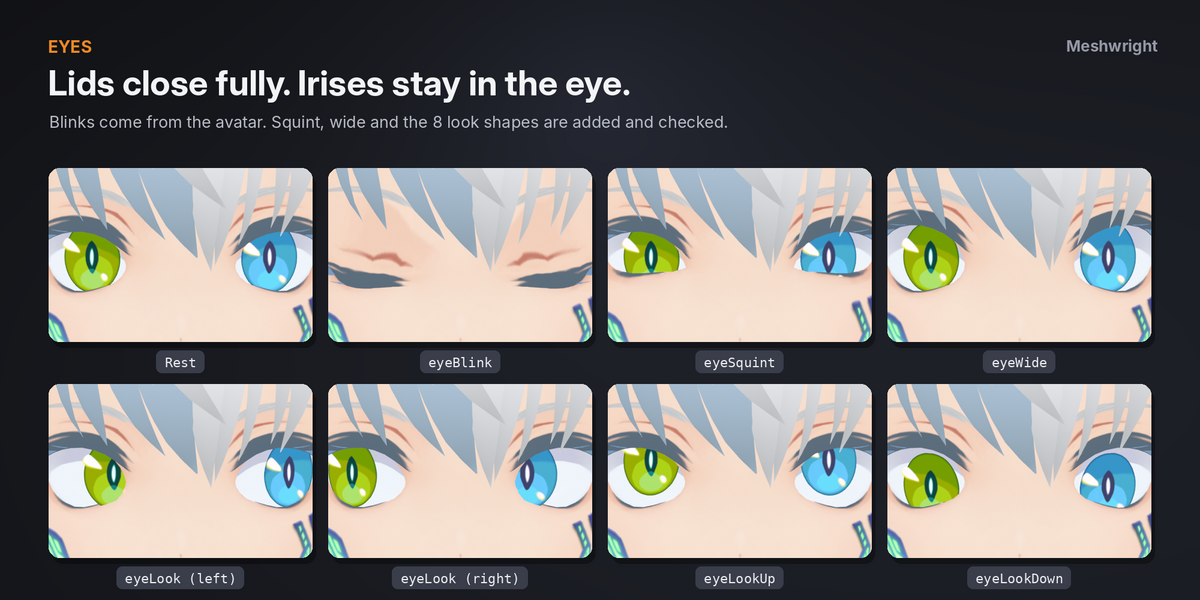
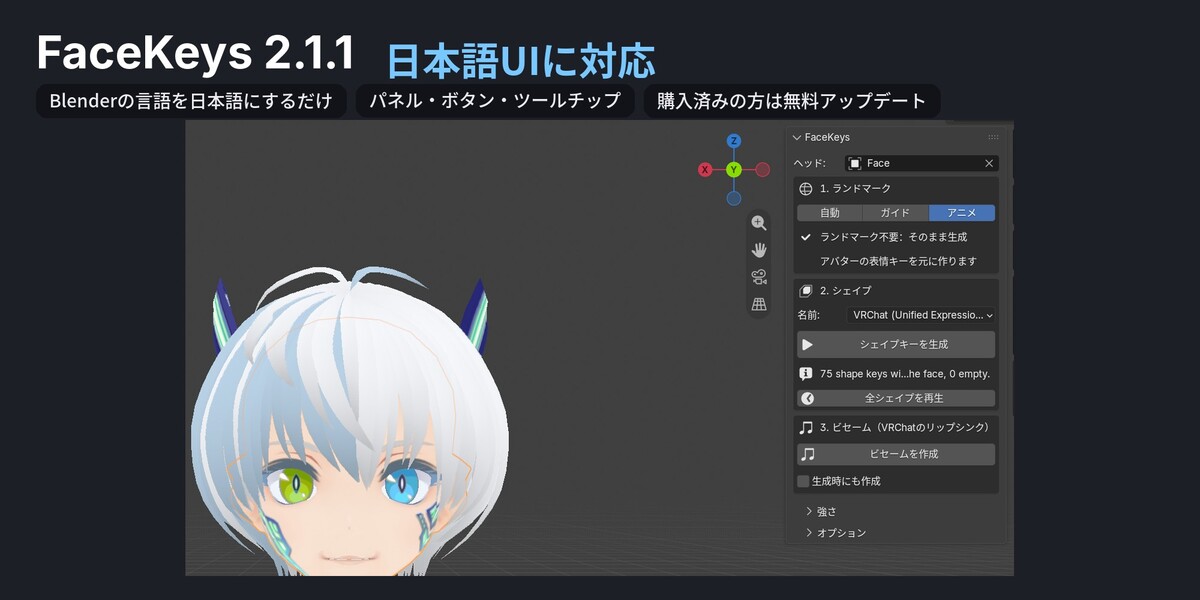
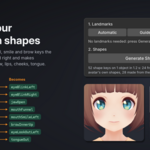
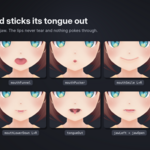
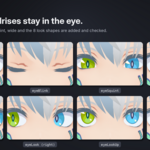
- Face tracking: use FaceKeys. Select the face mesh, set Landmarks to Anime for anime and VRoid avatars, pick VRChat (Unified Expressions) under Names and press Generate Shape Keys. In Unity, Auto-Fill Blendshapes in the Face Tracking section of the VRC Avatar Descriptor maps the 75 keys.
Full guides
- Outfit Refit: the included
Outfit_Refit_2.0_User_Guide.html, and the Documentation tab of Outfit Refit. - FaceKeys: the Documentation tab of FaceKeys.
Have questions about this product?
Login to message
| Blender Extension Compatible | Yes |
| Published | 1 day ago |
| Blender Version | 4.2 - 5.2 |
| Extension Type | Add-on |
| License | GPL |

Discover more products like this
face-tracking character avatar shape keys vrchat outfit clothing bundle