 zemis
zemis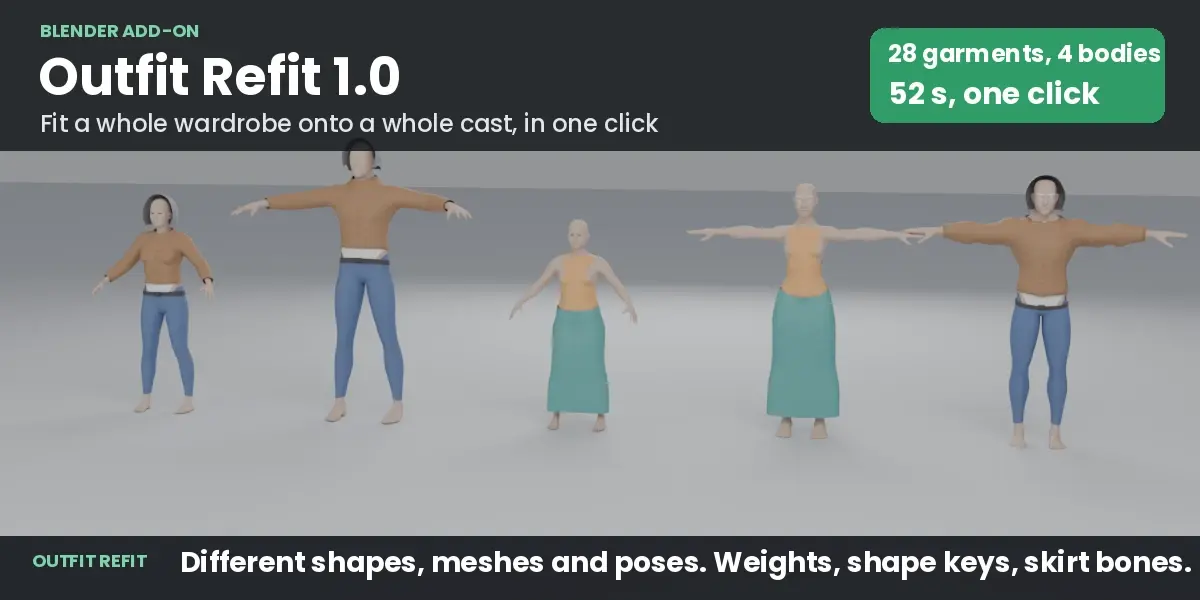
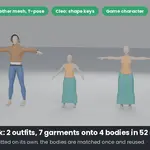
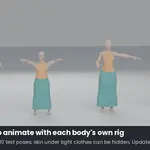
You have outfits made for one character and a cast of other characters to dress. Doing it by hand means reshaping every garment for every body, fixing clipping, painting weights, matching shape keys and moving skirt bones, then testing poses. Outfit Refit does the whole job in one click.
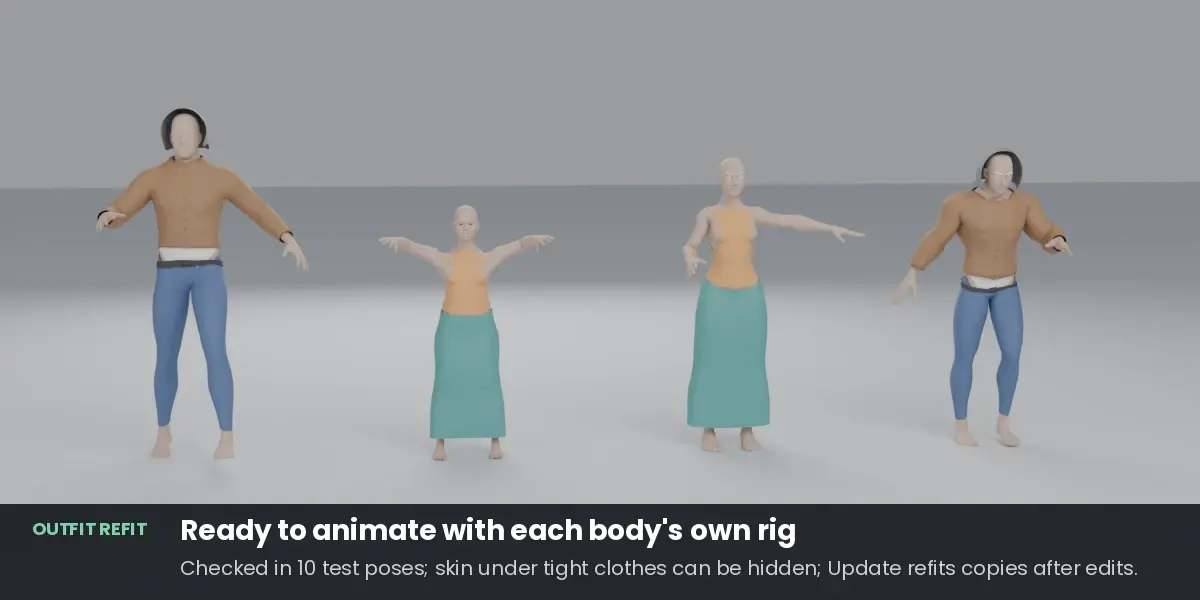
Pick the body the clothes were made for, the bodies to dress, and the outfits (one collection per outfit). Press Fit. Every body gets its own fitted copies, weighted to its own rig and ready to animate. Your originals are never changed.
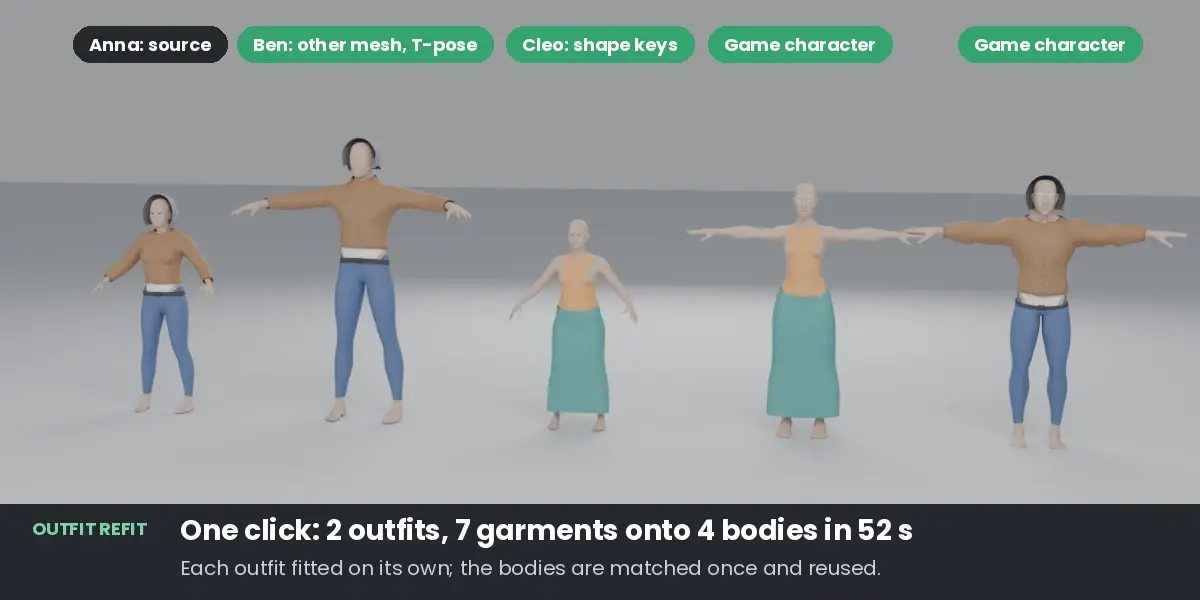
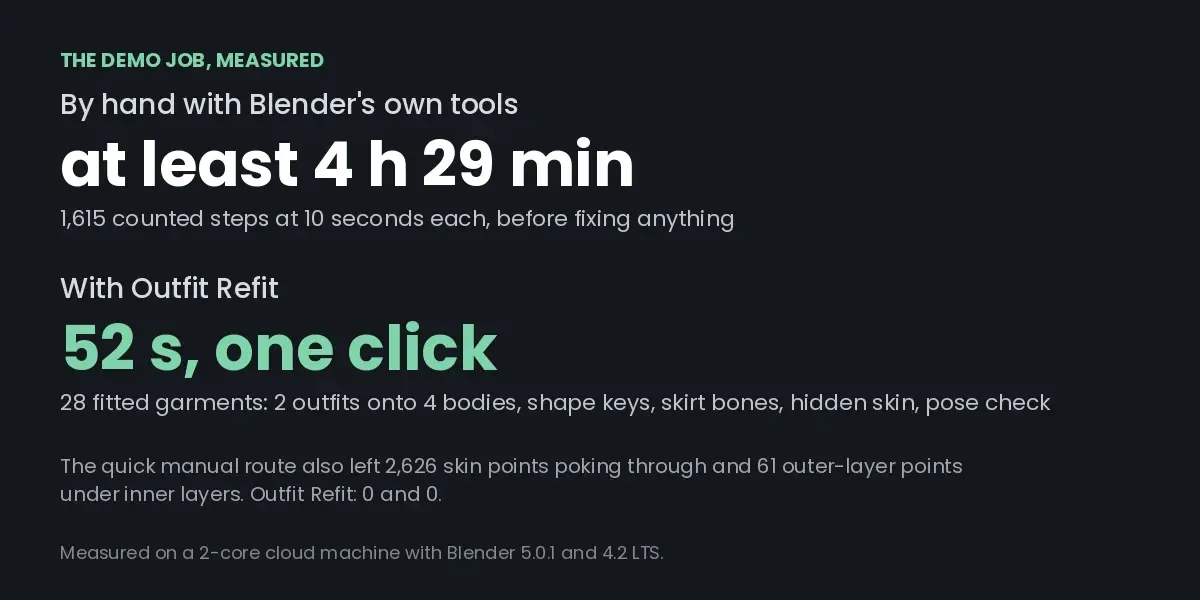
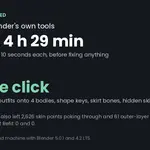
Measured on the included demo scene: two outfits (seven garments) onto four different bodies, with shape keys, skirt bones, hidden skin and a pose check, in 52 seconds on a 2-core machine. The same job with Blender's own tools takes at least 1,615 steps, about four and a half hours at 10 seconds per step, before fixing anything by hand.
What it handles
- Different bodies: slim to heavy, female to male, short to tall, realistic to game-stylised.
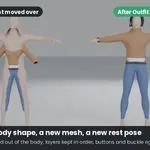
- Different meshes: the bodies do not need the same topology. The source body is matched onto each target shape automatically, guided by the two skeletons.
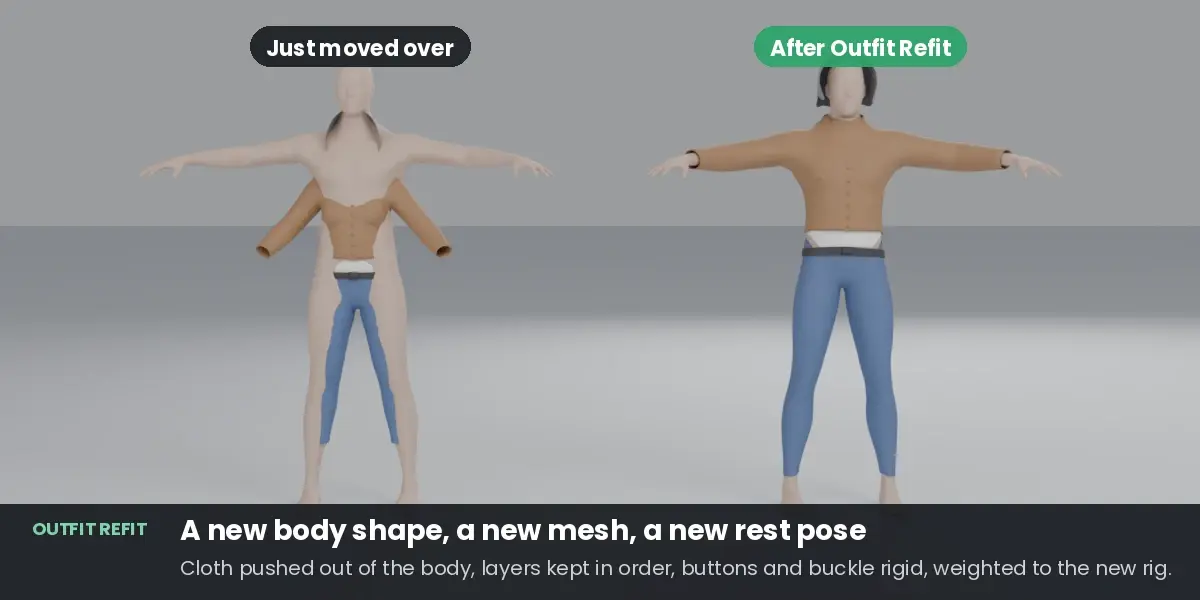
- Different rest poses: an A-pose outfit goes onto a T-pose character.
- No clipping at rest: cloth inside the body is pushed out, skin poking through is covered, and the report shows the before and after numbers for every garment on every body.
- Layers: a jacket stays over the shirt and a belt over the trousers.
- Hard parts: buttons, buckles and studs keep their exact shape.
- Loose parts: hems, hoods and capes follow the body smoothly instead of tearing between the legs.
- Hair and accessories: clothes stay clear of the target's hair, head and accessories; hoods go over hair.
Ready to animate
- Weights from each target body, blended smoothly on loose cloth, limited to 4 bones per vertex (adjustable).
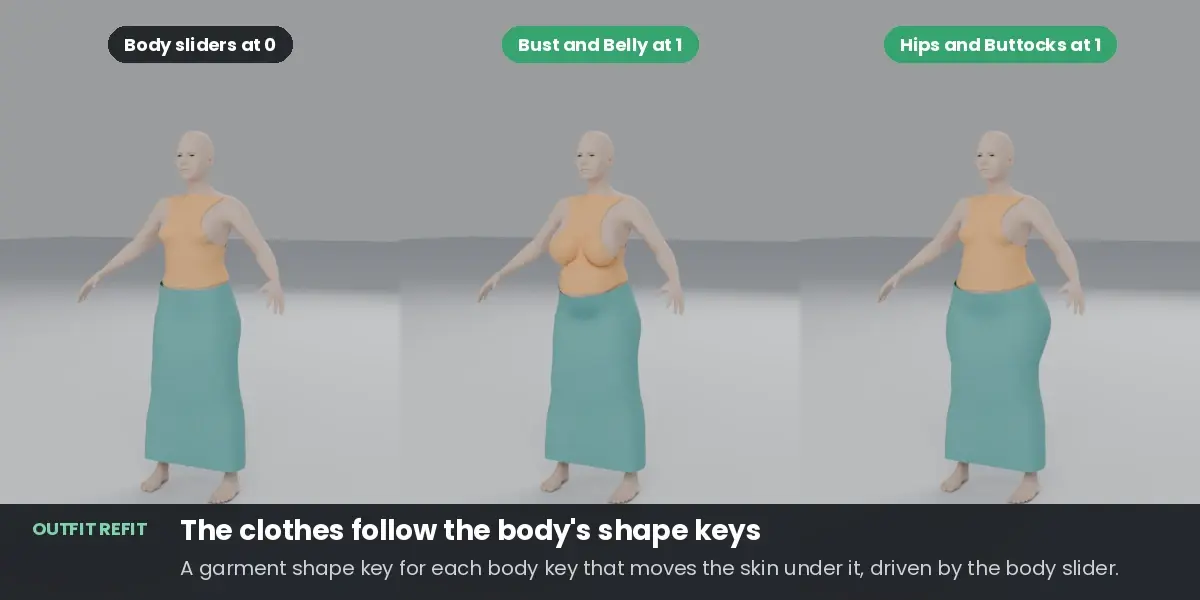
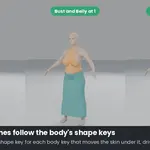
- Body shape keys: every body shape key that moves the skin under a garment gets a matching garment shape key of the same name, driven by the body slider. Belly, bust or hip sliders on a customizable base: the clothes follow.
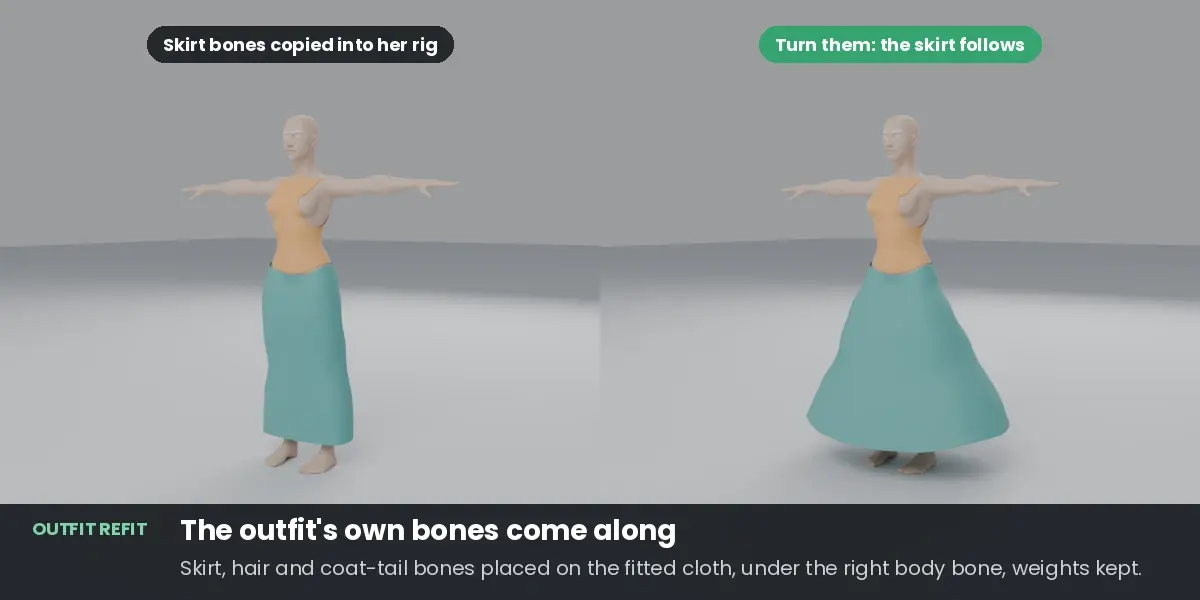
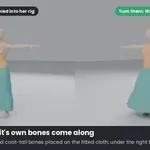
- Outfit bones: skirt, hair and coat-tail bones of the outfit are copied into each target rig, placed on the fitted cloth, under the right body bone, with their weights kept. Ready for PhysBones or spring bones.
- Pose check: after fitting, each body is put through 10 test poses built from its own skeleton (or its own animation). The report shows where cloth dips into the body, garment by garment.
- Hide skin under clothes (on by default, one click to turn off): skin fully covered by tight clothes is hidden with a vertex group and a Mask modifier, the usual game fix for skin showing through in strong poses. With several outfits on one body, only skin that all of them cover is hidden, so no outfit shows a hole. The body mesh is not changed.
Whole wardrobes, kept up to date
- Batch: many outfits onto many bodies in one run. Each body is matched once and reused for every outfit, and outfits never collide with each other.
- Update: every copy remembers its original and its settings. Change an original garment, press Update Fitted Copies, and its copies on every body are refitted in place, keeping their names, collections and your modifiers.
- Report: one text report per run, with a plain suggestion for every serious problem.
- Paint more room: a "Refit Gap" vertex group on a garment gives extra room exactly where you paint it.
Rigs recognised by bone name
Mixamo; Unreal (UE4 and UE5 mannequin); Rigify (including MPFB's generated rigs); VRM, VRoid and Unity humanoid; VRChat and Cats names; Auto-Rig Pro; MakeHuman and MPFB; Character Creator; Daz Genesis 8 and 9; 3ds Max Biped; CMU motion capture. No presets or bone mapping by hand.
Tested
- 72 layered-outfit cases (t-shirt, trousers, belt, jacket with buttons, hood, cape) on 4 body pairs, with the same mesh, a different mesh and a different rest pose: at rest no cloth inside the body, no skin poking through, no layer mix-ups, buttons unchanged.
- Real game characters (Quaternius) and a VRM avatar. Full fits on rigs with Mixamo, Unreal, Rigify, VRM, MakeHuman and CMU bone names, and 154 bone-name checks across all the schemes listed above.
- With one outfit on a body, hiding covered skin removed 95 to 96 percent of the skin showing through in the test poses, on three bodies.
- Blender 4.2 LTS and 5.0. Pure Python, nothing extra to install.
Limits
- Humanoid characters with armatures work best. Without armatures both bodies must stand in the same pose.
- One mesh object per body, and it should be the skin. Clothes built into the body mesh (as in VRoid exports) can be left out by material name; the add-on warns when two bodies match poorly.
- Fitting is done in the rest pose. It is not a cloth simulation.
- Outfit bones are placed, not simulated: give them physics in your engine, or use a cloth simulation.
- Gloves, shoes and very stylised bodies (chibi to realistic) are not tested yet.
Included
The add-on, a demo scene with five free (CC0) characters and two outfits, and a user guide.

