Vrse Fbx Smart Exporter
 VRse
VRse
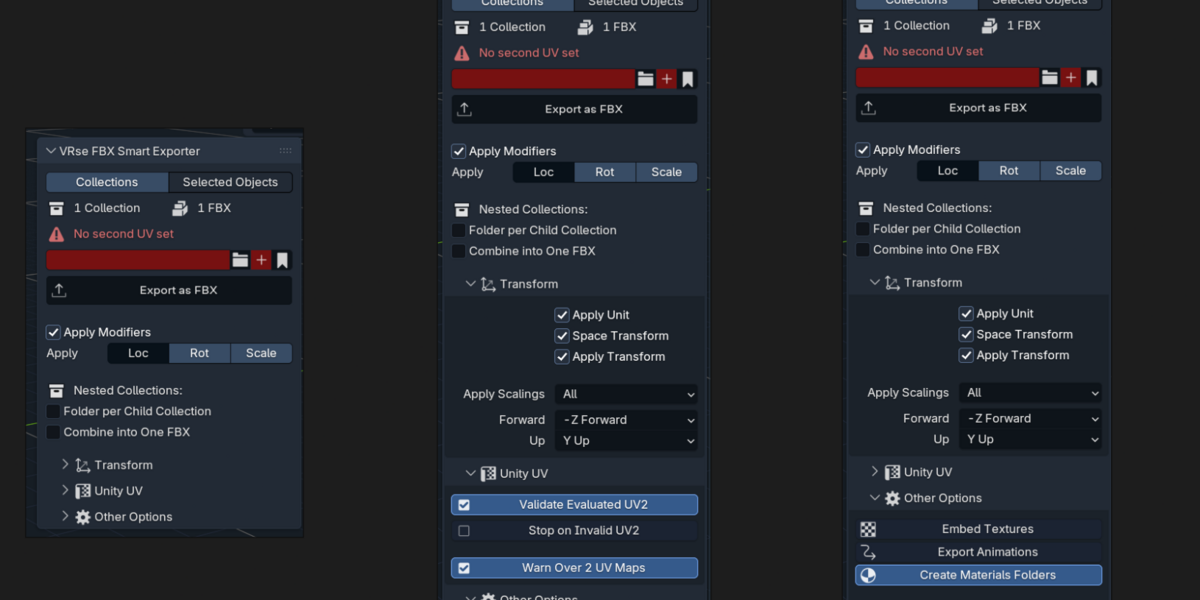
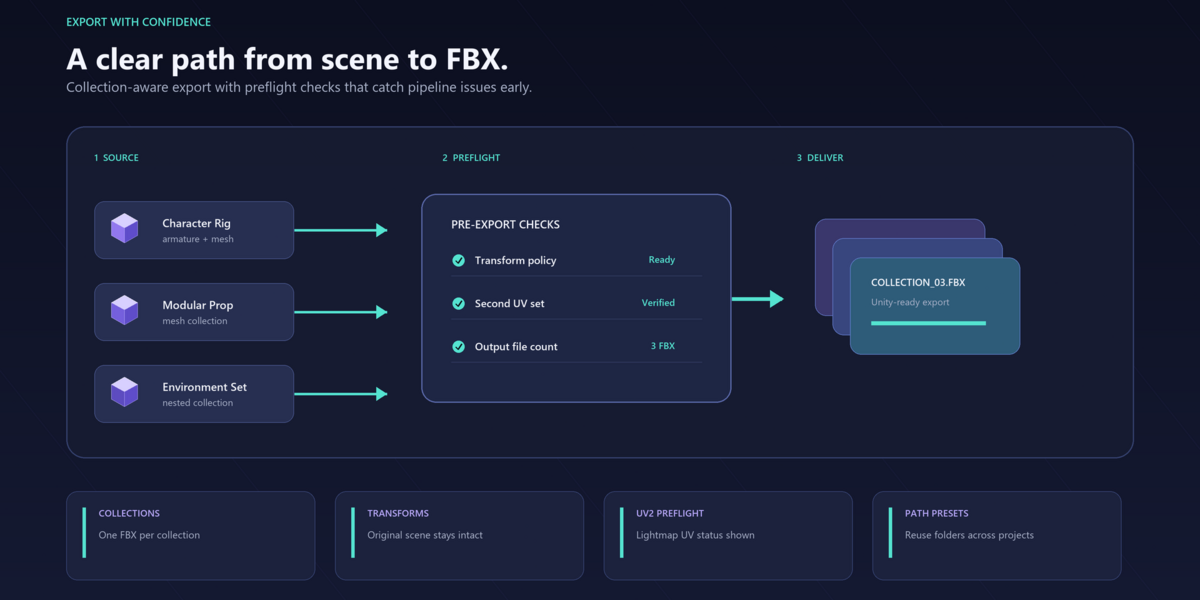
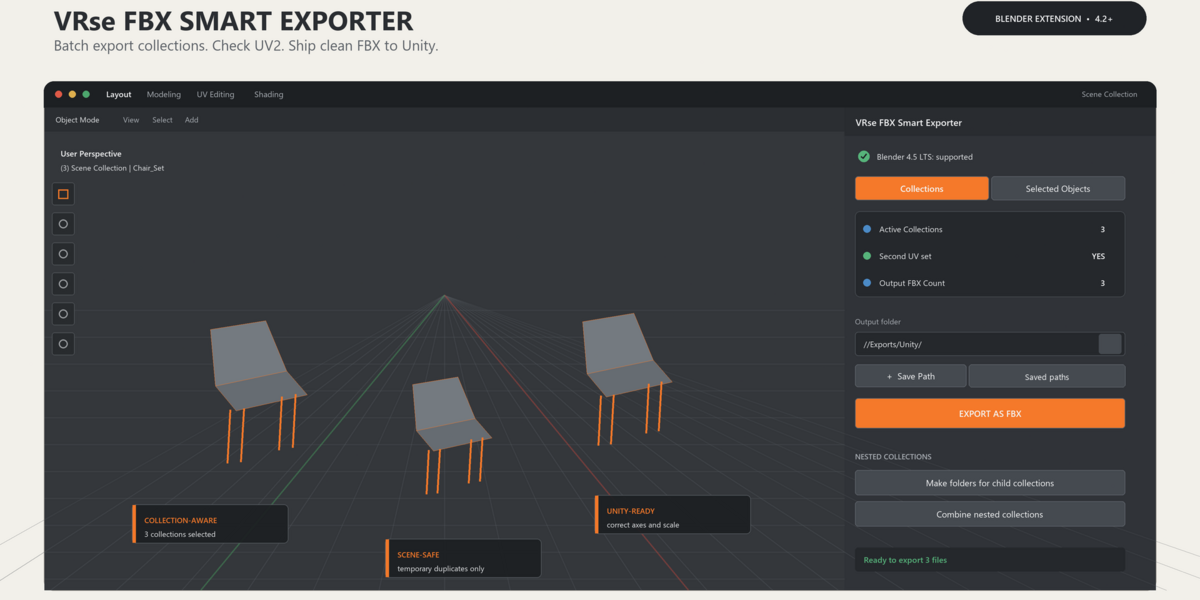
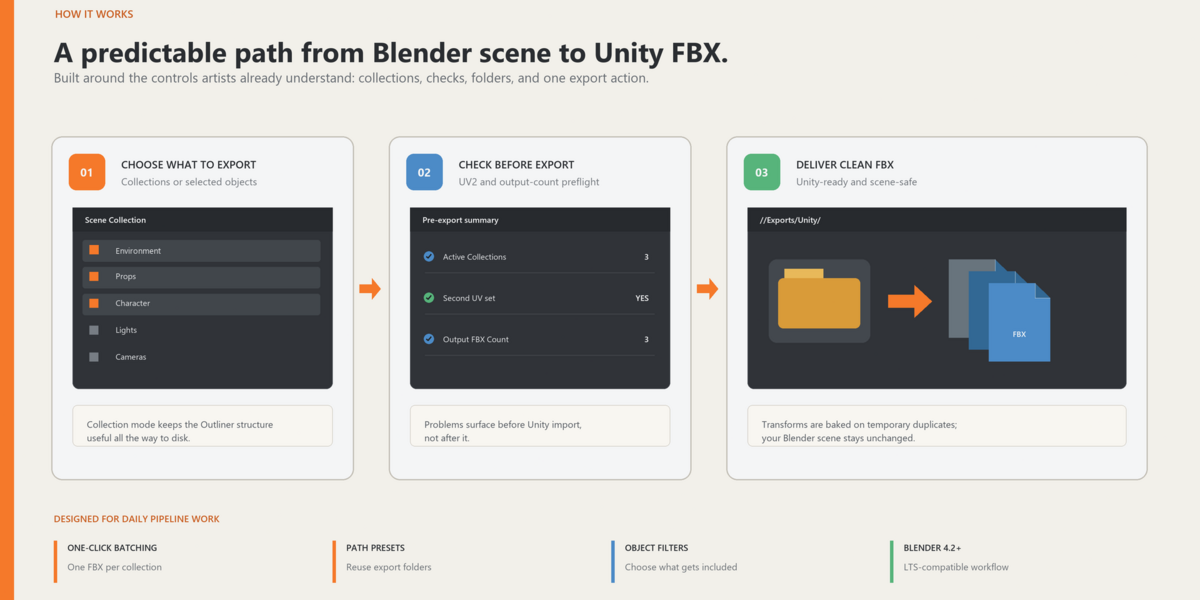
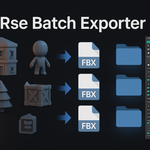
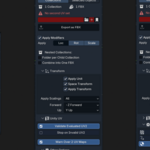
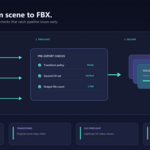
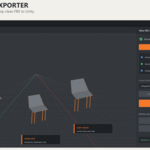
A Custom Blender addon for exporting FBX files with features like automatic folder creation and other native blender features
Because manually exporting FBX files is so last century.
Key Features
- Automatic Folder Organization
- Maintains Object Hierarchies
- Batch Export Support
- Supports Modifiers and Transformations
- UV Map Verification
- Dynamic Export Count Display
Location
3D Viewport > Sidebar (N) > VRse Exporter tab
Yes, it's there. No, you don't need to Google “where is the N key”.
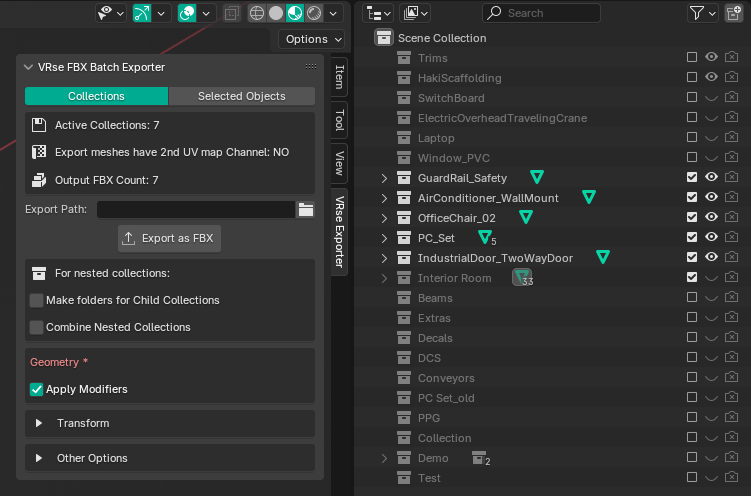
Usage Modes
Note:Only eye icon Visibility enabled items collections will get exported

2 Modes of Export:
Collections Mode - Export
- Exports all visible collections in the scene (Not just Active Collections)
- Creates a folder for each collection
- Now Nested Collections also got Support
- All objects within a collection are exported as a single FBX file (Not merged mesh)
- Maintains hierarchies within collections
- Example: The "Characters" collection exports as
Characters/Characters.fbx - NEW: Option to create separate folders for nested child collections
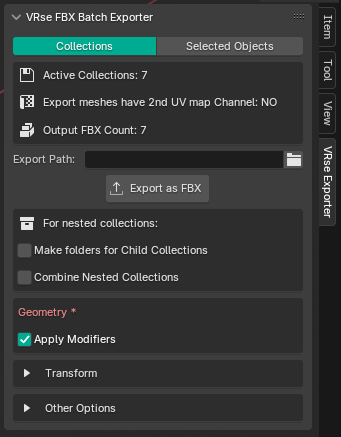
Selected Objects Mode - Export
-
As Single Mesh (Default)
- Combines all selected objects into one FBX file
- Uses the active object's collection name for the export file
- Optional toggle to create a separate folder for the export
- Example: Select multiple parts of a chair, export as
Chair/Chair.fbx
-
Separate Objects
- Exports each selected object as an individual FBX file
- Option to create a folder for each object or export all FBX files into a single directory
- Maintains parent-child relationships
- Example: Select parts of a chair, export as
Seat/Seat.fbx,Back/Back.fbx
🕵️♂️ Extra Features You Didn't Know You Needed
UV Map Verification
- Checks all selected objects or collection meshes for a second UV map channel
- Displays "Export meshes have 2nd UV map Channel: YES/NO" in the UI panel
- Ensures compliance with game engine requirements for lightmap baking or other advanced features
Export Count Display
- Dynamically updates the export count based on the selected objects or visible collections
- Displays the total number of FBX files that will be generated in the top info section of the UI
Folder Organization Options
-
Make Separate Folders (toggle in Selected Objects mode):
- Enabled: Creates a folder for each exported object or collection (e.g.,
Chair/Chair.fbx) - Disabled: Exports all FBX files directly into the selected directory (e.g.,
Chair.fbx,Seat.fbx)
- Enabled: Creates a folder for each exported object or collection (e.g.,
-
Make folders for Child Collections (toggle in Collections mode):
- Enabled: Creates separate subfolders for nested collections
- Disabled: Exports all collections directly to their parent folder
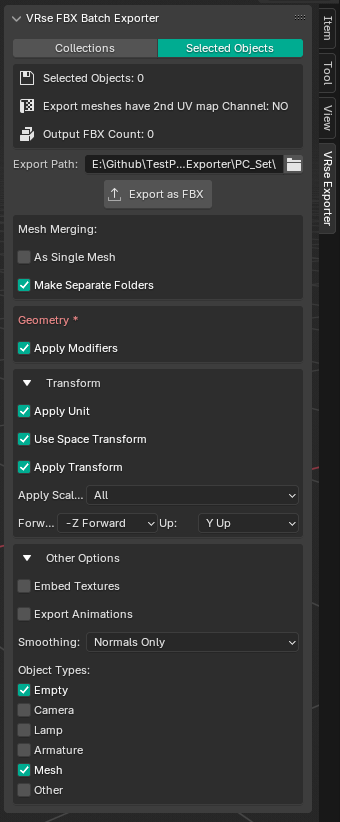
Transform Options
- Control coordinate systems with Forward/Up axis settings (default: -Z Forward, Y Up for Unity)
- Apply object transforms, unit scales, and space transformations
- Customize how scale is applied to exported meshes
Other Export Settings
- Select which object types to include (Mesh, Armature, Empty, Camera, Light)
- Control mesh smoothing options
- Option to include animations in exports
Technical Notes
- Only visible objects and collections will be exported
- Objects must be in Object mode for proper export
- Default settings are optimized for Unity integration
🔥 Why this Add-on Exists
- Because manually exporting FBX is what junior artists do when they haven't suffered enough.
- Your art lead is tired of reviewing badly named FBX files like "Final_Final_v2_ACTUAL_FINAL.fbx"
- If Blender had a dollar for every time someone forgot to apply transforms, it’d be more profitable than Adobe, Autodesk, and probably your entire studio.
$10
Have questions about this product?
Login to message
| Blender Extension Compatible | Yes |
| Dev Fund Contributor | |
| Published | over 1 year ago |
| Blender Version | 4.2 - 5.2 |
| Extension Type | Add-on |
| Render Engine Used | Cycles, Eevee |
| License | GPL |

Discover more products like this
asset export game development 3D export model export unity workflow batch-export Batch processing collections fbx workflow tool unity blender addon Export fbx exporter game assets