 ParametrStudio


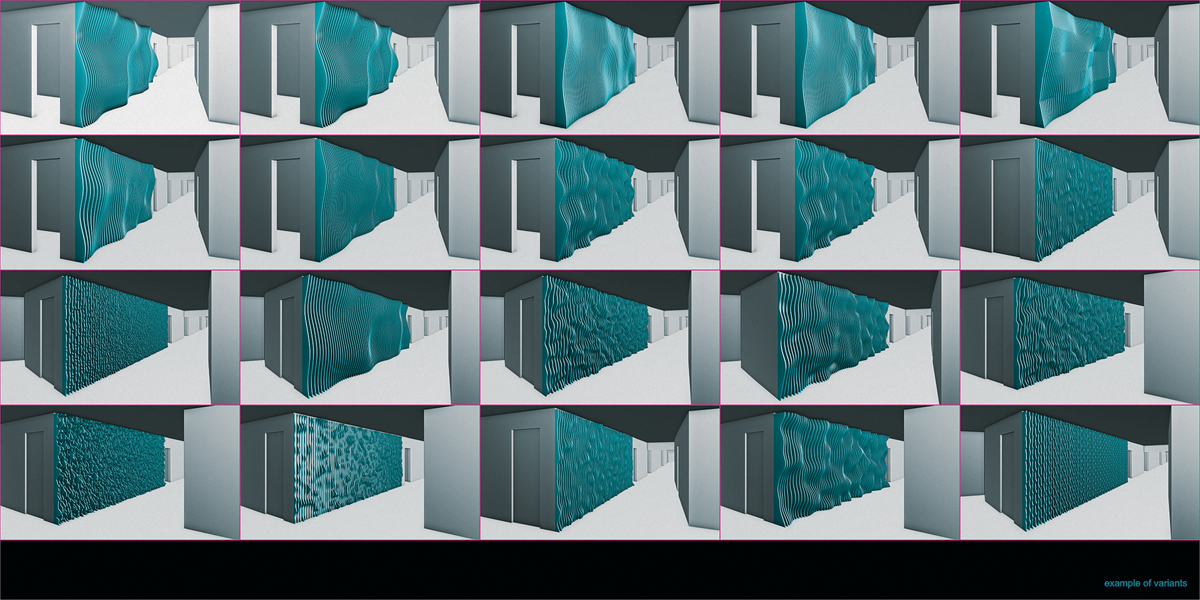


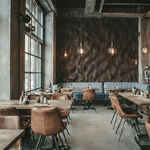
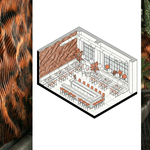
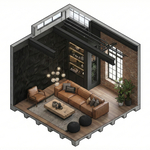
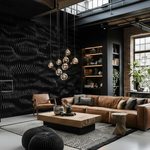
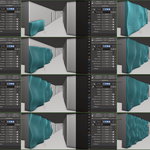
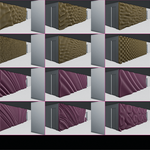
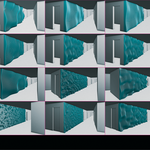
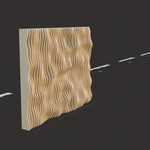
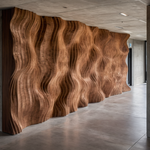
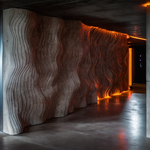
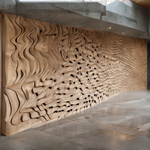
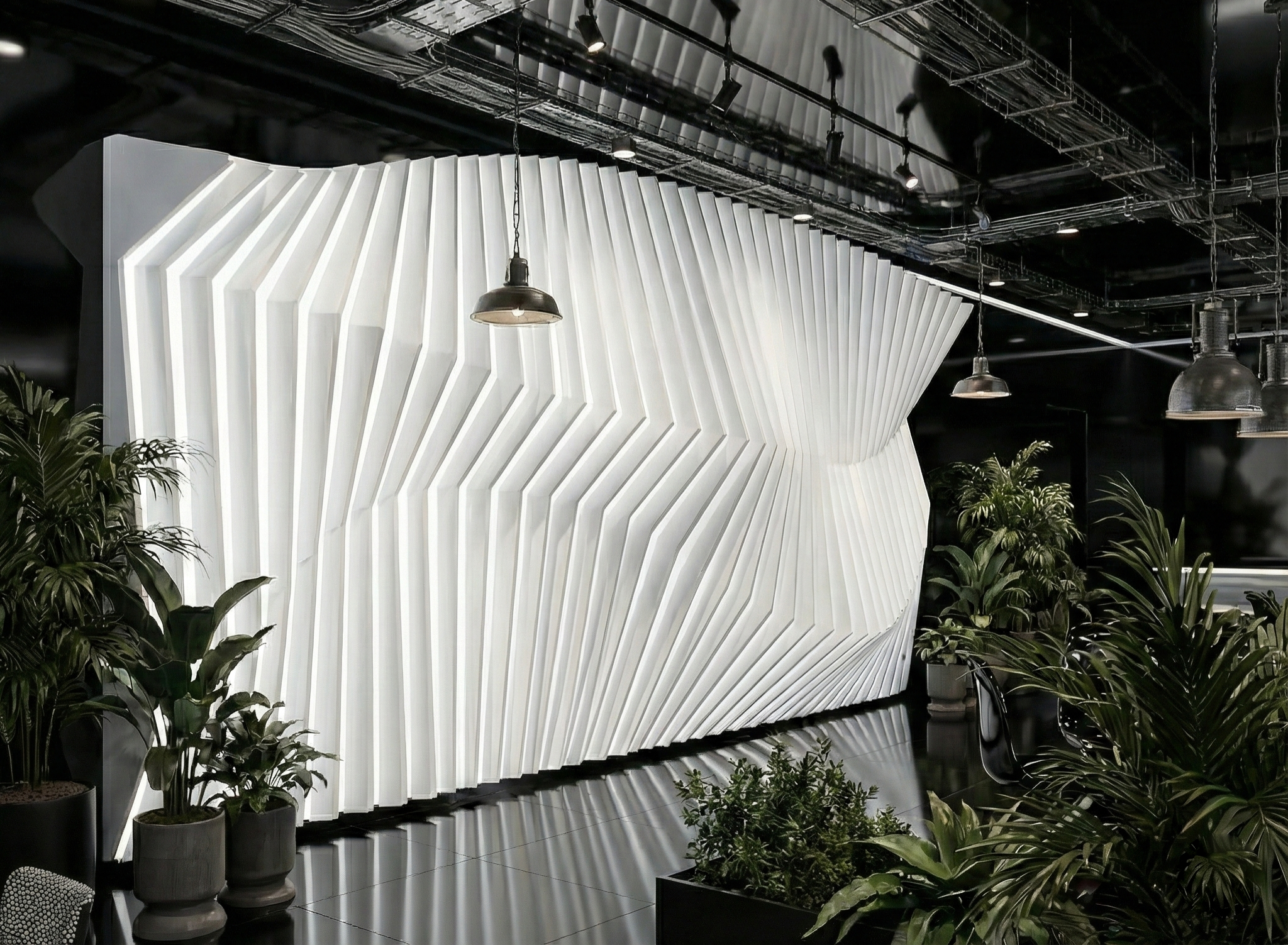
WallCraft is a procedural asset for architects and designers that allows them to generate and fabricate parametric art walls for their interior and exterior proposals.
Thanks to Geometry Nodes, it is now possible to easily and quickly control the creation of these design elements. Ready-to-use .blend asset - requiring no installation, zip extractions, or external scripts.
🚀 Best Value: WallCraft is included in the complete PARAMETRIC: Architectural Design Suite.
CNC
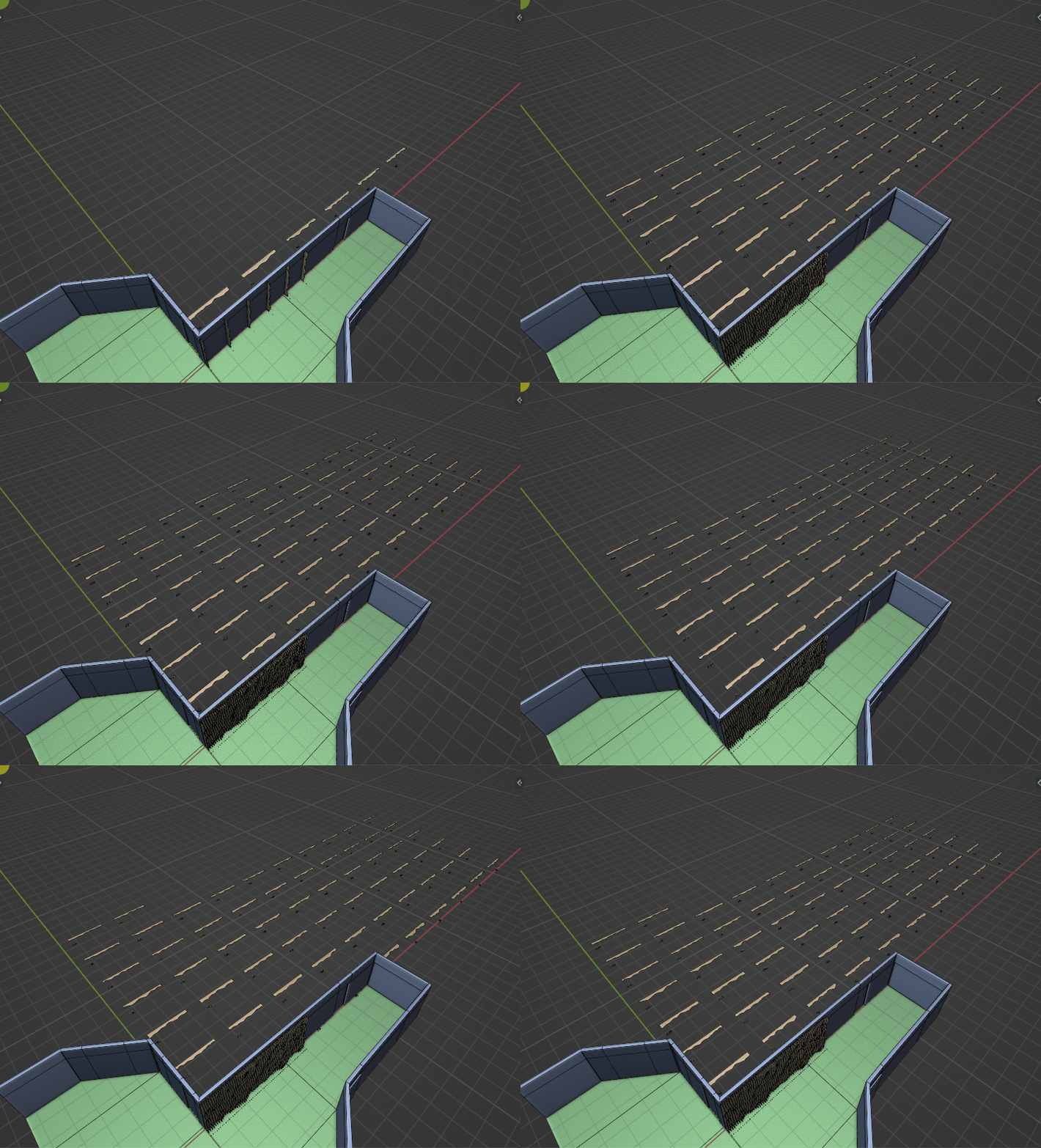
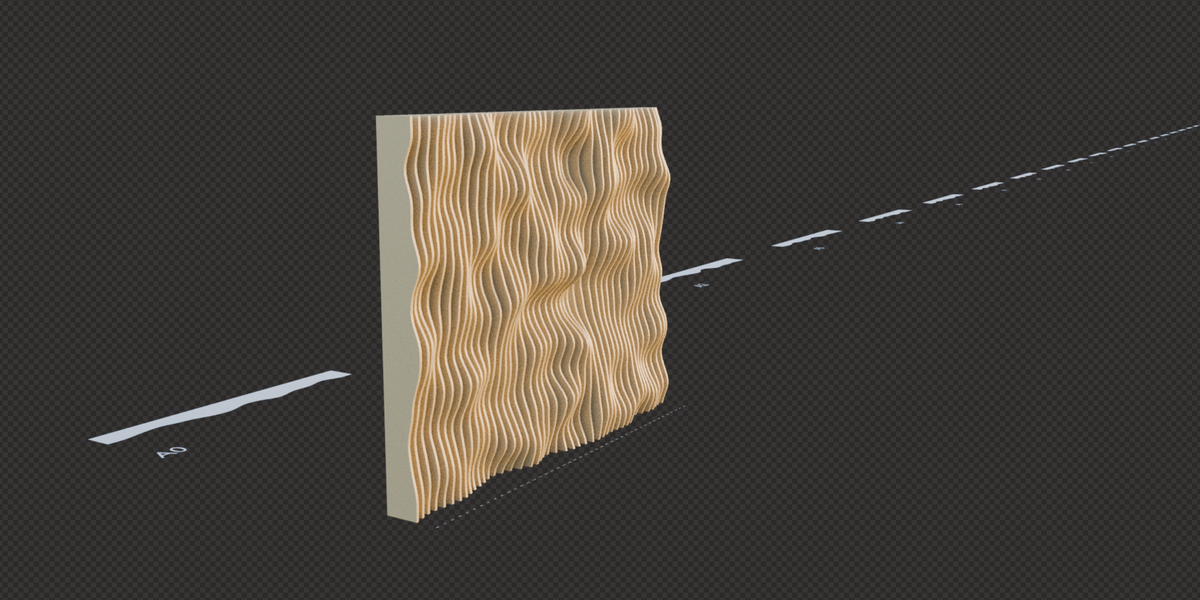
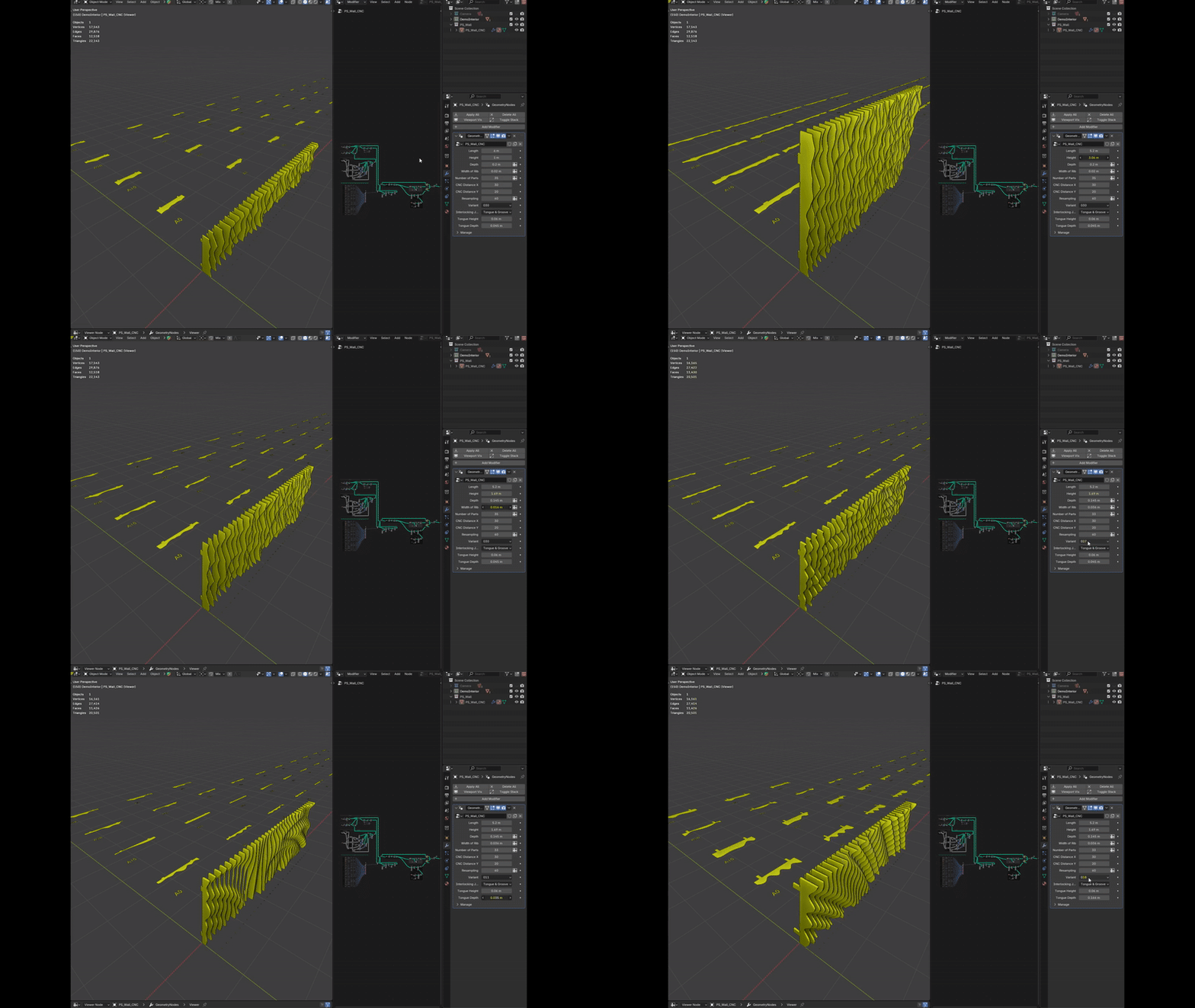
Using a script, you can generate a 3D model and also fabrication data in 2D curves for individual parts including clear marks. Precisely labeled curves for each part, make it perfect for real-world manufacturing workflow such as CNC or 3D printing.
NO CODING
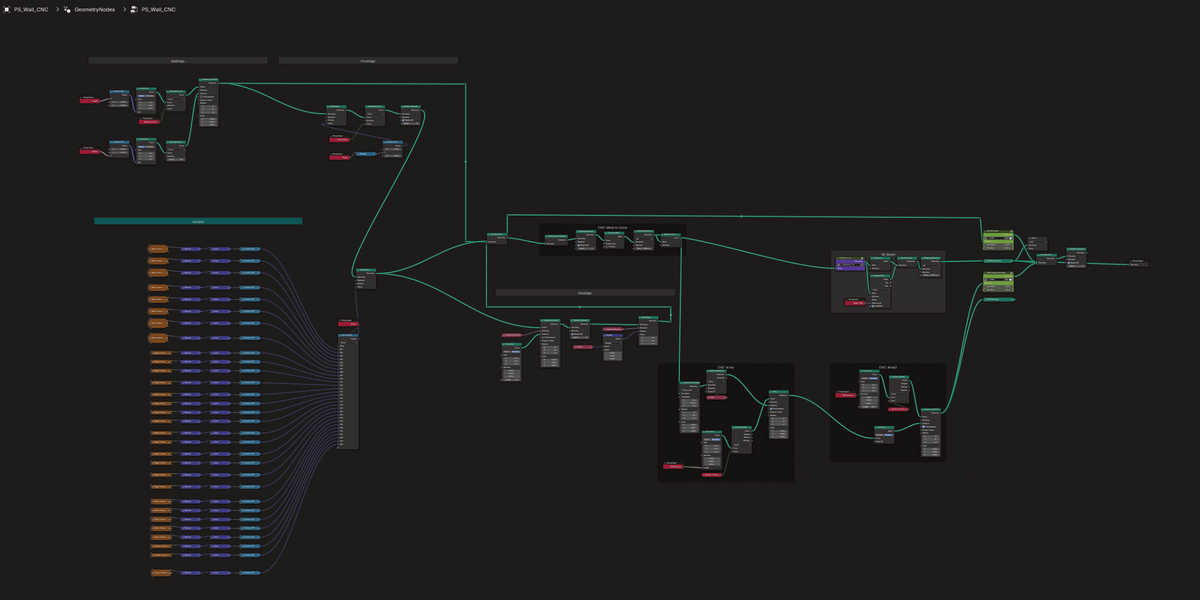
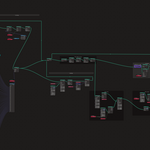
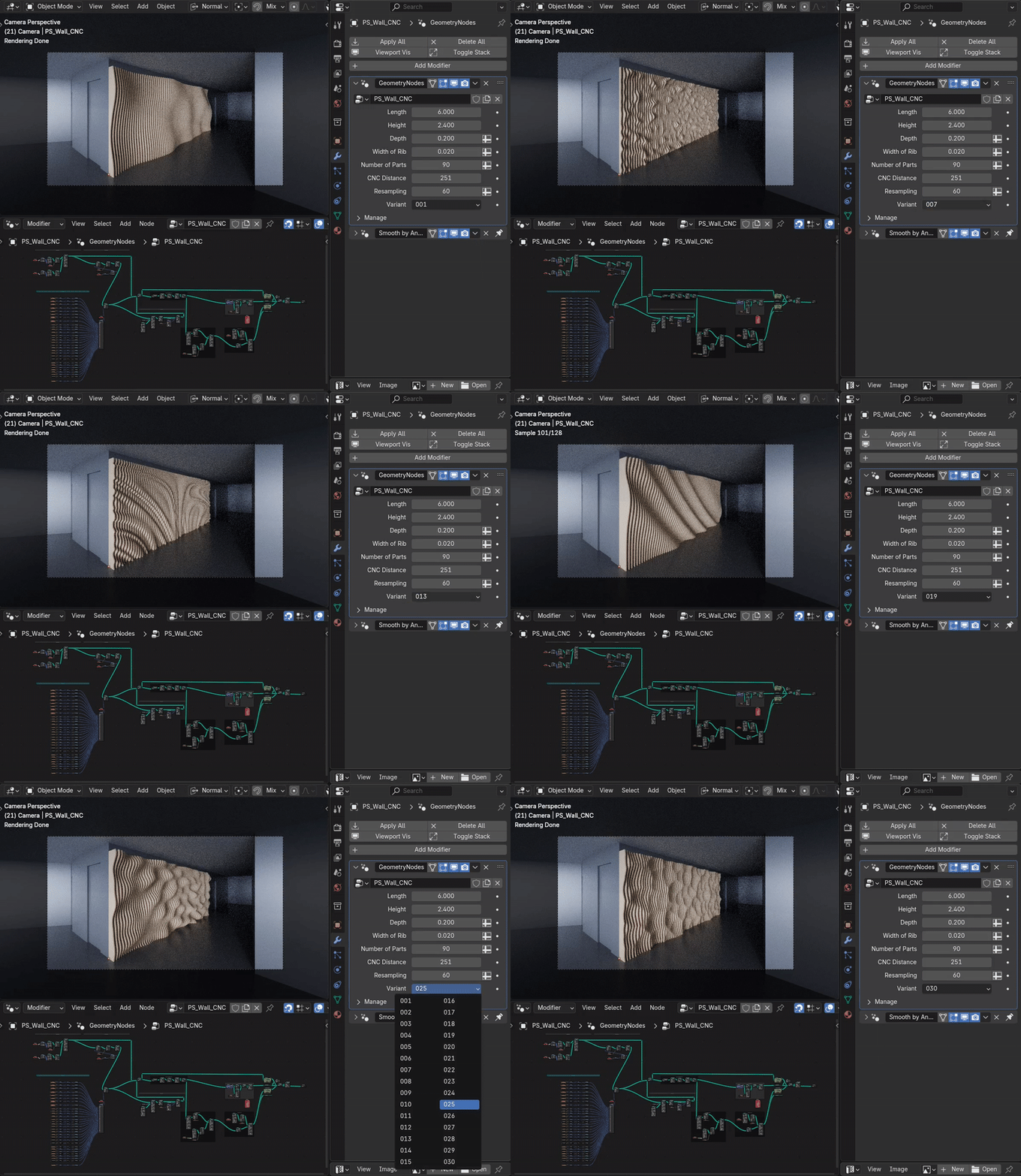
Don't worry, all the entire predefined design can also be controlled from A to Z using only modifiers. For further detailed adjustments, adapt parameters of the chosen variant texture. The entire code is written as simply as possible and each part is separated and described. If you go through the entire process from left to right, I believe it is a way to understand the way geometry is generated in geometry nodes.
DESIGN TO FABRICATION
This is a complete procedure for getting a design into production in Blender with Geometry Nodes (similar to what was previously common in Grasshopper with Rhinoceros.)
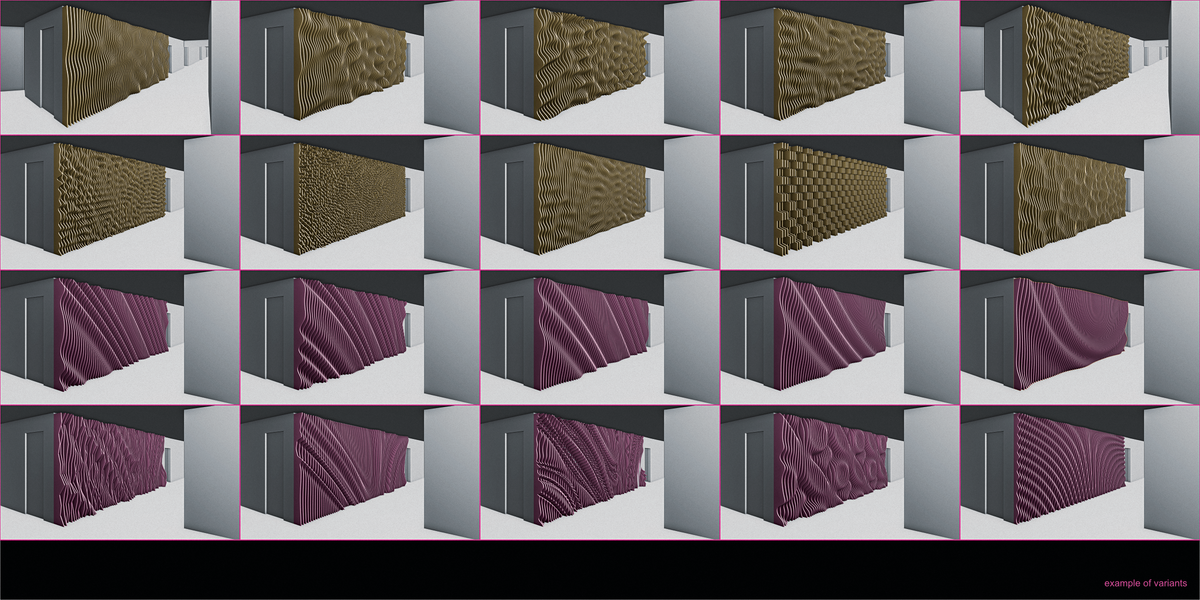
INFINITE VARIATIONS - 30 PROCEDURAL TEMPLATES TO GET STARTED
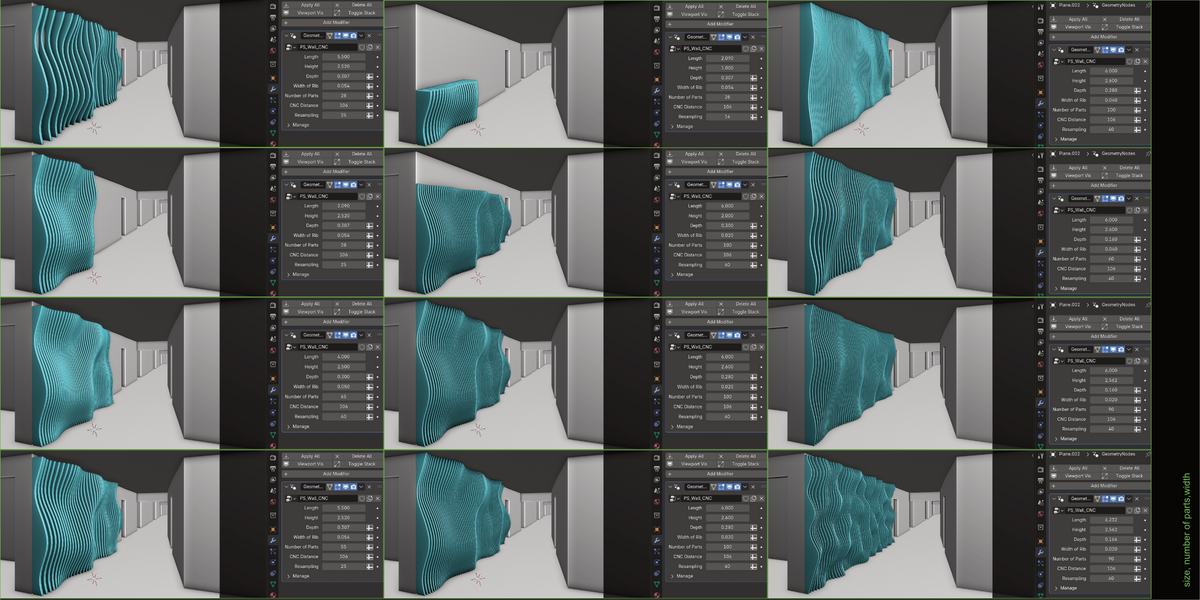
Of course, it is easy to change the length, height, depth, number, and thickness of the ribs and choose from a predefined menu of 30 generative variants.
HOW TO CONTROL MORE DEPTH?
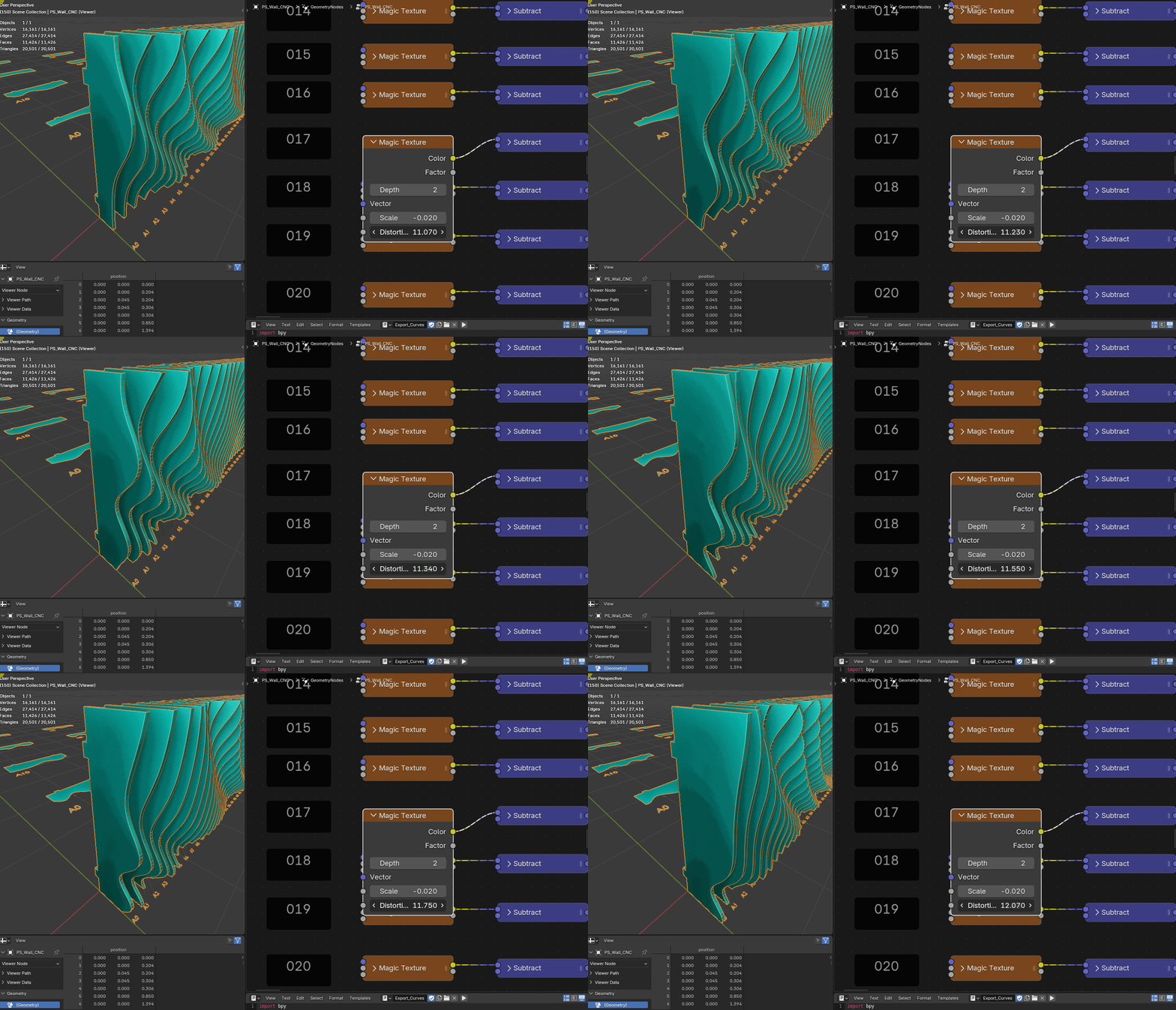
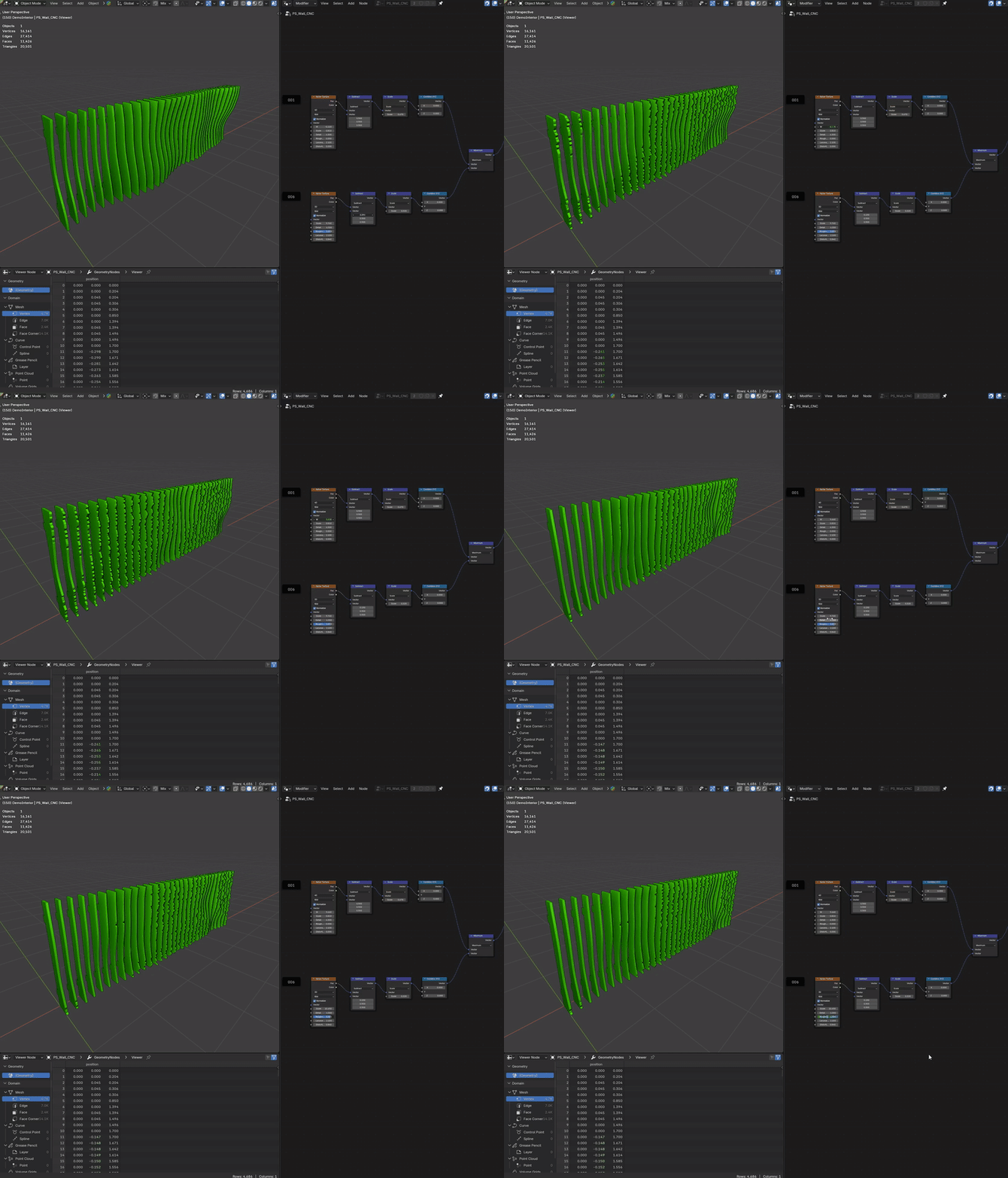
This is the fun part. In geometry nodes you will find the options section for Variants (bottom left). Find the number of your currently selected variant in the modifiers. Show the minimized node with Noise Texture. Try changing the values and see what effect they have on the result. Just change 1-3 parameters and you will get countless possibilities. You don't have to understand the complex process behind to be able to create complex geometry. Play around and create great work that you will like.
OBJECT SLICING
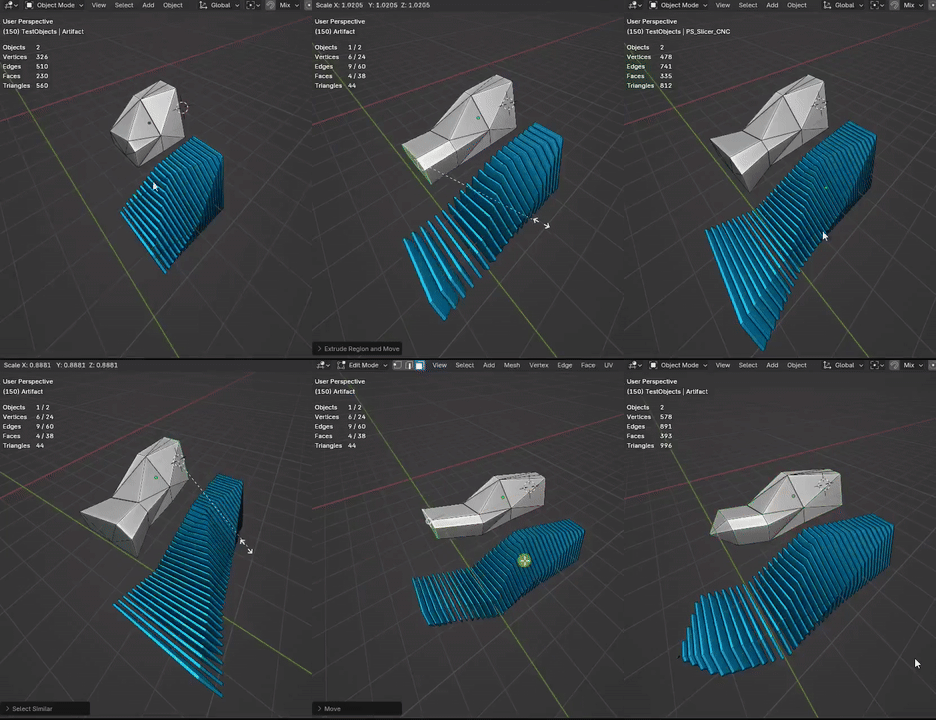
From v1.0.4 it’s possible to import your geometry, allowing for real-time modeling and immediate visualization of dynamic lamella generation and automatically prepared cutting layouts for fabrication workflows.
INTERLOCKING JOINTS
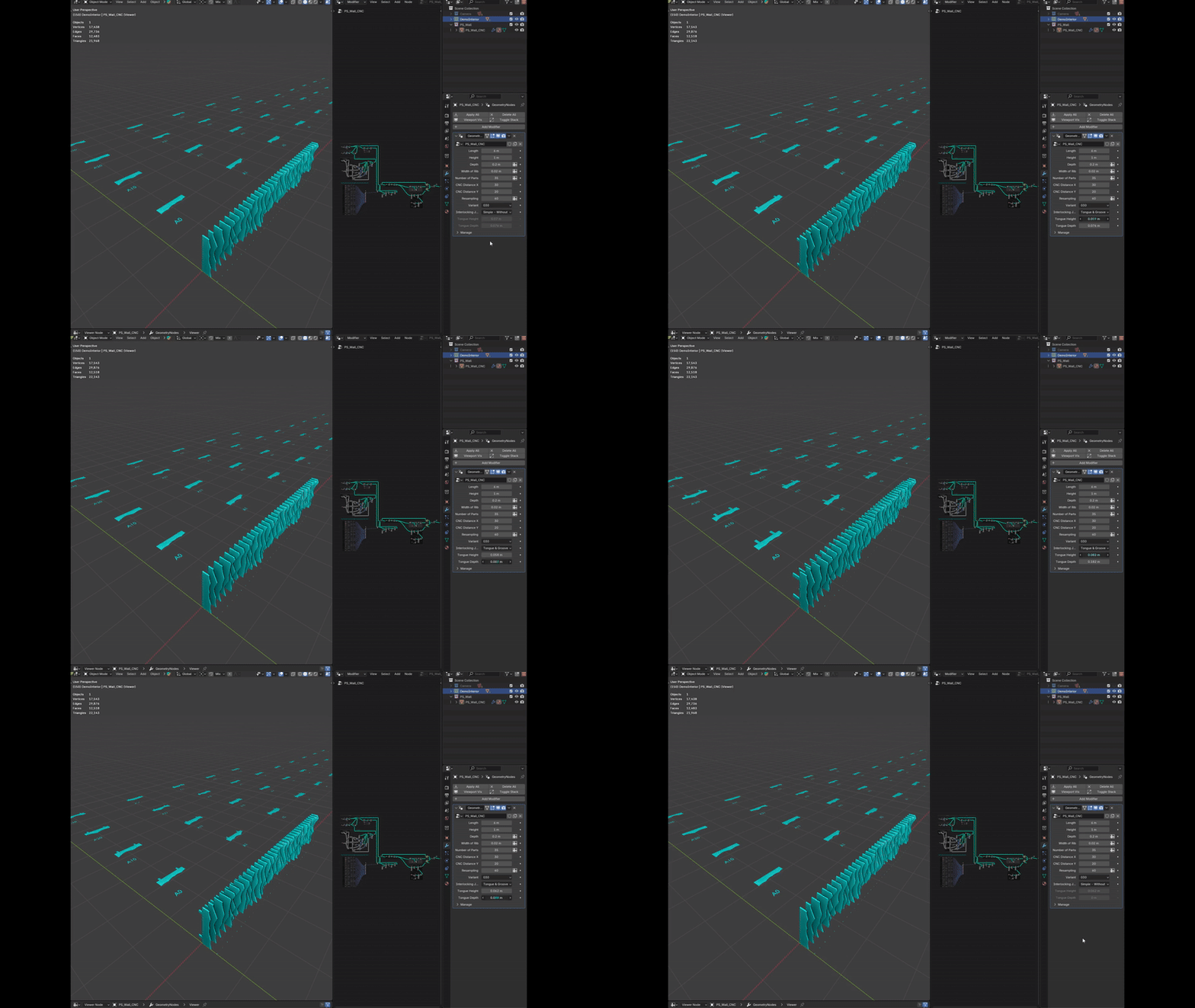
From version v1.0.2, it is possible to automatically generate Tongue & Groove joints. This key feature extends Wallcraft’s capabilities from purely conceptual applications into fully production-ready design — enabling the creation of precise, interlocking parts suitable for furniture prototyping, artistic objects, or custom-designed architectural partitions. The placement is automatically optimized according to the size of the joint.
GRAPH MAPPING
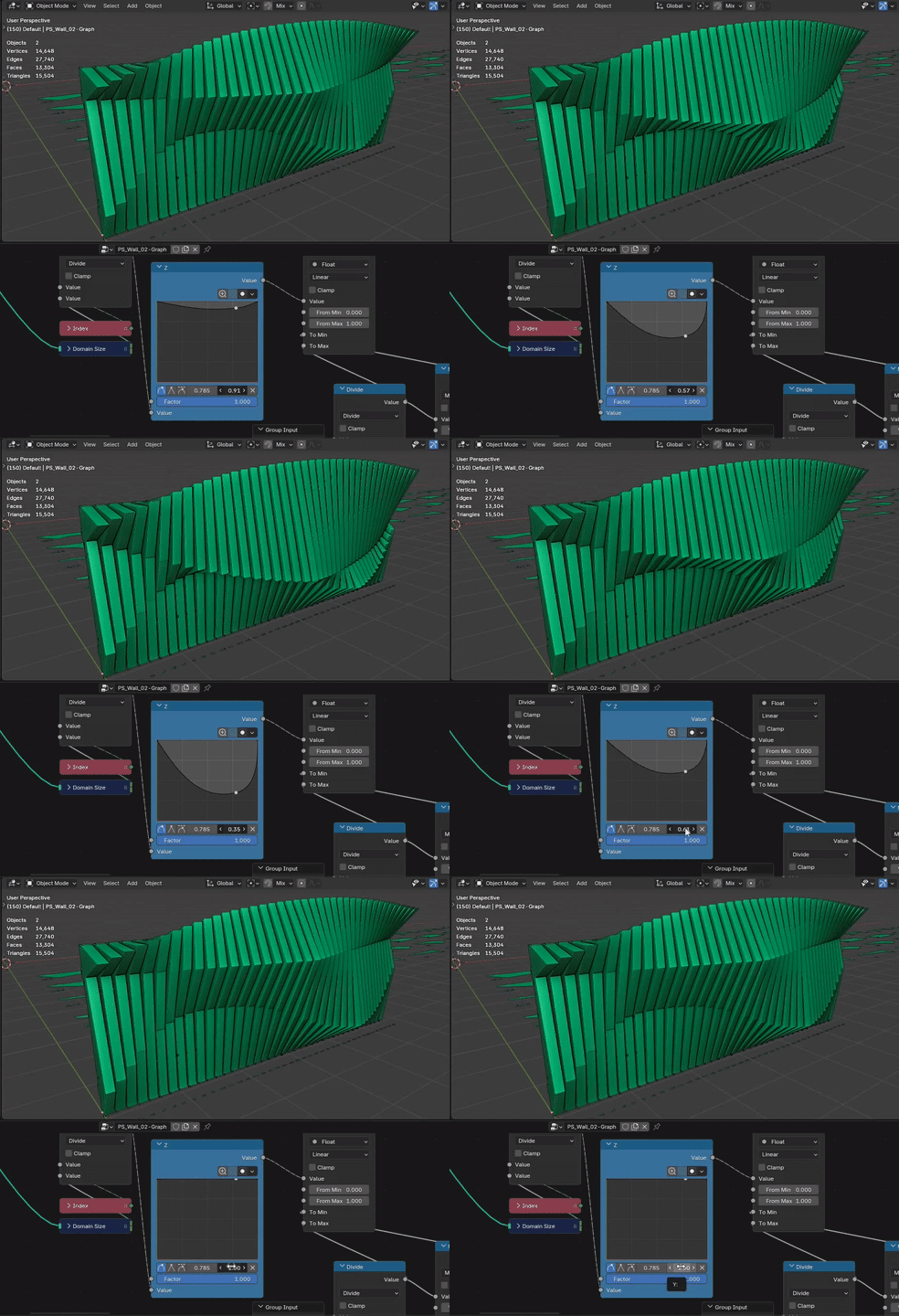
The most significant addition in v1.1.0 introduces a fundamental shift in how geometry is generated. We are expanding beyond purely procedural, texture-based techniques toward a true parametric approach.
The new system is driven by guide curves defined via Graph Mappers directly within Geometry Nodes. This method sits perfectly between the abstract nature of inputting raw numbers and the manual labor of pushing curve points in the viewport. It provides a fully parametric, non-destructive workflow that allows for the creation of complex yet absolutely precise geometry. This level of control is essential for interior architecture, allowing your designs to respond accurately to spatial context while maintaining the elegance of a generative system.
COMPARISON
Unlike Rhinoceros' geometric engineering based on curves, Blender outputs are generated from procedural textures, allowing for greater complexity and mathematically generated clarity of solutions. And it's incomparably fast! :)
procedural VS parametric
You can generate hundreds of design variations within seconds. Compared to classic parametric design, this approach is faster and more open-ended. It encourages an explorative mindset—working with values and relationships instead of fixed outcomes.
In tools like Rhino and Grasshopper, I used to define systems in a clear and structured way, which allowed for predictable and editable results. But it also meant I always knew what to expect. With Blender-based tools like Wallcraft, the process becomes more flexible. By combining values, rules, and logic, you can create complex and sometimes surprising forms—shapes that wouldn't be easy to imagine or plan ahead.
Rather than drawing a specific curve, you're building a system. At first, it may feel a bit abstract, but over time you learn to shape these systems just like geometry—only in a different way.
BLENDING
A fusion of two distinct variants creates a hybrid result that inherits qualities from both. One defines the overall form, the other adds detail—together forming a new synthesis. Instead of blending geometry, we mix systems: procedural adjustments, masks, and layered logic. The result feels both precise and exploratory.
AI RENDERS
Some visualizations were created by integrating multiple generated models from the add-on over each other and then interpolating between individual solutions using Stable Diffusion AI. These images represents our main idea of procedurally generated walls. It's more about combining procedural masks on top of each other than modeling a specific design from drawings. It's more like a non-destructive layering of adjustments. The final creation is a super-accurate generative 3D model based on your input, influenced by control over the systems. The concept of mixing the layers is now possible with the new version 1.0.3.
DISCLAIMER
The add-on serves as a tool to help the creator. The author of the addon is not responsible for any design or manufacturing errors. Always verify the correctness of the output yourself.----------------------------------------------------------------------------------------------------------------------------------------------------------------------------------------------------------------------------------
LOG
v1.1.2. — Workflow & Geometry Optimization (2026-03-05)
One-Click Automated SVG Export – Rewritten Python scripts now enable a streamlined, one-button export workflow. The system automatically generates a curve-based duplicate and exports it directly to an SVG file within the project folder for CAD/CAM interoperability, while keeping the original Geometry Nodes setup live and non-destructive.
Geometric Integrity Refinement – Optimized wall depth calculations to prevent the generation of invalid or non-manifold geometry, ensuring cleaner architectural outputs.
Enhanced Component Labeling – Introduced new parameters within the modifier for individual part labels. Users can now adjust label height and offset directly, providing better control over documentation and fabrication markings.
v1.1.0. — Major Update (2026-01-04)
Graph-Controlled Parametric System – Introduced a new generation method utilizing Graph Mappers within Geometry Nodes. This hybrid approach allows for precise, non-destructive definition of guide curves, bridging the gap between abstract math and manual modeling.
Global Pattern Offset – Added a dedicated control slider available for all 30 presets. This allows for real-time phase shifting of the pattern without entering the node tree, making the design process significantly faster.
UI/UX Overhaul – The modifier interface has been completely unified and reorganized into clear categories for better readability and intuitive control.
Fabrication Standardization – Adjusted minimum depth thresholds across all variants to ensure the default geometry is always within physically manufacturable dimensions.
v1.0.5 — CAD/CAM Export Scripts (2025-06-05)
Export Scripts: Added two Python scripts for export of Geometry Nodes setup to .SVG (for 2D) or .FBX (for 3D) without applying the modifier stack. Exporting 2D curves is semi-automatic solution. Details are in documentation.
Workflow Speedup: Saves files directly to the Blender project directory without the need for baking geometry first. Ideal for fast iterative CAD/CAM workflows.

v1.0.4 — Fabrication Slicer (2025-06-05)
Custom Object Slicing: Enabled import of custom geometry (simplified continuous/closed meshes).
Real-time Visualization: Instant preview of dynamic lamella generation and automatic cutting layouts using low-poly placeholders.

v1.0.3 — Advanced Variant Mixing (2025-06-03)
Introduced a new generative concept for blending wall types:
Synthesis: Combine two distinct variants—one defines the form, the other the detail.

Precision Masking: Use gradients to define exact blend regions between versions.

Noise Masking: Blend versions using procedural noise for natural, textured transitions.

v1.0.2 — Automatic Joinery (2025-05-25)
Tongue & Groove System: Automatically generates interlocking joints for generated parts.
Production Ready: Extends WallCraft from conceptual design to manufacturing-ready geometry, optimized for furniture prototyping and architectural partitions.

v1.0.1 — Layout Optimization (2025-01-25)
Smart Nesting: Fabrication pieces are now automatically labeled and arranged on a standardized grid (10 parts per row) for easier overview and manufacturing preparation.