Wallcraft - Parametric Walls Pro
 ParametrStudio





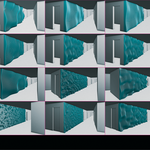
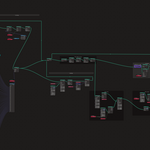
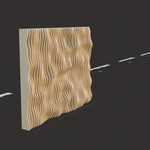
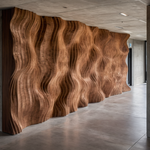
Is WallCraft a Python add-on or a .blend file?
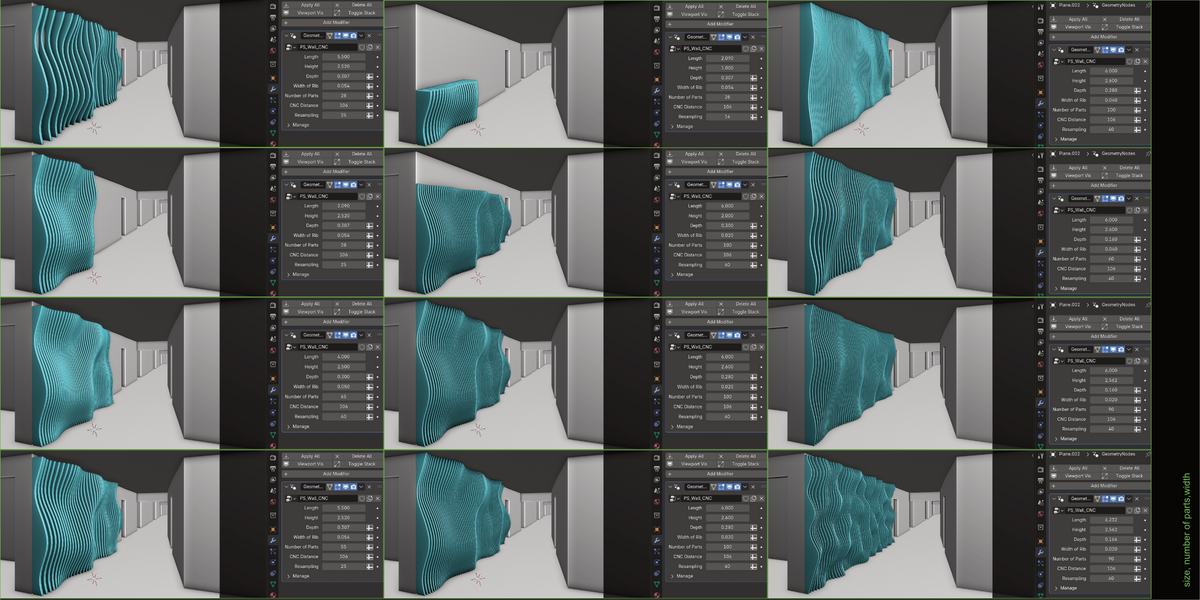
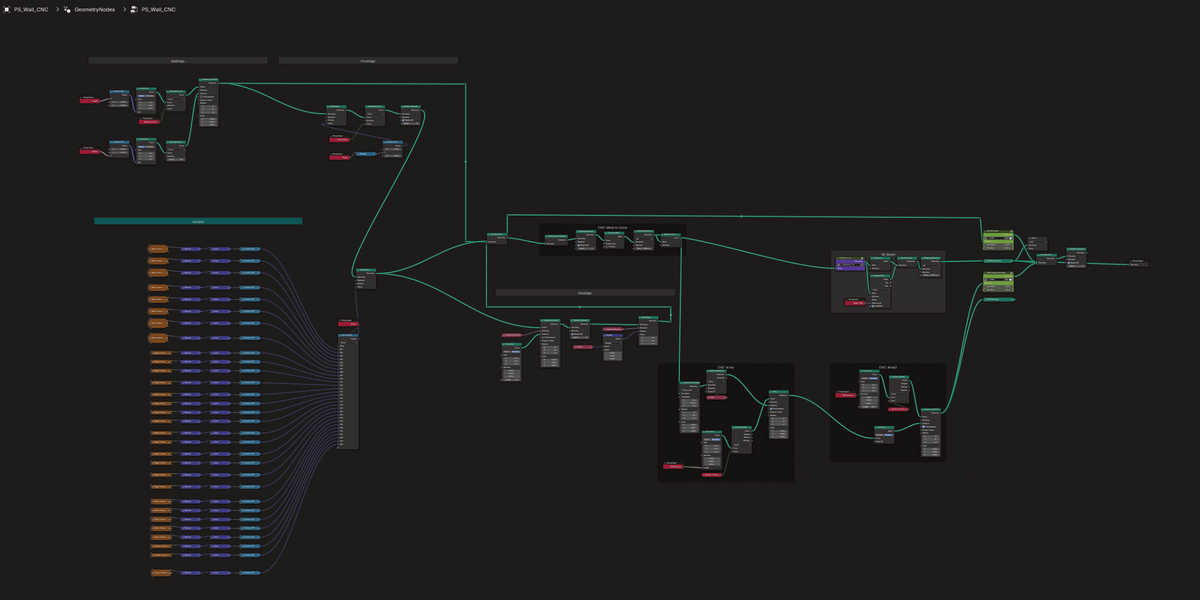
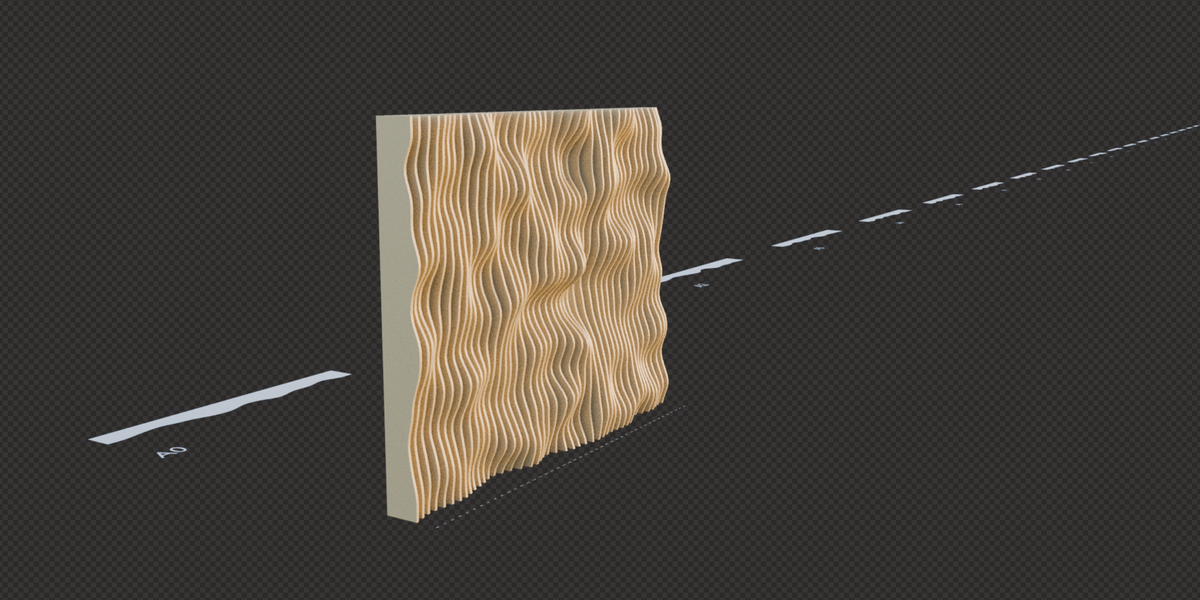
WallCraft is a native Geometry Nodes system delivered as a .blend file. It operates directly through Blender’s Modifier Properties without requiring external scripts or software add-ons.
How do I use WallCraft in my scene?
- Directly: Open WallCraft.blend and adjust parameters in the Modifier panel.
- In your project: Go to File > Append, select WallCraft.blend, and import the asset into your scene.
Can I edit the limiting values of individual parameters?
Yes, you can certainly change any limits for all parameters. The default settings are based on the usual manufacturing and material values.
(The image is in the documentation.)
1. Select any RedNode - Group input
2. Press "N"
3. Find the parameter name
4. Change the Min. or Max. value
How are the sections of the parts arranged?
In the current version of the addon, the parts are arranged in one row.
$5$3.50
Have questions about this product?
Login to message
| Sales | 100+ |
| Rating | 4 ratings |
| Dev Fund Contributor | |
| Published | almost 2 years ago |
| Blender Version | 4.4 - 5.2 |
| License | Royalty Free |
Discover more products like this
wall generative wall design slat lamella parametric-wall partition parametric design CNC wallcraft parametric fabrication