 Mneme
Mneme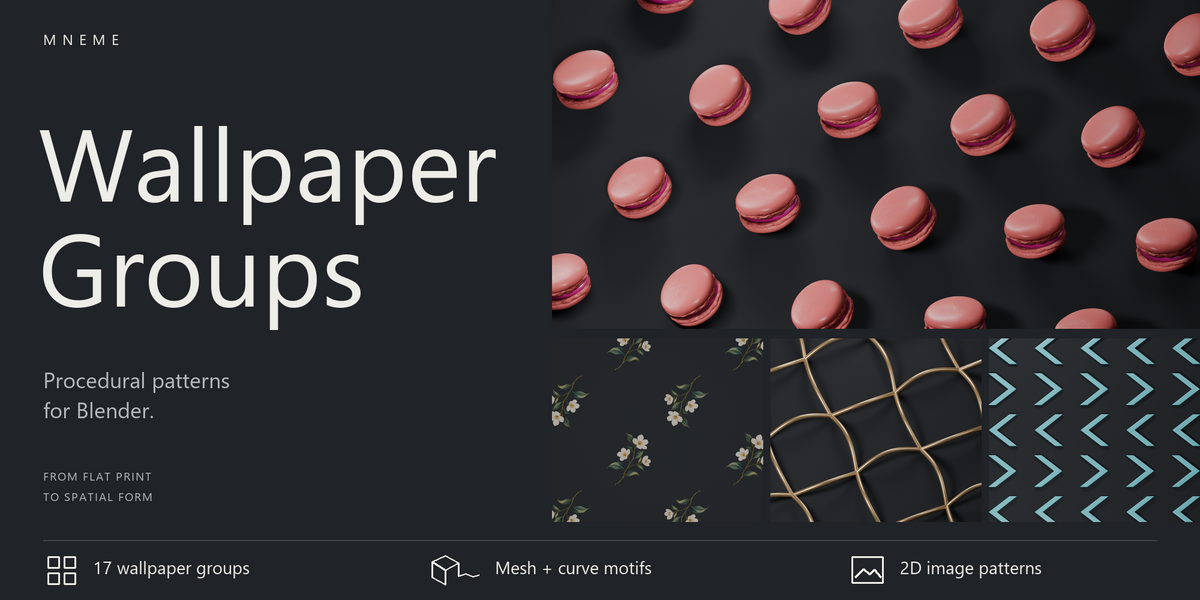
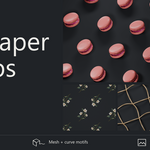
MNEME / WALLPAPER GROUPS
PATTERN DESIGN IN BLENDER
One motif.
A world of patterns.
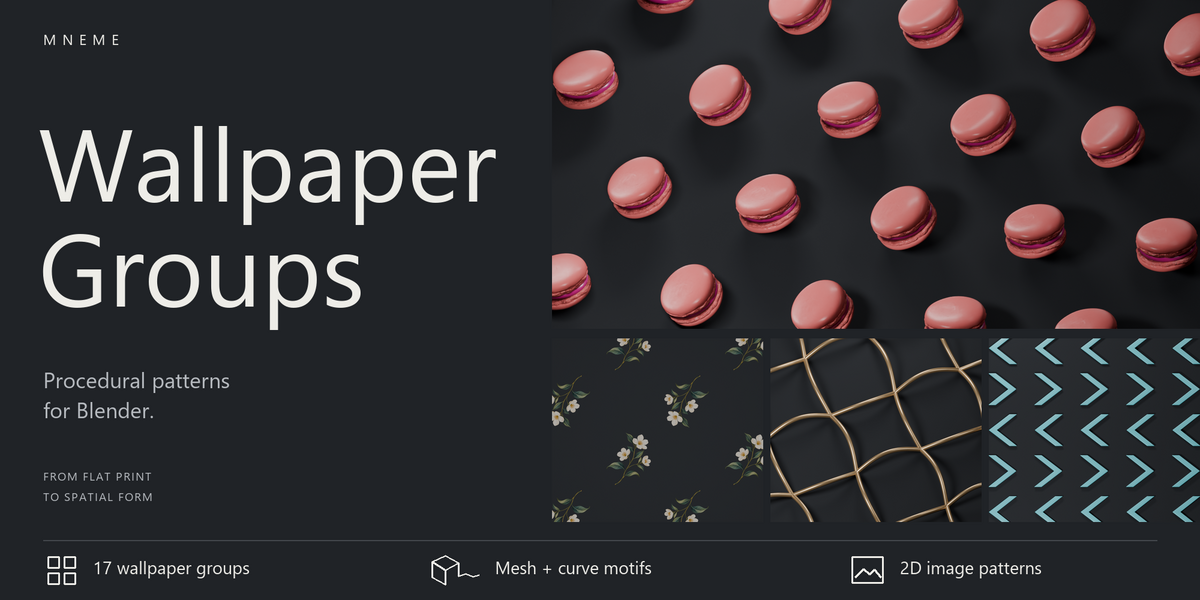
Turn an illustration, a curve or a 3D object into a repeating pattern. Choose a symmetry, adjust the arrangement and explore designs for print, packaging and dimensional surfaces.
17wallpaper symmetries
6editable presets
2D + 3Dmotifs with real depth
Every wallpaper symmetry.
Room for your own ideas.
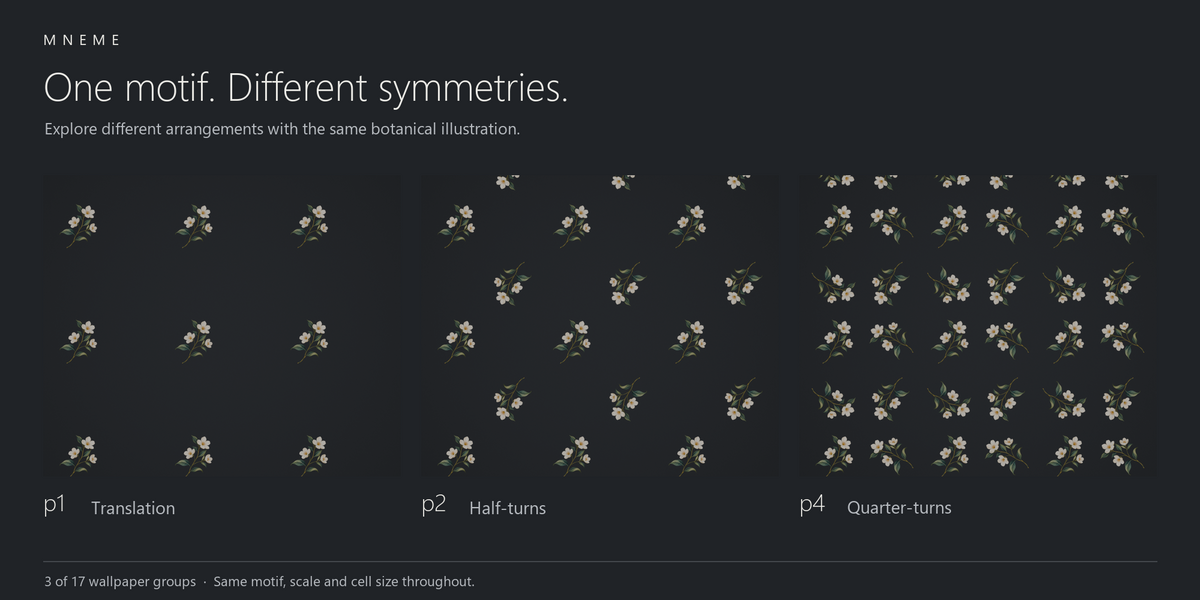
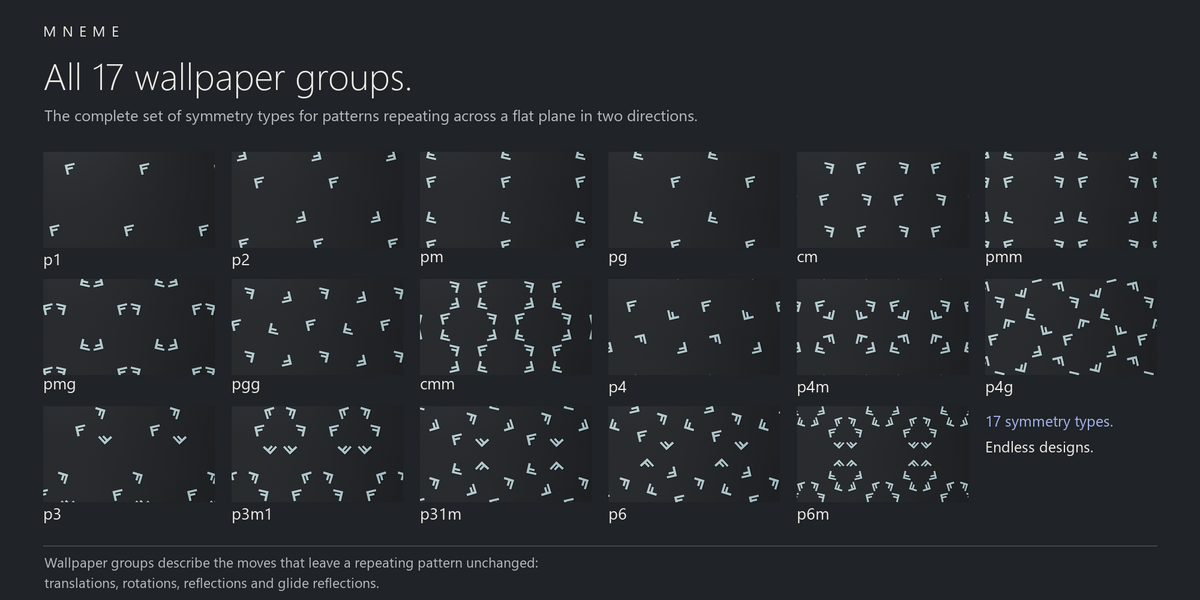
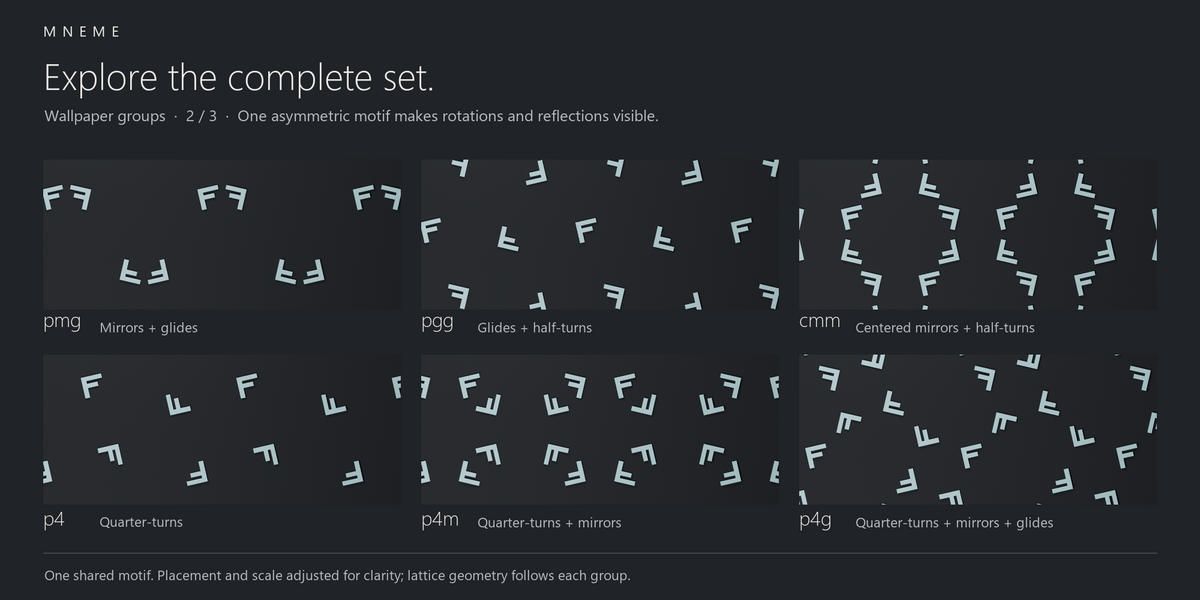
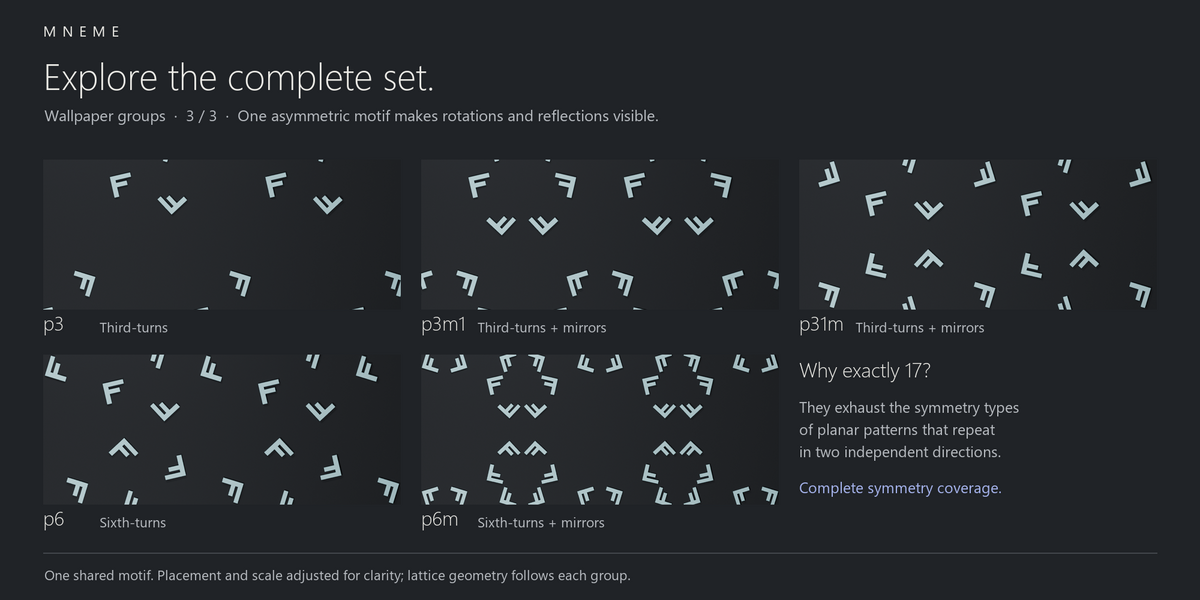
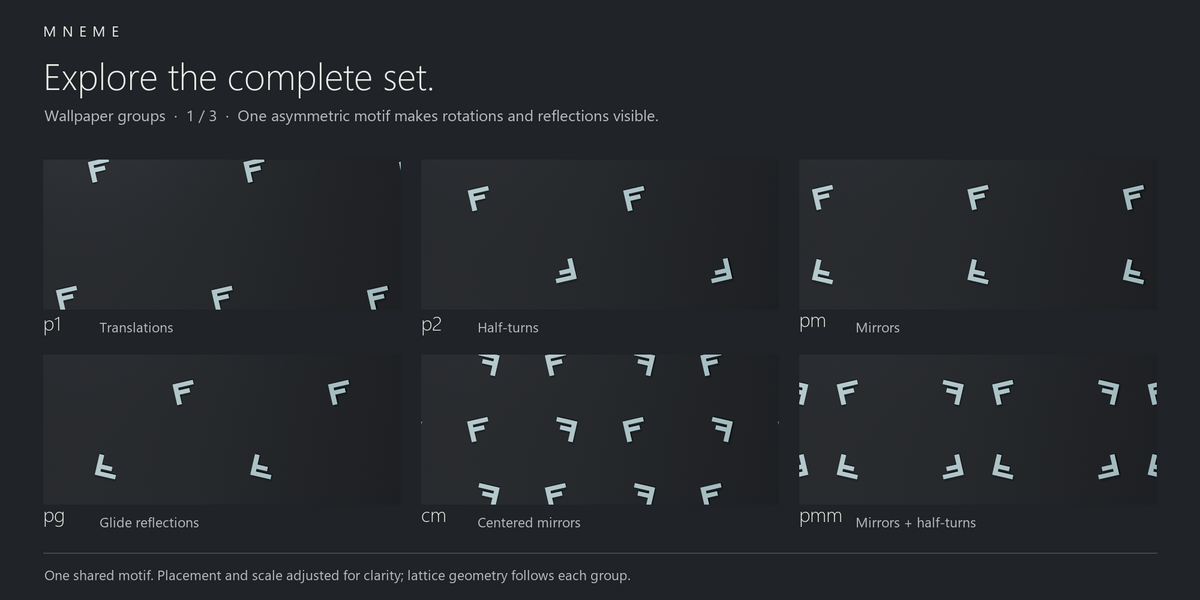
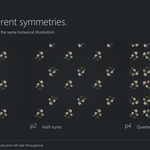
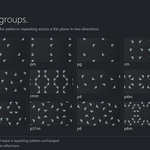
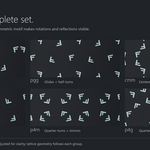
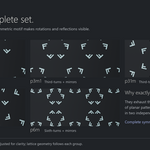
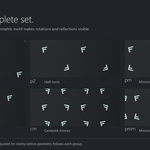
Wallpaper groups describe the symmetries of patterns that repeat across a plane in two independent directions. There are exactly 17 symmetry types, using translations, rotations, reflections and glide reflections.
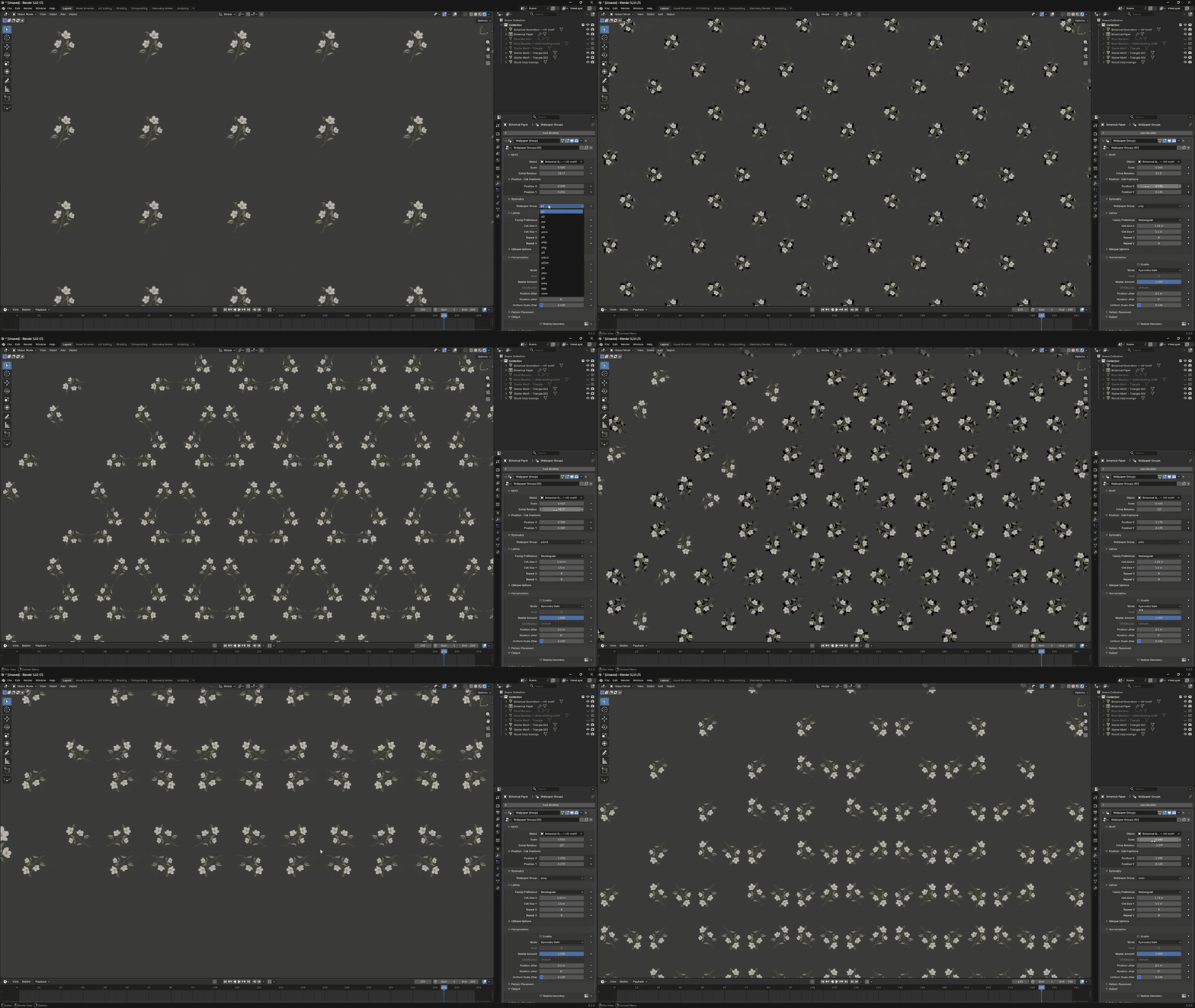
Wallpaper Groups includes all 17. Each is a family of arrangements: change the motif and its placement to make a different design. Choose a group and explore; you don’t need to know the mathematics to start.
START WITH YOUR OWN MOTIF
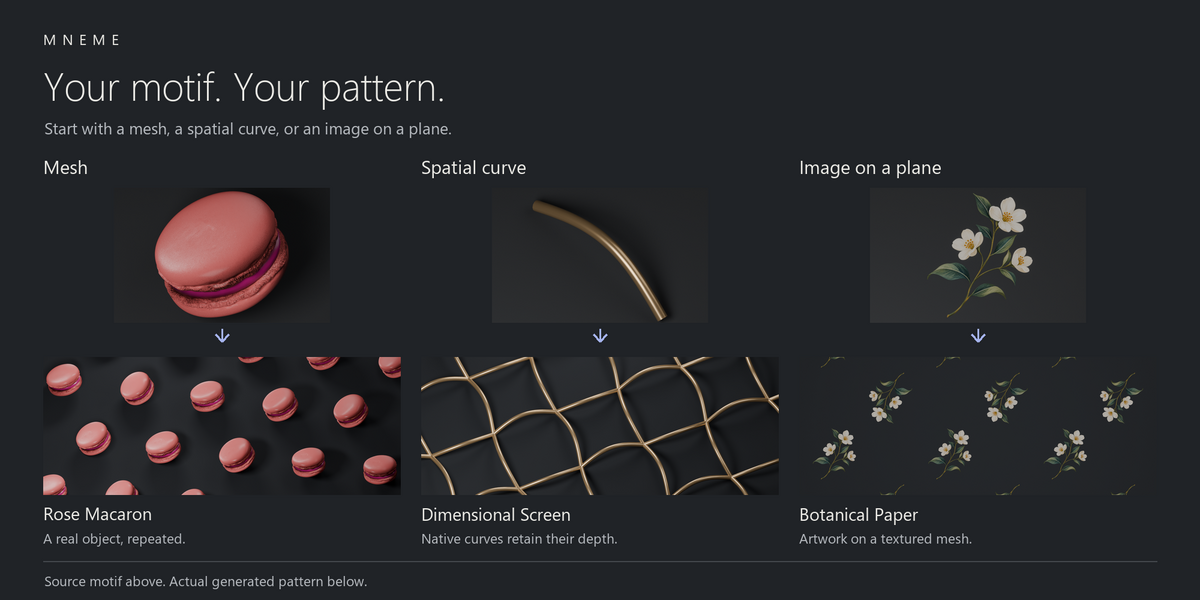
Flat artwork or real depth
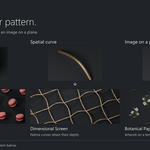
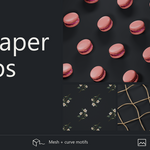
Meshes
Repeat objects for food visuals, raised surfaces and decorative arrangements.
Curves
Build spatial patterns from curves that keep their shape and depth.
Images
Place artwork on a textured plane, then use that plane as your motif.
The repeat is arranged on a plane. Your motif can retain its 3D form.
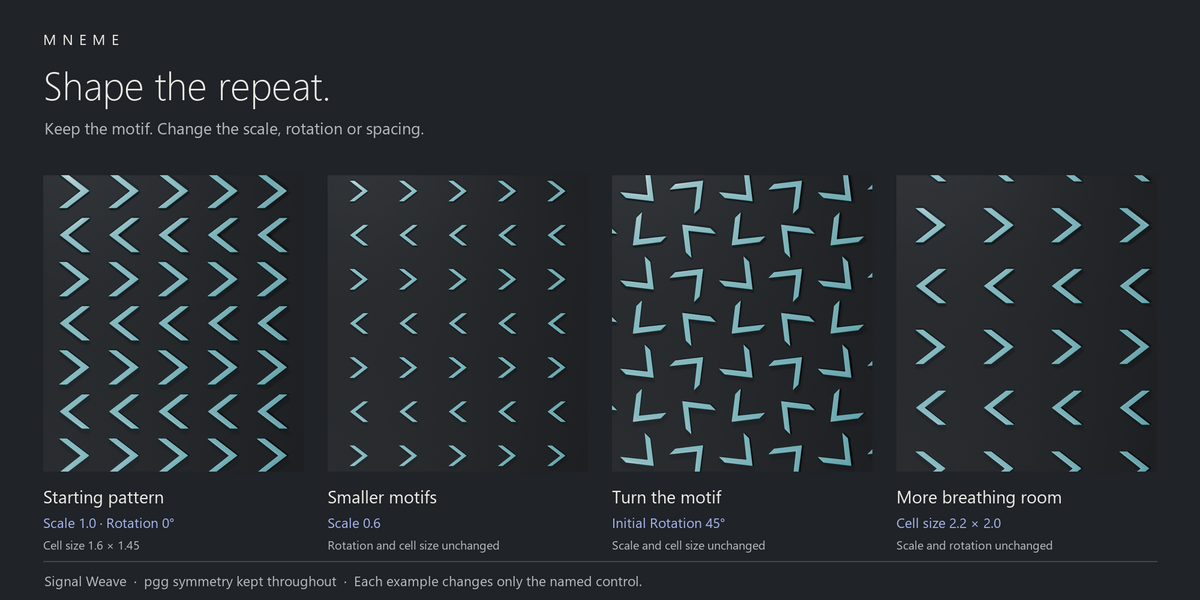
Shape the repeat
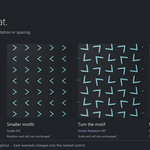
Set the motif’s size, rotation and position. Adjust cell spacing and repeat counts within the selected group’s lattice, then rotate or offset the whole pattern.
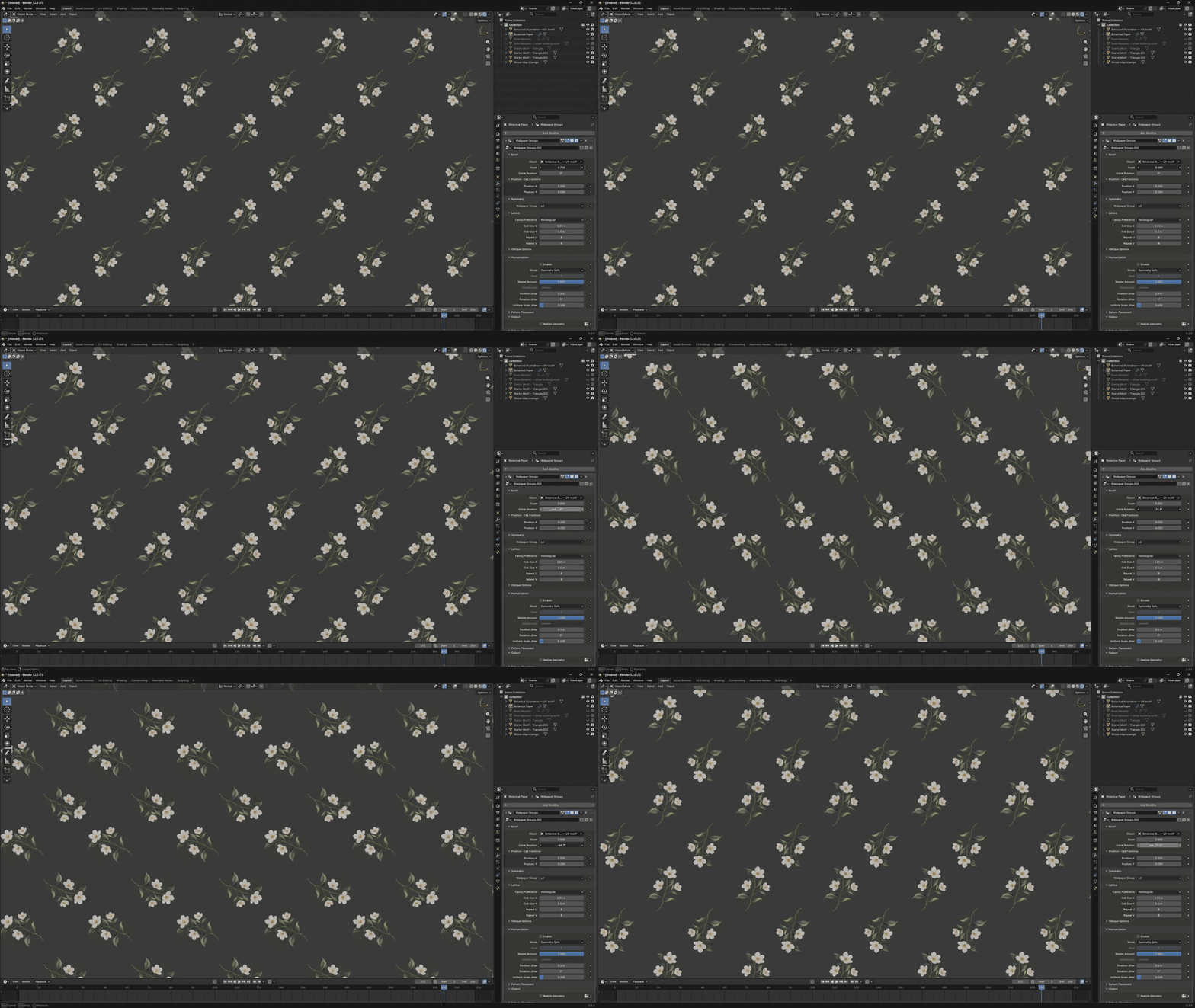
Motif scale and cell spacing are separate controls, so you can make the subject smaller or give it more breathing room.
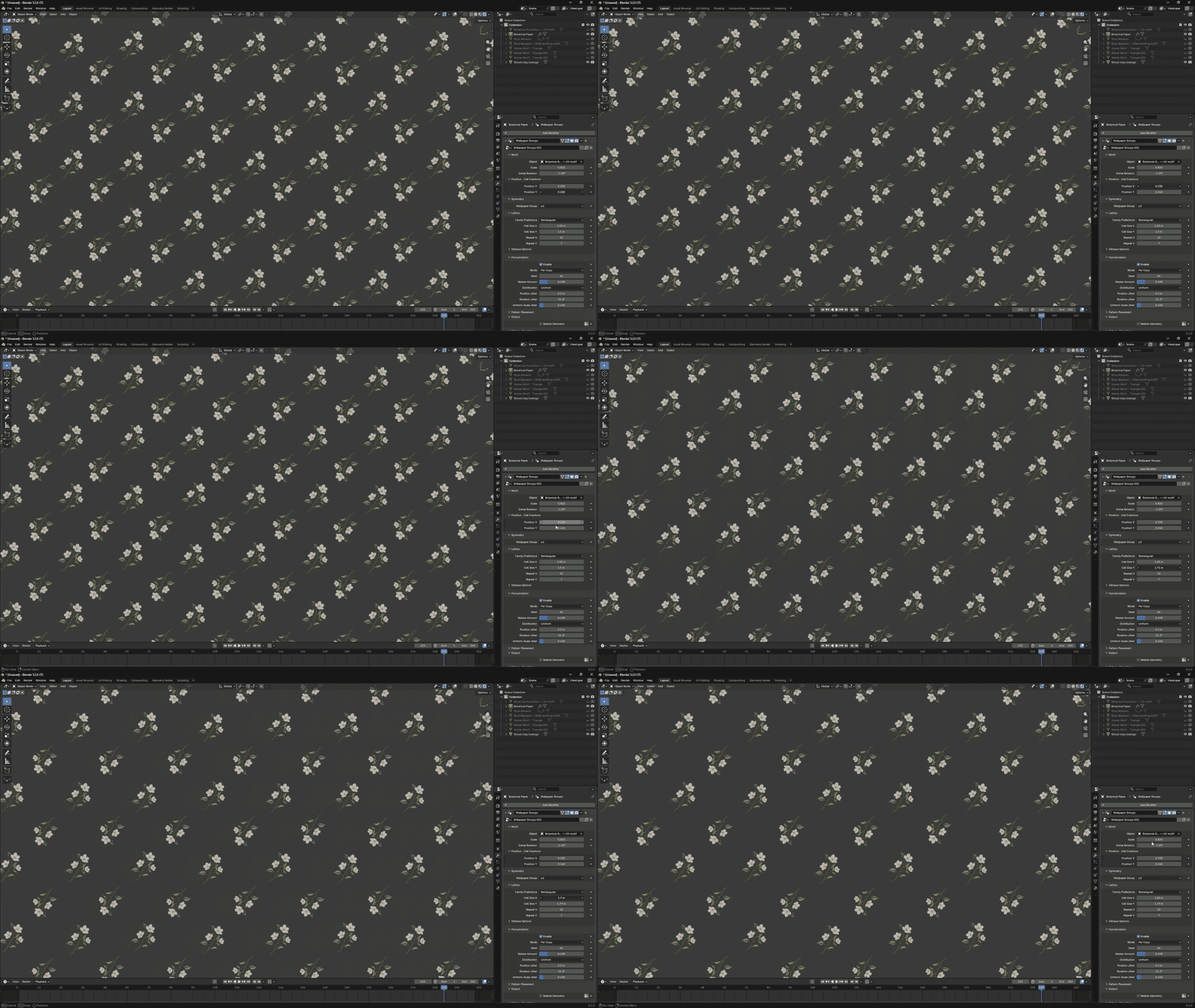
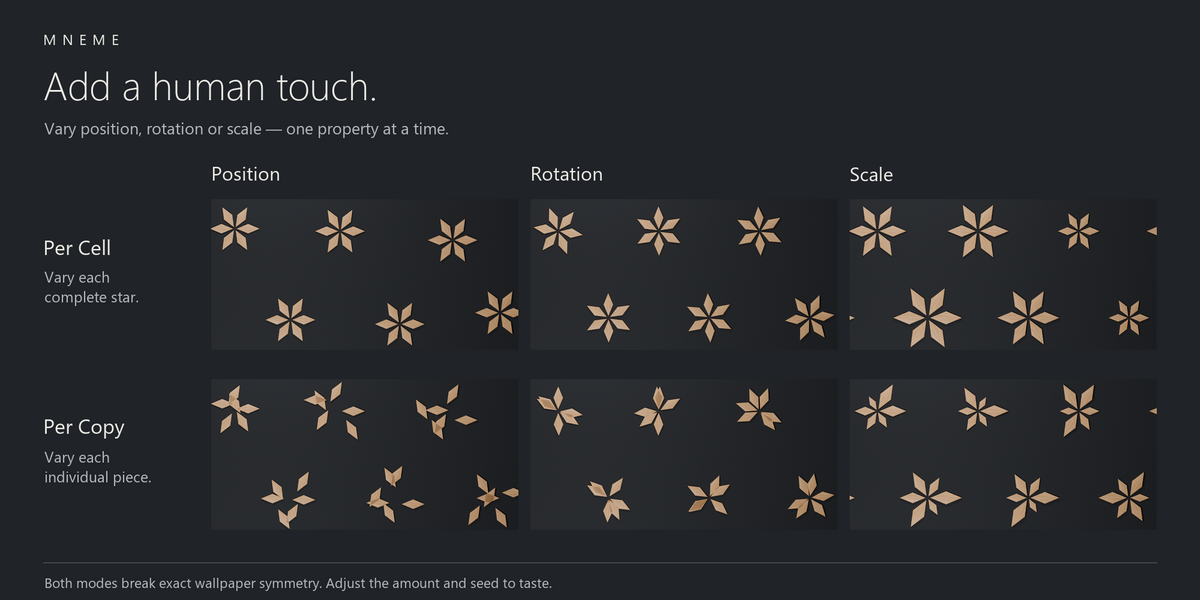
Add variation where it matters
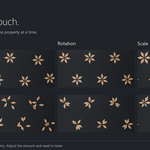
Vary position, rotation and scale with Per Cell humanization for complete cells, or Per Copy for individual motifs.
Both modes deliberately break exact wallpaper symmetry. Symmetry Safe instead adjusts the shared motif before the symmetry operations.
Take the pattern onto packaging
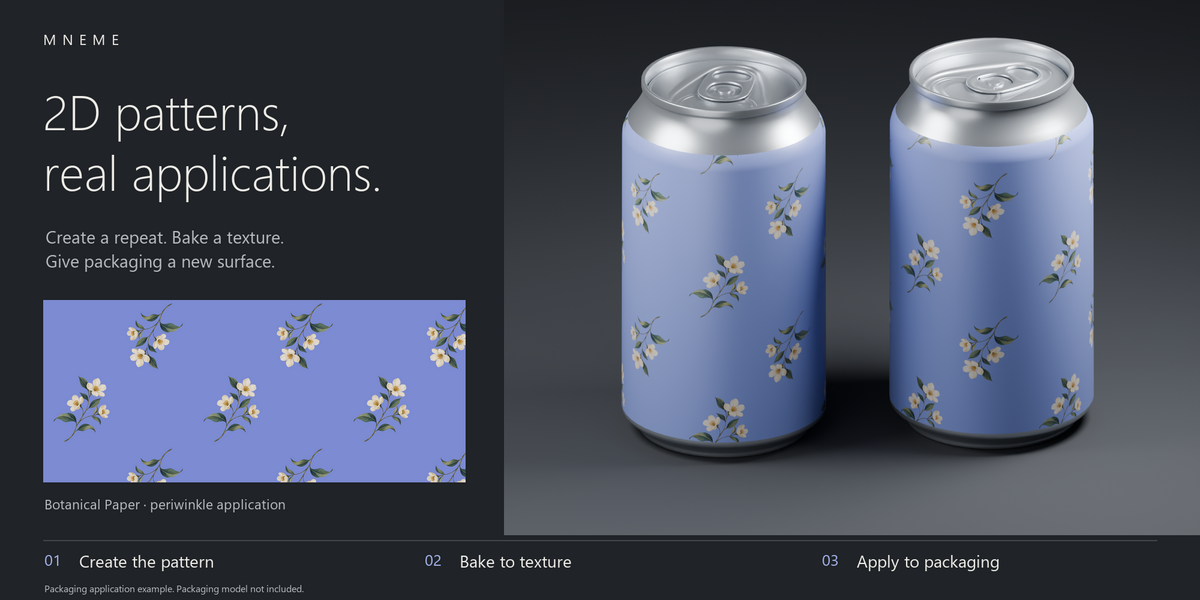
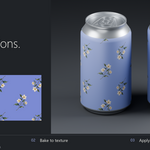
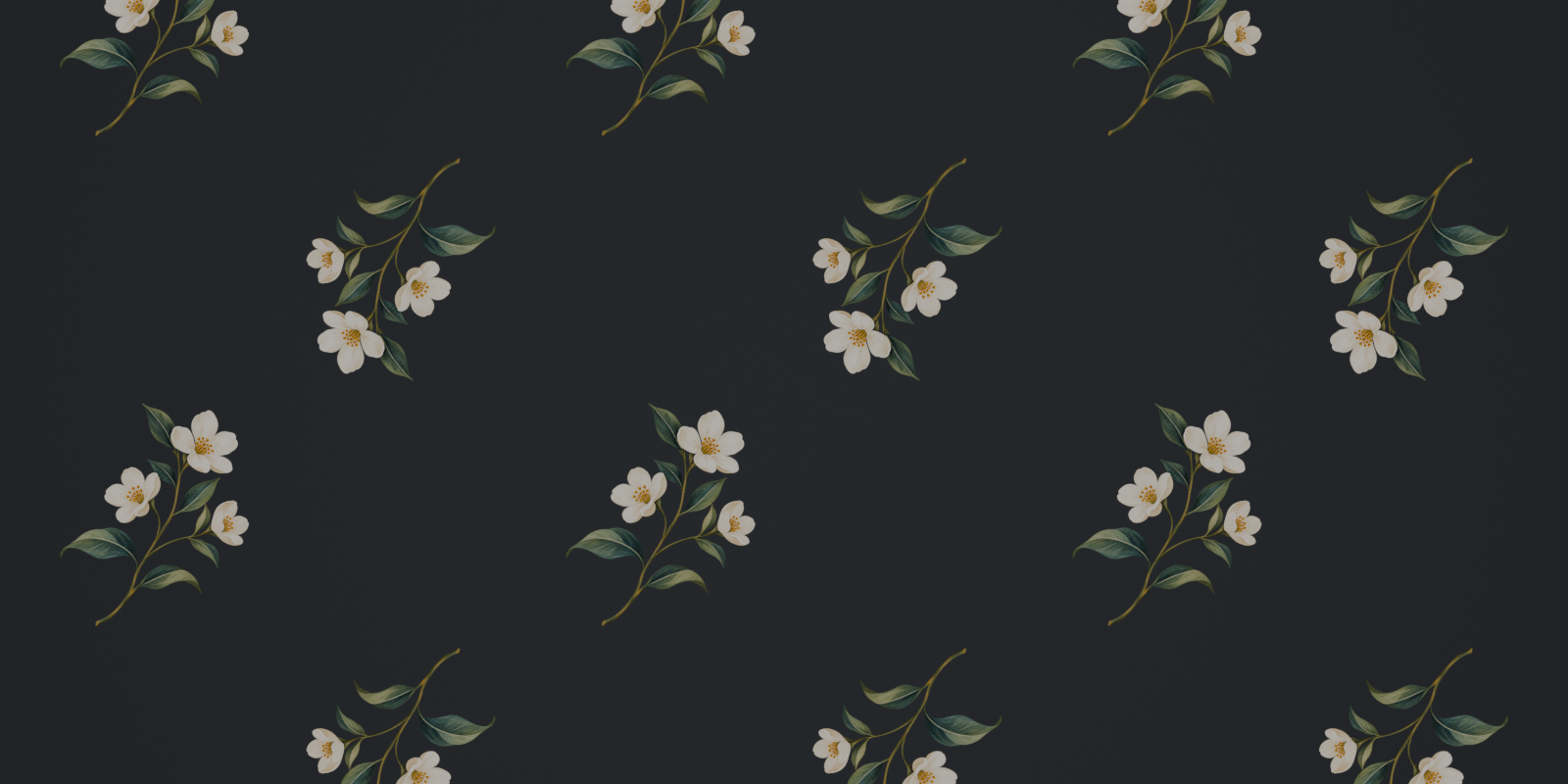
Create an illustrated repeat, bake it to a texture in Blender, then map that texture onto your packaging model. Botanical Paper shows the route from a flat pattern to a finished can visual.
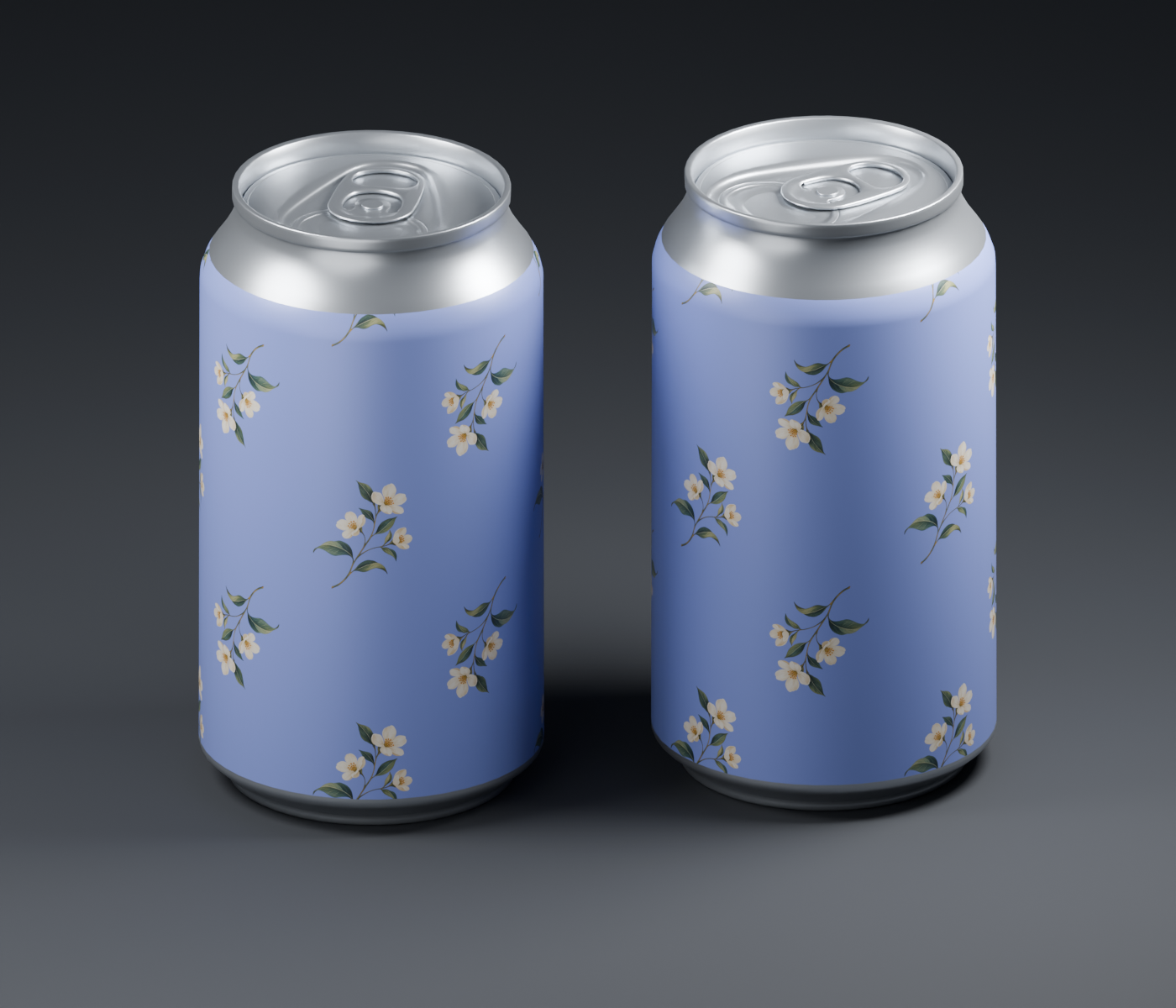
Baking and UV mapping are separate Blender steps. Packaging models shown in the renders are not included.
INCLUDED IN YOUR LIBRARY
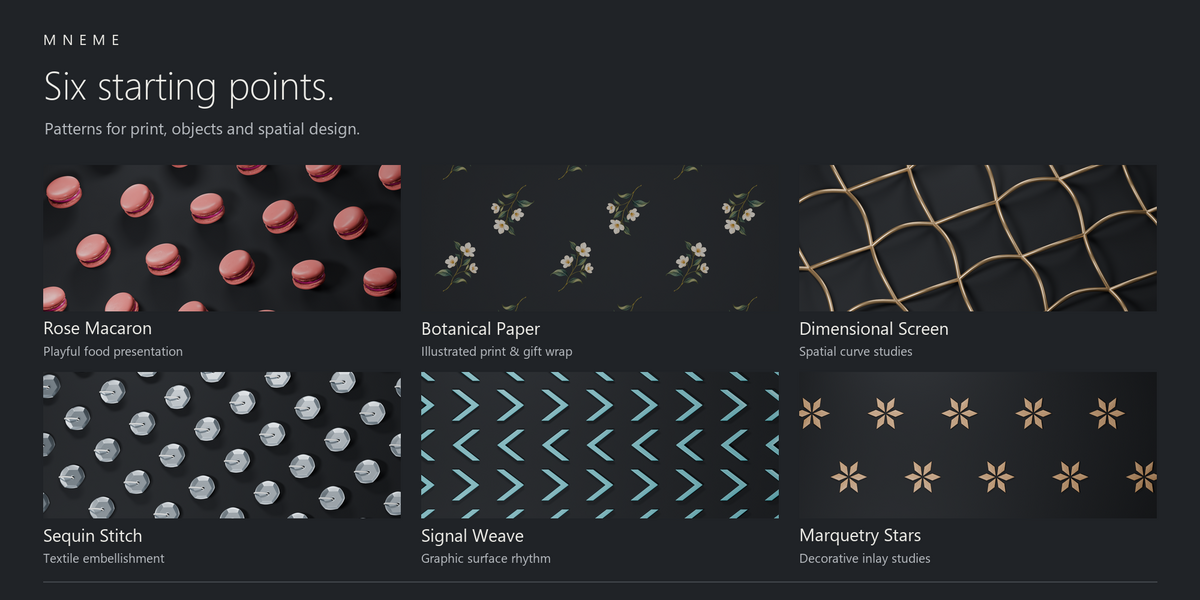
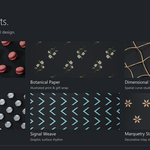
Six starting points.
Six different directions.
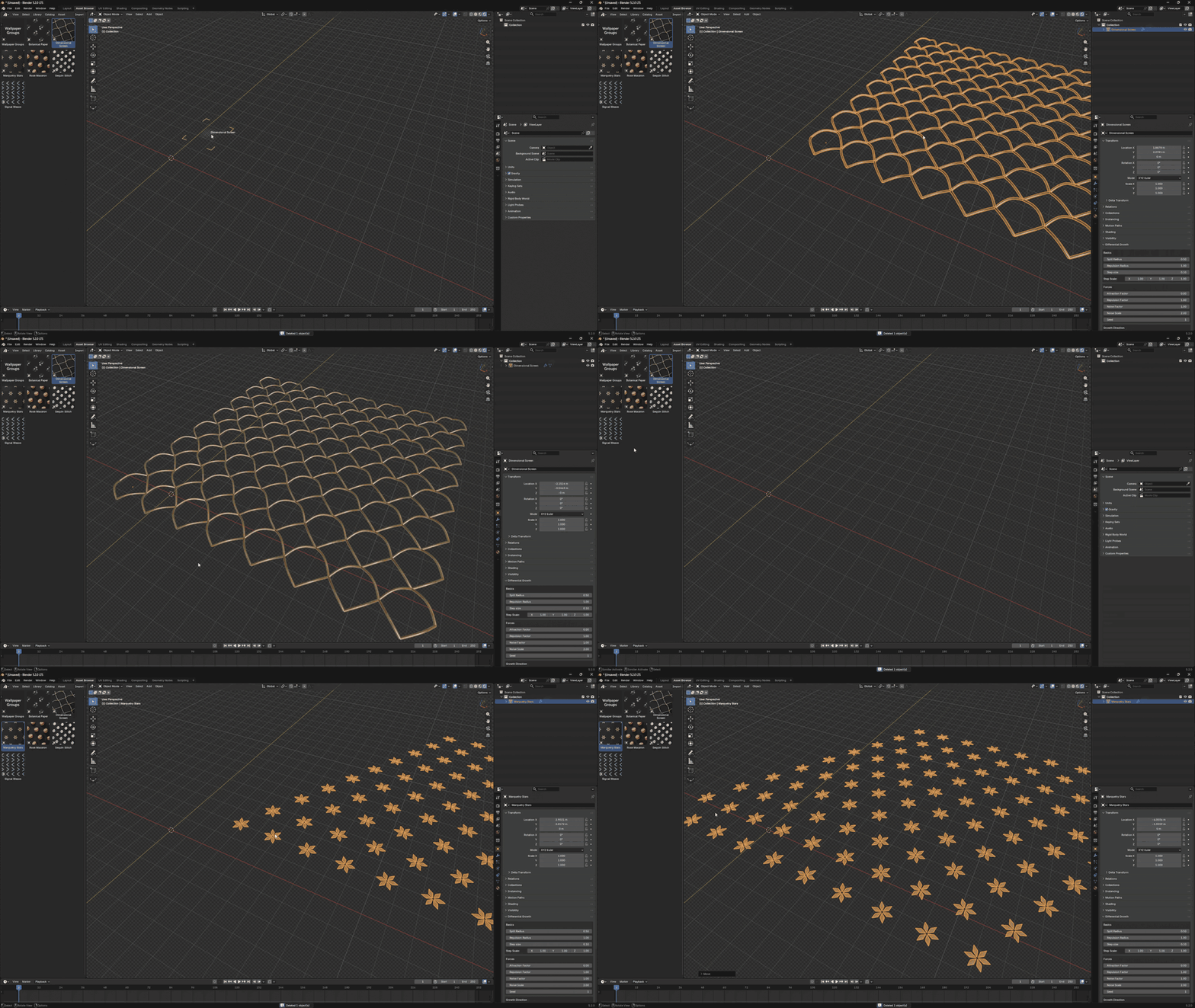
Explore the presets, adjust their settings or replace the motif with your own.
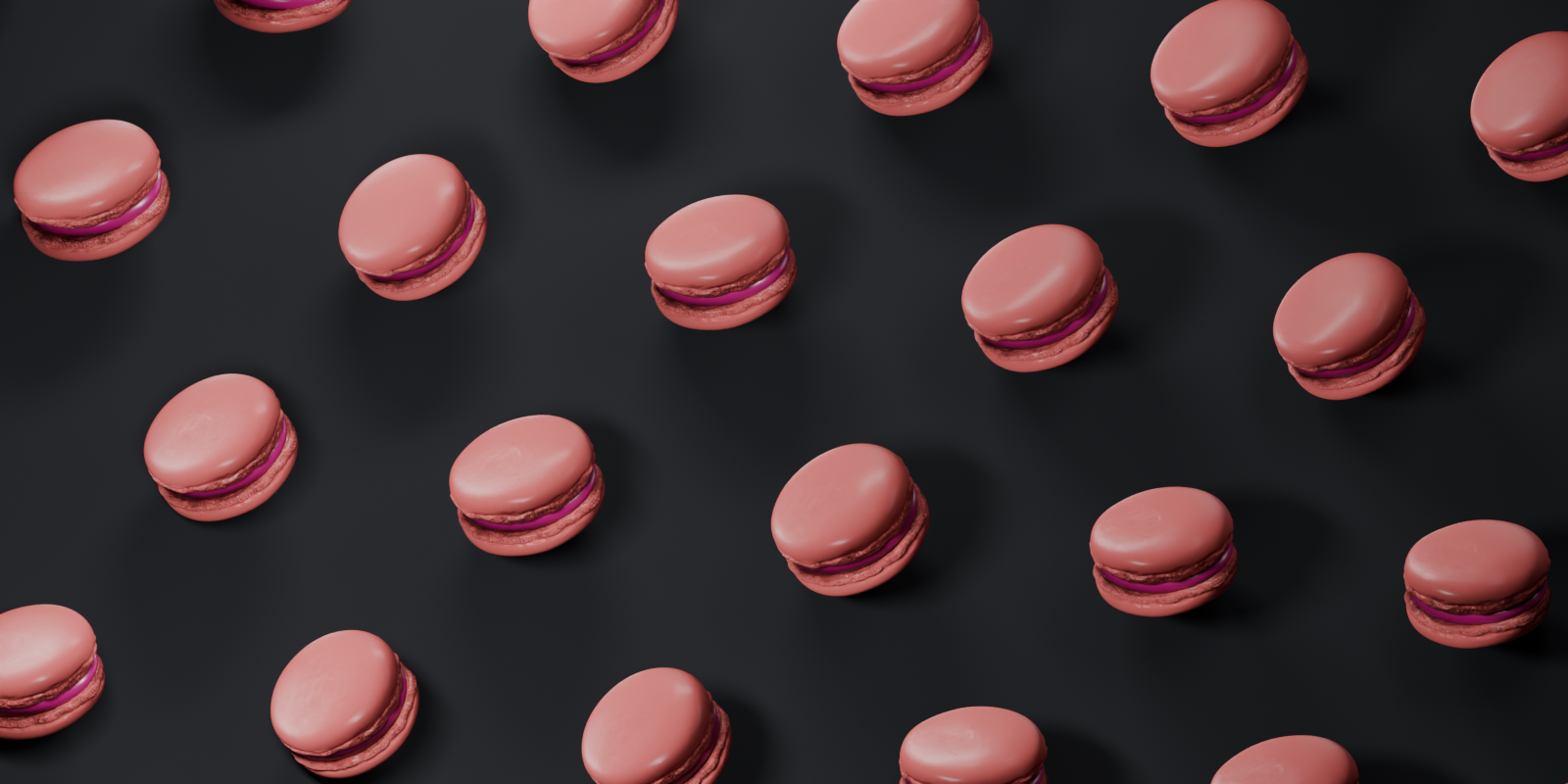

Rose Macaron
Playful food compositions
Botanical Paper
Illustrated print and packaging
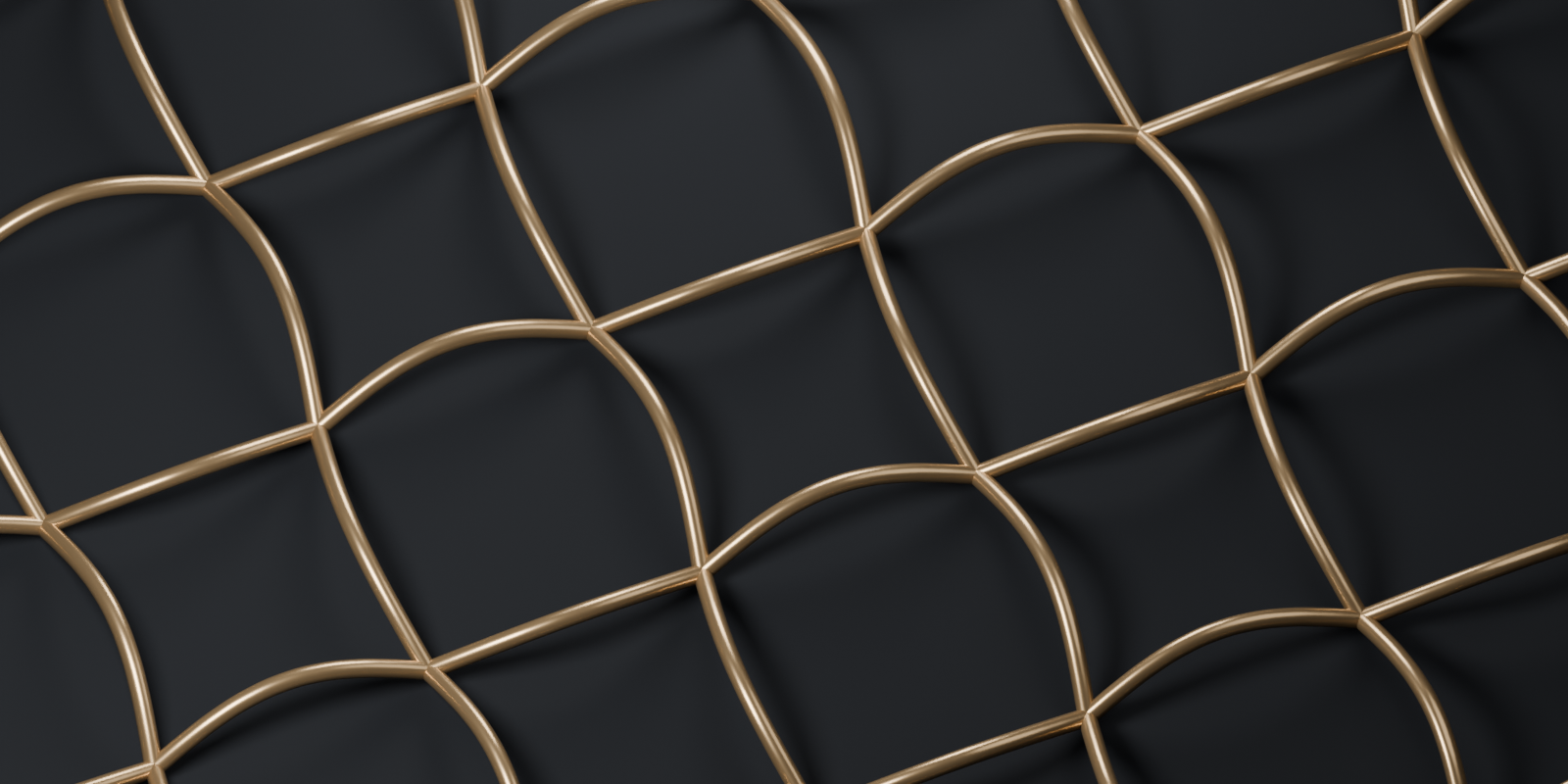
Dimensional Screen
Spatial curve patterns
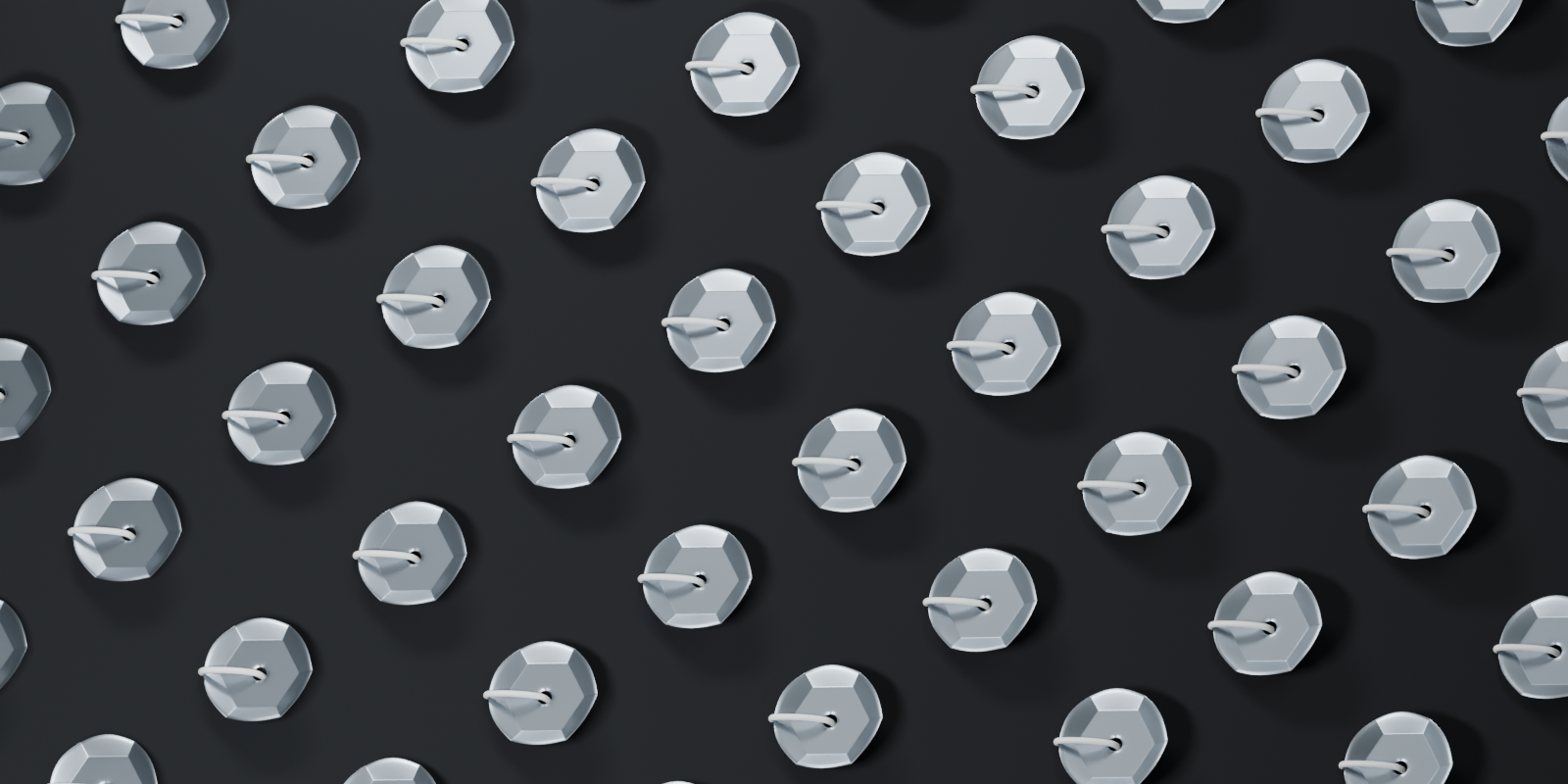
Sequin Stitch
Textile-inspired arrangements
Signal Weave
Directional graphic patterns
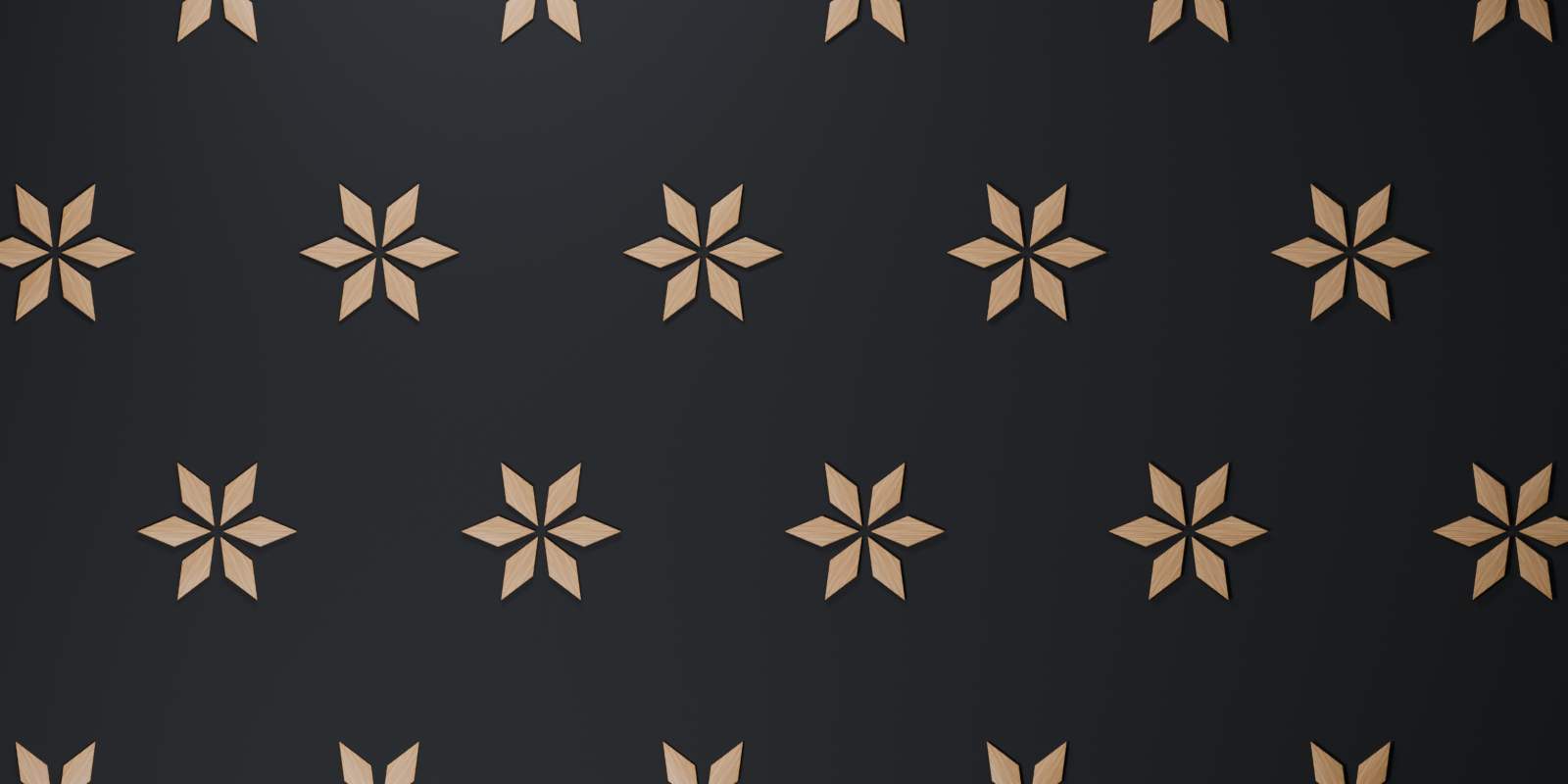
Marquetry Stars
Decorative inlay patterns
Ready for your next scene
One Blender file. A ready-to-use generator object and all six presets, with the required image textures packed. Add the folder as an Asset Library and drag an object into your scene.
Also included: an Asset Browser catalog, Start Here, User Guide with troubleshooting, Preset Gallery and 17 Groups Reference.
Geometry Nodes / Tested in Blender 5.2
No add-on installation or runtime script required.
A few things to know
The generator reads your motif’s local geometry. Use the modifier’s motif controls or edit the source geometry to change its appearance; moving, rotating or scaling the source object in the scene won’t change the pattern.
Motifs are not clipped at cell boundaries. Overlapping geometry is not automatically repaired.
MNEME / WALLPAPER GROUPS