Warehouse Forge - Low Poly Procedural Warehouse Generator
 Samuel Abyan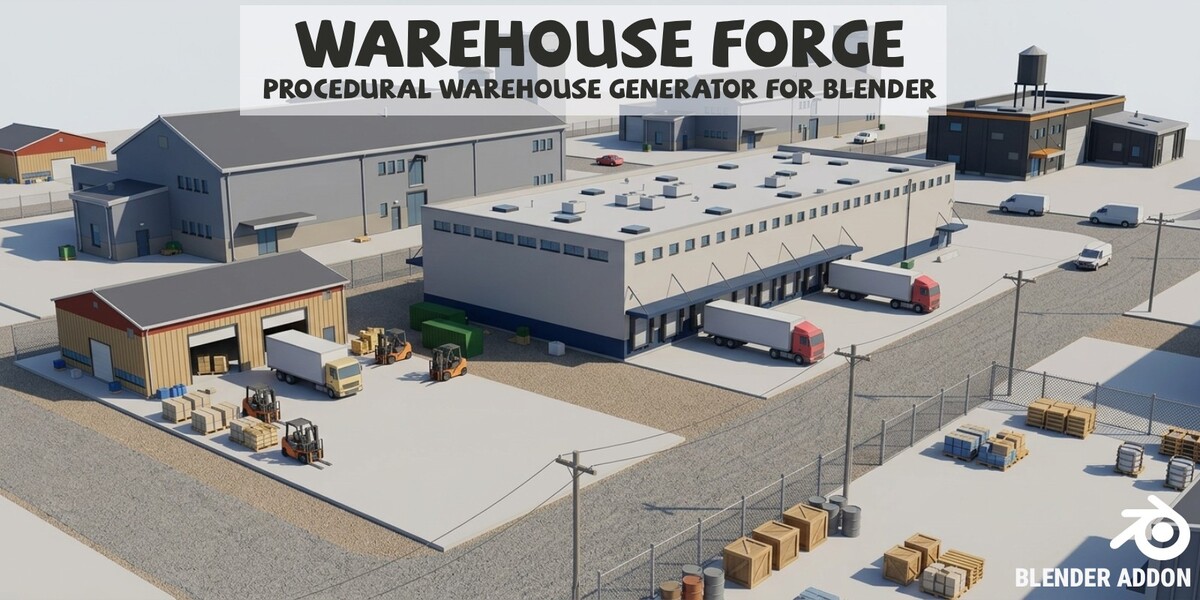
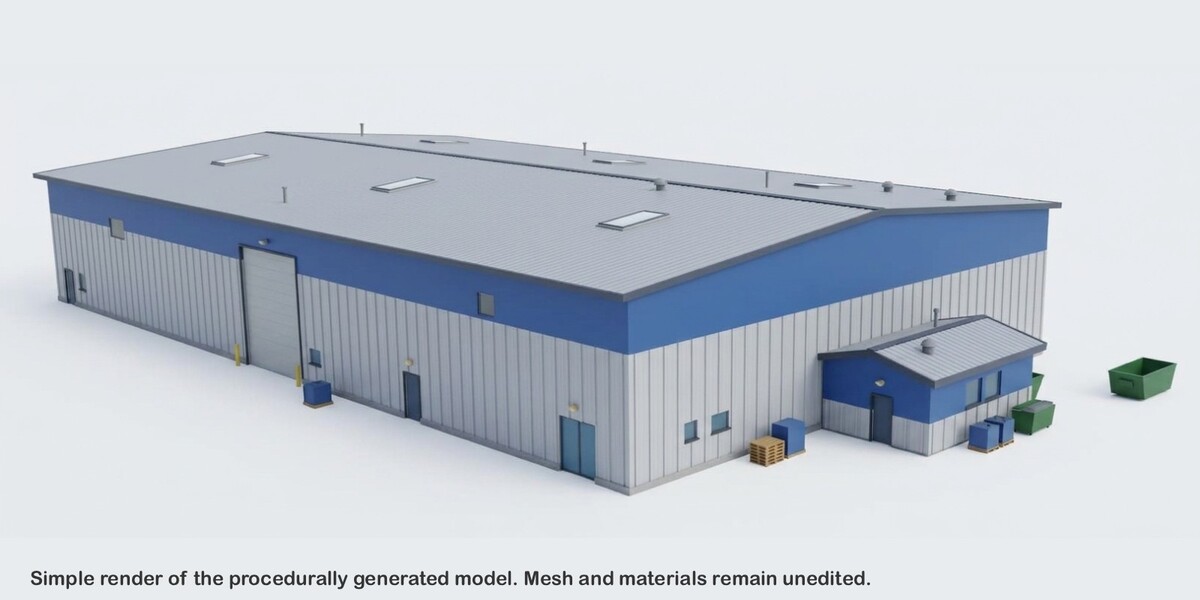
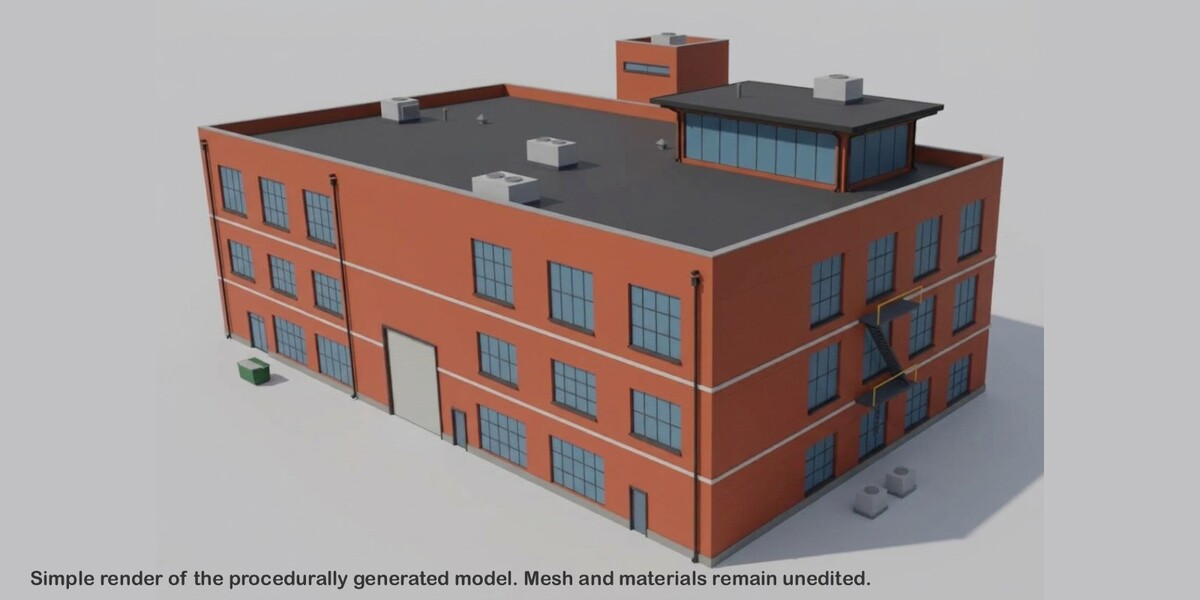
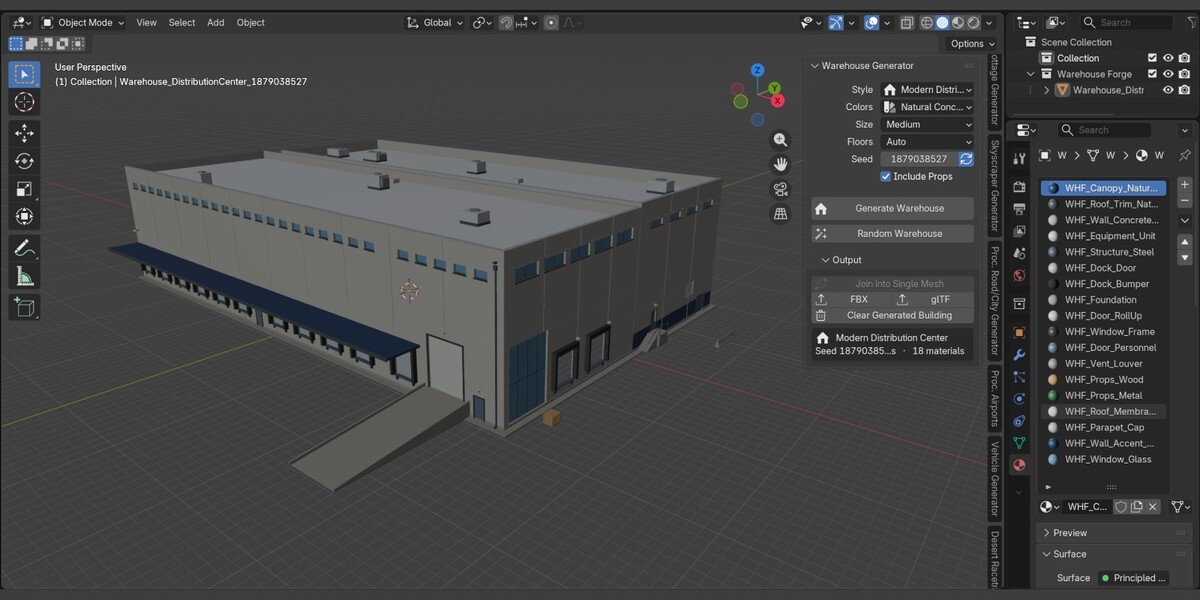
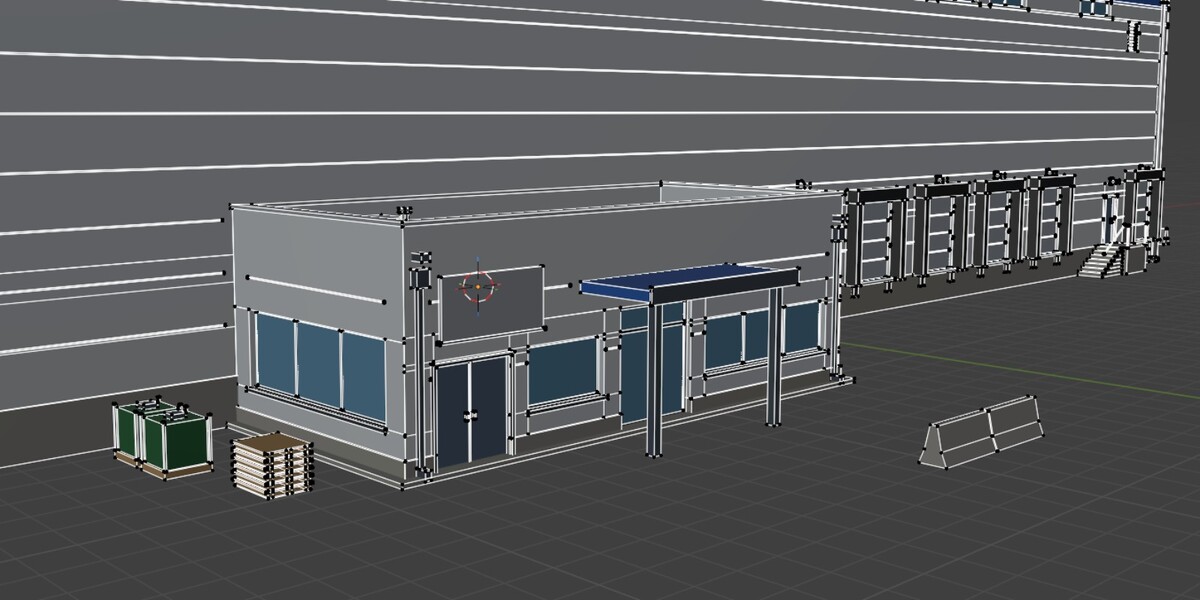

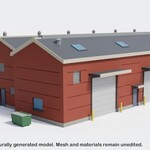
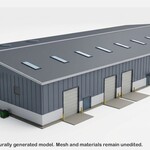
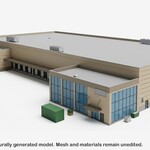
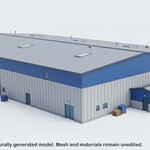
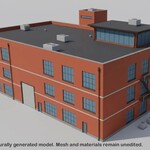
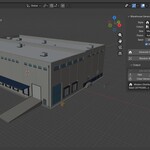
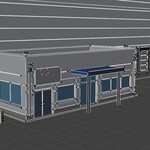
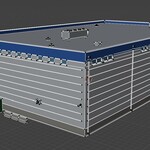
Install
- Edit > Preferences > Get Extensions, open the top-right menu, and choose Install from Disk.
- Select the ZIP (or drag it into Blender). The extension enables automatically.
- In the 3D Viewport, press N and open the Proc. Warehouses tab.
Requires Blender 5.0+. For export, the bundled FBX and glTF add-ons must be enabled (they are by default).
Generate in 30 seconds
- Click Random Warehouse. A building appears at the 3D cursor.
- Click it again to replace it with a new one.
- Like one? Open Output and click FBX or glTF.
Controls
| Control | What it does |
|---|---|
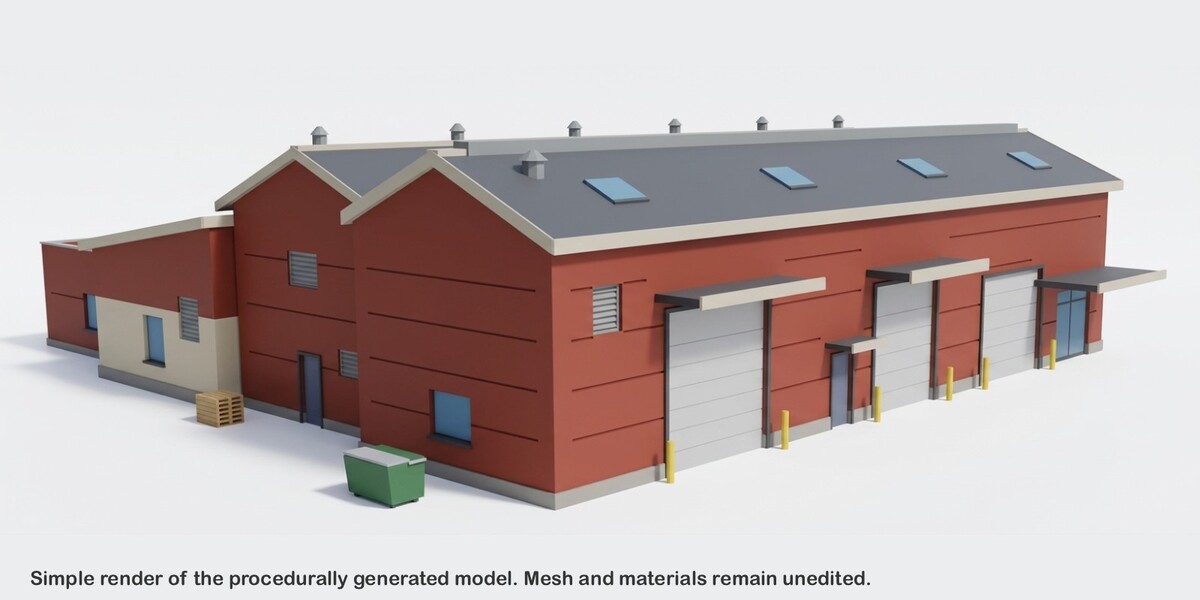
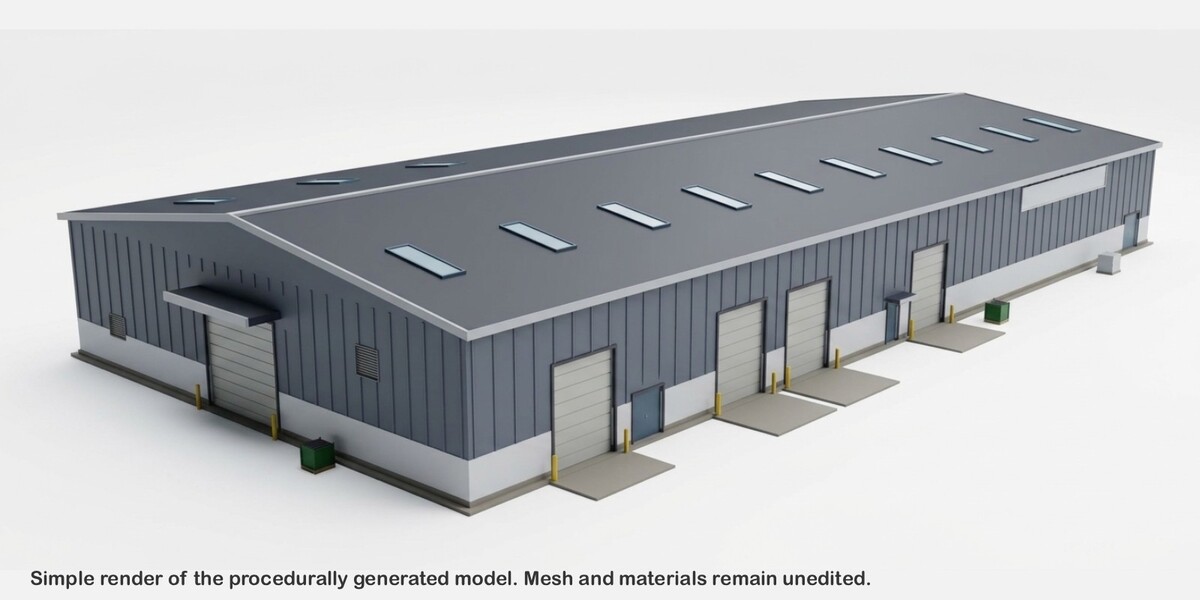
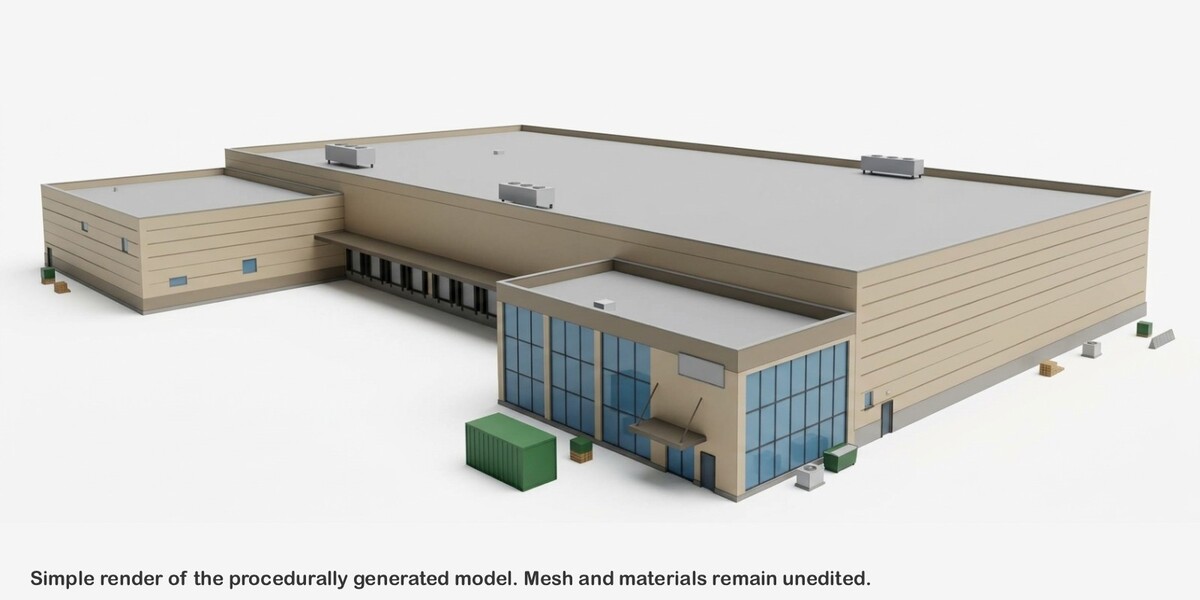
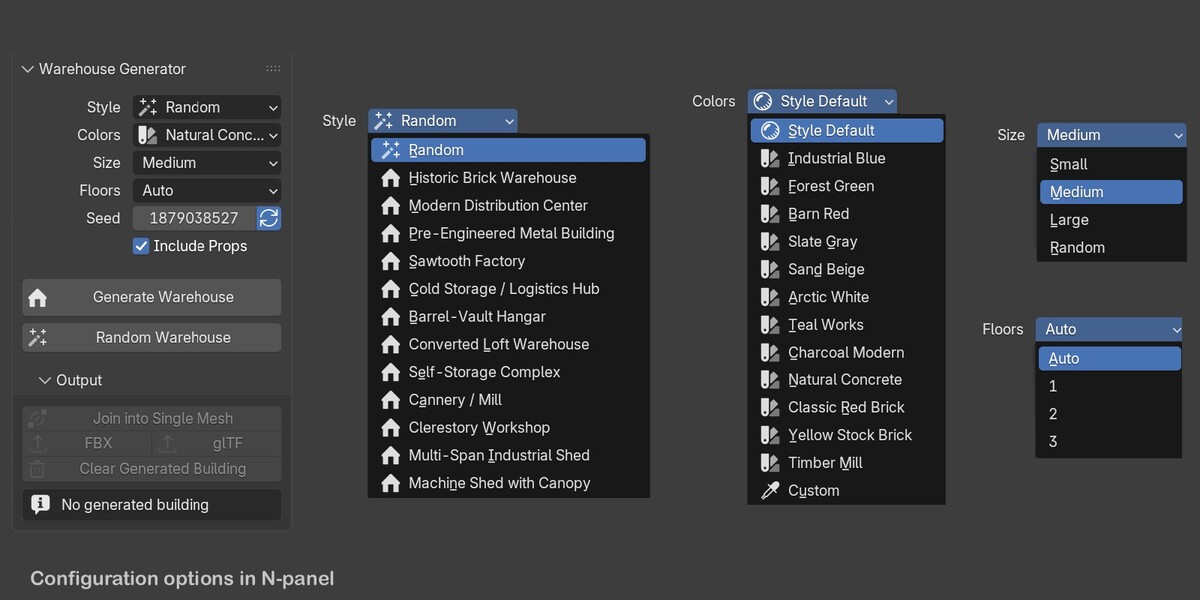
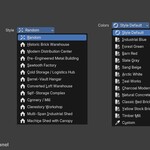
| Style | Random, or one of 12 styles. A style sets probabilities, never a fixed design. |
| Colors | Style Default, one of 12 named schemes, or Custom (three pickers for walls, roof, and accent). |
| Size | Small, Medium, Large, or Random main hall. |
| Floors | Storeys for multi-storey styles, or hall height tier for single-space halls. Auto lets the style decide. |
| Seed + refresh toggle | Toggle on: each Generate picks a new seed and avoids recent designs. Toggle off: your typed seed is used exactly. |
| Include Props | Pallets, dumpsters, drums, skips, barriers, containers, and more. |
| Generate Warehouse | Builds with the current settings and replaces the previous building. |
| Random Warehouse | Randomizes all settings, then generates. |
Output section (collapsed)
- Join into Single Mesh: merges the parts into one object and keeps material slots.
- FBX / glTF: one-click export.
- Clear Generated Building: removes the current building.
- Info line: style, seed, triangle count, material count, and notes (for example “trimmed: props, relief”).
Recreate a building
The Seed field shows the seed actually used. Later, switch the refresh toggle off, keep the same Style, Colors, Size, Floors, and Include Props, enter the seed, and click Generate. The triangle target in Preferences can affect which optional details are kept.
Keep a building
Generating always replaces the last building the add-on made. To keep one, duplicate it (select the root empty and its children, Shift+D) or join and rename it. The add-on never deletes objects it didn’t create.
Preferences
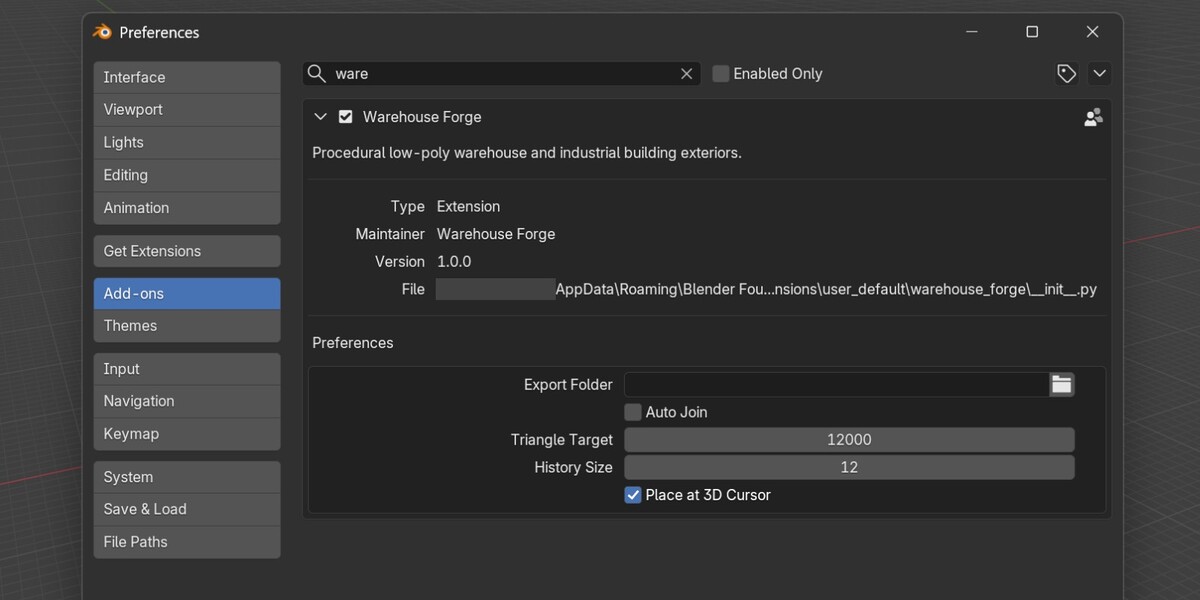
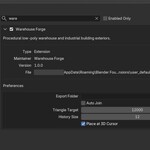
Edit > Preferences > Add-ons > Warehouse Forge
| Preference | Default | Meaning |
|---|---|---|
| Export Folder | empty | Empty means a WarehouseForge_Exports folder next to the saved .blend (or in your home folder). |
| Auto Join | off | Joins every new building into one mesh. |
| Triangle Target | 12,000 | Budget per building. |
| History Size | 12 | Recent designs remembered to avoid repeats (0 disables). |
| Place at 3D Cursor | on | Otherwise buildings are placed at the world origin. |
Output structure
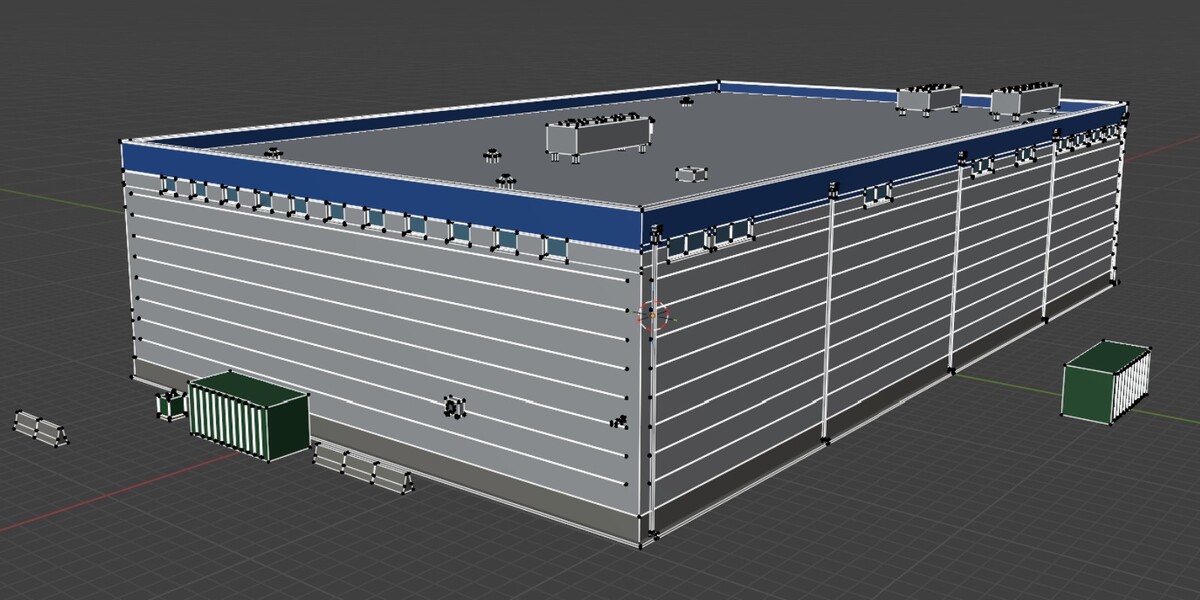
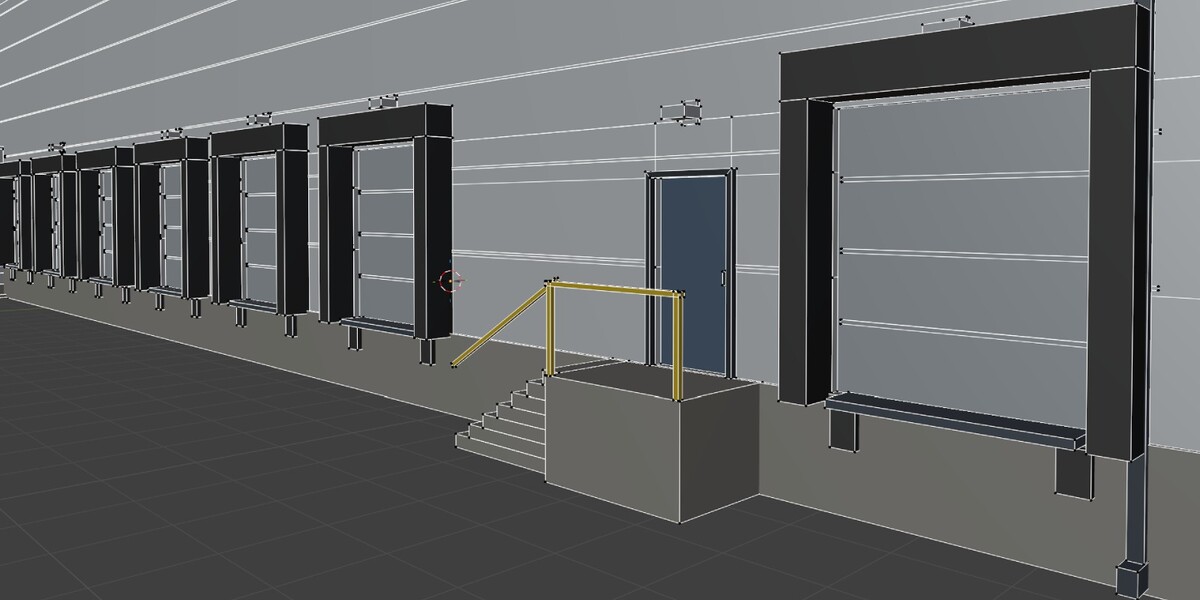
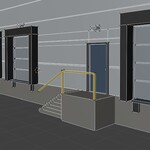
A parent Empty named Warehouse_<Style>_<seed>, centered on the footprint at ground level, with child objects: Foundation, Walls, Roof, Windows, Doors, Docks, Details, and Props. All geometry is in meters with identity transforms.
Materials
Every material is a flat-color Principled BSDF, with no images or UVs, and names are reused (no .001 copies). They start with WHF_, for example WHF_Window_Glass, WHF_Door_RollUp, and palette materials like WHF_Wall_Corrugated_IndustrialBlue. A building uses at most 18 materials. Existing materials are never recolored, so if you texture one, later buildings reuse your version.
Triangle budget
If a building goes over the target, optional detail is removed in this order: props, small relief, then secondary assemblies. Walls, roofs, openings, doors, and windows are never removed, so very large multi-storey buildings may stay above a low target. The info line tells you.
Export
- FBX: -Z forward, Y up, flat shading, no UVs or textures.
- glTF: binary .glb, Y up, plain base-color materials, no UVs.
Both export the building at the origin regardless of its position in the scene.
Tips and troubleshooting
- Nothing in the sidebar: confirm the extension is enabled and open the Proc. Warehouses tab.
- Export says the collection isn’t in the active view layer: re-enable the Warehouse Forge collection in the Outliner.
- Export says to enable an add-on: enable FBX format or glTF 2.0 format in Preferences.
- A generation error keeps the previous building. Report the style, seed, settings, and console traceback.
- Details missing? The triangle target trimmed them. Raise it in Preferences.
Have questions about this product?
Login to message
| Blender Extension Compatible | Yes |
| Published | 4 days ago |
| Blender Version | 5.0 - 5.2 |
| Extension Type | Add-on |
| License | GPL |
Discover more products like this
storage Generator exterior warehouse 3d-game-ready addon workshop industrial procedural hangar building