Warehouse Forge - Low Poly Procedural Warehouse Generator
 Samuel Abyan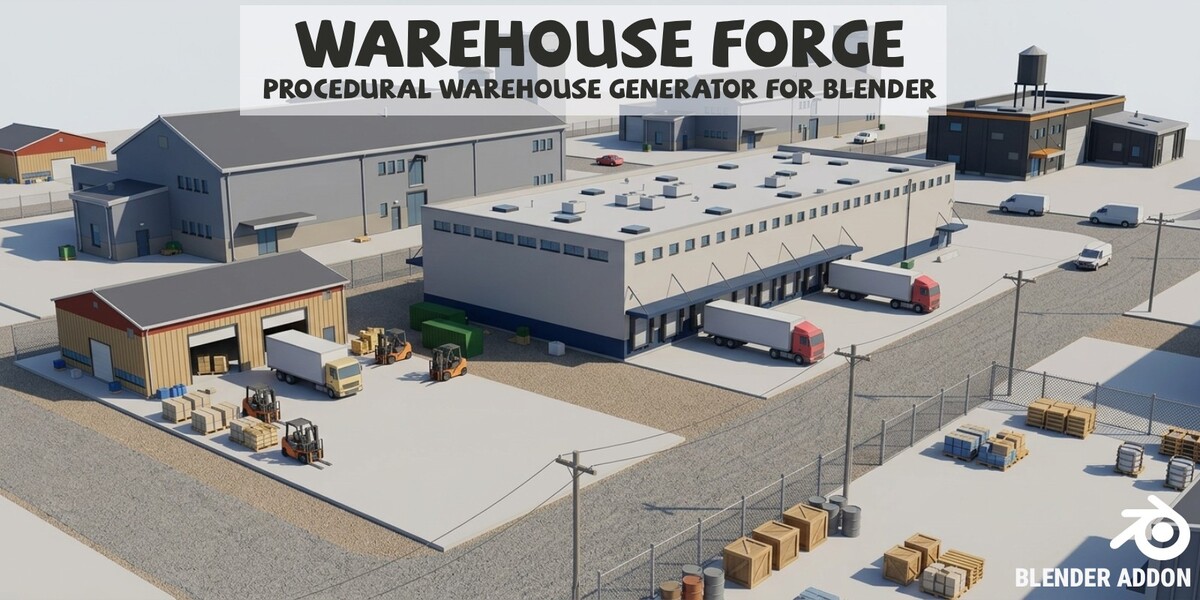
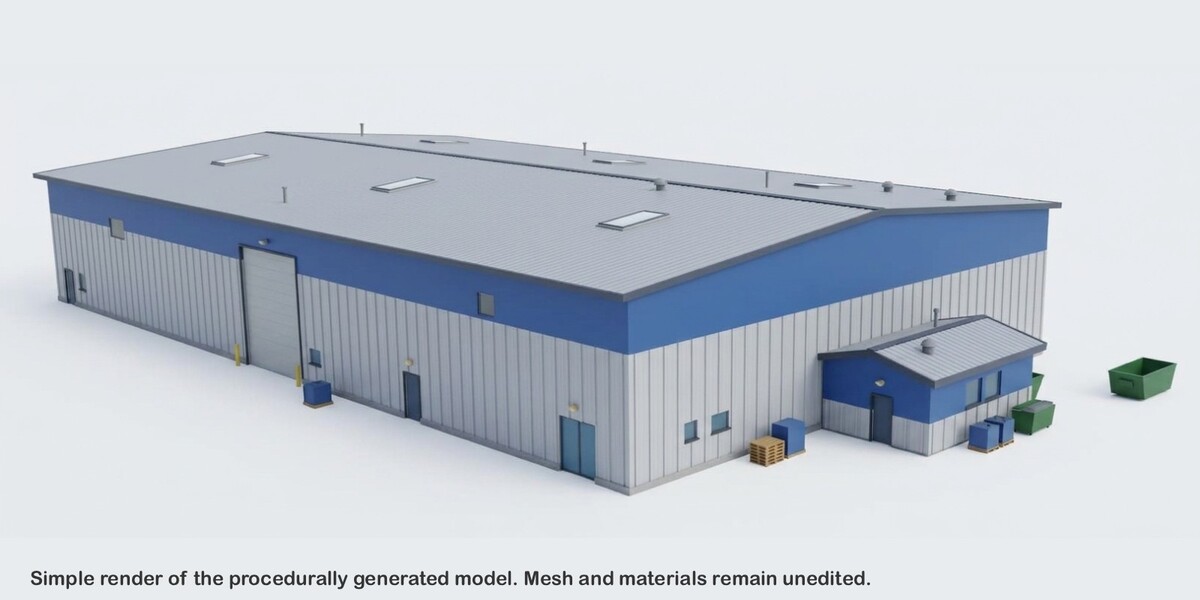
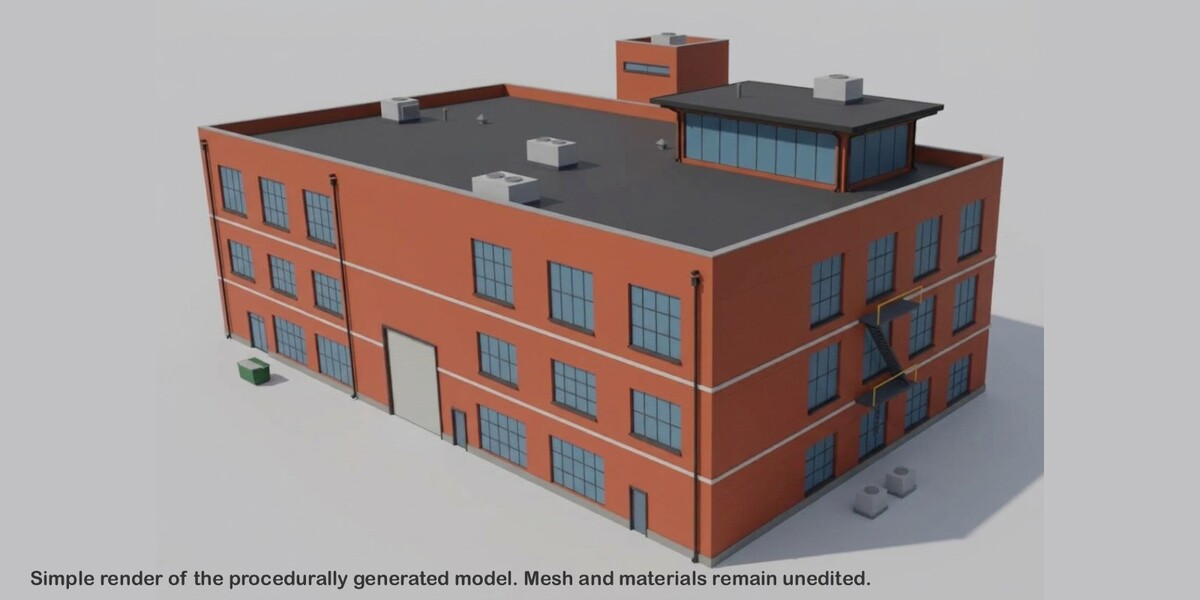

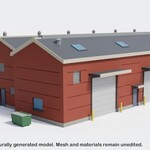
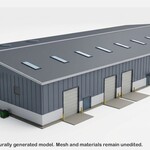
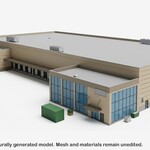
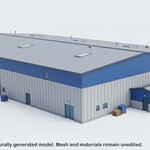
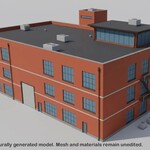
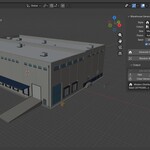
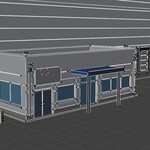
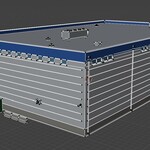
Is it game-ready?
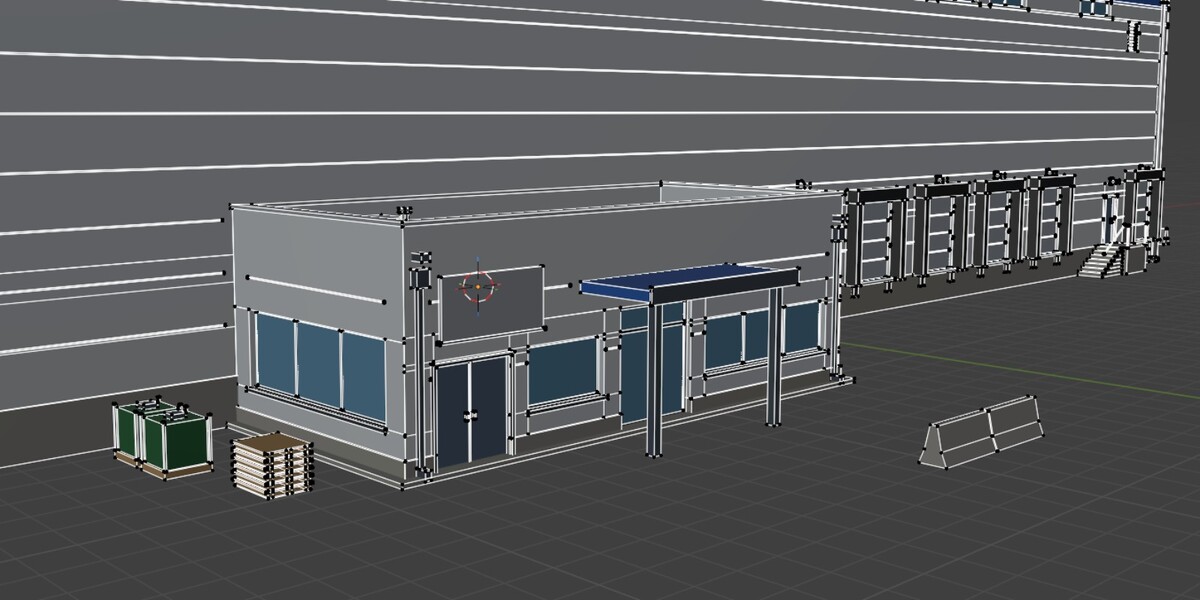
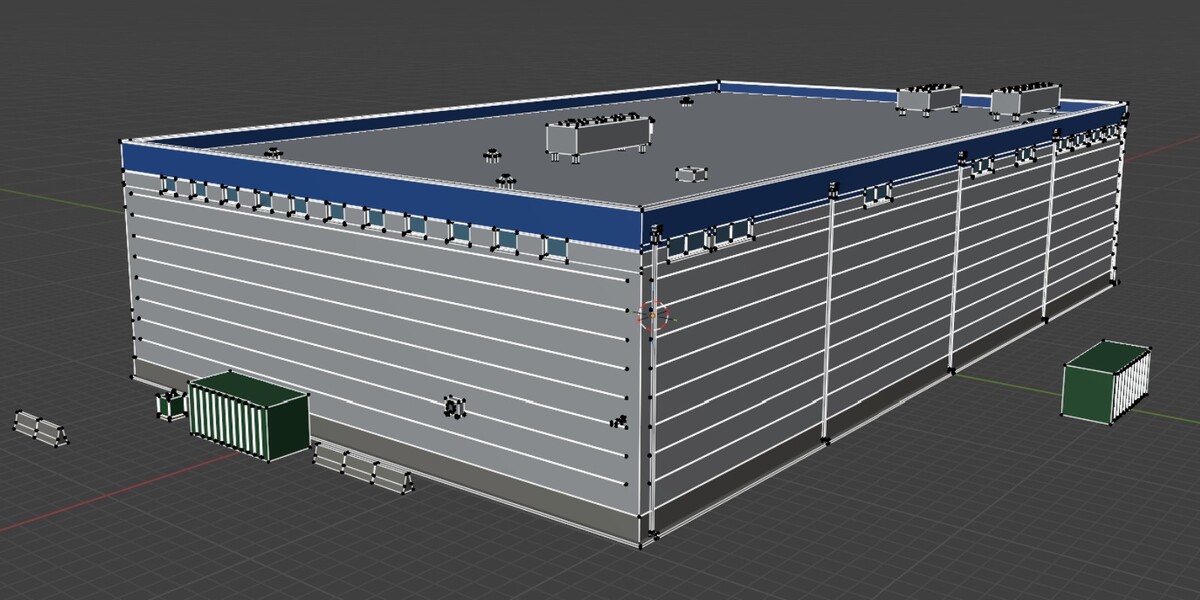
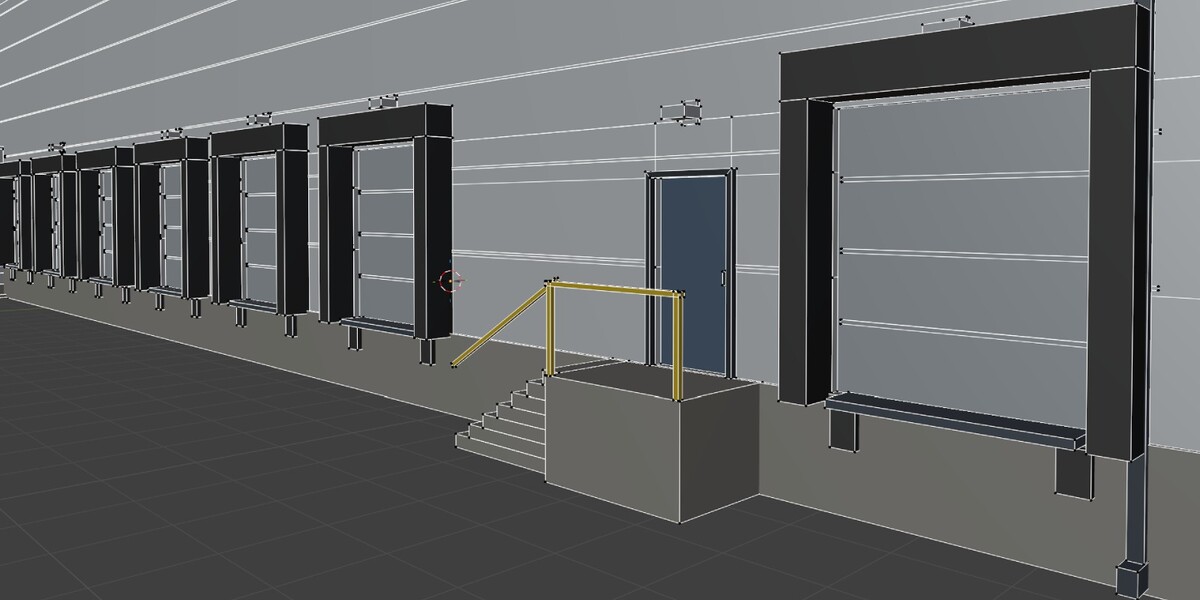
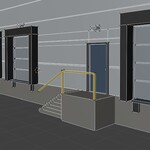
The meshes are low-poly, real world size, with clean transforms and a ground-level origin. You can export them and use in your game engines freely. Note that no collision meshes, LODs, or UVs are generated.
Are there interiors?
No. It’s an exterior asset only: no interiors, floors, or rooms.
How many triangles does a building have?
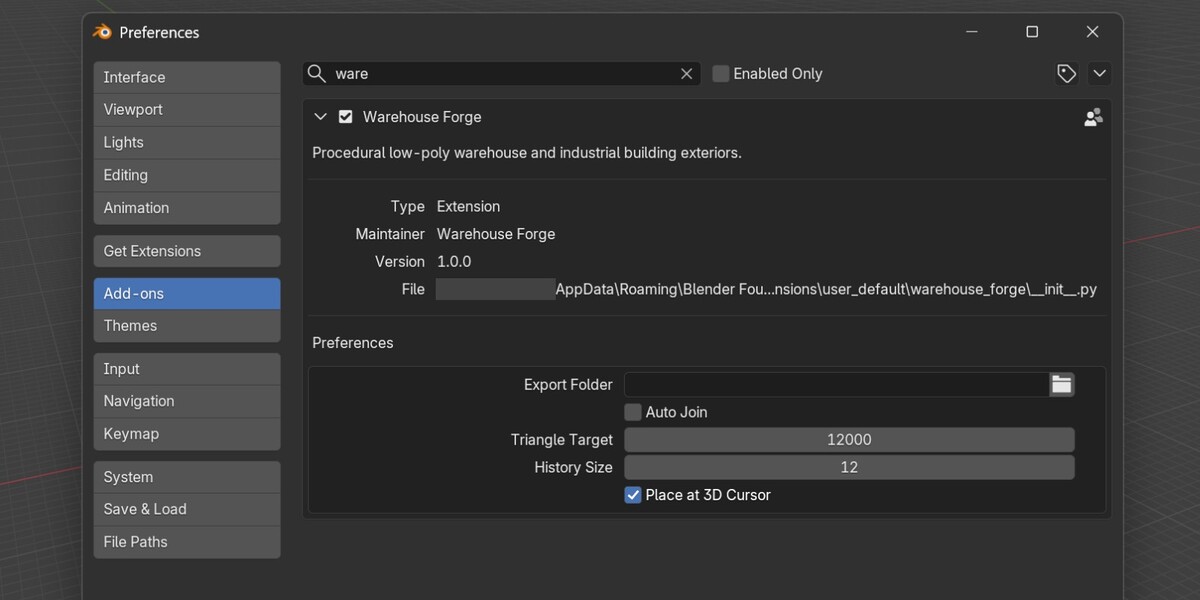
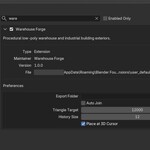
Typically 5,000 to 12,000, with a median around 8,000. The default target is 12,000 and can be changed in Preferences. A small share of large multi-storey designs stay above the target.
Does it include textures or UVs?
No. Materials are flat colors with no images or UV maps; you can unwrap and texture them yourself.
How do I recreate a building I like?
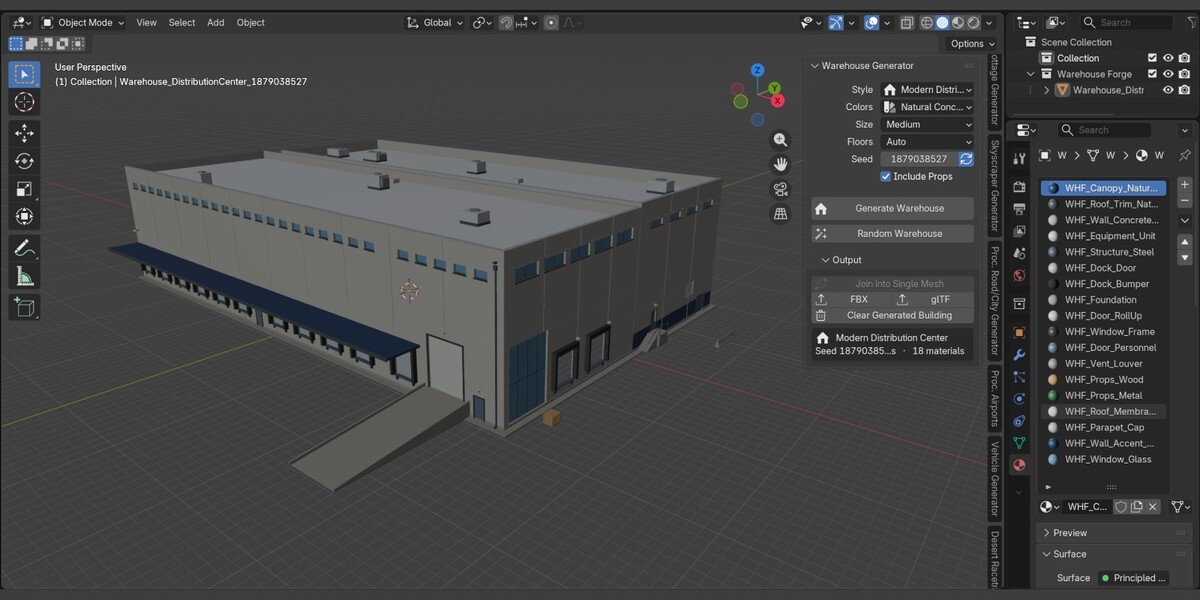
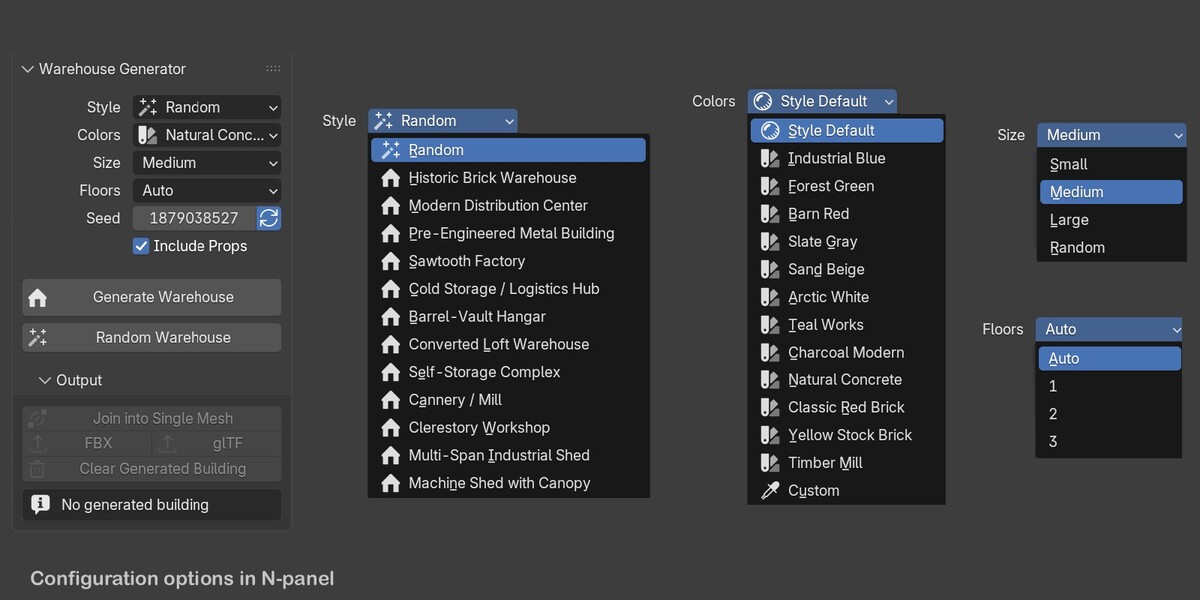
Turn the seed refresh toggle off, keep the same Style, Colors, Size, Floors, and Include Props, enter the seed, and click Generate. Keep the same triangle target too.
Can I choose the colors?
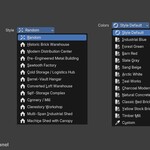
Yes. Use Style Default, one of 12 named schemes, or Custom with three colors of your own.
Will every building be different?
Generally, yes. Each one combines many random choices, and the generator checks recent results to avoid repeats. But it’s randomized, so you may occasionally get similar buildings. Click Random Warehouse again or change the seed.
How many styles are included?
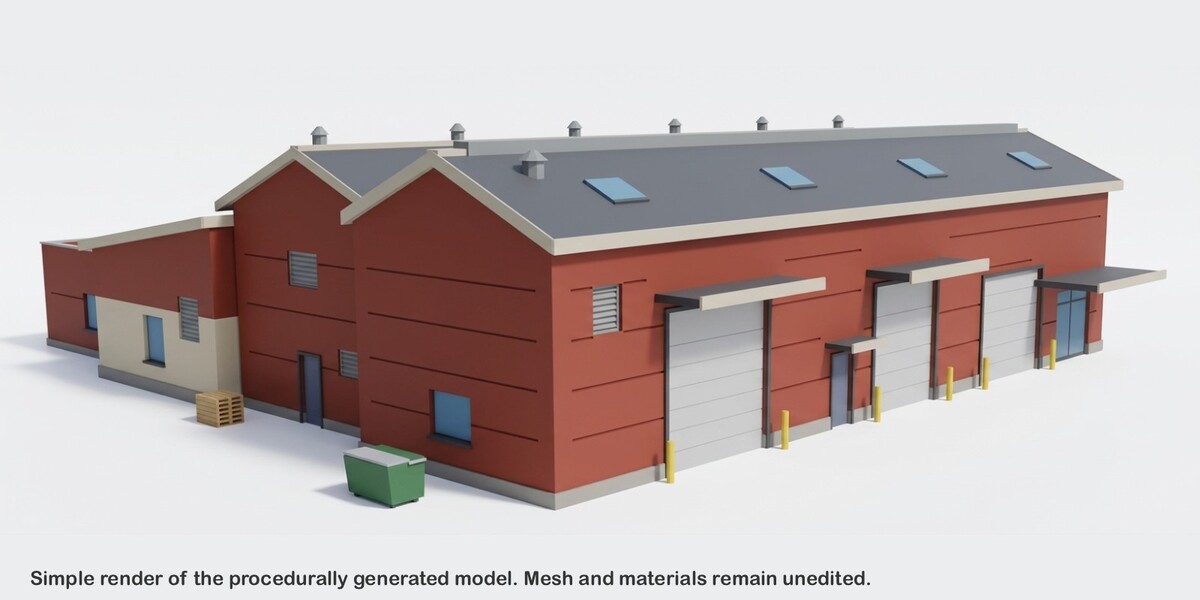
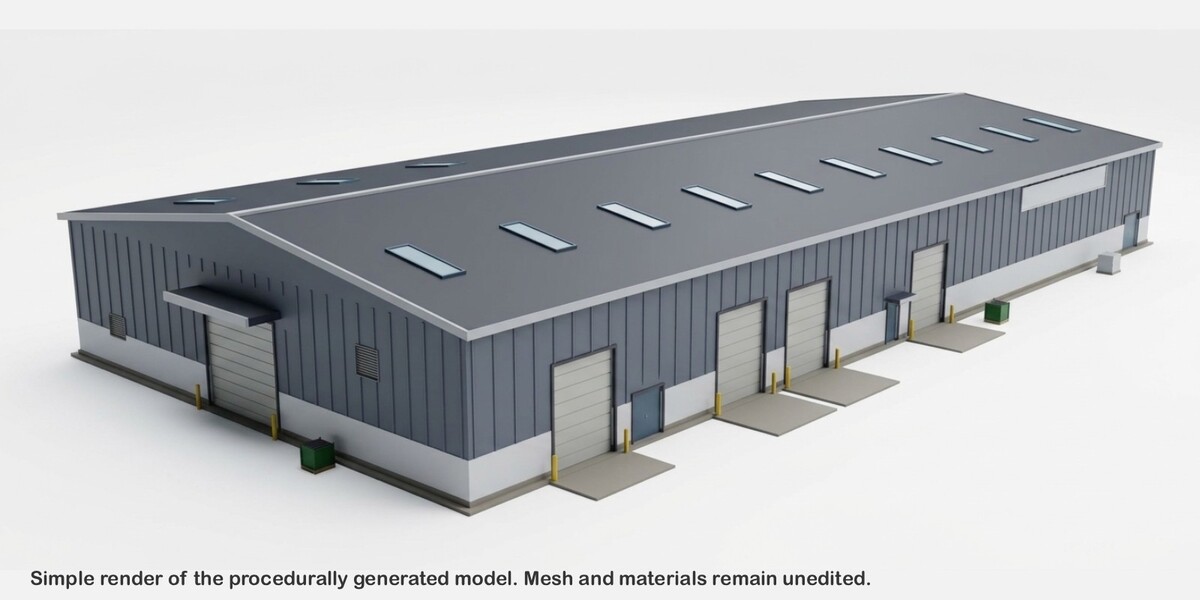
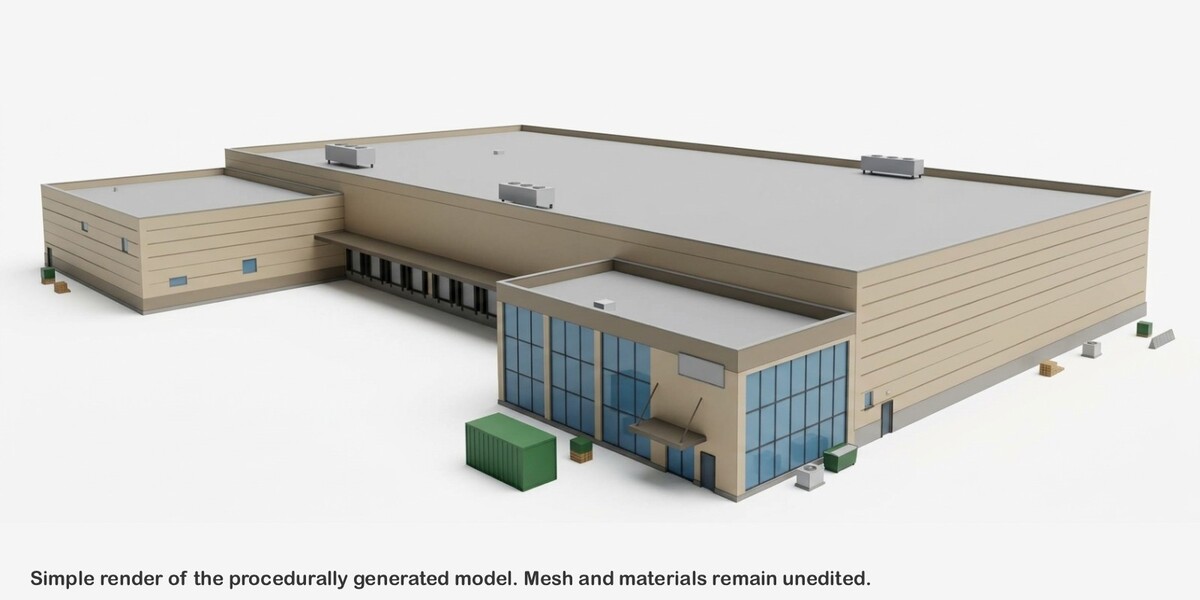
12: Historic Brick Warehouse, Modern Distribution Center, Pre-Engineered Metal Building, Sawtooth Factory, Cold Storage / Logistics Hub, Barrel-Vault Hangar, Converted Loft, Self-Storage Complex, Cannery / Mill, Clerestory Workshop, Multi-Span Industrial Shed, and Machine Shed with Canopy.
$19
Have questions about this product?
Login to message
| Blender Extension Compatible | Yes |
| Published | 4 days ago |
| Blender Version | 5.0 - 5.2 |
| Extension Type | Add-on |
| License | GPL |
Discover more products like this
3d-game-ready hangar procedural storage addon warehouse exterior industrial building workshop Generator