 LarkLab
Blender add-on · by LarkLab
WARP LAB
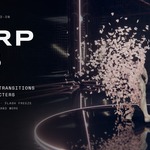
Arrive and depart transitions for animated characters
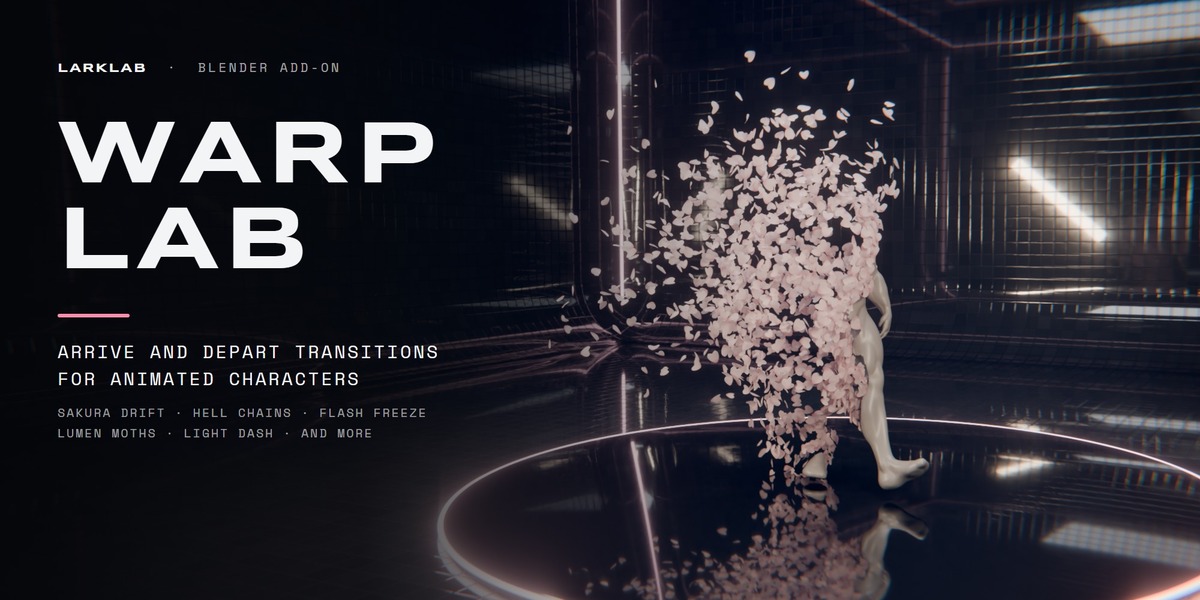
Take a running character out of the shot as a stream of petals, drag it into the floor with red-hot chains, freeze it and shatter the ice, or bring it in from a slit in the air. Select the character, pick a look in the sidebar and click Add. The transition follows the animation, plays live in the viewport and renders in Cycles and EEVEE. Blender 5.0+.
Sakura Drift on a strut walk · rendered in Cycles
|
How it works ONE WARP TIME |
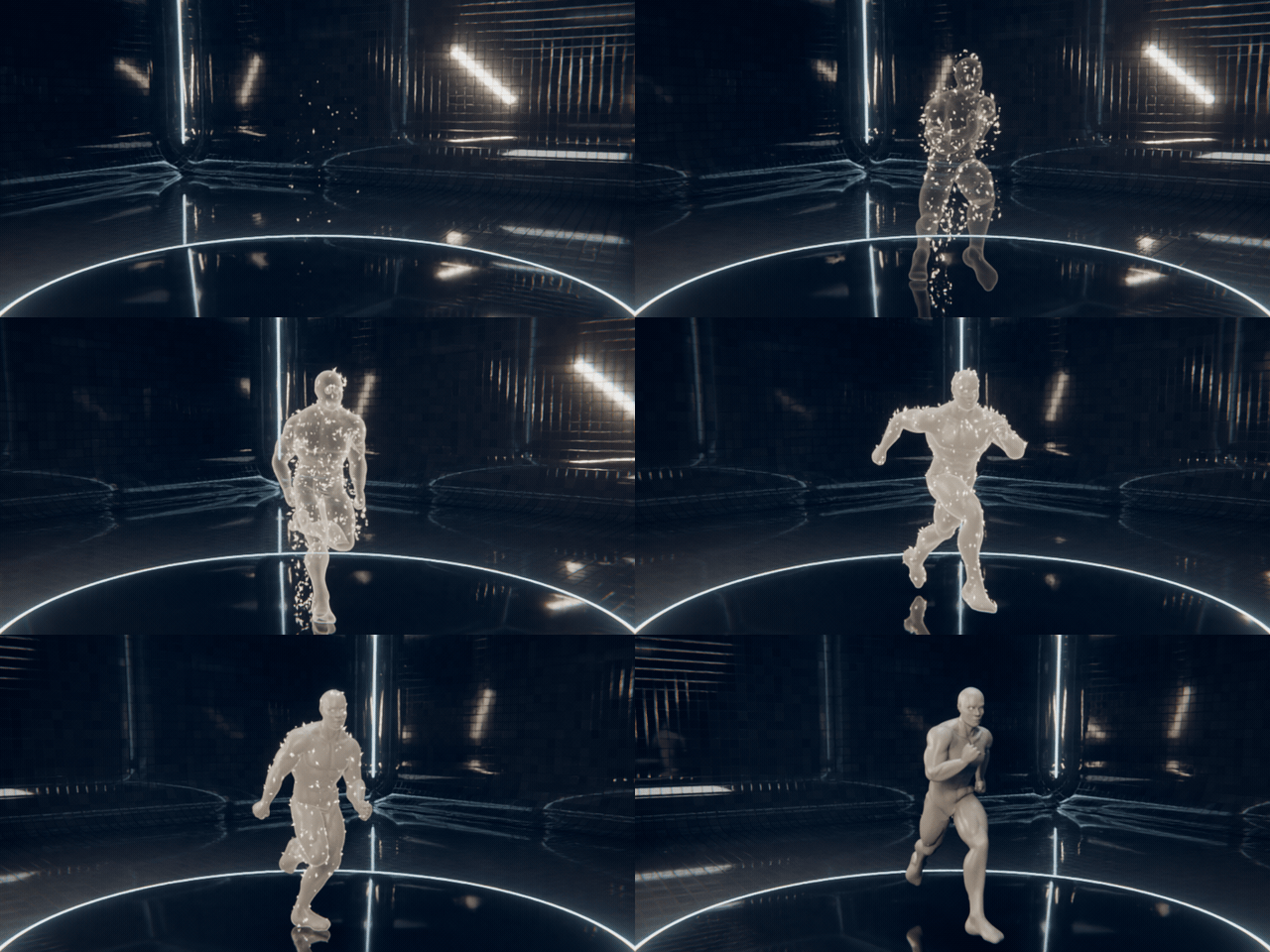
Every look comes in two directions. A Depart takes the character out of the shot and ends at the Warp Time, the moment the character is gone. An Arrive starts at the Warp Time and brings it in. Duration sets how long the transition takes, and Linger how long the petals, water or steam stay around before or after it.
| Depart |
|
||||
| Arrive |
|
||||
|
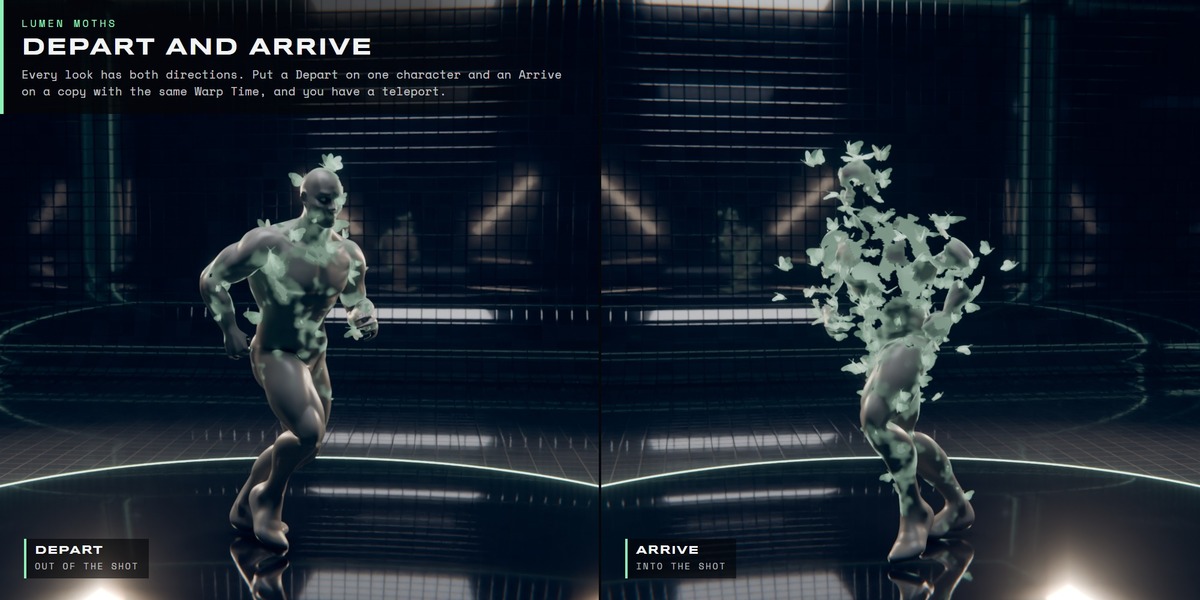
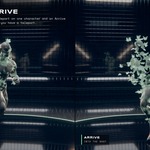
Put a Depart on one character and an Arrive on a copy of it somewhere else, with the same Warp Time, and the character teleports. Outside its window a warp leaves the character untouched.
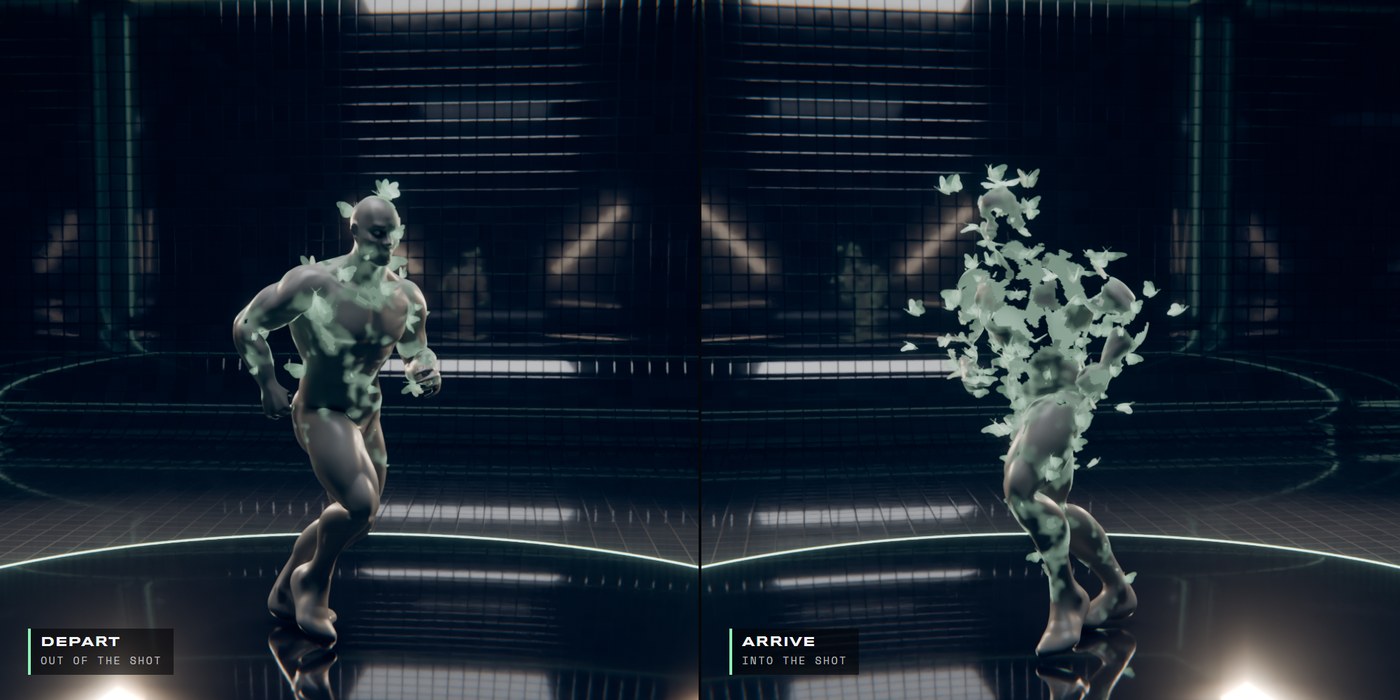
Lumen Moths · Depart on the left, Arrive on the right
|
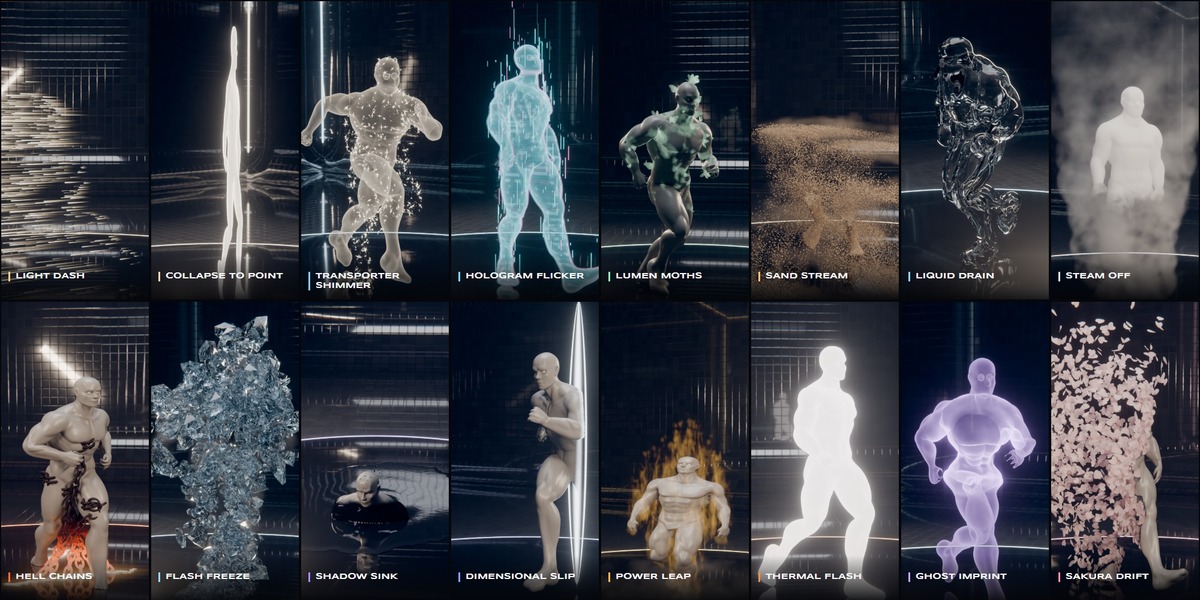
The looks EVERY LOOK, BOTH WAYS |
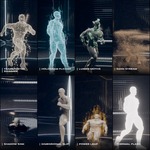
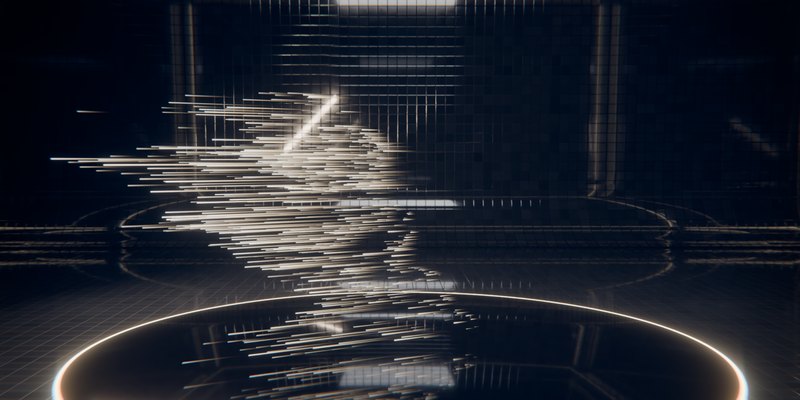
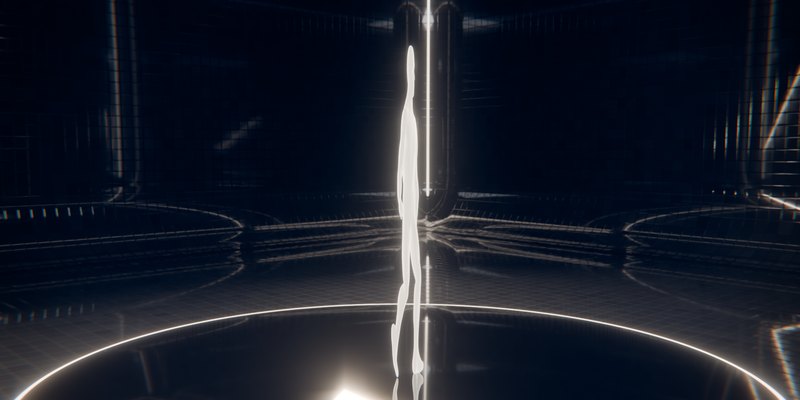
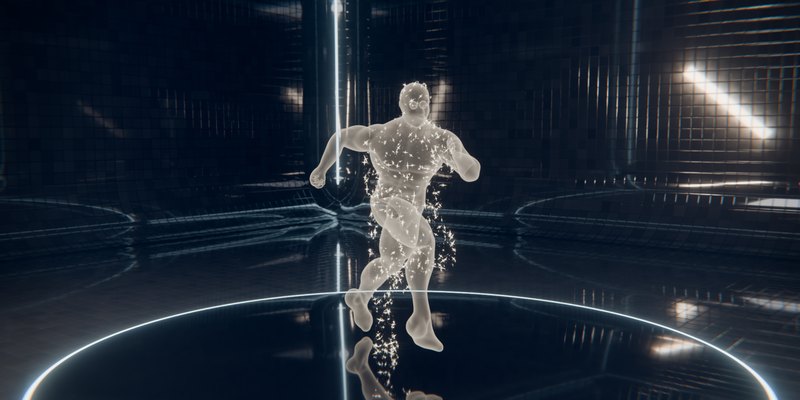
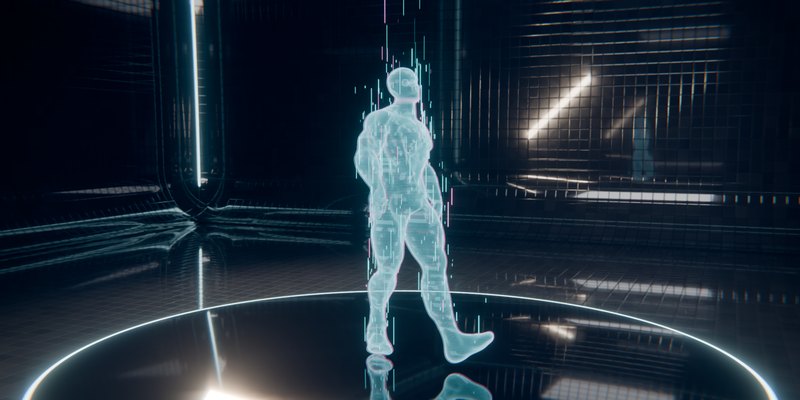
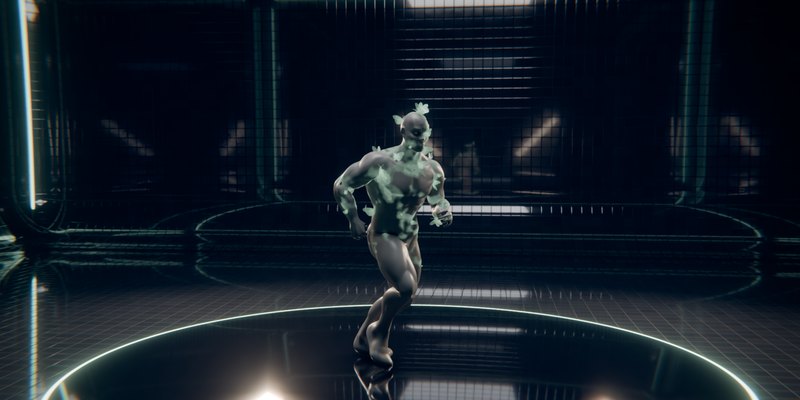
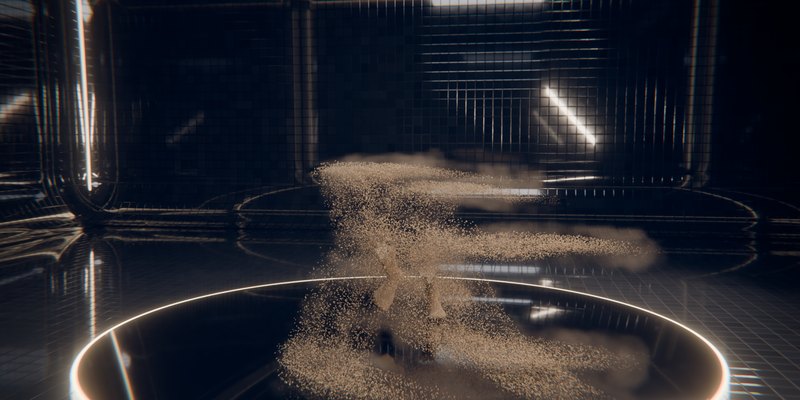
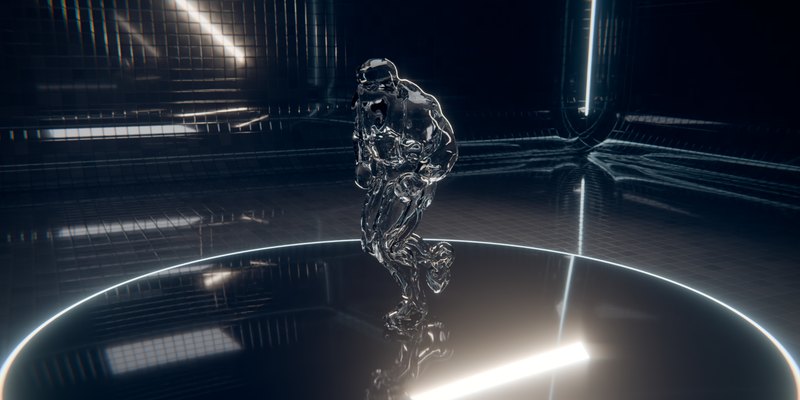
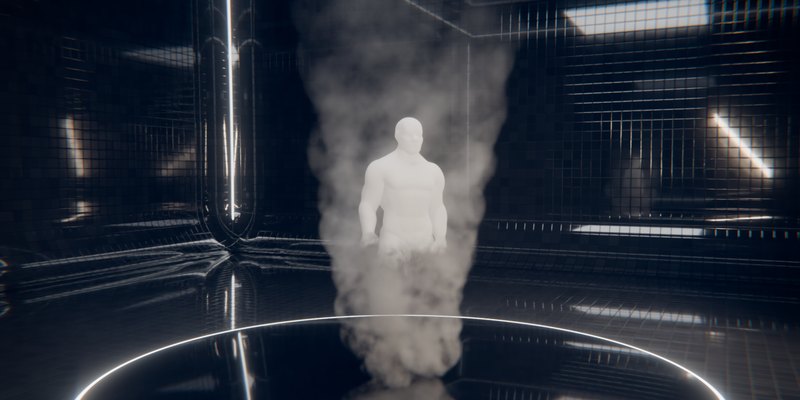
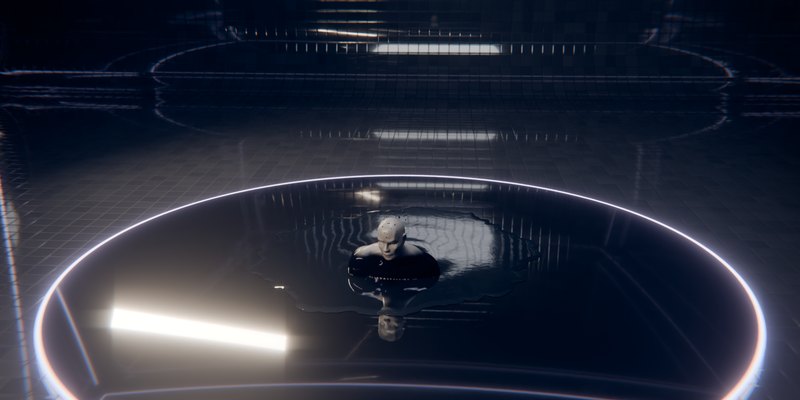
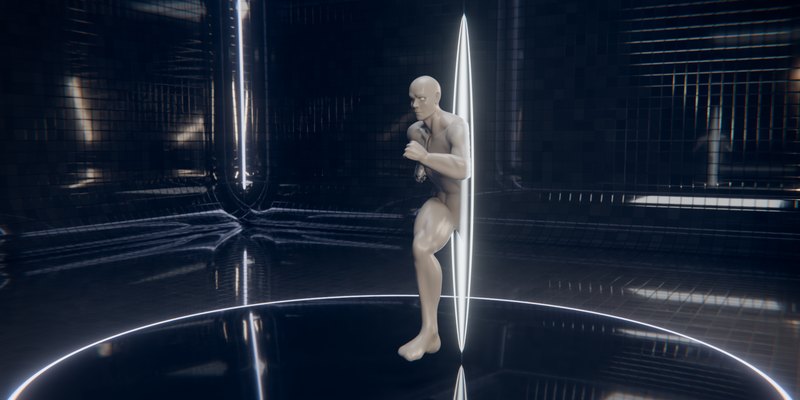
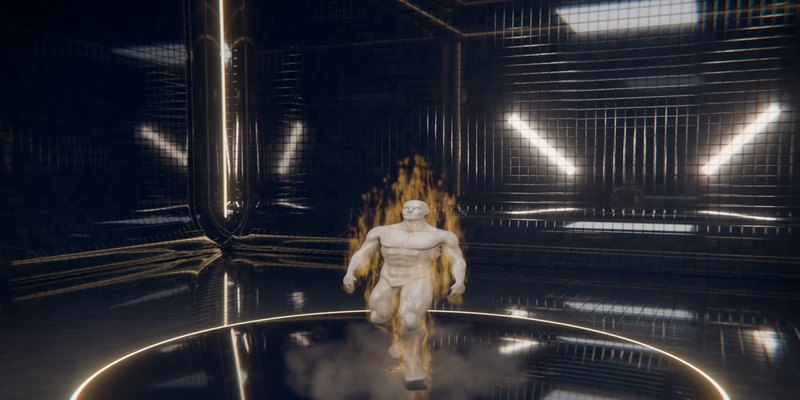
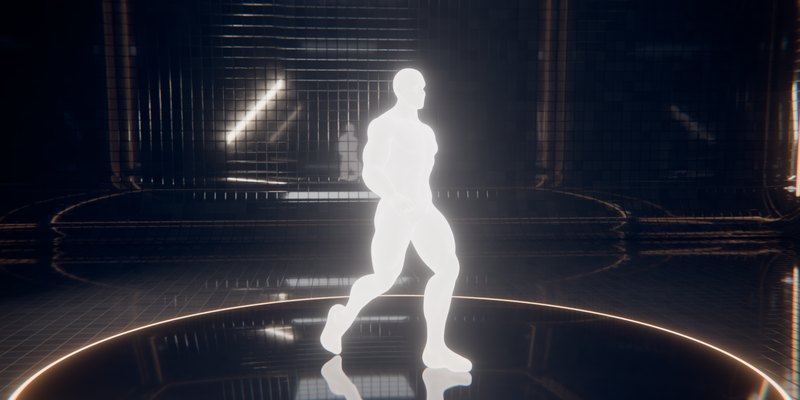
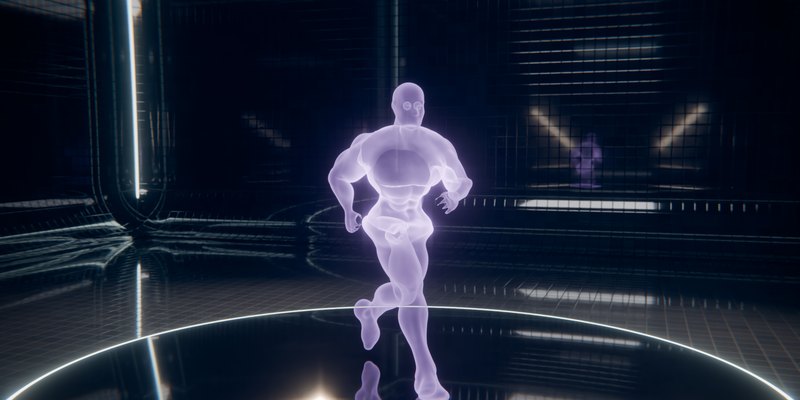
Each look is its own physical action, with its own material and motion: light streaks, running water, sand, steam, ice, red-hot iron, moths, petals. Every one has a Depart and an Arrive; each tile shows one of them.
|
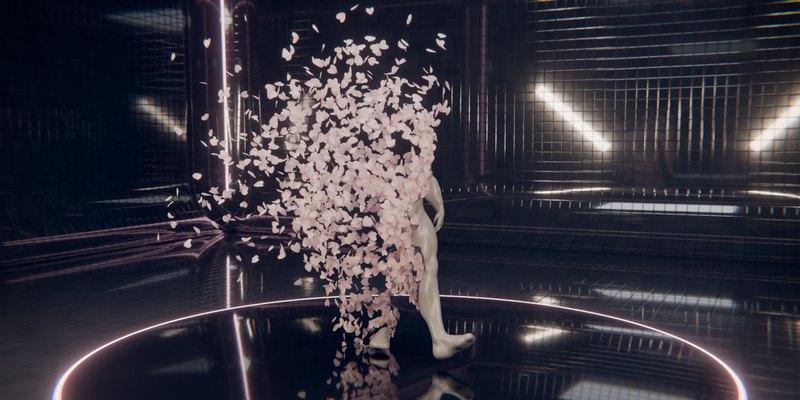
Depart SAKURA DRIFT |
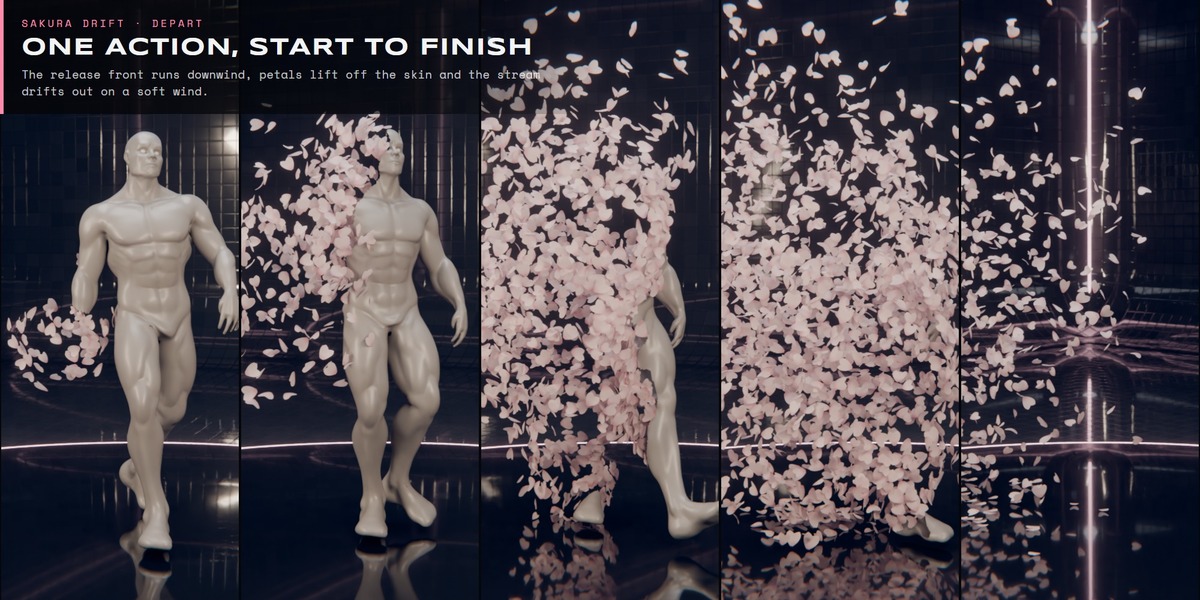
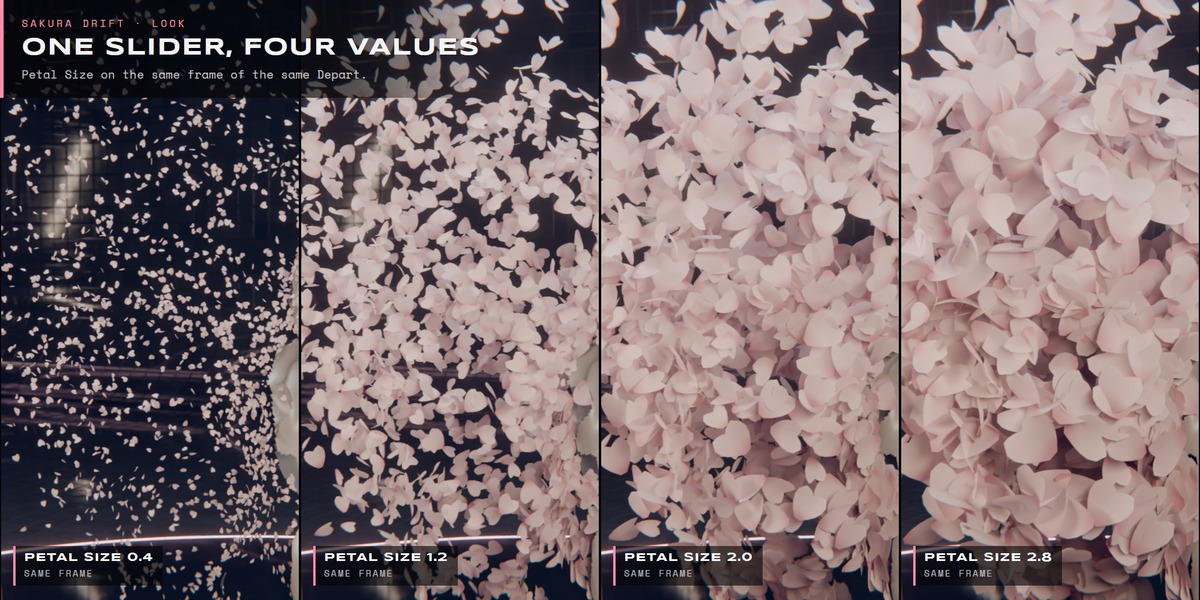
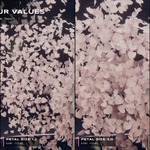
A release front runs downwind across the body. Petals lift off the skin a moment before they fly, then tumble away on a soft wind, swirling round its axis and fluttering as they go. Some float down and lie flat on the floor. Petal count, petal size, wind direction, wind speed and swirl are all on the panel.
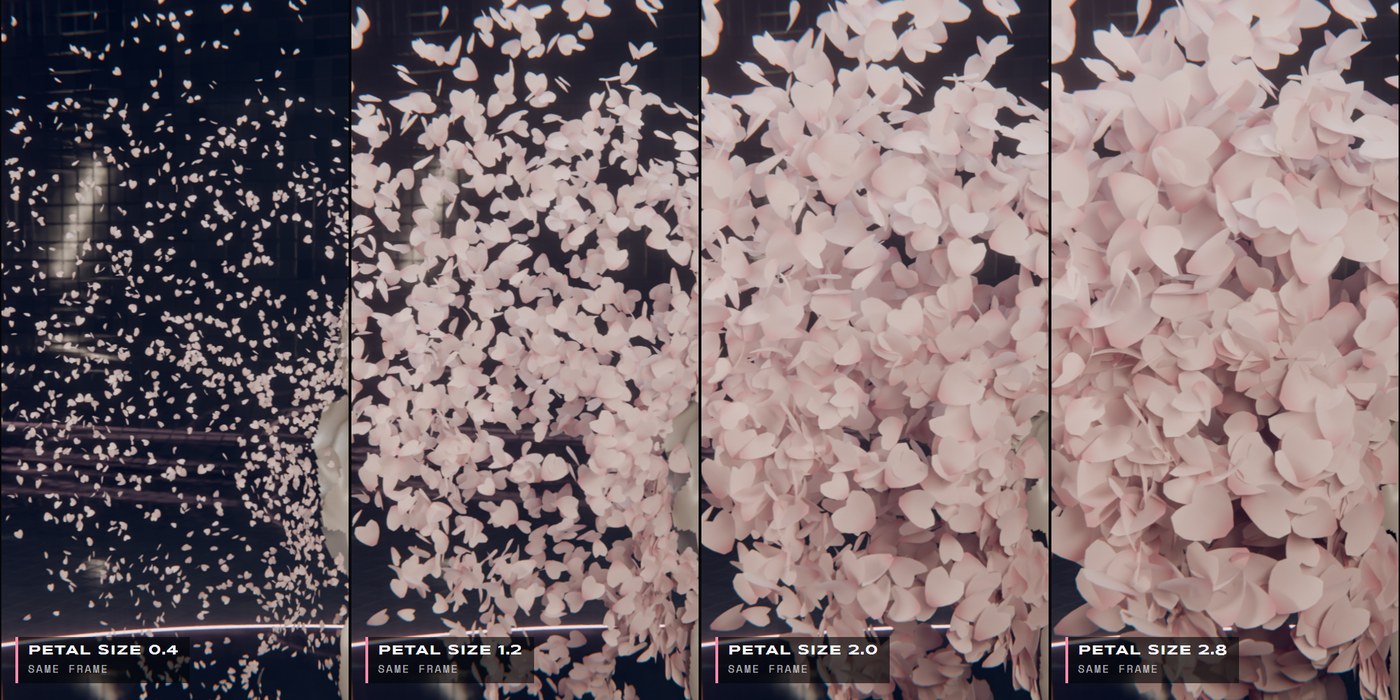
Look › Petal Size 0.4 · 1.2 · 2.0 · 2.8 on the same frame
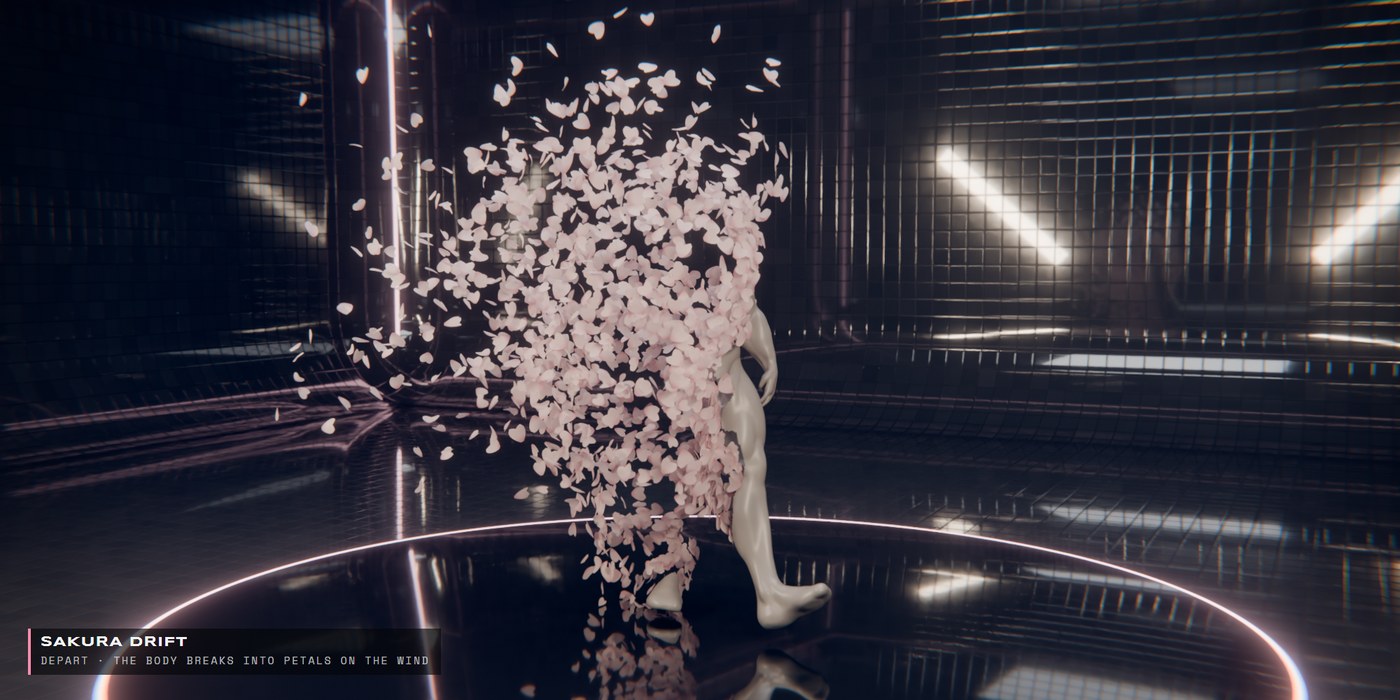
Sakura Drift · Depart · rendered in Cycles
|
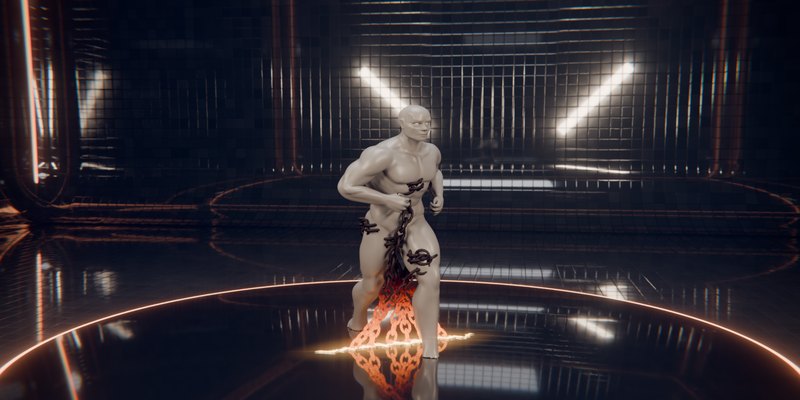
Depart HELL CHAINS |
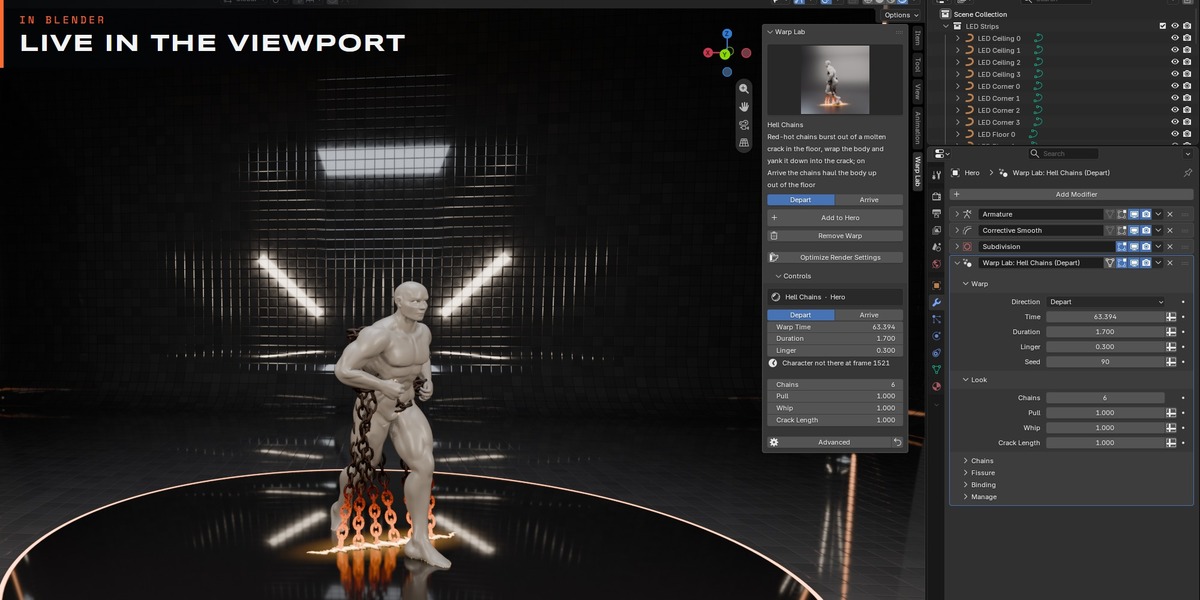
The floor splits into a molten fissure. Red-hot chains whip up out of it, wrap a wrist, an ankle or the waist, and pull tight. The character is stopped mid-stride and yanked straight down, the cut glowing where it passes the floor, and the crack cools to a dark seam. On Arrive the chains haul the body up and let go.
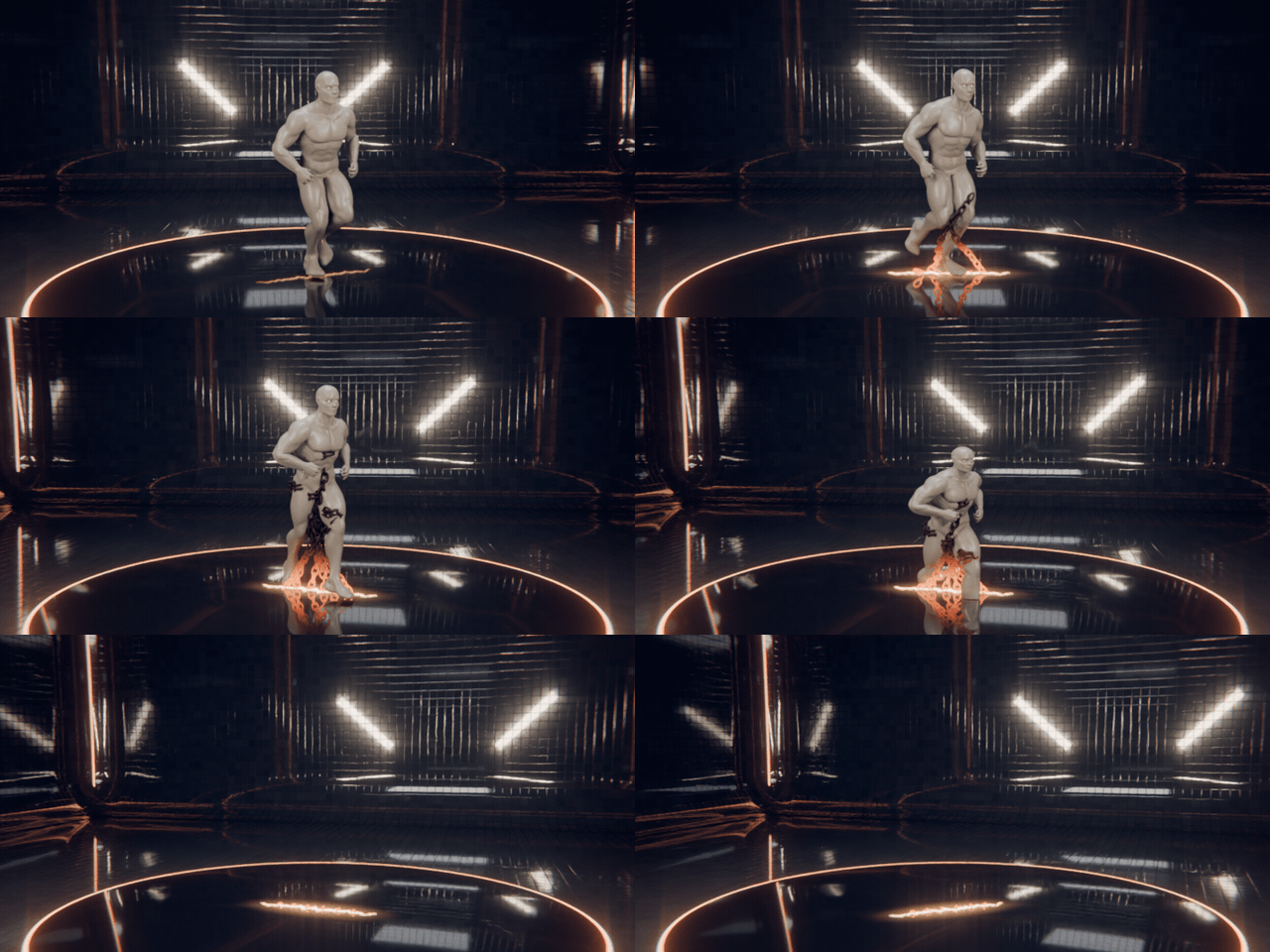
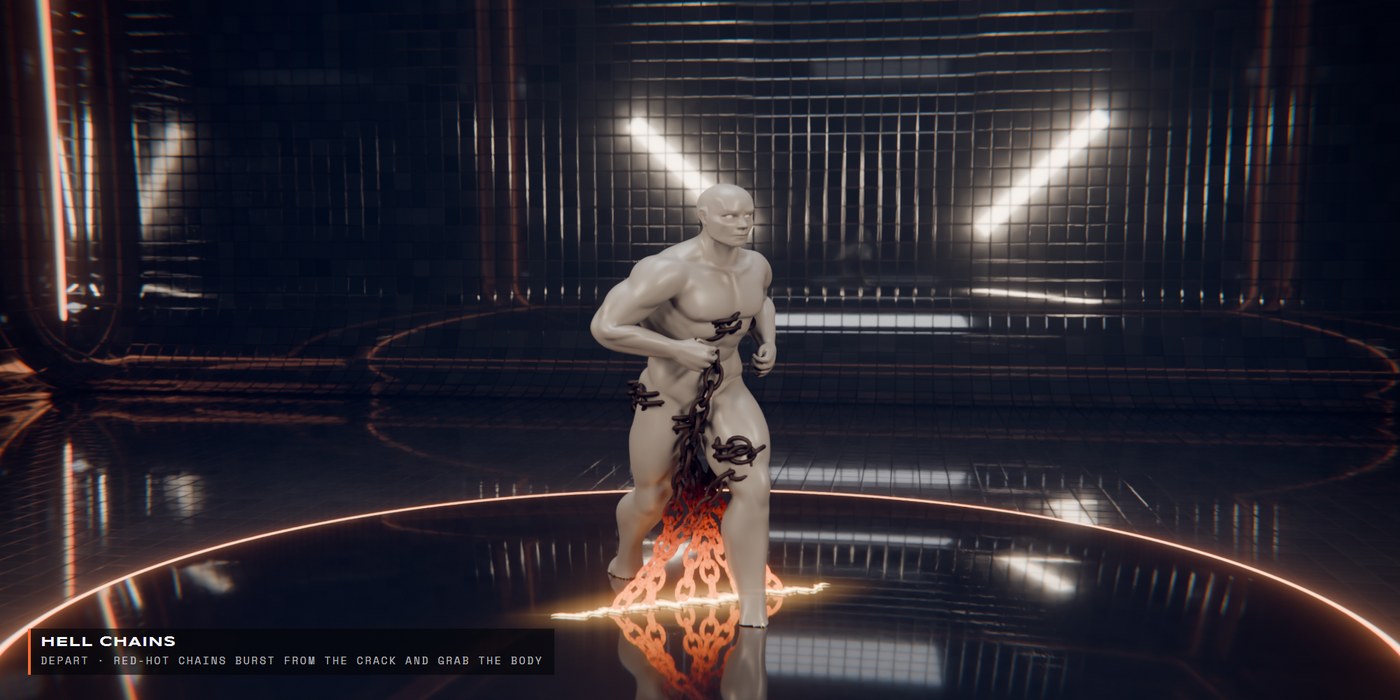
Hell Chains · Depart · rendered in Cycles
|
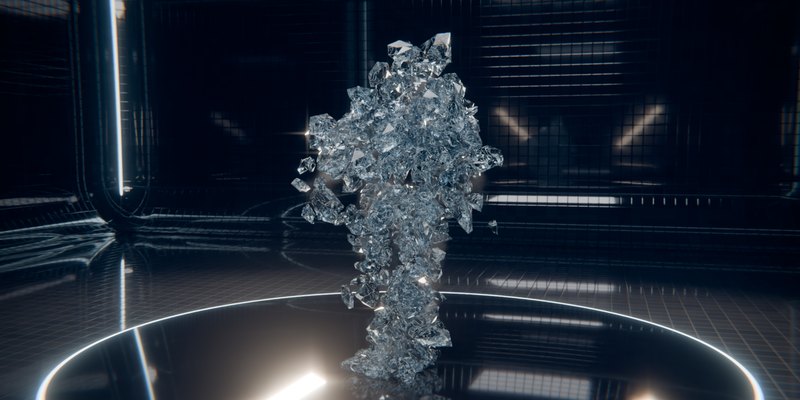
Arrive FLASH FREEZE |
Frost climbs from the feet while the motion stiffens, then a thick ice shell seals the figure. It bursts into chunks that fly, land, skid and melt under a sinking cold mist. On Arrive the chunks fly up from the floor and fuse into the body. Set the shard count, the burst, the ice thickness and how fast it freezes.
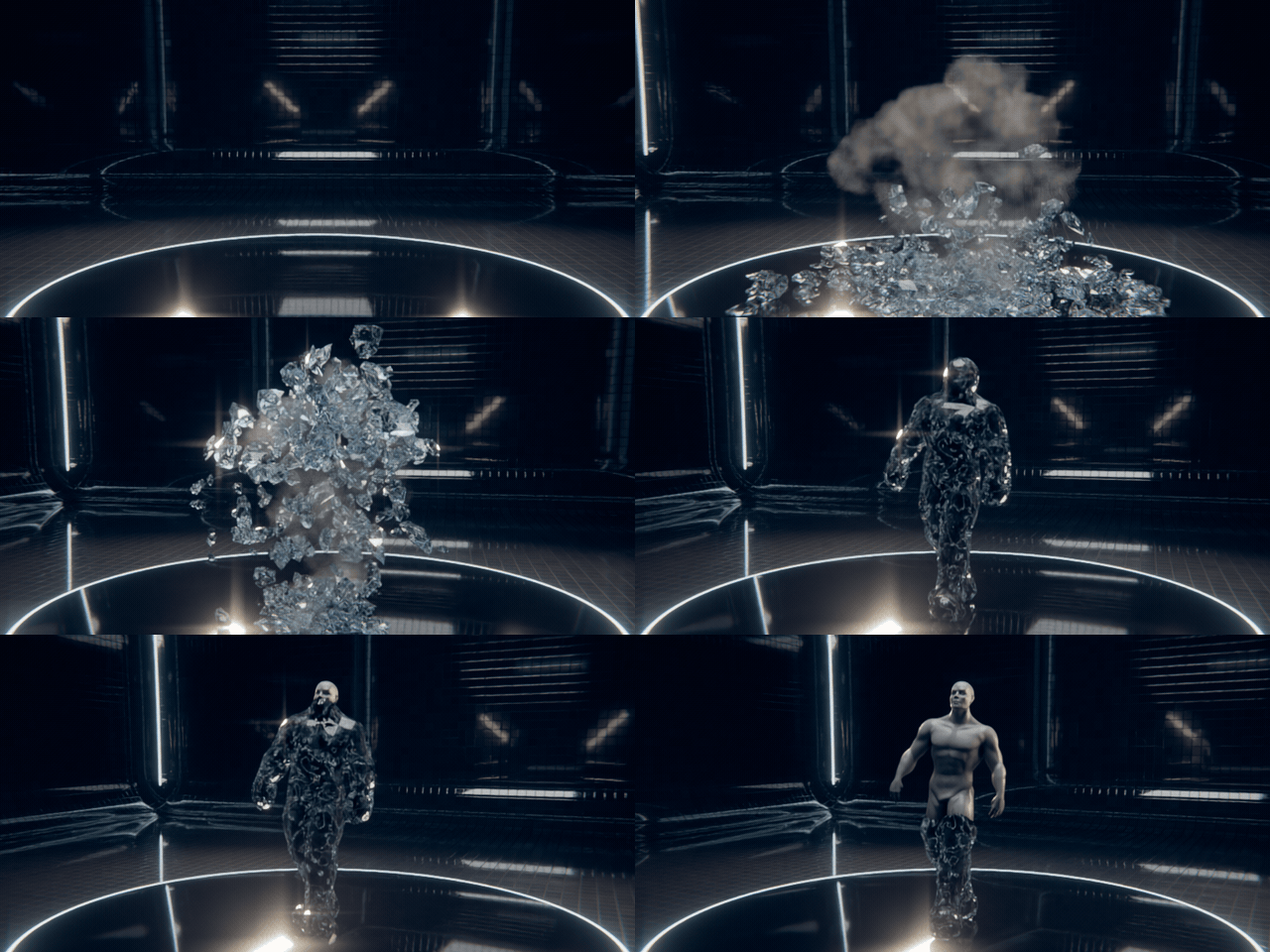
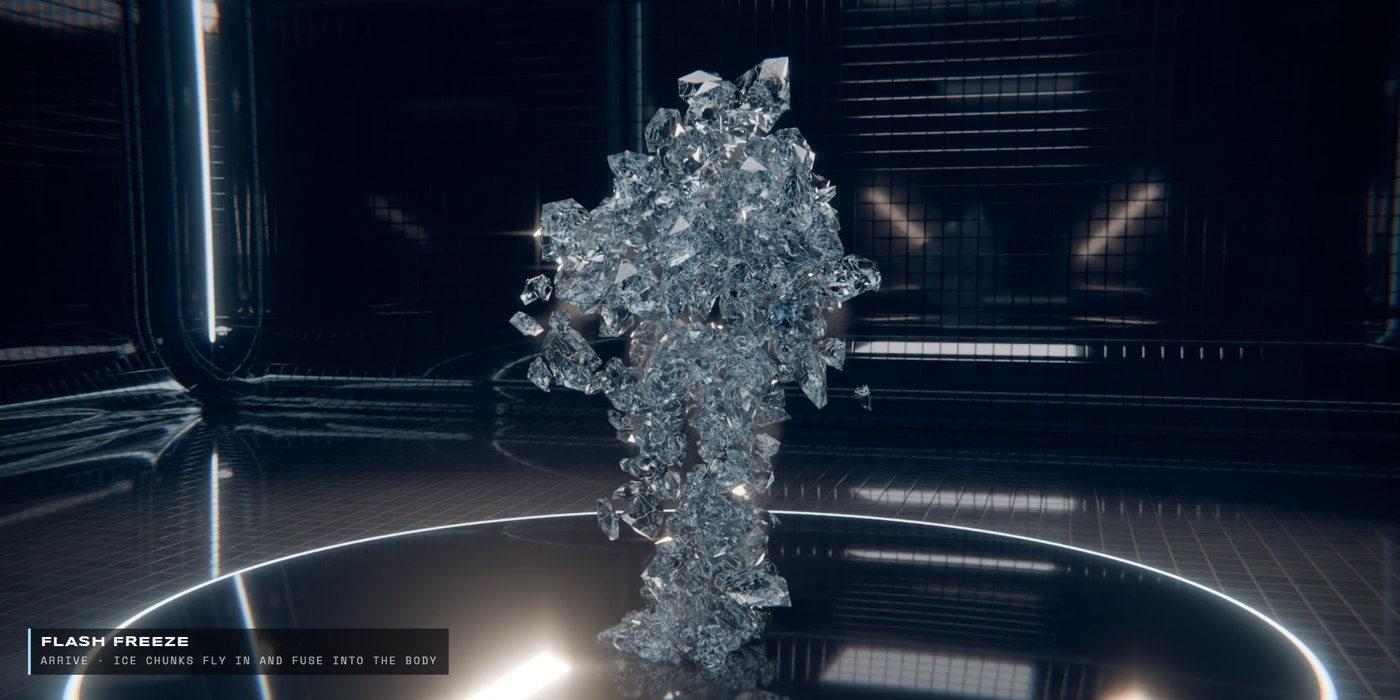
Flash Freeze · Arrive · rendered in Cycles
|
Depart LUMEN MOTHS |
Patches of the body light up and turn into moths with real fore and hind wings, veins and eyespots. They take off and fly out, and the holes they leave glow from inside. On Arrive they fly in, land on the body and become it. Moth count, size, flight distance and wing-beat speed are on the panel.
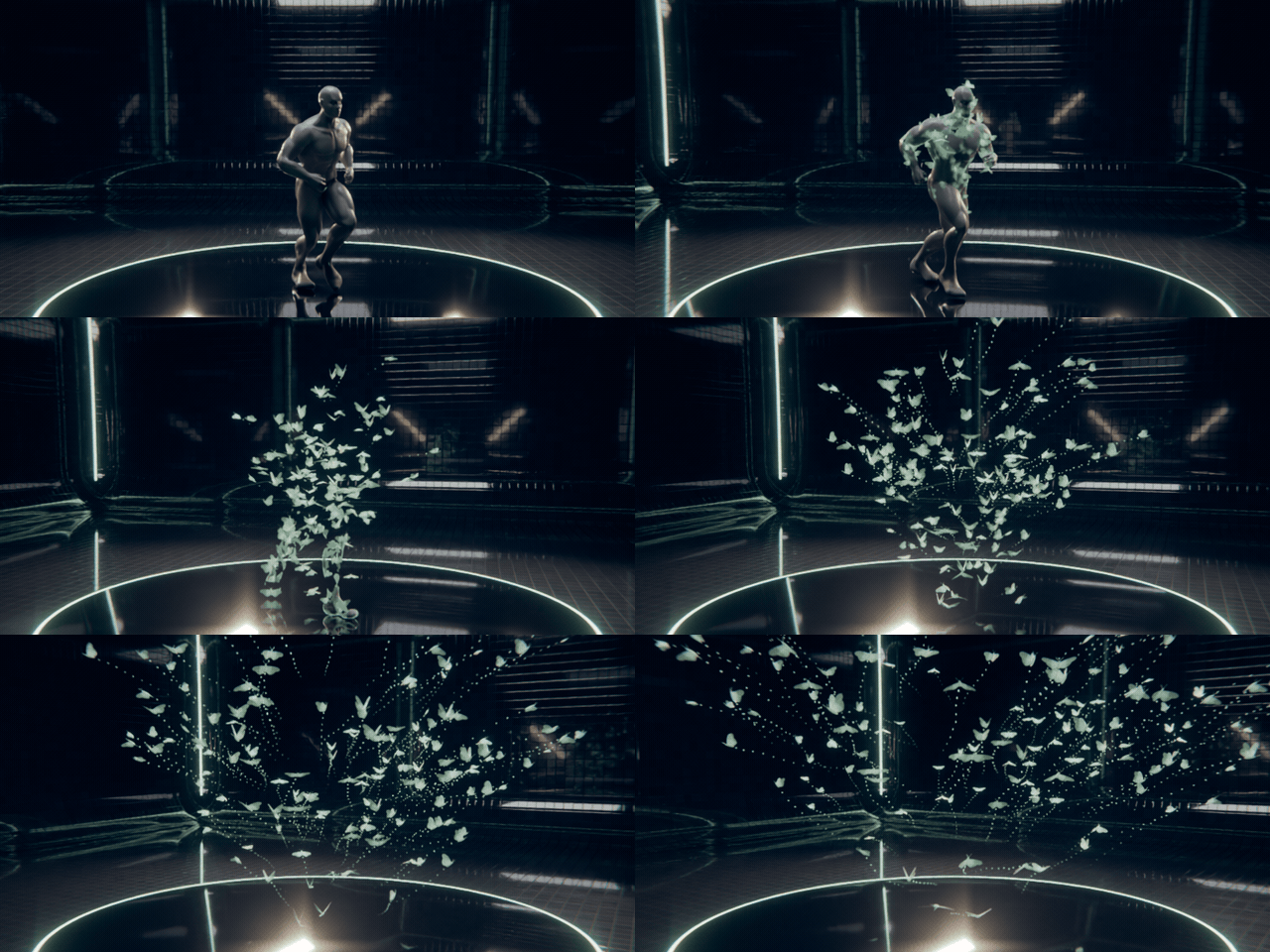
Lumen Moths · Depart · rendered in Cycles
|
Depart LIQUID DRAIN |
Water wells over the skin, falls down the body from the top and runs off across the floor in streams that leave in every direction, with droplets and a wet trail that dries. In Cycles the water is real refraction. On Arrive the streams flow in from every side and climb up into the body.
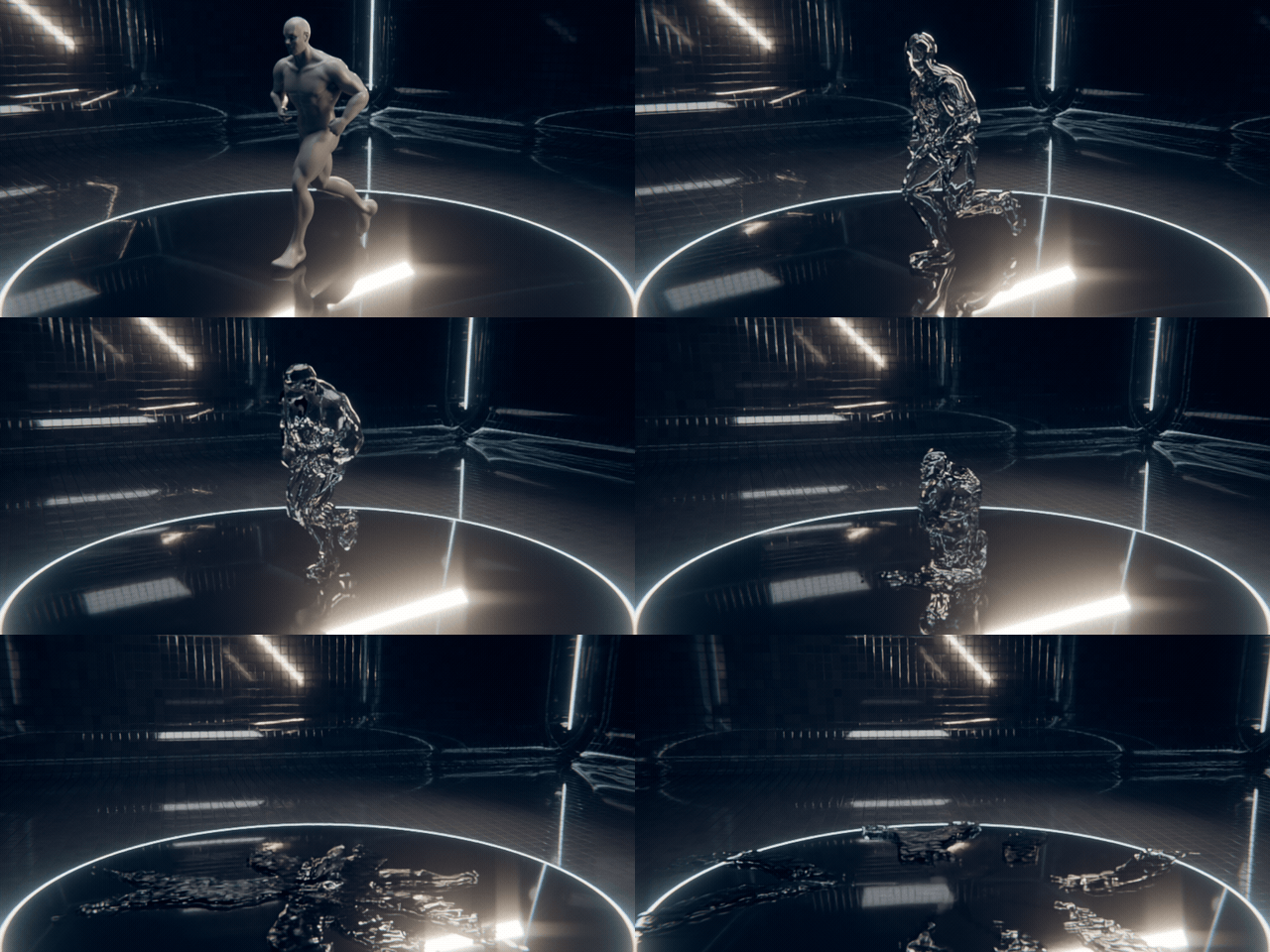
Liquid Drain · Depart · rendered in Cycles
|
Start to finish ONE ACTION PER LOOK |
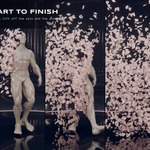
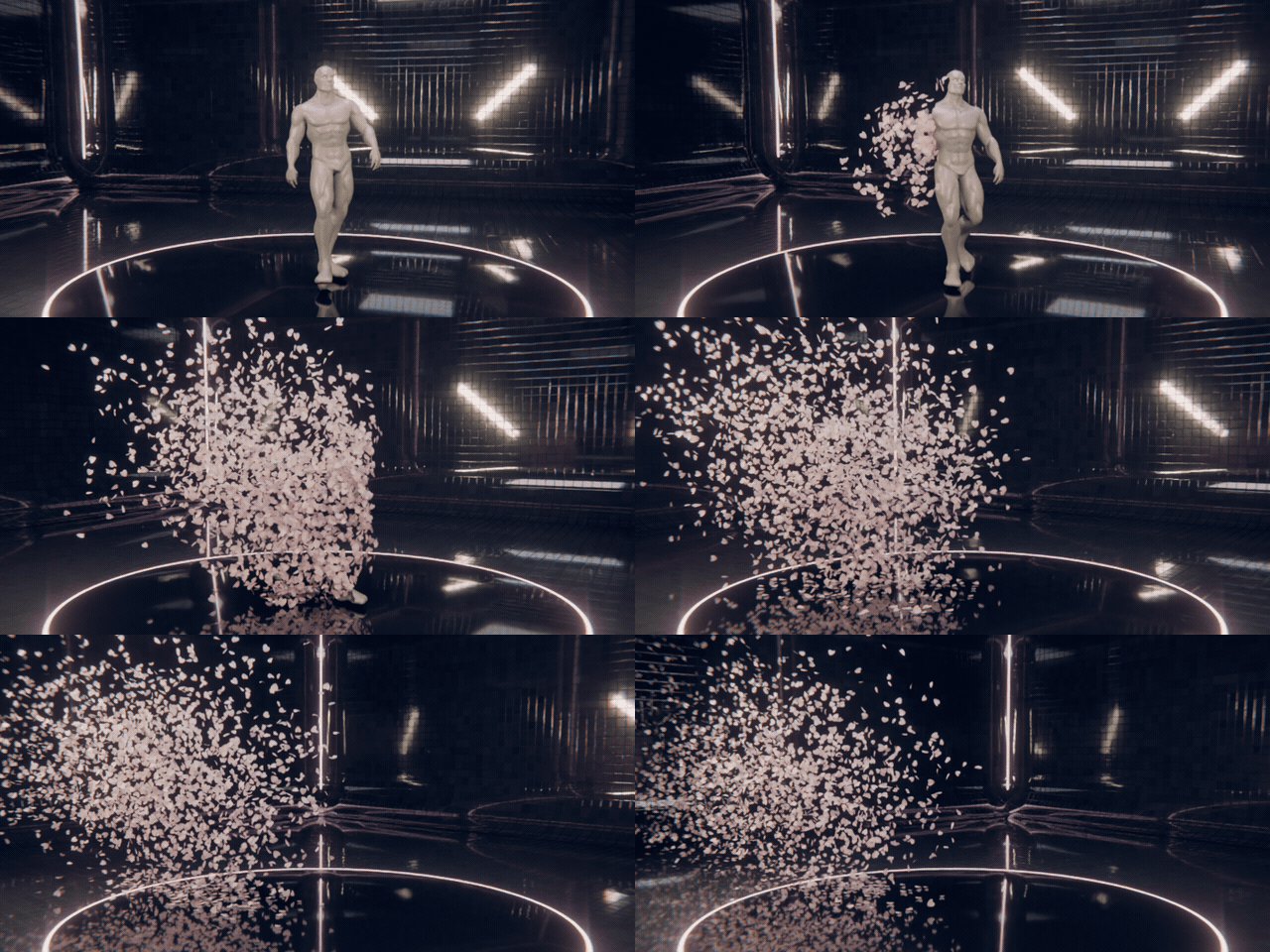
Each look does one clear thing to the body and carries it through. The petals below lift off along a front that runs with the wind; the character keeps walking until the last of it is gone.
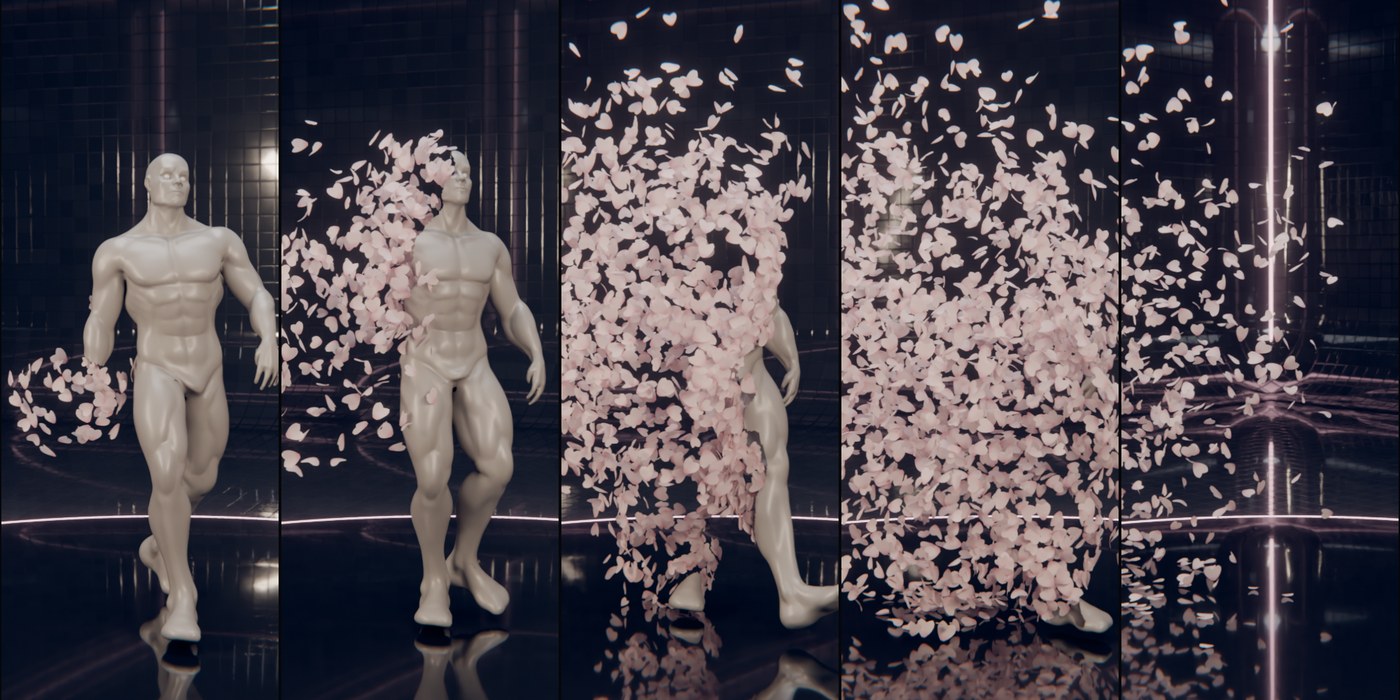
Sakura Drift · Depart · five moments of one transition
|
In Blender FROM THE SIDEBAR |
| 1 |
Install the zip Edit › Preferences › Get Extensions › Install from Disk. |
| 2 |
Select your character The body mesh: rigged, shape-keyed or sculpted. No UVs needed. |
| 3 |
Pick a look and a direction Open the Warp Lab tab in the sidebar (N), click the preview and choose a look, then Depart or Arrive. |
| 4 |
Click Add The transition starts on the current frame. Press Optimize Render Settings once per scene. |
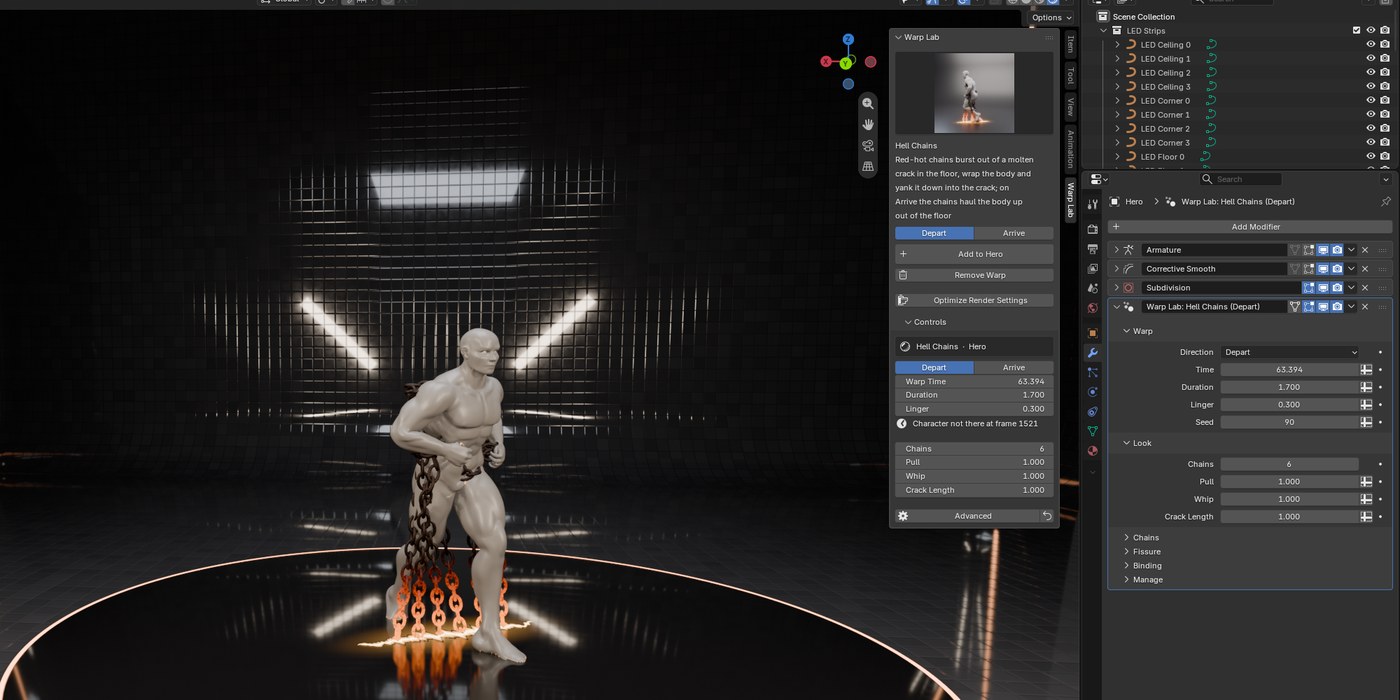
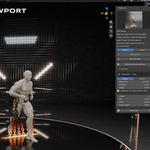
Hell Chains in the live EEVEE viewport · Warp Lab sidebar and the modifier panel
|
Controls SHAPE EVERY LAYER |
The sidebar shows the timing and the look's own controls. Open Advanced for every layer: its viewport and render toggles, colours, glow and shape. The same inputs sit on the modifier, so every value can be keyframed or driven.
| Warp Time · Duration · Linger | When the character is gone, how long the transition takes, how long the residue stays. |
| Look | Three to six controls that change the look most: chain count and pull, petal size and wind, ice thickness, streak length. |
| Advanced | Every layer on its own: chains and fissure, moths and body glow, heat and flash. |
| Seed · Floor Offset | A new random variation, and the height of the floor the residue lands on. |
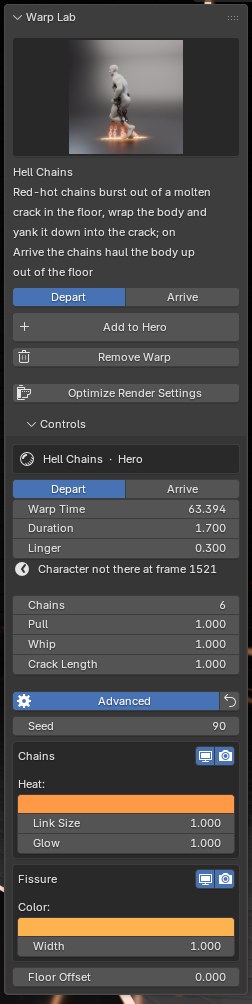
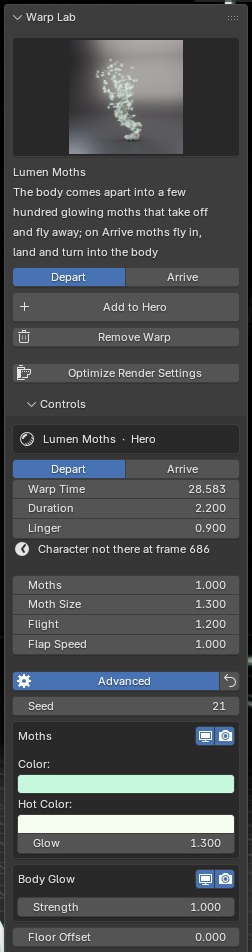
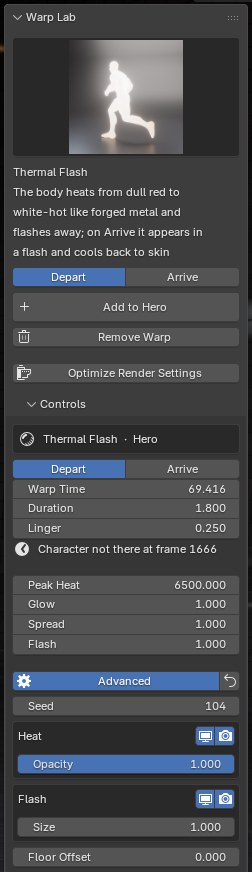
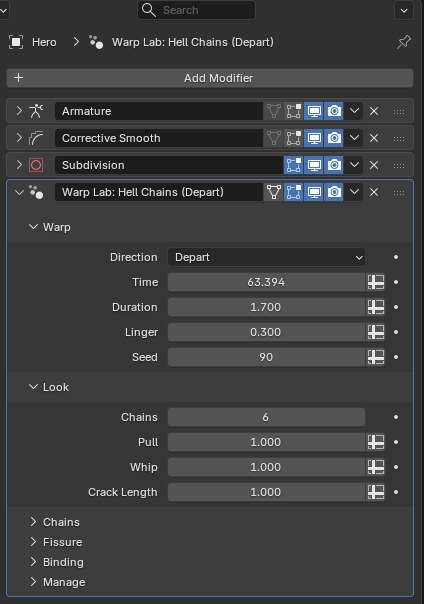
Real panels: Hell Chains, Lumen Moths and Thermal Flash with Advanced open, and the modifier
|
Animation MADE FOR MOVING CHARACTERS |
A warp reads the character's posed mesh on every frame, after the armature, shape keys and modifiers. Residue that leaves the body, a stream of water or a cloud of petals, settles where the character was at the Warp Time while the rest of the transition follows the run. Every render on this page is a Mixamo walk or run cycle.
|
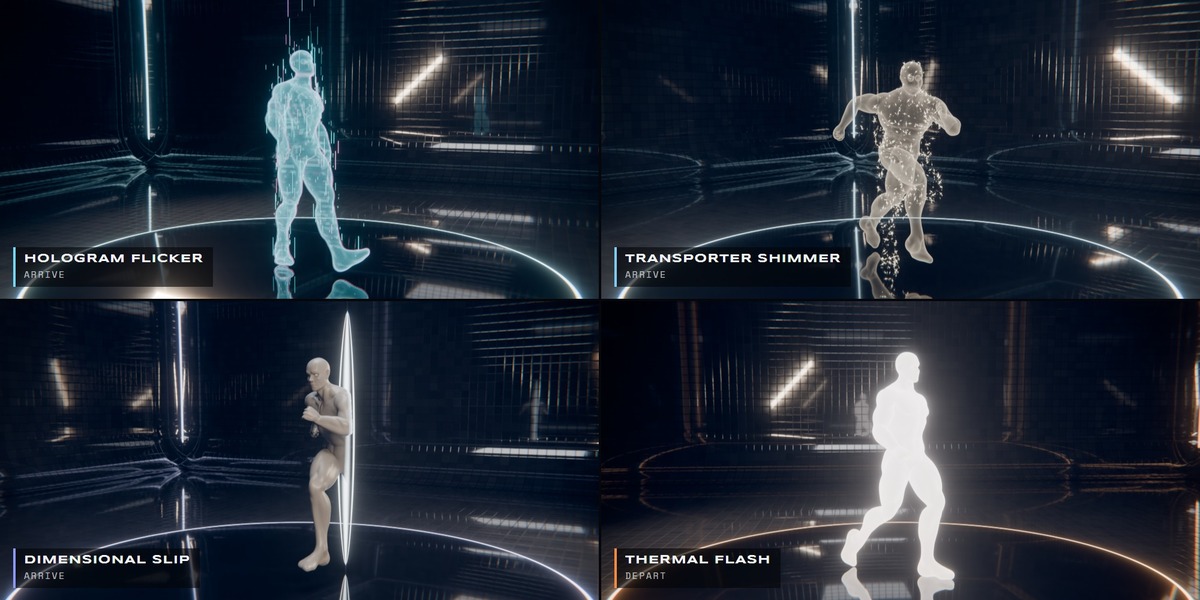
Light Dash · Depart |
Sand Stream · Arrive |
Steam Off · Depart |
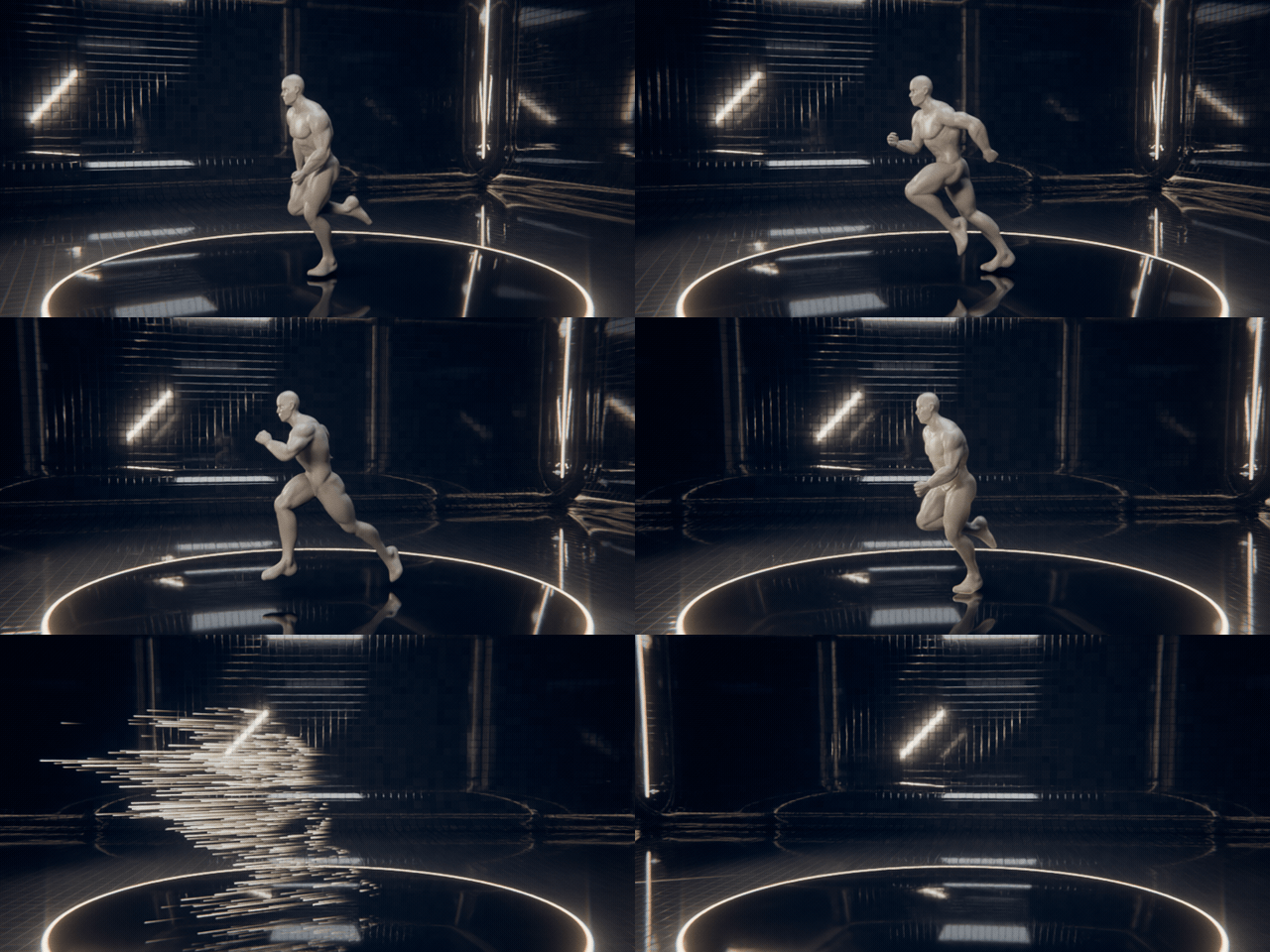
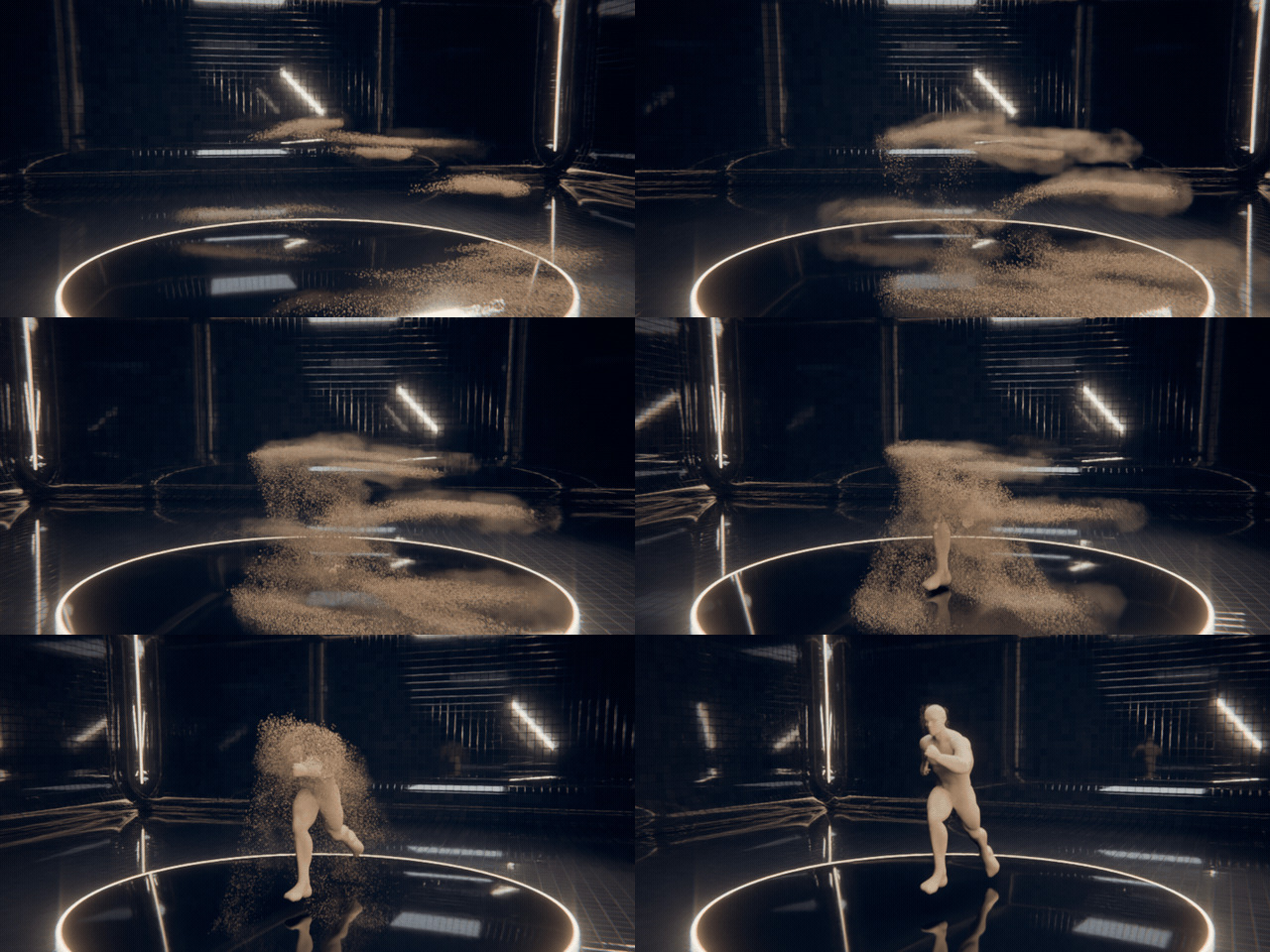
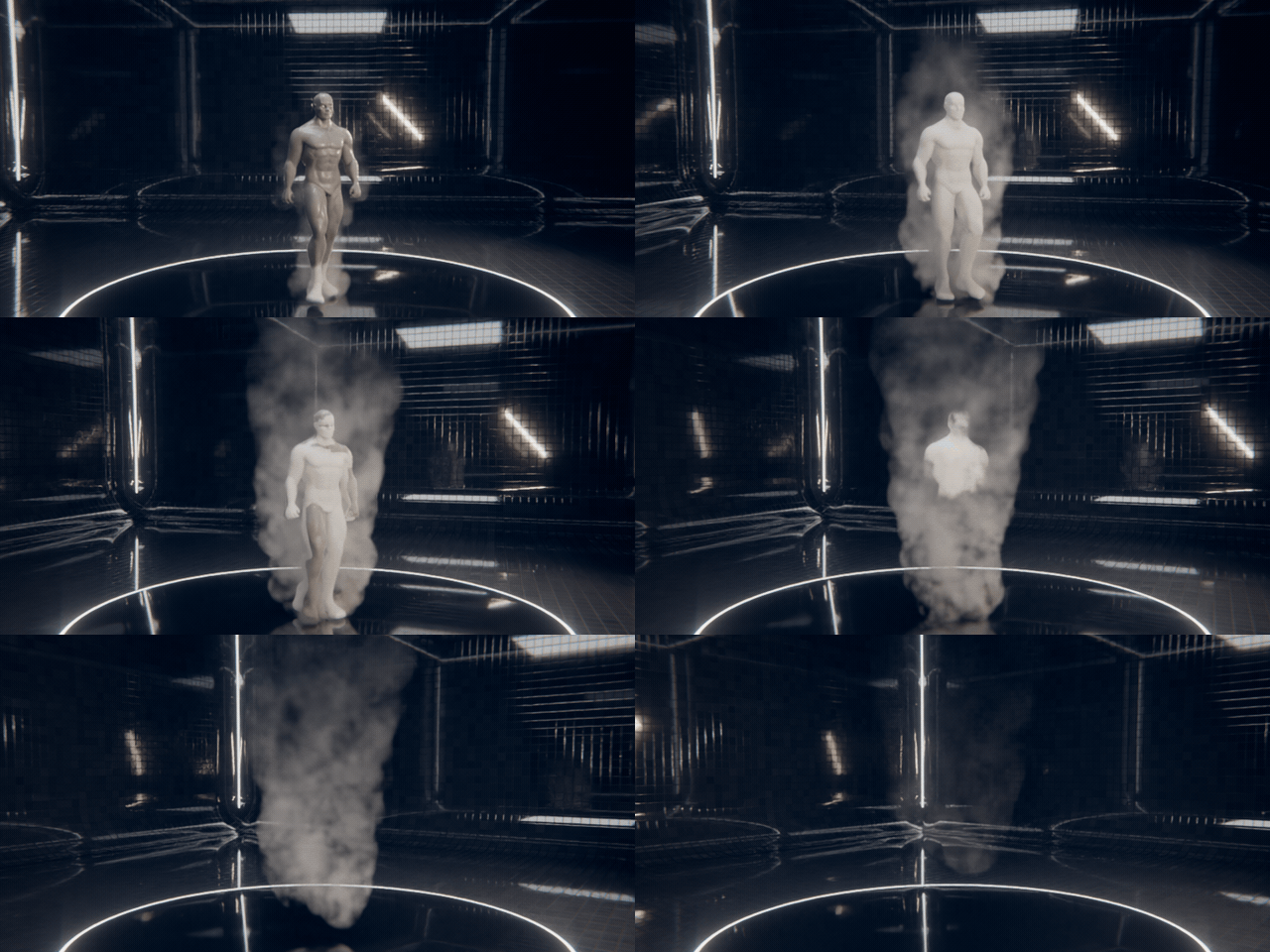
|
Hologram Flicker · Arrive |
Dimensional Slip · Arrive |
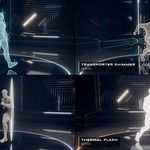
Transporter Shimmer · Arrive |
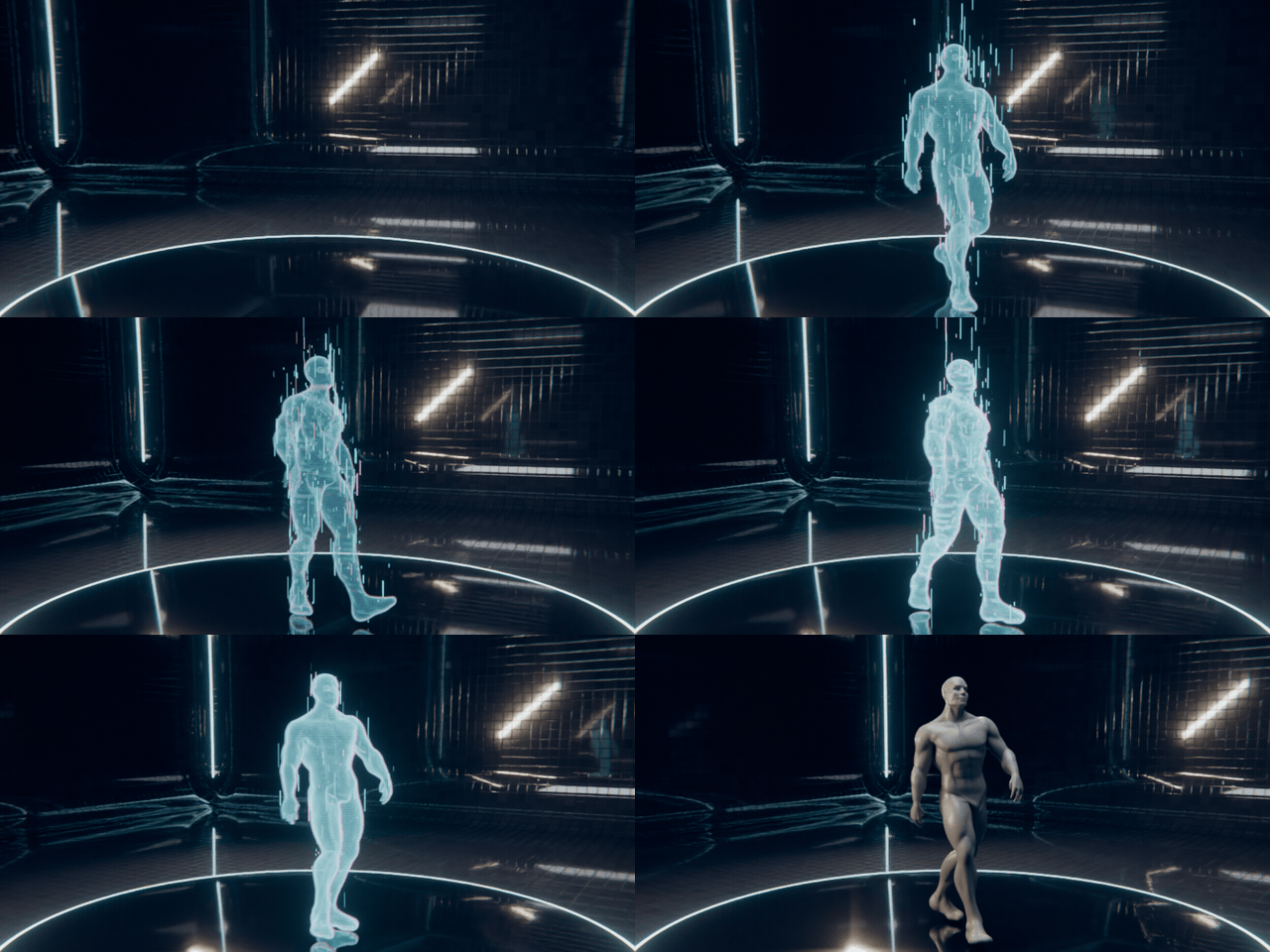
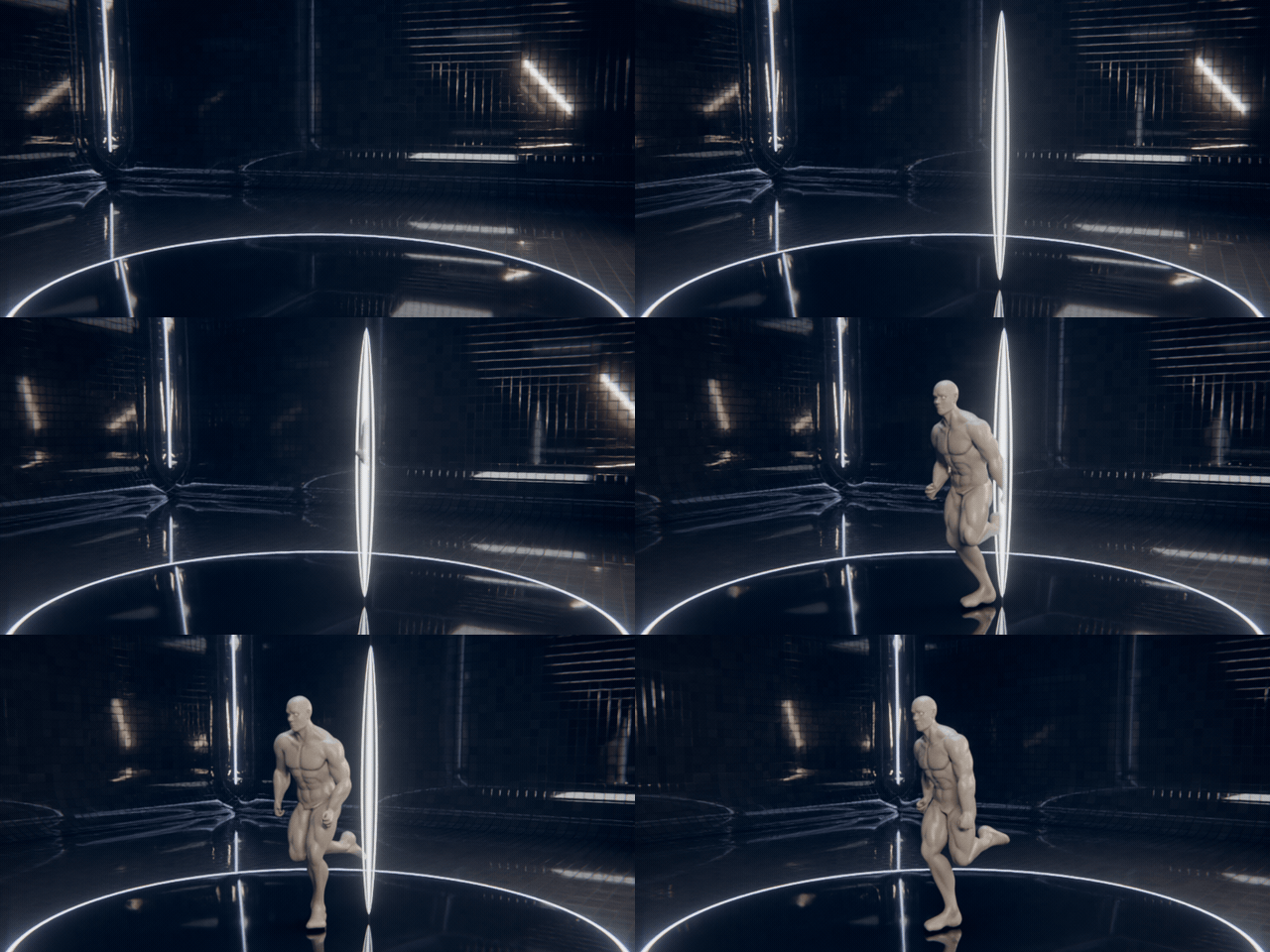
| Rigs | Mixamo, Rigify and custom armatures; anything that deforms the mesh |
| Meshes | Any mesh: no UVs and no clean topology needed, up to dense sculpts |
| Remove | Remove Warp deletes the warp and its helpers; your character is left as it was |
|
Details IN THE BOX |
| Requires | Blender 5.0+ |
| Render | Cycles and EEVEE |
| Type | Blender extension (add-on), one zip |
| Where | Warp Lab tab in the 3D Viewport sidebar (N) |
| Inside | Sixteen looks, each with a Depart and an Arrive |
| How | One Geometry Nodes modifier on the character; no bakes, no simulation caches |
| Textures | None |
| Dependencies | None |
| Version | 1.0.0 |
| License | GPL-3.0-or-later |
|
More from the studio LATEST FROM LARKLAB |
Warp Lab by LarkLab. All renders on this page were made in Blender with Warp Lab.