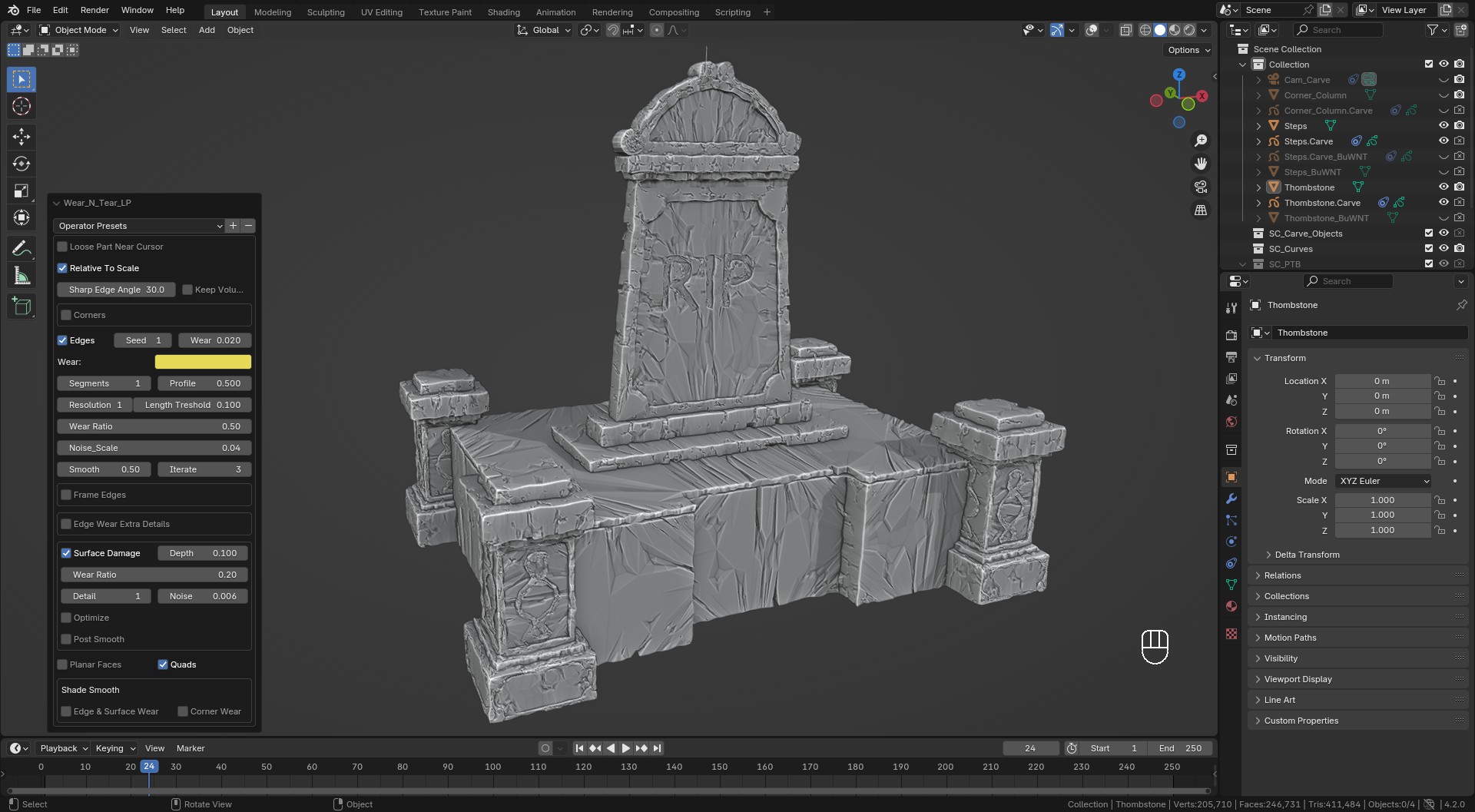
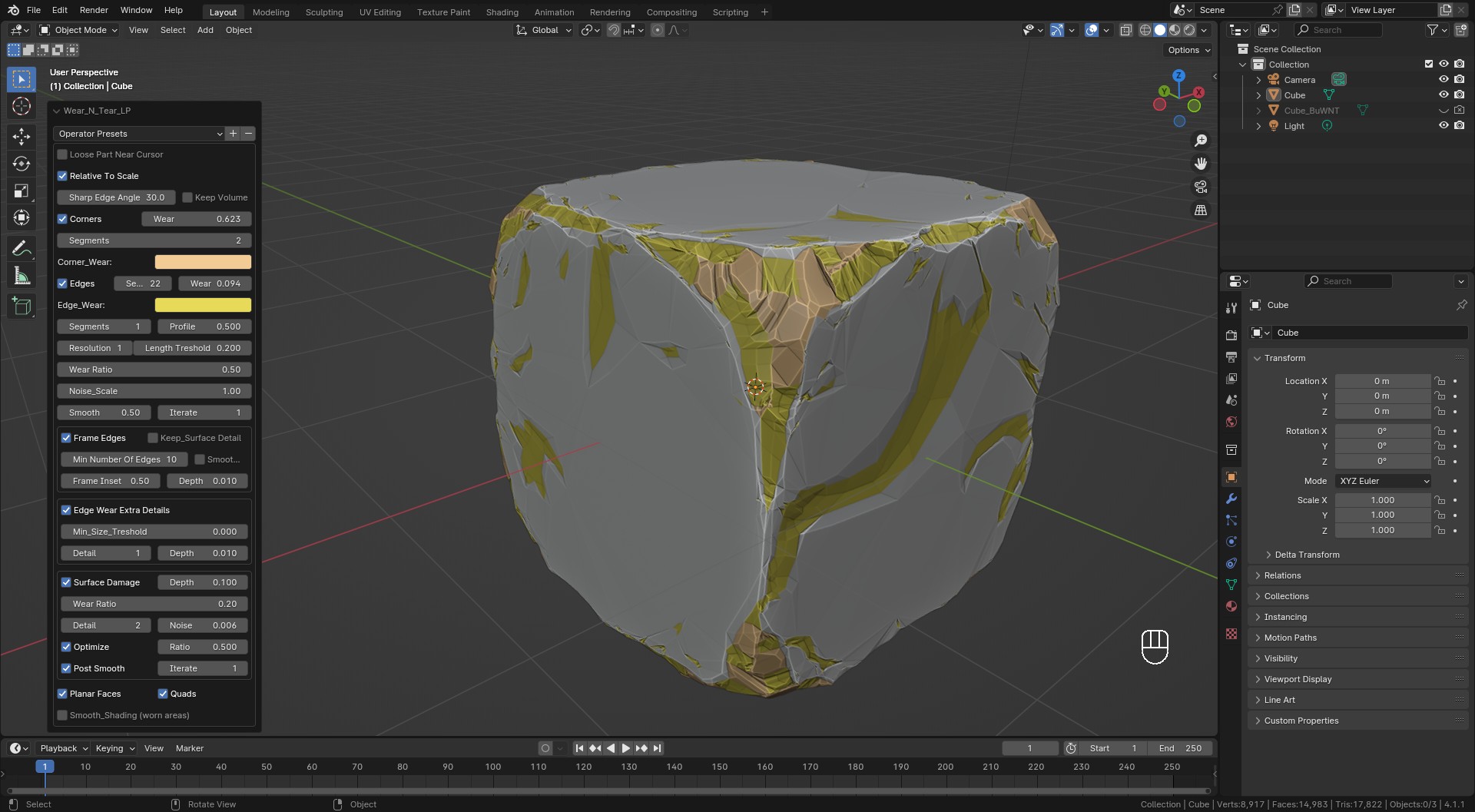
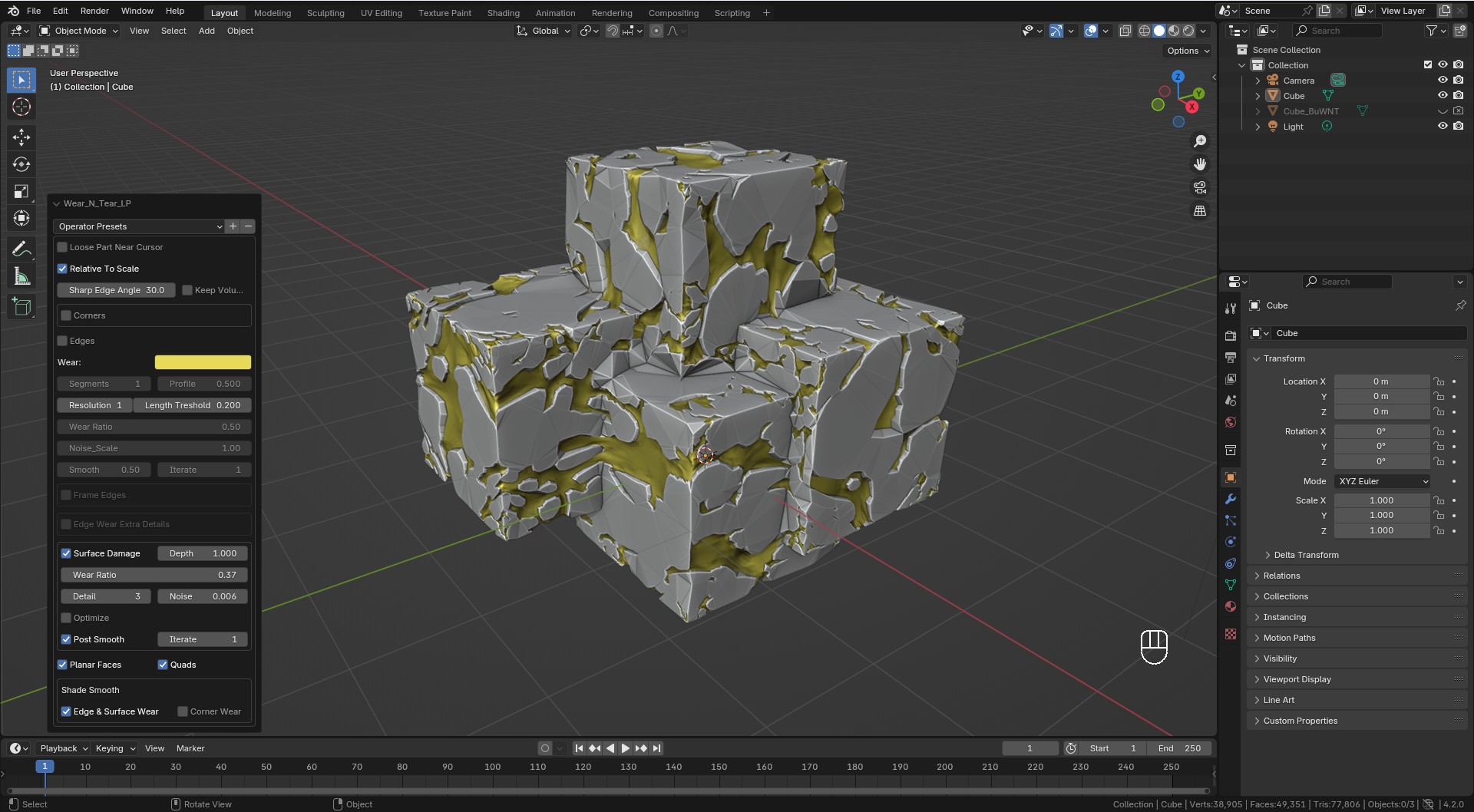
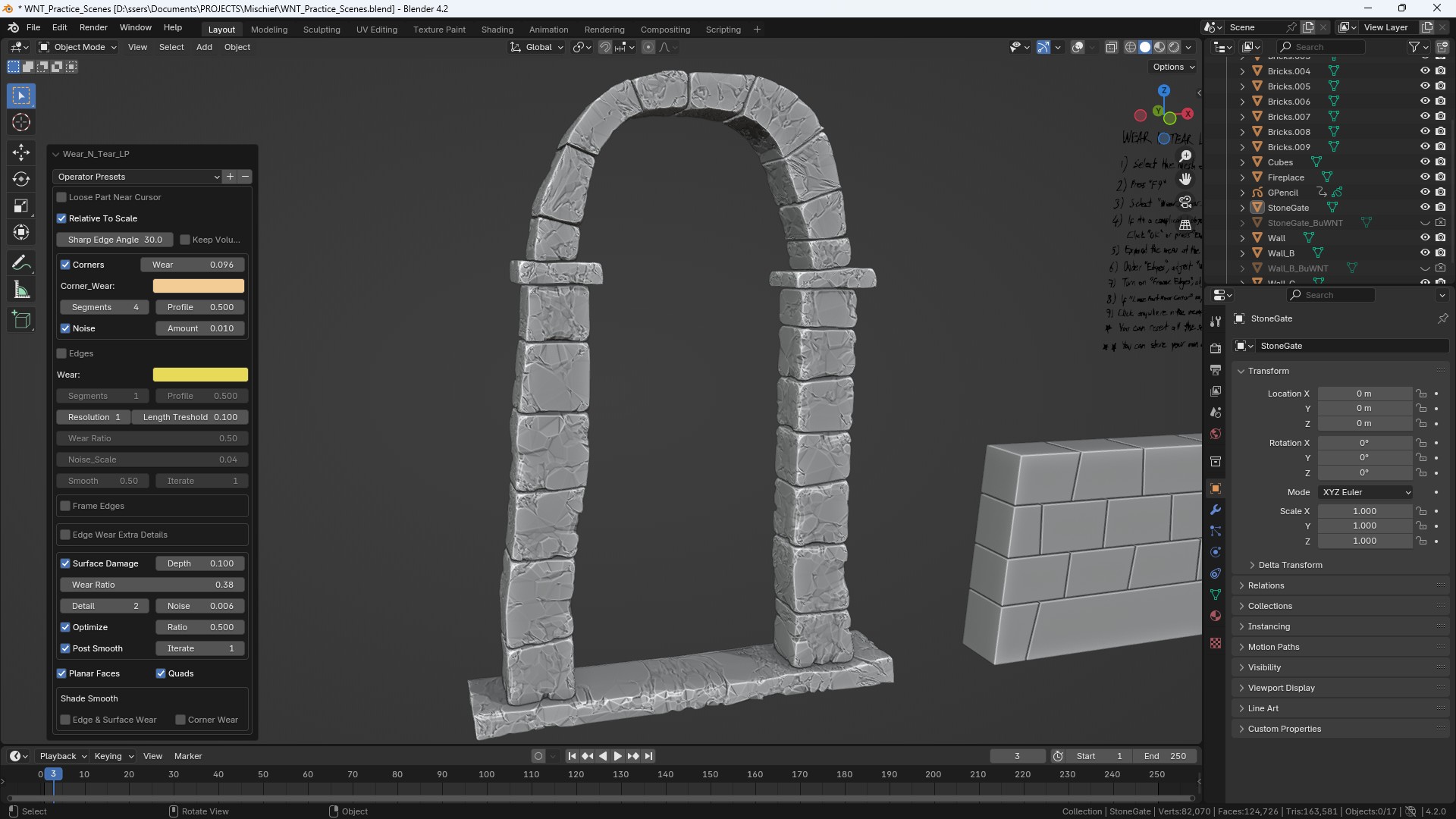
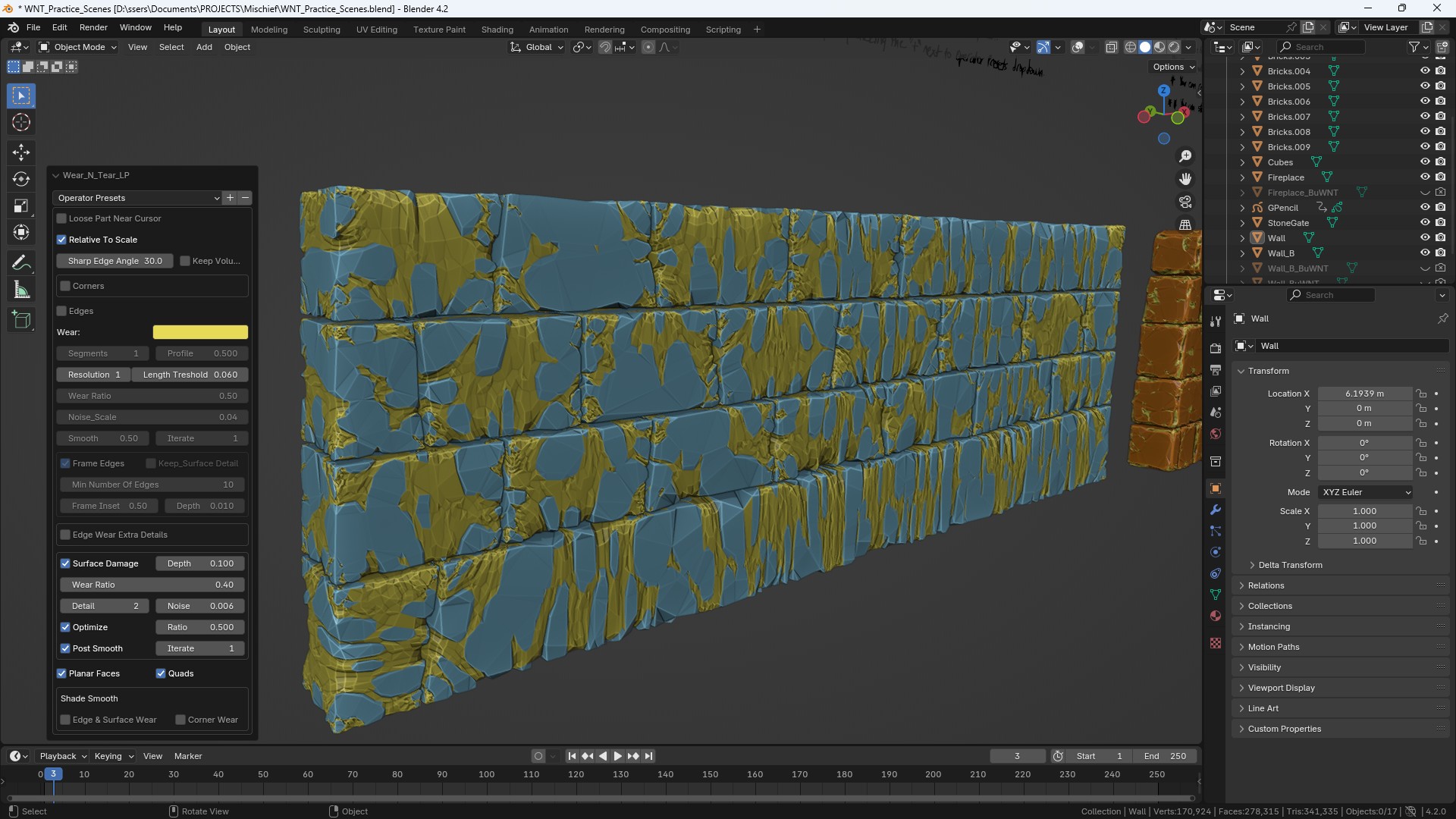
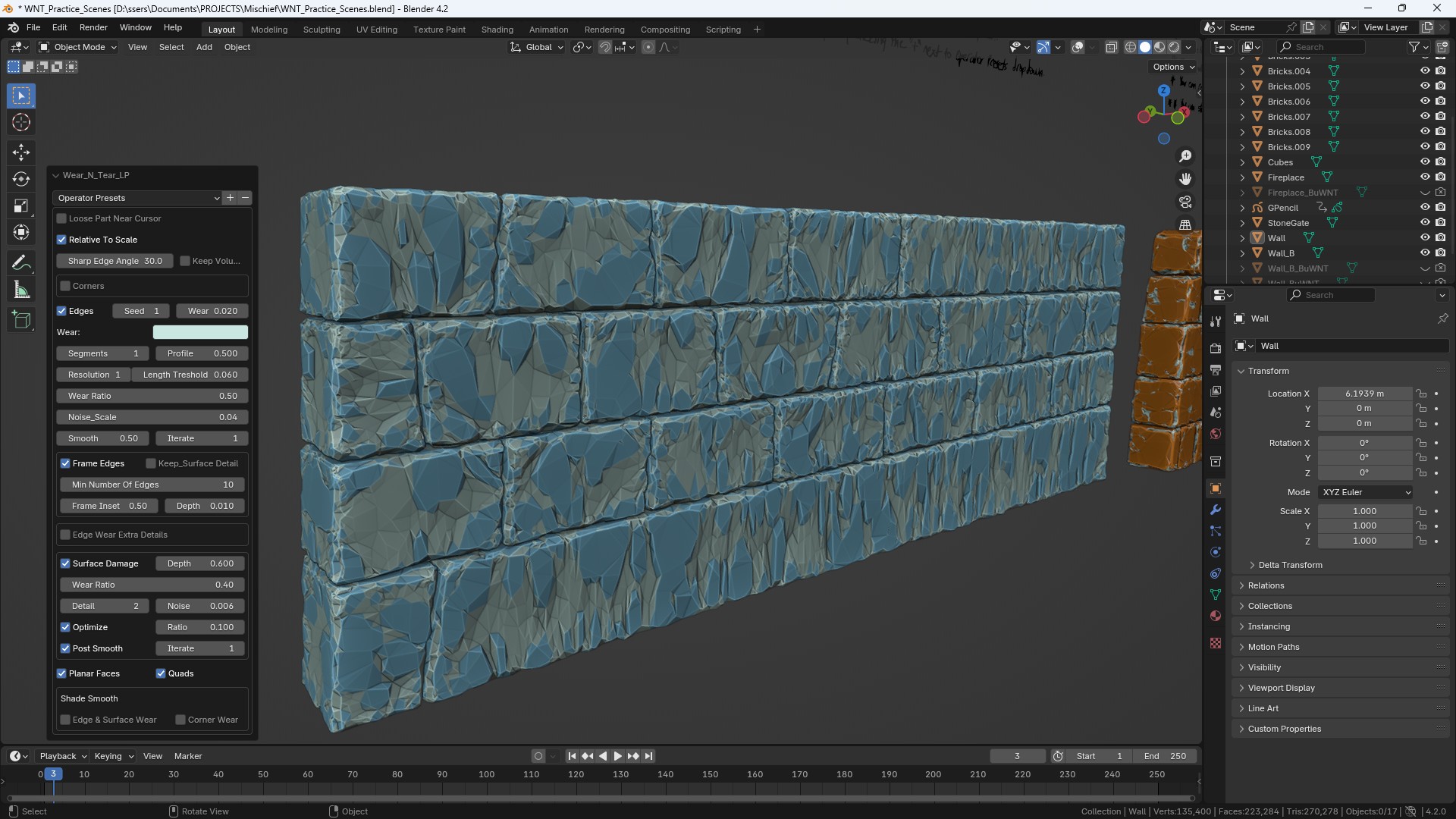
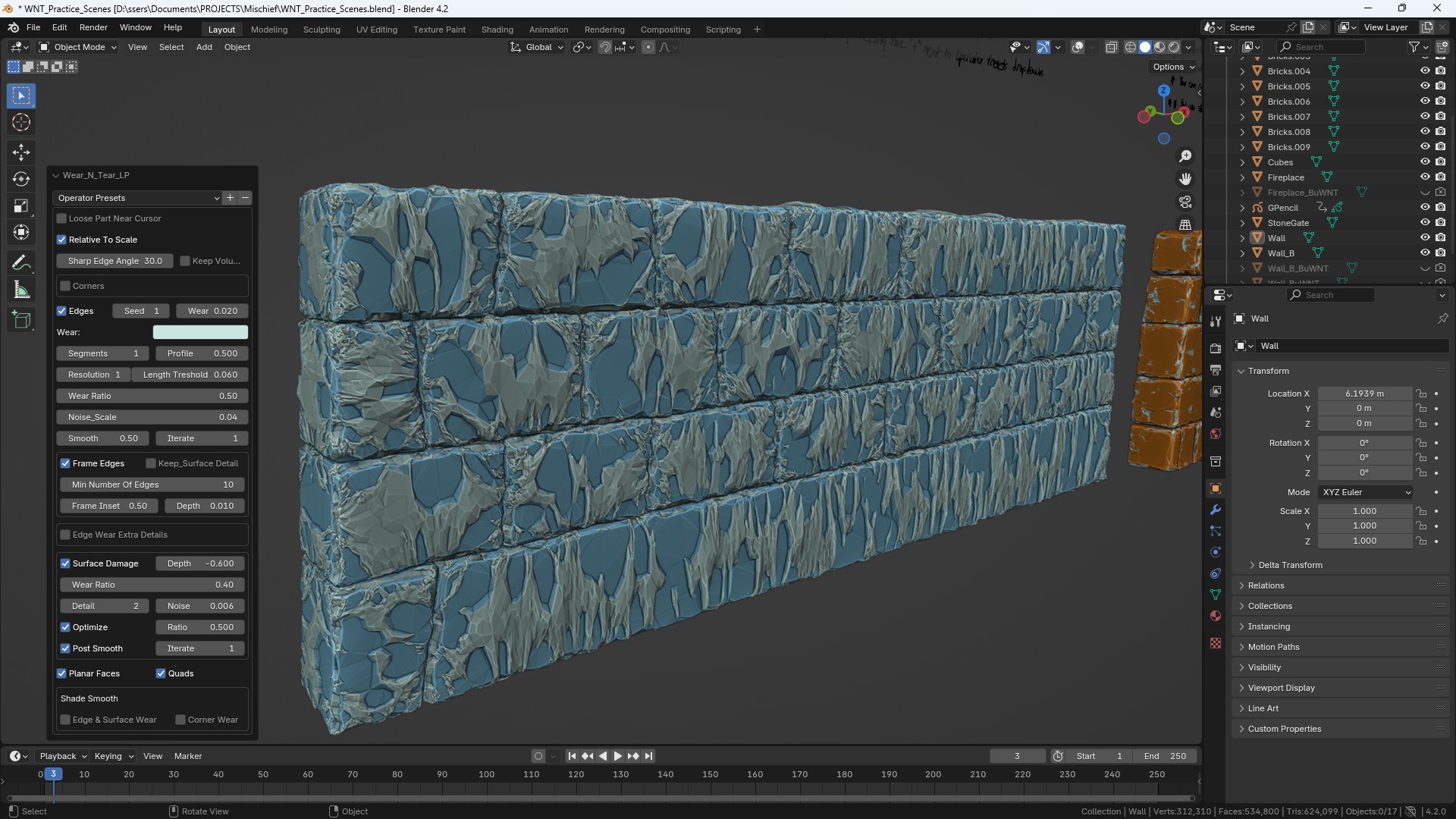
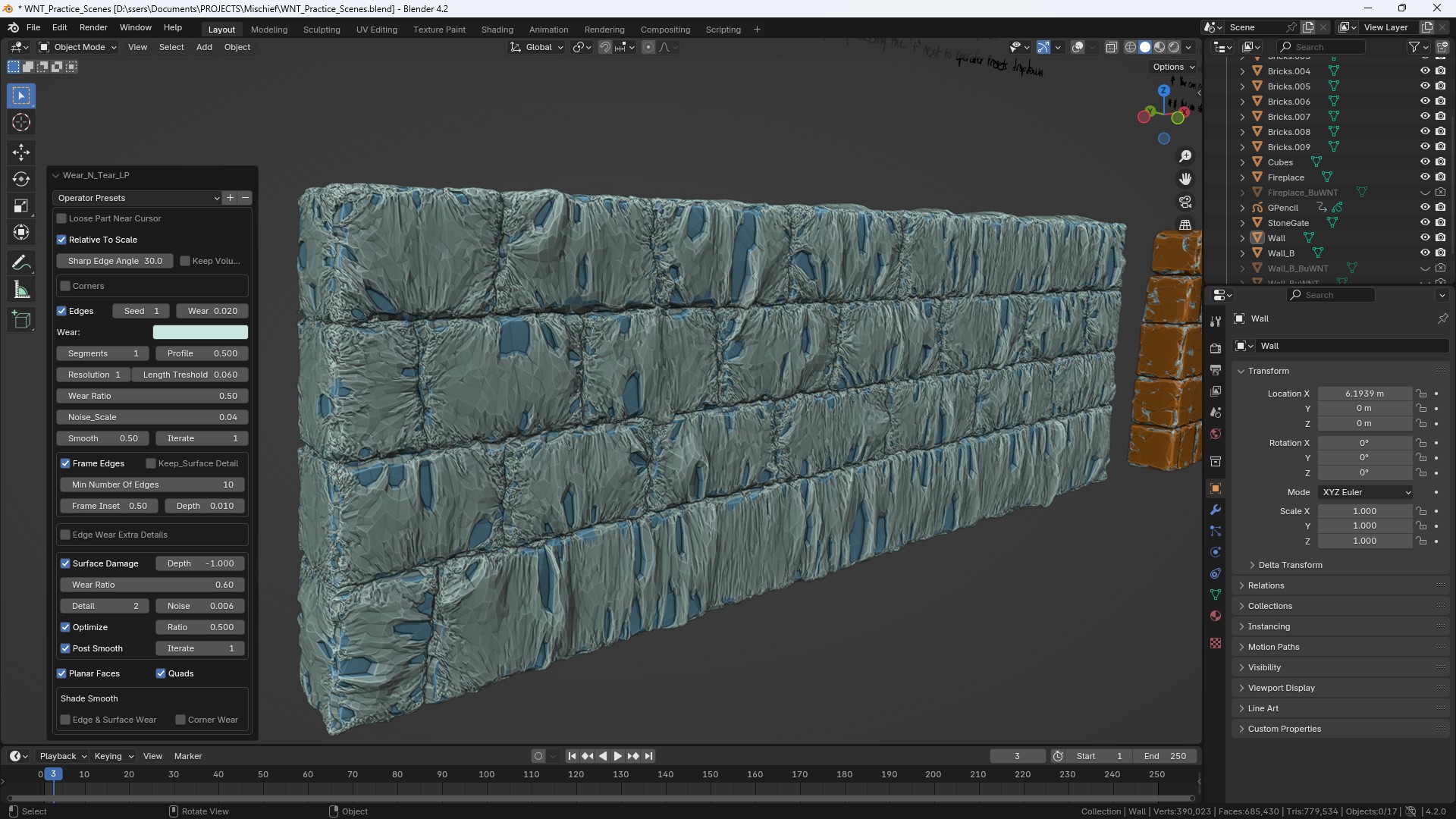
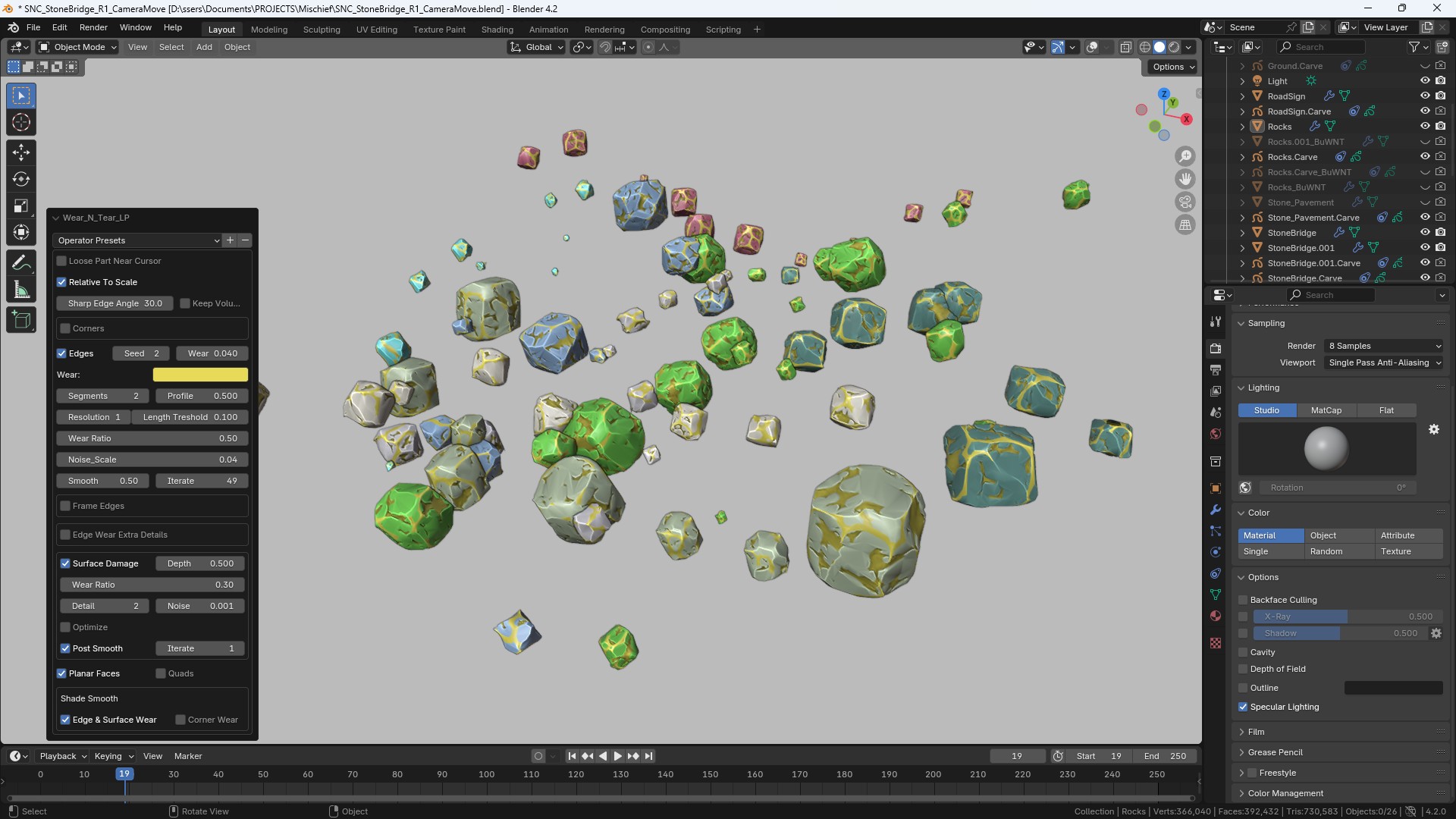
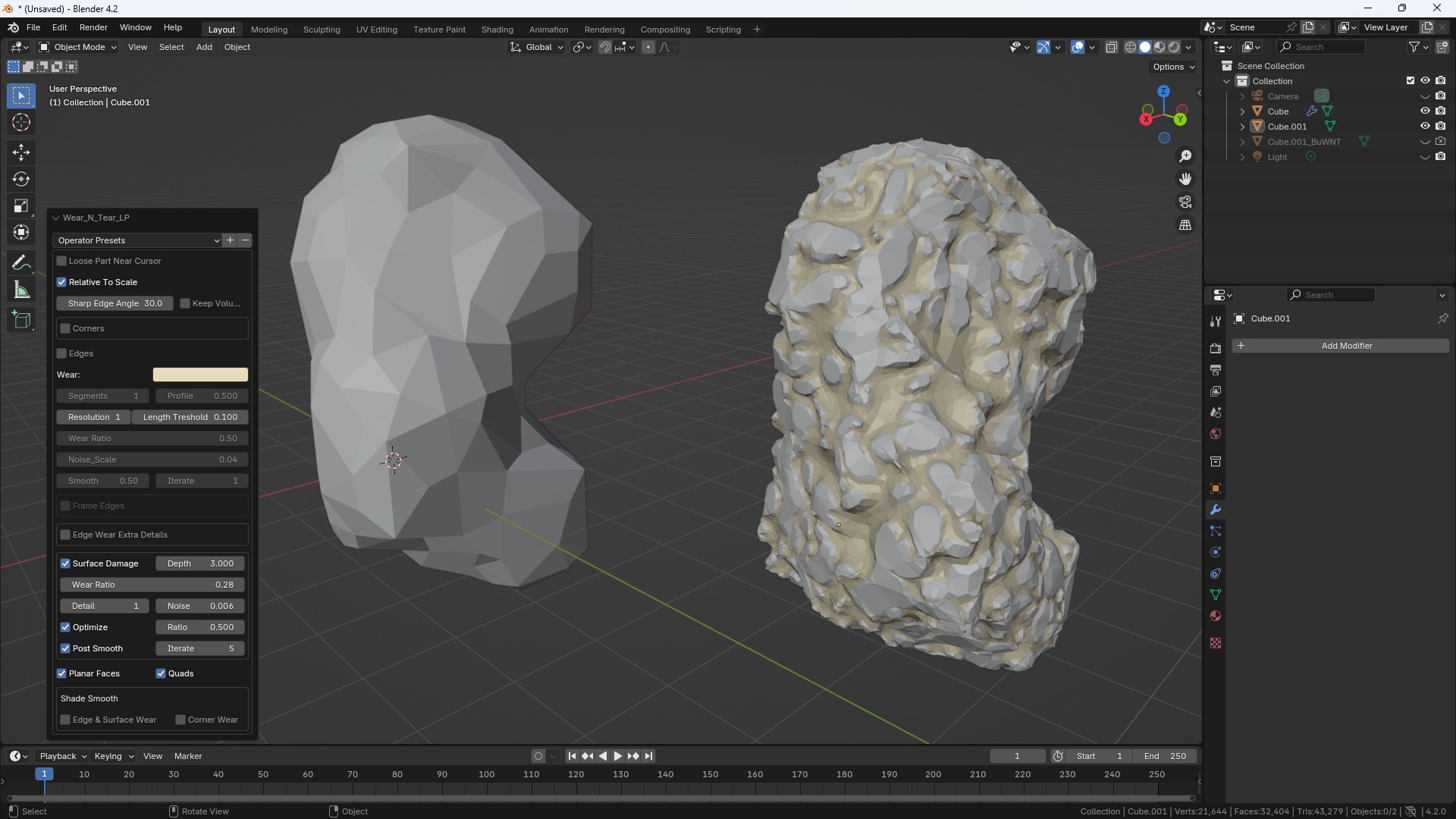
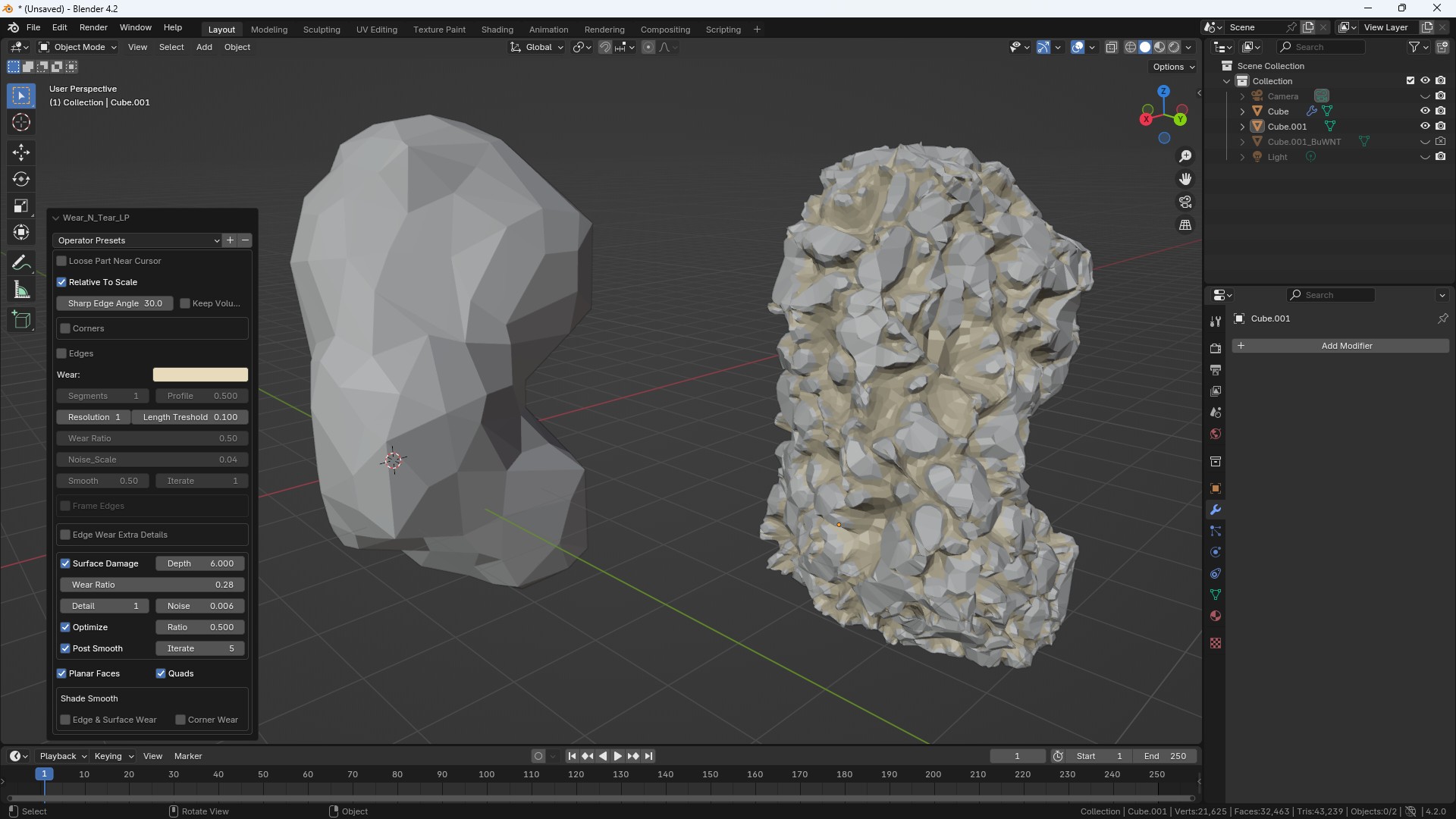
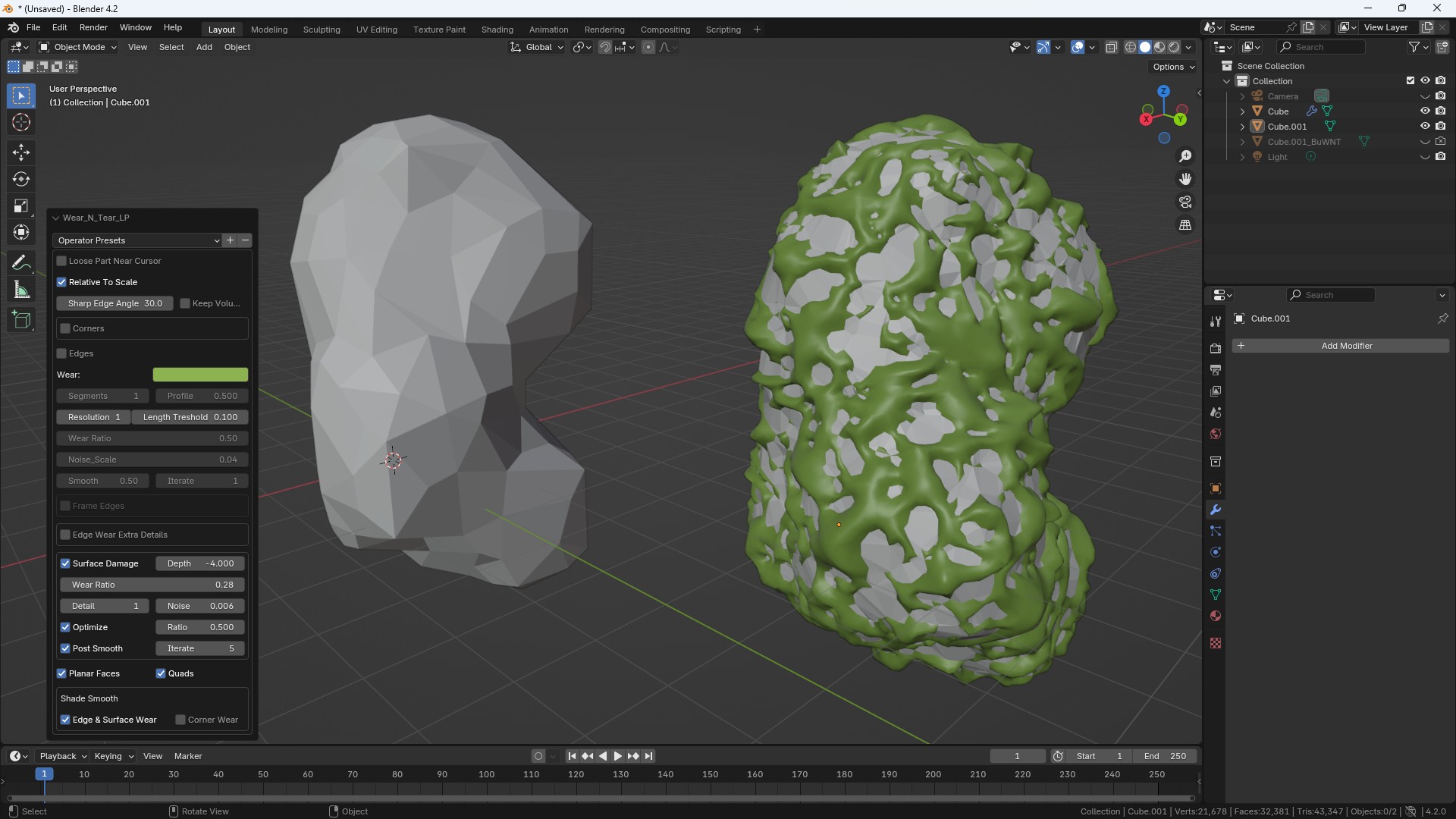
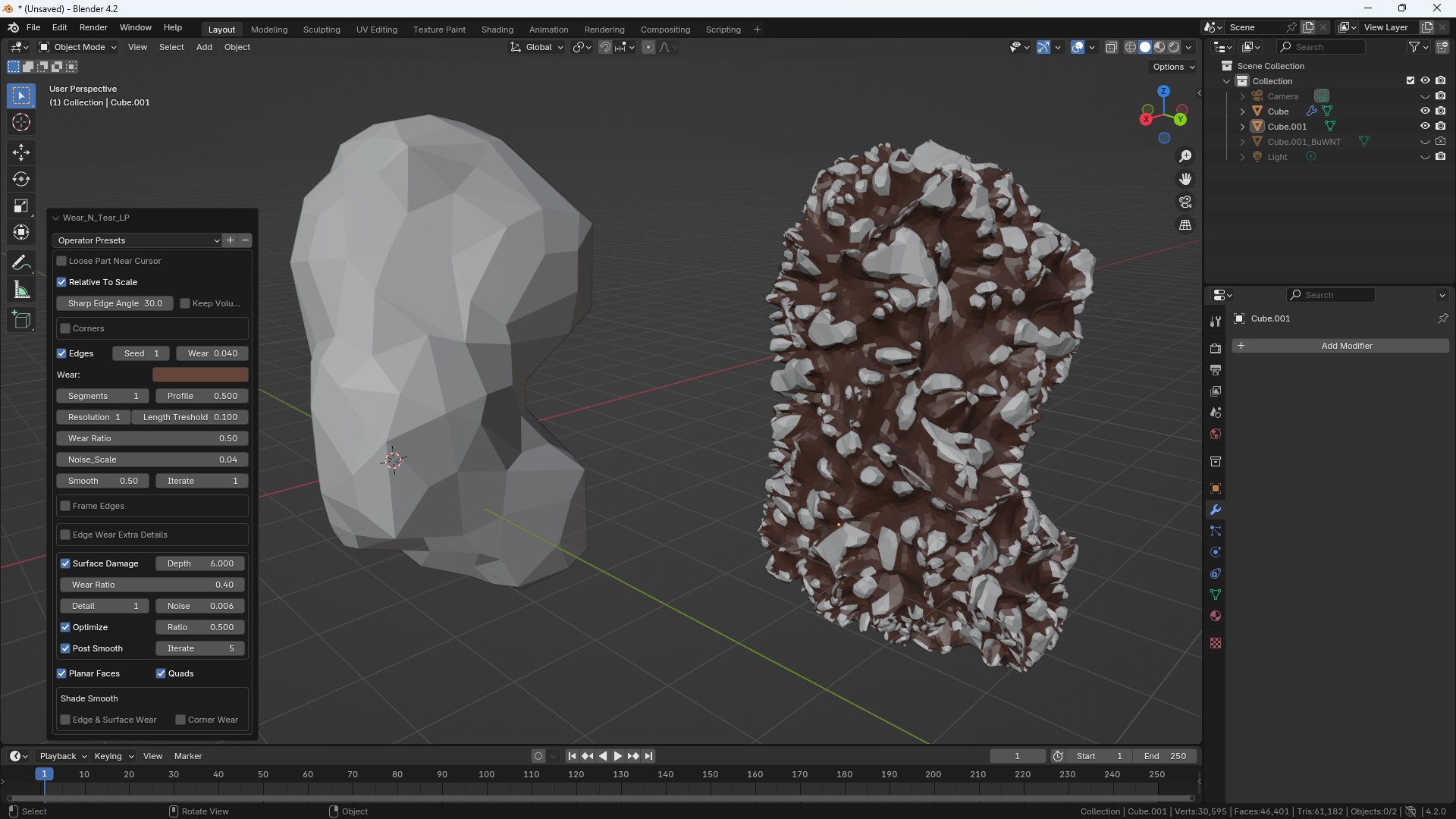
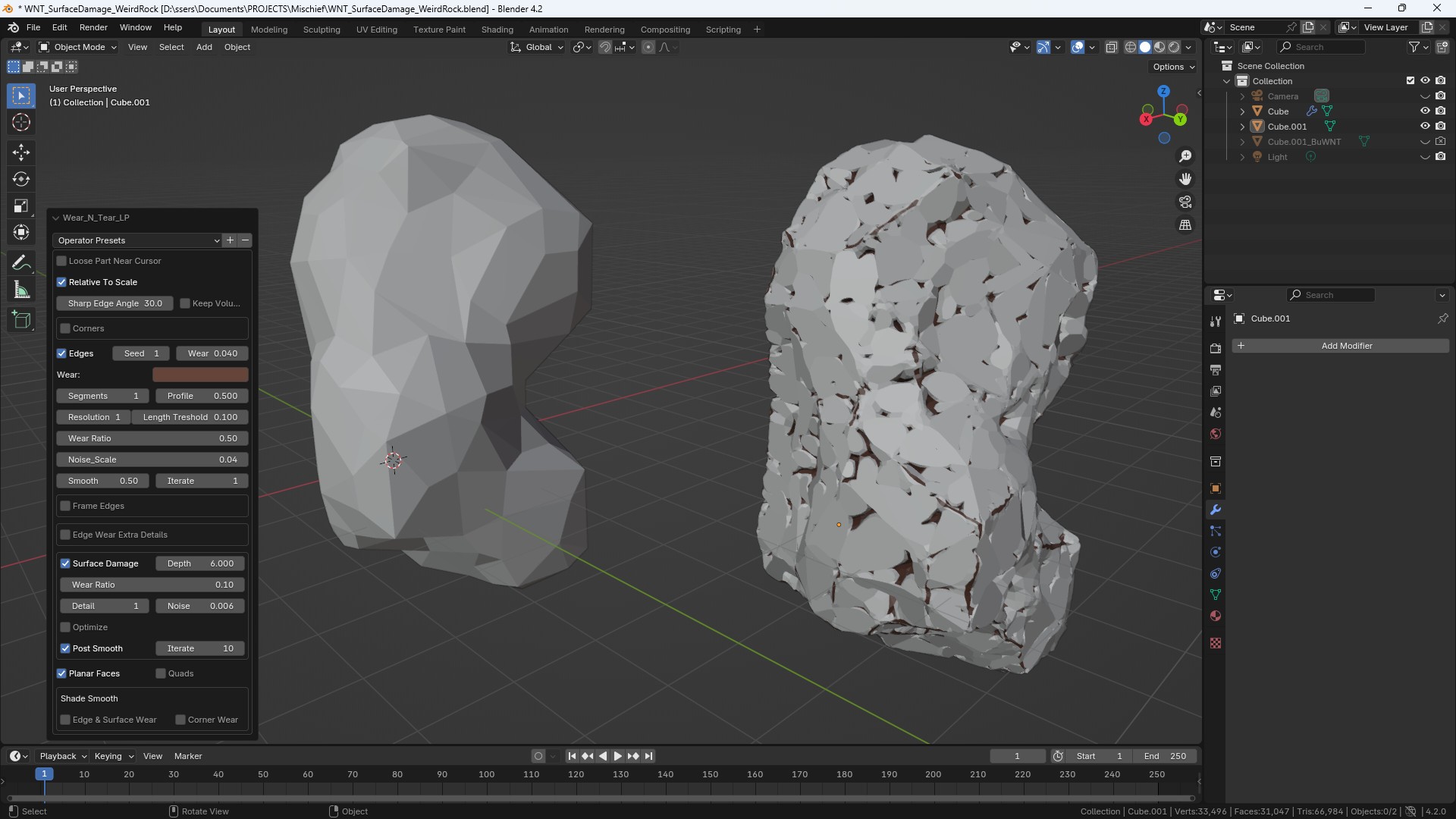
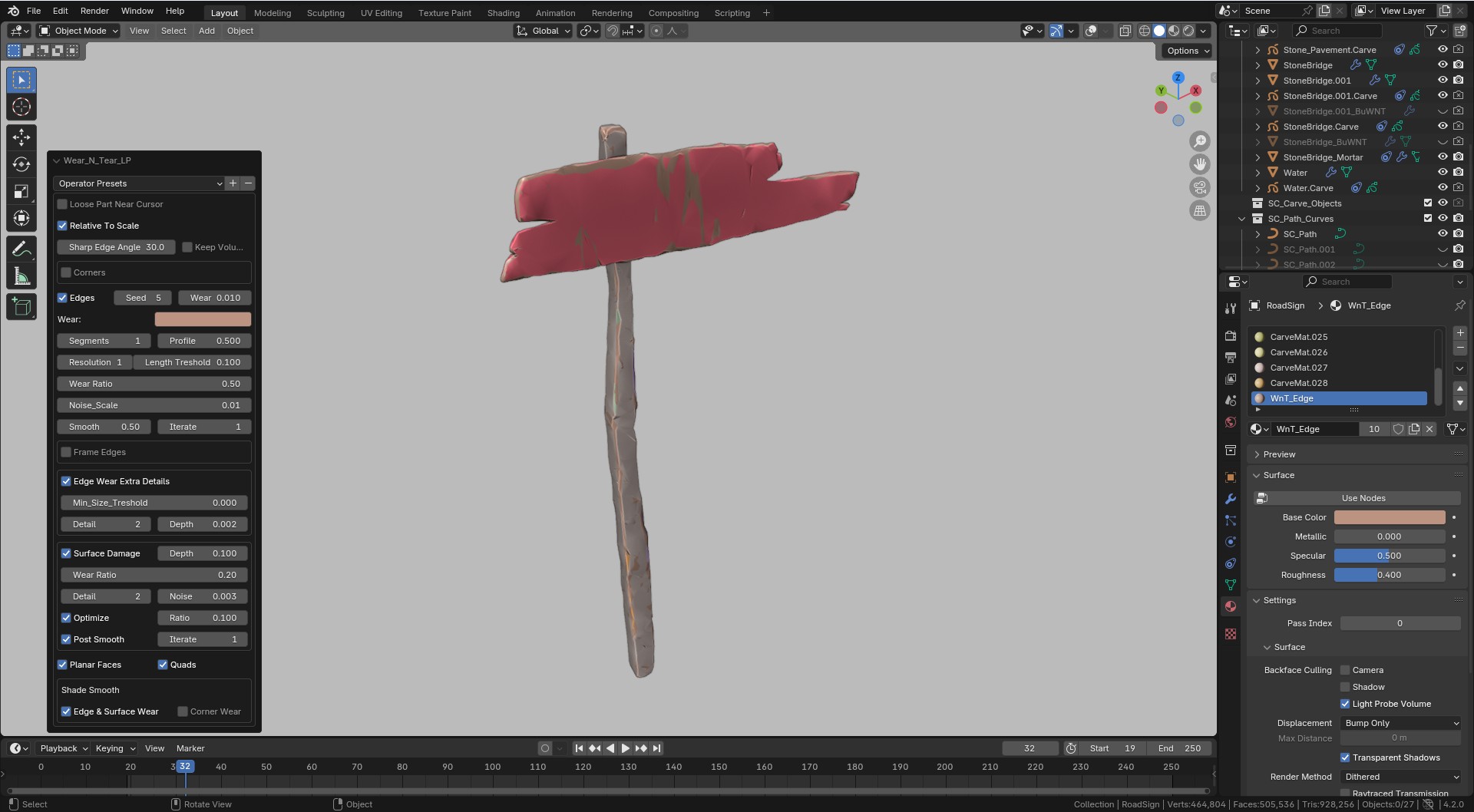
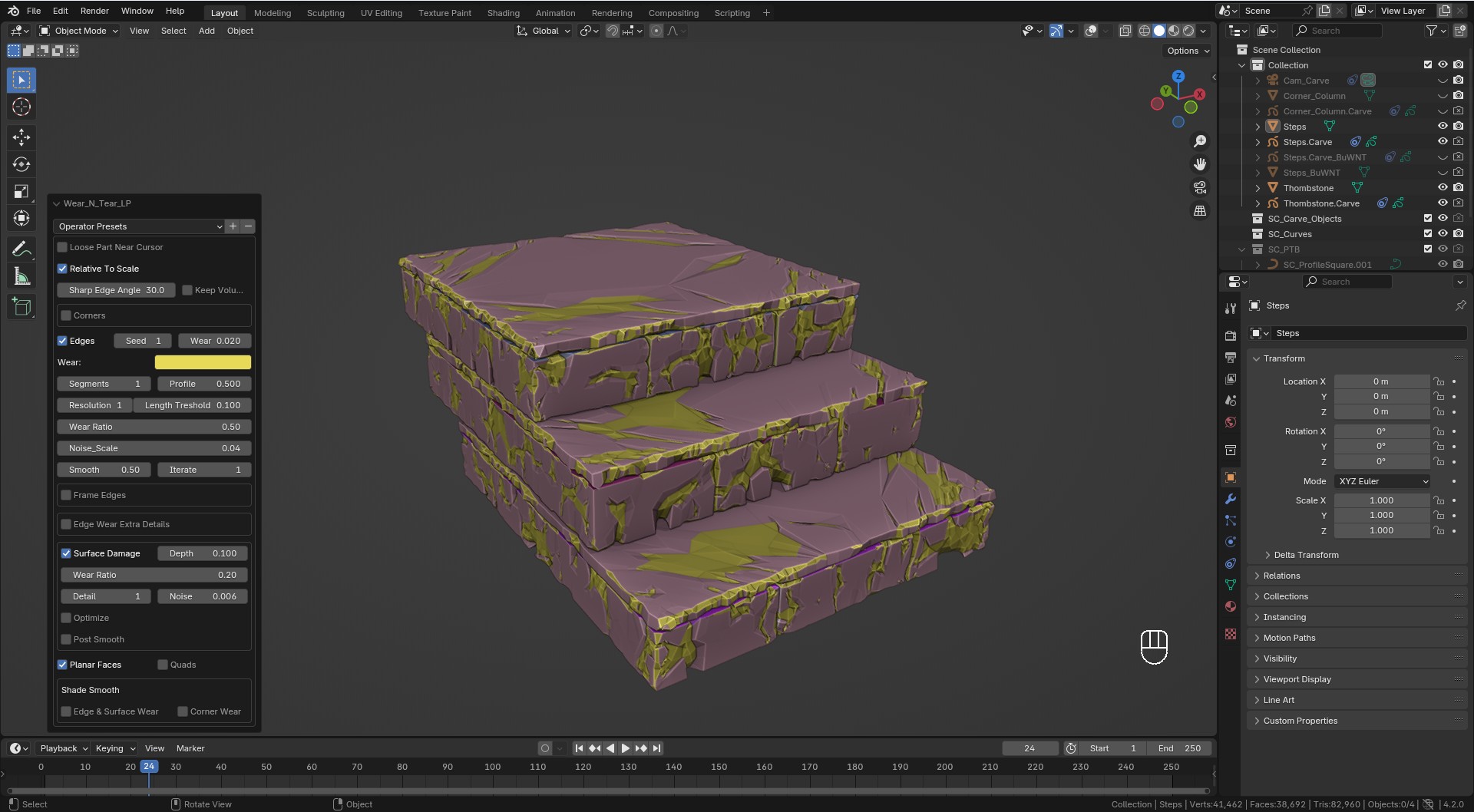
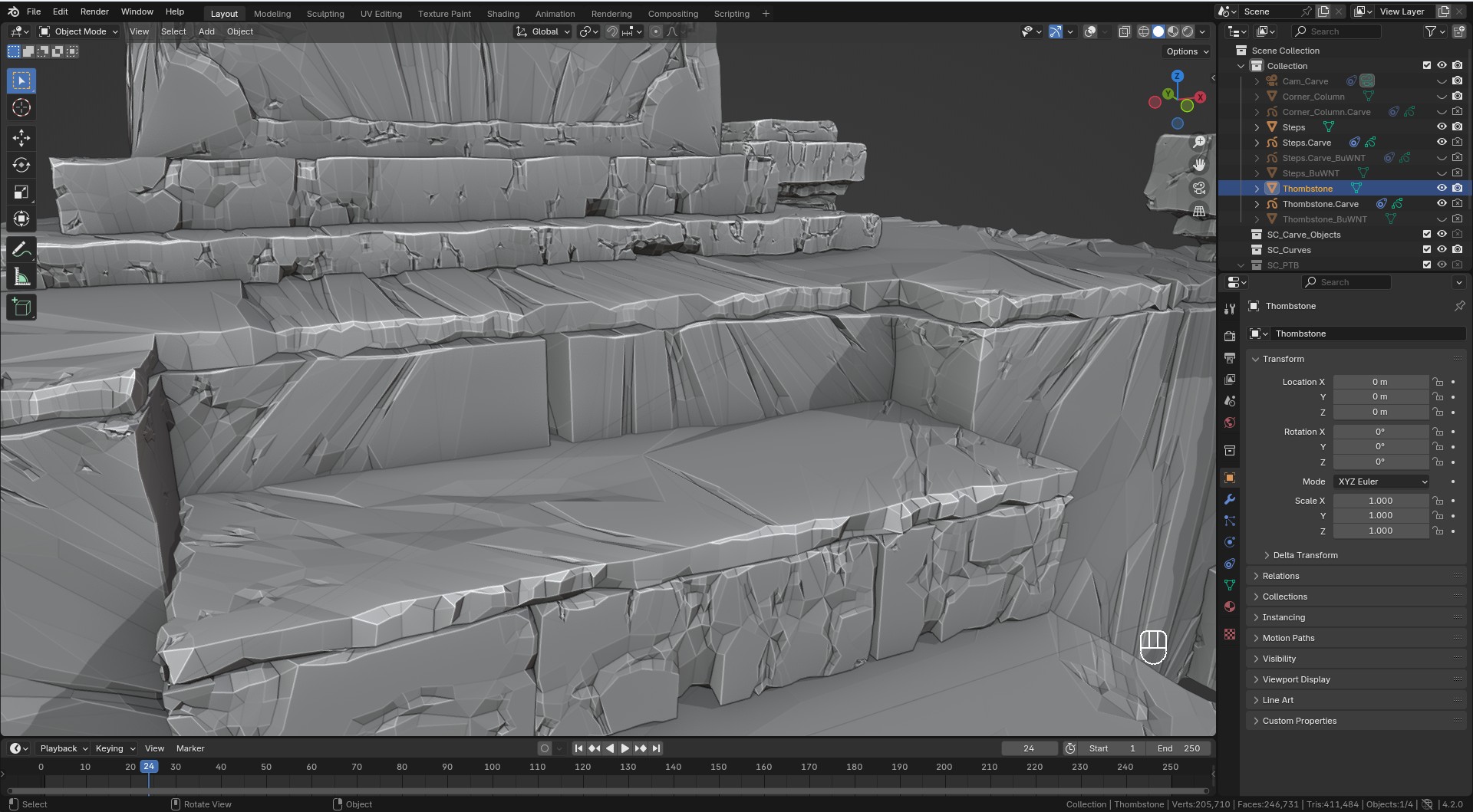
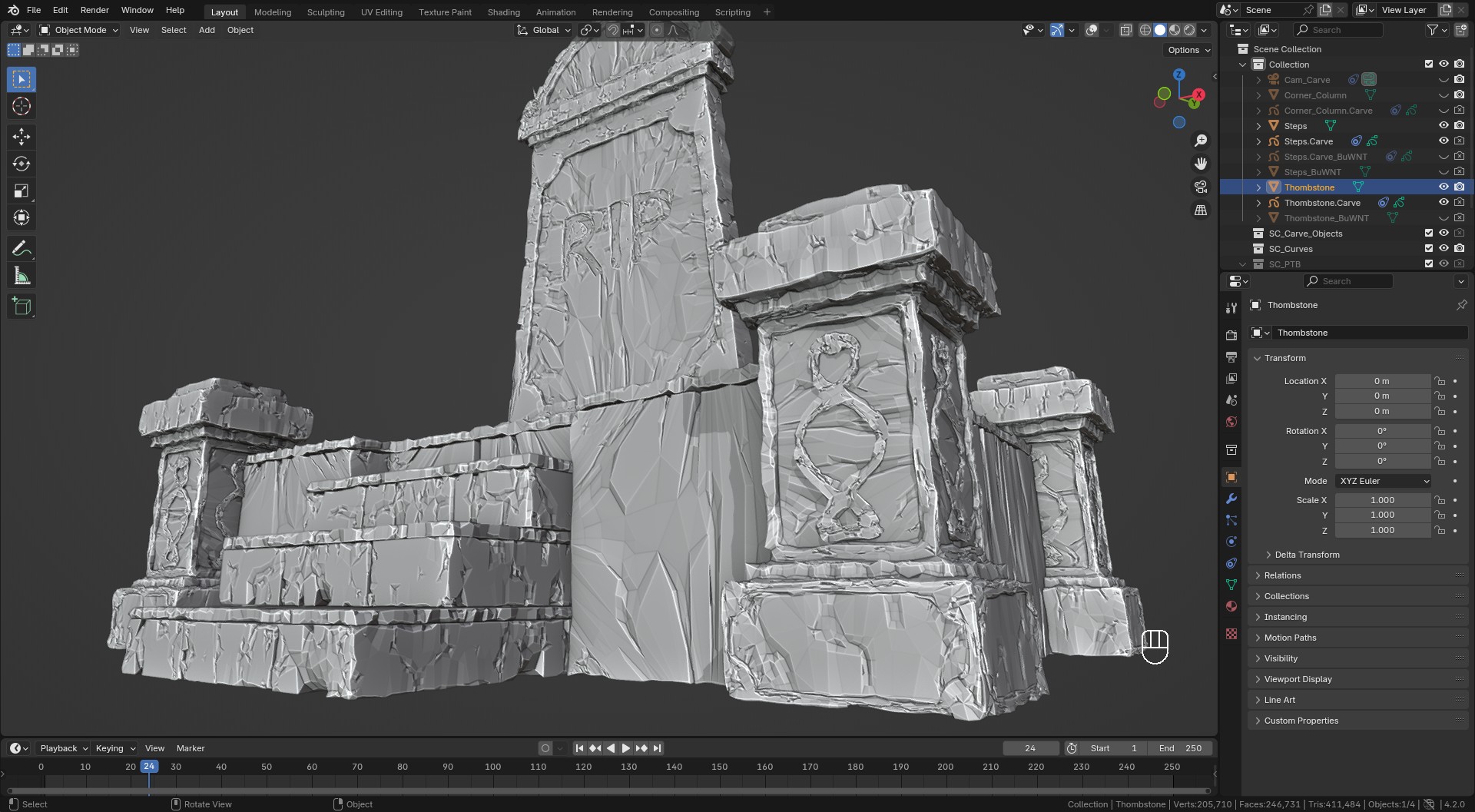
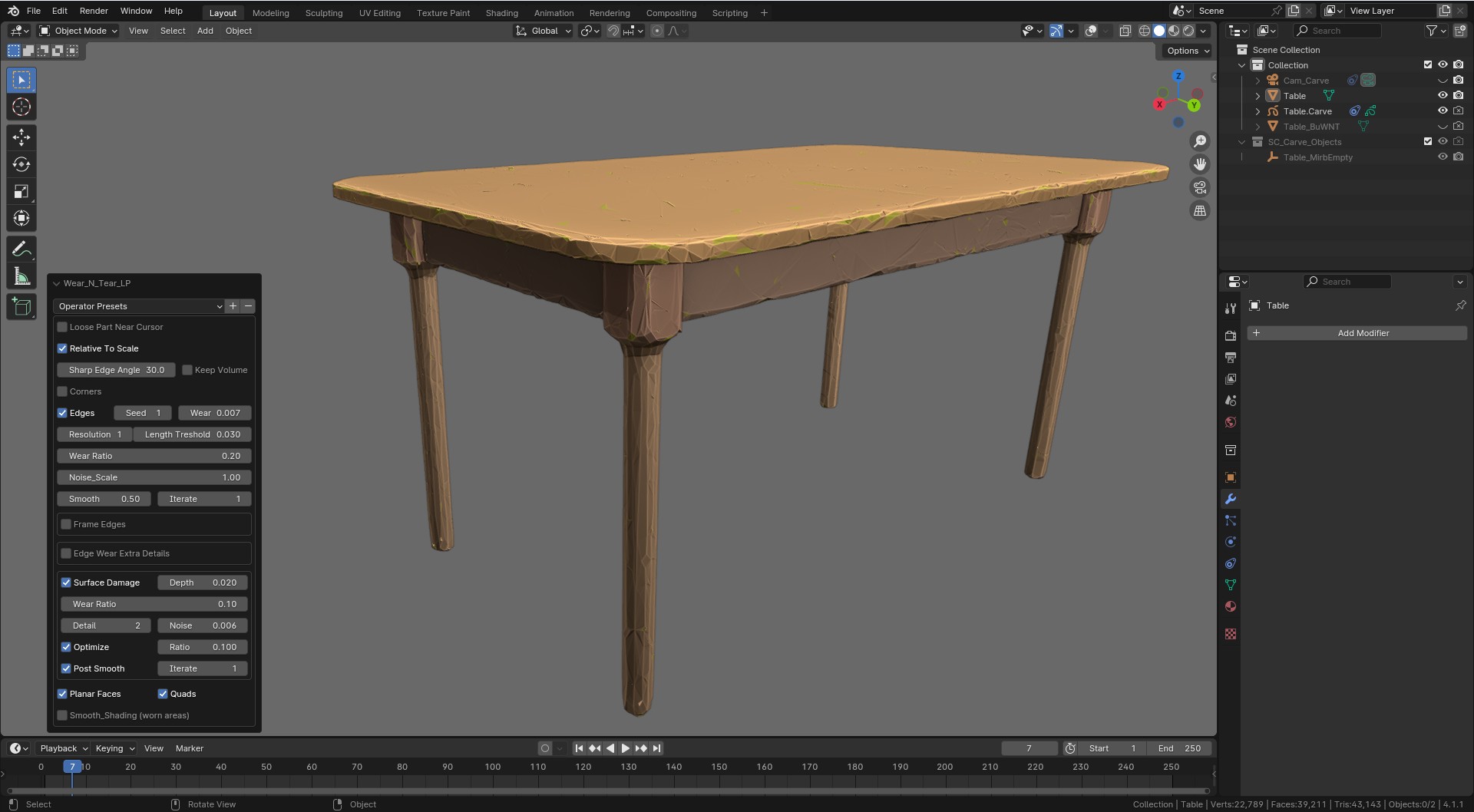
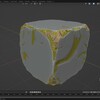
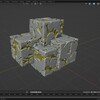
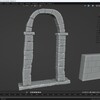
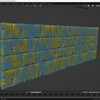
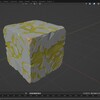
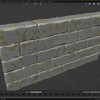
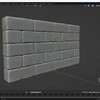
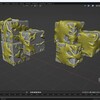
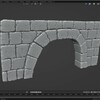
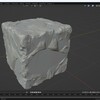
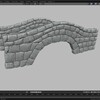
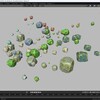
Wear N' Tear: Damage Control

Sahin Ersoz in Modeling


Item Rating

This item has an average rating of 5 from 13 ratings by the community.

70%
16%
16%
0%
0%

Purchase this item to leave a review!

  • WizjaPrzestrzeni
    over 3 years ago

    Make a proper Step-by-Step tutorial, man !
    How to get this effect or achieve that result.... slowly.
    Help us understand the power of that tool !
    Only 4 stars because of lack of proper tutorials for noobs. :)

    • Sahin Ersoz

      over 2 years ago

      Thanks, Wizja. There is a comprehensive tutorial video: Wear N' Tear: The Tutorial
      https://youtu.be/d33sX68JhDs

  • P
    over 2 years ago
    Average. Actually more like mediocre. First of all Sketch N Carve is absolute abomination of UI. Give me single key to draw shapes instantly in viewport projection rathern than whatever that is supposed to be. Ultimately these addons are not really anything new. They just streamline already existing functions of blender (that is why 99% of them are awful) and this one failed at the "streamline" portion of it, hard. So the higher bundles aboce pro are worthless to me.

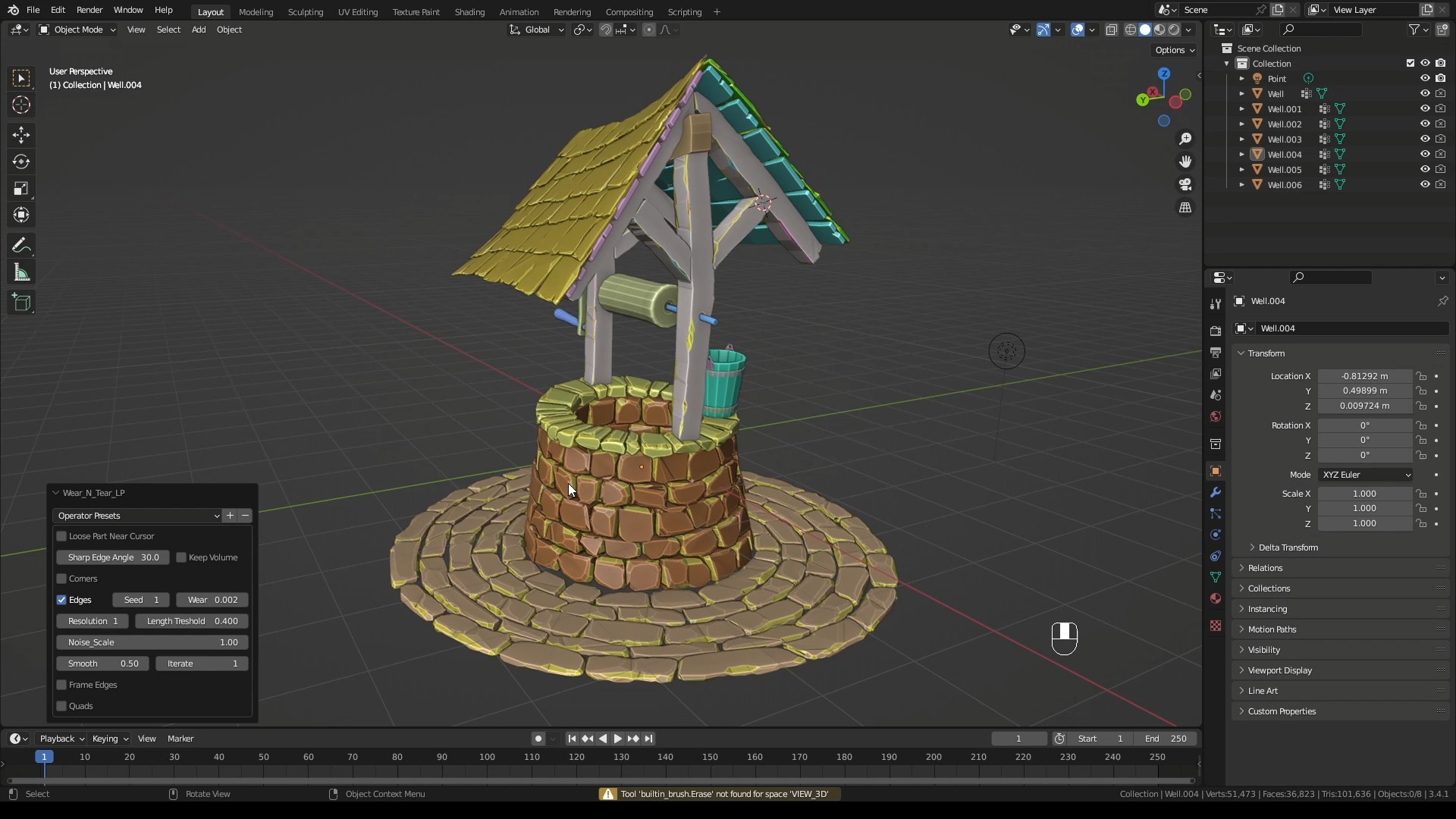
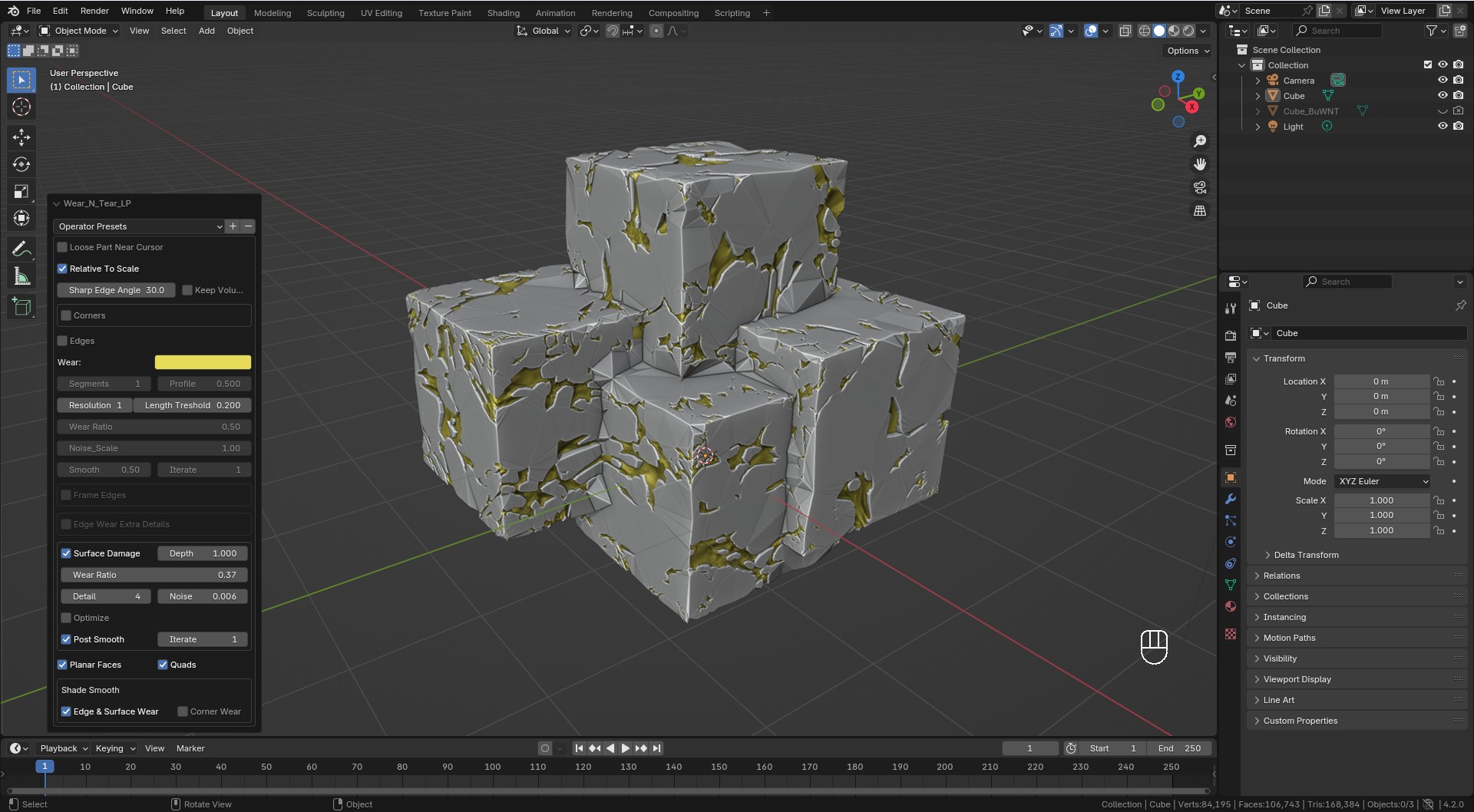
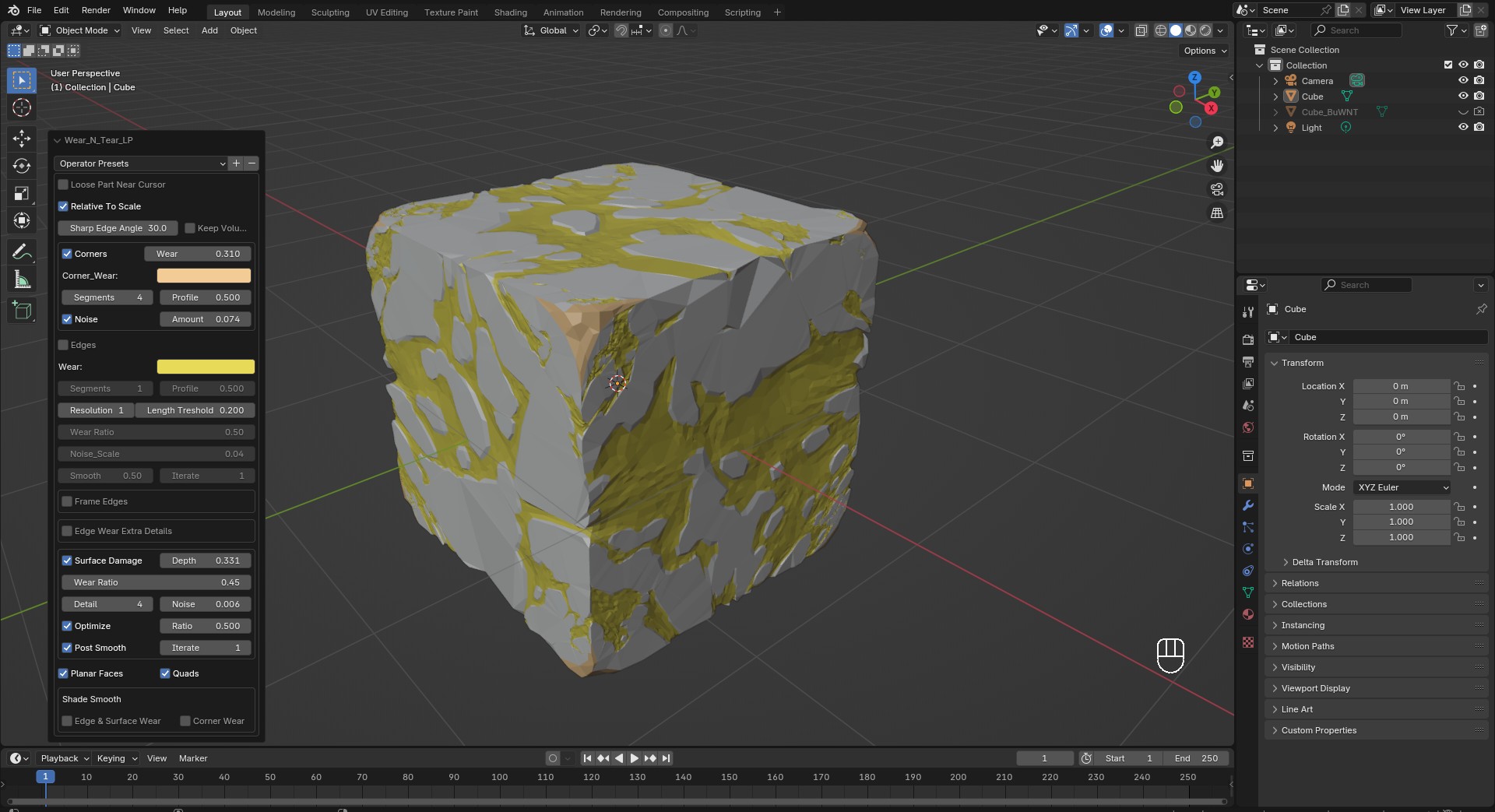
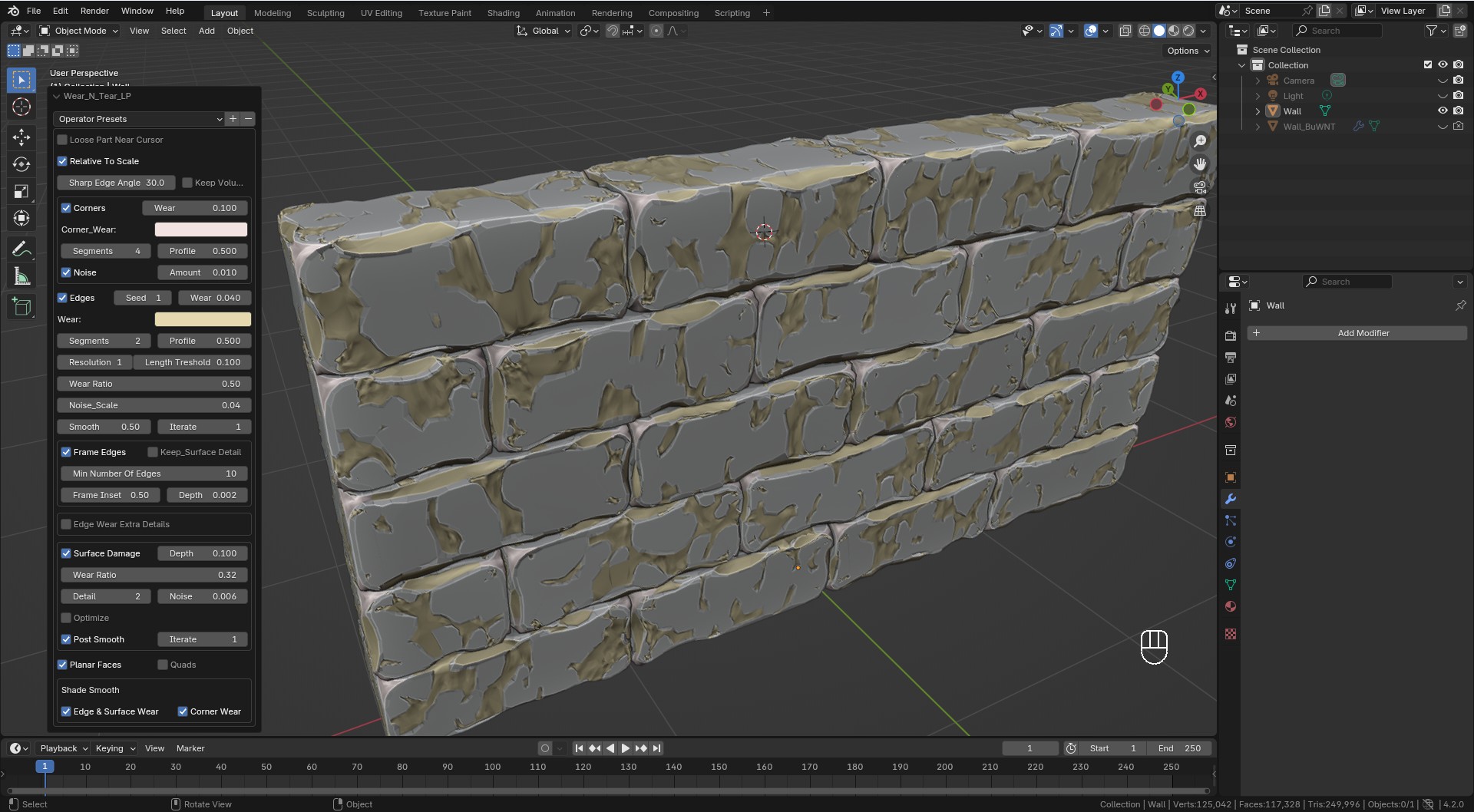
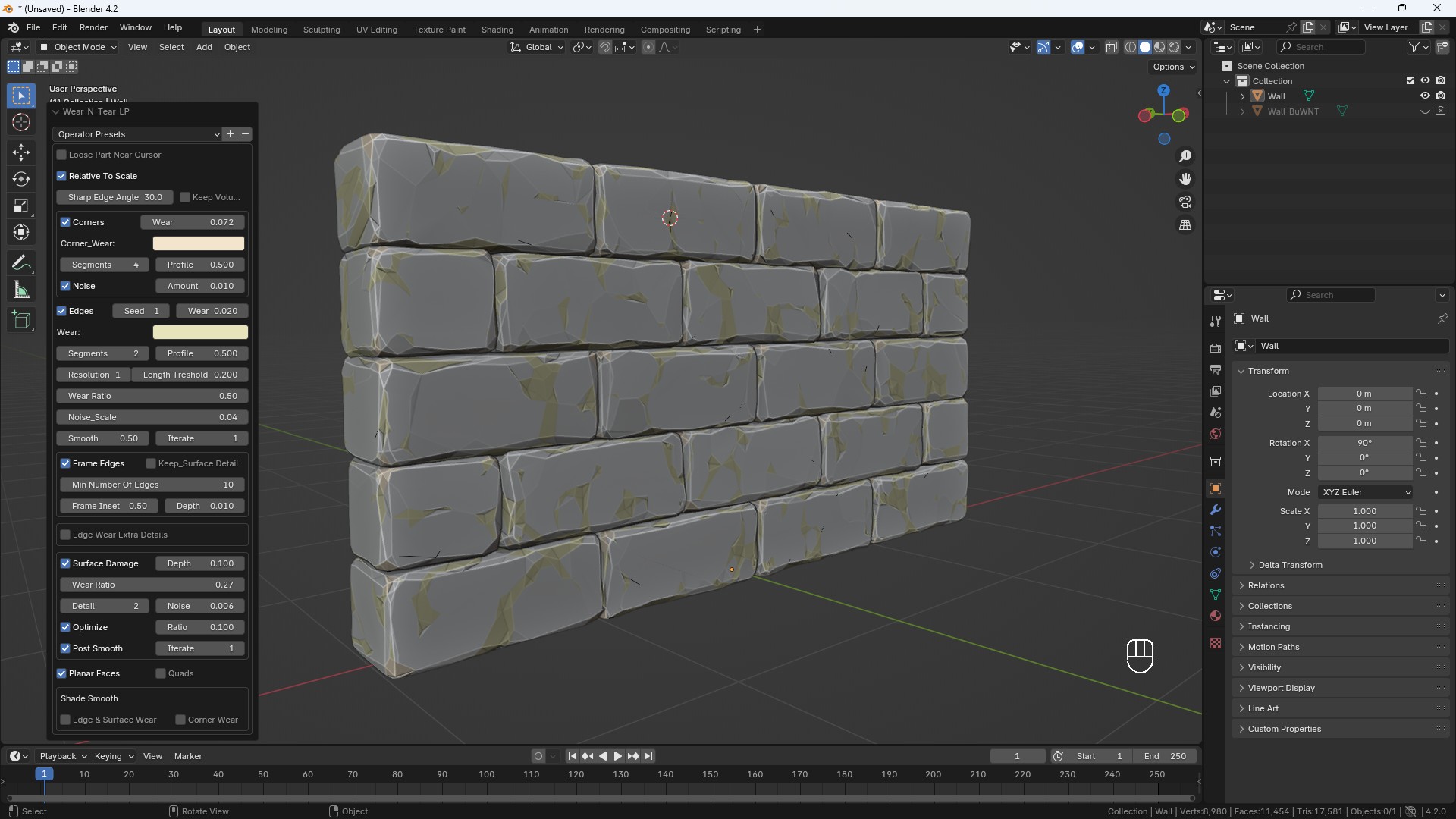
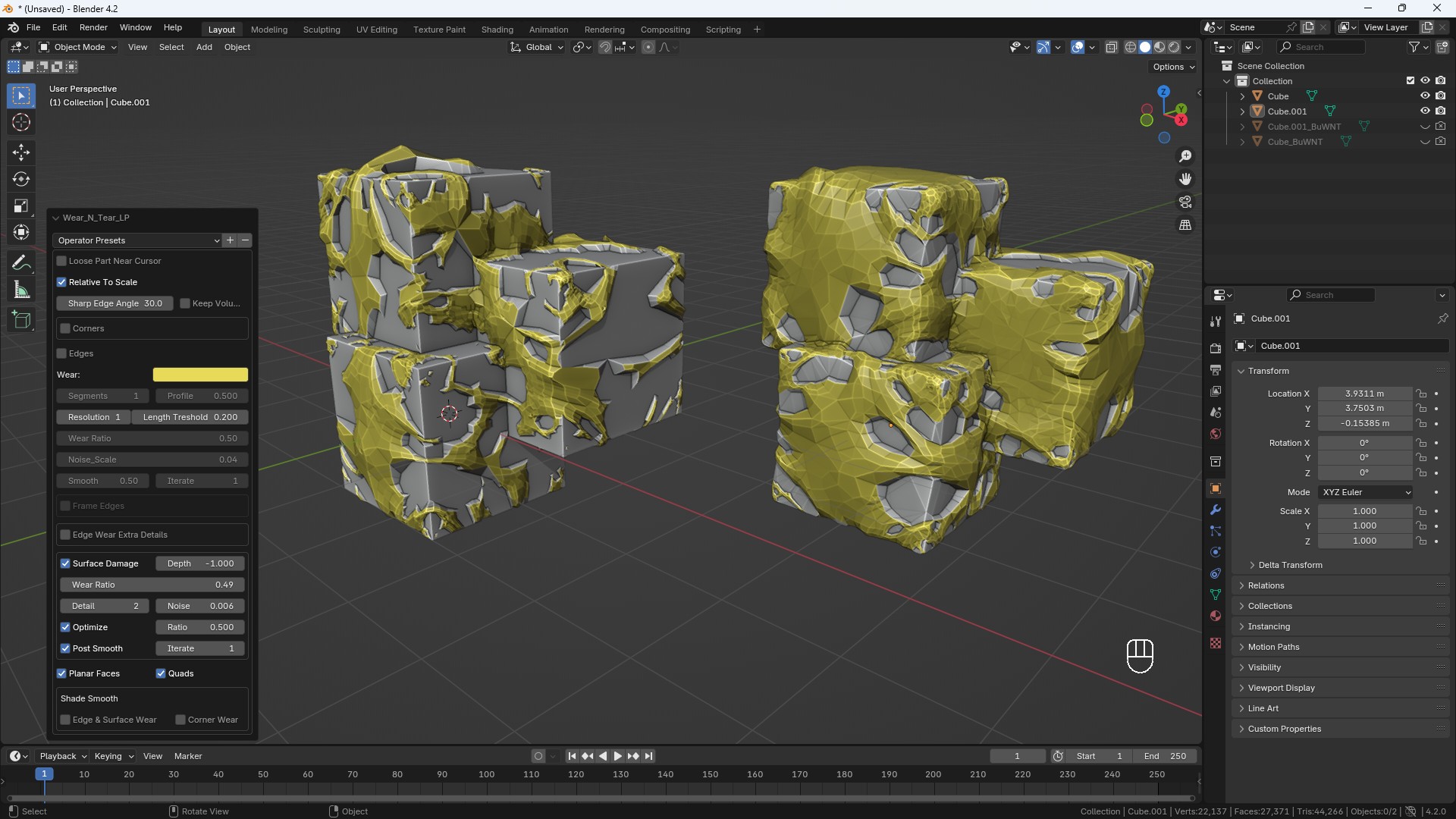
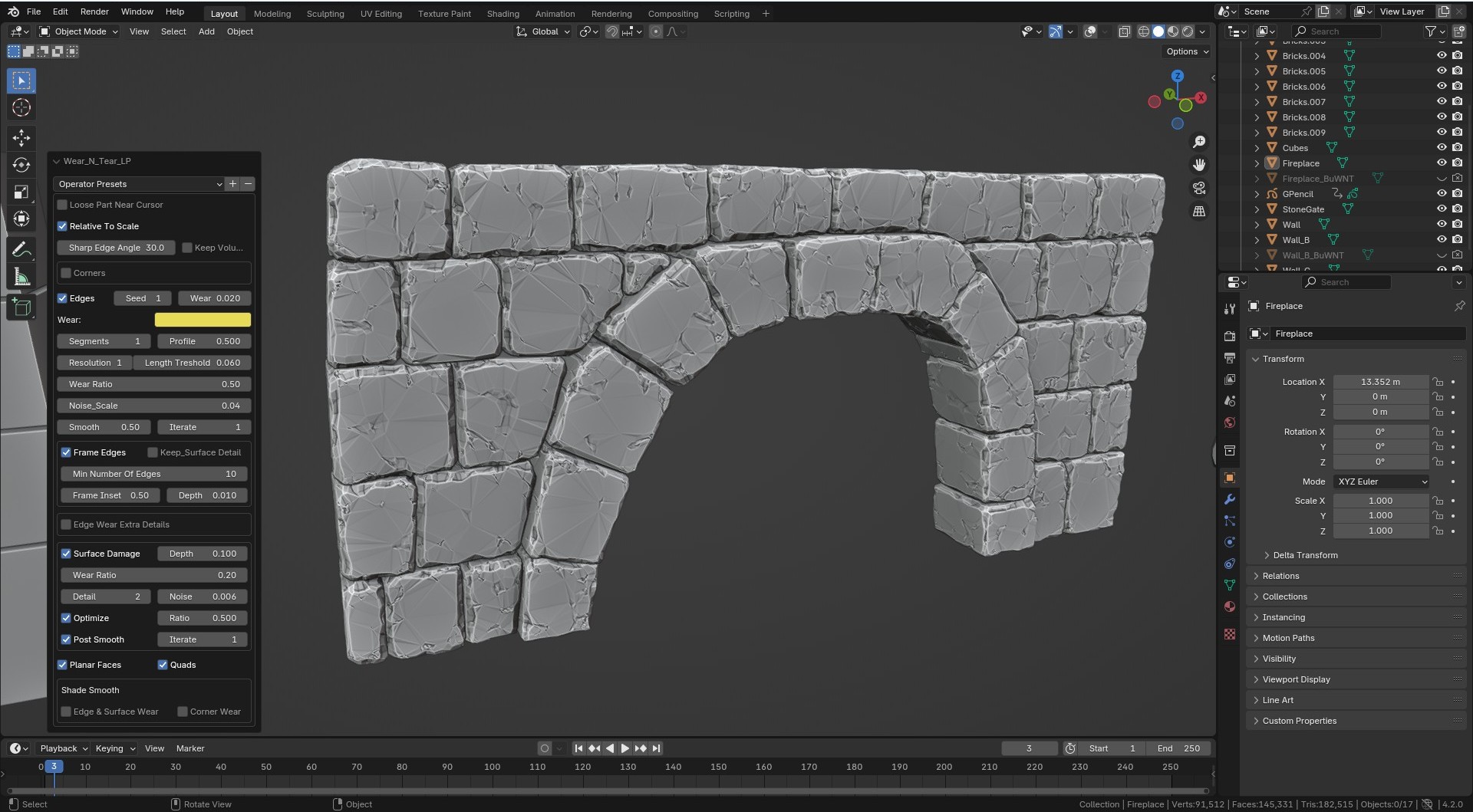
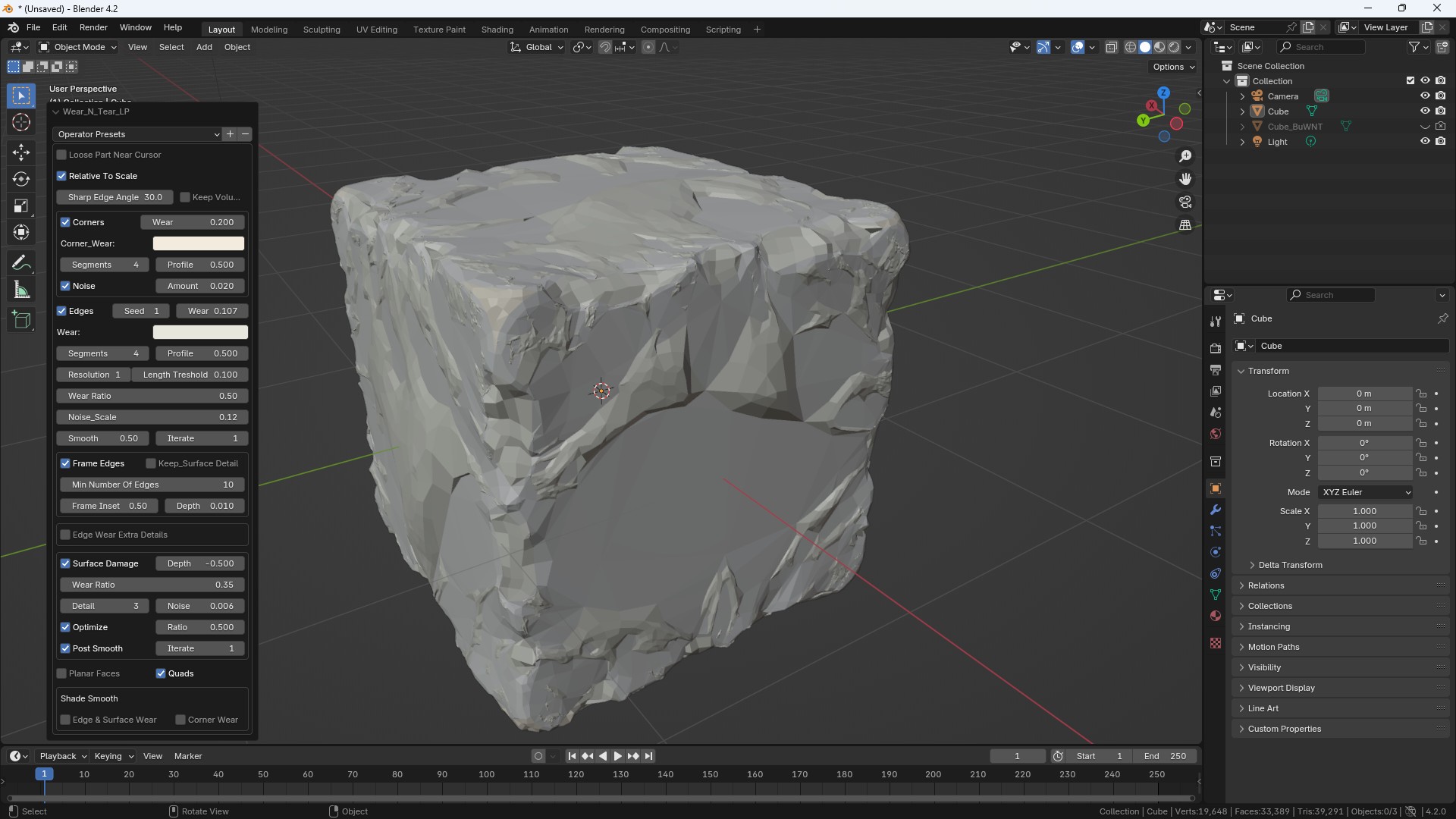
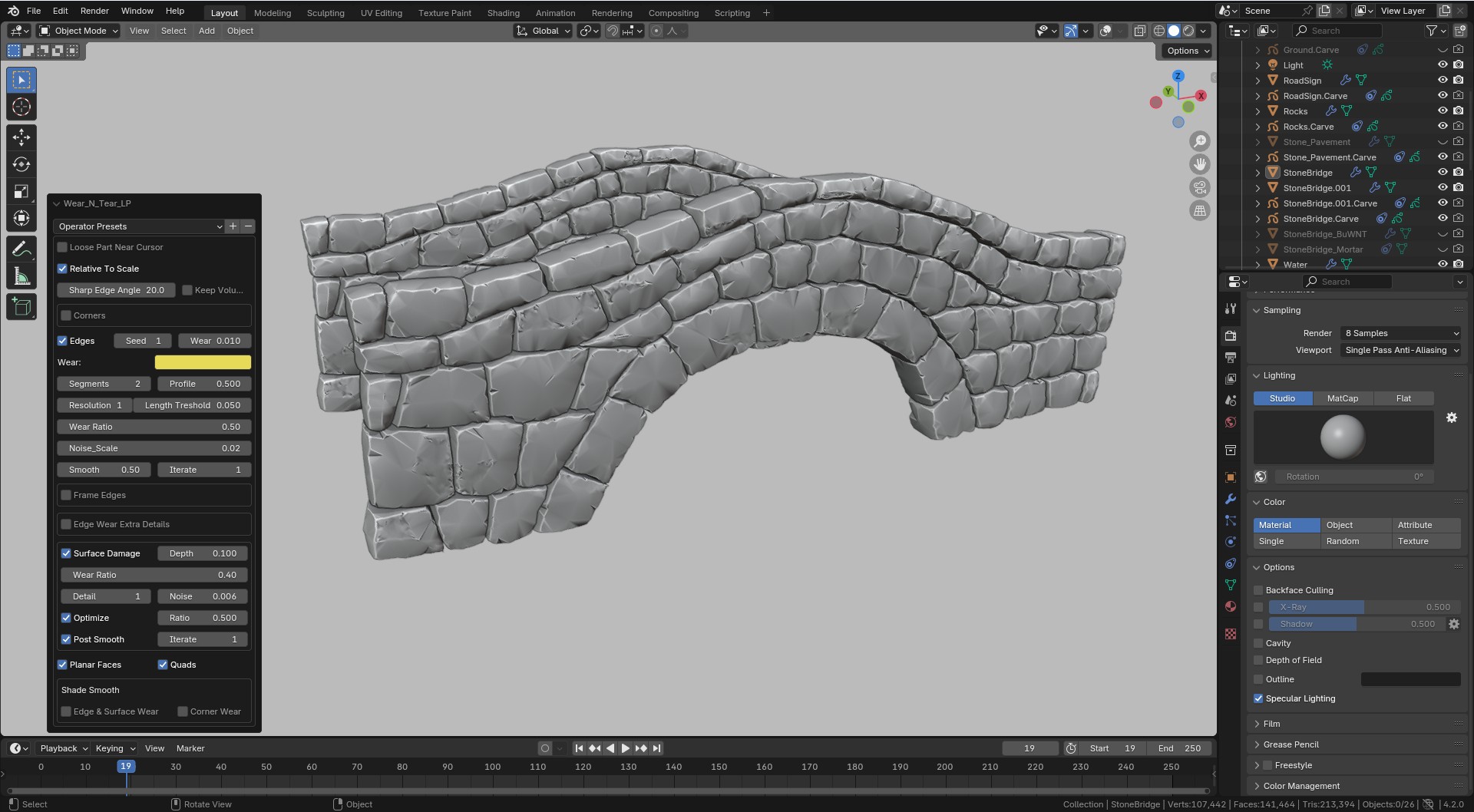
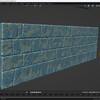
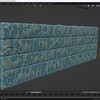
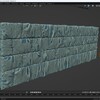
    Now Wear N Tear is ok but no cigar. Two modes LP and HP.

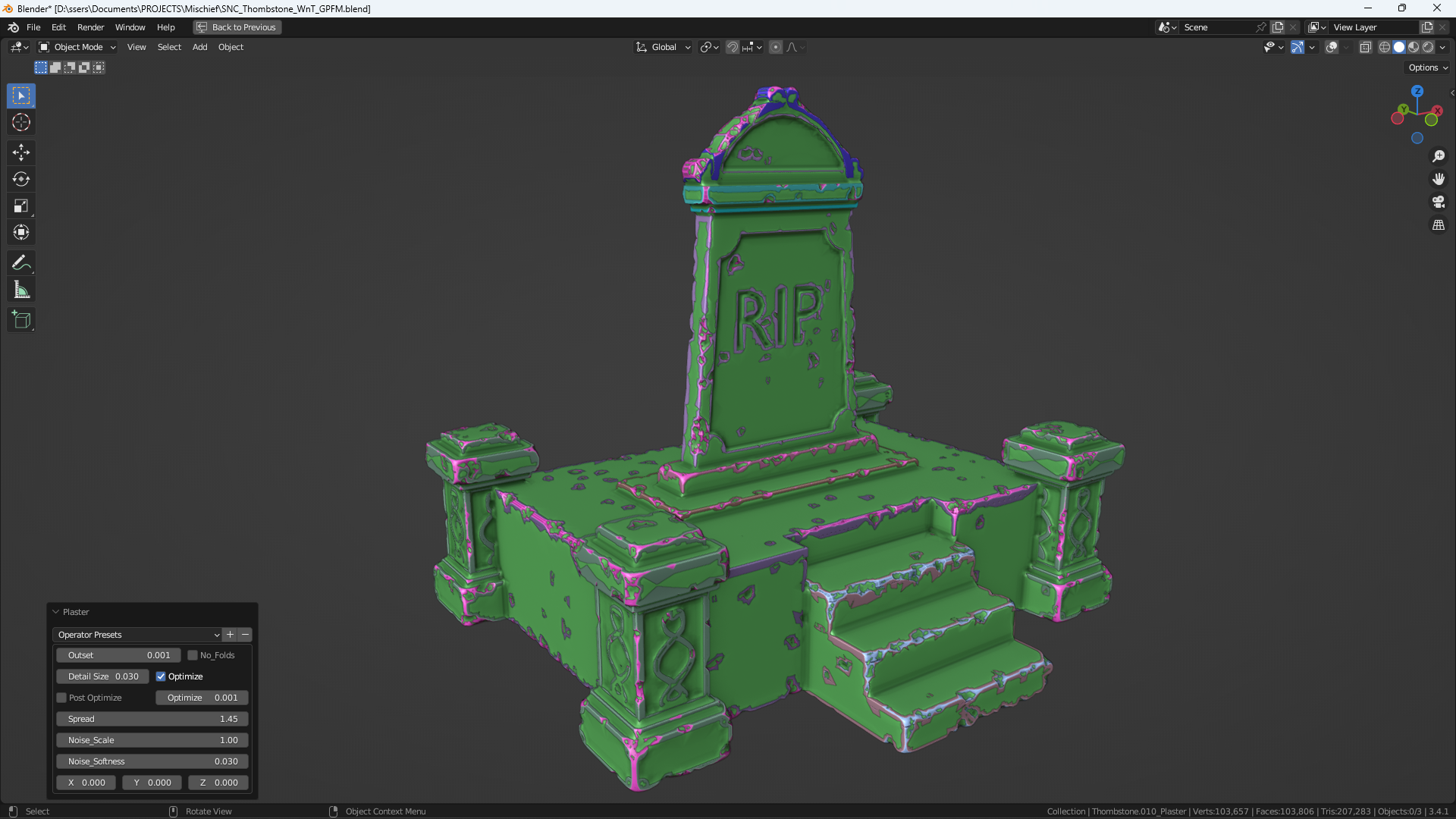
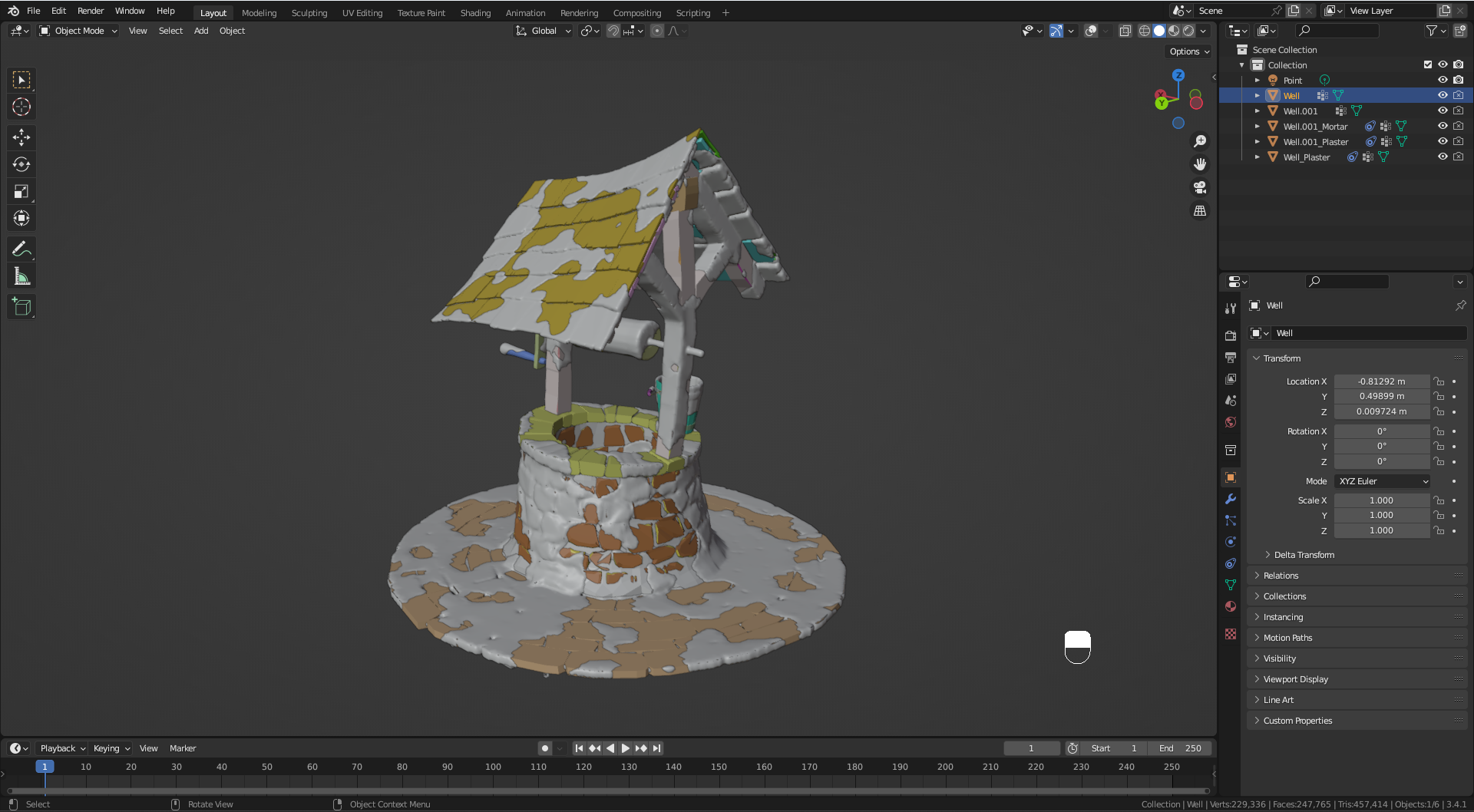
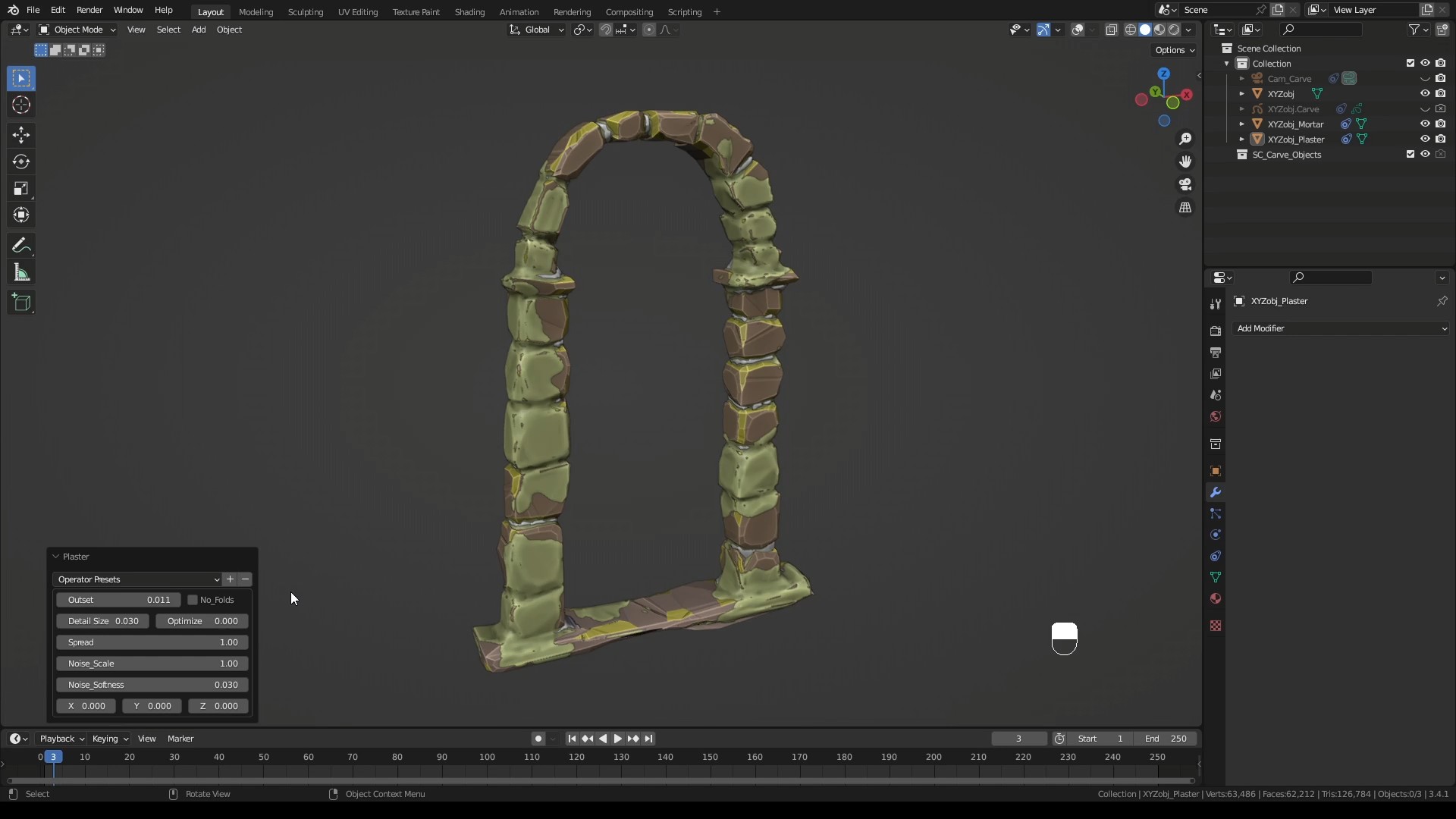
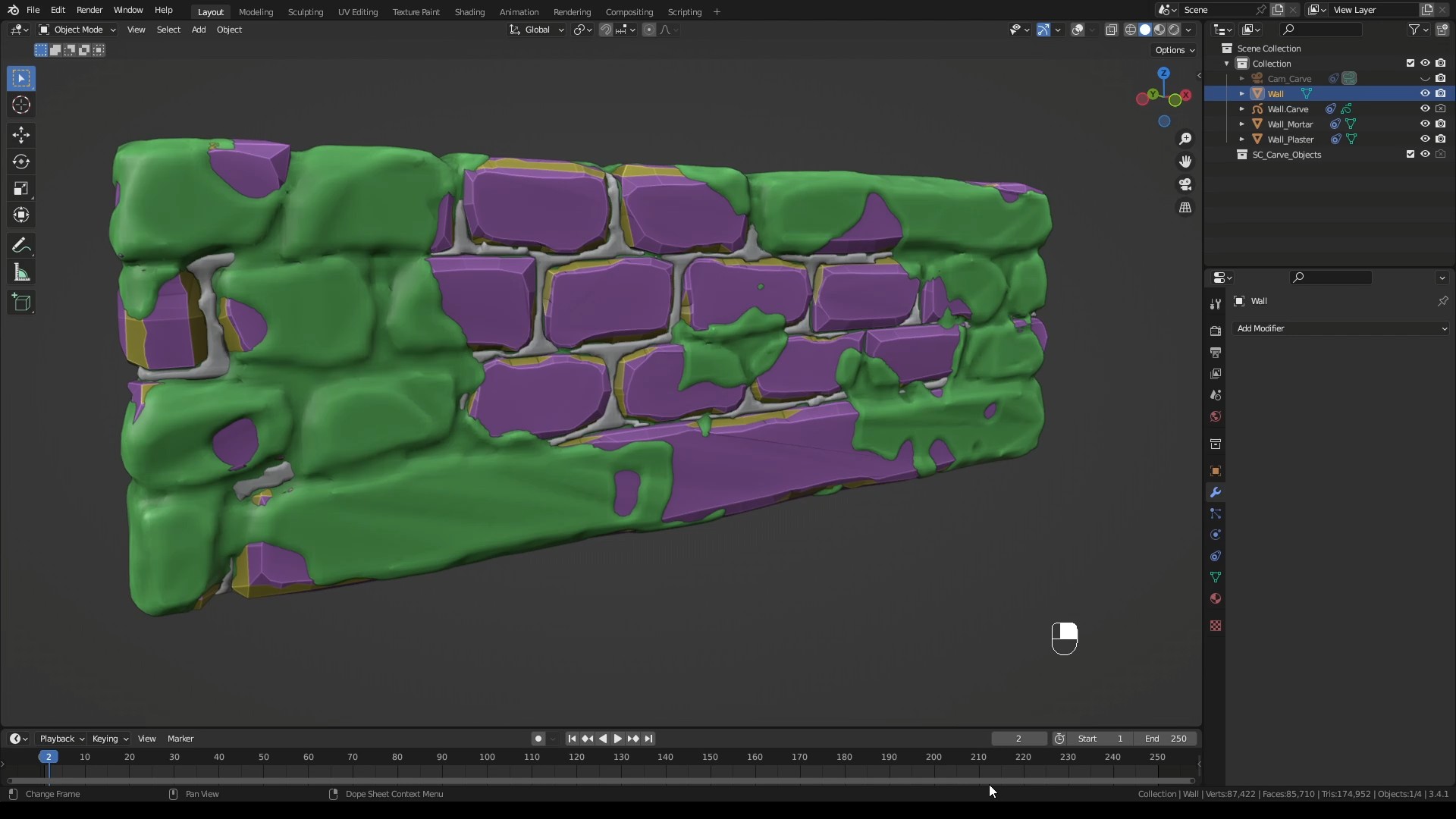
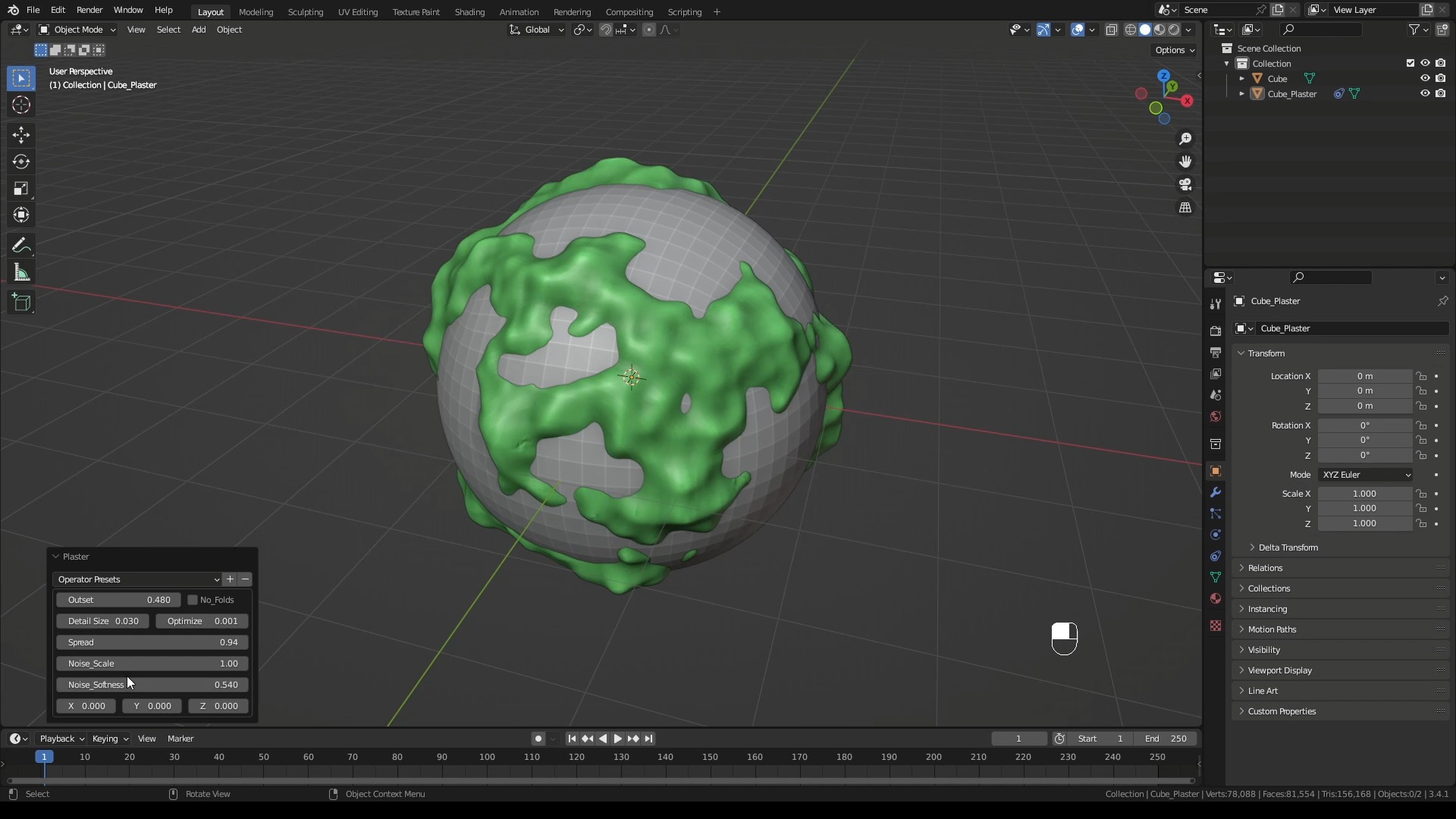
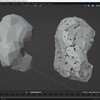
    Compared to OCD2 (at the time of writing) it can actually do small damage on edges. But just like there you can't really bevel them on geometry you either bevel in shader or remesh. But it has no hero portion of OCD2 which is a shame. Plaster and mortar are nice addition though again end effect is not something that will look better vs proper displacement scanned texture. So its for stylized graphics only but especially mortar is nice. What I don't like is that plaster (that can be moss) is not separated into two layers, plaster and moss. And moss should be ON TOP of plaster. So its something to improve. Grunge (in HP mode) sometimes work. Buggy as hell. Because I am guessing it is based on blenders atrocious booleans?

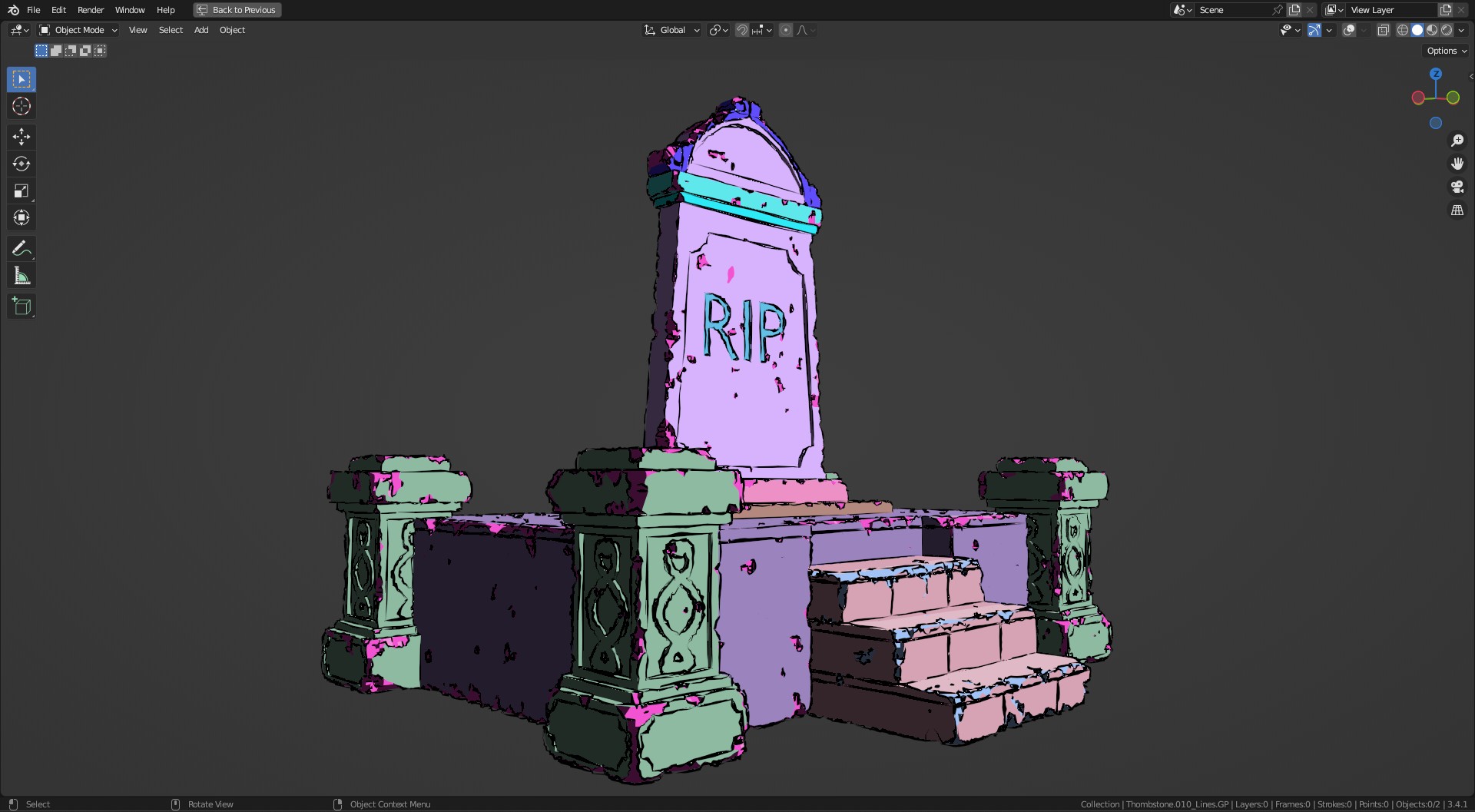
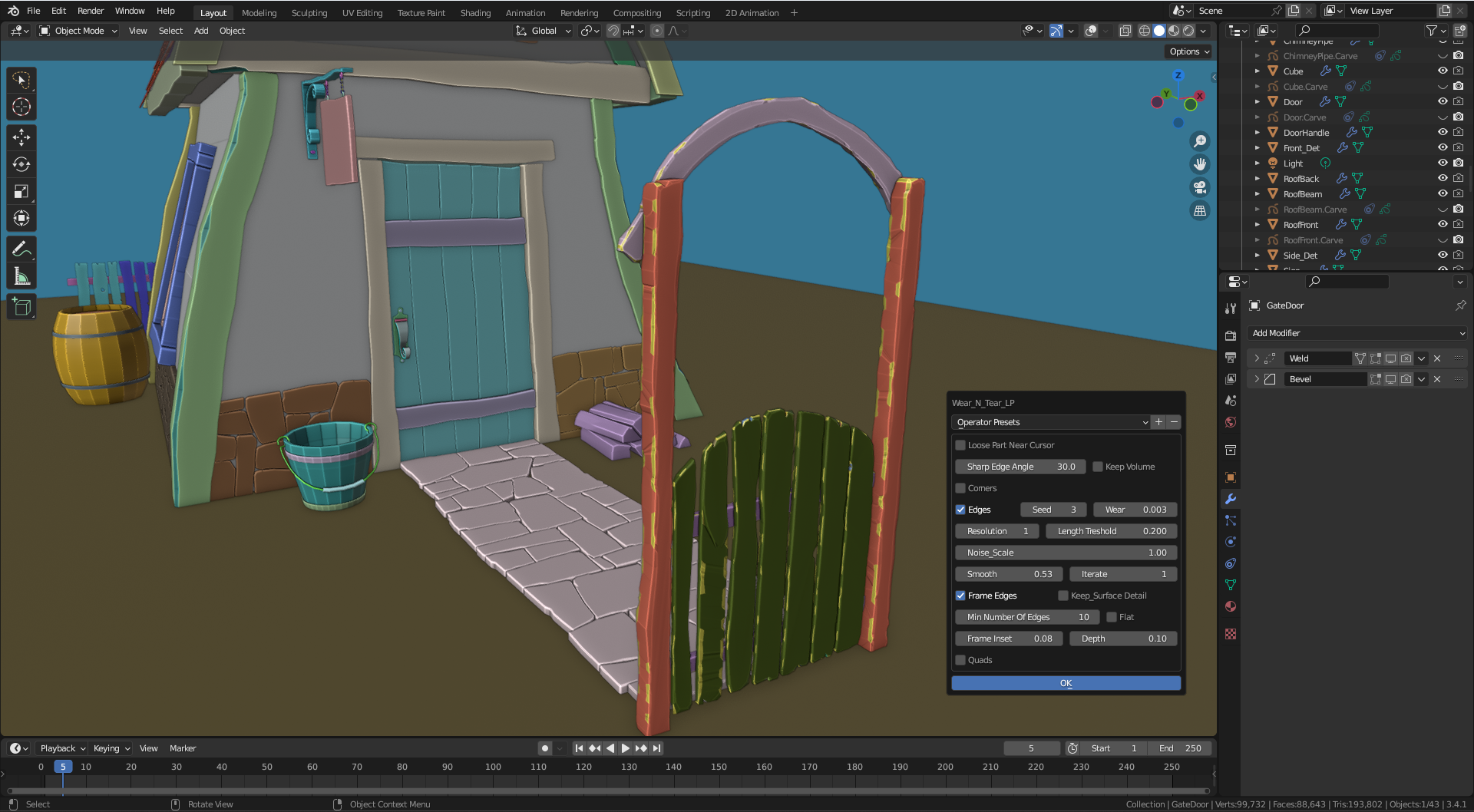
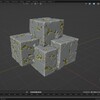
    LP and HP edge damage modes work in completely different fashion. HP has grunge and texture choices and rotation. LP does not. Lp however has inset edges with height so edge damage looks different and for that it is a valid secondary mode. Unfortunatelly it is unable to cause any damage in the middle of poligon which severly limits its usage. I wish there was option to add damage there with some tesselation. Also if you remesh it awful triangles will be caught in the center of the polygon unless you use flat/keep volume ticks but that makes sides completely flat and boring. It really comes down to if it would be possible to have tesselated middle of the poligons with additional damage then it would be pretty good.

    In the and, SNC skip. WNT damage is a lot better then OCD2 but OCD2 has Hero remesh (voxelize + displace). I use both addons together for that reason. Of course you could write your own geometry nodes to remesh and displace and in that situation WnT is better then OCD2 by huge margin.
    Also presets are really nice to have. So big plus there.

  • pumpchin
    over 3 years ago

    pros:
    - more options for customization than other similar addons

    cons:
    - viewport realtime performance not as good as in similar addons
    - documentation is lacking basic usage instructions

  • Wear N' Tear LP (Stylized Low Poly Edge Damage) + Wear N' Tear HP (High Poly Edge & Face Damage)

    $10
  • Wear N' Tear + Mortar + Plaster

    $16
  • Wear N' Tear PRO + Sketch N' Carve CORE: Cut cracks, cut parts off, add scratches, rip, tear, shred. Heck, build the model first with Sketch N' Carve CORE which is a full function modeler.

    $24
  • Wear N' Tear Damage Control + Sketch N' Simulate SE (Rigid Body physics simulation for debris posing) +Surface Damage (WNT_LP) + Grunge + Procedural Textures

    $30
$10

Have questions about this product?
Login to message

Details
Sales 1200+
Rating
13 ratings
Dev Fund Contributor
Published over 3 years ago
Blender Version 3.1 - 5.2
Extension Type Add-on
Render Engine Used Cycles, Eevee, Freestyle
License GPL