 Tristan Muzzu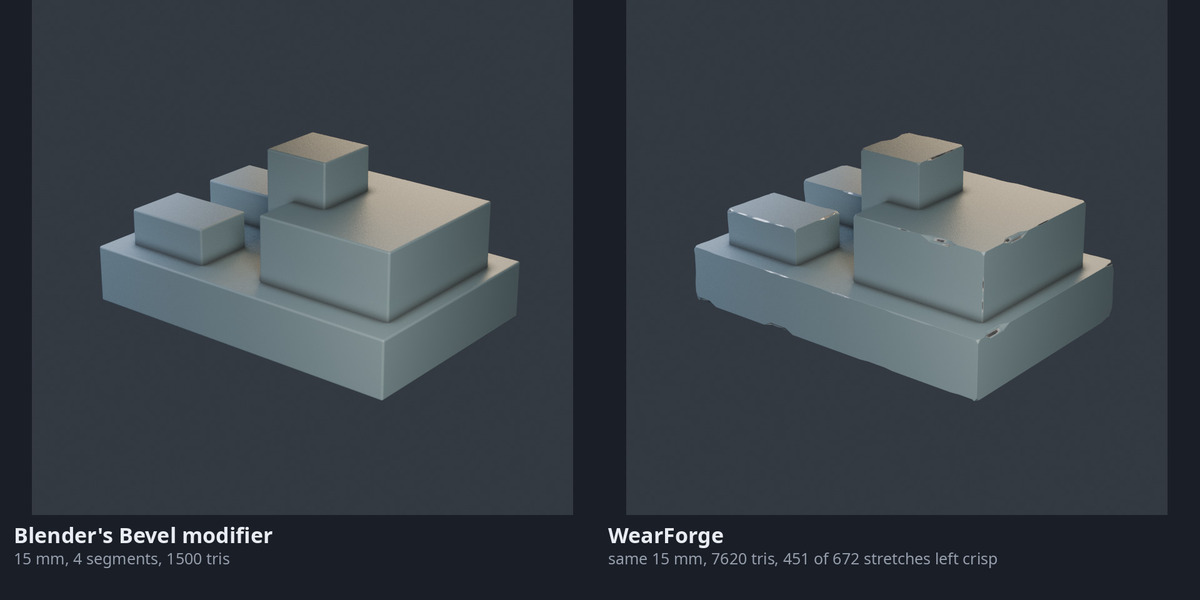
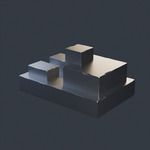
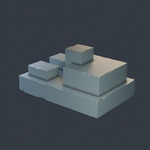
Chipped edges for close-up renders
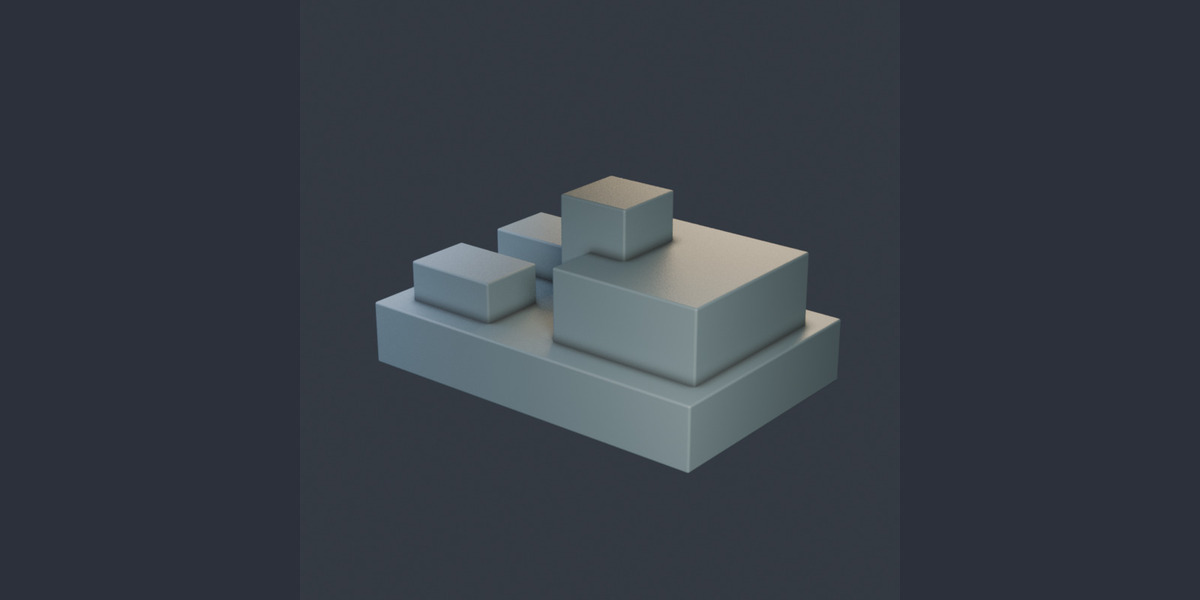
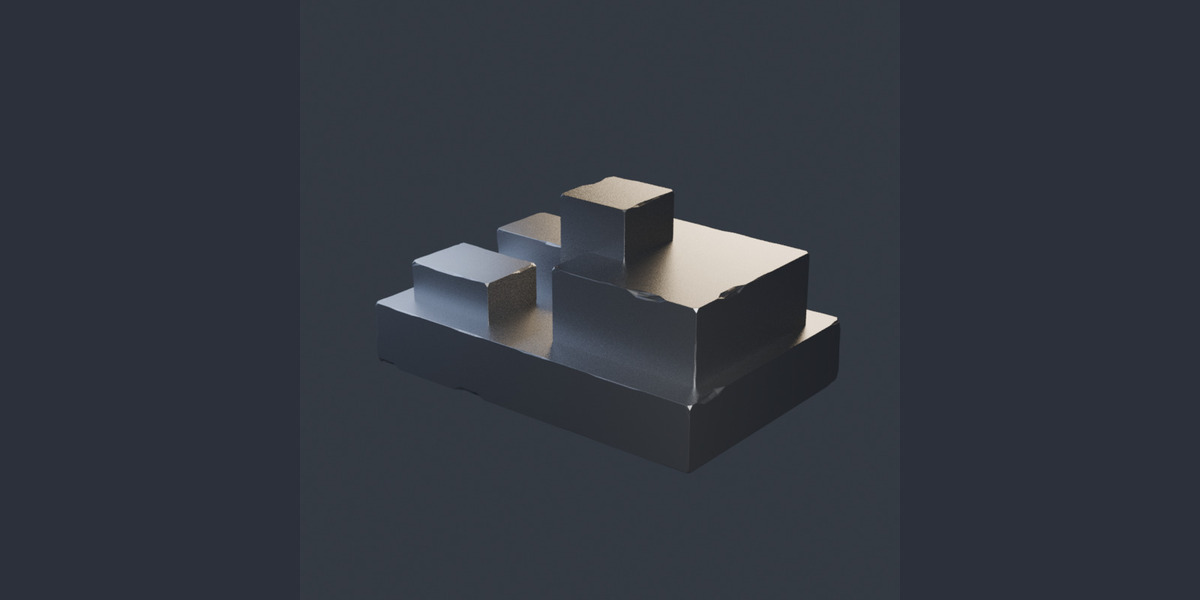
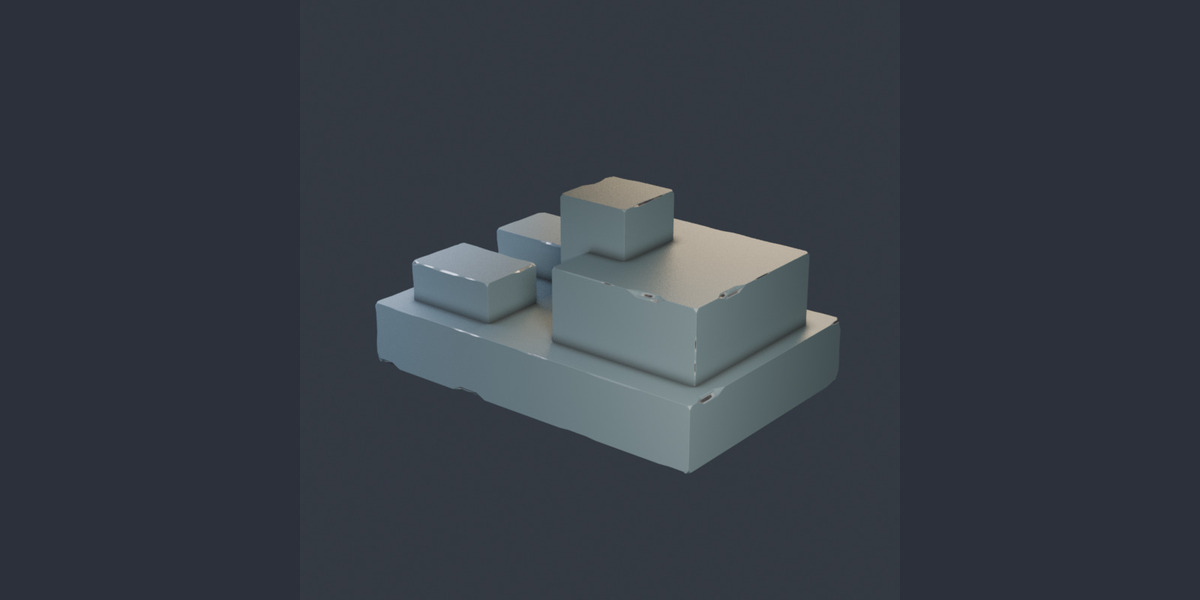
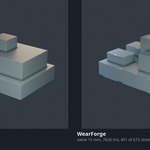
WearForge adds uneven chamfers and small chips to the sharp edges of your mesh. The wear is real geometry, so it changes the silhouette and stays with the model when you export it.
Set the edge angle and wear amount to suit the object. The chamfer varies along each edge, leaving some stretches crisp and opening up others. Chips cluster in patches, with more wear on exposed edges and less underneath. Flat faces are kept planar.
Paint and exposed metal
The optional material puts paint on the surface, bare metal in the chips and dirt in the chamfers. It is added only when the object has no material of its own. For your own shaders, the wear point attribute marks the chipped areas.
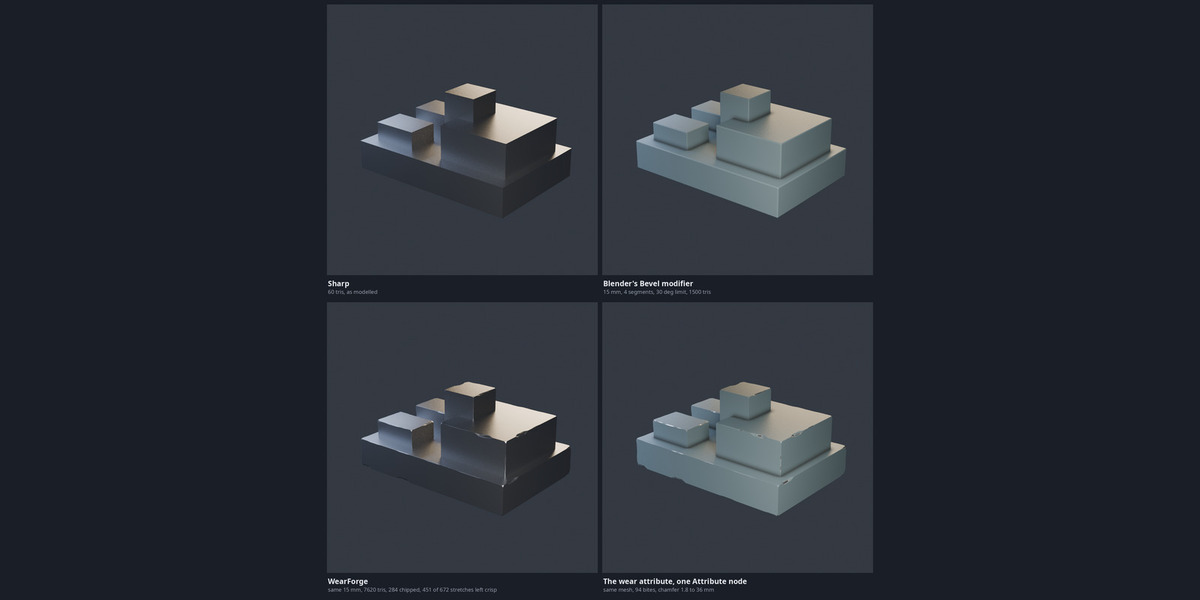
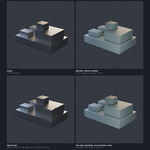
This is subtle surface damage. It is most useful for close views of props and machinery; it will not make an object look heavily damaged from a distance. The gallery includes a comparison with Blender's Bevel modifier at the same width and camera angle.
Download and installation
Includes WearForge 0.4.0 and its manual. Supports Blender 3.6 through 5.2. On Blender 4.2 and newer, drag the ZIP into the Blender window or use Install from Disk. On older versions, install it through Preferences > Add-ons. Licensed under GPL v3.
For help or bug reports, use the contact link on this page. Include your Blender version and the steps that led to the problem.
Also available in the Sci-Fi Hard Surface Bundle: PanelForge, LineForge, WearForge and the six-piece Sci-Fi Corridor Kit for $9.99. The three add-ons alone cost $14.97 bought separately; the corridor kit is included at no extra cost.
