 HV Textures



Elevate Your Texturing Workflow
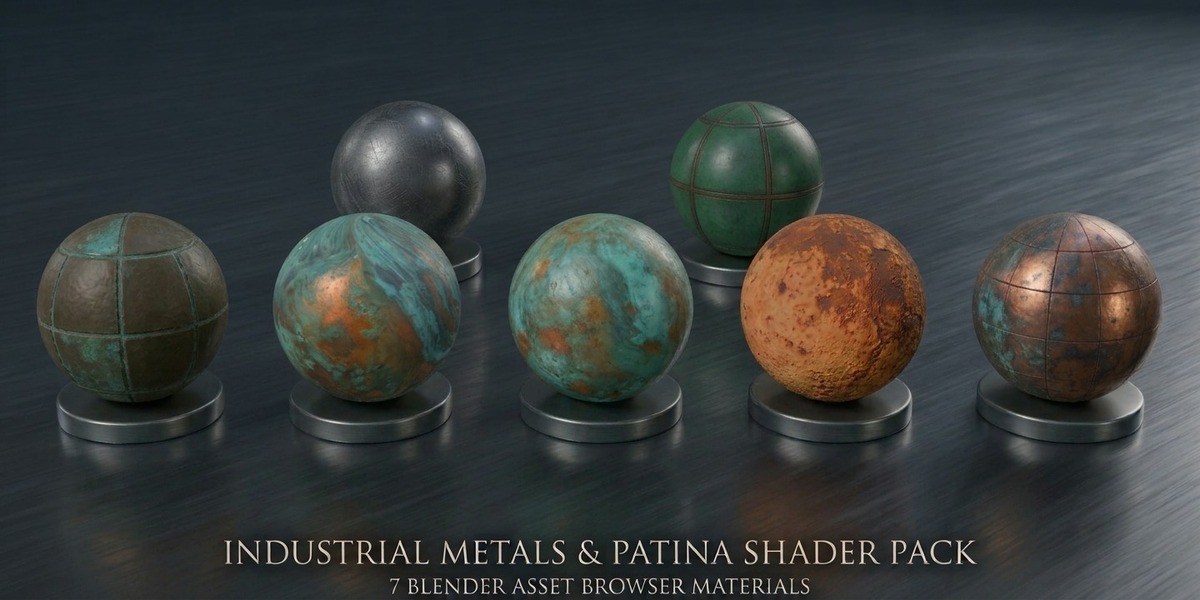
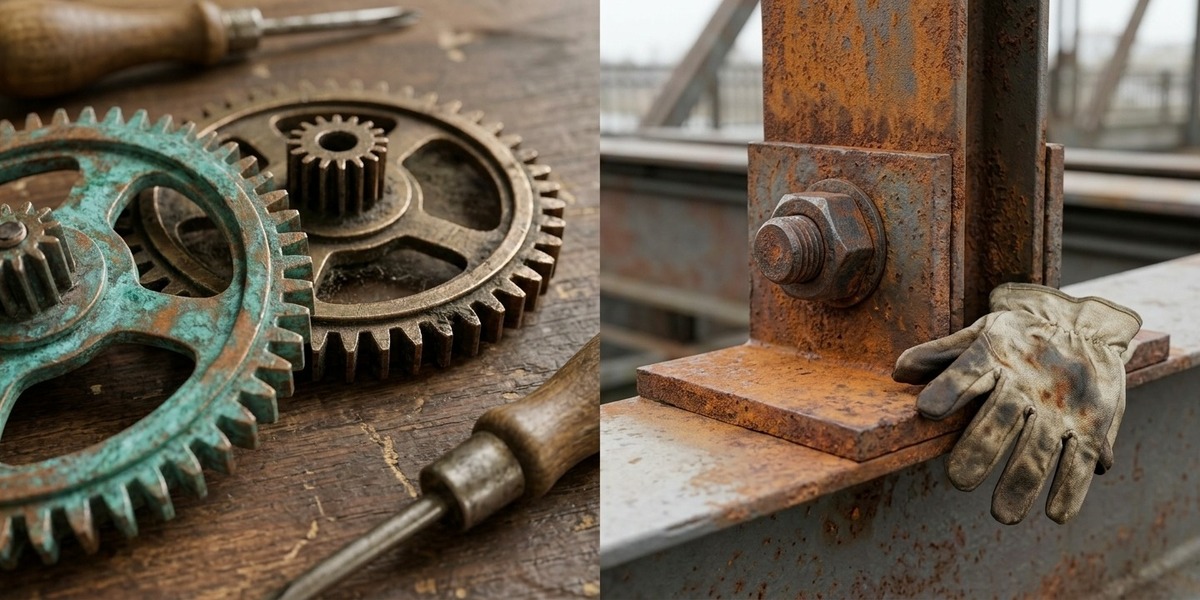
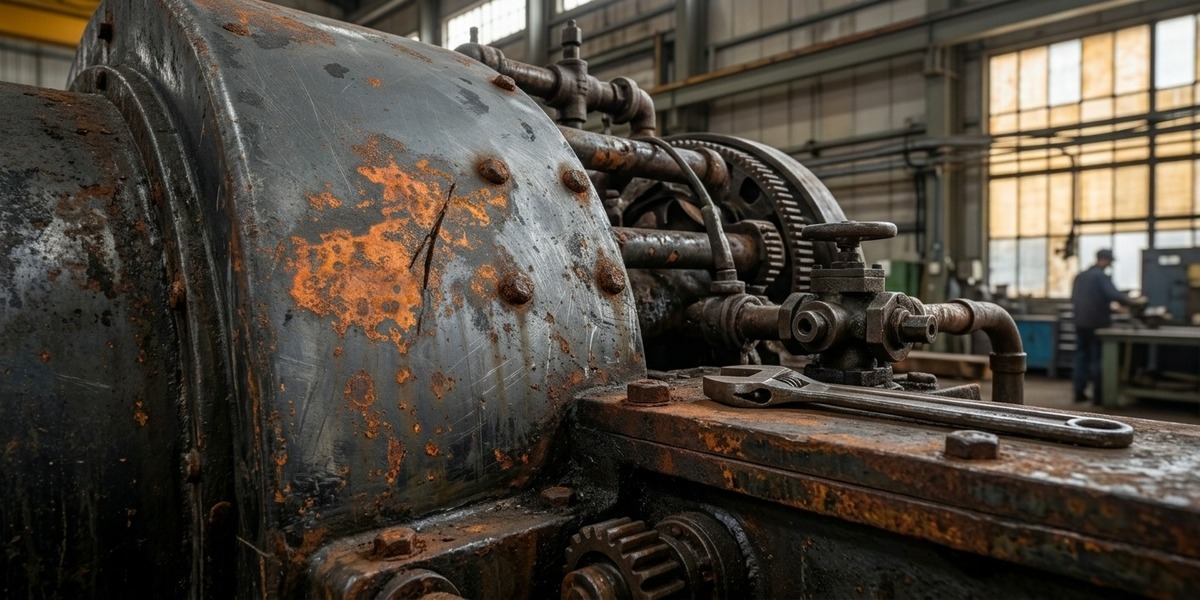
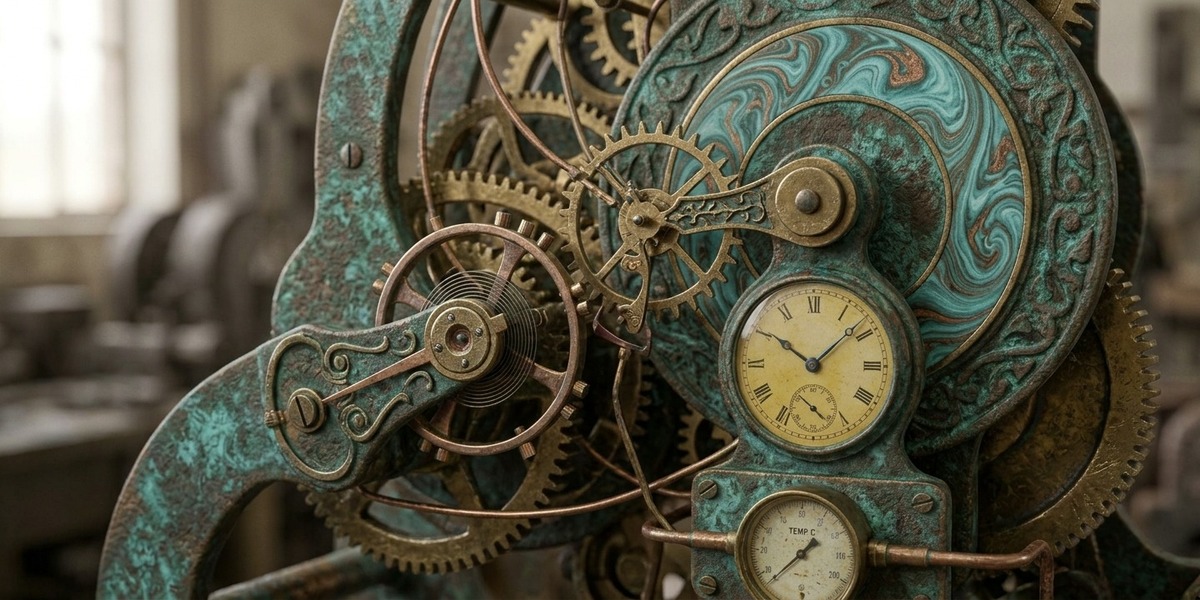
Upgrade your architectural visualizations, industrial scenes, and environment assets with 7 production-ready weathered metal and patina shaders built specifically for Blender.
Every material is pre-configured for Blender’s Asset Browser with clean, consistent node setups and all textures packed directly inside the .blend file—meaning zero broken file paths, zero missing maps, and absolute plug-and-play ease.
What’s Included (7 Seamless Materials)
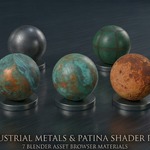
MTL_AgedBronze_OxidizedCopper_Tile — Weathered bronze & verdigris tile grid
MTL_Patinated_Iron — Riveted industrial steel and rust tile grid
MTL_Patinated_Emerald_Tile — Large oxidized emerald & bronze architectural tiles
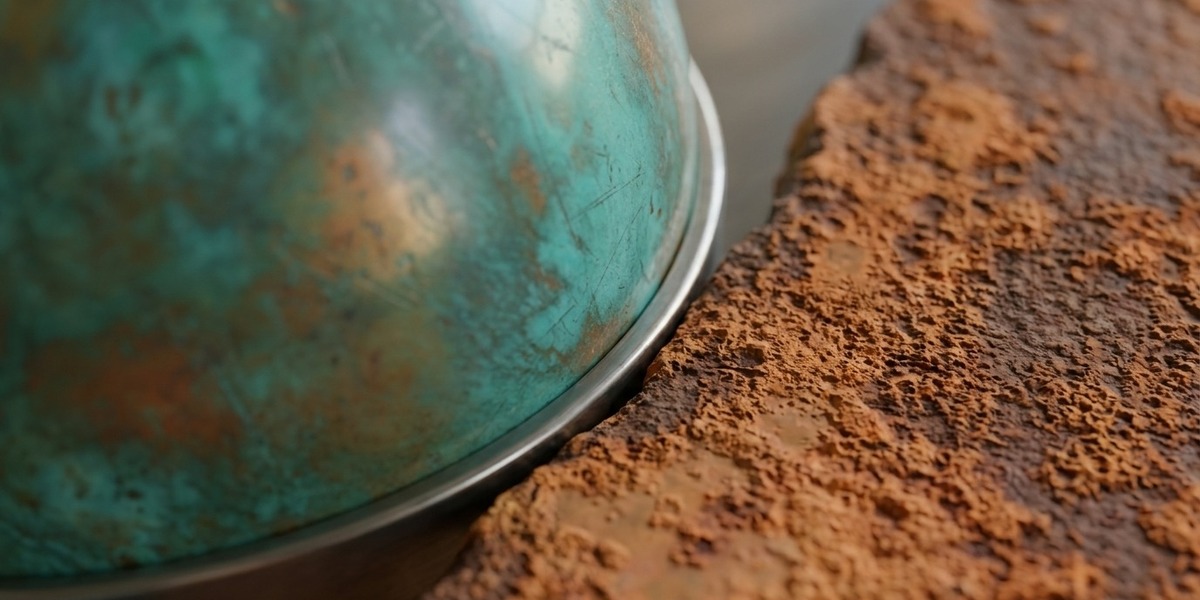
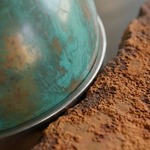
MTL_CopperTurquoise_Sheet — Tarnished copper sheet with vibrant turquoise verdigris
MTL_OxidizedCopper_Panel — Brushed patina copper architectural panel
MTL_DistressedGunmetal_Sheet — Scratched dark gunmetal steel with localized rust
MTL_HeavyWeatheredRust_Sheet — Heavily corroded matte iron oxide sheet
Key Features
Drag-and-Drop Ready: Fully tagged, categorized, and thumbnail-rendered for Blender's Asset Browser.
100% Self-Contained: All seamless texture maps are packed directly into the master .blend file.
Easy Customization: Lightweight Principled BSDF setups with dedicated ColorRamp roughness and Bump relief controls.
Render Engine Compatible: Fully tested and optimized for both Cycles and EEVEE.
Clean Organization: Built following professional technical standards to ensure zero artifacts or messy node trees.
How to Use
Extract the downloaded ZIP file to your preferred asset library folder.
In Blender, go to Edit > Preferences > File Paths and add the folder to your Asset Libraries.
Open the Asset Browser in any workspace, drag-and-drop your chosen metal or patina directly onto your 3D geometry!
Includes a detailed ReadMe.txt with complete installation and customization guidelines.
