Industrial Metals and Patinas - 7 Seamless Blender Materials
 HV Textures
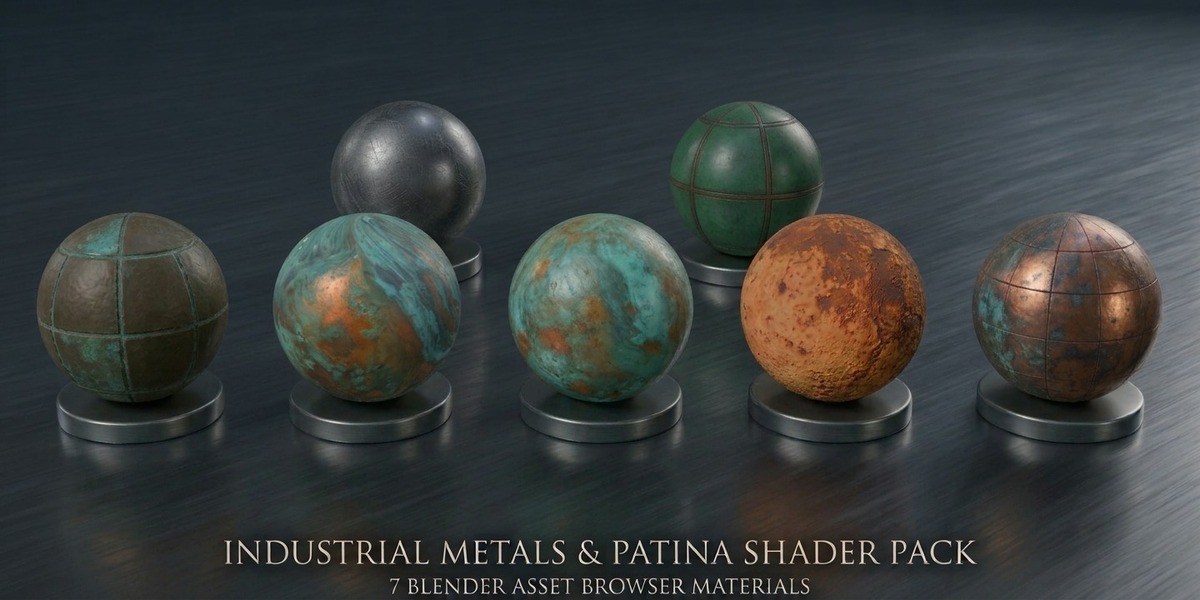
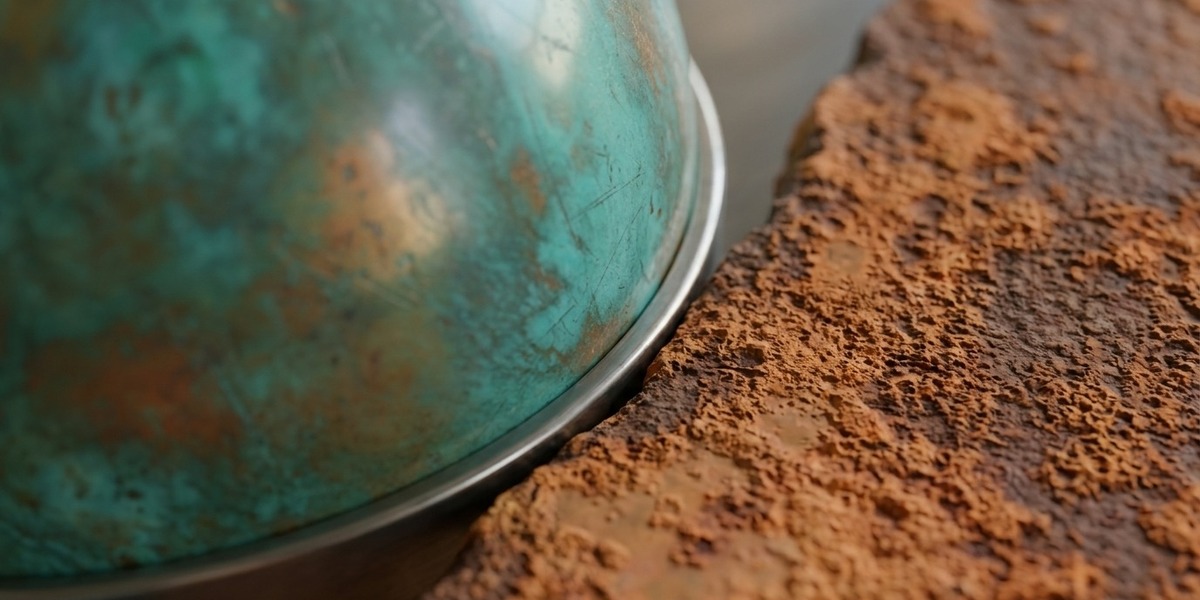
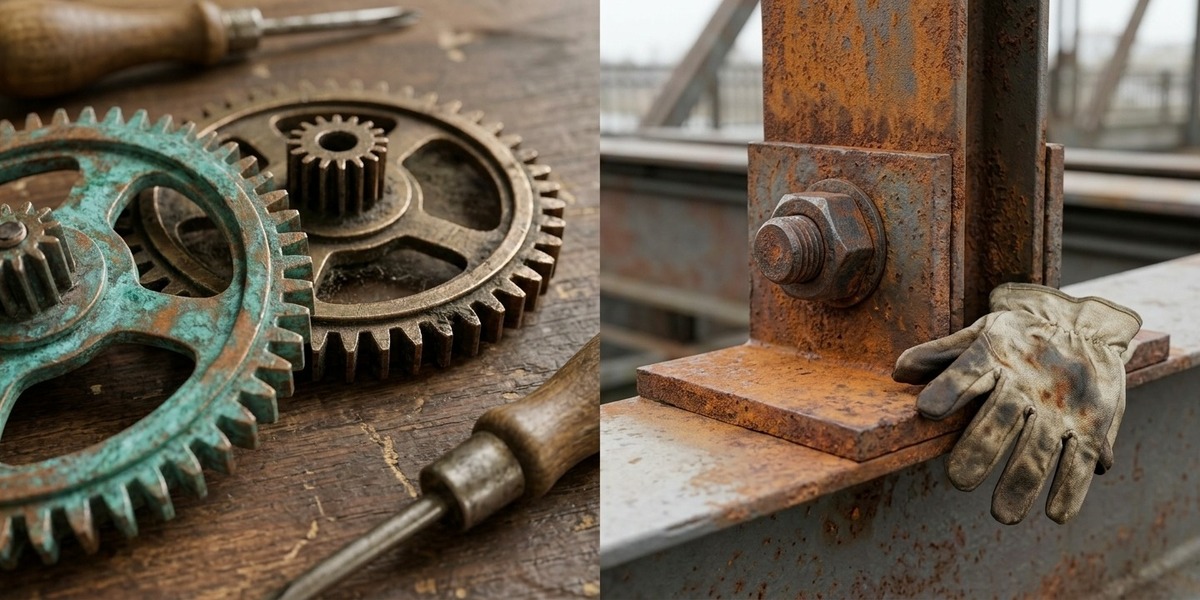
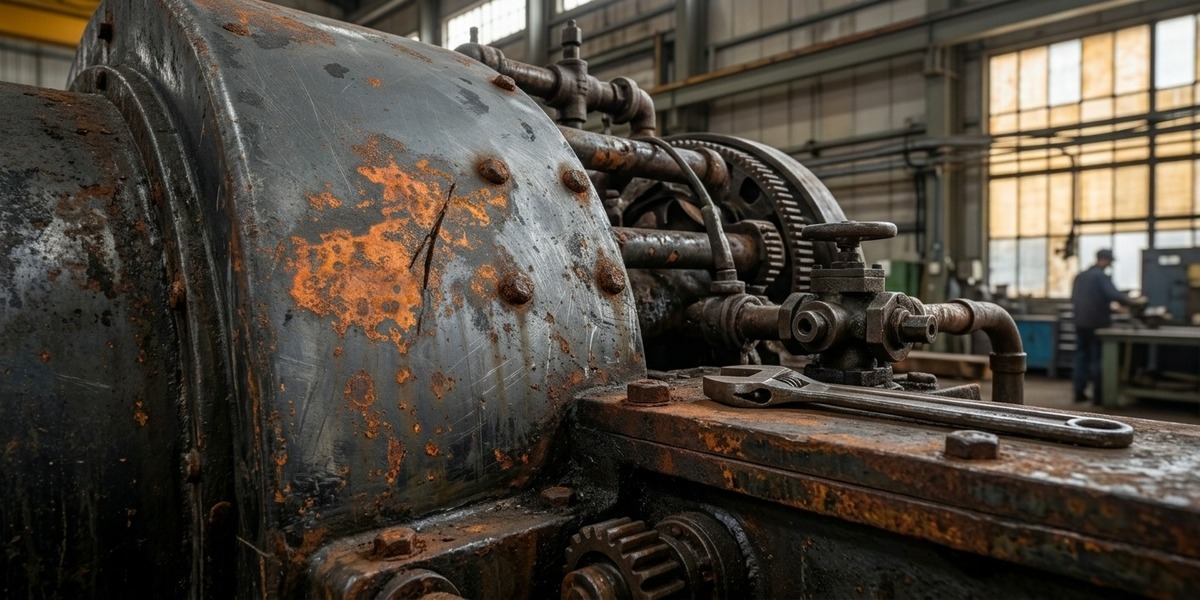


Do I need to unwrap UVs on my models for these materials to look right?
No complex UV unwrapping is required—the shaders use seamless coordinate mapping so they wrap cleanly around hard-surface and architectural geometry without visible seams. For consistent rust and patina sizing across different meshes, simply apply your object scale (Ctrl + A > Scale) in Object Mode before assigning the material.
Do these shaders work in both Cycles and Eevee, and can I use them in V-Ray or Octane?
These materials are built natively in Blender 5.2 using procedural shader nodes and work out-of-the-box in both Cycles and Eevee (note that true mesh displacement is supported in Cycles only, while Eevee uses bump/normal mapping). Third-party engines like V-Ray, Octane, or Arnold are not natively supported unless you bake the procedural shaders into image maps first.
How do I install and use these materials in Blender?
Extract the .zip archive to a permanent folder on your drive. In Blender, go to Edit > Preferences > File Paths, click the + icon under Asset Libraries, and select that folder. Open the Asset Browser editor in any workspace and drag-and-drop any of the 7 materials directly onto your models. You can also import them manually via File > Append from the .blend file.
Have questions about this product?
Login to message
| Published | about 2 hours ago |
| Blender Version | 4.0 - 5.2 |
| Render Engine Used | Cycles, Eevee |
| Misc Data | Uvs-Unwrapped, Normal-Mapped, Textured |
| License | Royalty Free |

Discover more products like this
node group Rust asset-browser PBR metal shader industrial procedural material Bronze copper weathered metal patina Blender shader