Weave It — Procedural Fabric & Weaving
 Voyde Procedural
WEAVE IT 1.2.0 · DOCUMENTATION
Weave It — User Guide
Installation, everyday controls, surface wrapping, animation and troubleshooting for Weave It 1.2.0.
1. Requirements & package contents
Blender 5.1 or newer. Installation and the documented workflows were tested in Blender 5.1.2 and 5.2.2. Cycles is recommended; hair-based fibers also render in EEVEE.
| Download | How to use it |
|---|---|
| Installable add-on ZIP | Install this ZIP directly in Blender. Keep it zipped. |
| Demo scenes ZIP | Extract this archive and open its .blend file in Blender. It contains preset and example scenes, an Animation Demo and README documentation. |
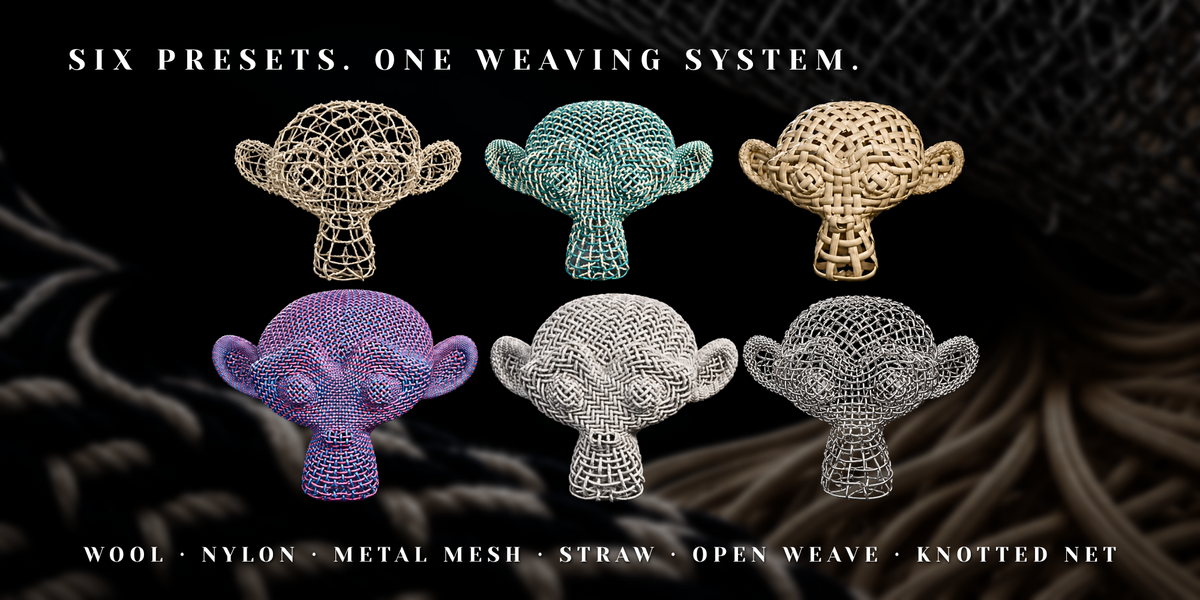
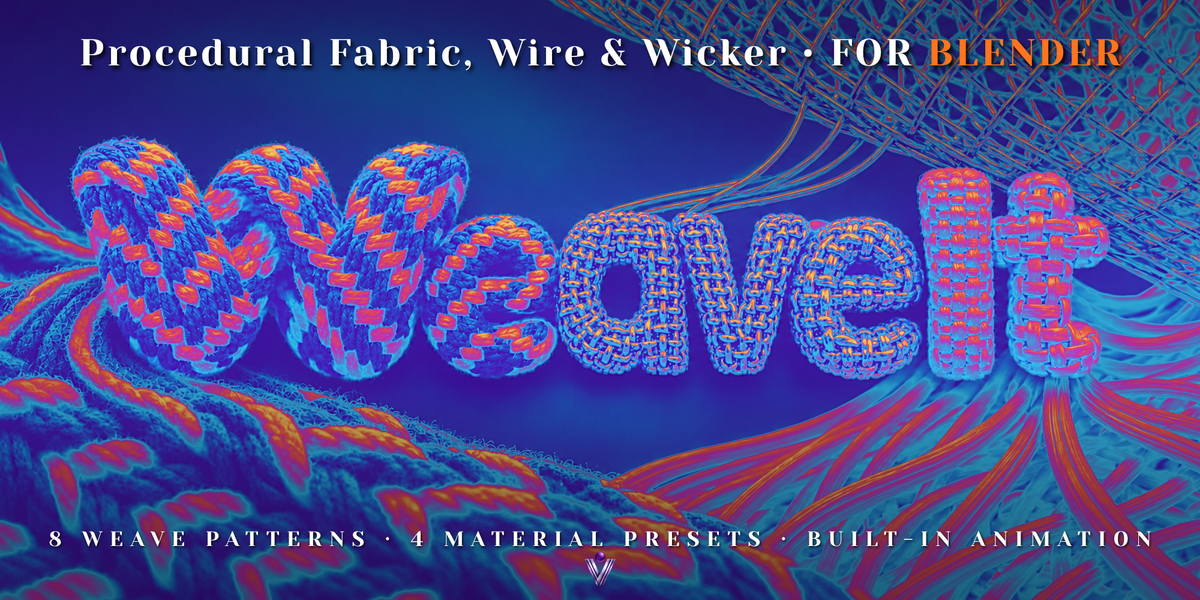
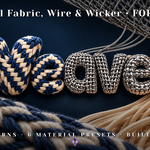
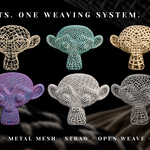
The four material presets are Wool, Nylon, Metal Mesh and Straw. The material and node-group prefix in the current version is WI; shader attributes begin with weave_.
2. Installation
- Open Edit → Preferences → Get Extensions in Blender.
- Open the dropdown menu in the upper-right corner and choose Install from Disk.
- Select the installable Weave It add-on ZIP. Do not extract this ZIP.
- Complete installation and enable Weave It if it is not already enabled.
- In the 3D Viewport, press N and open the Weave It tab. Presets are also available through Shift+A → Weave It.
Choose the correct download
The demo-scenes archive is opened as a Blender project after extraction. It is separate from the installable add-on ZIP.
3. Quick start
- For a flat test swatch, start without a target mesh selected.
- Add Wool, Nylon, Metal Mesh or Straw using the Weave It panel or Shift+A menu.
- Keep the generated weave object selected. Adjust its settings in the Weave It panel.
- Choose a pattern, set the fabric dimensions and strand counts, then adjust thickness, profile and colors.
- Keep Simplify Viewport enabled while editing. Render with Cycles or EEVEE when ready.
Important: Hair Curves object
Use the add-on’s preset tools to create the weave. They create the correct object type for rendering fuzz and fringe fibers. If you add the Geometry Nodes modifier manually to a normal mesh, the yarn geometry can render while the hair fibers remain invisible. For a manual setup, use a Hair Curves object, created with Add → Curve → Empty Hair.
4. Presets & weave patterns
| Preset | Starting character |
|---|---|
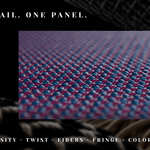
| Wool | Twisted multi-ply yarn, soft fibers and frayed fringe. A starting point for wool and cotton-like textiles. |
| Nylon | A tight synthetic weave with smoother yarns, a lower-twist profile and a subtle reflective sheen. |
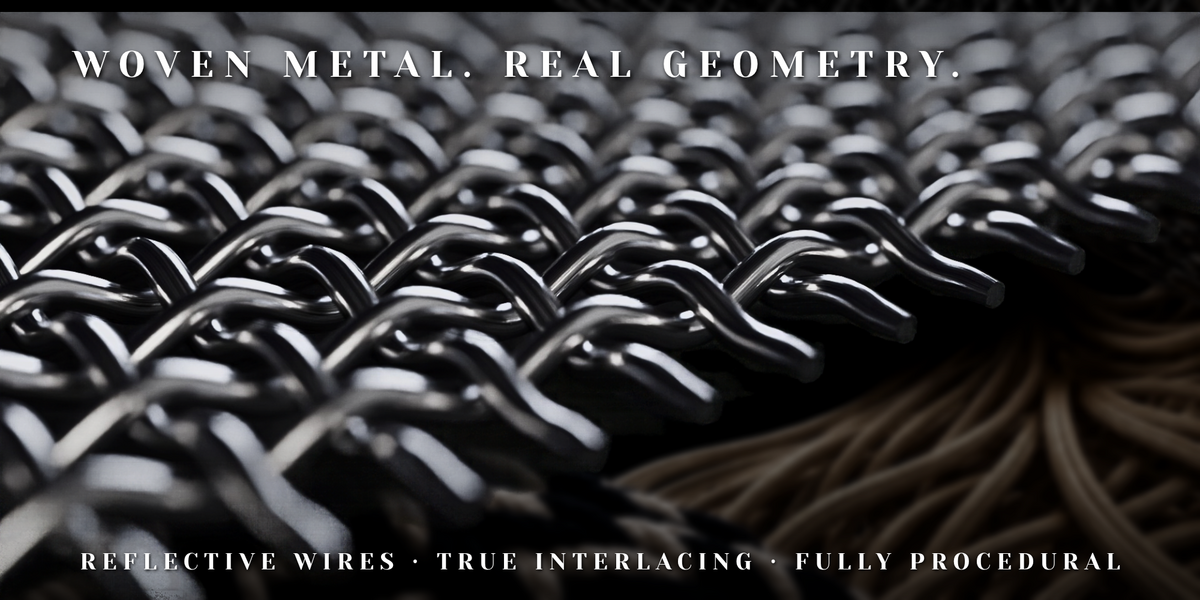
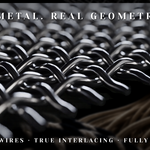
| Metal Mesh | An open weave of rounded metal wires, using a single ply per strand and no soft fuzz by default. |
| Straw | A low-density weave of flat natural strips for wicker, rattan and basket-like materials. |
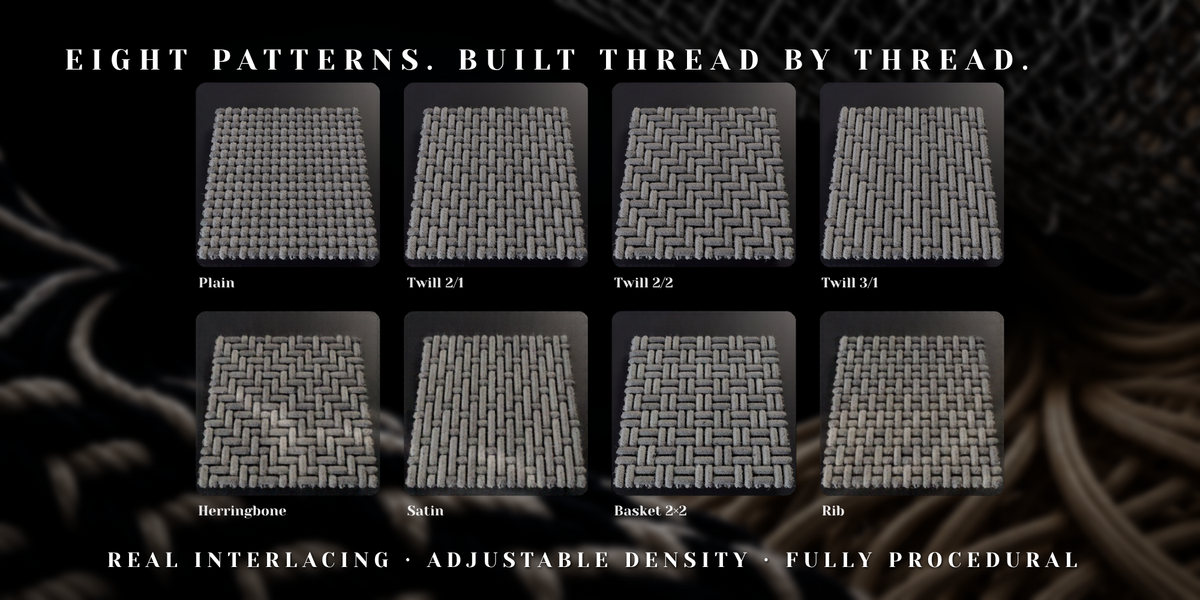
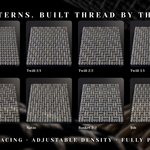
The eight patterns are Plain, Twill 2/1, Twill 2/2, Twill 3/1, Herringbone, Satin, Basket 2×2 and Rib. Use Reverse Twill to change the twill diagonal direction.
Presets use the same procedural weaving system. You can combine a different weave pattern with a preset’s materials, such as metal twill or a basket weave made from flat straw strips.
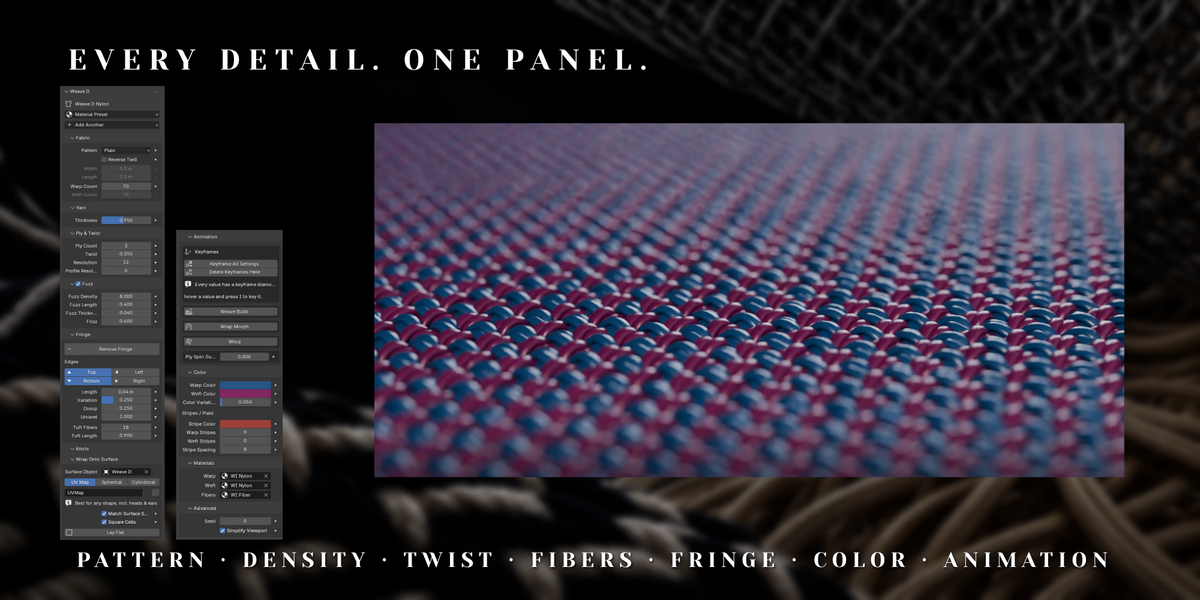
5. Control reference
Most shape and fiber settings are relative to strand spacing, helping maintain the material’s character as the fabric size changes. The controls below describe their purpose; preset values differ.
Fabric
| Control | What it does |
|---|---|
| Width / Length | Set the flat fabric dimensions. With Match Surface Size enabled, these values determine the aspect ratio used for surface-size matching. |
| Warp Count / Weft Count | Set the number of lengthwise and crosswise strands. Higher counts create a denser weave and increase geometry. |
| Pattern / Reverse Twill | Choose one of the eight patterns and reverse the twill direction where applicable. |
Yarn
| Control | What it does |
|---|---|
| Thickness | Set yarn diameter relative to strand spacing. |
| Weft Thickness | Multiply the diameter of crosswise strands independently. |
| Flatten | Compress the arrangement of plies vertically. |
| Crimp | Control the bend at over-under crossings. |
| Irregularity | Introduce natural variation in yarn thickness and paths. |
| Profile Shape | Use 1 for round profiles; lower values flatten strands into ribbons or strips. |
Ply
| Control | What it does |
|---|---|
| Ply Count | Set 1–8 plies per yarn. A single ply is useful for wire or flat-strip materials. |
| Twist | Control turns relative to strand spacing. Negative values reverse the twist direction. |
| Resolution | Control curve sampling along each strand. |
| Profile Resolution | Control the smoothness of each ply’s cross-section. Higher values increase geometry. |
Fuzz
| Control | What it does |
|---|---|
| Fuzz | Enable or disable hair-based surface fibers. |
| Fuzz Density | Control the number of fibers relative to plies and strand spacing. |
| Fuzz Length / Fuzz Thickness | Adjust fiber length and radius. |
| Frizz | Control the irregular curl of individual fibers. |
Fringe
| Control | What it does |
|---|---|
| Fringe / Add Fringe / edge controls | Enable fringe and use the panel’s edge selection and Add Fringe controls to place it. |
| Fringe Length / Length Variation | Set the free-end length and introduce varied trimming. |
| Droop | Adjust how fringe bends away from the fabric. |
| Unravel | Separate plies towards the ends. |
| Tuft Fibers / Tuft Length | Control the number and length of fibers at the frayed tips. |
Surface
| Control | What it does |
|---|---|
| Surface / Surface Object | Enable wrapping and choose the target mesh. |
| UV Map | Specify the target UV map for UV-based wrapping; the documented default name is UVMap. |
| Match Surface Size | Estimate fabric dimensions from the target’s total surface area. Uneven UV scale can still cause local stretching. |
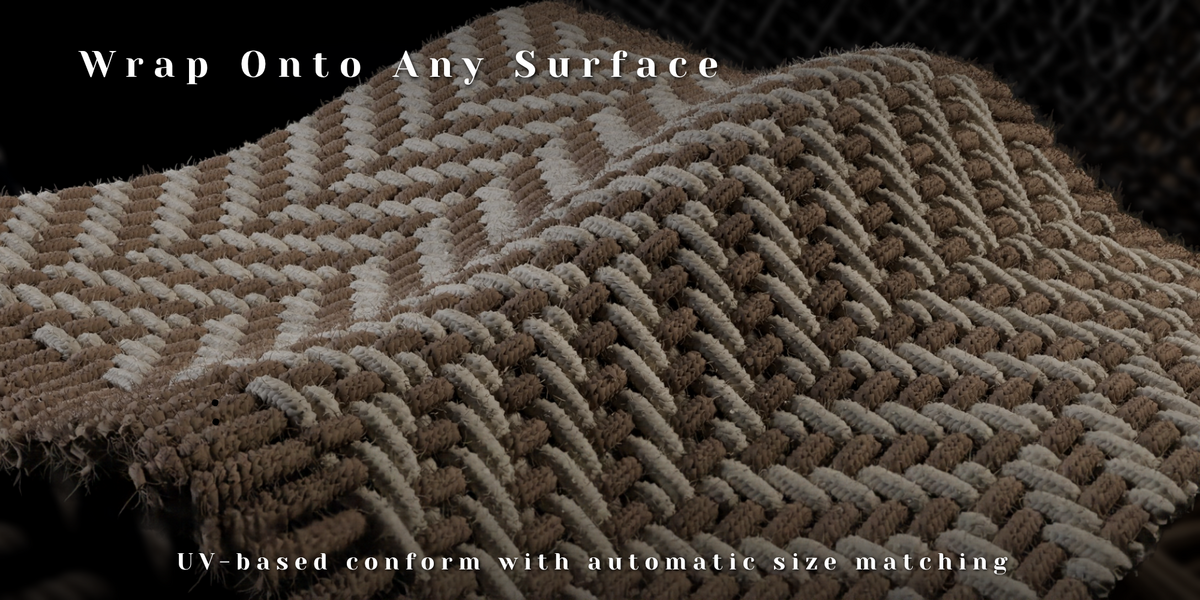
| Spherical / Cylindrical wrapping | Additional wrapping options for rounded and cylindrical forms, available in Weave It 1.2.0. |
Color & Materials
| Control | What it does |
|---|---|
| Warp Color / Weft Color | Set the base colors of the two strand directions. |
| Stripe Color | Set the color used by stripes. |
| Warp Stripes / Weft Stripes | Set stripe widths in strands. Set both above zero to create plaid; zero disables stripes in that direction. |
| Stripe Spacing | Set the spacing between stripes in strands. |
| Color Variation | Add color variation between strands. |
| Warp Material / Weft Material | Assign materials to the yarn geometry. |
| Fiber Material | Assign the shared material used by fuzz and fringe fibers. |
General
| Control | What it does |
|---|---|
| Seed | Change the generated randomness. |
| Simplify Viewport | Use lighter profile geometry and reduced fuzz in the viewport. Rendering uses full detail. |
6. Wrap the weave onto a surface
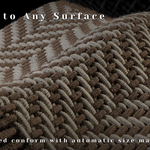
Weave It includes UV-based, Spherical and Cylindrical wrapping. The following steps describe the UV-based workflow.
- Prepare a mesh with a UV map. Its UVs should fill the 0–1 range; a single connected island is preferred.
- For automatic setup, select the UV-unwrapped target mesh before adding a Weave It preset. The add-on assigns the target and hides the original surface from rendering.
- For manual setup, select the weave, enable Surface and choose the target in Surface Object.
- Set UV Map to the actual UV map name on the target. Keep the target and weave aligned.
- Enable Match Surface Size if you want the weave sized from the target’s surface area.
- Hide the original target mesh from the final render if it would cover or fill the visible weave.
UV seams and size matching
Separated UV islands can produce breaks between islands. Samples outside valid UV regions can leave gaps. Match Surface Size uses total surface area, so uneven UV scale can cause local differences in strand density. Improve the target UV layout when these issues appear.
7. Fibers, fringe & color
Fibers
Enable Fuzz for a softer textile surface. Start with moderate density and length, then adjust thickness and frizz. Fuzz inherits the color of its parent yarn, including stripes and color variation.
Fringe
Use the edge controls and Add Fringe button in the Weave It panel. Adjust free-end length, variation, droop, unraveling and tip fibers for the desired finish. On wrapped surfaces, droop follows the surface normal rather than world-space gravity.
Stripes and plaid
- Set your Warp Color and Weft Color.
- Choose a Stripe Color.
- Increase Warp Stripes or Weft Stripes to add stripes in one direction.
- Increase both stripe widths to create plaid, then adjust Stripe Spacing and Color Variation.
Shared fiber material
Fuzz and fringe fibers share one Fiber Material. Their individual yarn colors are carried through the weave_color attribute. Keep that attribute in a custom fiber shader if you want fibers to continue matching their yarn.
8. Animation
| Tool | Setup and behavior |
|---|---|
| Weave Build | Choose Start and End frames. Use Top to Bottom to change the build direction, or Use Scene Range to use the scene’s frame range. Incoming weft strands slide into place as the weave grows. |
| Wrap Morph | Enable surface wrapping and assign a valid target, then choose Start and End frames. The weave transitions from its flat form onto the target surface. |
| Wind | Adjust Strength, Speed and Direction to move fringe and fibers. |
| Ply Spin | Set rotations per second to spin plies around their yarn. A value of 0 disables the effect. |
To animate individual settings, use the keyframe diamond beside a value or hover over the value and press I. Keyframe All Settings records settings at the current frame; Delete Keyframes Here removes their keys at that frame.
Fibers use stable identities derived from strands and rows to maintain consistent placement during animation. The supplied Animation Demo uses Weave Build and Wind over frames 1–150.
Wind and wrapping are procedural
Wind animates fringe and fibers. Wrap Morph follows an assigned surface. Weave It does not calculate cloth physics, gravity-driven draping or collisions.
9. Custom shaders
Read the following attributes with Blender’s Attribute node. The relevant attributes are carried onto the yarn geometry and fiber curves.
| Attribute | Type | Meaning |
|---|---|---|
weave_color |
Color | Final yarn color, including stripes and variation. |
weave_rand |
Float | Per-yarn random value from 0 to 1. |
weave_index |
Integer | Yarn index. |
weave_weft |
Boolean | True for weft strands. |
weave_fringe |
Float | 0 in the fabric, increasing towards 1 at fringe tips. |
weave_ply |
Integer | Ply index. |
weave_u |
Float | Distance along the yarn, measured in strand-spacing units. |
weave_v |
Float | Coordinate around the yarn cross-section, from 0 to 1. |
The supplied Nylon, Metal and Straw shaders use the along-yarn and cross-section coordinates for directional surface detail. Keep the color attribute when replacing materials if you want the Color controls to remain visible in your render.
10. Performance
- Keep Simplify Viewport enabled while editing. It lowers viewport profile detail and displays reduced fuzz while retaining full render detail.
- Increase Warp Count and Weft Count gradually. Strand counts, ply counts, profile resolution and fiber density all contribute to scene complexity.
- For distant objects, try Ply Count = 1 and disable Fuzz.
- Reduce Profile Resolution and Fuzz Density on large surfaces.
- Use a small test render to choose the detail level needed for your shot.
This is actual strand geometry with optional hair fibers. High-density settings can create millions of vertices and large numbers of fibers. Update and render times depend on your settings, scene and hardware.
11. Troubleshooting
| Symptom | What to check |
|---|---|
| The yarn renders, but fibers are missing. | Check that Fuzz is enabled for the preset. Use a Hair Curves object; the add-on’s preset tools create it correctly. A modifier placed on a normal mesh does not provide the required hair rendering setup. |
| The weave has gaps or breaks after wrapping. | Check the selected UV map, the 0–1 UV range, island boundaries and invalid UV regions. Prefer a continuous island for the UV-based workflow. |
| Strands stretch or change density across the object. | Check for uneven UV scale. Match Surface Size estimates overall dimensions and cannot correct local UV distortion. |
| The viewport has less detail than the render. | This is expected with Simplify Viewport enabled. Disable it when you need to inspect full detail while editing. |
| The scene updates slowly. | Reduce strand counts, Ply Count, Profile Resolution or Fuzz Density. Keep Simplify Viewport enabled. |
| Fibers do not follow yarn colors in a custom shader. | Read weave_color in the Fiber Material. All fiber curves share that material. |
| Fringe does not hang straight down in world space. | On wrapped objects, fringe droop follows the surface normal. It is procedural rather than a gravity simulation. |
12. Known limitations
- Hair Curves: required for rendering the fuzz and fringe fibers as hair.
- One fiber material: all fuzz and fringe fibers share a material; per-yarn color comes from an attribute.
- UV-based wrapping: requires a suitable UV layout. Separate islands can create strand breaks.
- Approximate size matching: total area matching does not remove UV distortion.
- Fringe droop: follows the surface normal rather than world-space gravity.
- No returning selvage: weft strands end at the edge; they do not turn around and run back.
- No cloth simulation: use a shaped target surface for a draped form.
Have questions about this product?
Login to message
| Blender Extension Compatible | Yes |
| Published | about 8 hours ago |
| Blender Version | 5.1 - 5.2 |
| Extension Type | Add-on |
| Render Engine Used | Cycles, Eevee |
| License | GPL |