Weave It — Procedural Fabric & Weaving
 Voyde Procedural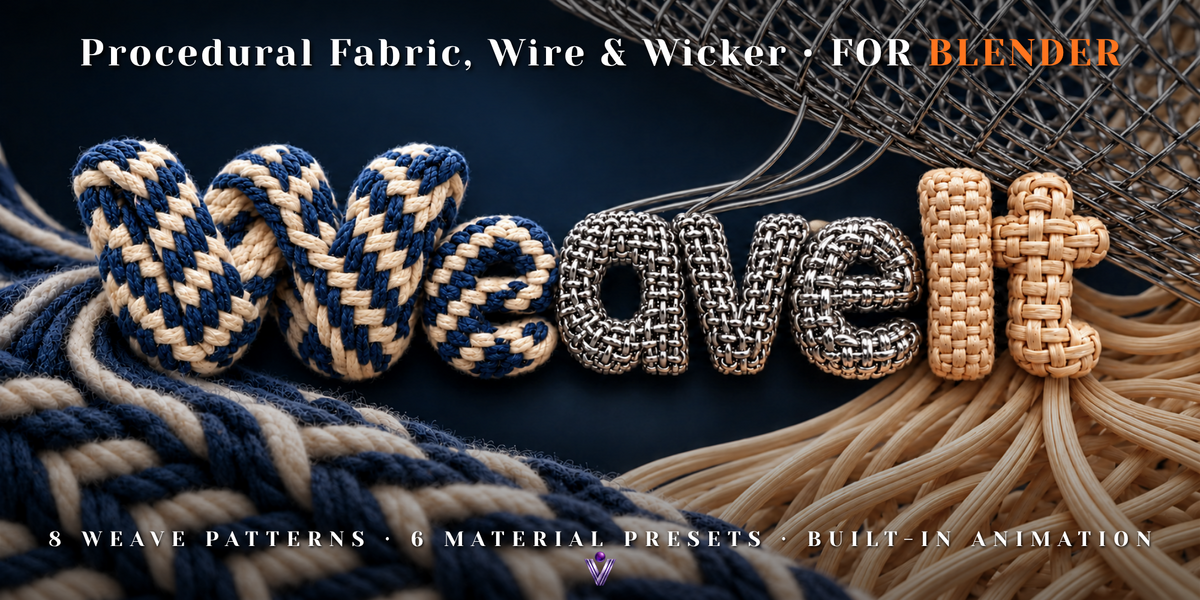
What is Weave It?
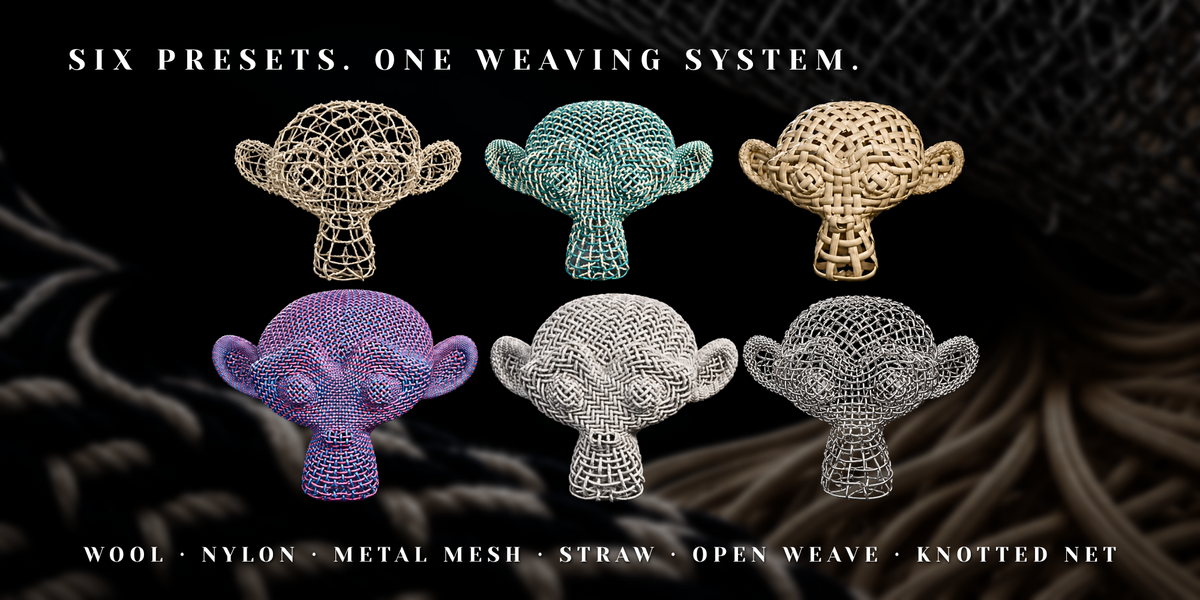
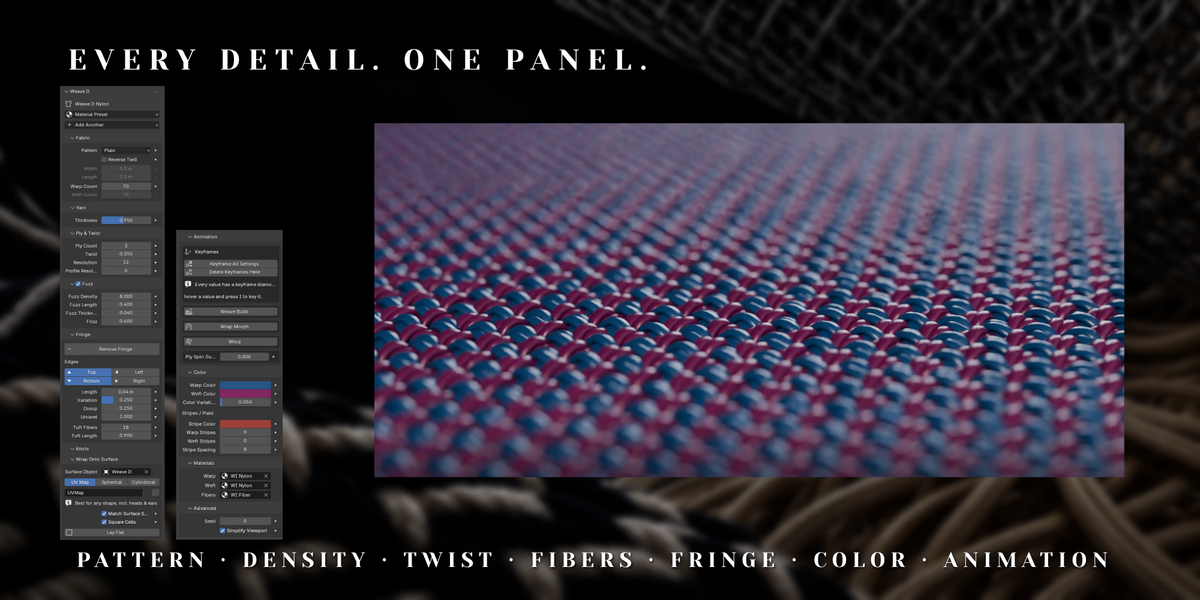
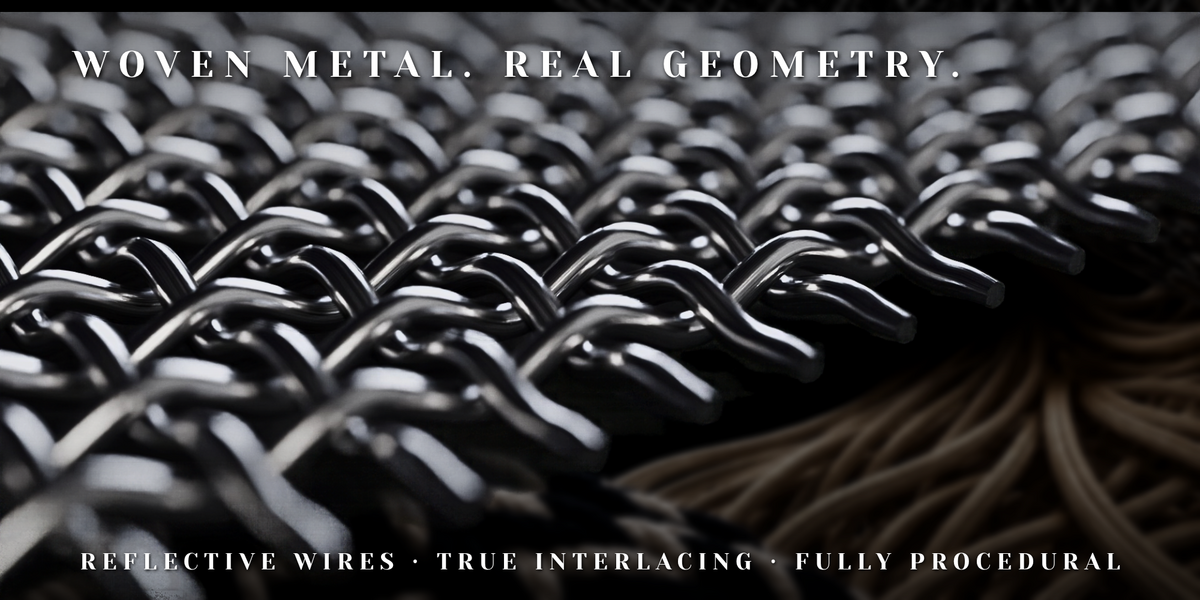
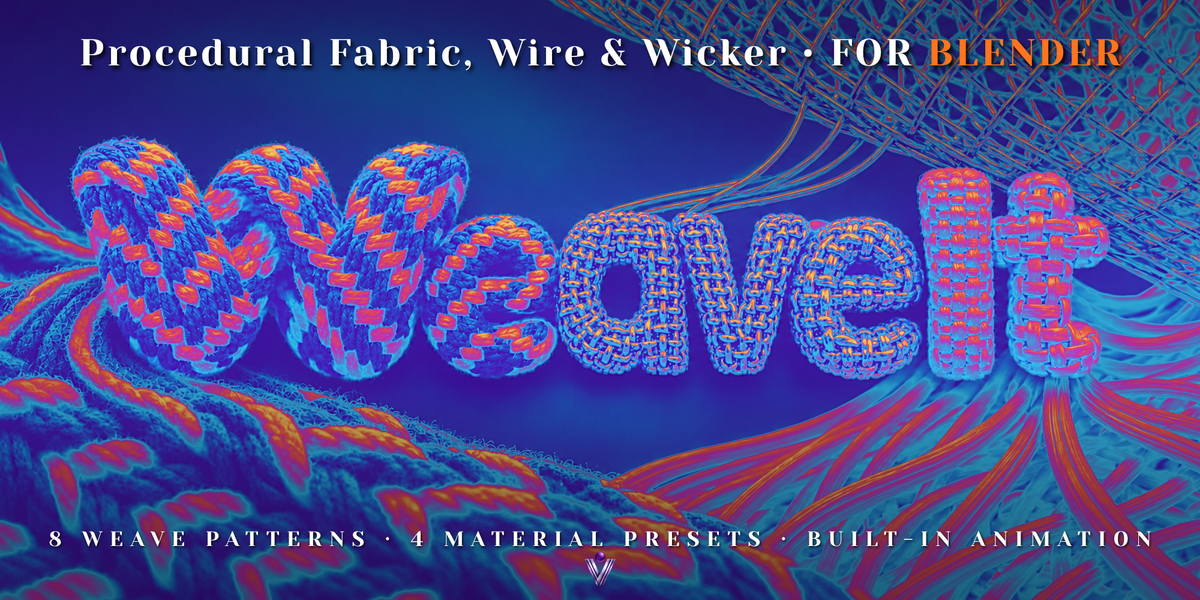
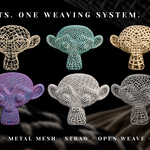
Weave It is a Blender add-on that creates woven materials using real strand geometry. It includes fabric, nylon, metal mesh and straw/wicker presets, with adjustable weaving patterns, fibers, fringe, surface wrapping and animation tools.
Which Blender versions are supported?
Blender 5.1 or newer is required. Installation and the documented workflows were tested in Blender 5.1.2 and 5.2.2.
Does it work with Cycles and EEVEE?
Yes. Yarn geometry and hair-based fibers support both Cycles and EEVEE. Cycles is recommended. The fibers require a Hair Curves object, which the add-on's preset tools create automatically.
Do I need to understand Geometry Nodes?
You can create and adjust your weave directly from the Weave It panel without editing the node graph. The system remains procedural, and shader attributes are available for building custom materials.
What is included in the download?
The package includes the installable Weave It add-on, four material presets, demo scenes including an Animation Demo, and README documentation. Install the add-on ZIP directly in Blender. Extract the separate demo-scenes archive to open its .blend file.
How do I install Weave It?
Open Edit → Preferences → Get Extensions. Open the upper-right dropdown and choose Install from Disk. Select the installable Weave It ZIP without extracting it. Complete installation and enable the add-on. You can then access it from the viewport's Weave It tab or Shift+A → Weave It.
Can I create metal mesh and wicker as well as fabric?
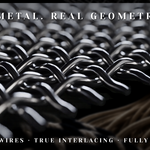
Yes. Wool, Nylon, Metal Mesh and Straw presets are included. Use round profiles for yarn or wire, and lower Profile Shape values for flat straw, wicker, ribbons and strips. Weaving patterns and materials can be combined independently.
Which weave patterns are included?
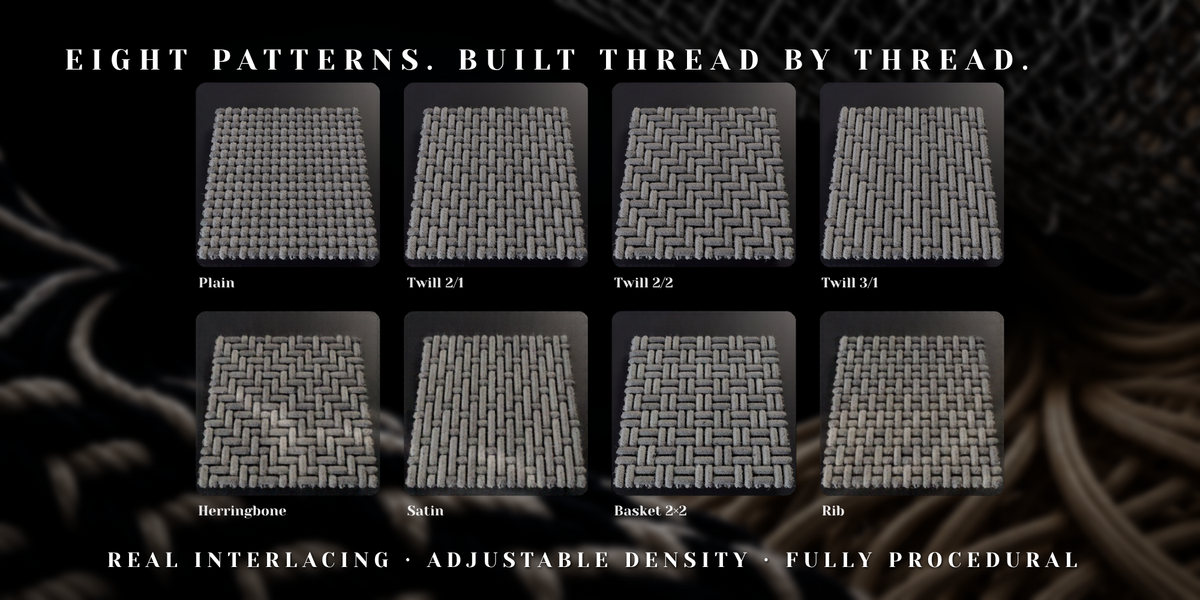
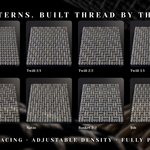
Plain, Twill 2/1, Twill 2/2, Twill 3/1, Herringbone, Satin, Basket 2×2 and Rib. Twill direction can also be reversed.
Can I wrap the weave around another object?
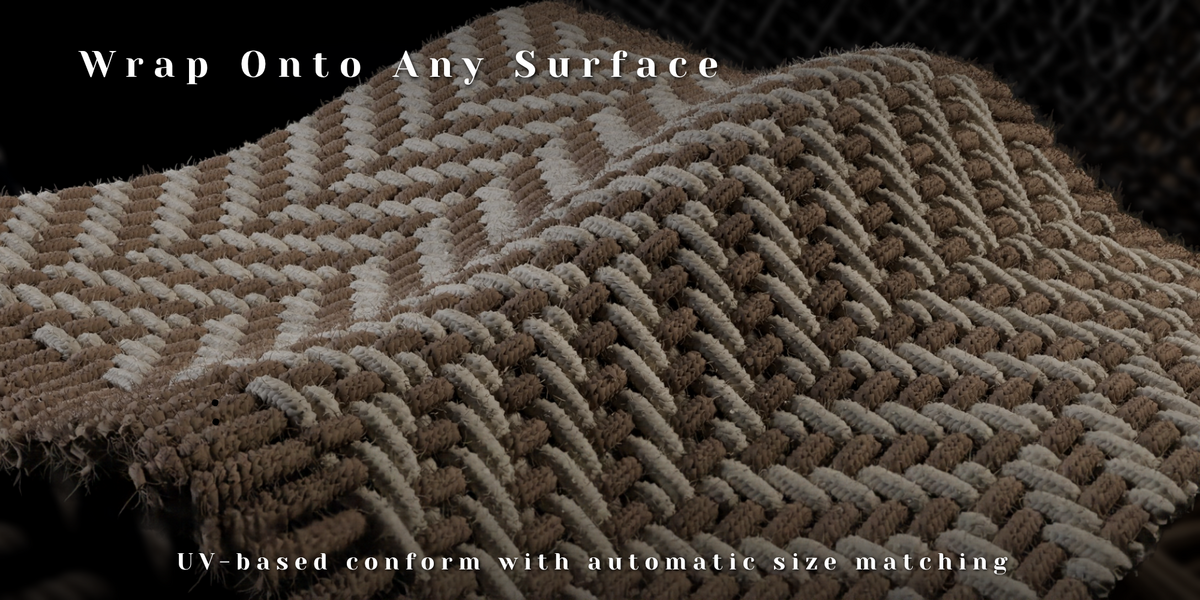
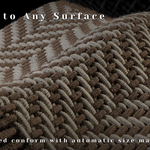
Yes. Weave It includes UV-based, Spherical and Cylindrical wrapping. For UV-based wrapping, assign a UV-unwrapped mesh as the Surface Object and choose its UV map. UVs should fill the 0–1 range, preferably using a single connected island.
Why does the weave have gaps or stretching after UV wrapping?
Separate UV islands, invalid UV regions and uneven UV scale can cause breaks or stretching. Check the UV map name and layout, and improve UV continuity where needed. Match Surface Size estimates overall dimensions from total surface area; it does not correct local UV distortion.
Why can I see the yarn but not the fuzz?
First, check that Fuzz is enabled. Some presets intentionally disable it. If you added the modifier manually to a normal mesh, use a Hair Curves object instead. The add-on's preset tools create the correct object automatically. For a manual setup, use Add → Curve → Empty Hair.
Can I create stripes and plaid?
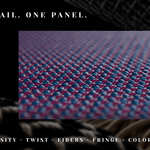
Yes. Set Warp Color, Weft Color and Stripe Color, then adjust Warp Stripes, Weft Stripes and Stripe Spacing. Enable stripes in both directions to create plaid. Fuzz automatically inherits its parent yarn's color.
Can I use my own materials?
Yes. You can assign custom Warp Material, Weft Material and Fiber Material shaders. Read the weave_color attribute to preserve the panel's color, stripe and variation controls. Additional attributes provide yarn randomness, indices, weft masks, fringe factors, ply indices and yarn coordinates.
Can individual fibers use different materials?
All fuzz and fringe fibers share one Fiber Material. Individual yarn colors are passed through the weave_color attribute. Keep this attribute in your custom fiber shader so the fibers continue matching their yarn.
Can I choose where fringe appears?
Yes. Weave It 1.2.0 includes edge selection and an Add Fringe button. Use the panel's edge controls, then adjust fringe length, variation, droop, unraveling and tuft fibers.
Why doesn't the fringe hang straight down on wrapped objects?
On wrapped surfaces, fringe droop follows the surface normal. It is a procedural shape control and does not calculate world-space gravity.
Have questions about this product?
Login to message
| Blender Extension Compatible | Yes |
| Published | about 8 hours ago |
| Blender Version | 5.1 - 5.2 |
| Extension Type | Add-on |
| Render Engine Used | Cycles, Eevee |
| License | GPL |