 Voyde Procedural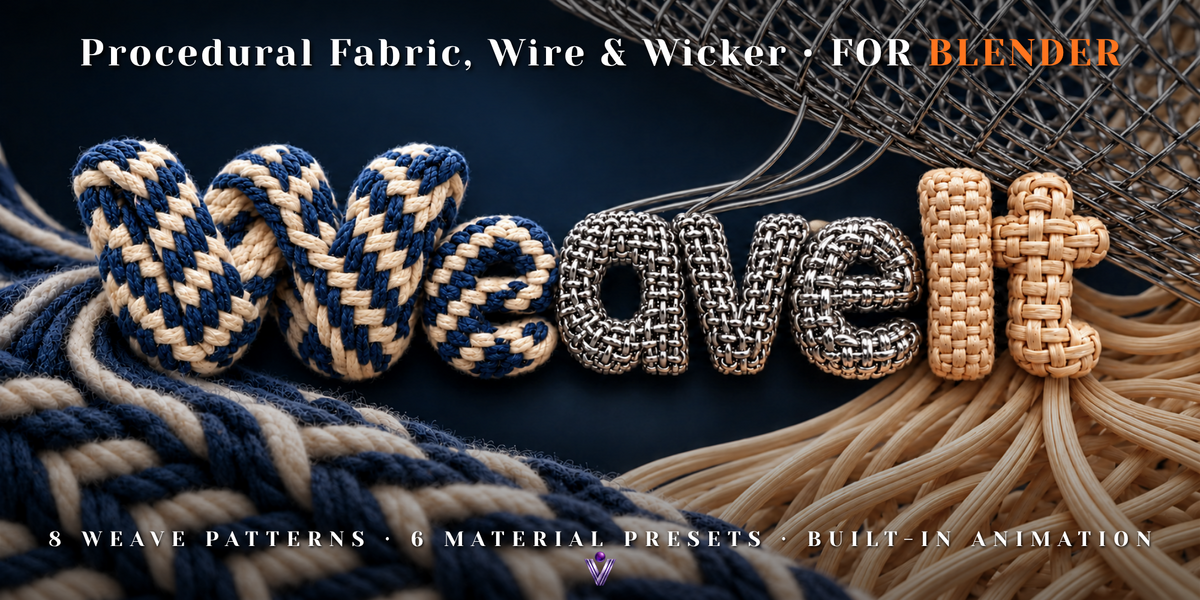
WEAVE IT · PROCEDURAL WEAVING FOR BLENDER
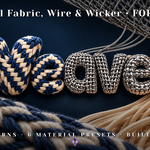
Fabric. Wire. Wicker.
Build woven surfaces from the strands up.
Create soft textiles, smooth synthetic weaves, reflective wire mesh and natural wicker with real interlaced geometry. Shape the strands, choose your pattern and watch the weave build row by row.
8 weave patterns · 6 presets · Surface wrapping · Built-in animation
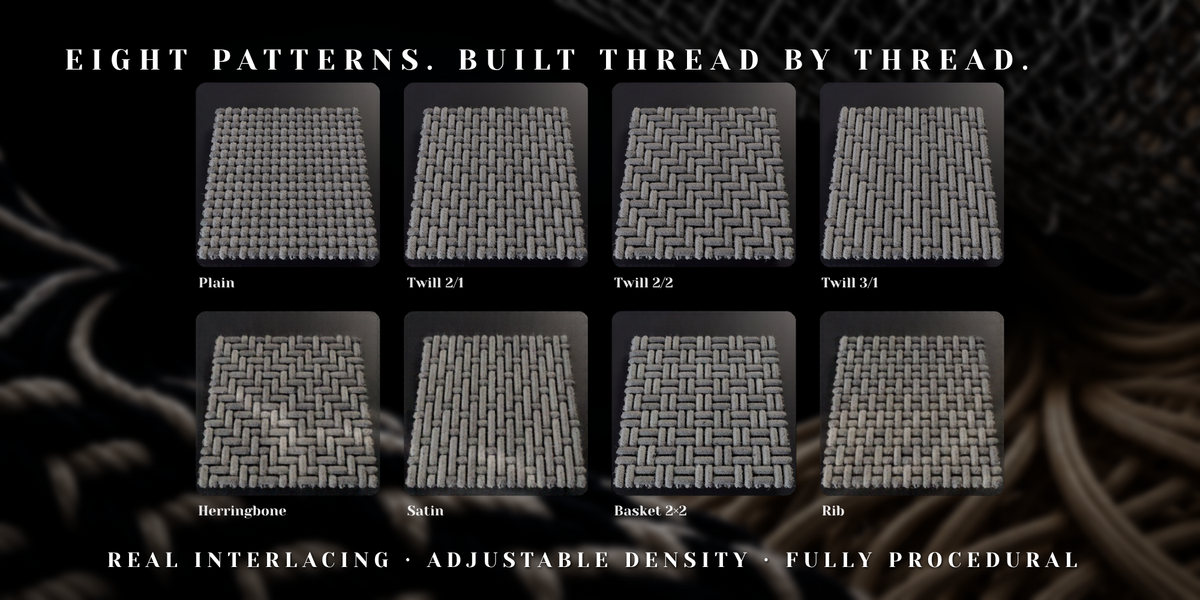
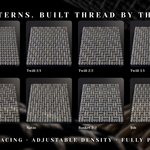
Eight patterns. Watch every crossing.
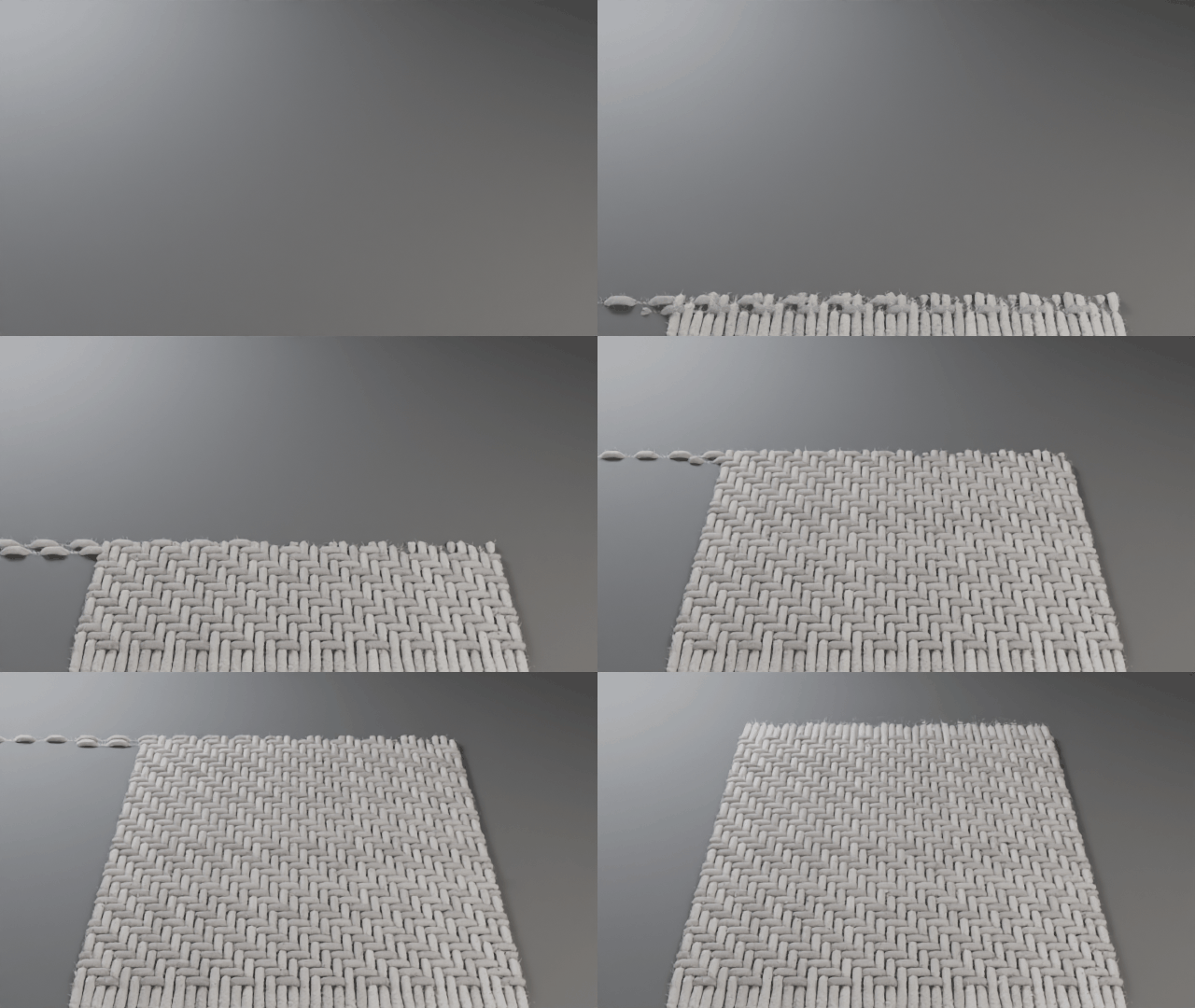
Explore eight weave structures, each shown building from the first strands into a complete swatch. The navy and cream yarns make the over-under arrangement easy to follow. Choose a pattern, then customize its density, yarns and materials for your scene.
Plain
A clean over-under structure for a versatile woven foundation. |
Twill 2/1
A distinct diagonal rhythm with a compact woven appearance. |
Twill 2/2
A balanced twill with clearly defined diagonal lines. |
Twill 3/1
Longer visible floats give the diagonal a stronger presence. |
Herringbone
Reversing diagonal directions create a recognizable chevron pattern. |
Satin
Longer floats create a smoother, more continuous woven appearance. |
Basket 2×2
Grouped strands create a bold basket-like structure. |
Rib
A directional woven structure with a clear linear rhythm. |
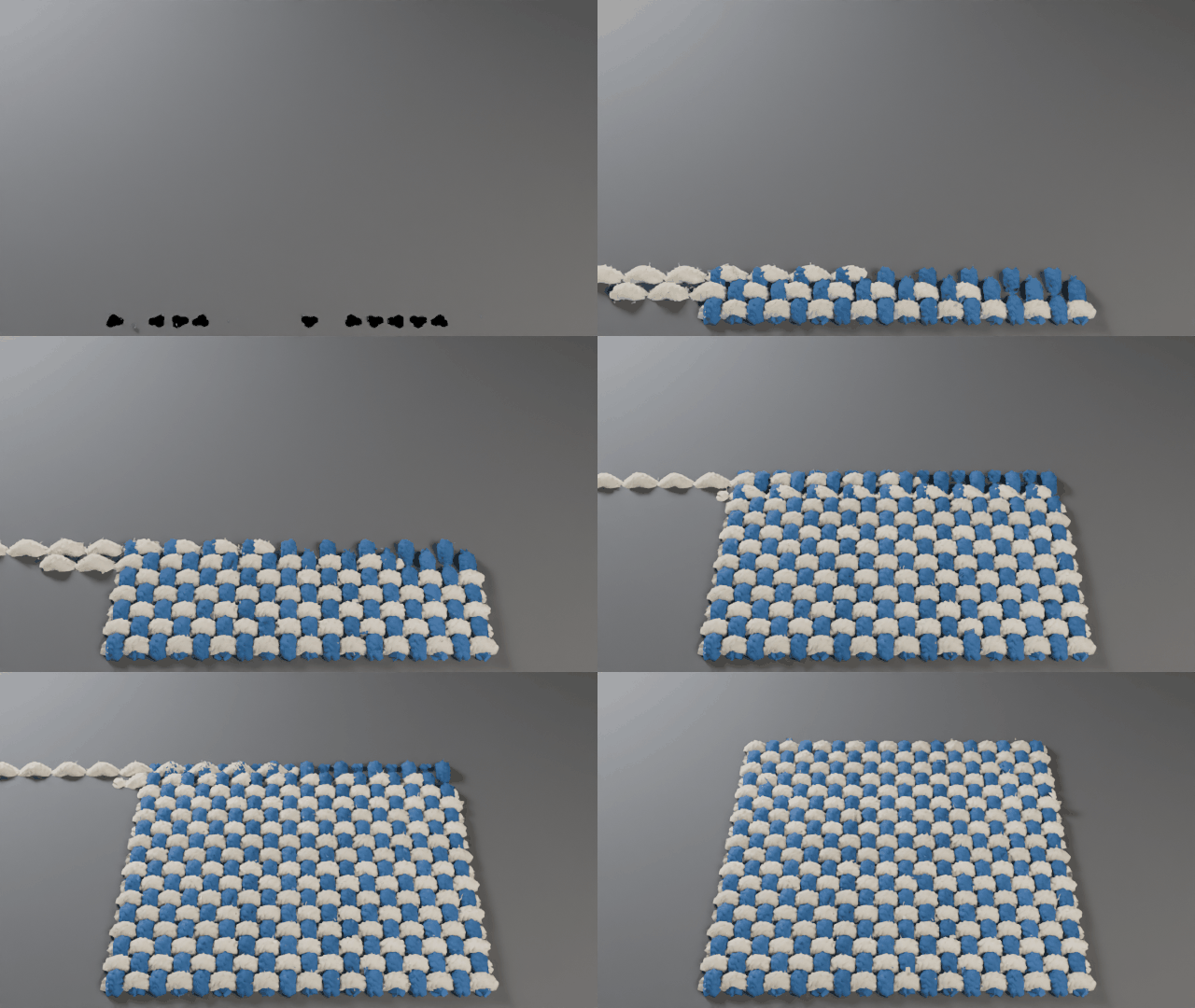
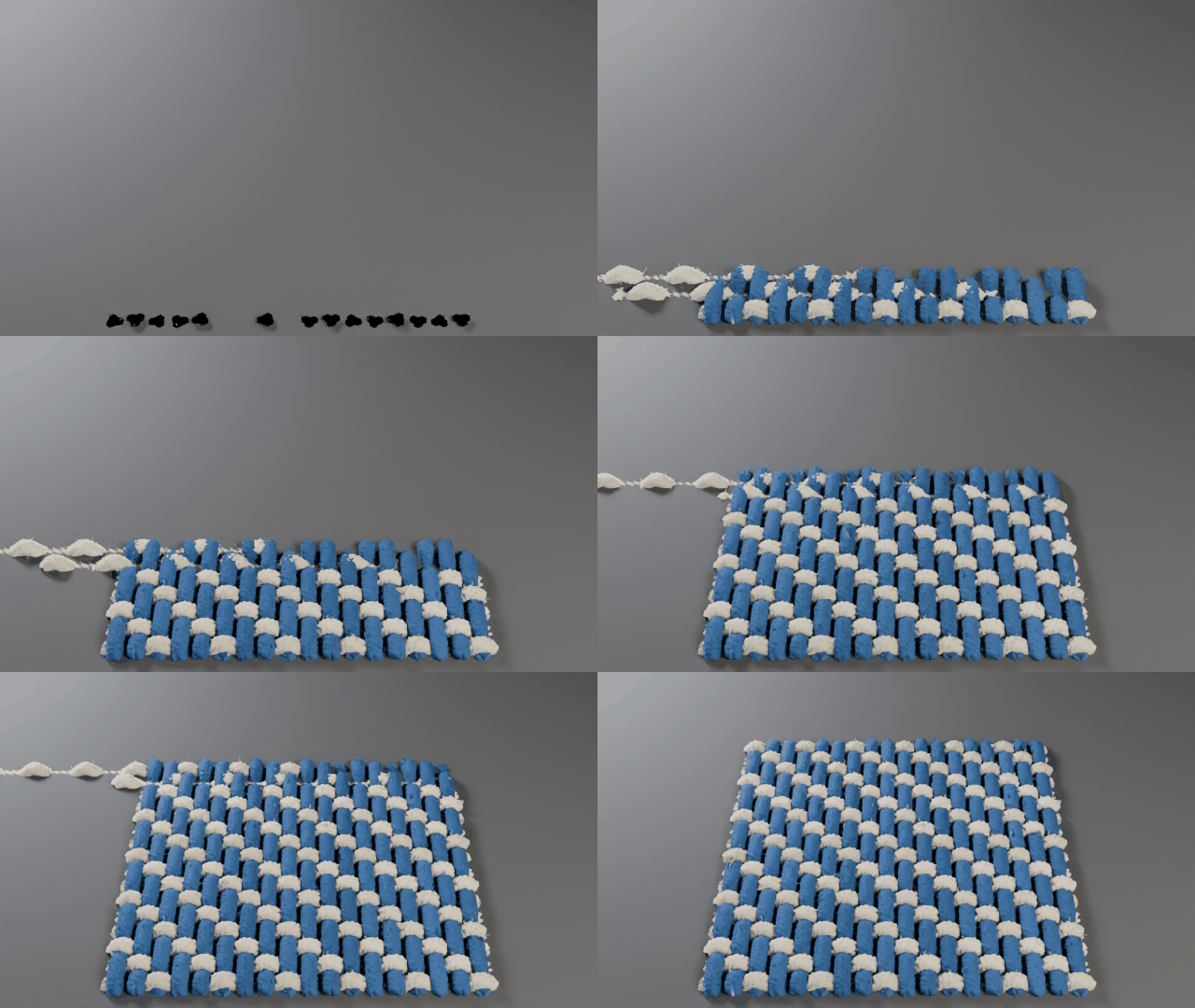
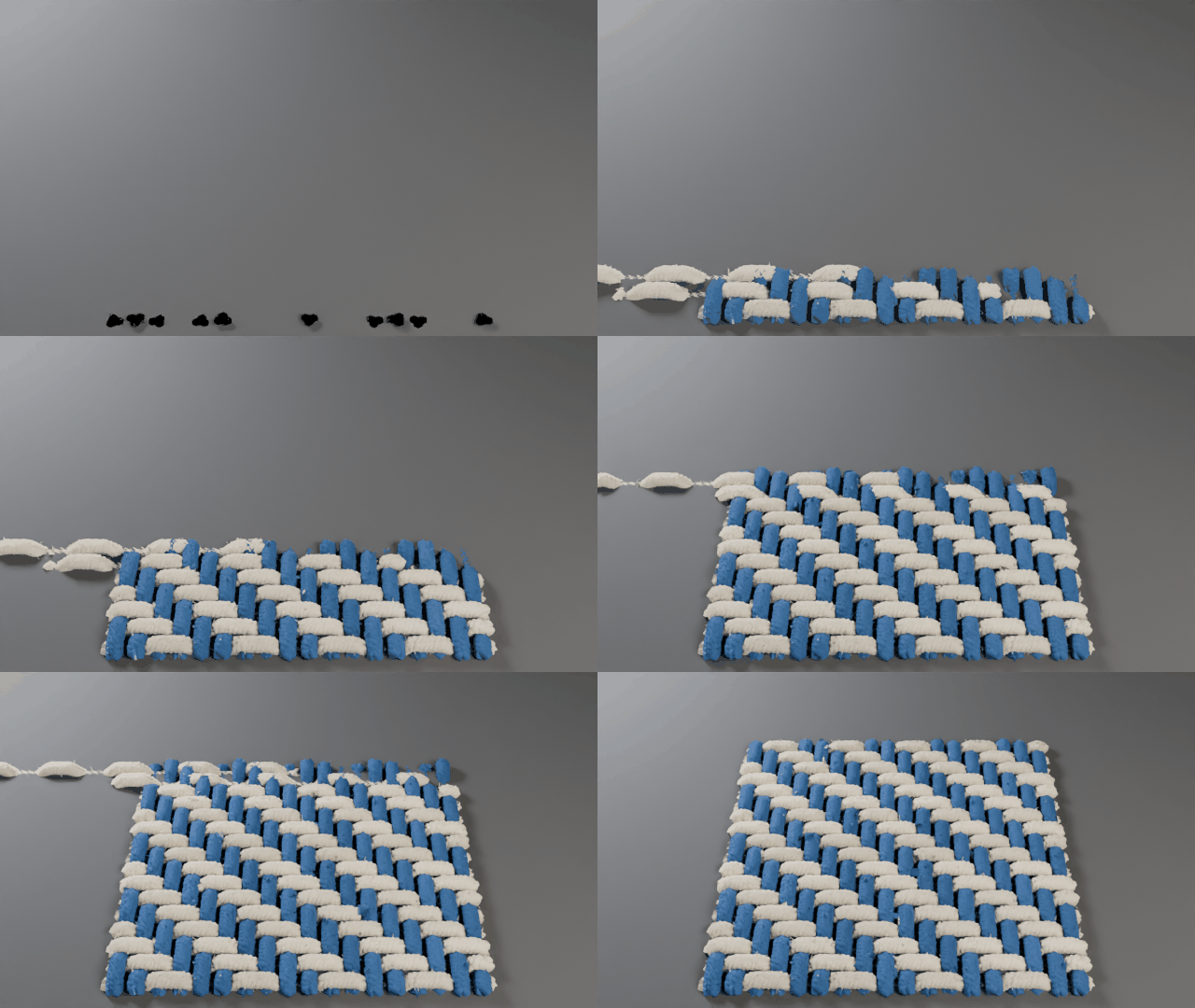
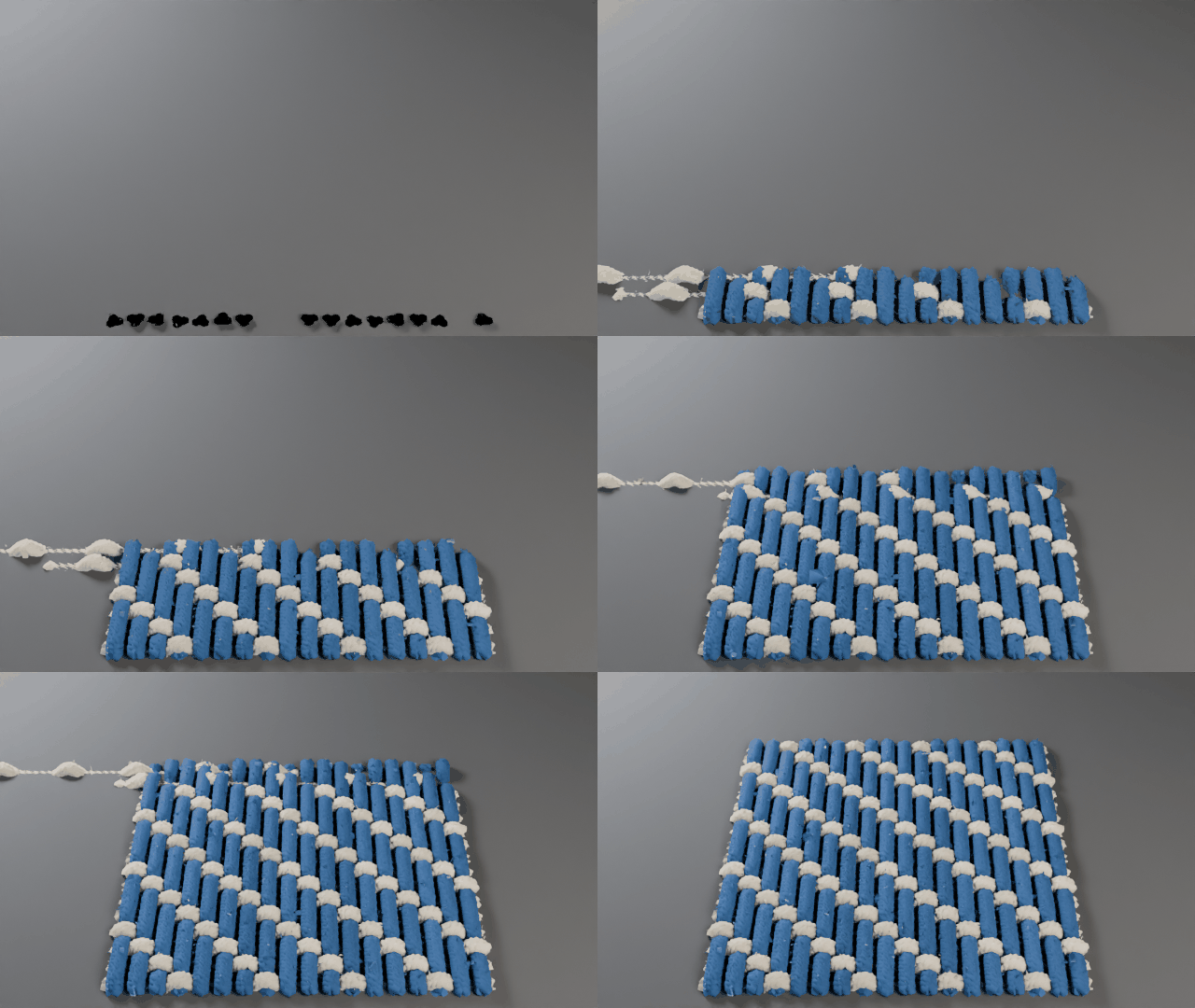
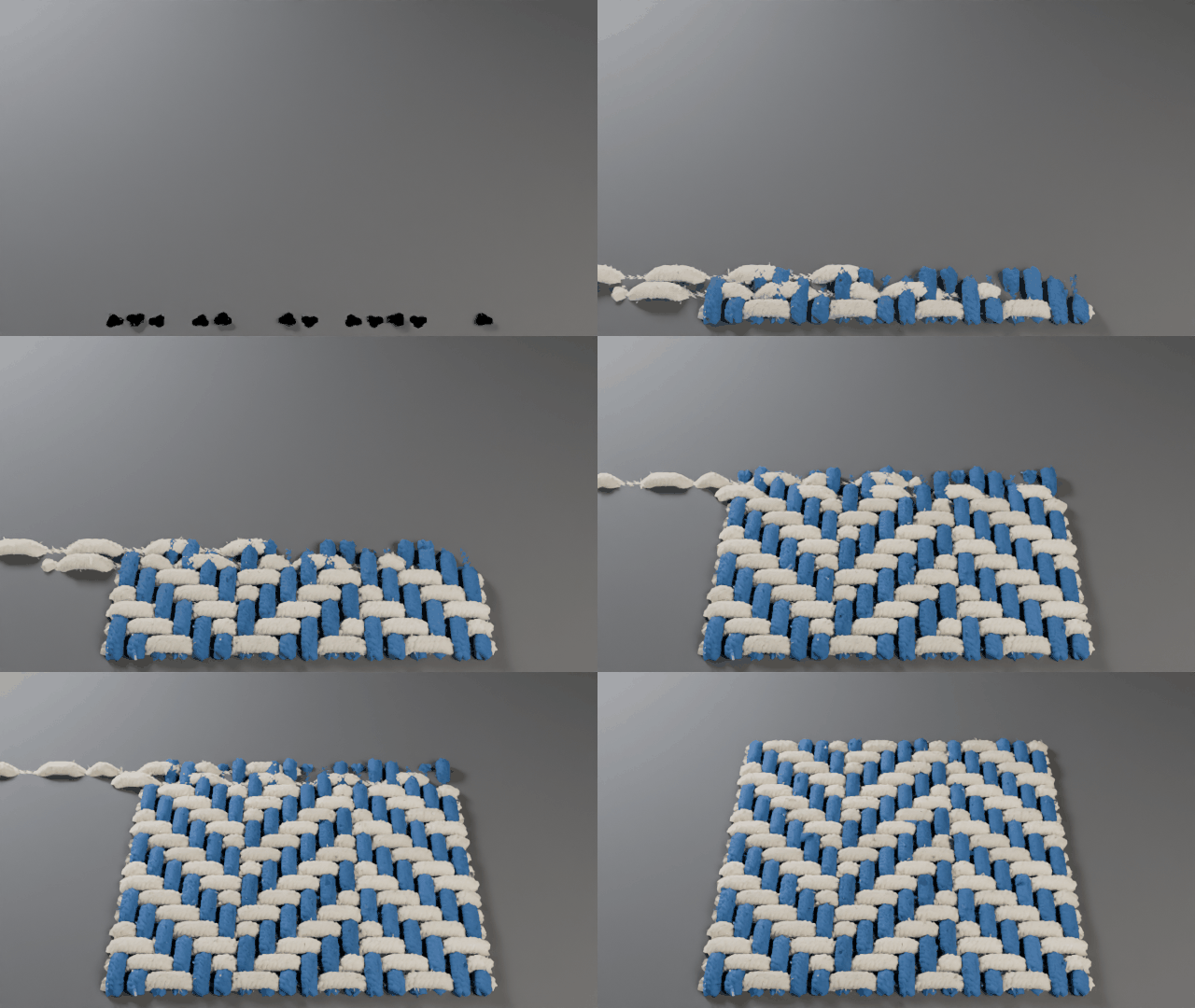
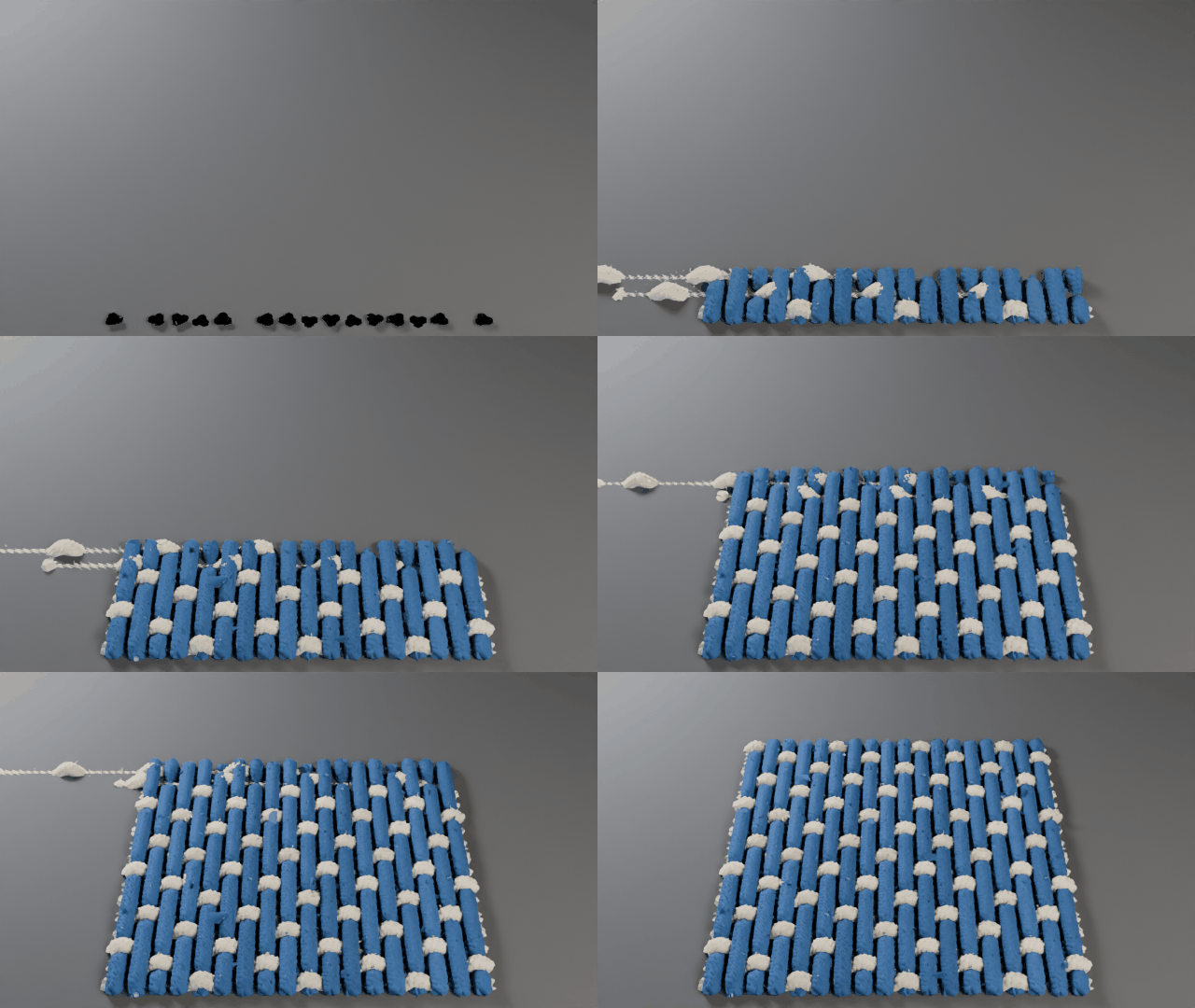
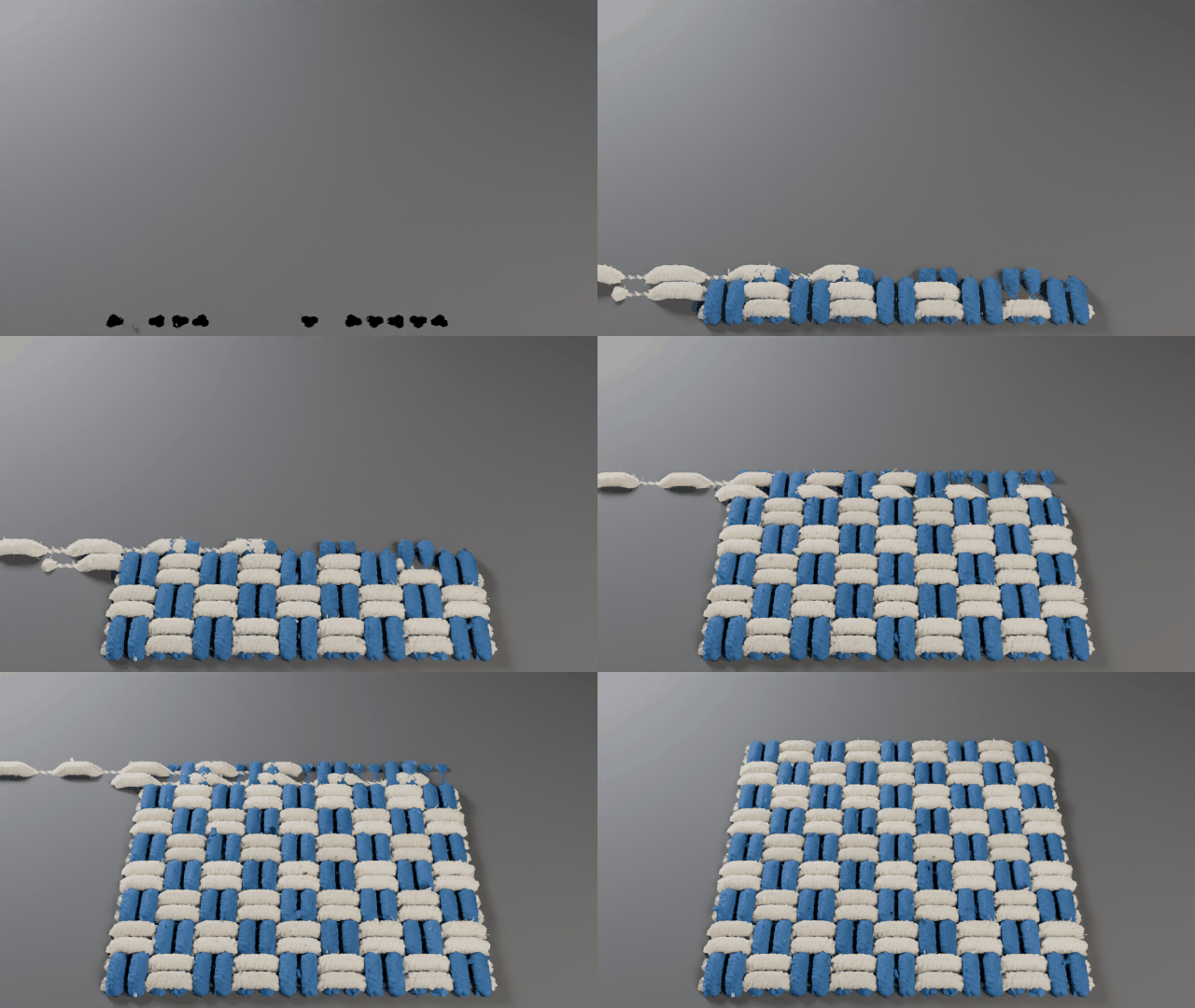
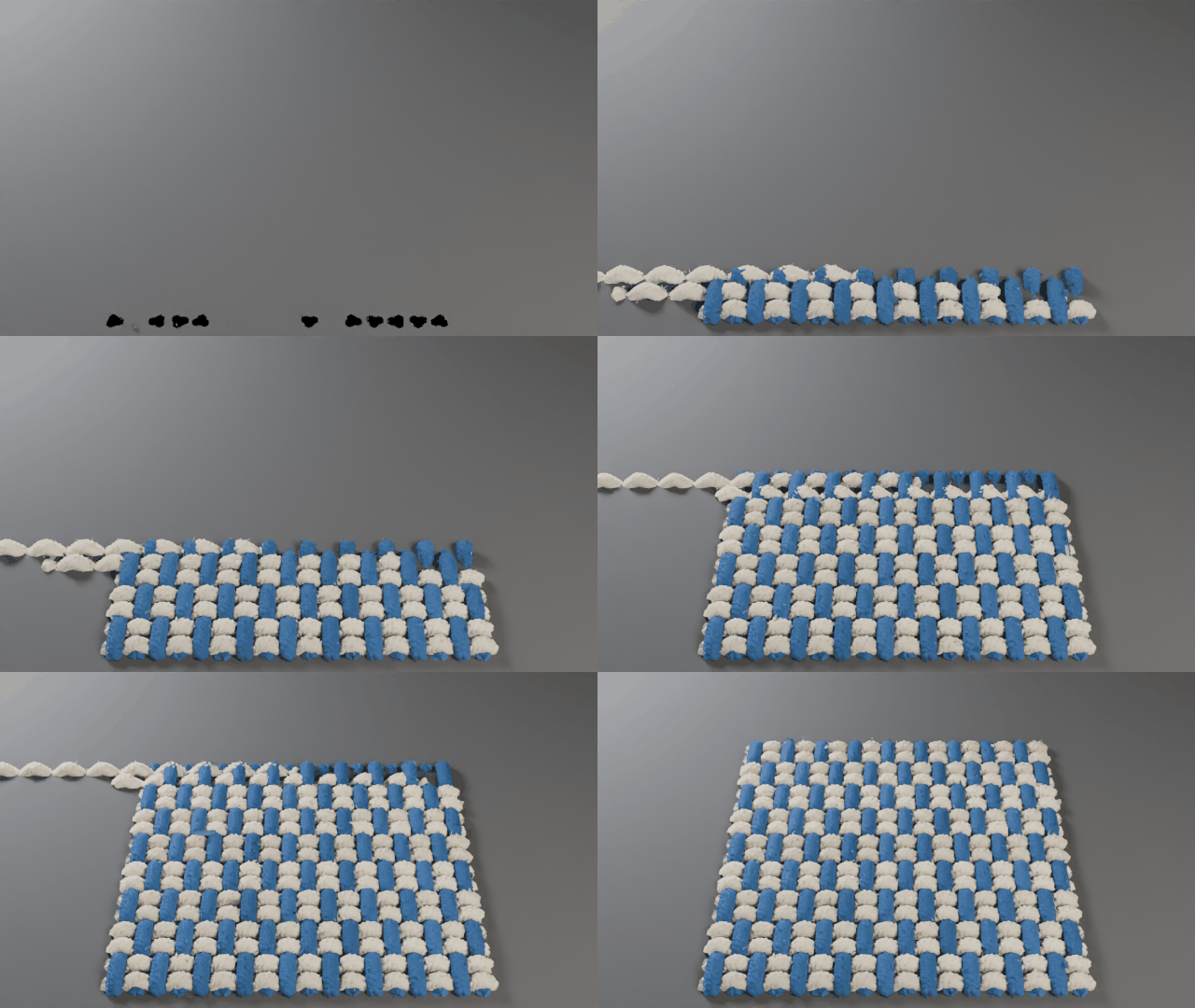
Reverse the twill direction, adjust strand counts and change the look without rebuilding your setup.
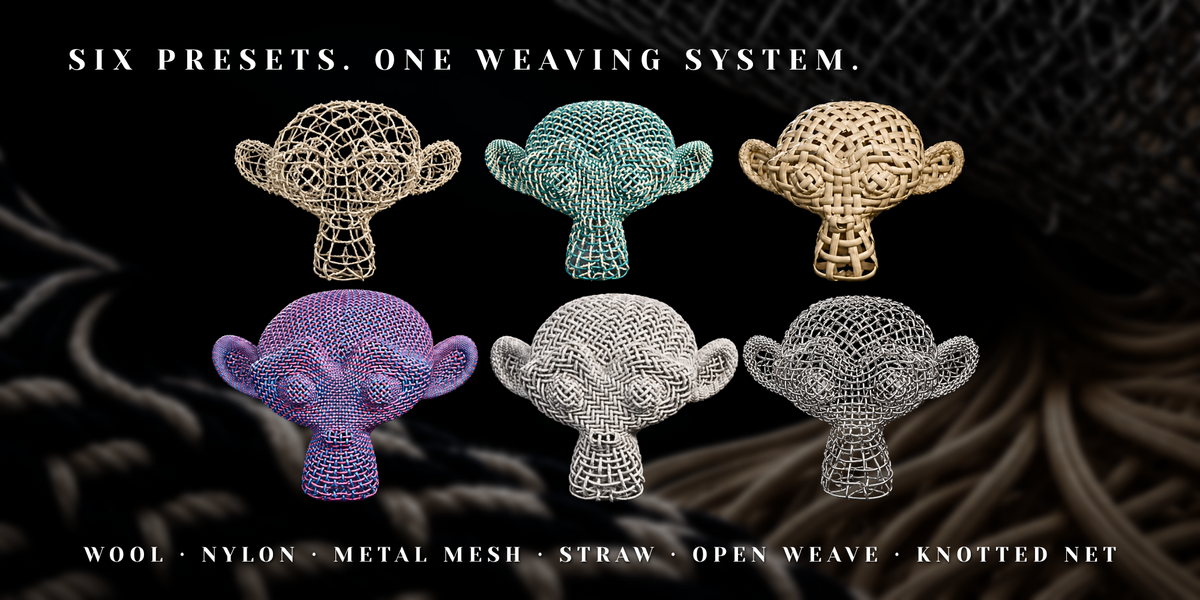
Six starting points. A wide range of woven looks.
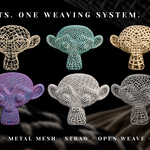
Watch each preset build, then choose a starting point for your scene. Explore soft fibers, smooth synthetic strands, reflective wire, flat natural strips and open net structures. Customize the weave, density, colors and materials to make the result your own.
Wool
Soft, twisted yarns with fine surface fibers. |
Nylon
A tighter synthetic weave with smooth strands and a subtle sheen. |
Metal Mesh
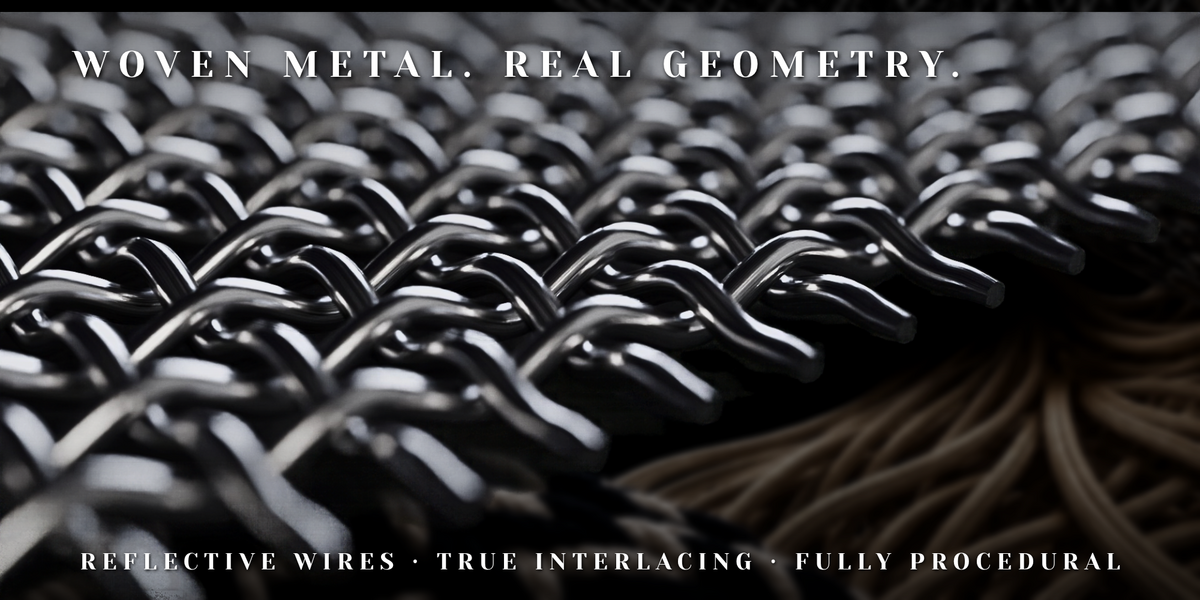
Open interlaced wires with a reflective metal finish. |
Straw
Broad, flat strips for wicker, rattan and basket-like surfaces. |
Open Weave
An airy yarn structure with clearly visible spacing. |
Knotted Net
A sparse net structure with knotted connections and generous openings. |
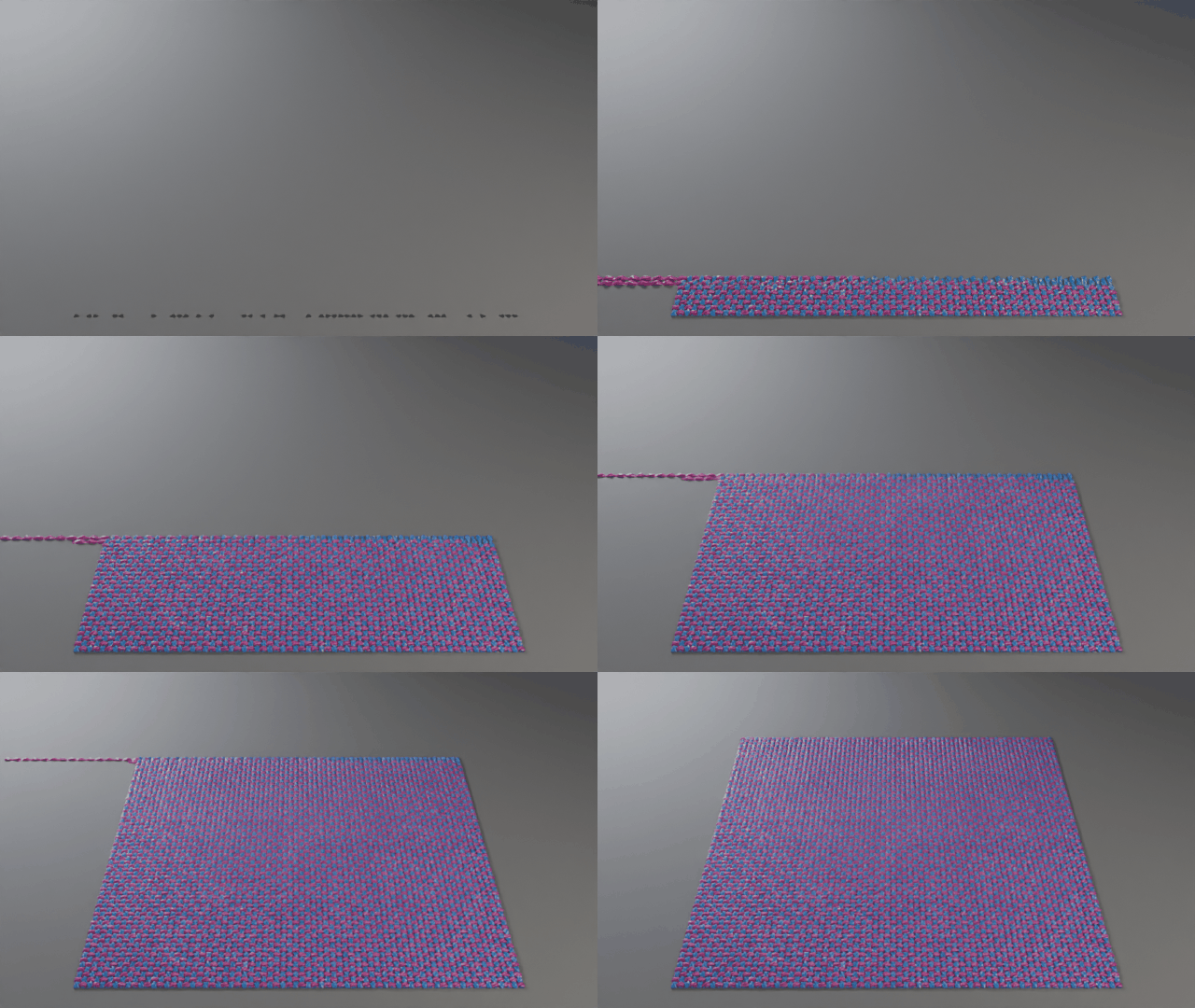
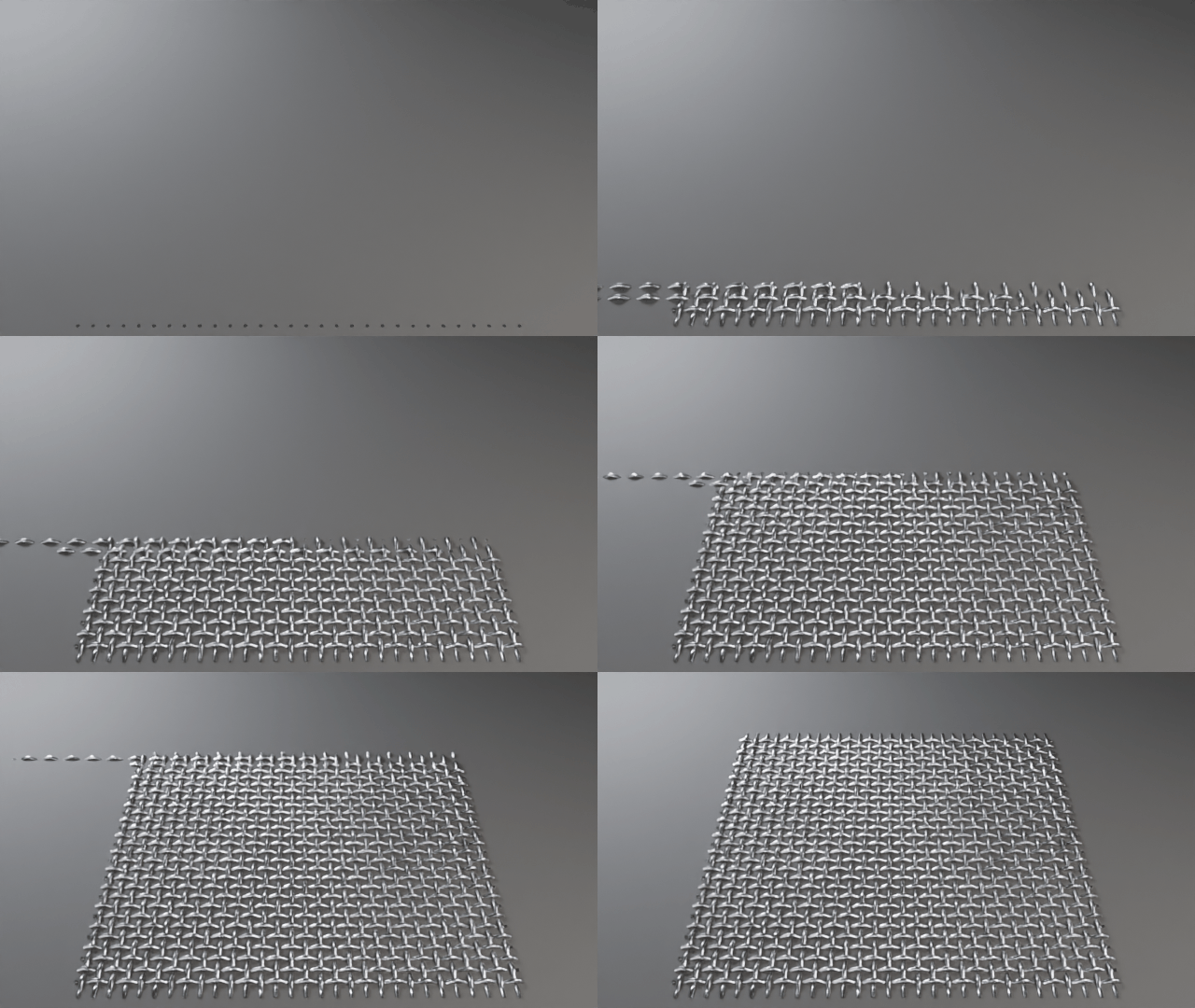
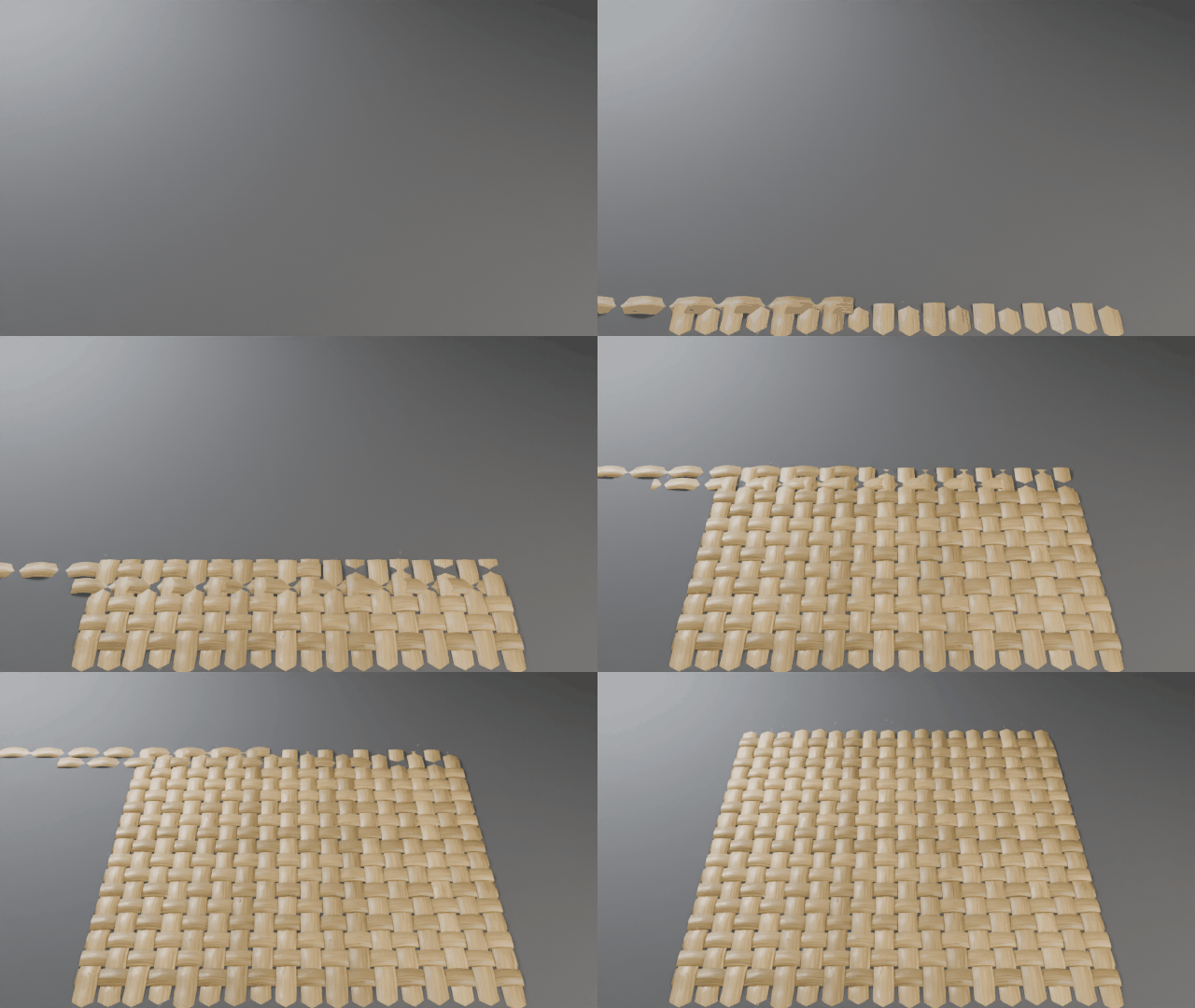
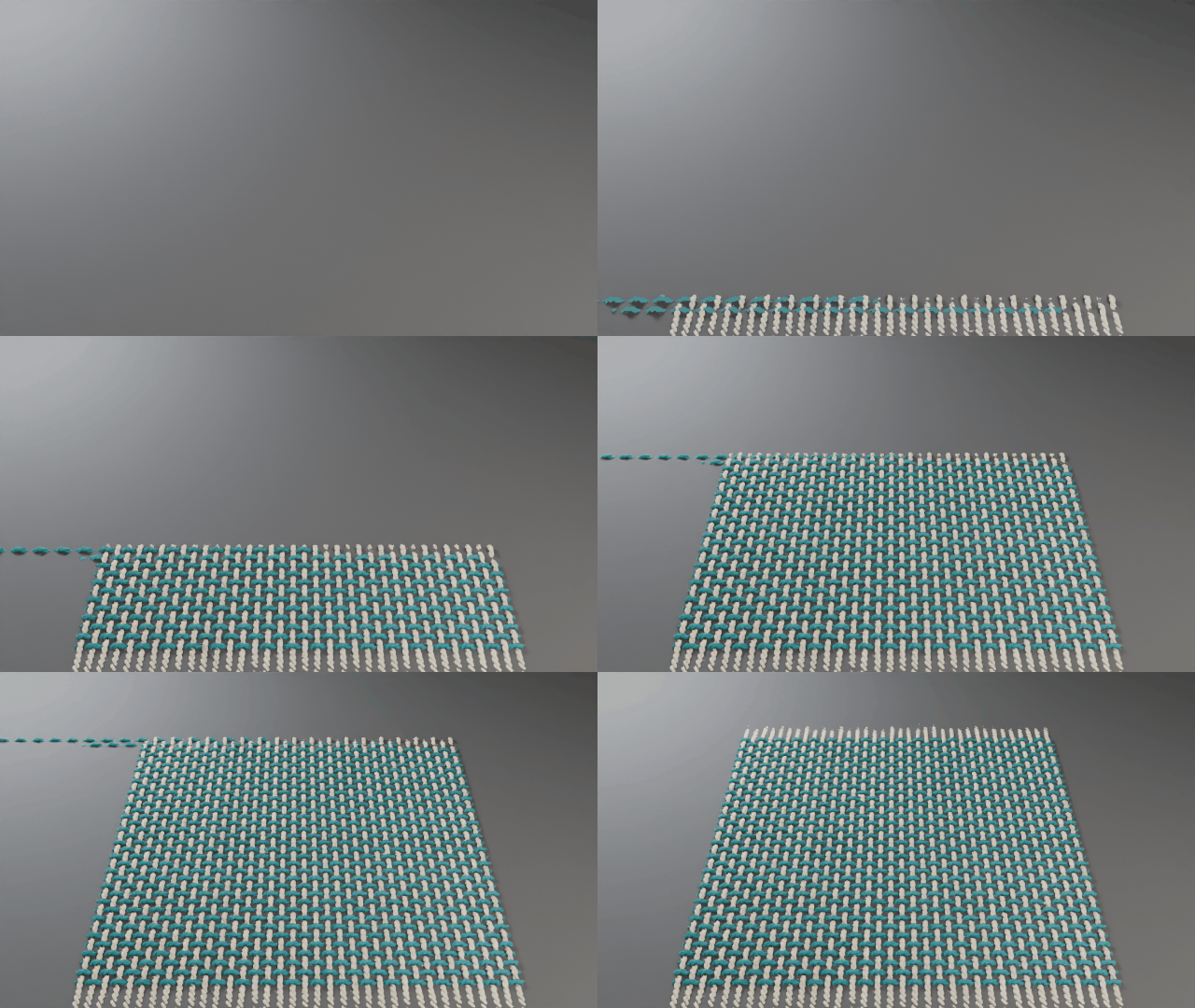
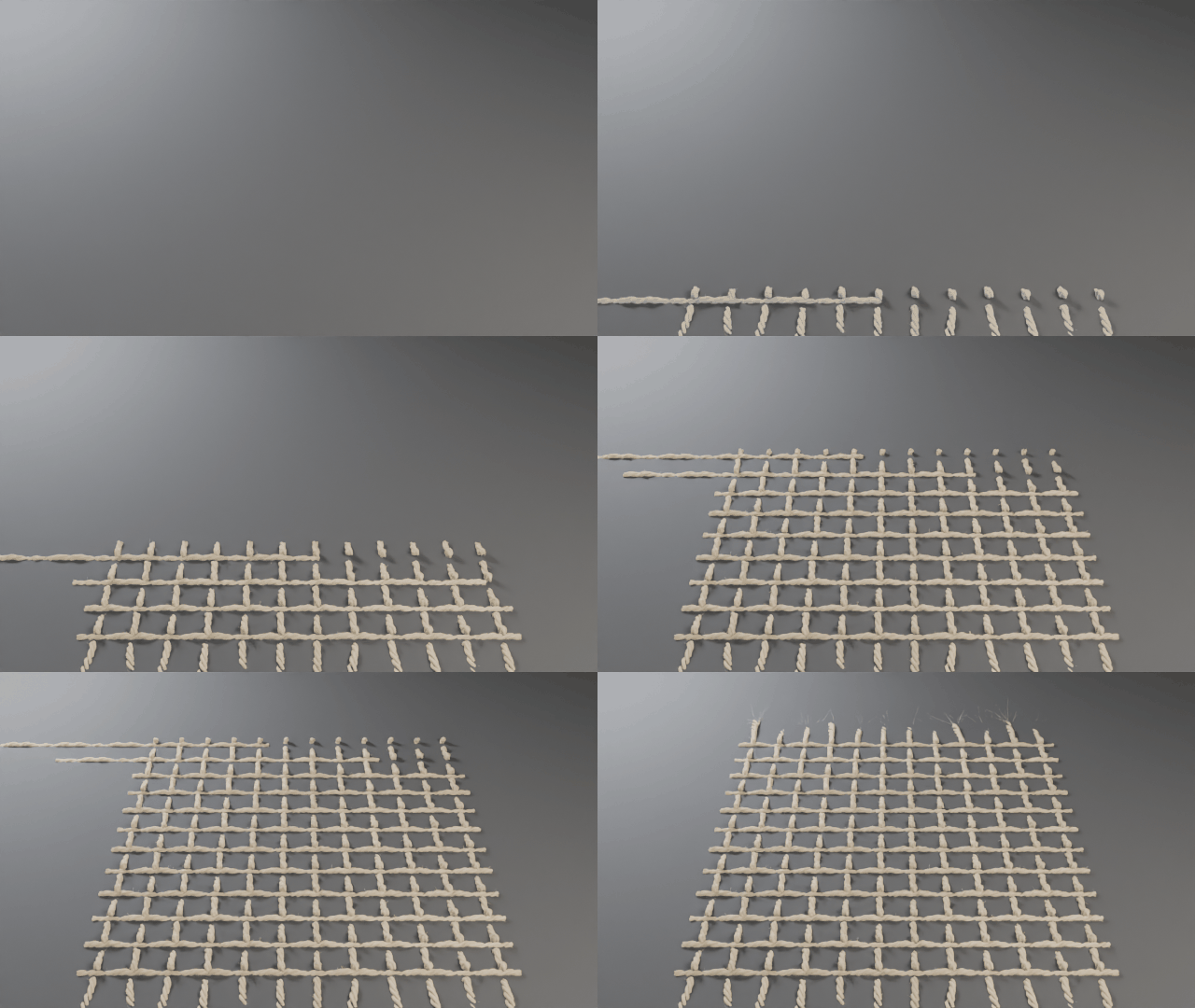
Use these looks for cushions, upholstery, garments, decorative vessels, screens and product details.
From flat weave to 3D form
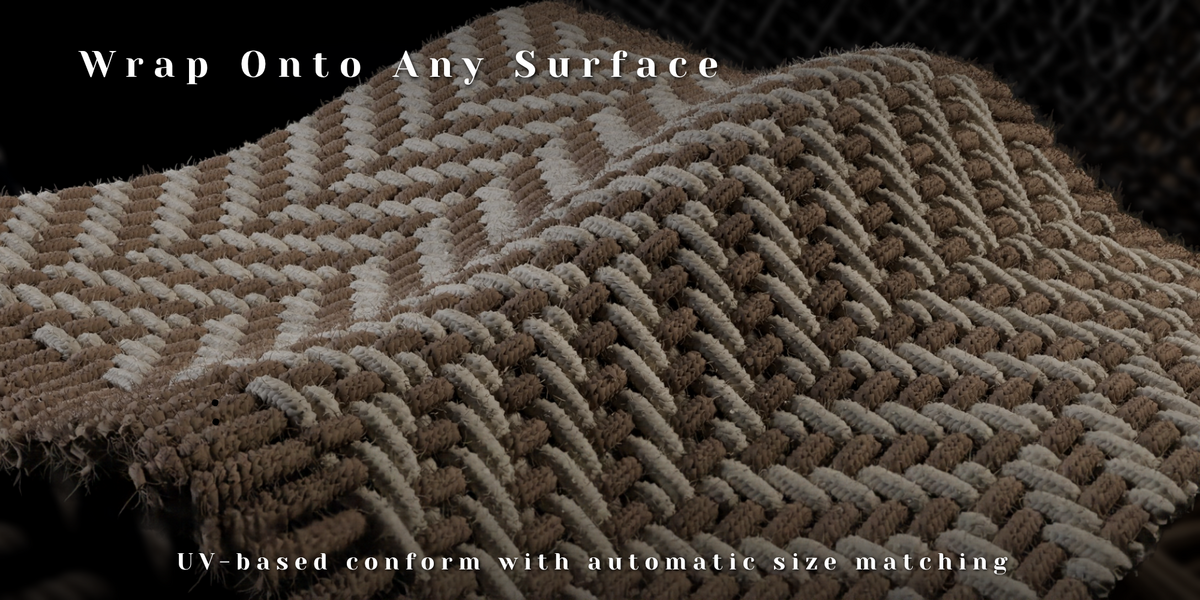
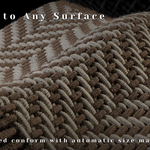
Wrap your weave onto shaped objects with UV-based, Spherical and Cylindrical wrapping. Follow a cushion, curved surface or rounded form while keeping the weaving controls editable.
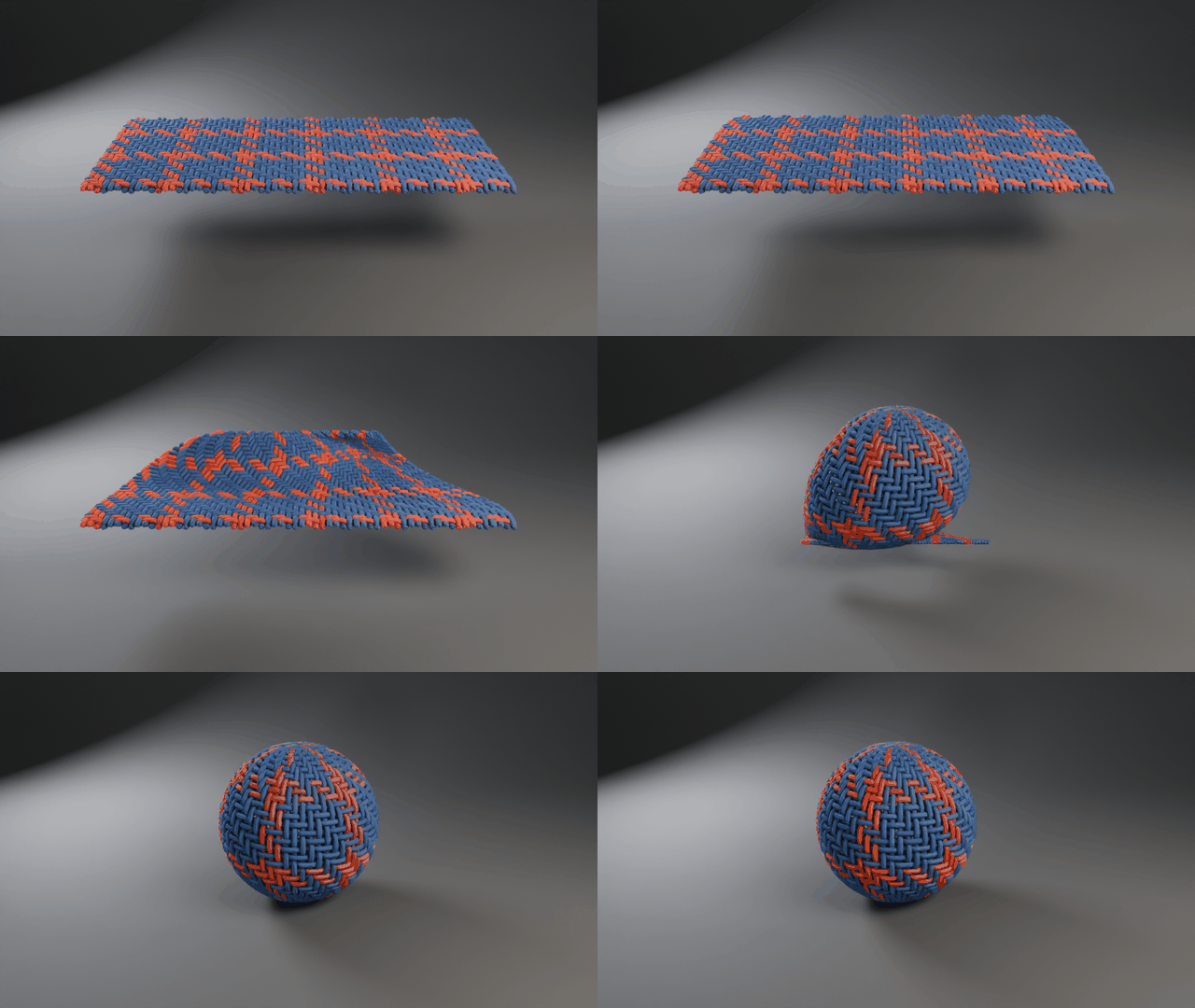
From a flat weave to a 3D surface — animated with Wrap Morph.
Automatic surface-size matching helps adapt the overall weave dimensions to your target. For UV-based wrapping, use a suitable UV-unwrapped mesh; a continuous island with even scale gives the most consistent strand placement.
Control the character of every strand
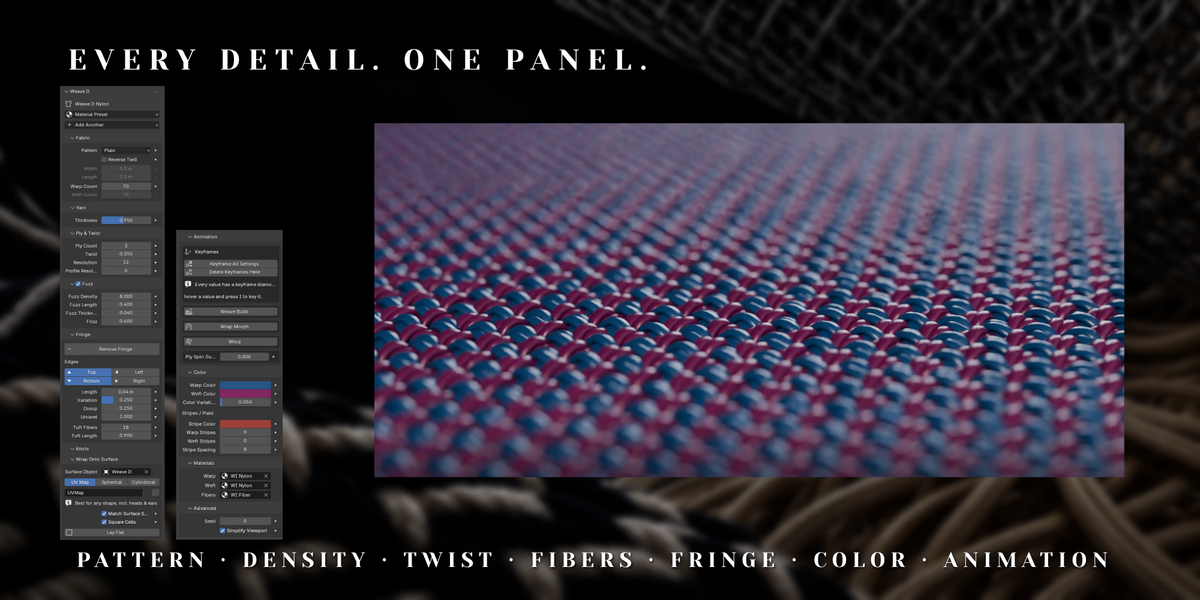
- Twisted yarns: use 1–8 plies per yarn and adjust twist amount, direction and flattening.
- Round yarns or flat strips: change Profile Shape to move between thread, wire, ribbon and straw-like profiles.
- Fine surface fibers: adjust fuzz density, length, thickness and frizz for softer textile detail.
- Frayed edges: use edge selection and Add Fringe, then tune length, variation, droop, unraveling and tip fibers.
- Color, stripes and plaid: control warp and weft colors independently, add stripes in either direction and introduce per-strand variation.
- Matching fiber color: fuzz follows its parent yarn, including its stripes and color variation.
Make the weave move
Use four built-in animation tools to reveal, wrap and animate your material.
- Weave Build — Reveal the fabric row by row as incoming weft strands slide into place.
- Wrap Morph — Transition a flat weave onto an assigned surface.
- Wind — Add movement to fringe and fibers.
- Ply Spin — Rotate plies around the yarn.
Settings also support keyframes. Use the keyframe diamonds beside values, or record the setup with Keyframe All Settings.
A flexible Blender workflow
The procedural setup runs through a single Geometry Nodes modifier, with controls available in the Weave It panel. Add a preset, refine the weave and keep making changes throughout your project.
Simplify Viewport reduces editing detail while retaining full detail for rendering. For custom materials, shader attributes expose yarn color, random values, strand indices, fringe factors and yarn coordinates.
Included
- Installable Weave It add-on
- Six presets: Wool, Nylon, Metal Mesh, Straw, Open Weave and Knotted Net
- Eight weave patterns and four built-in animation tools
- Demo scenes and README documentation
Requirements & working with detail
Blender 5.1 or newer. Tested in Blender 5.1.2 and 5.2.2.
Cycles recommended. Yarn geometry and hair-based fibers also support EEVEE.
Use the add-on’s preset creation tools to create the correct Hair Curves object for rendering fuzz and fringe fibers.
High strand counts, multiple plies and dense fibers increase geometry and render cost. Keep Simplify Viewport enabled while editing, and choose a detail level appropriate for your camera distance.