Non-Destructive Weight Layer & Voxel Skinning Add-on for Blender
 pillarsofdynamicgames


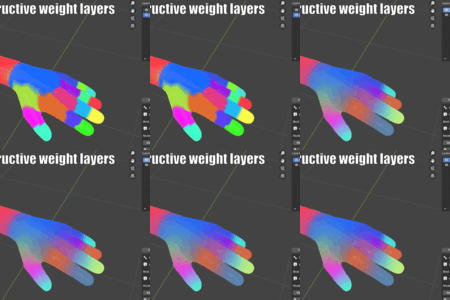
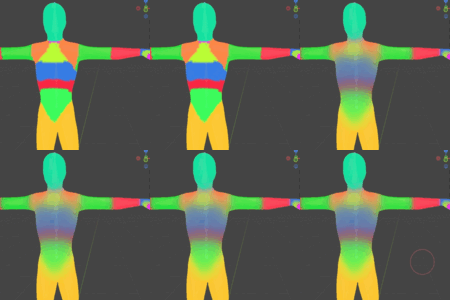
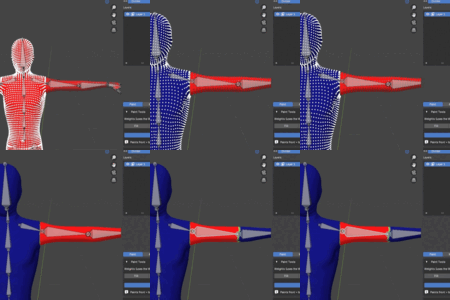
Added
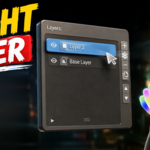
- Layer status dot in the Influences list (green / orange / red: is a layer
  above covering this bone), click opens the covering layer
- Opacity slider per layer; Blend and Strength now take effect live
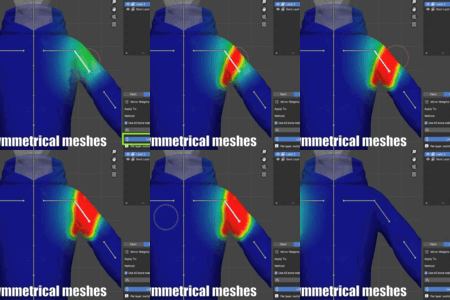
- Mirror map that follows an uneven rig and works in the rig's space
- "Clean Edge" option for Assign From Closest Joint (default 0)
- Original weights saved when a mesh is first added
- Bake asks: Only Selected (viewport selection or Target Meshes row) or All
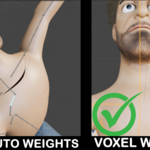
- Voxel Bind: "Cloth Follow" - garments take the weights of the skin under them
- Voxel Bind: meshes sharing a cut seam are solved as one body in Individual mode

Fixed
- Layer mask zeroed a bone outside the mask instead of showing layers below
- Soft masks were applied twice on the bone being painted
- Hiding a layer / Blend / Strength did not update the mesh until a full rebuild
- Live result and Bake could differ (now one shared compositor)
- Undo, renaming the mesh or the add-on folder could desync the layer stack
- Removing a bone or layer left its old weights on the mesh
- Leaving Weight Paint left the painted bone's real group stale
- Bake left meshes that were off the Target Meshes list half cleaned
- Bake with Paint Mask on left bones unselectable
- AI bone matcher paired centre bones with each other and non-mutual bones
- A painted bone could show a stale mirror diamond next to its layer dot
- Assign Closest: random speckle around bent joints
- Compositor errors were silently swallowed

Changed
- Removing a mesh from Target Meshes restores its original weights and
  removes all layer data (asks to confirm)
- Bake removes storage groups, modifier, node tree, add-on locks and empty groups
- Influences list shows only the layer dot; Mirror list shows only the diamond
- Paint Mask button moved above the Influences / Mirror lists
- Live Mirror is much faster after a stroke; mirror map survives undo
- Surface Project mirror map builds about 10x faster
Have questions about this product?
Login to message
| Sales | 10+ |
| Published | 5 months ago |
| Blender Version | 4.5 |
| Extension Type | N/A |
| License | GPL |

Discover more products like this
automatic-weight Blender weight painting blender weights bone-weights blender addon weight paint characters