Weight Painter Pro
 Paulo Antunes


I found a bug or have a feature request — where do I report it?
Contact the maintainer directly at [email protected].
Is the add-on non-destructive?
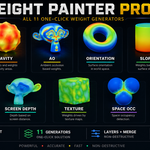
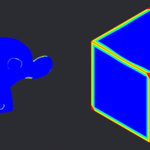
Most generators just write a vertex group (fully non-destructive — delete the group to undo). Merge by Weight and Remesh by Weight modify mesh topology, but both use an Apply/Cancel preview workflow so you can back out before committing.
Can I use the generated weights outside of Weight Paint mode — as a texture or a color?
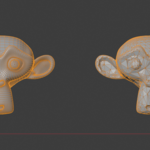
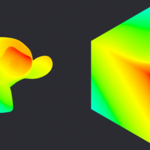
Yes. Use Export Weight to bake to a UV texture or Color Attribute, Weight Shader to preview it as a live Diffuse material, or Vertex Paint to convert it into real vertex colors.
What's "Space Occlusion" vs "Ambient Occlusion"?
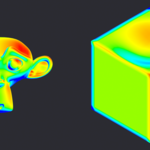
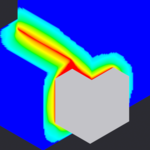
Ambient Occlusion reads the mesh's own geometry (self-occlusion). Space Occlusion instead only counts rays that hit other nearby objects in the scene — useful for masking where two objects touch or overlap.
Does it work in Edit Mode, or only Object Mode?
Generators run in Object Mode on the active mesh. Edit Mode utility jumps you straight into Edit Mode with the painted area (weight > 0) already selected, so you can keep working from there.
Can I combine multiple generators into one result?
Yes, using Layers. Stack any number of generators, each with its own blend mode (Merge/Add/Subtract), and bake them into a single result vertex group.
Does it work with modifiers, shape keys and rigs I already have?
Yes. Every generator writes to a normal Blender vertex group, so it works natively with Armature modifiers, drivers, shape keys, and any other system that reads vertex groups — nothing custom or proprietary.
Do I need to install any extra dependencies?
No. The add-on uses numpy, which ships with Blender by default.

Discover more products like this
rigging remesh vertex weights weight generator cavity vertex color vertex groups weight paint procedural weight ambient occlusion edge mask UV seams