Paulo Antunes


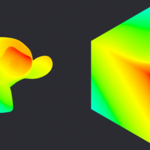
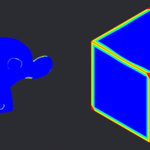
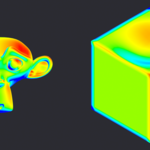
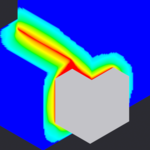
Stop hand-painting weights. Generate them.
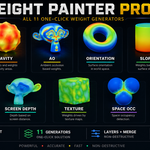
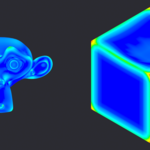
Weight painting is slow, fiddly, and never symmetric on the first try. Weight Painter Pro replaces the brush with 11 one-click generators that read your mesh's own geometry, curvature, orientation, occlusion, proximity, and write a clean vertex group instantly. Tweak a few sliders, not a thousand brush strokes.
Built for riggers who need clean deformation masks, hard-surface artists who need edge/cavity wear masks, and technical artists who need weight-driven Geometry Nodes setups, without leaving Weight Paint mode.
What it generates
Pick a generator, hit Paint, done. Every one writes to its own vertex group so you can combine, edit, or export them freely:
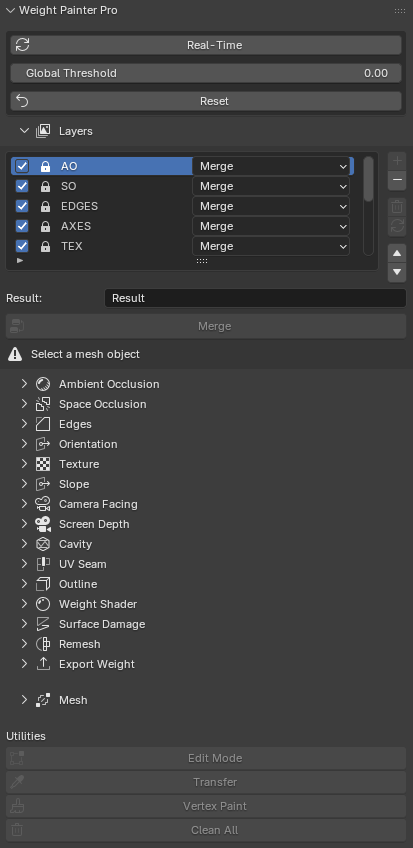
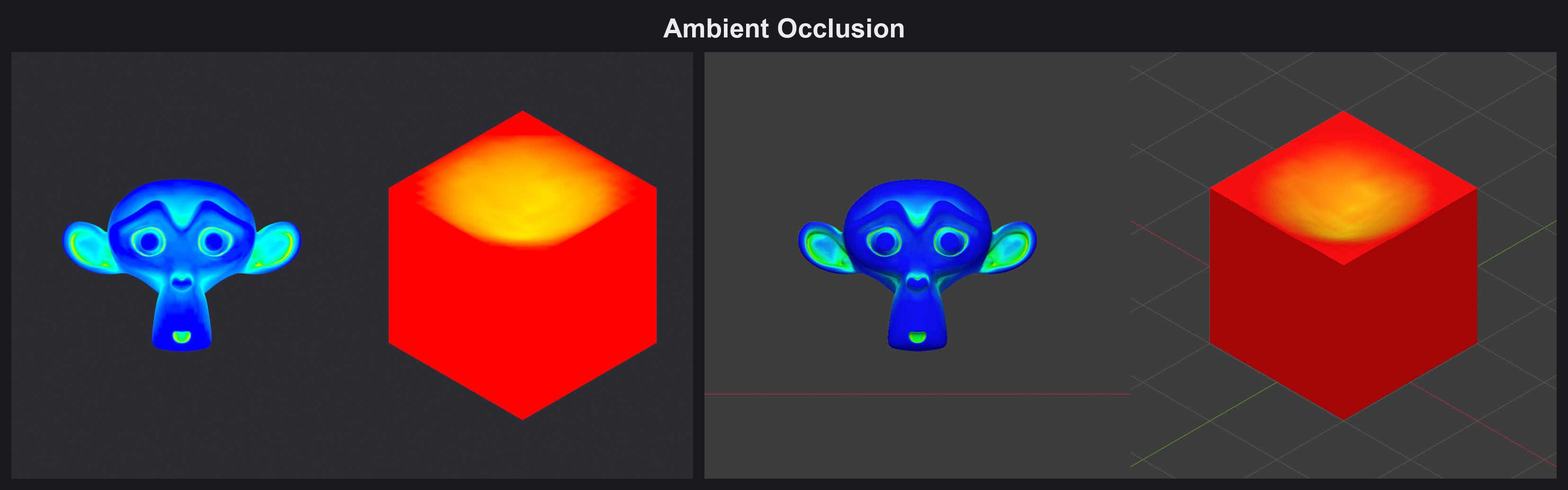
- Ambient Occlusion — crevices dark, exposed areas light
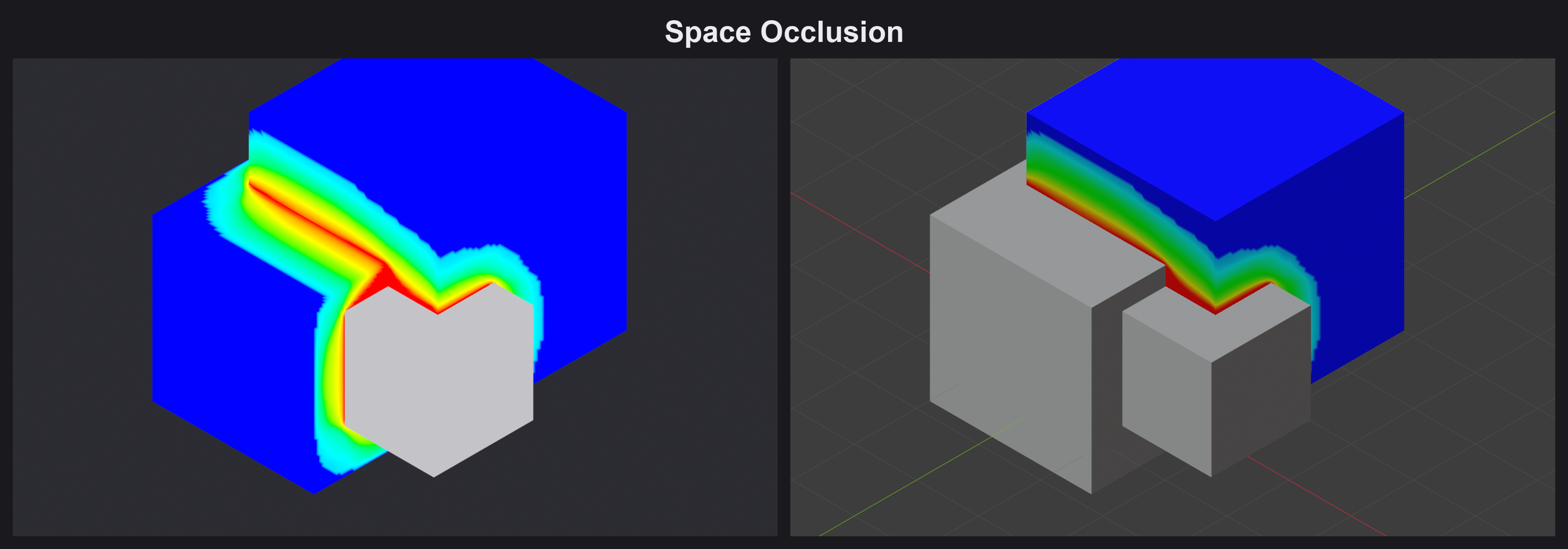
- Space Occlusion — like AO, but from other nearby objects, not self
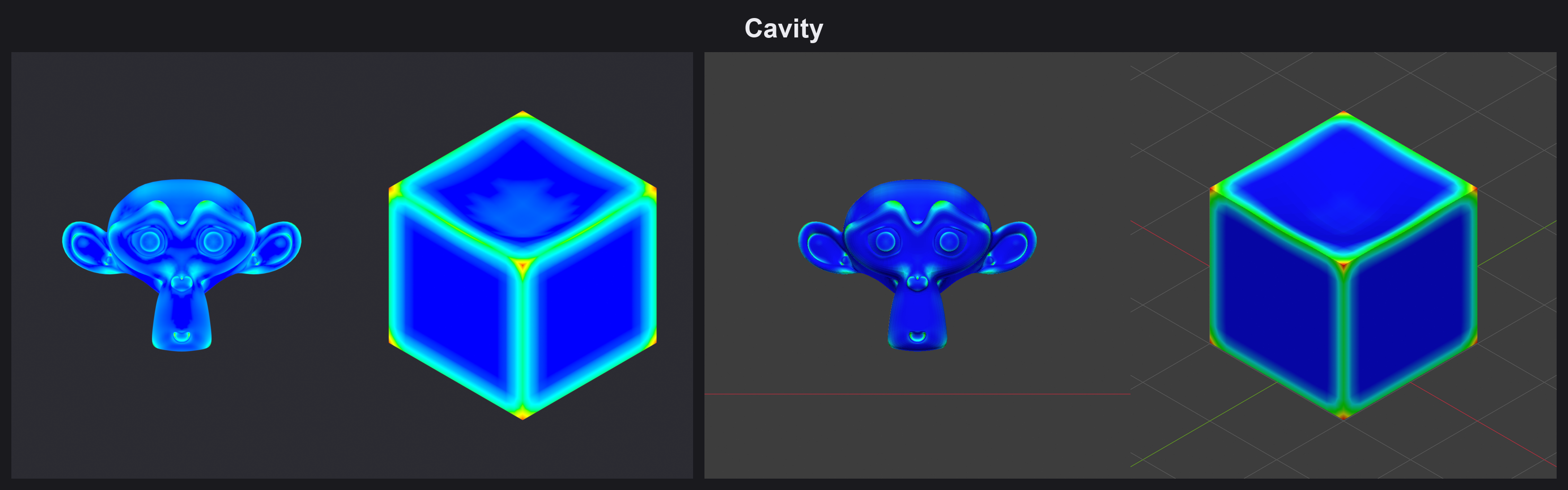
- Cavity — concave creases (or convex ridges, inverted)
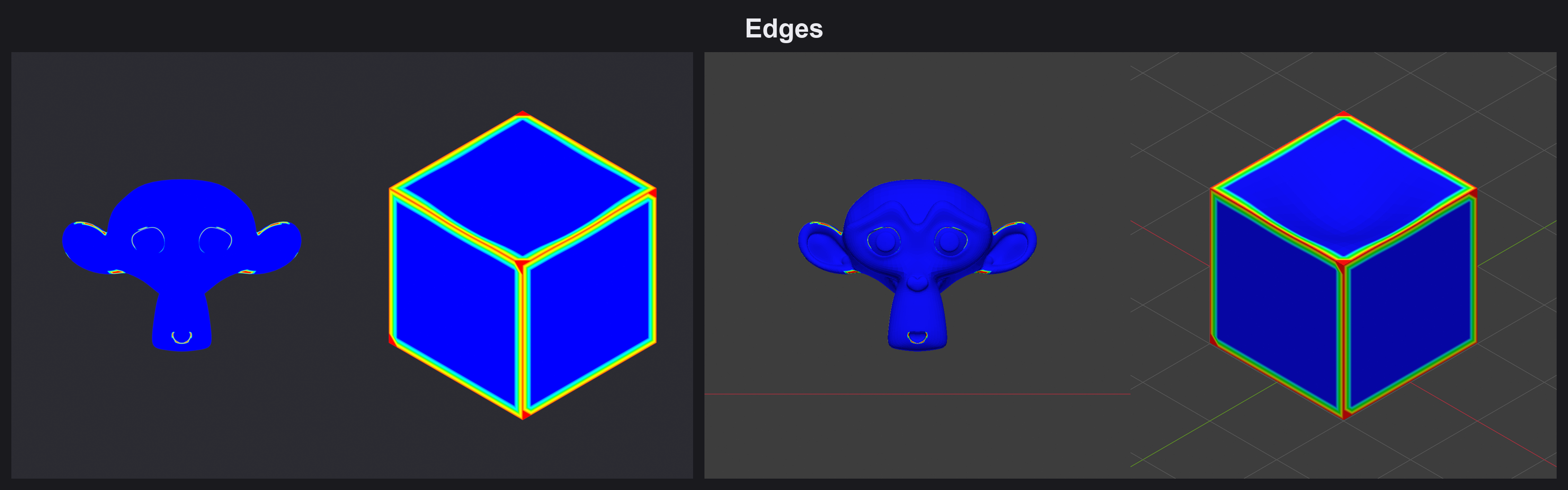
- Edges — outermost contour and convex edges
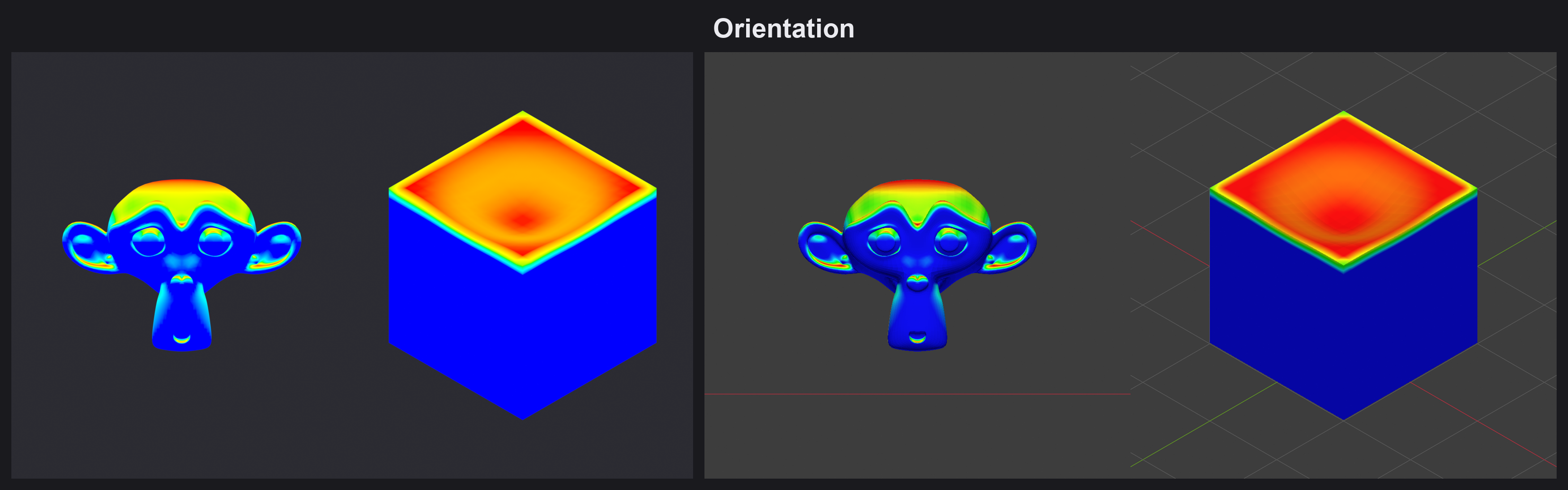
- Orientation — how the surface normal aligns to any axis you choose
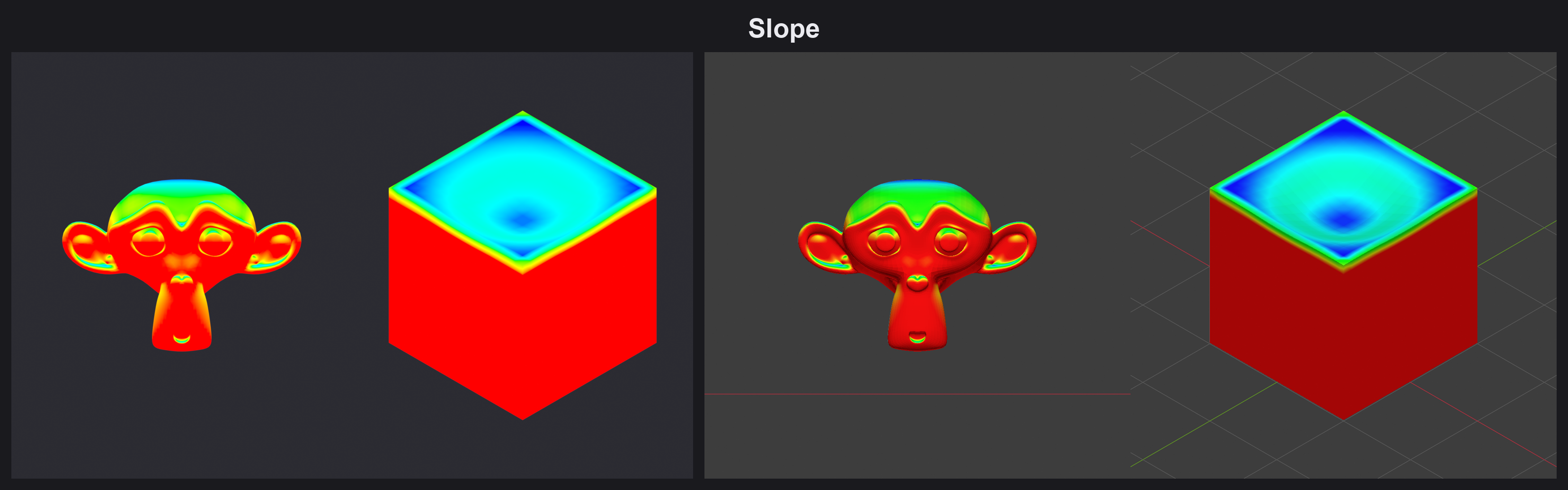
- Slope — angle between the normal and your chosen Up axis
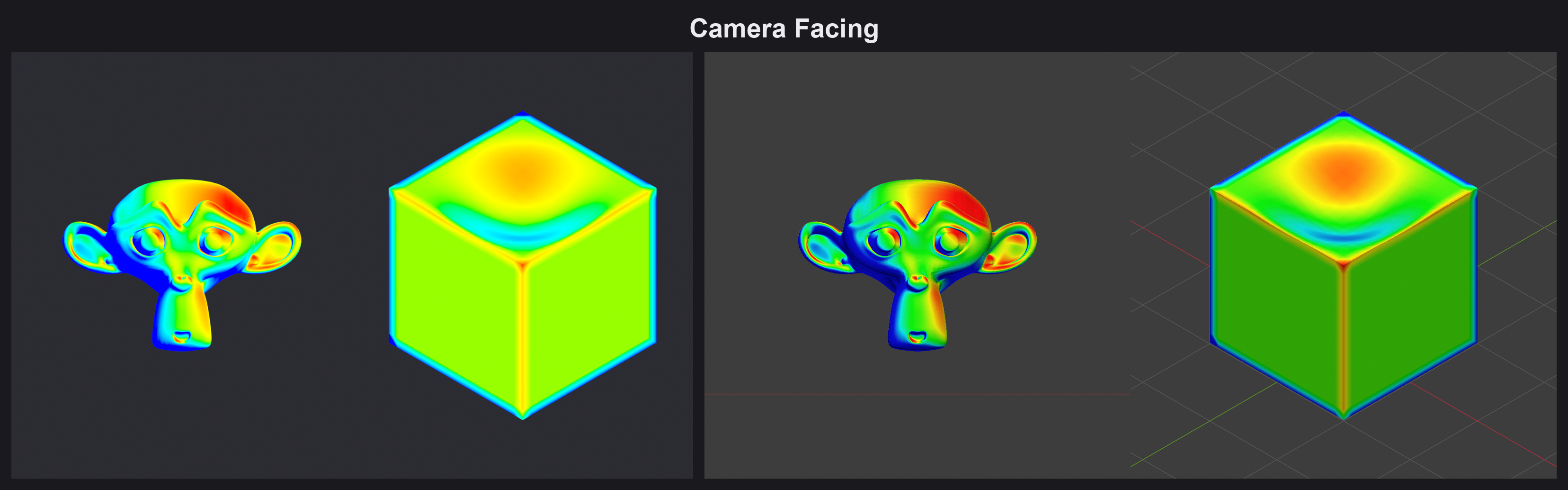
- Camera Facing — hot where geometry faces the camera or viewport
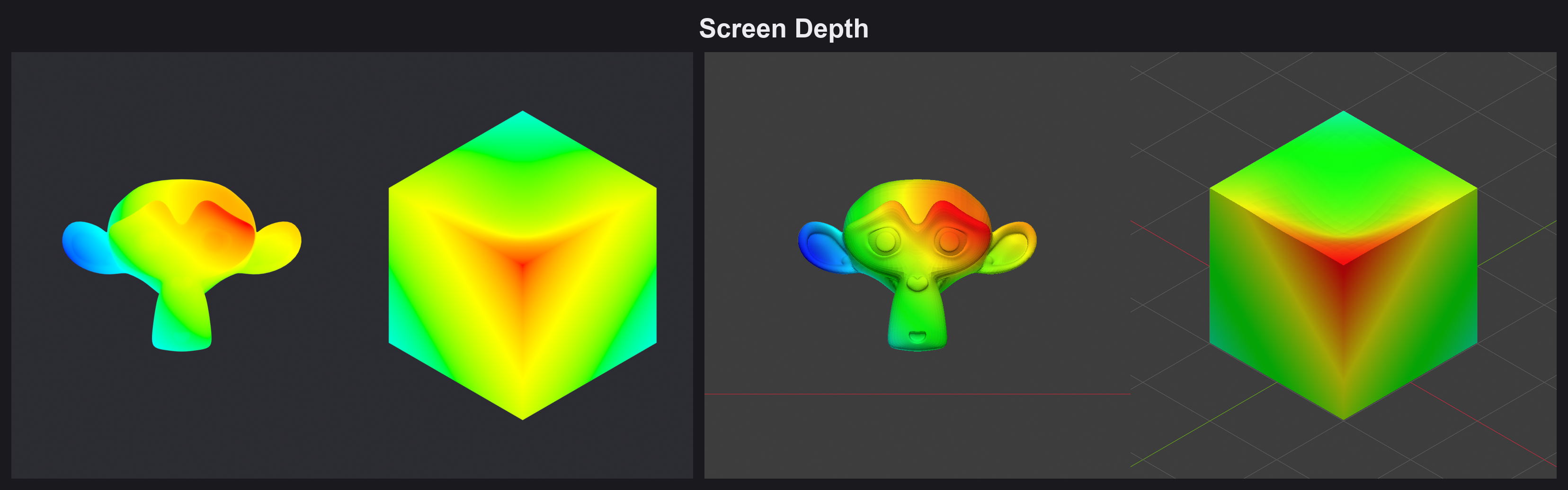
- Screen Depth — normalized distance to camera/viewport
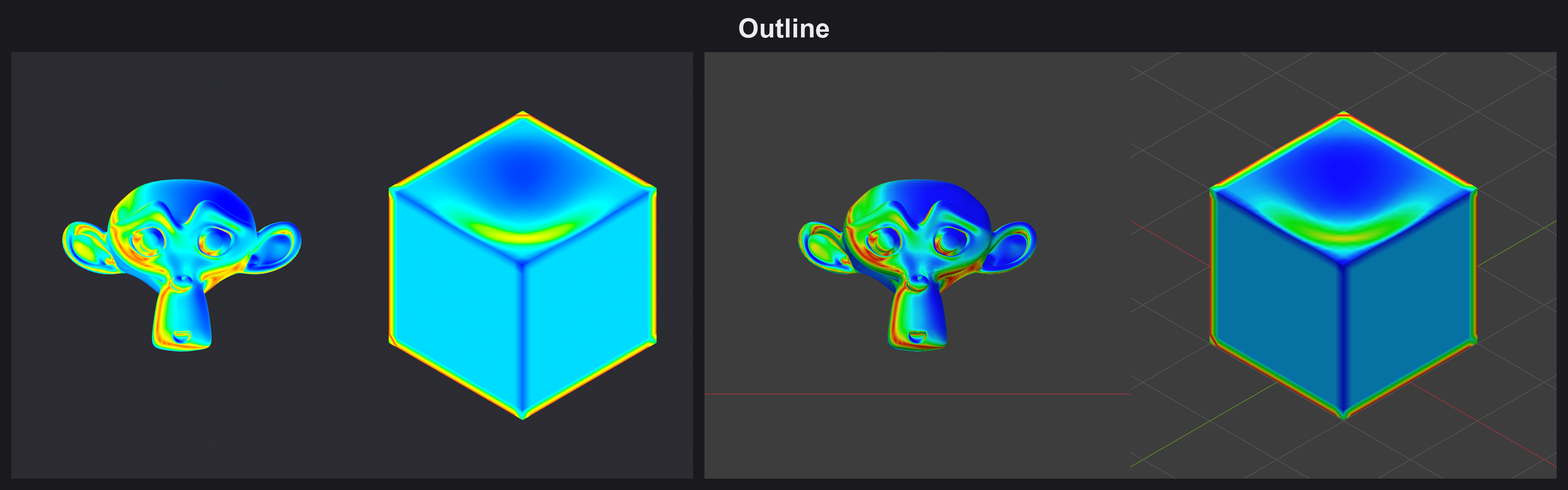
- Outline — silhouette/rim, where the normal grazes the view
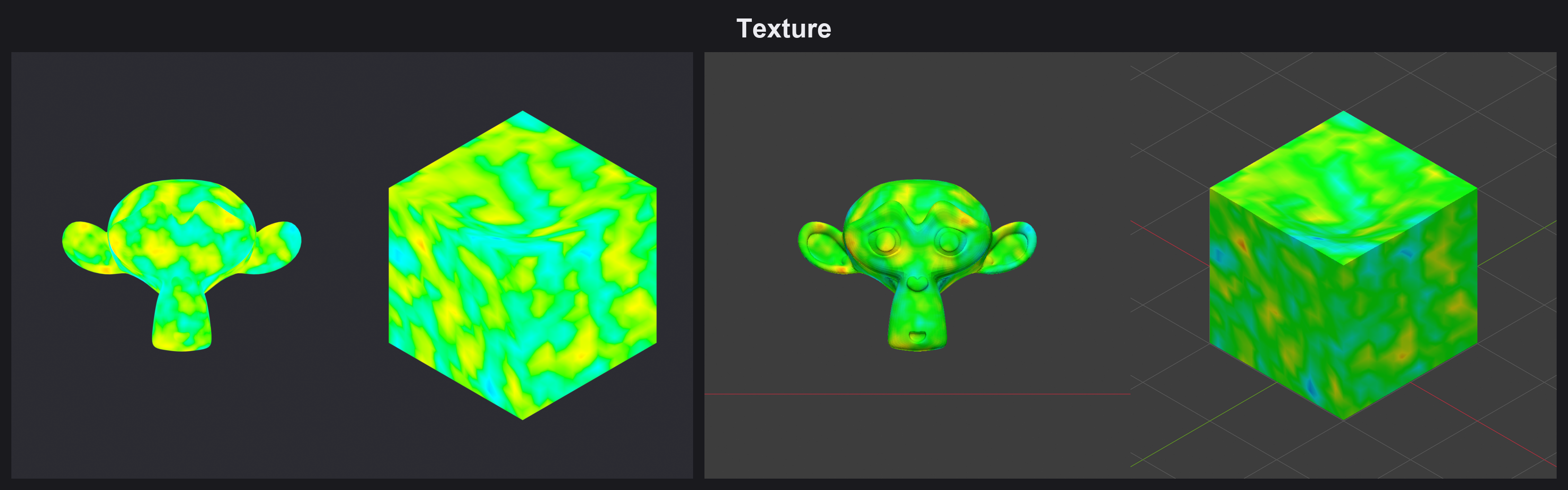
- Texture — driven by an image or a procedural texture (UV or position)
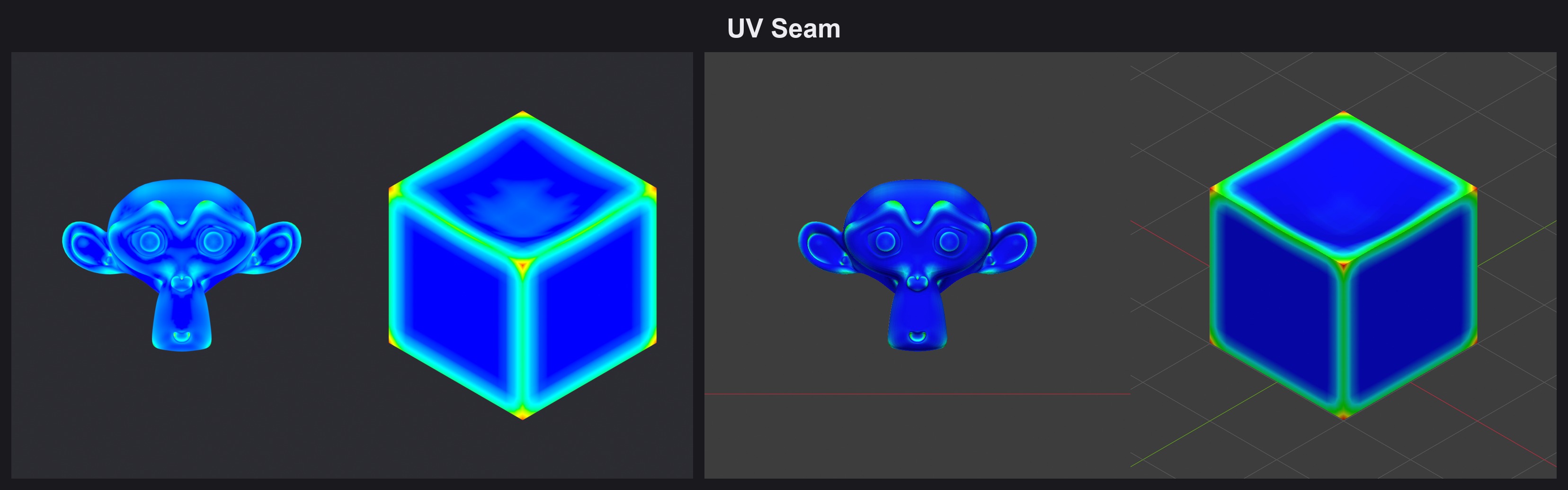
- UV Seam — curvature-based, tuned as a seam-marking starting point
Every generator exposes Strength, Invert, Threshold, and a Global Threshold, plus optional Smooth passes, and a live preview so you see the result before committing.
Stack it: Layers
Weight maps rarely work alone. Stack any number of generators as layers, each with its own blend mode (Merge / Add / Subtract), and bake them into one result vertex group. Reorder, toggle, or clear layers without losing your work, Real-Time mode reapplies the last section automatically as you adjust parameters.
Beyond painting: the utility toolbox
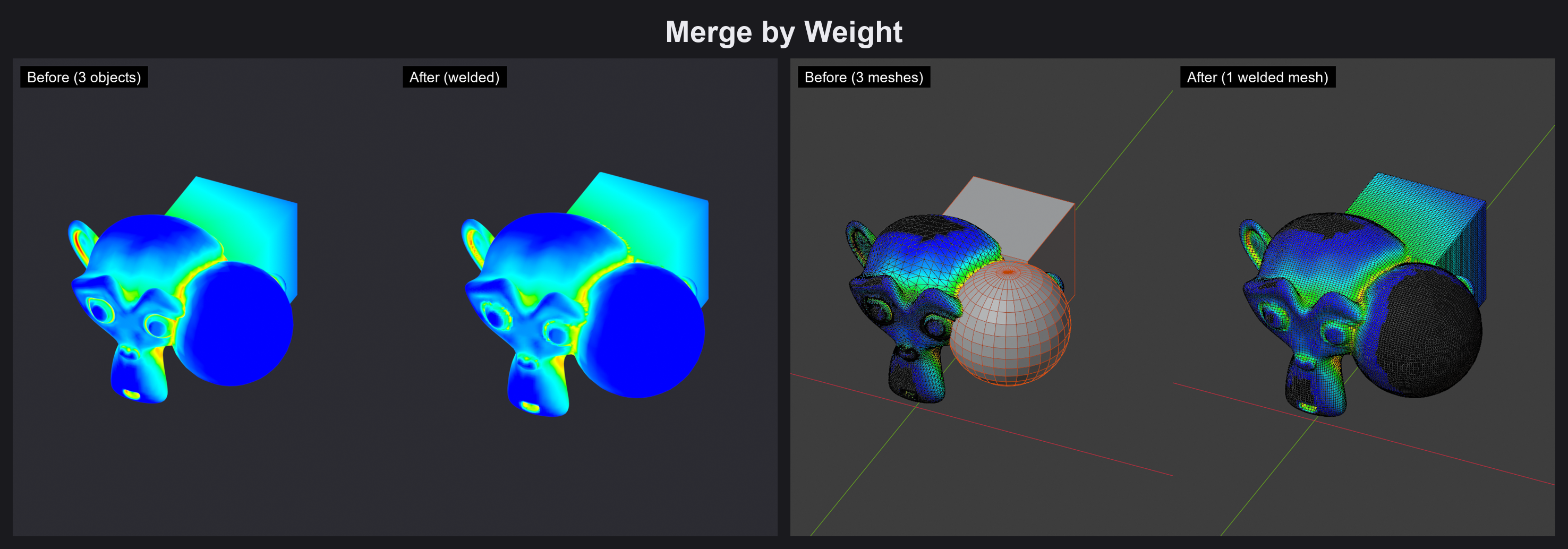
- Merge by Weight — join overlapping meshes and weld them into one continuous surface, guided by Space Occlusion weight. Non-destructive preview: Apply to confirm, Cancel to undo.
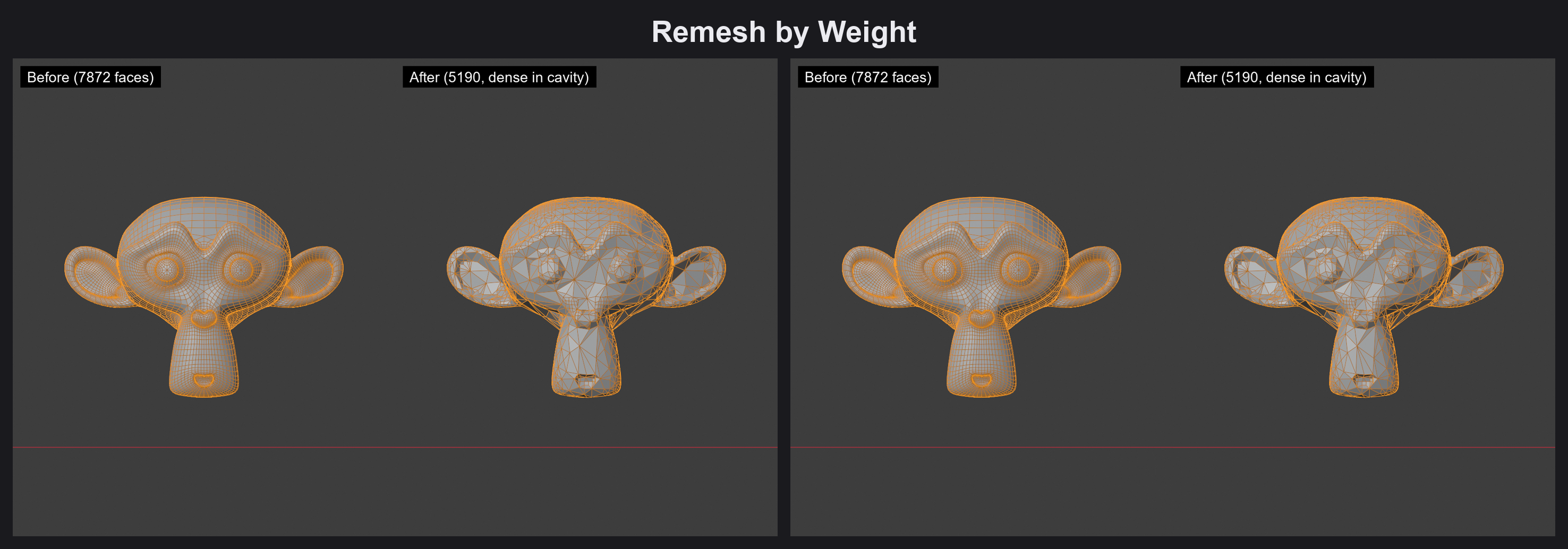
- Remesh by Weight — voxel-remesh where density follows a painted weight group, so detail goes exactly where you need it.
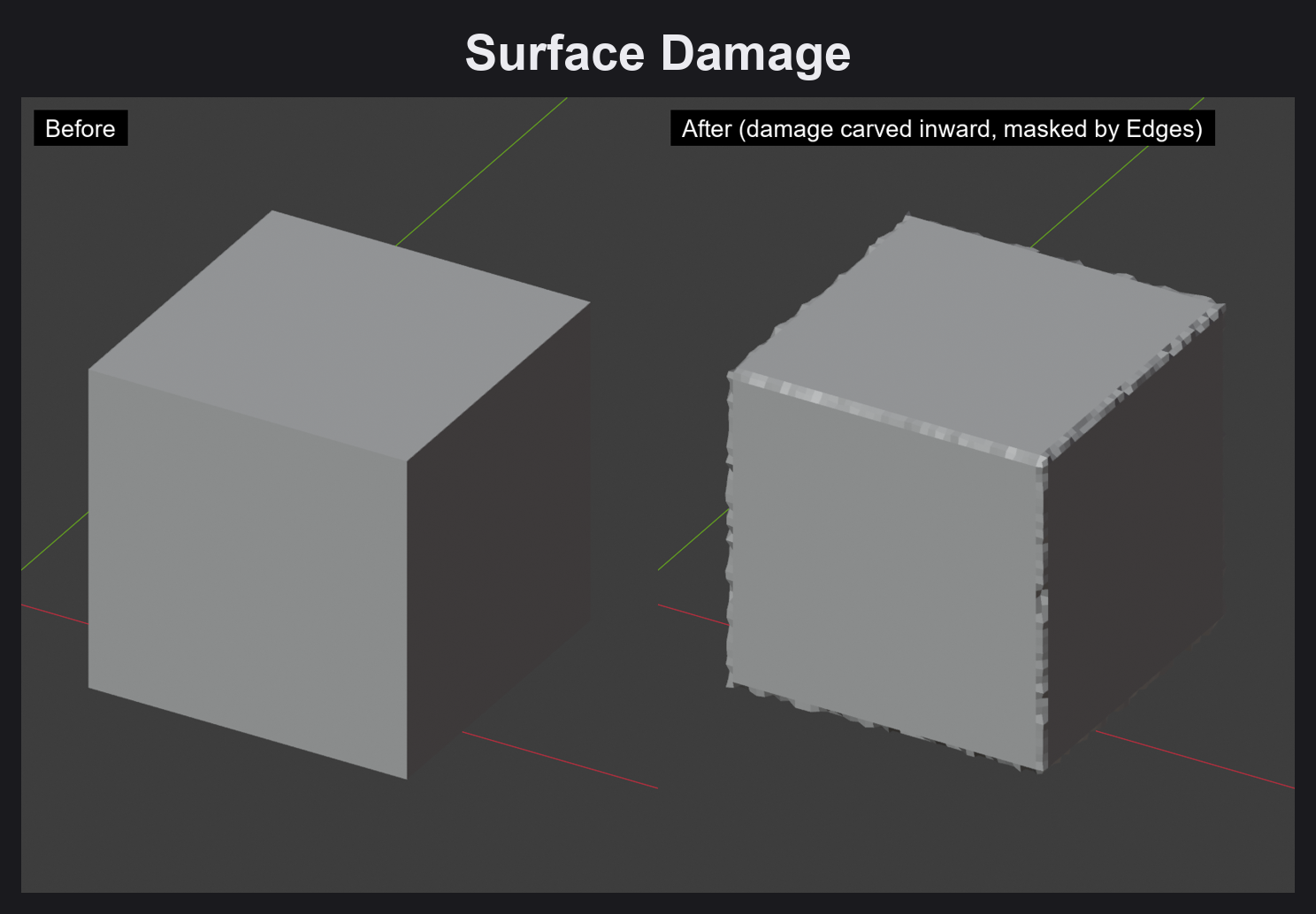
- Surface Damage — erode or bump the surface along its normal, masked by any weight — instant battle damage, weathering, or organic noise.
- Export Weight — bake the active weight to a Geometry Nodes mask modifier, a Color Attribute, or a baked UV texture.
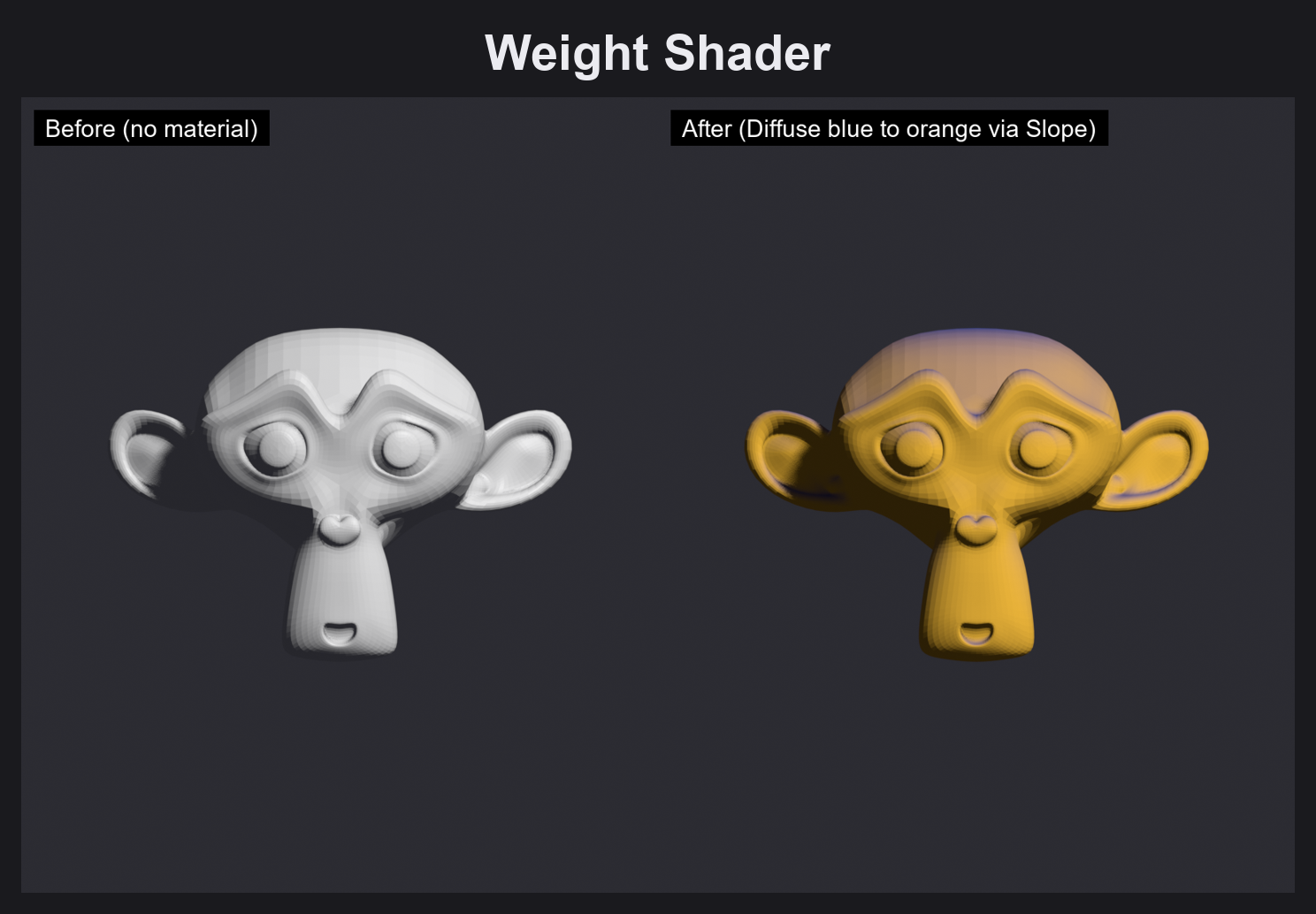
- Weight Shader — preview any weight as a Diffuse material in the viewport, no baking required.
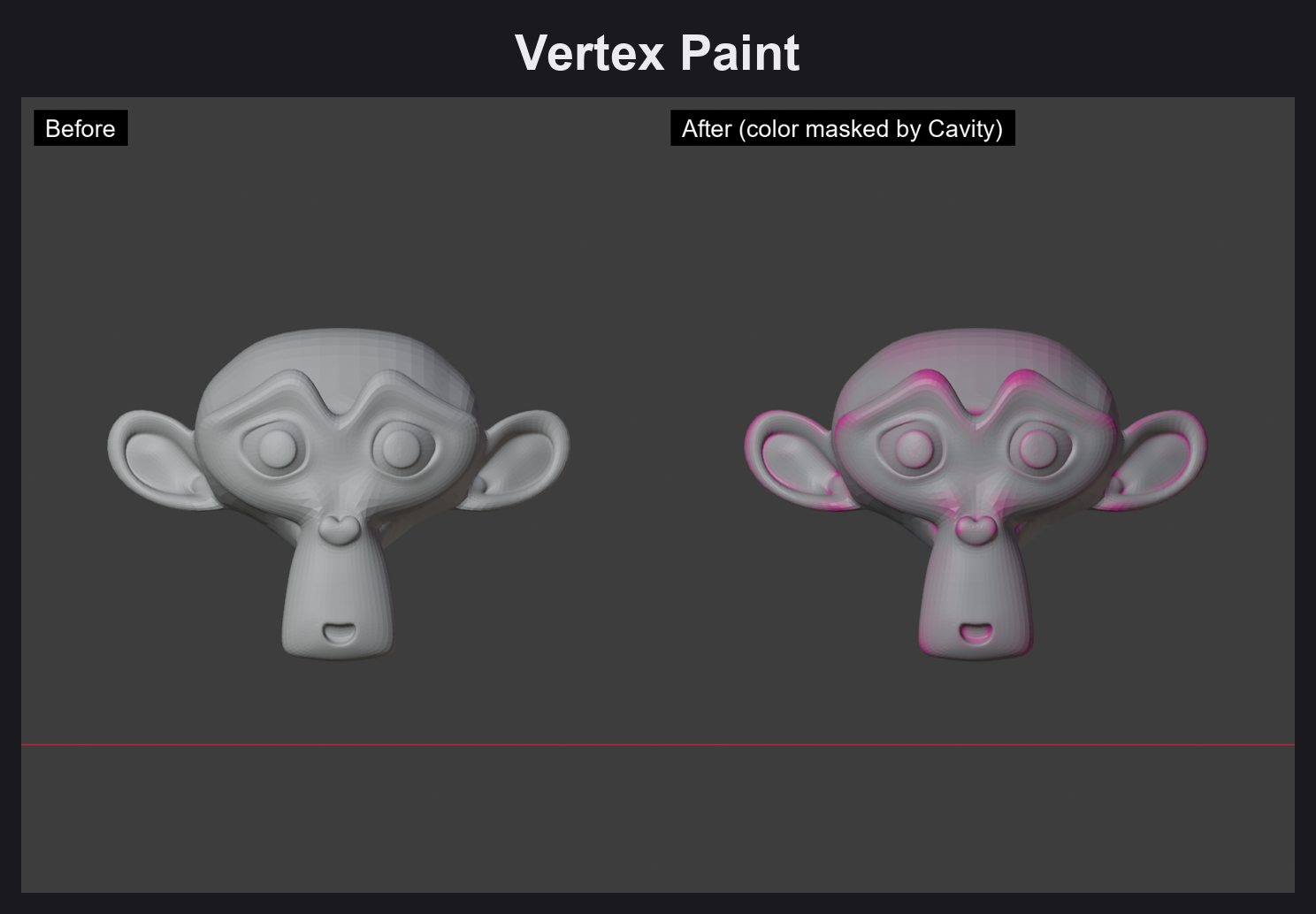
- Vertex Paint — convert the current weight into real vertex colors.
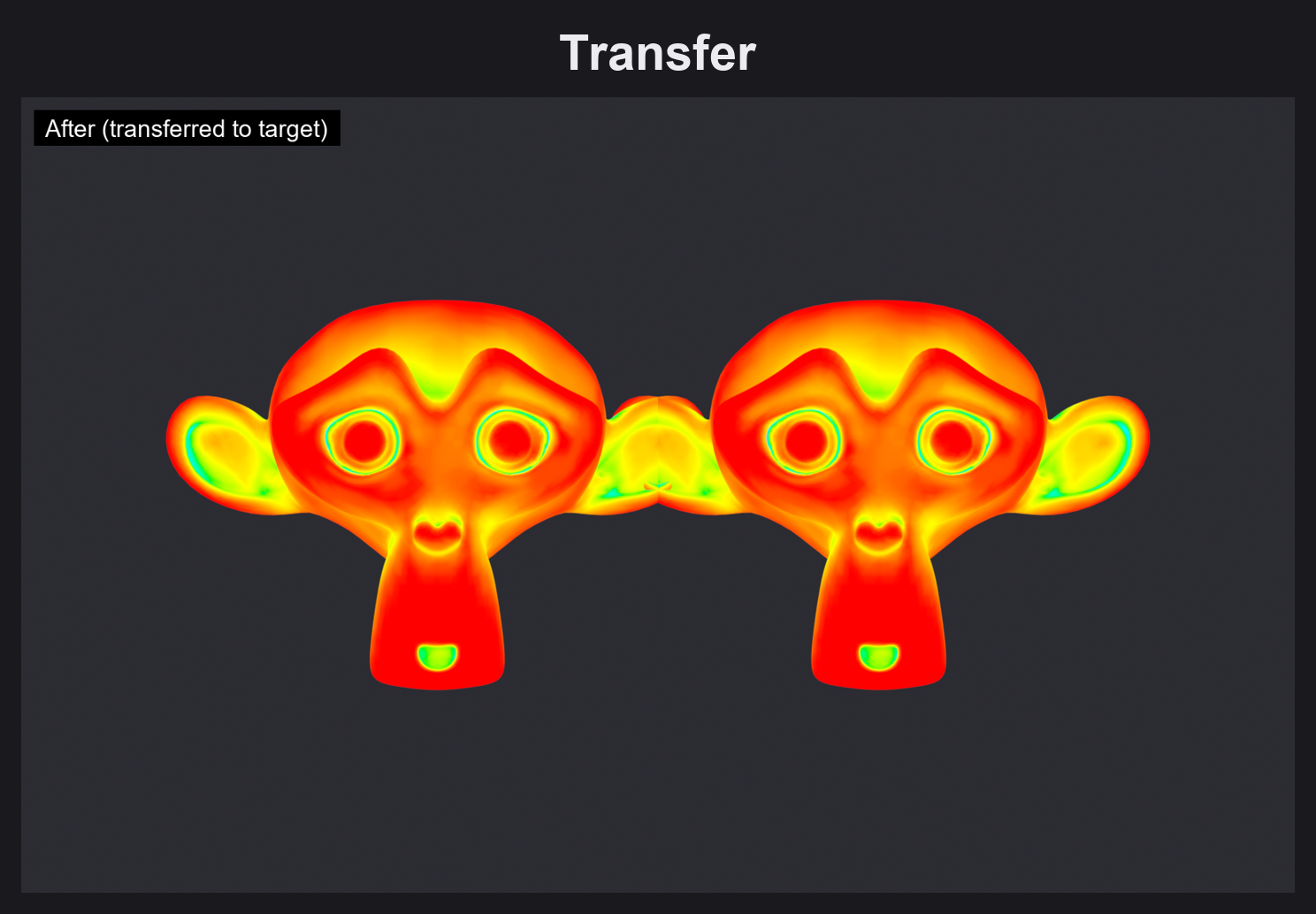
- Transfer — eyedropper tool: click another object to copy the same paint over instantly.
- UV Seam → Apply Seam — go from painted curvature straight to marked UV seams in one step.
- Clean All / Reset — one-click cleanup when you want to start over.
Why it's different
Most weight-paint addons give you a better brush. Weight Painter Pro gives you the map itself, computed from the mesh, not stroked by hand, so results are consistent, repeatable, and symmetric by construction. It fits directly into Blender's native Weight Paint workflow: everything lands in a normal vertex group, so it works with modifiers, drivers, shape keys, and rigs you already have.
Requirements
- Blender 5.2.0 or newer (tested on 5.2.0 LTS)
Get started in 30 seconds
- Install
Weight Painter Profrom the .zip (Edit → Preferences → Add-ons). - Select a mesh, open the N-panel → Weight Painter Pro tab.
- Pick a generator, hit Paint. That's it.