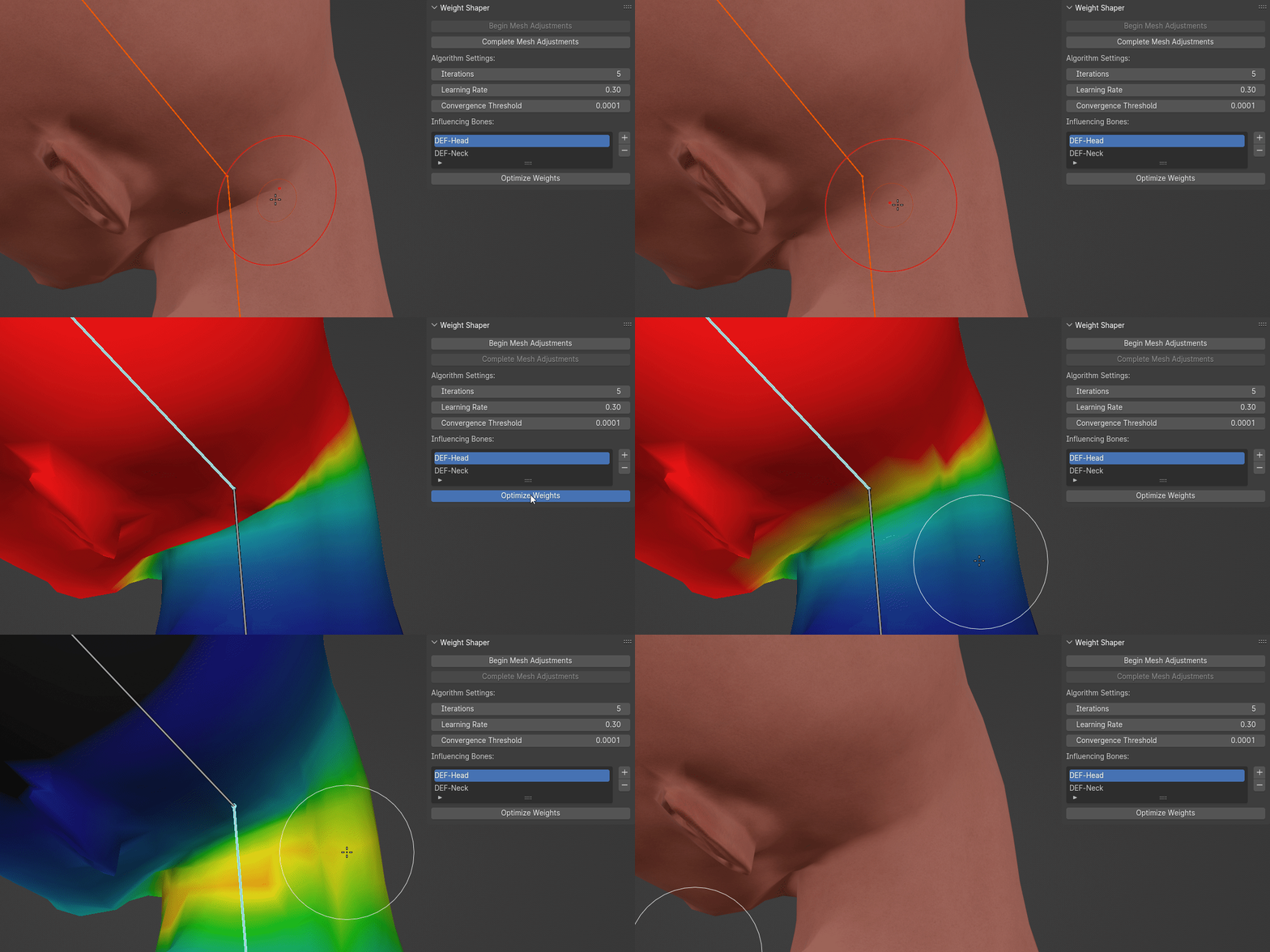
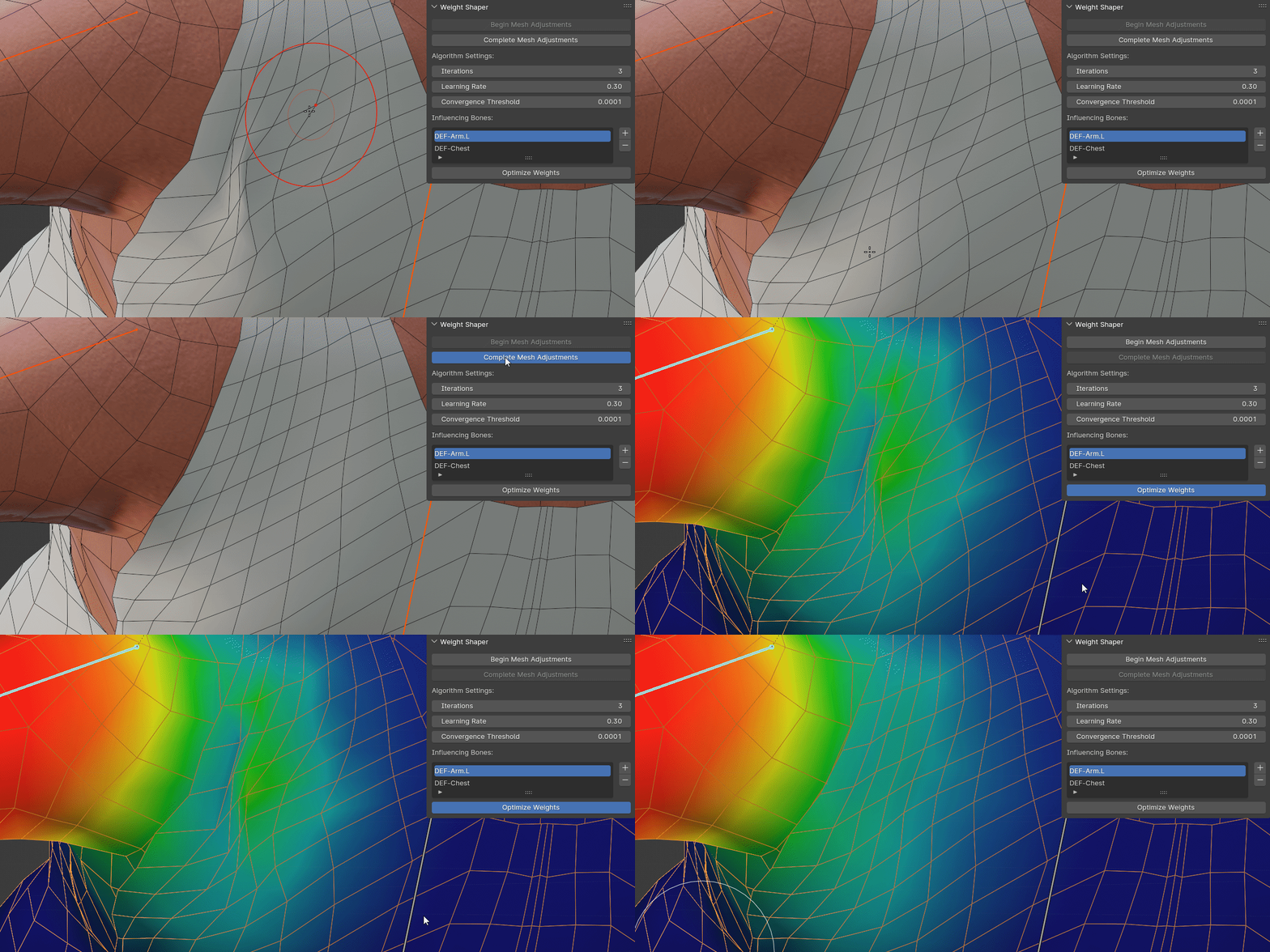
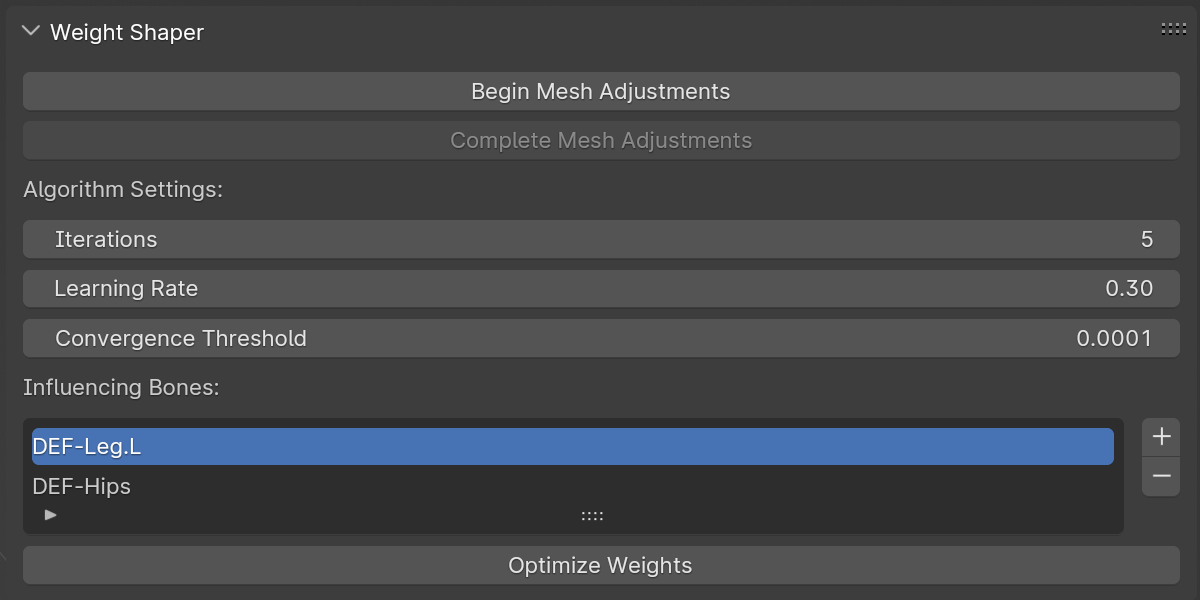
Weight Shaper

Makatopia in Rigging


Item Rating

This item has an average rating of 4 from 14 ratings by the community.

36%
22%
8%
36%
0%

Purchase this item to leave a review!

  • Nikolaj
    4 months ago

    Works well for my application. Optimizing Weights take a minute, but that's to be expected

  • Alexander Krause
    12 months ago

    Does what it promises. It may take a view minutes to process on lower end machines with high poly meshes. But it's a huge time saver especially with the annoying parts of a mesh. I use it all the time. I always wanted a tool like this, using the sculpting brushes to to just move and smooth the vertices into position. I hope this stays up to date with the coming Blender releases.

    • Makatopia

      12 months ago

      I'm glad you find it useful and thanks a lot for the positive review. I'll do my best to keep it up to date.
  • Peter
    almost 2 years ago

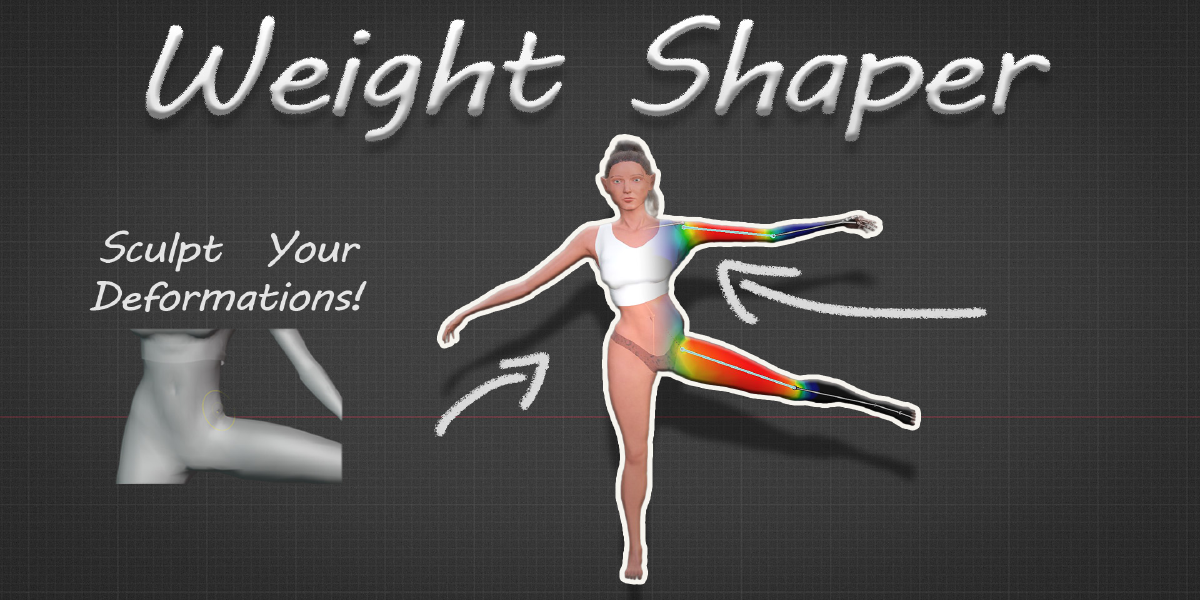
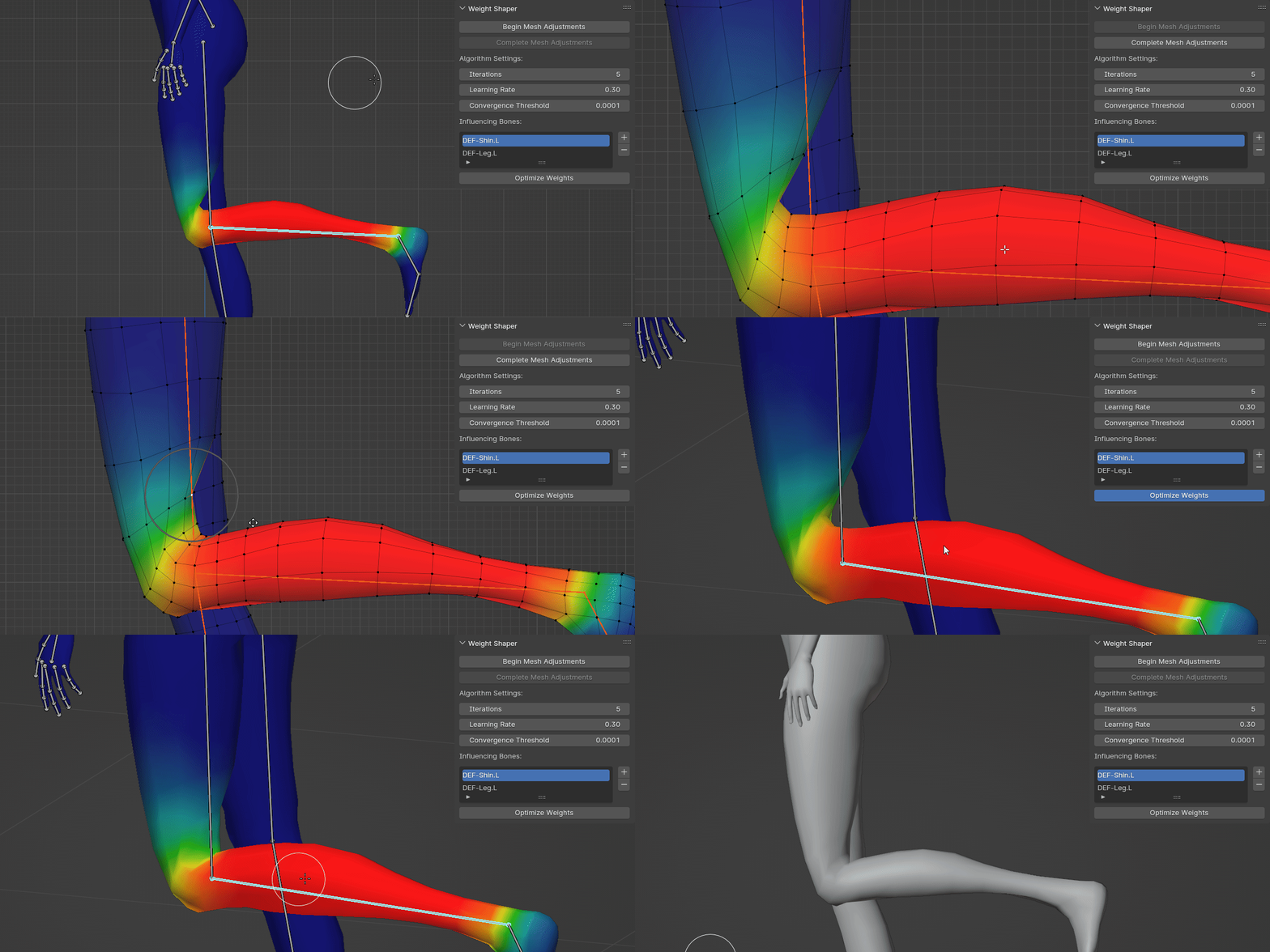
    summary: crazy useful if you can't get weight painting to work for you, but you know how you want it to move. can be slow but i highly suggest it, just have it running in the background or between tasks.

    when i bought it i took a gamble because it sounded way more intuitive, and i was wondering what the catch was. i was annoyed initially because the results were nothing like what i had expected or wanted, and i felt like i wouldn't be able to get a return since it did work, i just wasn't satisfied.

    the documentation is thorough, but to the point. i was able to figure out what i was doing wrong quickly (for my case, i needed to up the samples) and i got the results i had wanted with way less struggling than weight painting.

    i heard a lot of people mention it takes some time, and i haven't experienced it much myself, though i do have a strong computer. i did find it took a little bit, i tried stress testing it too (using 2 bone chains with 5 bones, as well as 4 other related bones, for a total of 14 selected bones) and it still ran rather well on my computer and got the finished result i wanted, after just leaving for a bathroom break. i've been using it as a sort of last resort after my own weight painting attempts, or running it on more high detail areas before i work on something else

    the only issue i've found is you do need to understand how you want it to move, and understand if it has enough bones or needs supporting bones to help with it. but if you don't know, then you need a more thorough understanding of weight painting first. to critique it, i would like if it was faster, but as well if it showed the user the vertex groups that are all assigned to the vertices they're correcting, to aid in selecting the right bones.

    i typically only really like leaving reviews if it really stands out, negatively or positively. but this add on has saved me a lot of headaches from weight painting, and i've genuinely been suggesting it to friends. it's better to understand weight painting well enough to not need it, but frankly it's a huge time saver, and i don't really understand how to weight things cleanly either way.

    • Makatopia

      almost 2 years ago

      Thank you so much for taking the time to leave such a positive and detailed review. It's not often that someone shares such thorough feedback, and I really appreciate it. Knowing that Weight Shaper has been a time-saver for you is incredibly motivating.

  • Ignatz
    over 2 years ago

    I have been using this addon for a while now, and honestly, it’s made my life a lot easier. It’s particularly handy when it comes to fine tuning weight paint, which, let's be honest, can be a bit of a hassle. The addon simplifies the whole process, making things way less tedious. In terms of performance, I haven’t experienced any major issues, I can comfortably work with it. As someone who doesn’t really enjoy working on weight painting but does a lot of it, I can safely say that this tool has made my work much smoother and more manageable.

    • Makatopia

      over 2 years ago

      Thanks for the review, and good rating. It really means a lot. I'm glad that you enjoy it and that it has been useful in your work.

  • SoHyun
    over 2 years ago

    From blender version 3.6
    Begin mesh adjustment is not enabled.
    If I have any other problems, where should I contact?

    • Makatopia

      over 2 years ago

      Please contact me directly on Blender Market through the 'Ask a Question' section on the product page. This way, we can discuss and resolve any problems you're experiencing in more detail.

  • Marc Volkers
    4 months ago

    Great addon, defo going be using.
    There's sometimes wee hiccups where I'm scratching my head, where I can't rotate the bones after doing all the steps. It might be my end or the addon's. It'll take more time to figure out why it's doing it, still - it's a powerful tool!

  • FeiFeiYan
    almost 3 years ago

    As a 3D fashion creator this addon helped me to make weight painting on clothes so so much i really appreciate it but yeah the biggest issue I found is it taking too long to optimize the weights. Wondering if there could be optimizations to improve that in the future.

    • Makatopia

      almost 3 years ago

      Thank you for your feedback and for sharing your experience with the addon. I'm pleased to hear that it has been helpful. Performance is indeed a crucial aspect, and I'm happy to announce that the latest update, version 1.1.0, specifically addresses optimization times. Please check the changelog section for a detailed overview of the enhancements.

  • tongding
    almost 3 years ago

    The concept of this addon is great. I tried it and would like to share my experience.
    -There is no problem with the workflow. It is running normally when I run version 3.4.
    -When adjusting vertex, the editing mode is more useful. In sculpting mode you will involves too many vertex. If there are too many vertex, the plug-in will freeze during calculation. Models with fewer faces are faster.
    -I was very confused when I started using it. I didn’t know which mode to enter. I forgot to select bones and there was no prompt. If there is no prompt after optimizing the weight, you will think it has no effect. And if you touch wrong bones, the outcome will be weird, must select certain bone (the addon sometimes select wrong bone for me).
    -After getting used to it, I found this workflow to be really convenient, really looking forward to subsequent optimizations and updates!

    • Makatopia

      almost 3 years ago

      I really appreciate the positive feedback and am glad to hear you're enjoying the addon. You mentioned the algorithm freezing when a larger number of vertices are adjusted. Yes, this can happen, especially with denser meshes. The calculation might take more time, but it should eventually complete. Optimizing this processing time is currently my main focus.

      Regarding the selection of bones for the "Influencing Bones" list, it's important to consider which bones you think should influence the area you're adjusting. I'm curious about your experience with the addon selecting incorrect bones. Could you please send me a private message with more details? I would greatly appreciate understanding this issue better to improve the addon's functionality.

  • Nick Apanasenko
    almost 2 years ago

    Good: does its job, sometimes. I've tested it with deformations of varying intensity. If it's not bent too much to the point of clipping, it works fine. However, in situations where it would be super useful and indispensable (e.g. knee or hip deformations) it proved inadequate due to aformentioned clippings that cause erratic weights.
    Bad: the optimization. I had a model with a lot of vertex groups on it, and unless I cut off the part I needed to modify and removed all the vertex groups with zero influence from it, it would sift through ALL of them for tens of minutes. You need to implement a way to filter out the vertex groups not influencing the area affected by the edits, that alone will make the addon so much faster. As for the issue with the clipping parts - I have no idea how to fix that, maybe you can help me figure it out.

  • hanna
    4 months ago

    The system fails to function correctly when multiple bones overlap, causing mysterious depressions or artifacts in the mesh. It only works as expected where bones do not overlap. Although the performance on my laptop isn't noticeably slow, the unintended influence on other areas limits its usability."

$29.99

Have questions about this product?
Login to message

Details
Blender Extension Compatible Yes
Sales 600+
Rating
14 ratings
Published almost 3 years ago
Blender Version 3.6 - 5.2
Extension Type Add-on
License GPL