 Arthzuul
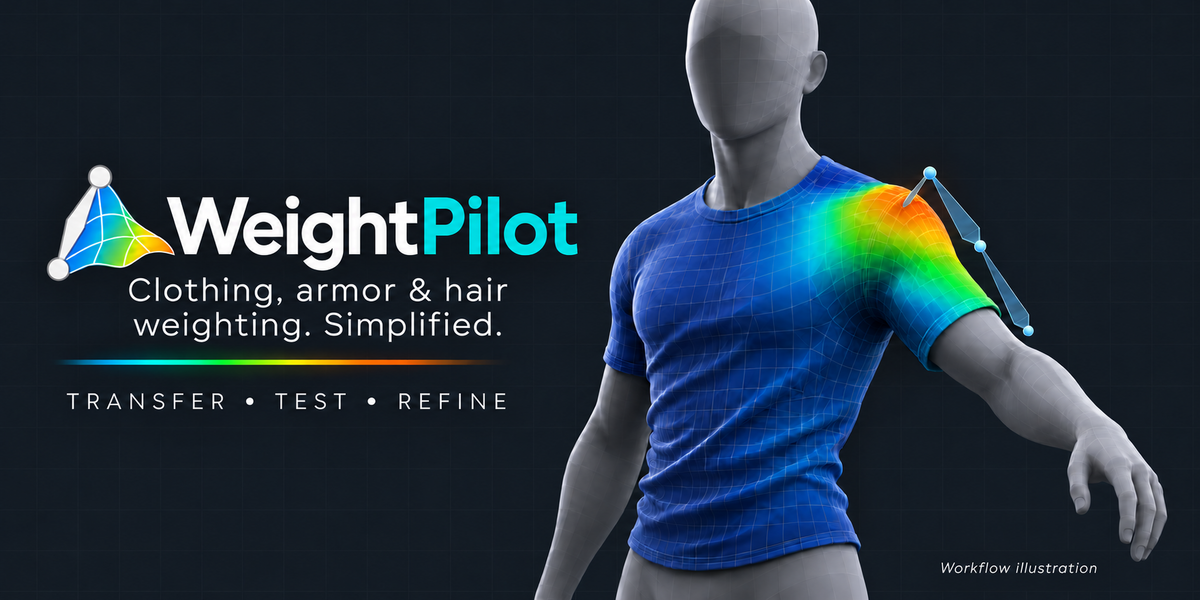
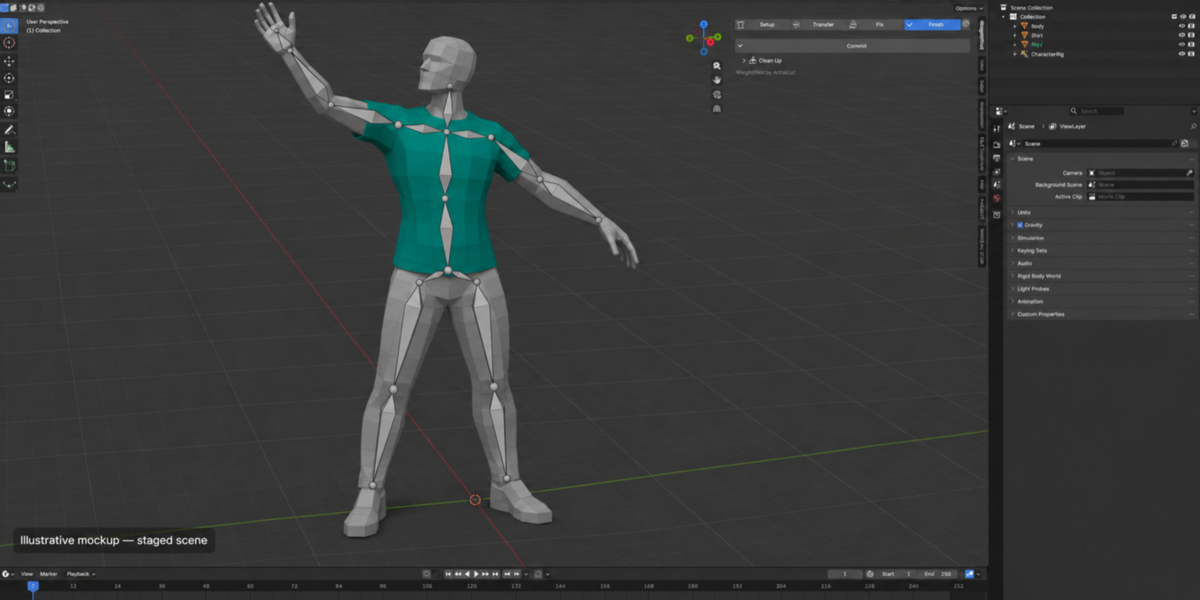
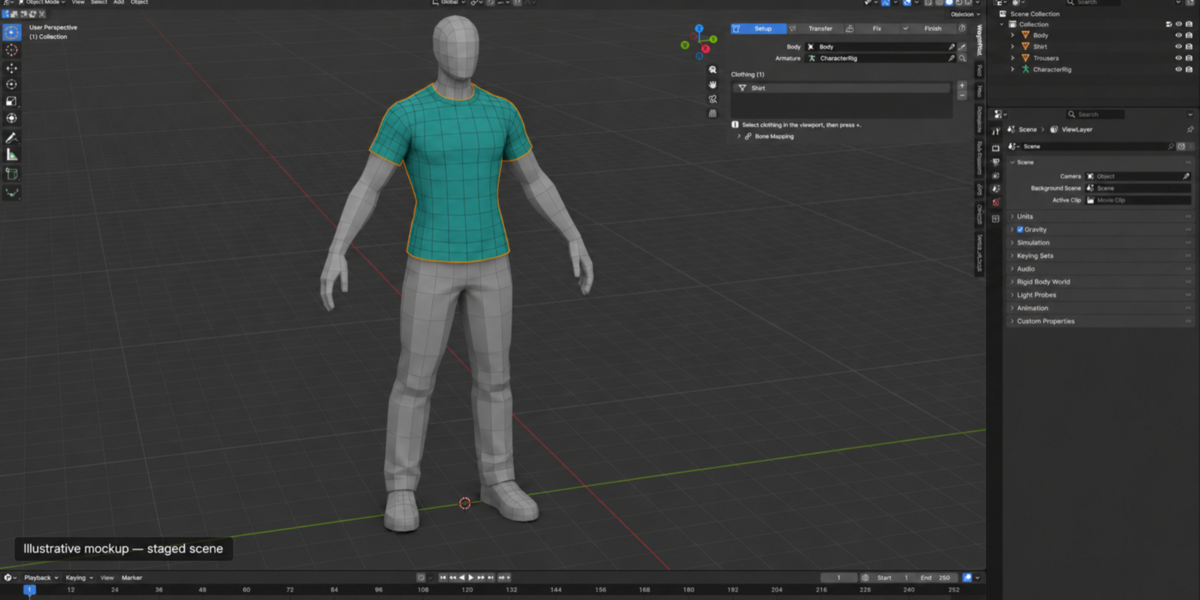
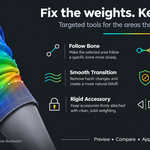
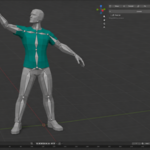
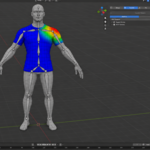
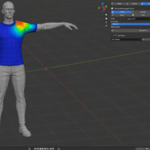
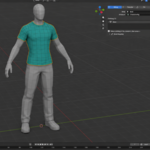
Weight painting clothing is slow, fiddly and easy to get wrong. Sleeves pick up torso weights, one trouser leg follows the other, shoulder pads warp, and long hair moves with the chest. WeightPilot fixes this with a guided four-step workflow and tools that speak in plain language instead of bone influences.
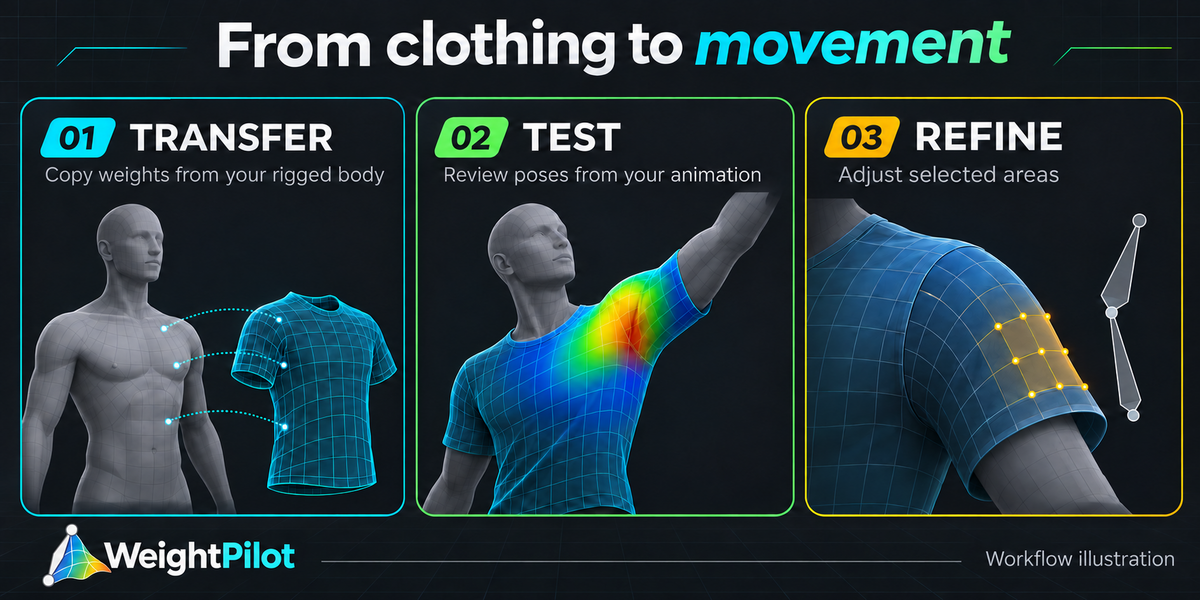
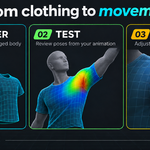
Choose the body → choose the clothing → transfer → test the movement → fix the problem areas → commit.
Built for the things that usually go wrong
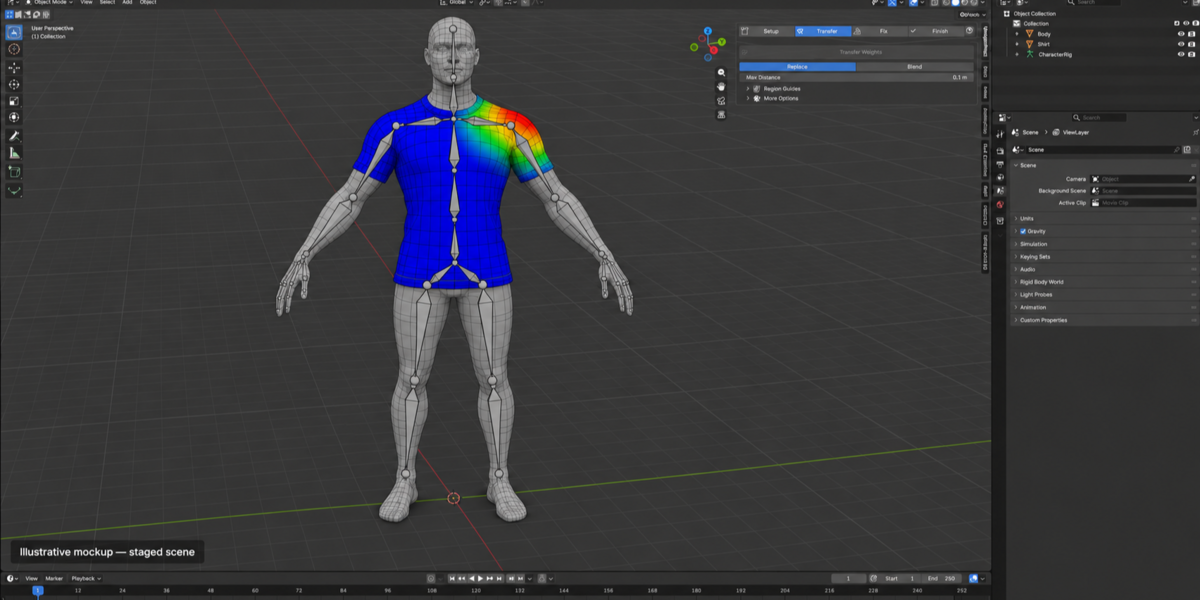
- Clothing gets weights from the body surface under every vertex, in world space, so objects can be moved, rotated or scaled differently.
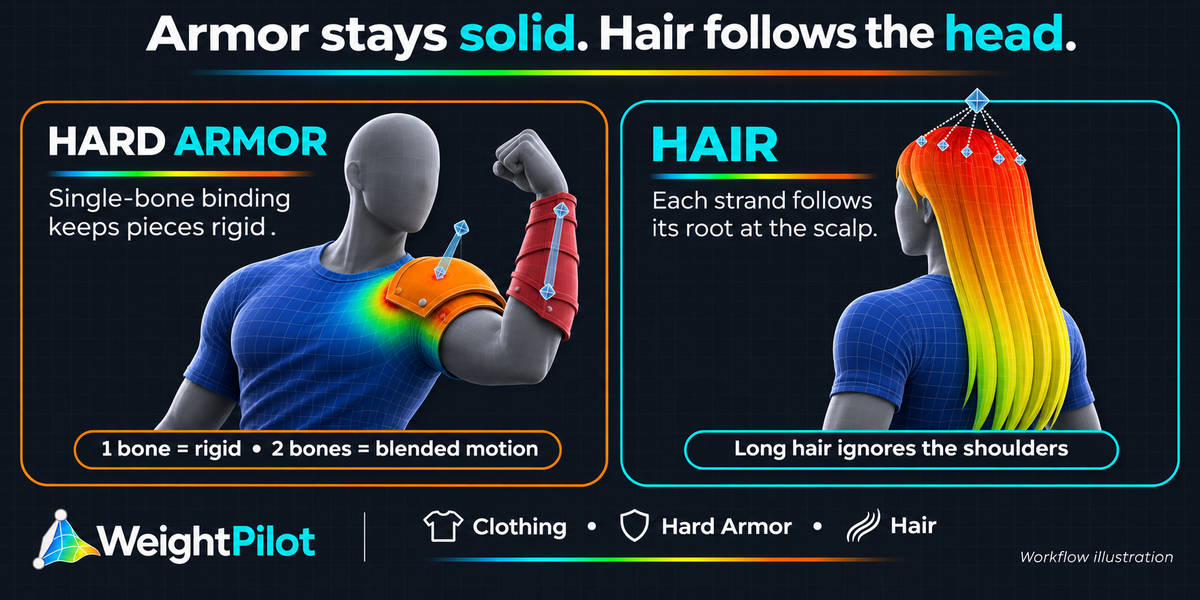
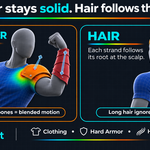
- Hard Armor moves as solid pieces. Every connected part (a pauldron, plate or bracer) gets one set of weights, so it never bends. Choose 1 bone for fully rigid, or 2 for a solid piece that follows a mix, like a shoulder pad that tracks the upper arm but stays partly with the chest.
- Hair follows the head. Each strand takes its weights from its root at the scalp, so long hair resting on the back or shoulders doesn't move with them. Detect finds the head bones for you.
- Region Guides stop clothing sampling the wrong body part, like a trouser leg picking up the other leg.
Fix problems without painting
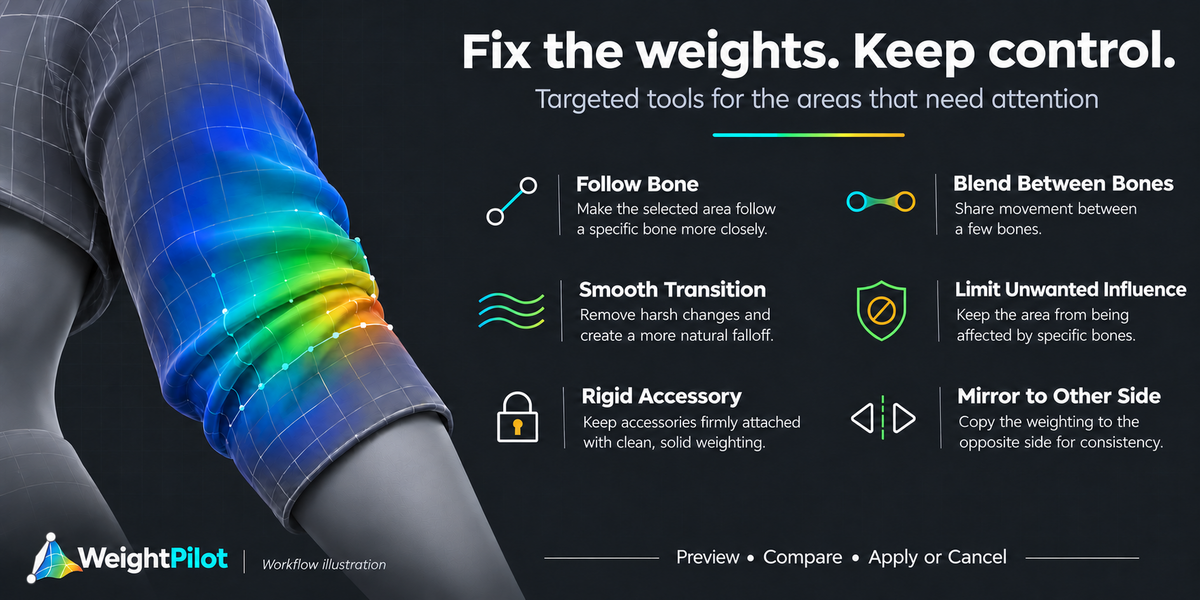
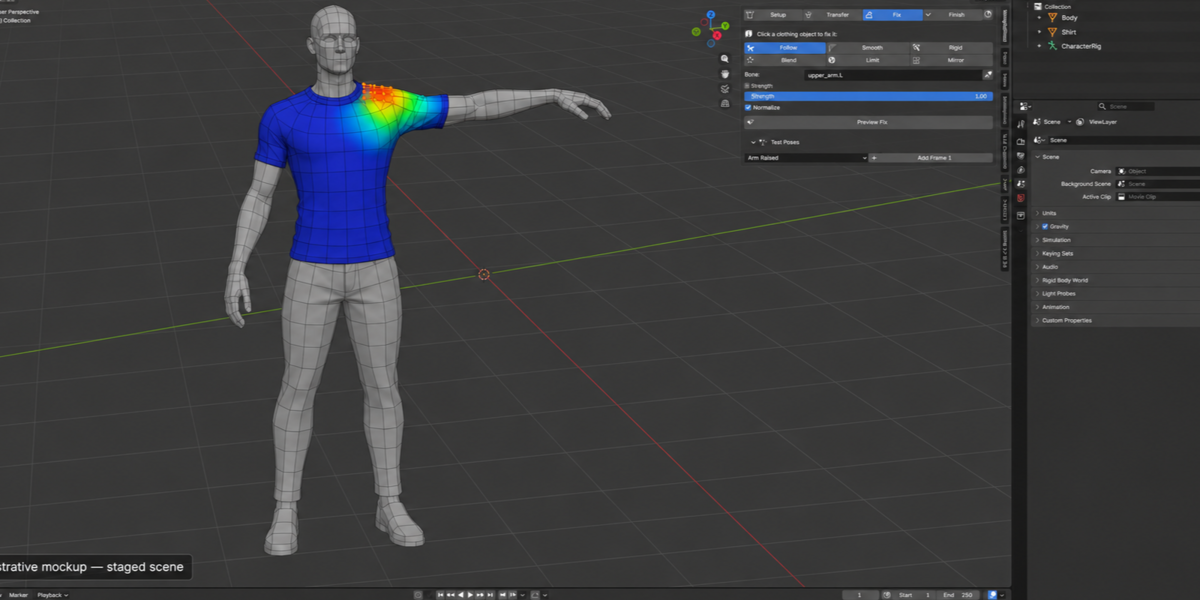
- Follow Bone, Blend Between Bones, Smooth Transition, Limit Unwanted Influence, Rigid Accessory and Mirror to Other Side.
- Every fix is a live preview. Move the sliders, compare Before/After, then Apply or Cancel. Cancel puts back the exact weights you had.
- Protect Finished Areas so nothing changes the parts you're happy with.
- Don't know the bone names? The eyedropper fills in the bones that already move your selection.
Test before you export
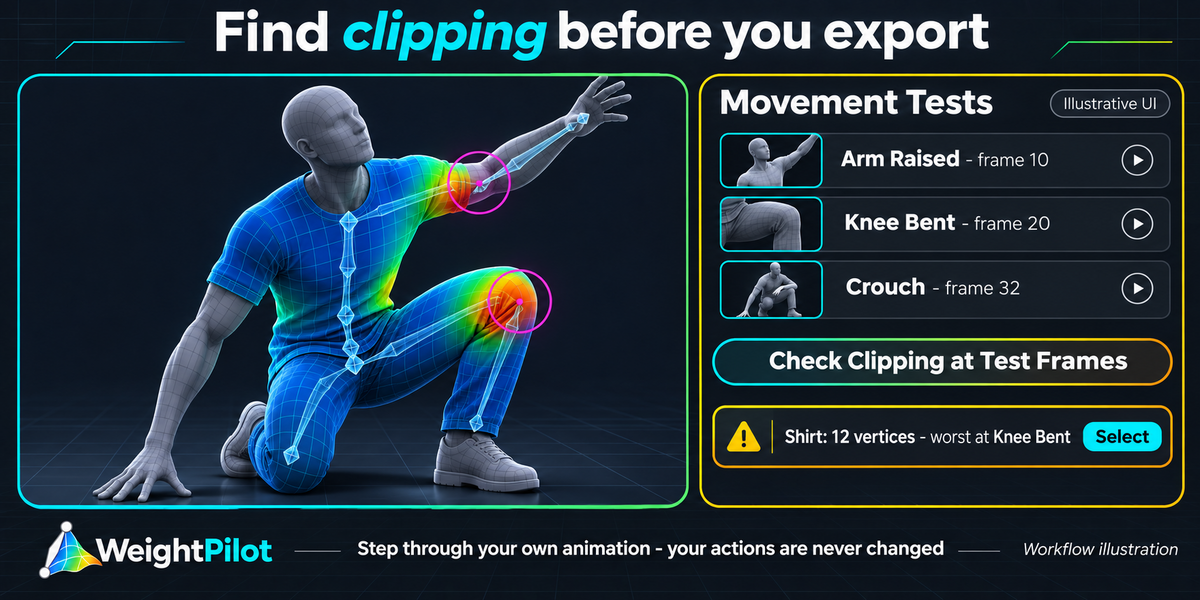
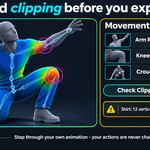
- Bookmark frames of your own animation (Arm Raised, Knee Bent…) and step through them. Your Actions and NLA are never touched.
- Check Clipping finds clothing that ends up inside the body, and selects it so you can fix it.
- Check Weights measures unweighted vertices, too many influences (with a one-click Fix), non-normalized weights, stray influence patches and bending armor pieces. Each has a Select button.
Safe by design
- Automatic backup before the first edit in every session, plus named checkpoints you can restore.
- Restores are refused if the mesh topology changed, so weights never land on the wrong vertices.
- Never silently applies transforms, deletes vertex groups or replaces your armature setup. Unrelated vertex groups are preserved.
- Works with any bone naming and doesn't depend on any rig add-on. All it looks at is which bones deform.
- Fully local. No internet, no subscriptions, no extra Python packages.
- Includes a demo character scene to learn on, full documentation, and the GPL source.
