 Arthzuul
Can I undo a fix or a transfer?
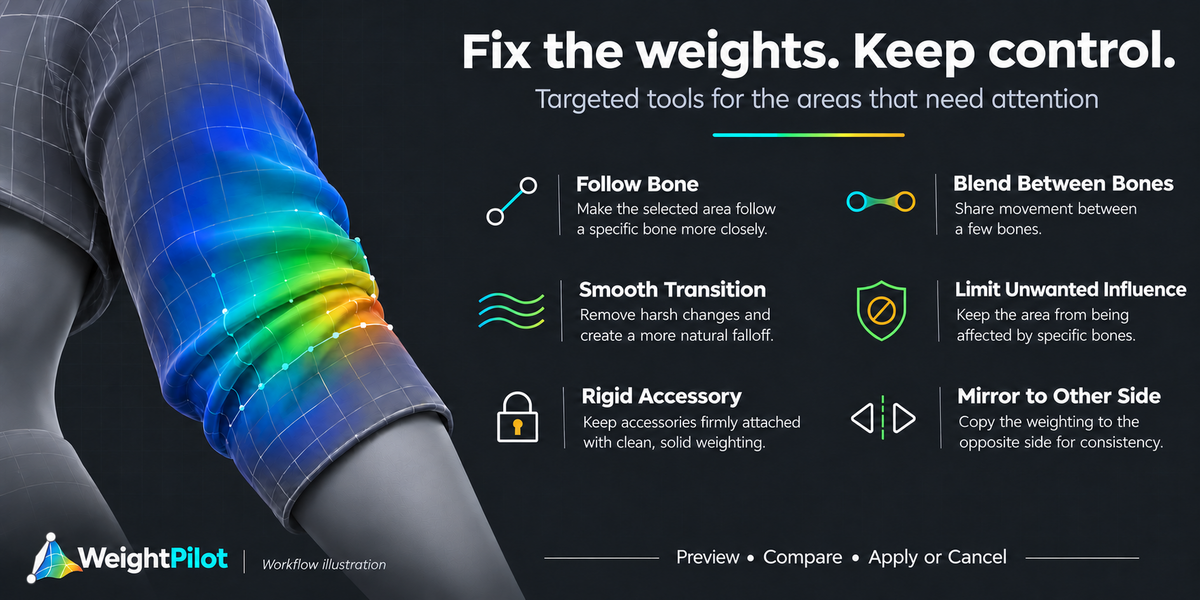
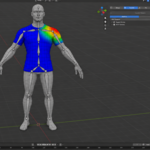
Yes. Blender's undo works. On top of that, WeightPilot saves an automatic backup before every transfer, you can save named checkpoints, and Cancel in a fix preview restores the exact weights from before it.
A checkpoint won't restore. Why?
The mesh's vertices or connectivity changed after the checkpoint was saved, so the weights would land on the wrong vertices. Checkpoints only restore onto the same mesh topology.
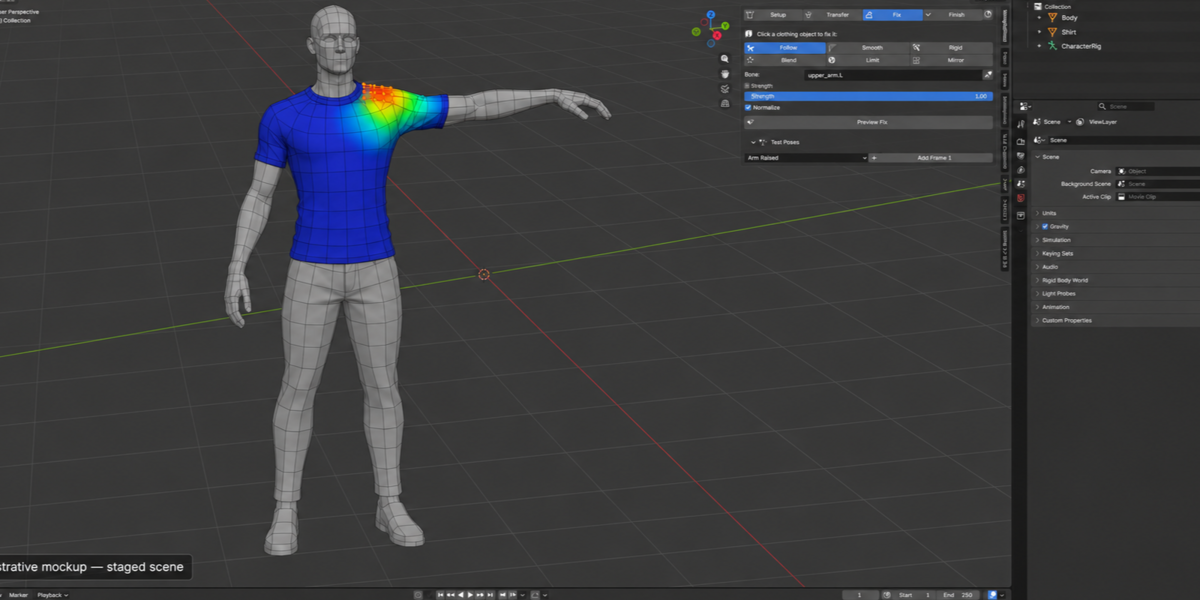
Preview Fix is greyed out. Why?
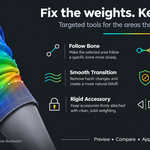
Most fix tools need selected vertices. Go into Edit Mode and select some first. The Rigid tool on the whole object, and mirroring a whole side, don't need a selection.
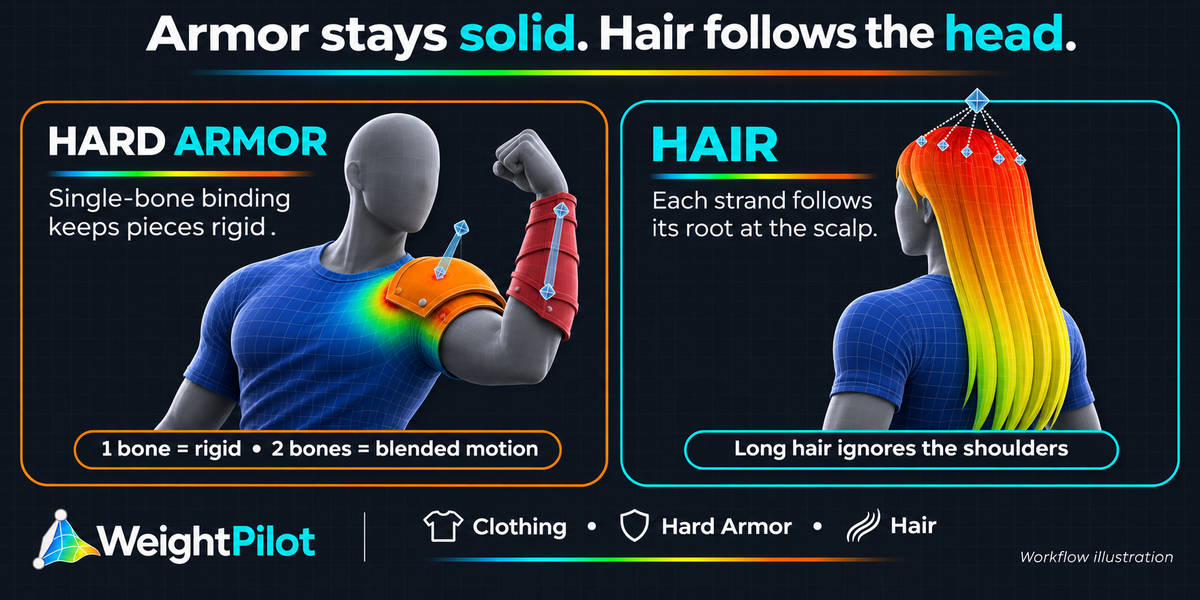
Long hair moves with the shoulders or chest. How do I stop that?
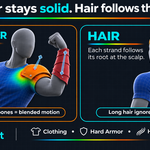
Change the object's type to Hair, press the Detect button, and run the transfer again. Each strand then follows its root at the scalp instead of the body underneath it.
My shoulder pads or armor plates bend and warp. How do I make them solid?
Change the object's type to Hard Armor and run the transfer again. Each connected part then moves as one solid piece. If the armor is already weighted, select it and use the Rigid fix tool in Automatic mode instead.
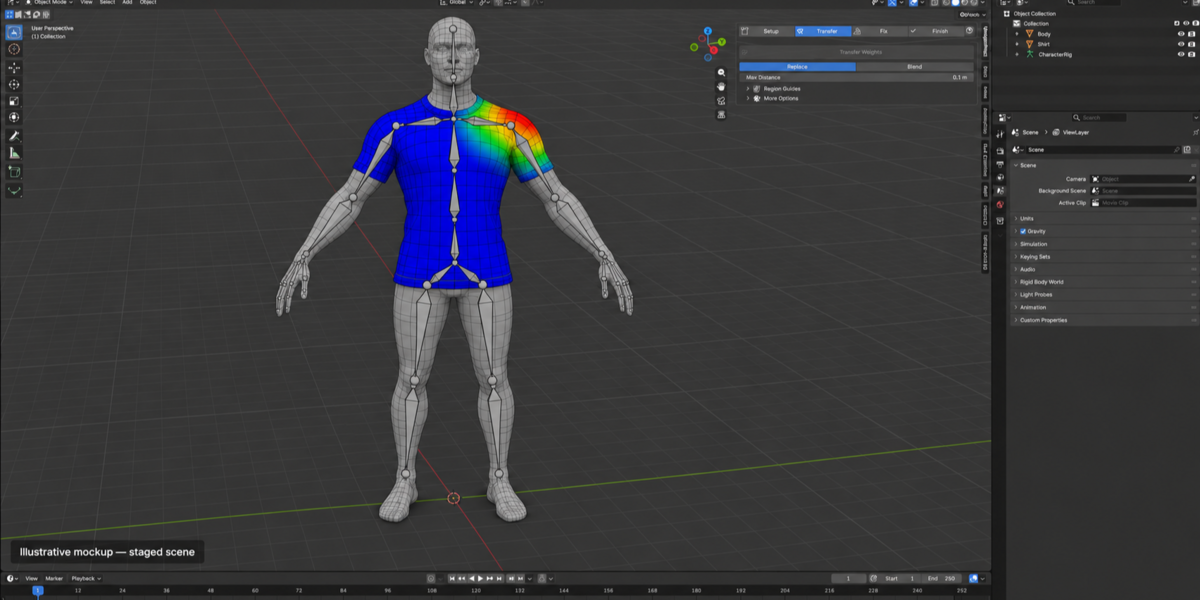
A sleeve or trouser leg moves with the wrong body part. How do I fix it?
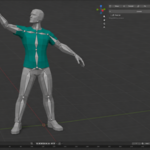
Use Region Guides, in the collapsed section under Transfer. Save Left Leg and Right Leg regions (or arm and torso) on the body and on the clothing, link them with Link Matching Labels, and run the transfer again.
Some vertices got no weights because they are too far from the body. What now?
They are farther from the body than the Max Distance setting. Raise Max Distance and run the transfer again, or select them with the Select button in the results and use the Follow fix tool. Loose garments like coats and skirts usually need a larger distance.
Does WeightPilot work with my rig, and do I need other add-ons?
Yes. WeightPilot doesn't depend on any rig add-on or bone naming scheme. It only looks at which bones have Deform enabled, so Rigify, Auto-Rig Pro, Mixamo, MPFB and hand-built rigs all work as long as the body is already weighted to the armature. There's nothing else to install, and it runs fully offline. I haven't yet tested it against each rig add-on specifically, so if you hit a problem, message me with your Blender version and I'll look into it.
 Included
Includes 12 months of
- Support from Arthzuul
- Product updates
Extend this product’s Support Period +12 months: 50% of product price
Have questions before purchasing?
Login to message
| Blender Extension Compatible | Yes |
| Published | about 5 hours ago |
| Blender Version | 4.5 - 5.2 |
| Extension Type | Add-on |
| License | GPL |
Discover more products like this
weights weight painting hair rigging game assets skinning character clothing armor vertex groups