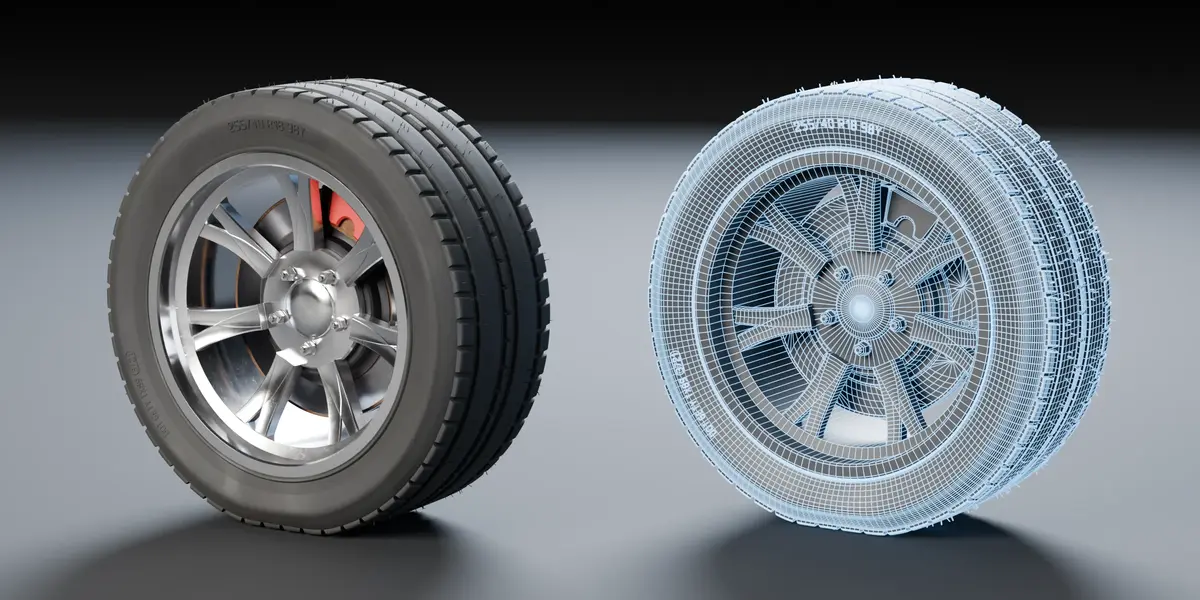
Wheel Gen – Procedural Wheel & Tire Generator
 Paulo Antunes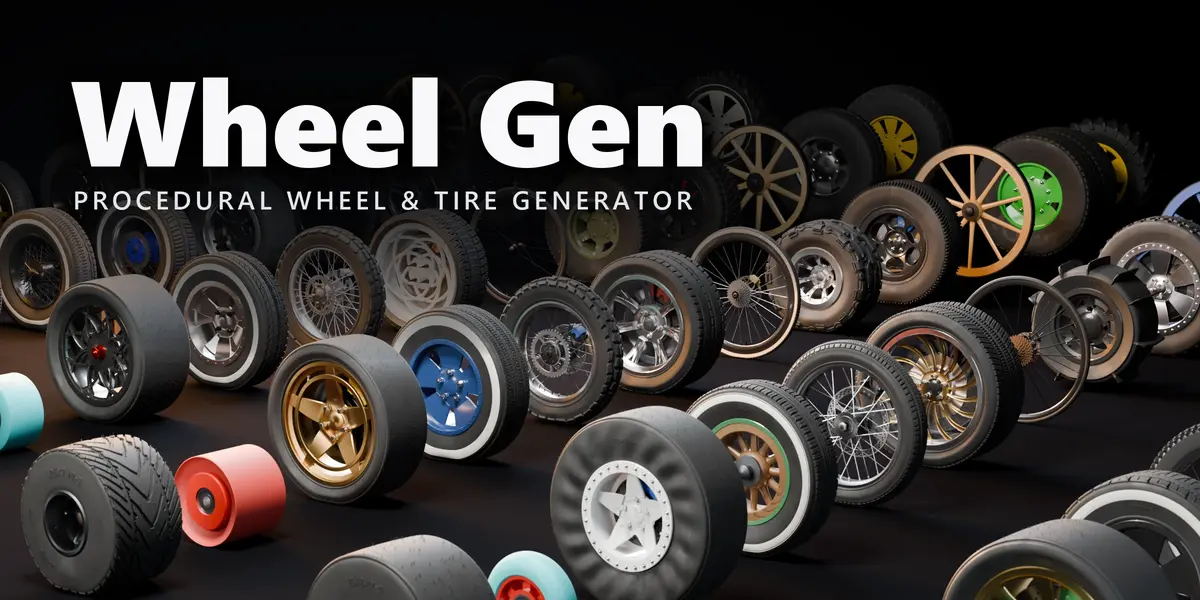

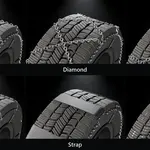
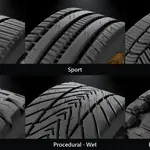

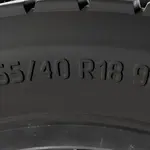
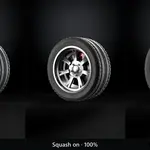
Requirements
- Blender 4.4 or newer (tested on 4.4 and 5.2), Windows / macOS / Linux.
- Procedural materials and texture bake need Cycles. Everything else works in EEVEE and Workbench.
Installation
- Download
wheel_gen-<version>.zip. Do not unzip it. - In Blender: Edit > Preferences > Get Extensions, open the menu (top right) and choose Install from Disk….
- Pick the zip. The add-on is enabled right away.
- To update, install the new zip the same way; your palette and presets are kept.
Quick start
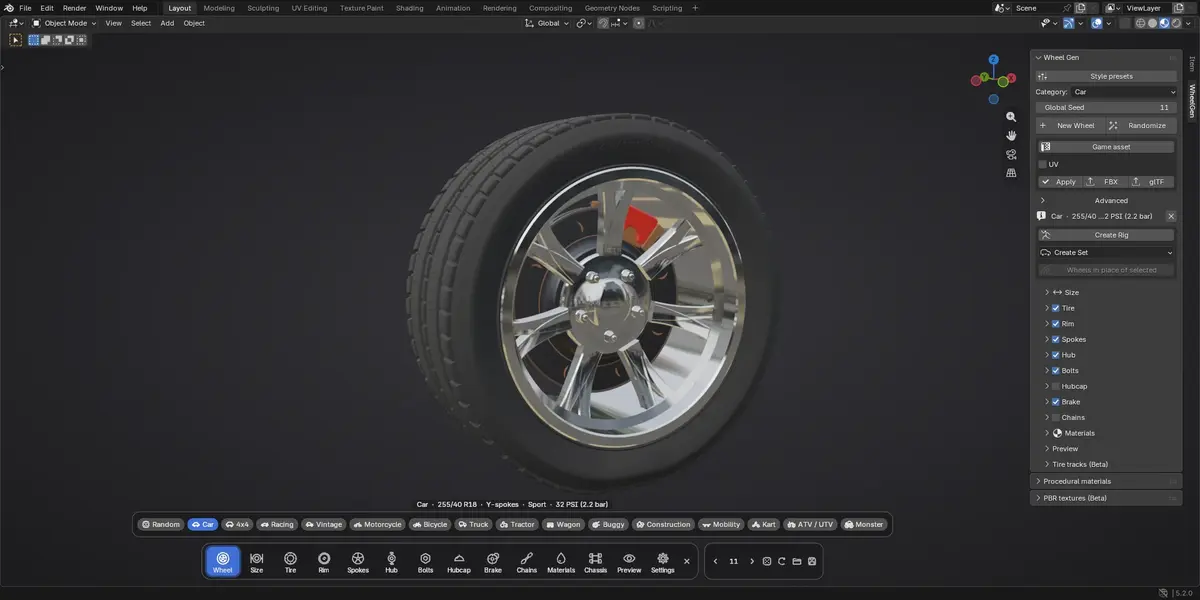
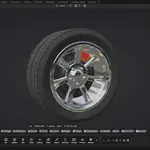
- In the 3D View: Shift+A > Mesh > Wheel (Wheel Gen), or open the Sidebar (N) > WheelGen and press Generate Wheel.
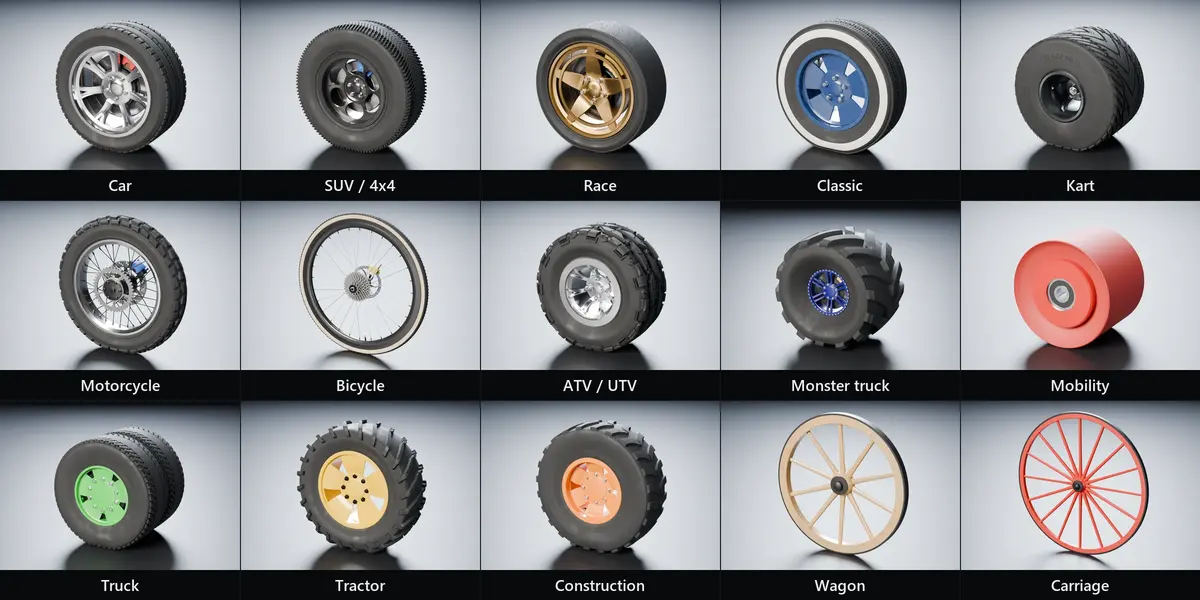
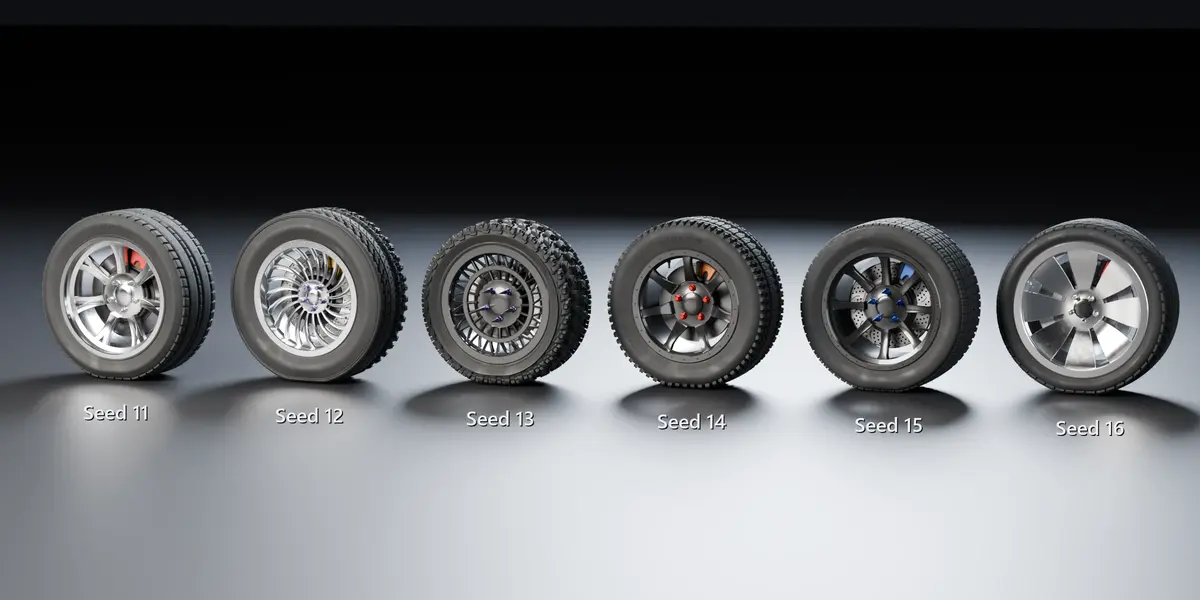
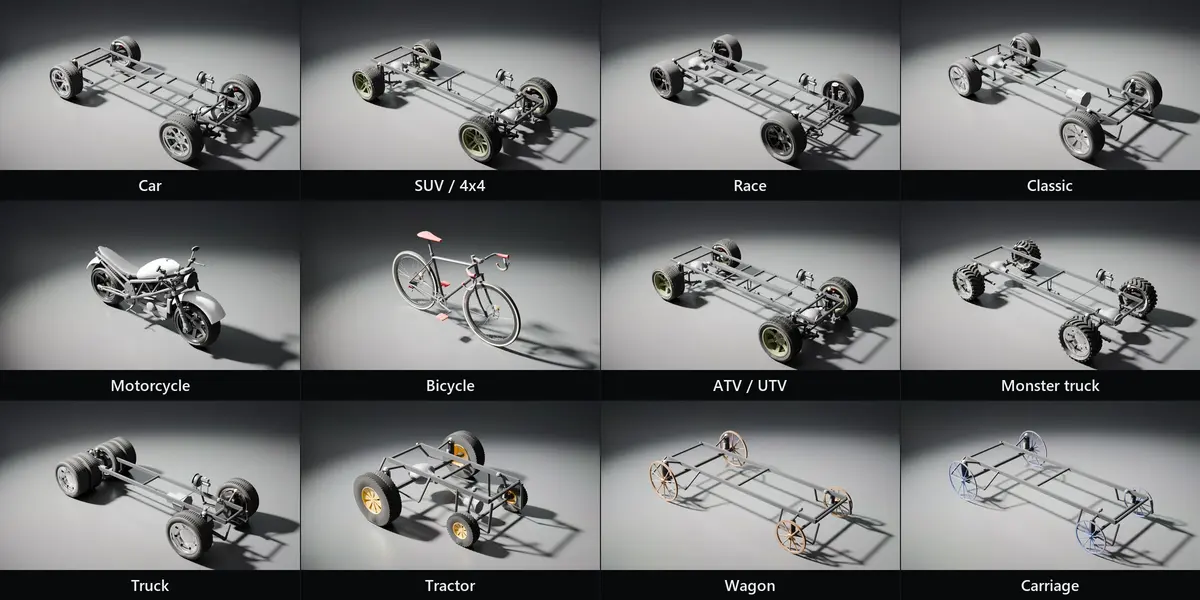
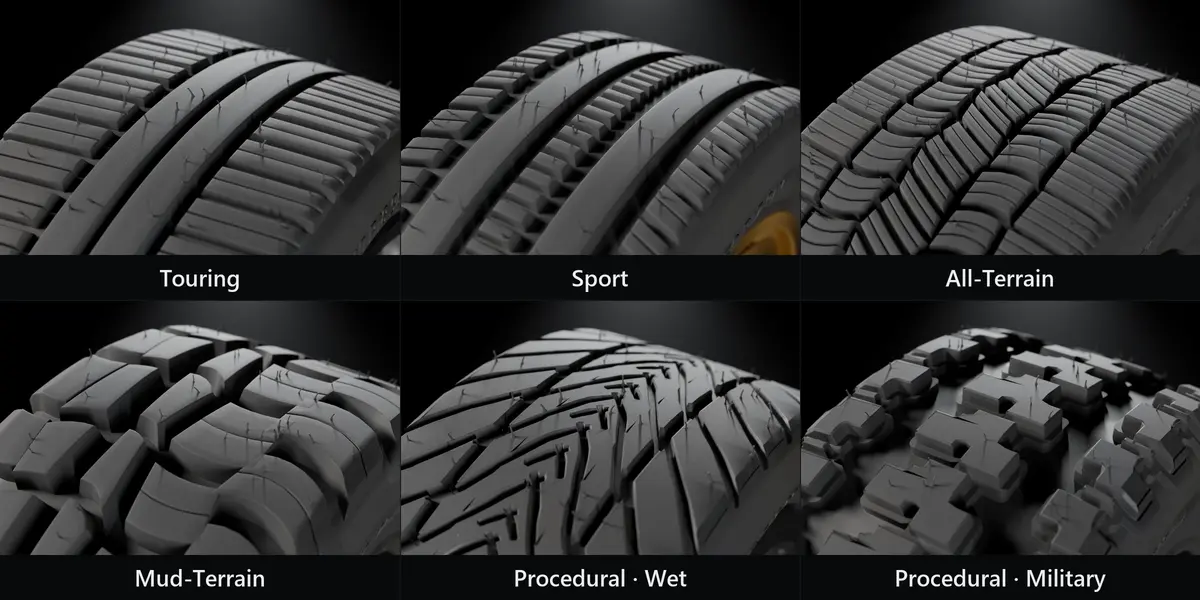
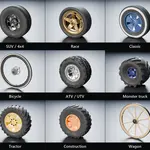
- Change the seed for a new design, or pick a category and tweak the tabs in the viewport HUD.
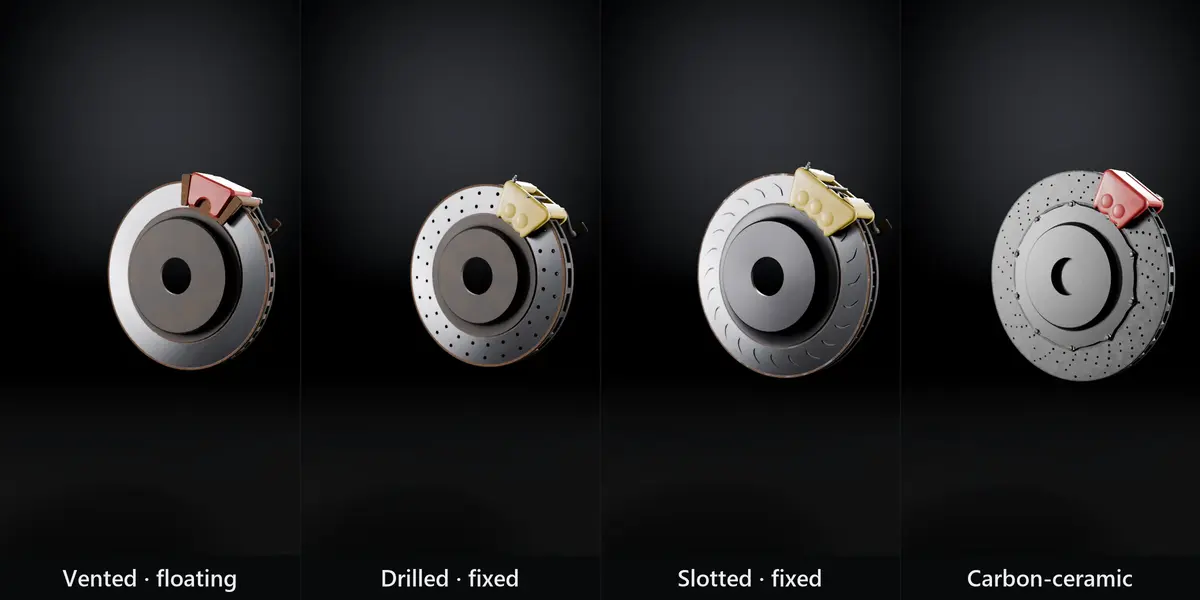
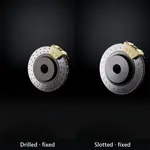
- Lock a part (rim, tire, brake…) to keep it while the seed changes the rest.
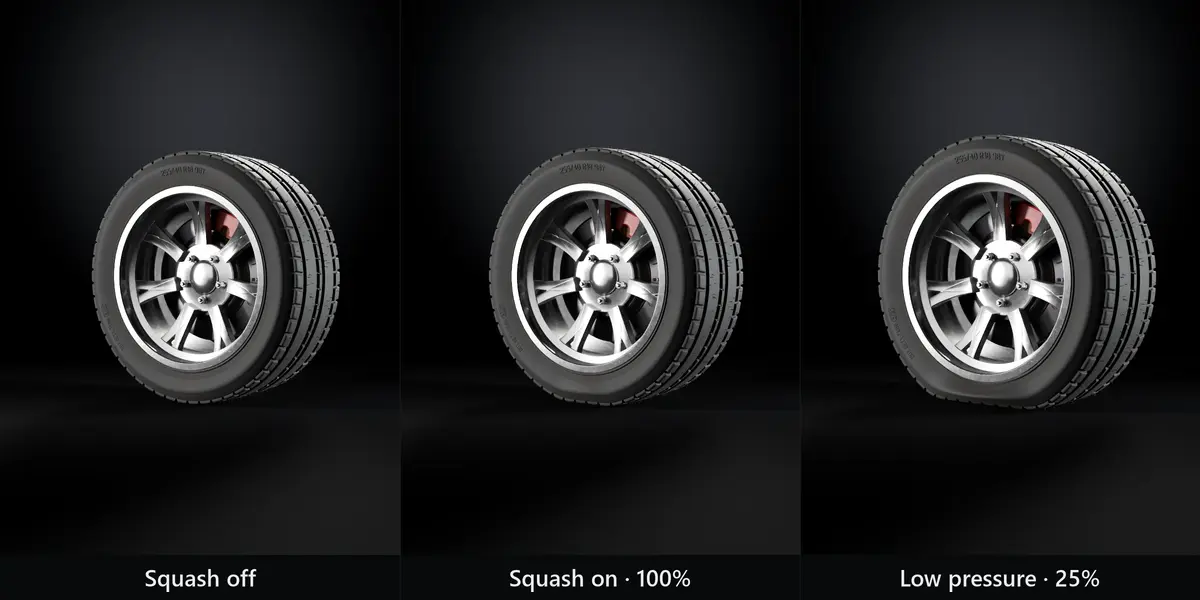
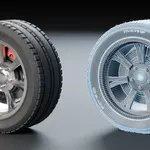
- Create Rig adds controllers for move/steer, suspension and spin. The tire squashes on the ground.
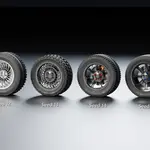
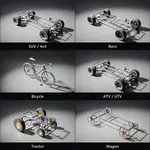
- Create Set builds a whole vehicle by axles; turn on Chassis for suspension, axles and frame.
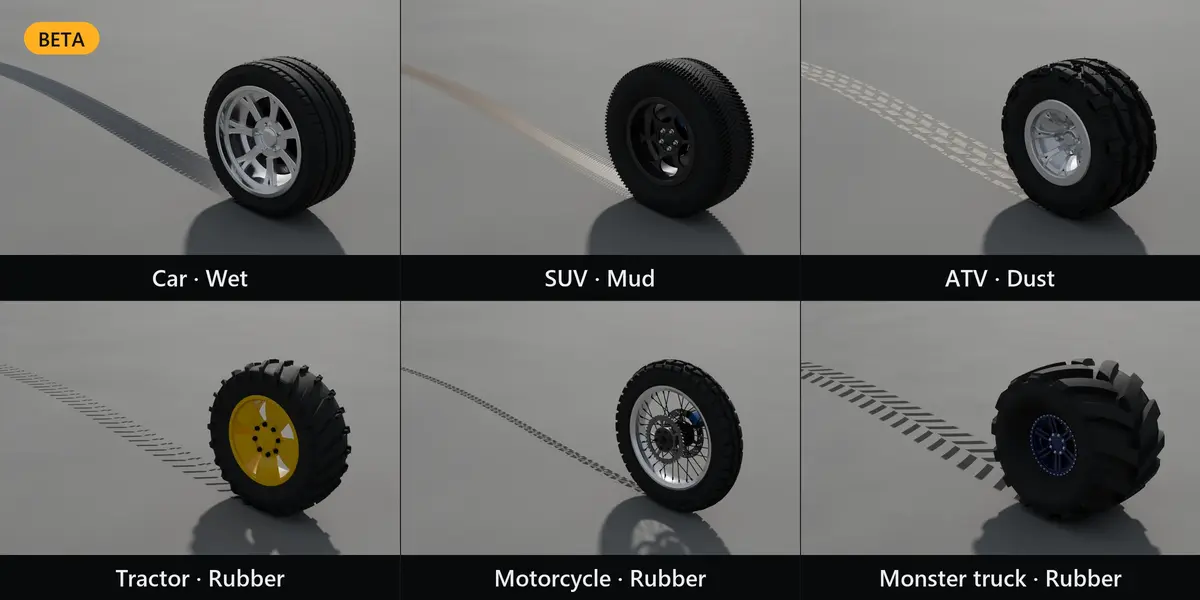
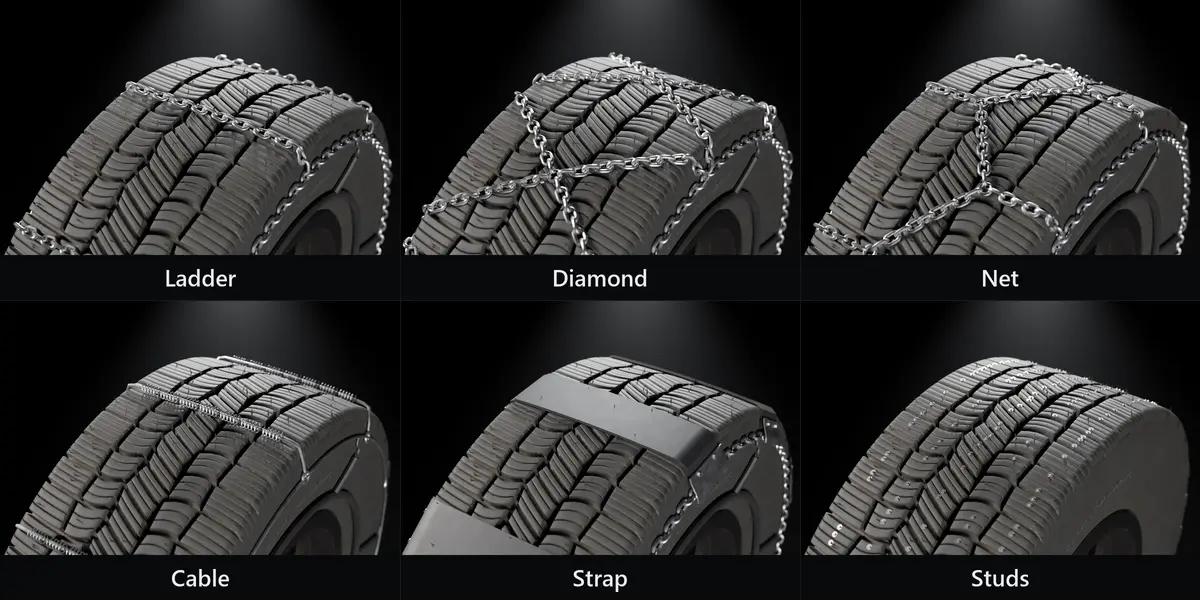
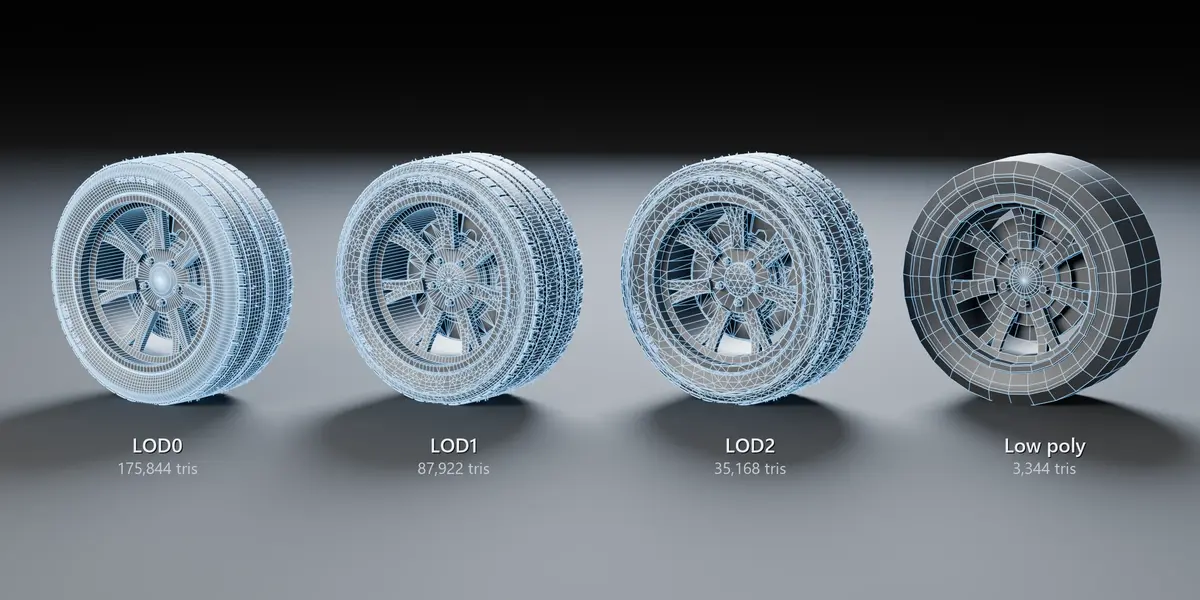
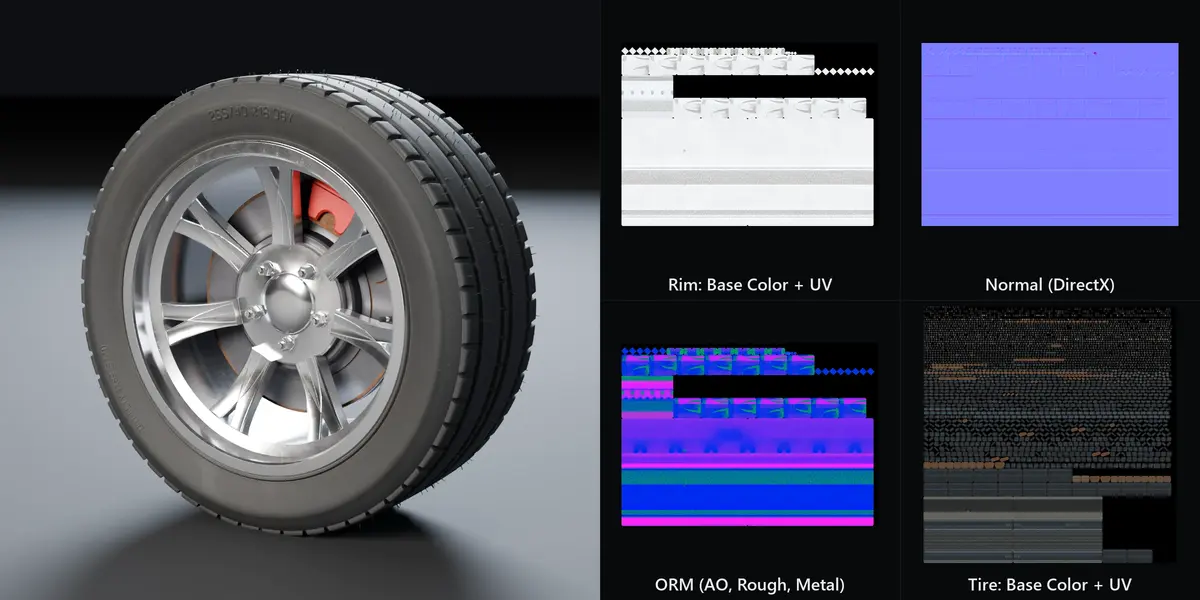
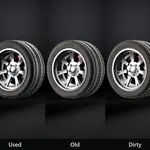
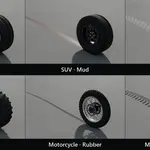
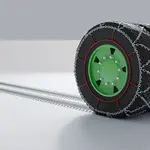
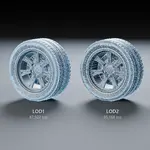
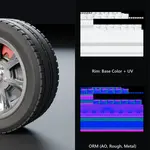
- Output: Batch, LODs, Asset Browser, Apply, FBX/glTF export, PBR bake (Beta), tire tracks (Beta).
A full illustrated manual (PDF, English and Portuguese) is included in the download.
Have questions about this product?
Login to message
| Blender Extension Compatible | Yes |
| Published | about 10 hours ago |
| Blender Version | 4.4 - 5.2 |
| Extension Type | Add-on |
| Render Engine Used | Cycles, Eevee |
| License | GPL |
