Wheel Gen – Procedural Wheel & Tire Generator
 Paulo Antunes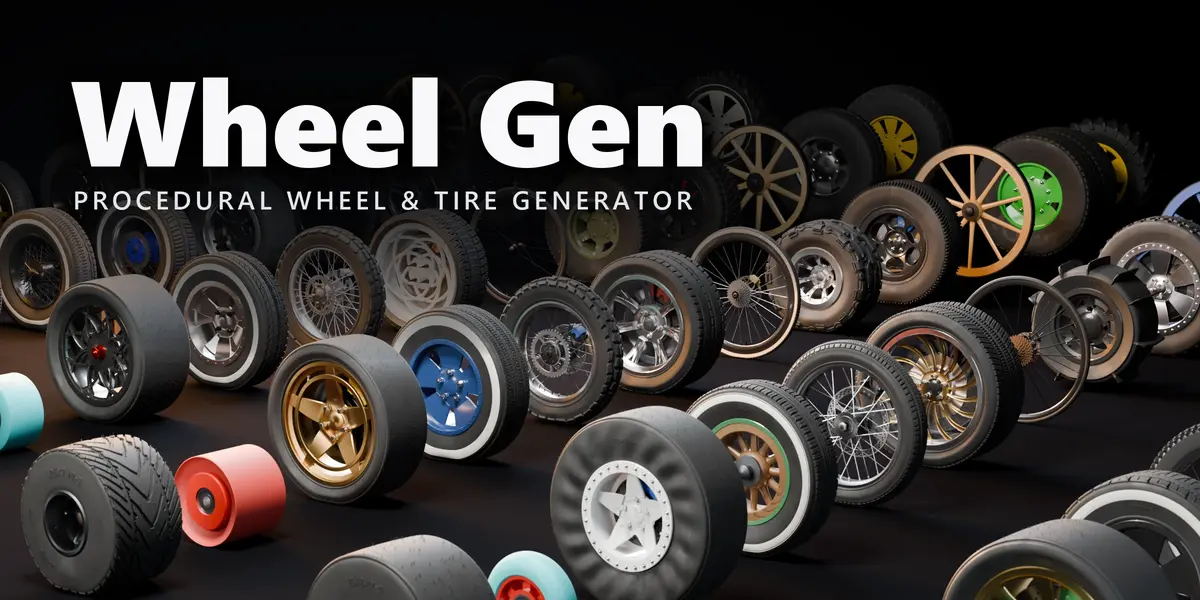
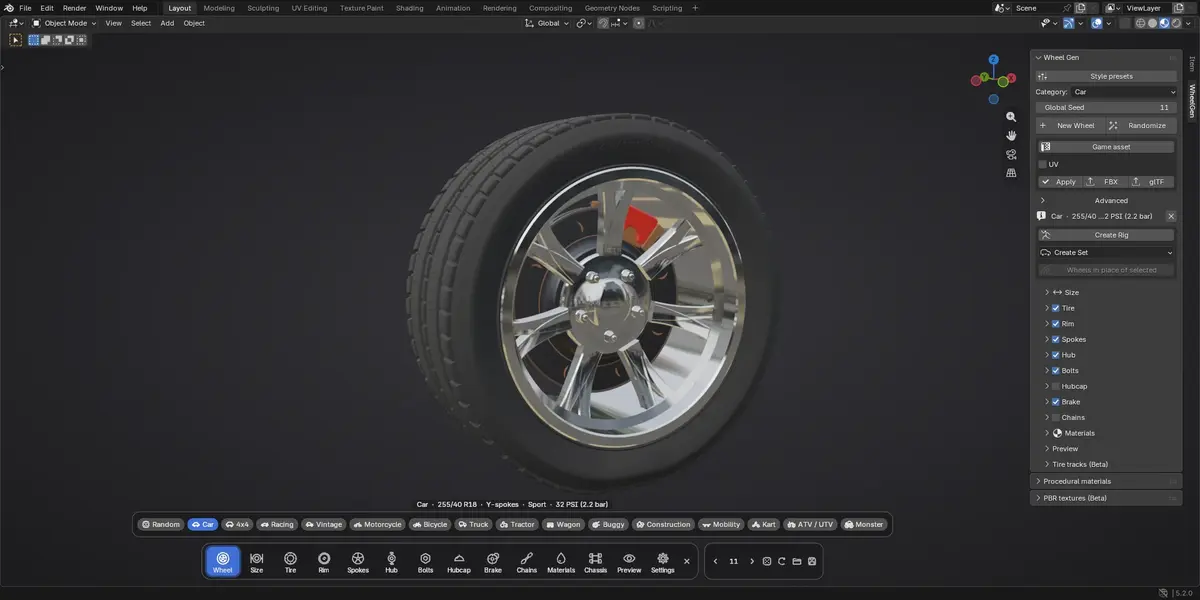

Can I put the wheels on a car I already have?
Yes. Select your car's wheels and use Fit to car: new wheels take their place with the right size, side and parent.
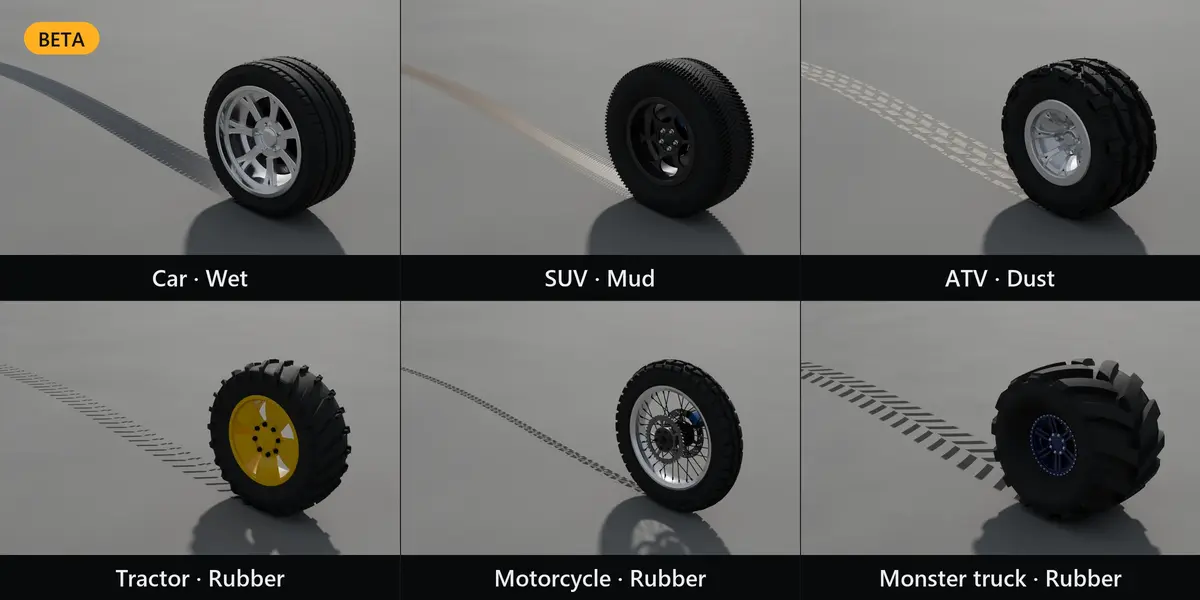
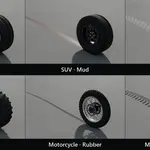
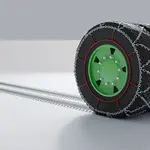
The tire tracks look wrong on sharp turns.
Tire tracks are in Beta. They work best on straight lines and smooth curves.
Why are the procedural materials grey/flat in EEVEE?
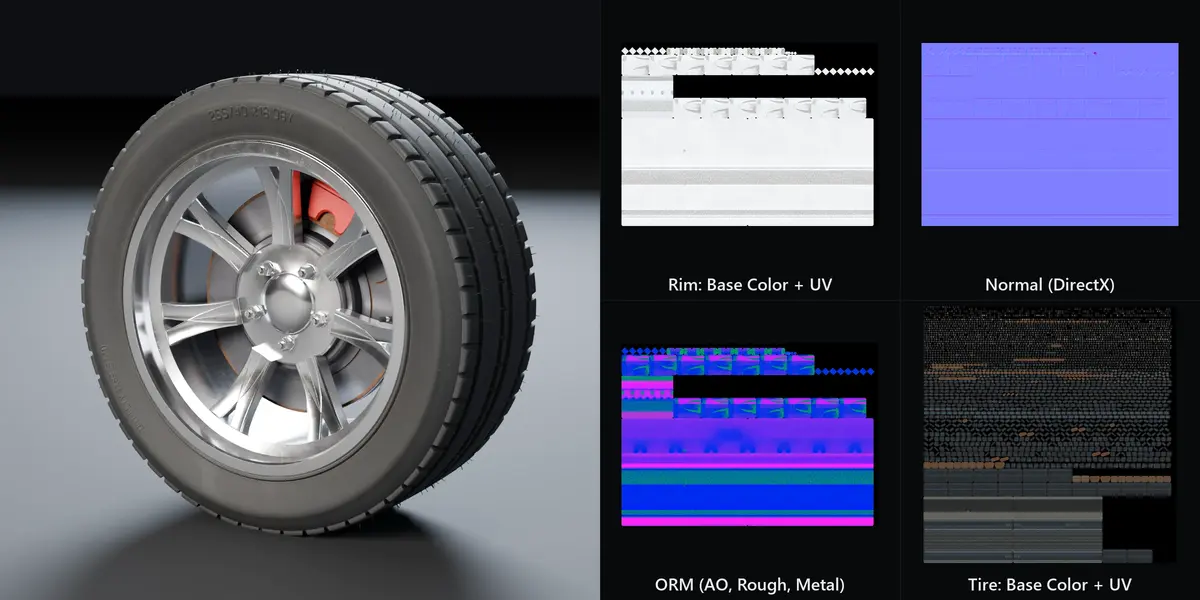
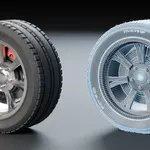
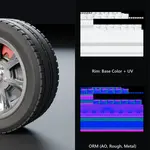
Procedural materials and bake are Cycles features. Bake them to textures to use them in EEVEE or in a game engine.
How do I use the wheels in Unreal, Unity or Godot?
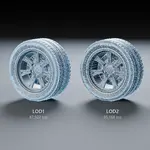
Turn on Game asset, bake the PBR textures (optional), then export FBX/glTF with the preset for your engine.
Can I get the same wheel again?
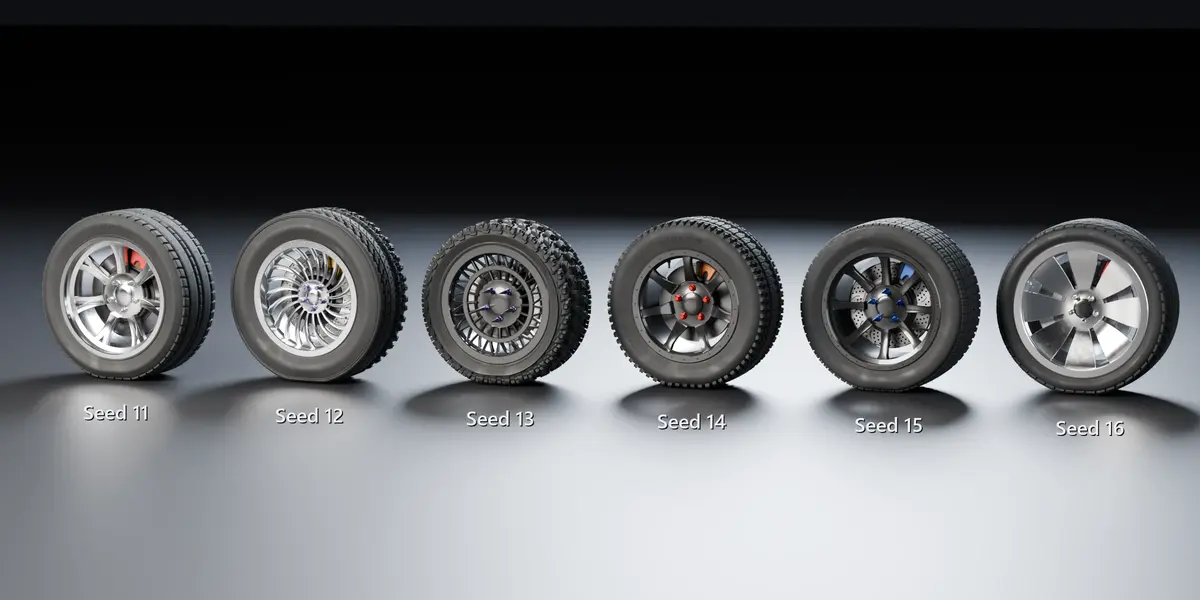
Yes. The same seed and settings always give the same wheel, and updates keep old seeds stable.
Will my file work on a computer without the add-on?
Yes. Wheels, rigs and vehicle sets are plain Blender data (drivers and constraints only). For a fully static result, use Apply.
Does it need an internet connection or an account?
No. Everything runs locally inside Blender.
Are the wheels original? Can I use them commercially?
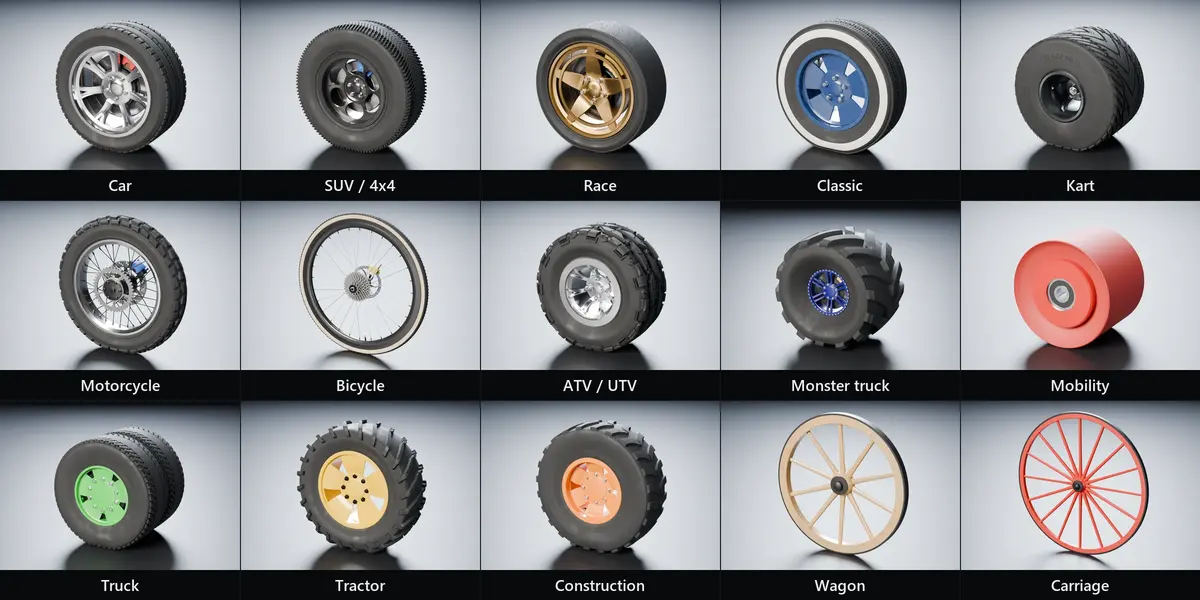
Yes. Every design is generated, not copied from real brands. Anything you make with Wheel Gen is yours to use in commercial renders, animations and games.
Have questions about this product?
Login to message
| Blender Extension Compatible | Yes |
| Published | about 10 hours ago |
| Blender Version | 4.4 - 5.2 |
| Extension Type | Add-on |
| Render Engine Used | Cycles, Eevee |
| License | GPL |
