WindowsHelm
 Diego Contreras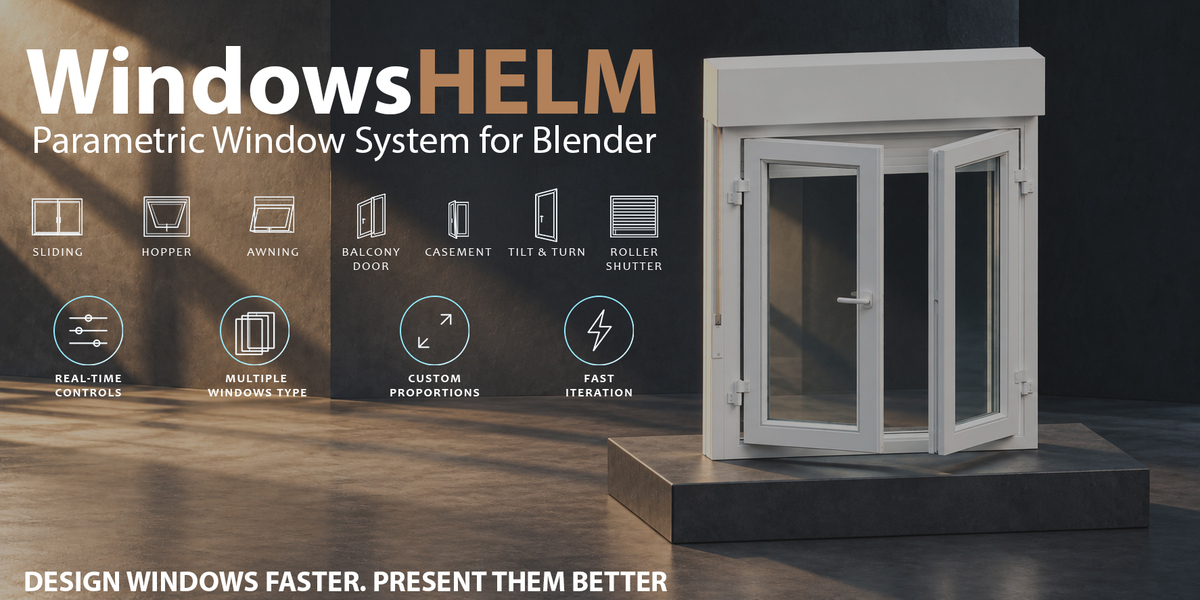
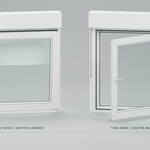
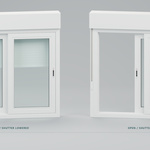
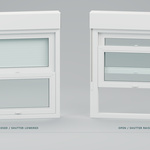
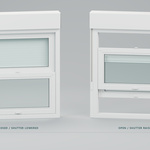
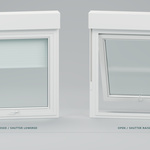
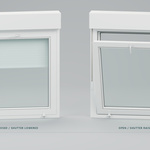
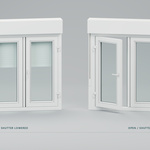
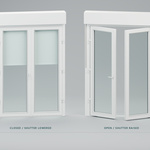
Getting started with WindowsHelm 1.0.0
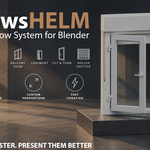
WindowsHelm creates architectural windows with shared types, per-window design overrides, independent opening controls and an optional roller shutter. Supported Blender version: 5.2 LTS series.
Install
- Download windowshelm-1.0.0.zip. Keep the installer compressed.
- Open Edit > Preferences > Get Extensions. Open its menu and choose Install from Disk, then select the ZIP and enable WindowsHelm.
- In a 3D Viewport, press N and open the WindowsHelm tab.
The publisher preparation bundle and documentation ZIP are not installers. If an older WindowHelm Alpha add-on is enabled, save your scene, disable it and restart Blender before enabling WindowsHelm. Never enable both copies together. The internal ID stays spanish_windows to preserve saved type references and properties. Save a scene copy before upgrading; do not edit new override data with an older build. Existing type names and member UUIDs remain unchanged.
Create your first window
- In Create, choose New type. Set its name, style, width, height and shutter.
- Confirm, then adjust the listed design. Advanced design contains profiles, glazing, hardware, shutter construction and custom materials.
- For a single window, use Add independent window below the configured design. It copies the design and appears upright at the 3D cursor.
- For linked windows, use Place at 3D cursor, selected points or Place by clicking wall. Placements belong to the chosen type.
- In Edit, select any generated part to resolve its owning window.
Exterior sill starts disabled for new default types/windows. Enable it when needed. Copied and existing designs preserve their saved sill settings.
Shared, local and independent design
Edit shared type changes inherited fields across that type. Edit only this window opens the active member's local design without removing its membership or reducing the type count. Fields you change become overrides; other fields continue following the master. For example, a local width can stay 1.4 m while the same member inherits later height and finish changes from the type.
Edit shared type returns to the group editor while retaining overrides. Use type design clears that member's overrides and restores inheritance while preserving its placement and opening. Unlink from type removes only the active member and preserves its effective design, placement, geometry and animation. Assign to selected windows explicitly applies the listed type and clears their previous local design overrides.
Creating a type from a selected member copies its effective design without reassigning the source. Duplicating a placement keeps its type and local values. For a window already detached in 0.4.0, choose its intended type and explicitly assign it; old membership is not guessed from object names.
Place with two clicks
Click a vertical wall face to lock its plane, then click the bottom centre of the opening. The second click works in empty space on that plane. F flips the exterior arrow, R chooses another wall, Esc/right-click cancels. Inset into wall adjusts depth. Use a single viewport. Prepare the wall opening and dimensions yourself: placement does not cut walls or measure the opening.
Open and animate
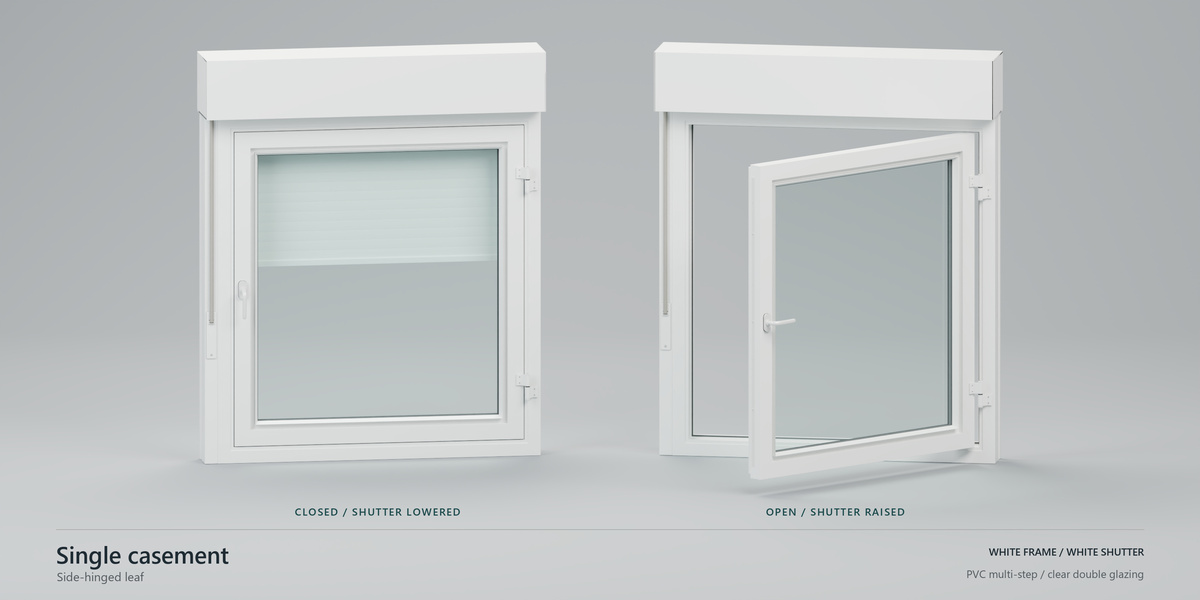
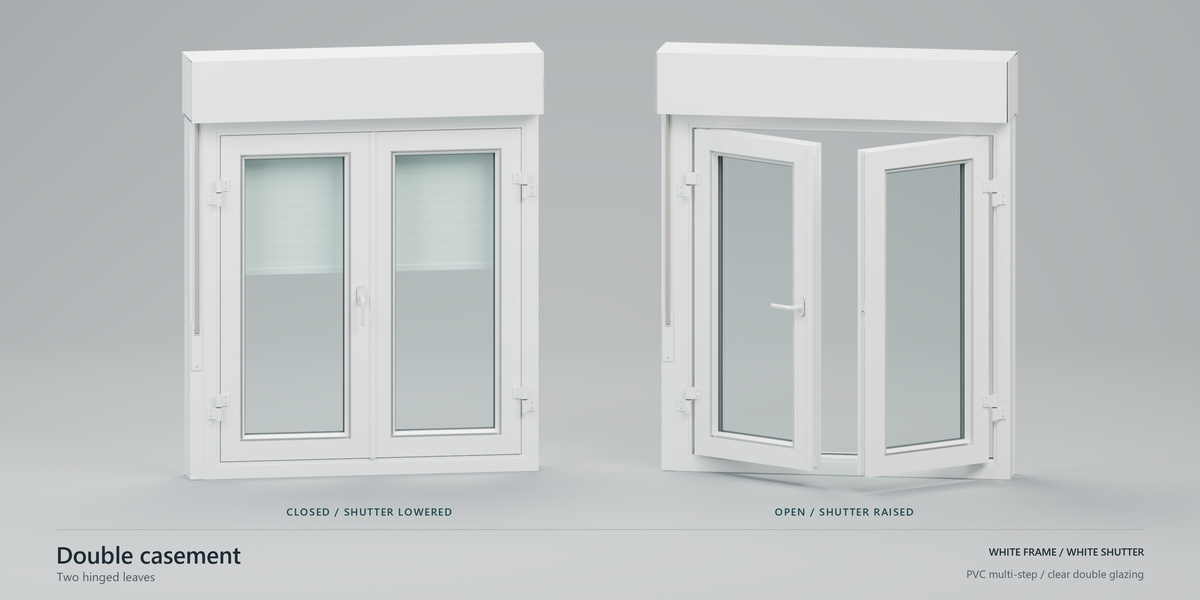
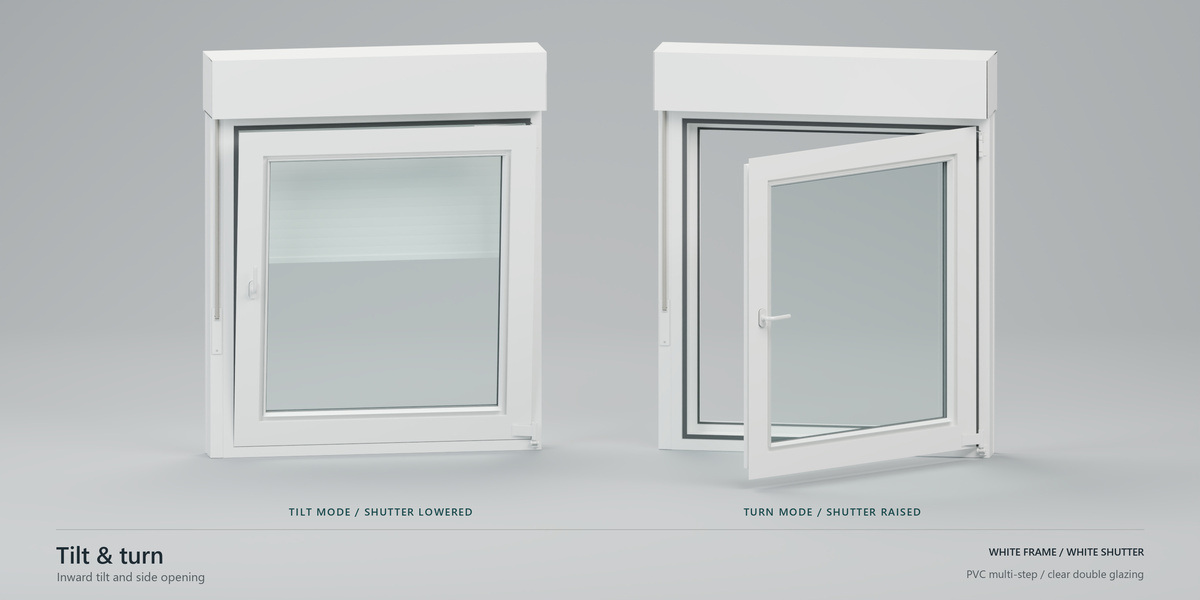
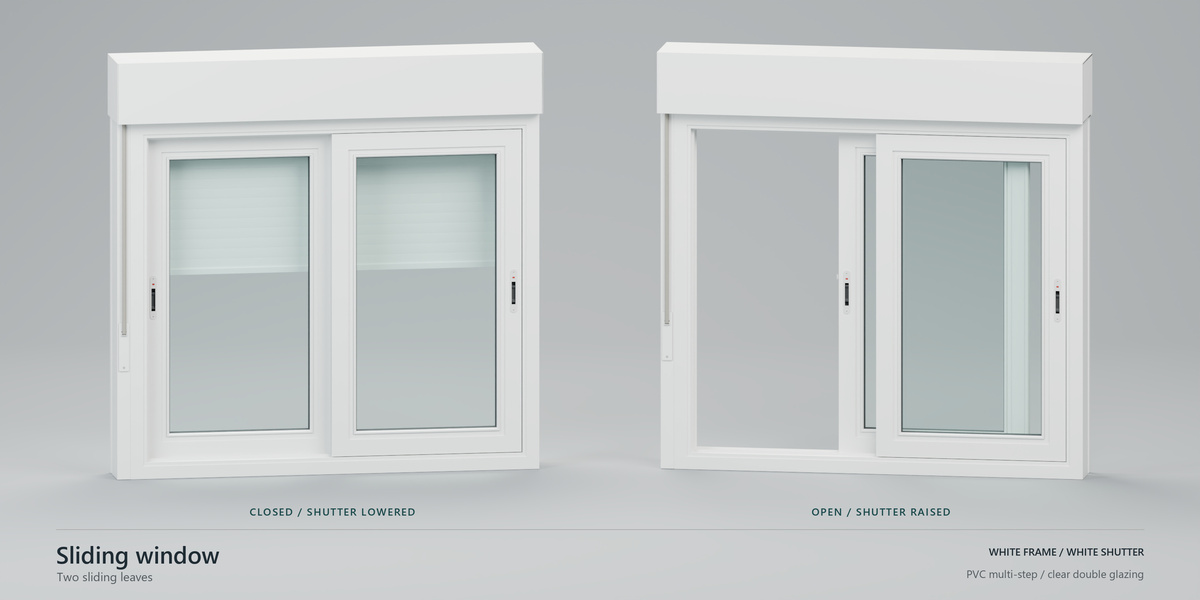
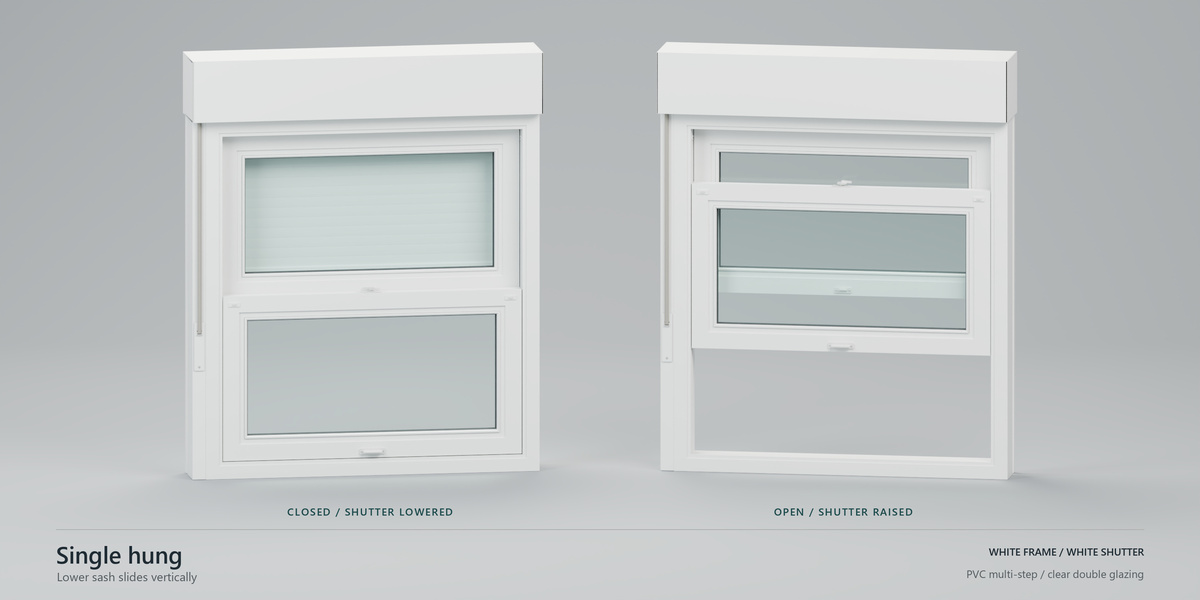
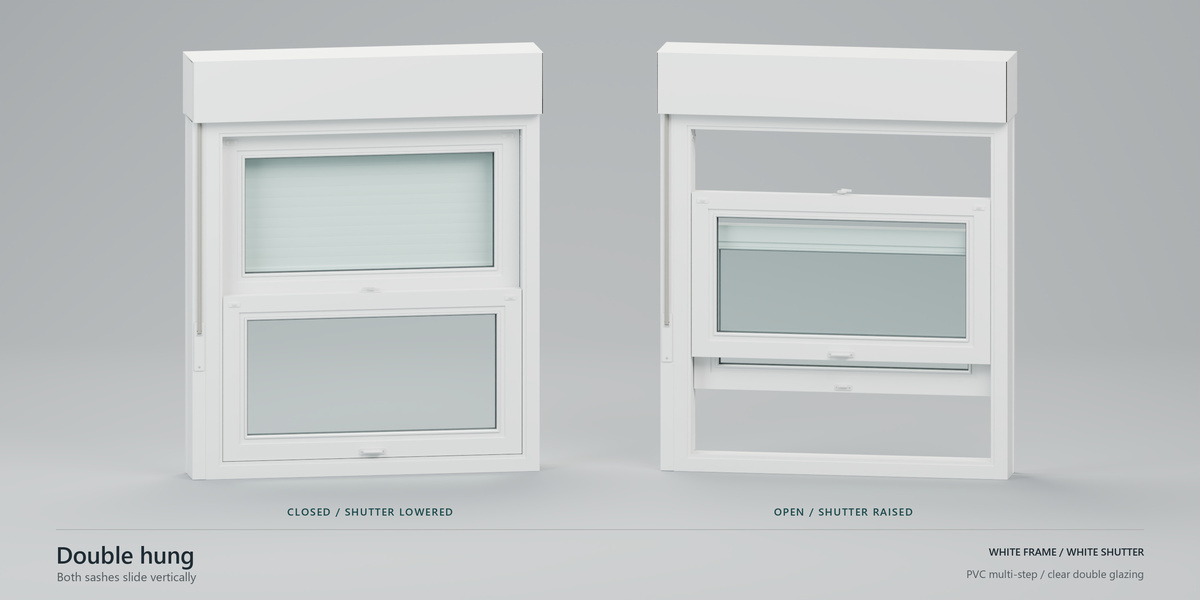
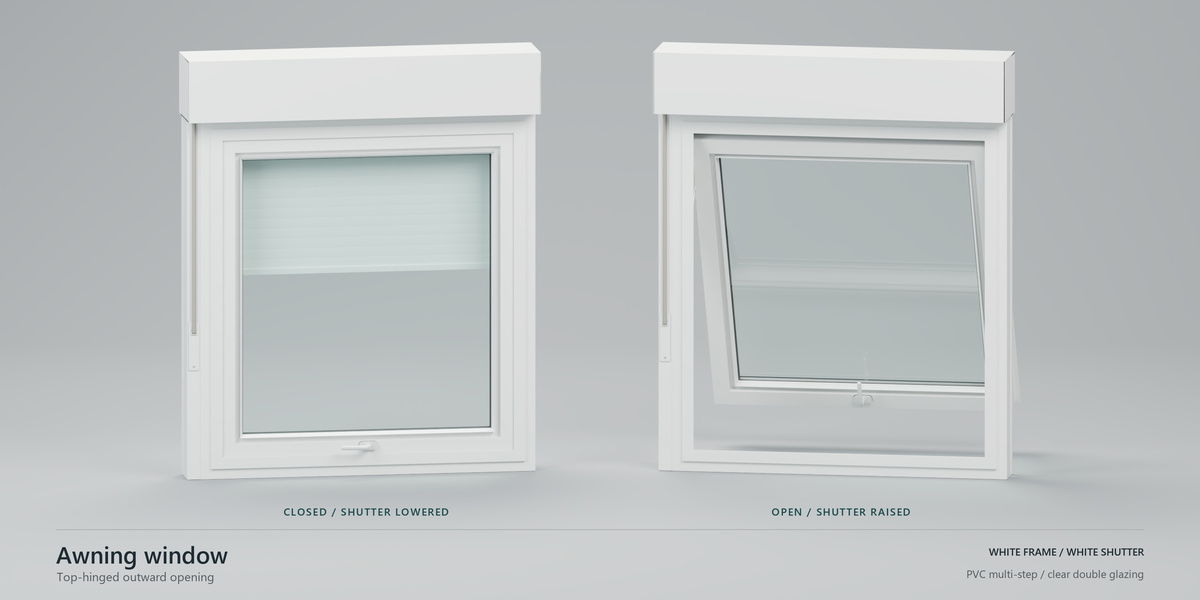
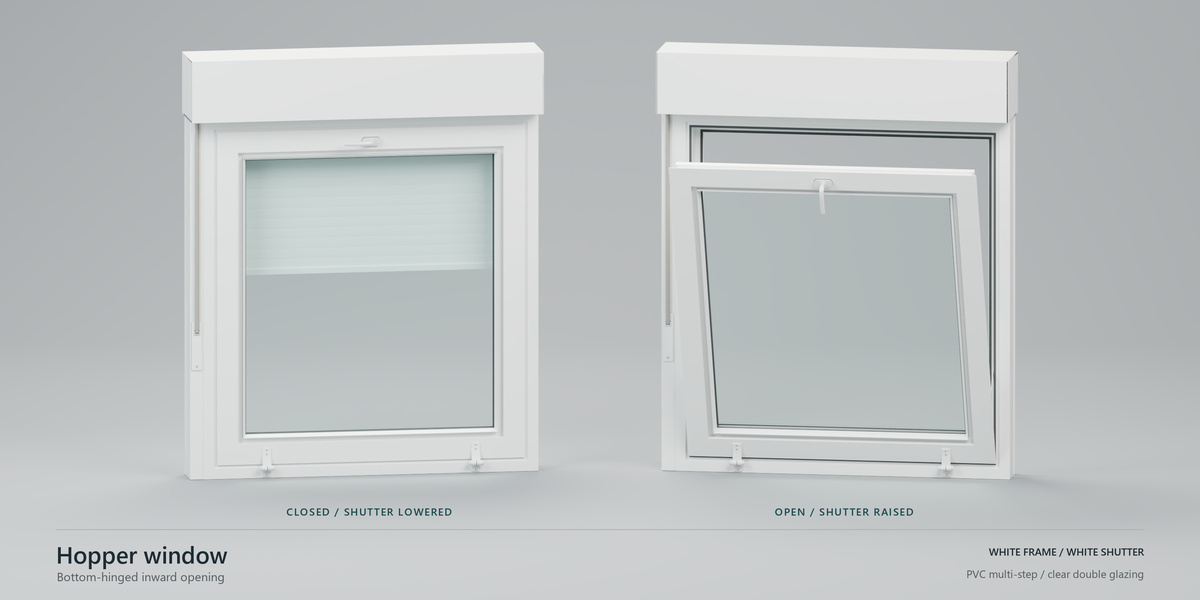
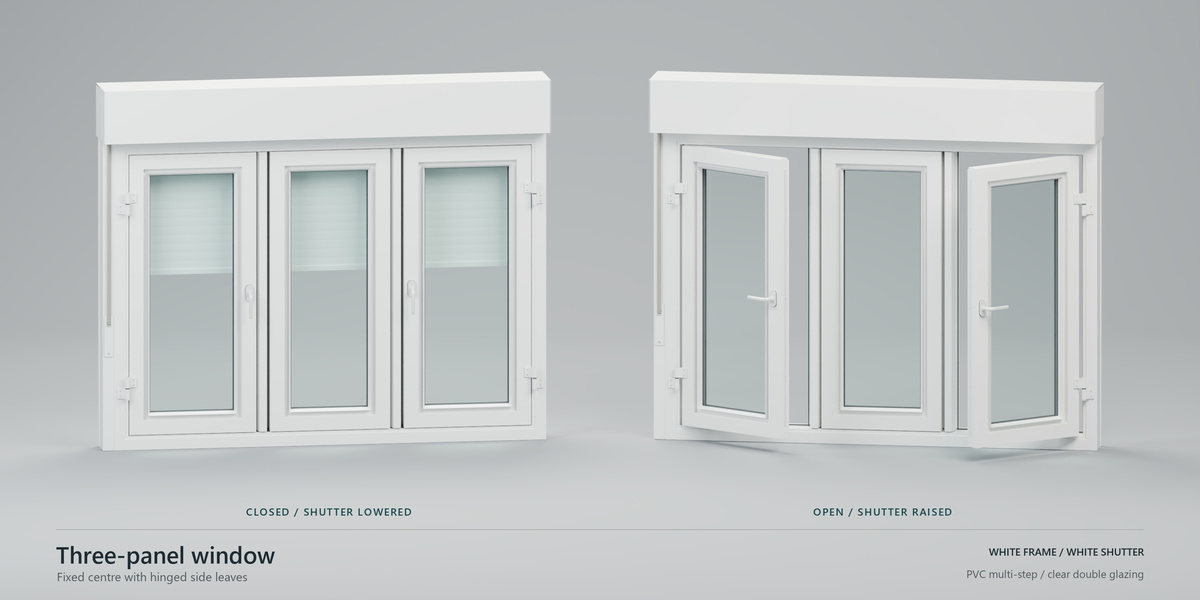
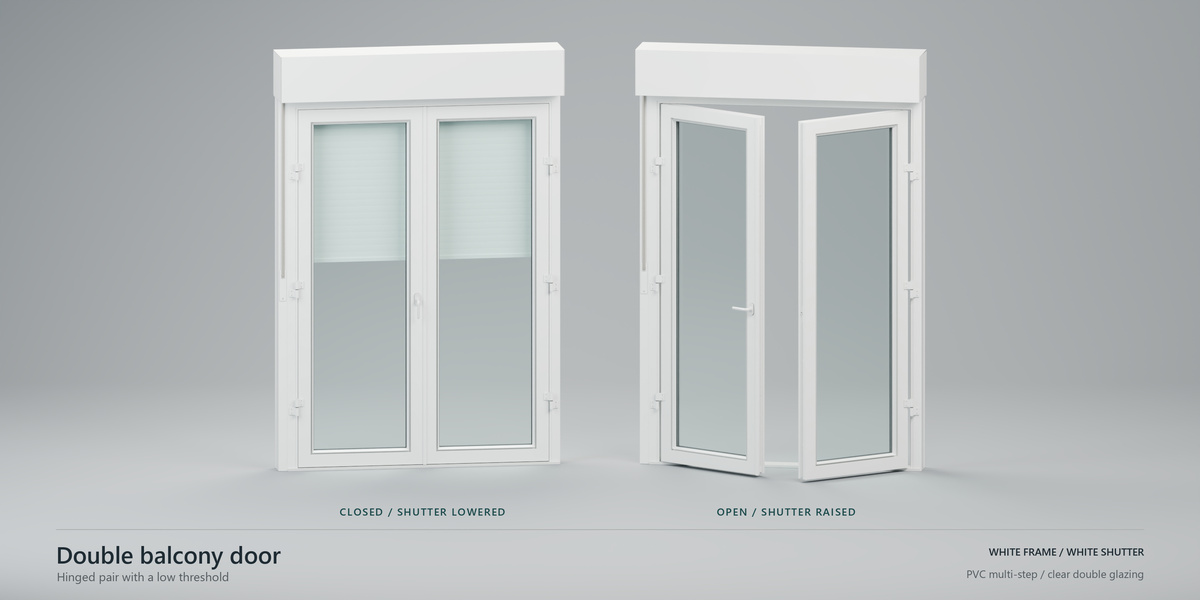
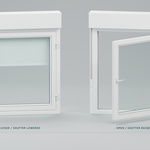
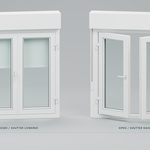
Quick poses offers Closed, Open and Tilt where supported, with separate shutter controls. Choose Active window or Selected windows. Manual Opening affects the active window. Keyframe poses is off by default and inserts motion keys at the current frame when enabled. You can also key individual properties through Blender's indicators or their context menu. Shared design keys belong to the type; overridden design keys belong to the member. Motion stays local.
Styles, profiles and materials
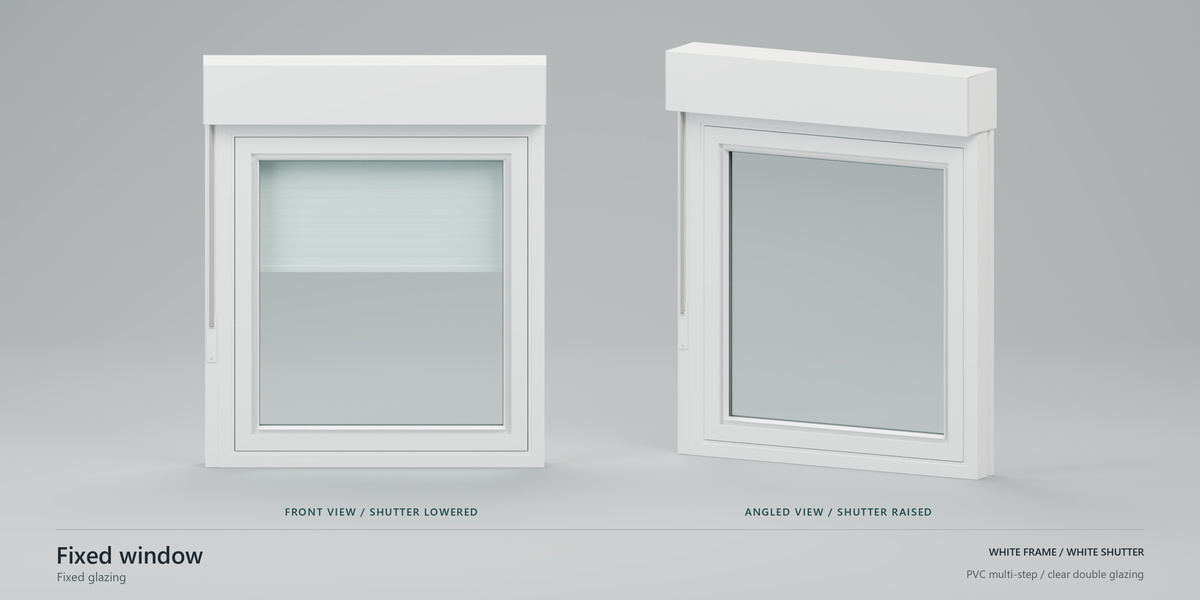
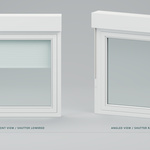
Eleven styles: Fixed, One casement, Two casements, Tilt and turn, Two sliding leaves, Single hung, Double hung, Awning, Hopper, Three panels and Double balcony door. Profiles: PVC, simple aluminium, thermal aluminium and wood. Wood provides oak, walnut and painted finishes. Profile families change visible construction. The thermal variant is a visual model rather than a thermal certification.
The optional roller shutter includes box, guides and belt-winder or motor mode. Glazing includes the default daylight-oriented interior mode and physical refraction mode. Use Advanced design > Custom materials to preserve user materials through design changes. Lights and render exposure remain your scene settings. Design changes can rebuild generated meshes and replace manual mesh edits; opening-only motion does not rebuild the current meshes.
See FAQ.md, SUPPORT.md, PRIVACY.md and WindowsHelm_User_Guide_1.0.0.pdf.
WindowsHelm support and updates
Standard support
WindowsHelm has one complete edition with standard support through the product's Superhive messaging channel. Contact Diego Contreras Martínez from the product page or your purchase. Support covers installation, documented workflows and reproducible WindowsHelm problems in the supported Blender 5.2 LTS series. The response target is within 72 hours; investigation and fixes can take longer. Custom modelling, project production, private development and priority service are outside standard support.
Updates
Maintenance updates released for WindowsHelm 1.x will be available to existing buyers at no additional charge. There is no fixed development schedule or promise of lifetime maintenance. Future major versions may have separate terms, which will be stated before their release. Compatibility with future Blender versions is announced only after validation.
This offer has no paid support tiers, seat-based edition or support-renewal subscription. Superhive Support Periods are not enabled for this launch. The add-on licence remains GPL-3.0-or-later; these service terms do not restrict the rights granted by that licence.
Installation or update problems
Enable only one installation. When moving from a legacy WindowHelm Alpha build to WindowsHelm 1.0.0, disable the old add-on and restart Blender, then install windowshelm-1.0.0.zip through Preferences > Get Extensions > Install from Disk. The saved package ID remains spanish_windows, preserving type references and scene properties. Restart once after updating an enabled older build. Use the installer ZIP, not the publisher bundle or documentation ZIP.
Report a reproducible problem
Include the exact Blender and WindowsHelm versions, operating system, current Create/Place/Edit page, style/profile, editing scope, selection and the shortest steps that reproduce the issue. Include the expected result and any error text. For types, state which fields have local overrides. For placement, describe the wall and first/second click. For animation, list properties and keyframe numbers. For renders, include renderer, lighting, exposure and custom glass materials. Review screenshots and minimal .blend files before sharing private project data.
Have questions about this product?
Login to message
| Blender Extension Compatible | Yes |
| Published | about 6 hours ago |
| Blender Version | 5.2 |
| Extension Type | Add-on |
| Render Engine Used | Cycles, Eevee |
| License | GPL |
Discover more products like this
windows hard surface ArchViz Glass procedural window window-generator shutters parametric architecture Window Frames animation Add-on