 alastorv
Install
- Download wobble-1.0.1.zip (do not unzip it).
- In Blender 5.2 or newer: Edit → Preferences → Add-ons → Install from Disk, pick the zip.
- Open the 3D View sidebar (N) and find the Wobble tab.
From a fresh .blend to visible jiggle
The Start Here block at the top of the panel walks you through the same steps and hides itself once a simulation exists.
- Have something that moves. Wobble reacts to motion: an animated armature, a jump, a walk, a stop. A character standing still will not jiggle.
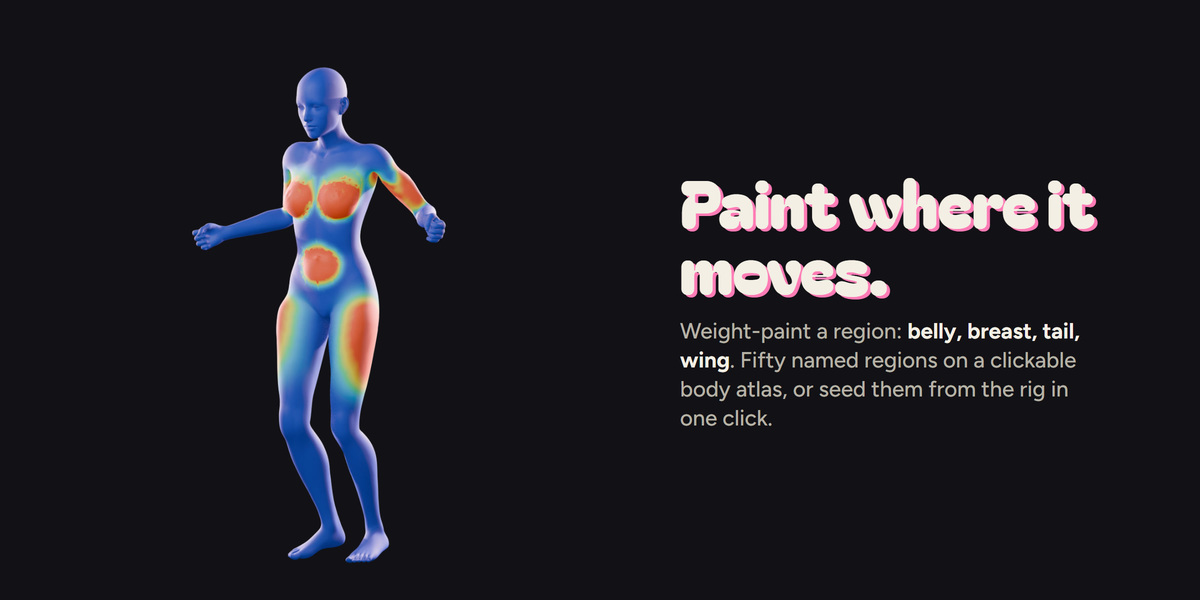
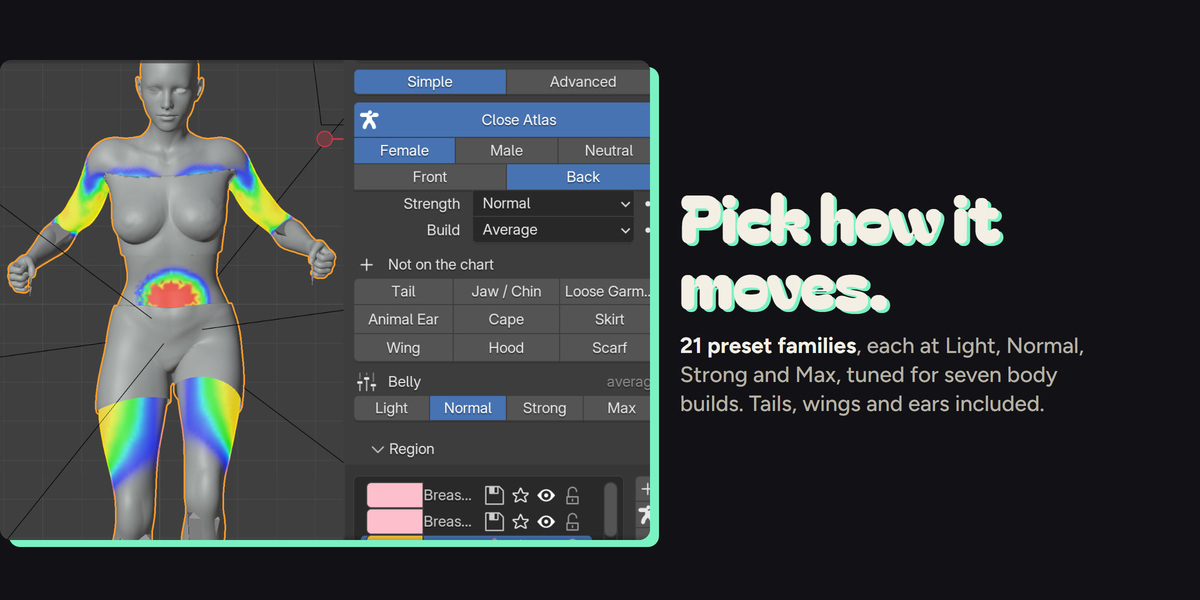
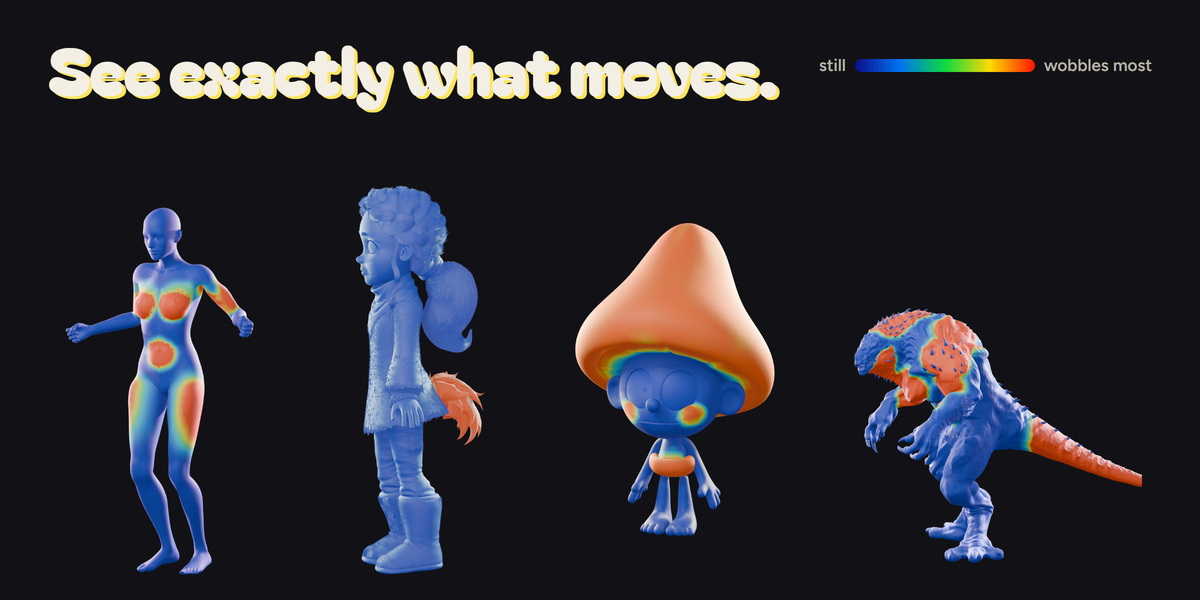
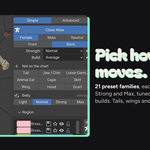
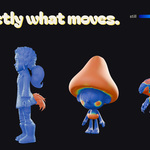
- Paint it. Open the Atlas and click a region (belly, breast, thigh…), or use Suggest Masks From Rig. Press Paint It and weight-paint where the tissue should move; Stop Painting when done.
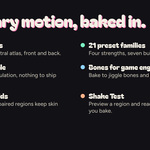
- Pick it. Choose a strength (Light, Normal, Strong, Max) and a body build. Tails, wings, ears and garments are under Not on the chart.
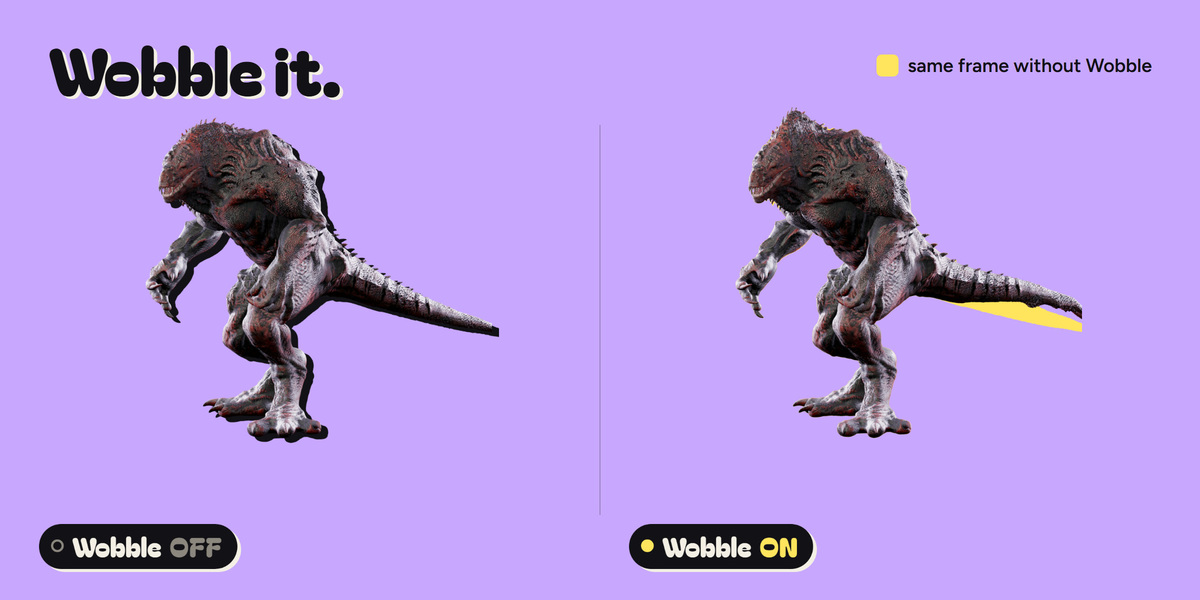
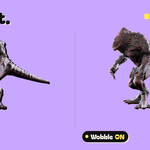
- Wobble it. Press Generate, play the timeline, then Bake when you like it. The bake is stored in the .blend.
Good to know
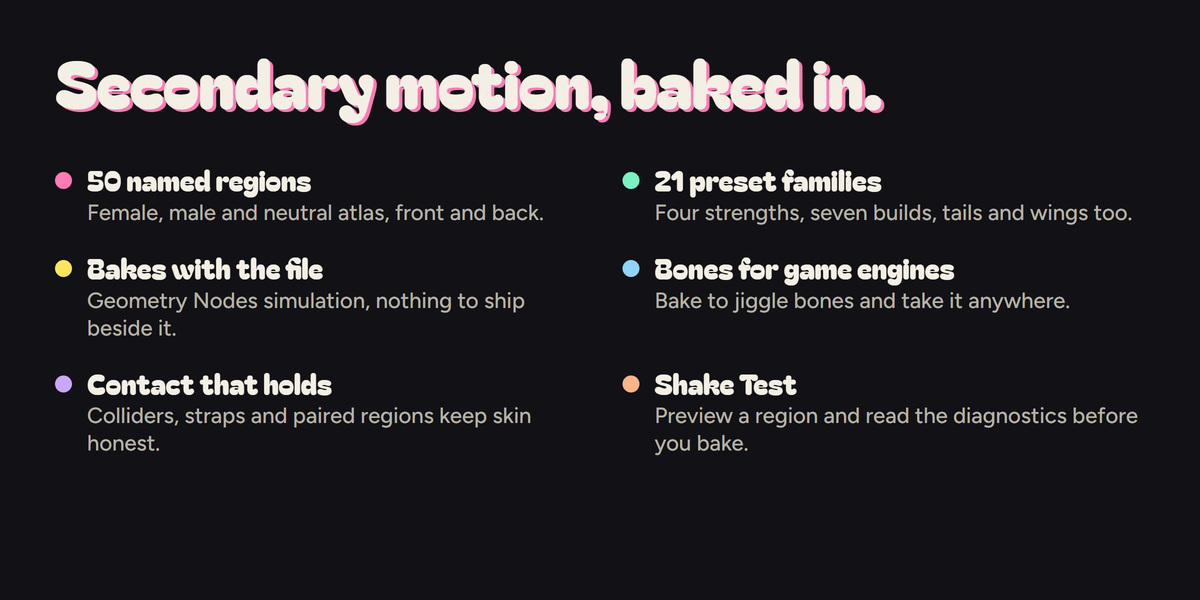
- Shake Test previews a region without animating anything.
- The diagnostics panel explains what will go wrong before you bake.
- For game engines, switch the backend to Bones and bake to jiggle bones.
- Scenes in centimetres (scale 0.01) behave like metre scenes.
- Particle hair is not driven; separate clothing objects do not follow on their own (clothing modelled into the body mesh does).
Have questions about this product?
Login to message
| Blender Extension Compatible | Yes |
| Published | 1 day ago |
| Blender Version | 5.2 |
| Extension Type | Add-on |
| Render Engine Used | Cycles, Eevee |
| License | GPL |
Discover more products like this
geometry nodes soft body character animation secondary-motion bake jiggle Game Engine rigging physics mixamo weight paint Soft Tissue