Wood Cracker Tool
 Yoan Agostini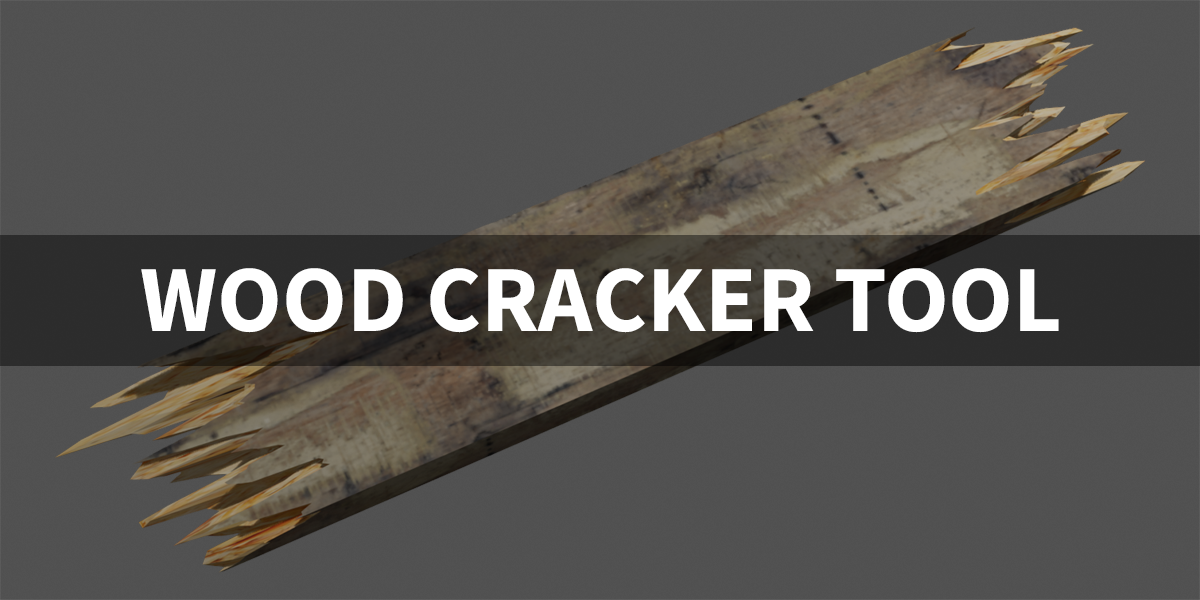
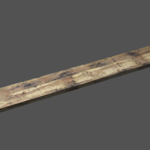
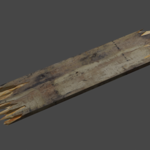
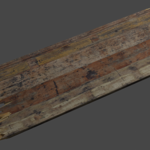
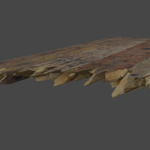
Overview
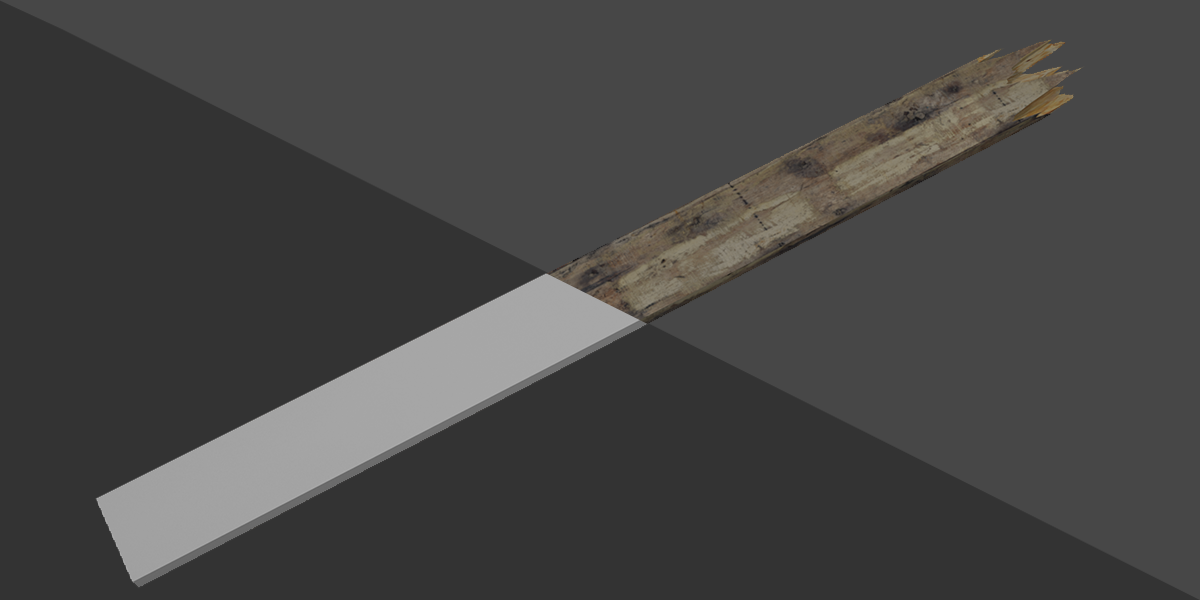
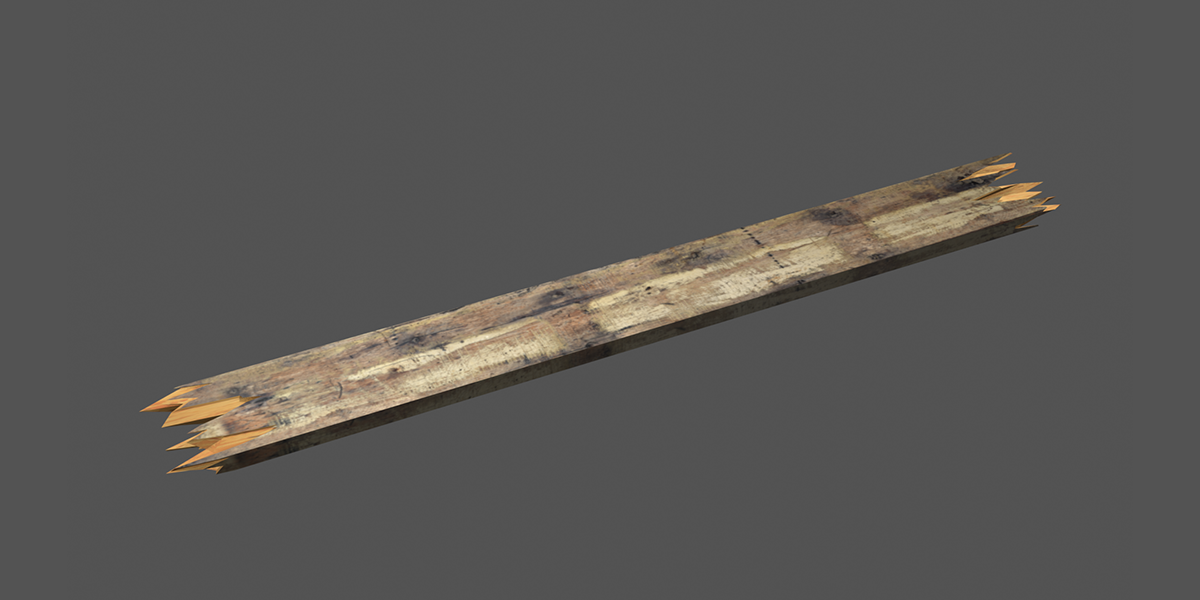
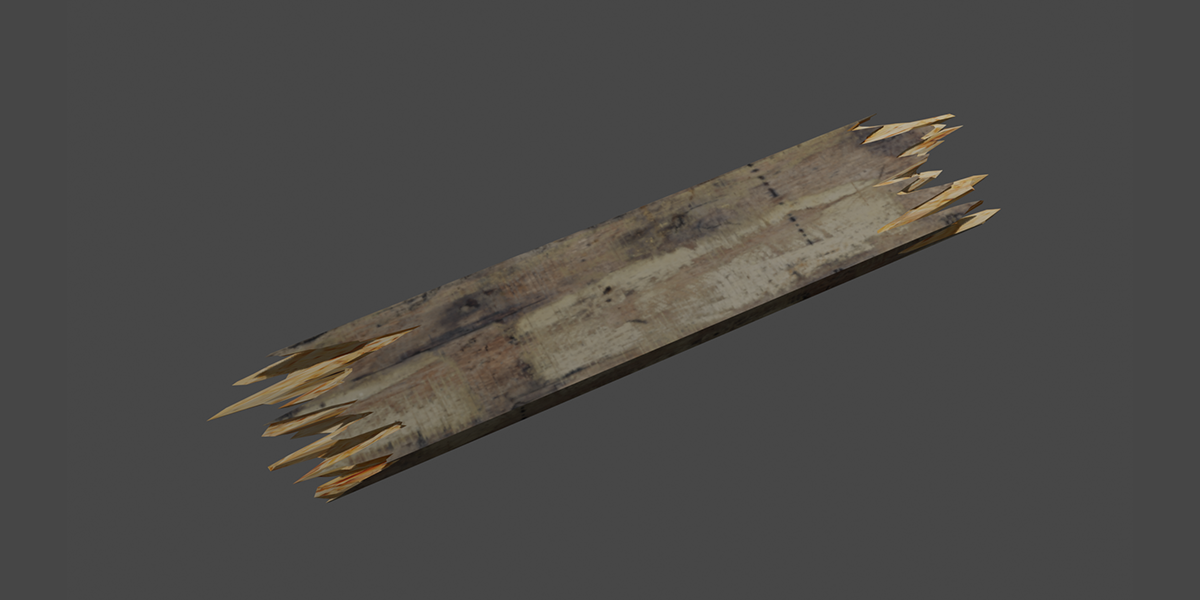
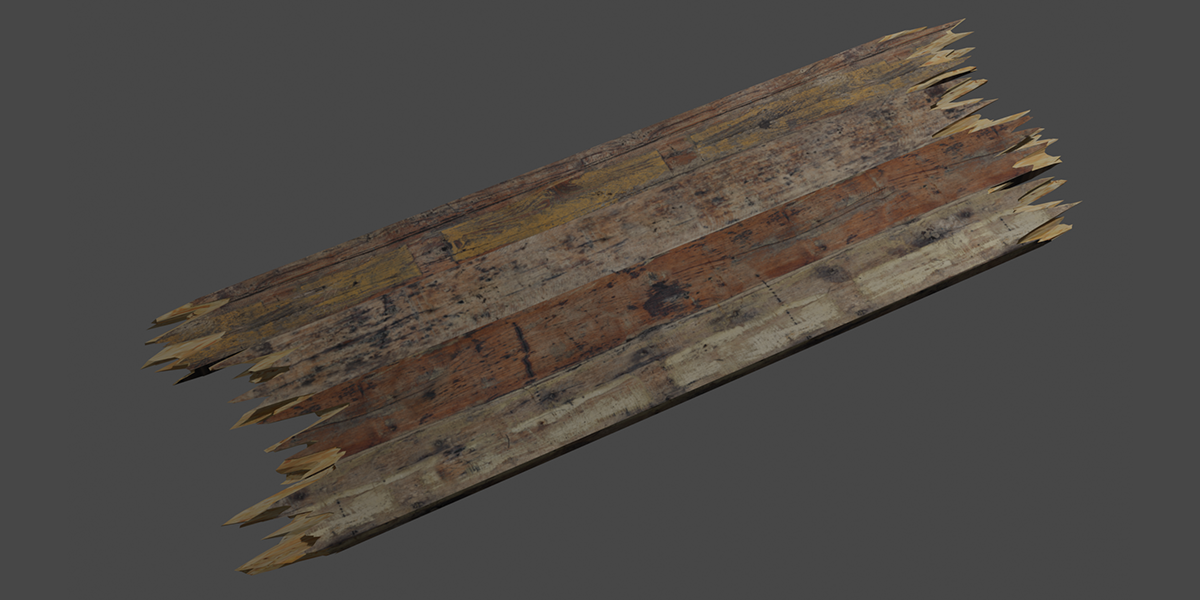
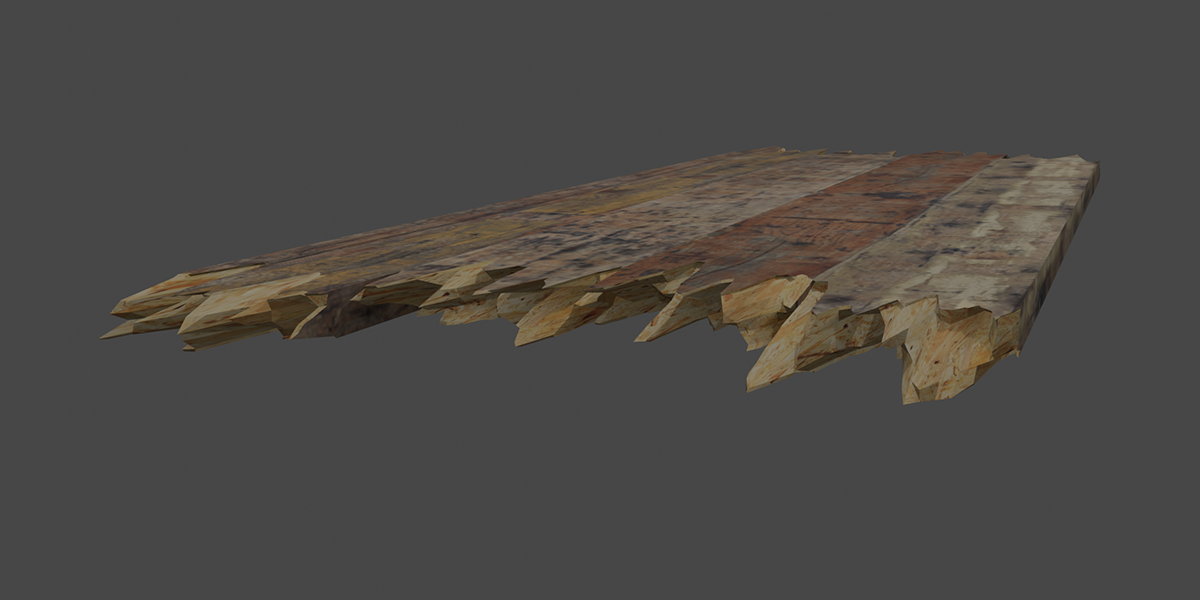
The Wood Cracker Tool is a geometry nodes-based asset that allows you to create realistic wood fractures and breaks. It uses customizable cutting planes to simulate how wood would naturally split or crack.
Parameters
Main Controls
- Both Sides: Toggle to enable fracturing on both sides of the object
- Left Side / Right Side: Individual control sections for each side of the fracture
Cutting Plane Controls (Per Side)
- Preview Cutting Plane: Toggle to visualize the cutting plane in the viewport
- Cutting Plane Size: Set the dimensions of the cutting plane (in meters)
-
Cutting Plane Transform:
- X: Horizontal position of the cutting plane
- Y: Vertical position of the cutting plane
- Z: Depth position of the cutting plane
-
Cutting Plane Rotation:
- X: Rotation around X axis (in degrees)
- Y: Rotation around Y axis (in degrees)
- Z: Rotation around Z axis (in degrees)
- Cutting Plane Resolution: Controls the detail level of the cutting plane (higher values create more detailed fractures)
Noise Controls (Per Side)
- Cutting Plane Noise Direction: 3D vector controlling the primary direction of the noise pattern
- Cutting Plane Noise Scale: Adjusts the overall size of the noise pattern (higher values create larger features)
- Cutting Plane Noise Detail: Controls the complexity of the noise pattern (higher values create more intricate fractures)
- Cutting Plane Noise Offset: Shifts the noise pattern along the cutting plane
Materials
- Wood Material: Slot to assign the material that will be applied to the fractured wood surfaces
How to Use
- Add to Object: Apply the Wood Cracker Tool to your object
- Configure Sides: Choose whether to use one or both cutting planes
- Position Cutting Planes: Adjust the Transform and Rotation values to position your cuts
- Adjust Noise Parameters: Fine-tune the fracture appearance using the noise controls
- Assign Materials: Add your wood material to the material slot
Requirements
- Blender 4.2 or higher (has not been tested in older versions)
- Basic understanding of Blender's geometry nodes system
$5
Have questions about this product?
Login to message
| Sales | 20+ |
| Dev Fund Contributor | |
| Published | over 1 year ago |
| Blender Version | 4.3, 4.2 |
| License | Royalty Free |
