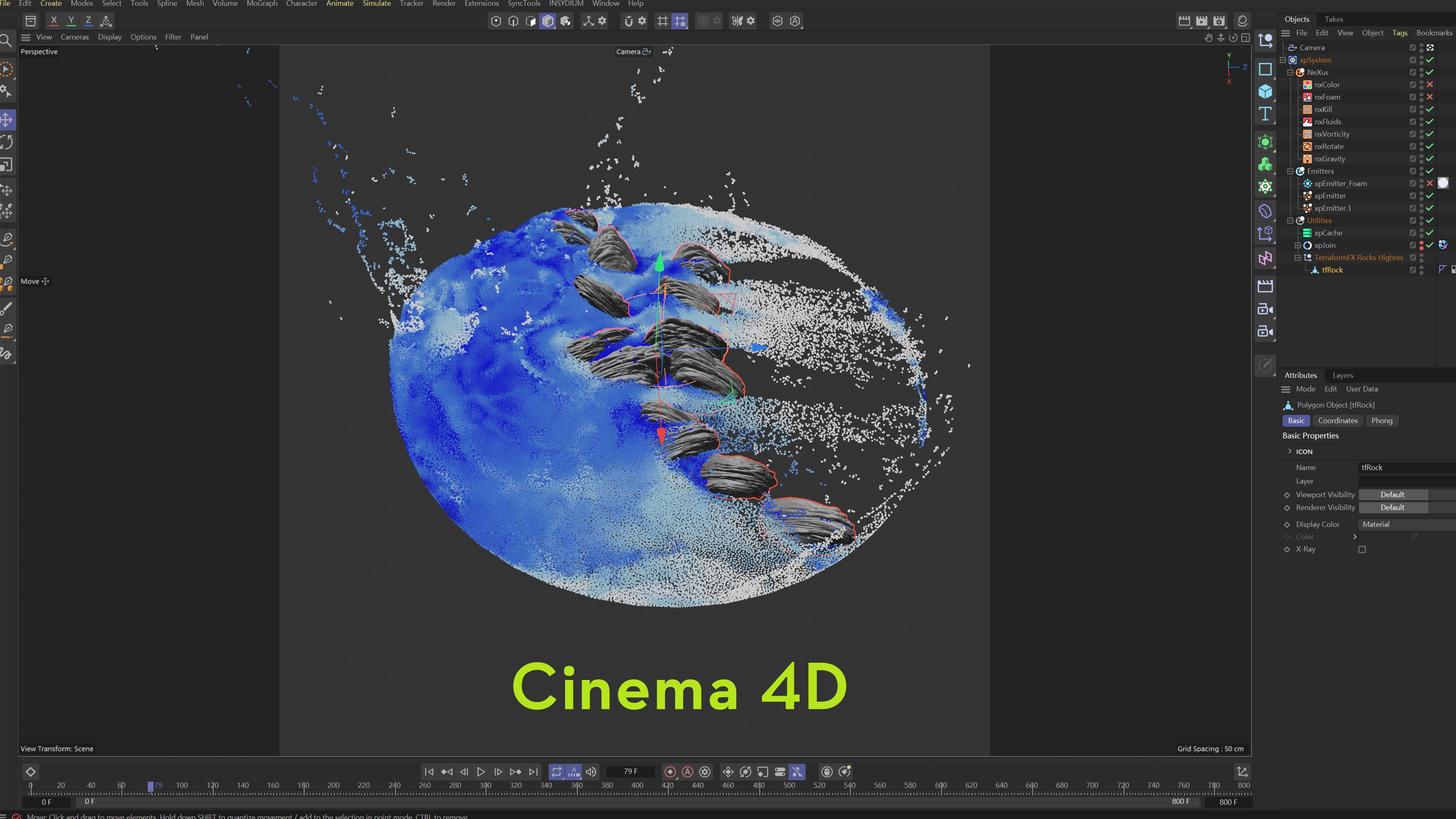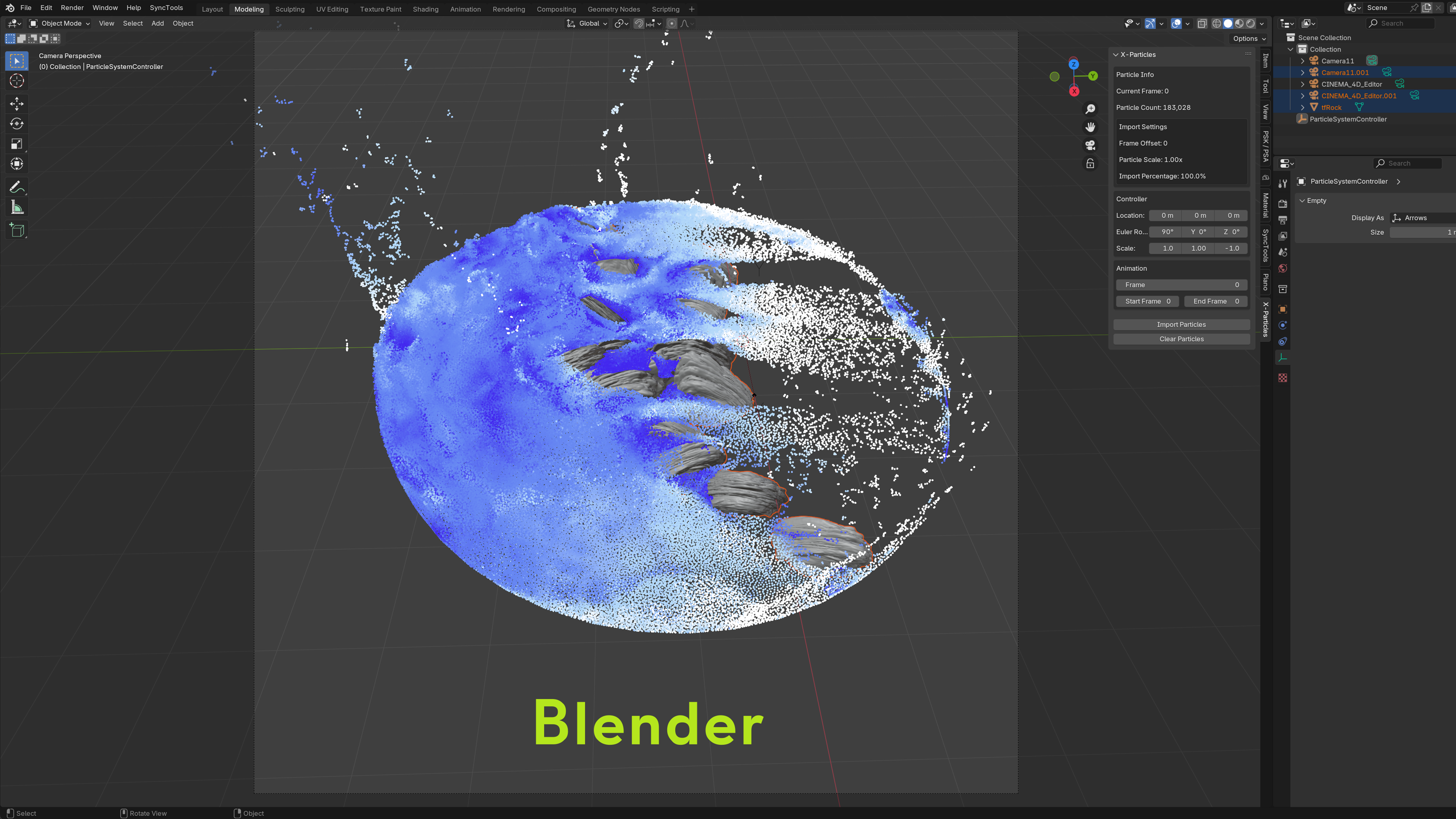
Quick workflow fit
Bring sampled X-Particles motion into Blender for Cycles or Eevee rendering
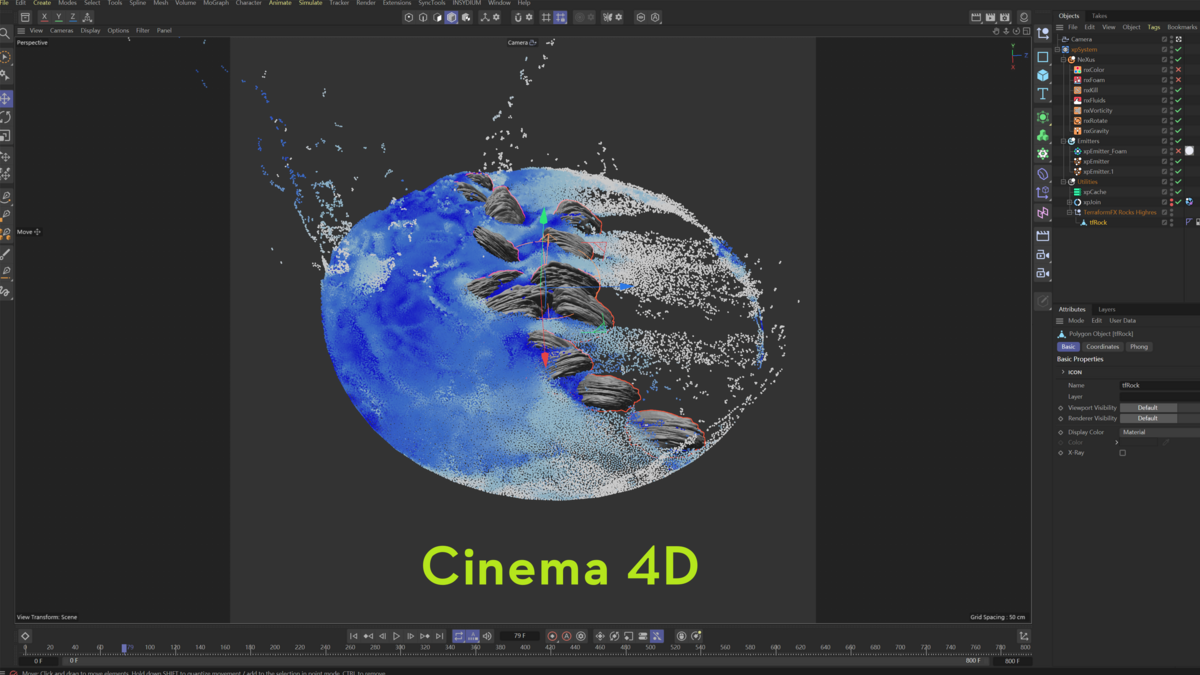
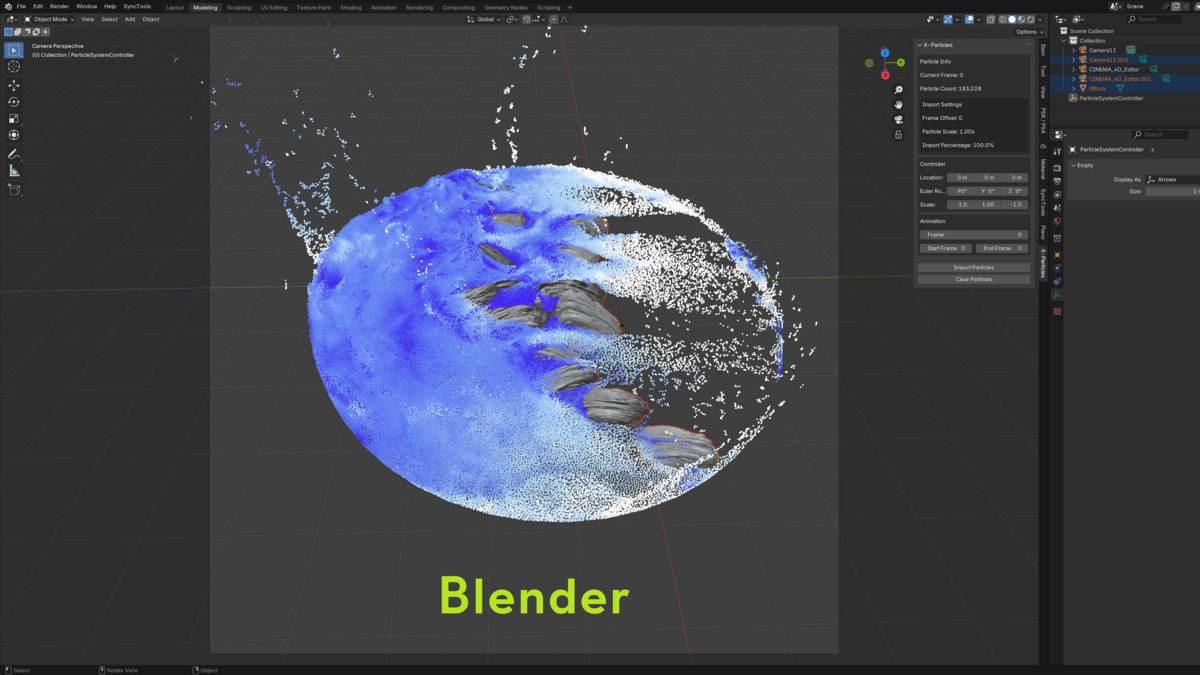
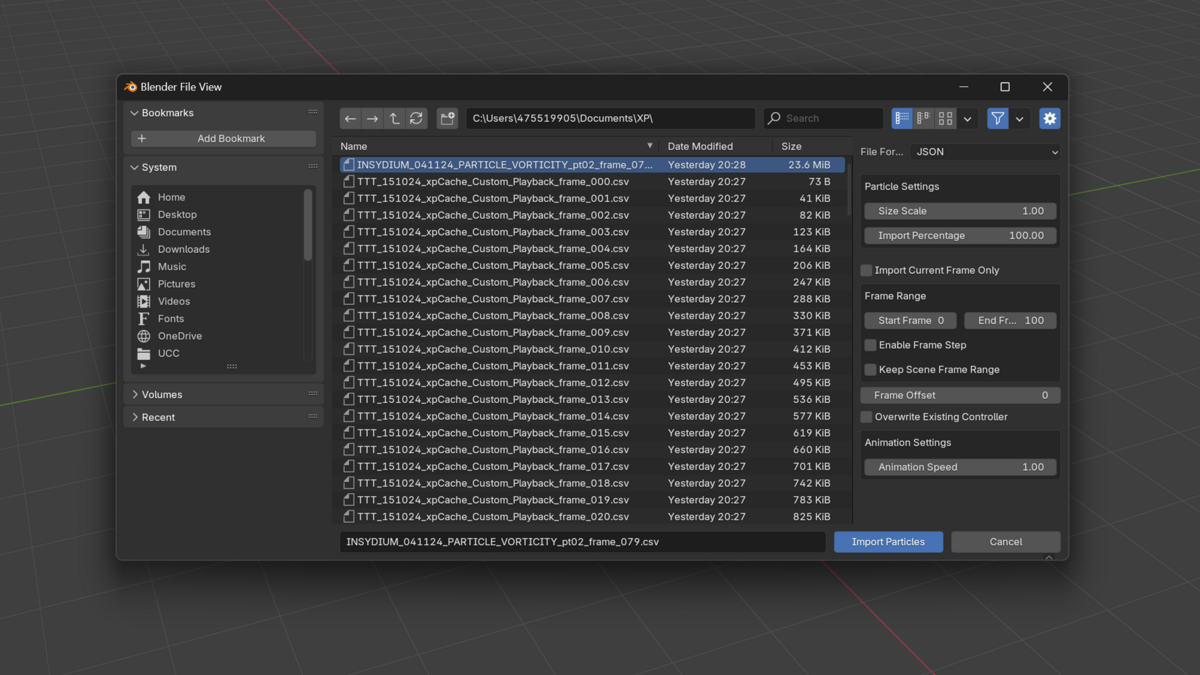
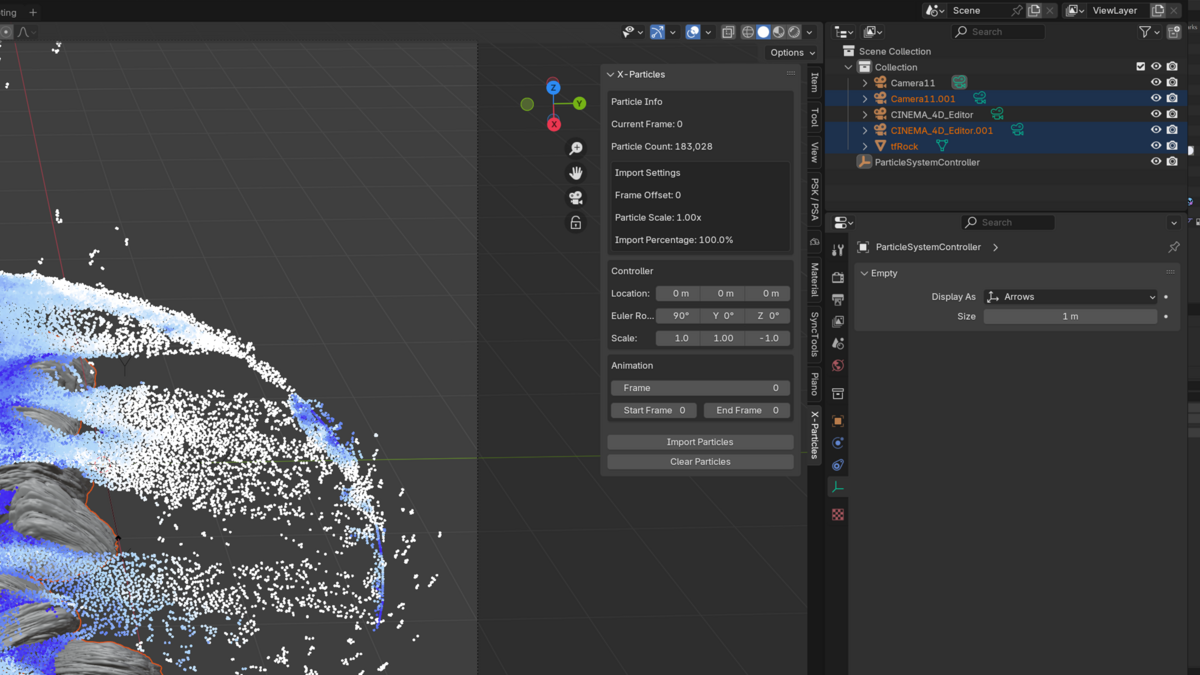
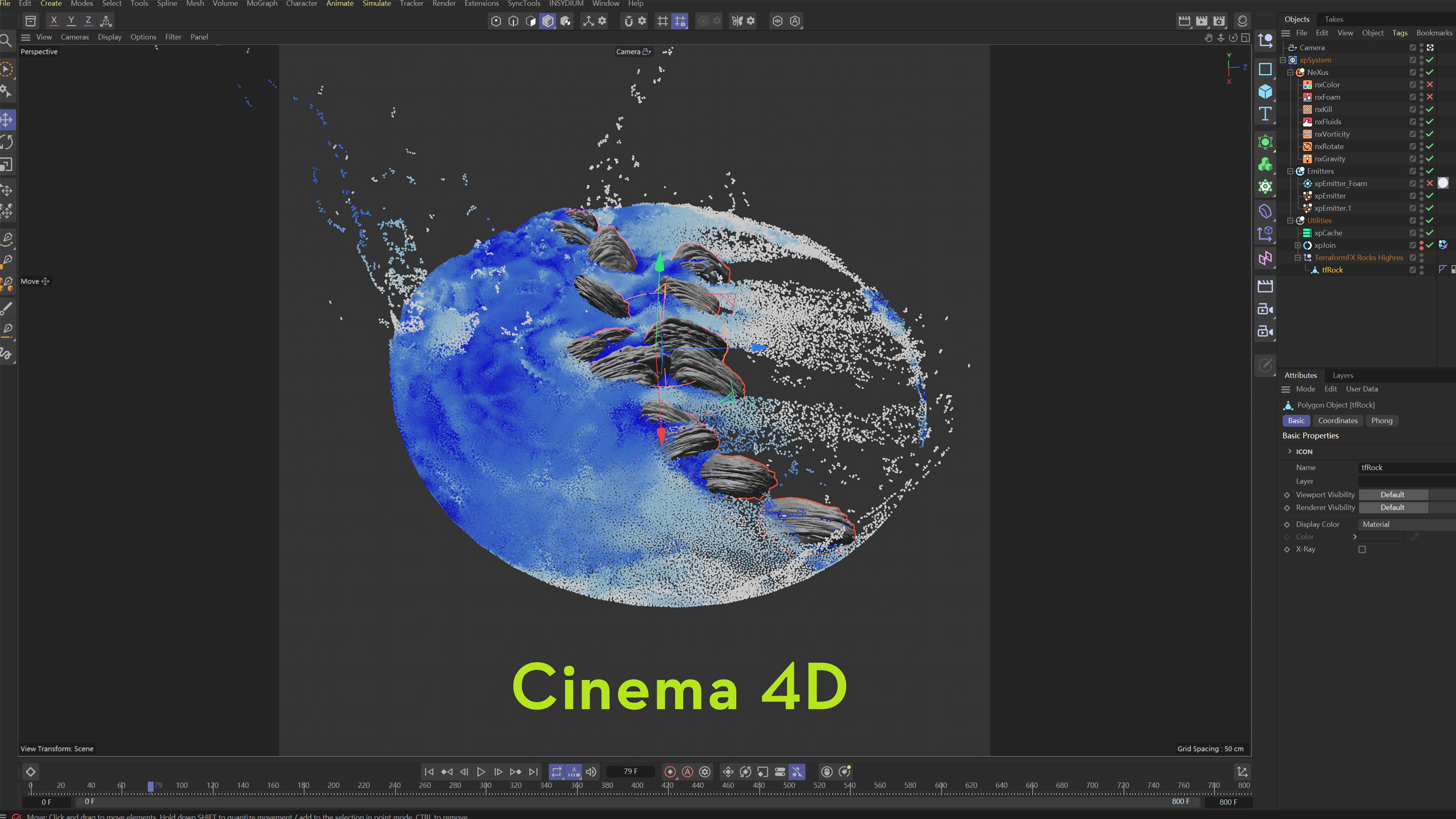
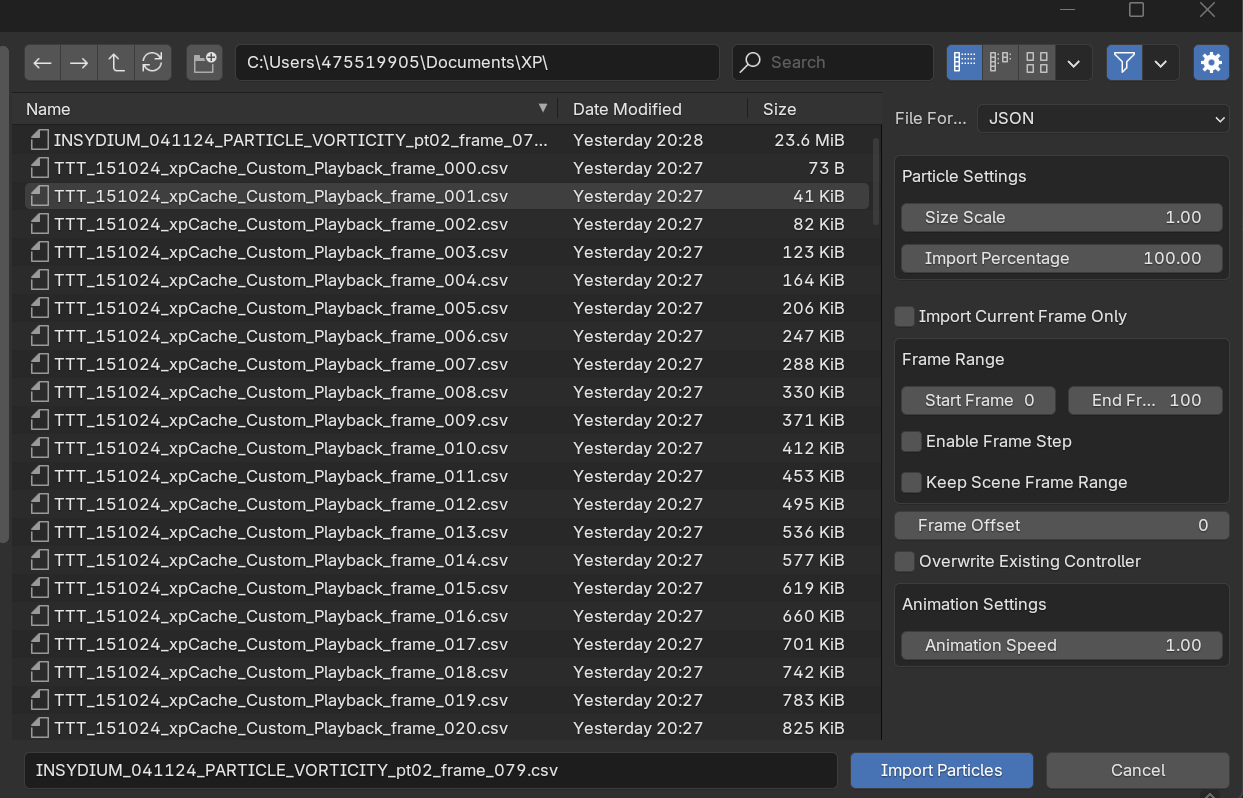
Export particle data from Cinema 4D, then load JSON or CSV sequences in Blender with controls for frame range, sampling and viewport performance.
Best for: Motion designers and VFX artists who simulate with X-Particles in Cinema 4D and render or composite the sampled result in Blender.
What transfers / what you get: Supported standard and generator emitter samples, position, scale, rotation and frame data through JSON/CSV cache files.
Before you buy: This imports exported particle data, not a native .c4d project and not the editable X-Particles simulation setup. Cinema 4D/X-Particles is needed to create the source simulation and export its cache.
X-Particles Importer for Blender
Import Cinema 4D X-Particles simulations directly into Blender for rendering and animation.
Bridge Cinema 4D's X-Particles simulations into Blender. Bring in standard and generator emitter data via JSON or CSV - optimized for large-scale particle counts with real-time viewport preview.
Import + control
All emitter types - standard + generator
|
Frame range - import specific segments
|
JSON / CSV - format flexibility
|
Frame sampling - perf optimization
|
High performance - minimal memory
|
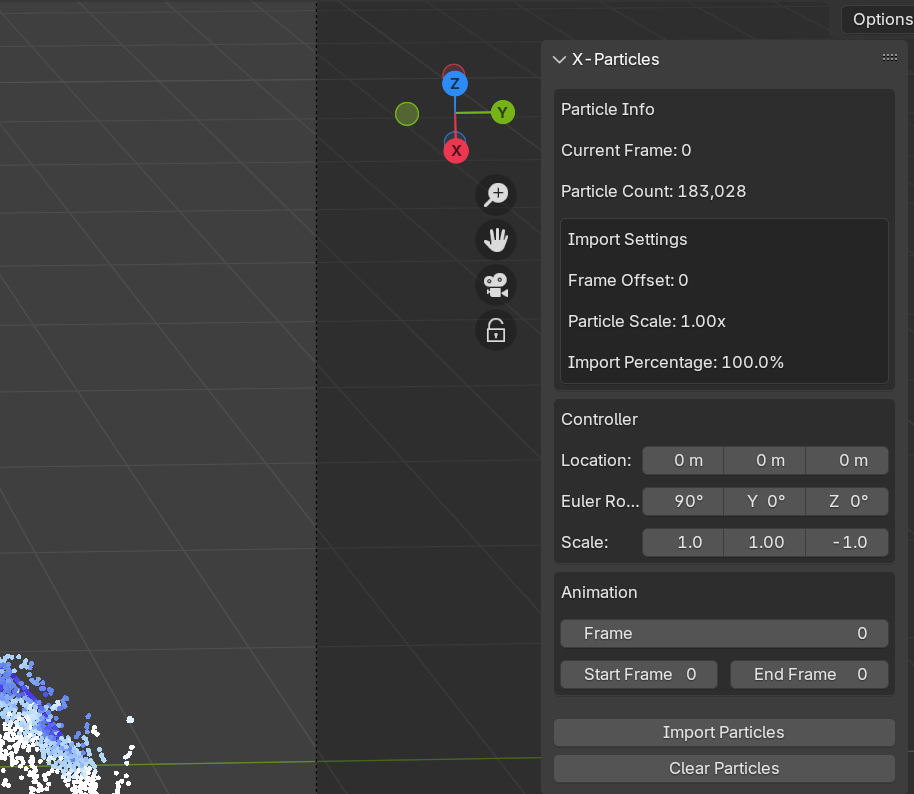
Real-time preview - viewport responsive
|
|
|
Overview
X-Particles, in Blender
X-Particles Importer brings Cinema 4D X-Particles simulations into Blender with minimal effort. Sample your sim in C4D, import the JSON or CSV into Blender, and render the particle system natively in Cycles/Eevee.
Designed for VFX artists, motion designers, and 3D generalists who simulate in C4D and finish in Blender.
|
|
Features
What you get
| All Emitter Types |
Standard and generator emitters. |
| JSON + CSV Support |
Two flexible import formats. |
| Performance Optimized |
Handles large particle simulations with low memory overhead. |
| Frame Sequence Control |
Import specific frames, set ranges, manage playback offsets. |
| Frame Sampling |
Adjust frame-step intervals to optimize for huge sims. |
| Real-Time Preview |
Visualize particles directly in the Blender viewport. |
| Particle Adjustment |
Control position, scale, rotation per particle. |
| Customization |
Fine-tune emitter behavior post-import. |
|
|
Benefits
Why this addon?
- Use C4D Sim Power in Blender Renders - Combine the best of both ecosystems.
- Memory Efficient - Optimized data path keeps even huge sims responsive.
- Studio-Ready - Works for VFX, motion design, generalist pipelines.
- Lifetime Updates - Free updates within the current major version.
|
|
Compatibility
Compatibility
- Blender: 3.0+
- Cinema 4D X-Particles: any recent version
- OS: Windows 10/11, macOS 13+, Linux
|
|
Installation
Quick Start
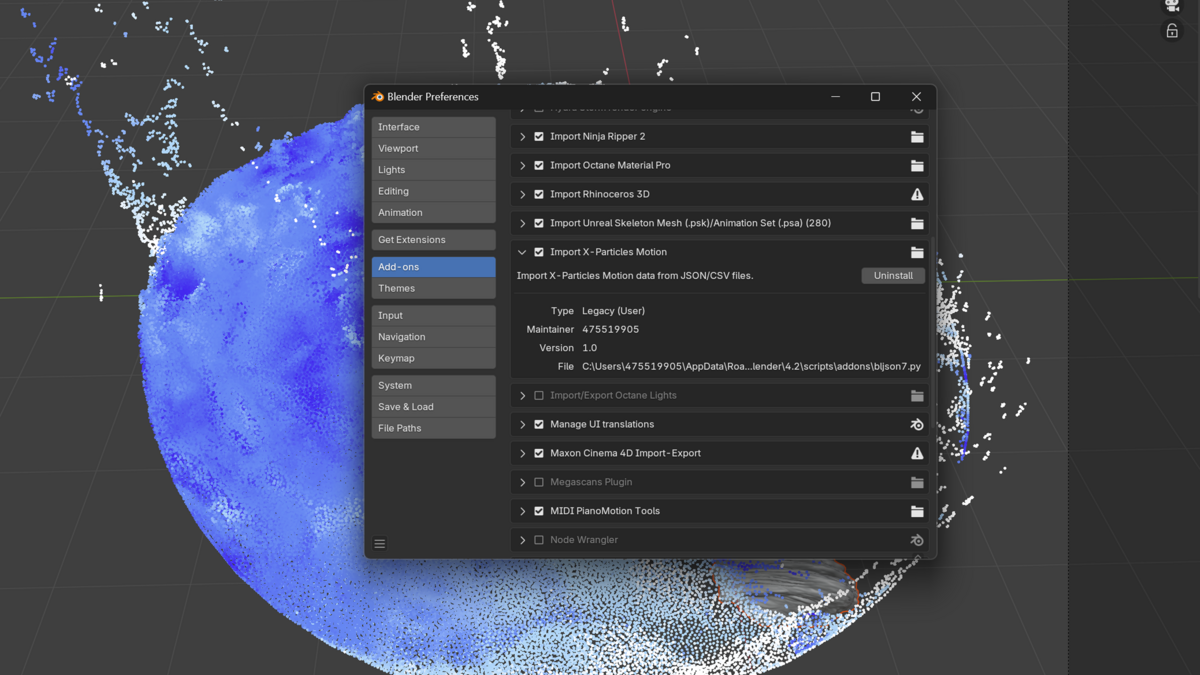
1. Install via Blender Add-ons - Edit > Preferences > Add-ons > Install the .zip.
2. Export X-Particles data from C4D - Use the included exporter (or X-Particles' own JSON/CSV output).
3. Import in Blender - Use the X-Particles Importer panel in the sidebar.
4. Tune frame range and sampling - Optimize for your specific sim size.
|
|
Support
Support & Updates
- Email and ticket support via Superhive inbox (typically 48 h response)
- Community chat for real-time help
- Free lifetime updates within the current major version
|
|
Tags
x-particles, cinema 4d, c4d, blender, vfx, particles, simulation, import
|
|
2026 X-Particles Importer for Blender
|
|
Community
Support Blender Foundation
We believe in giving back to the community that makes our work possible. Every month, we dedicate a portion of our plugin's revenue to support the Blender Foundation. Thank you for helping us contribute to the future of open-source creativity.
|
 blenderVfxMaster